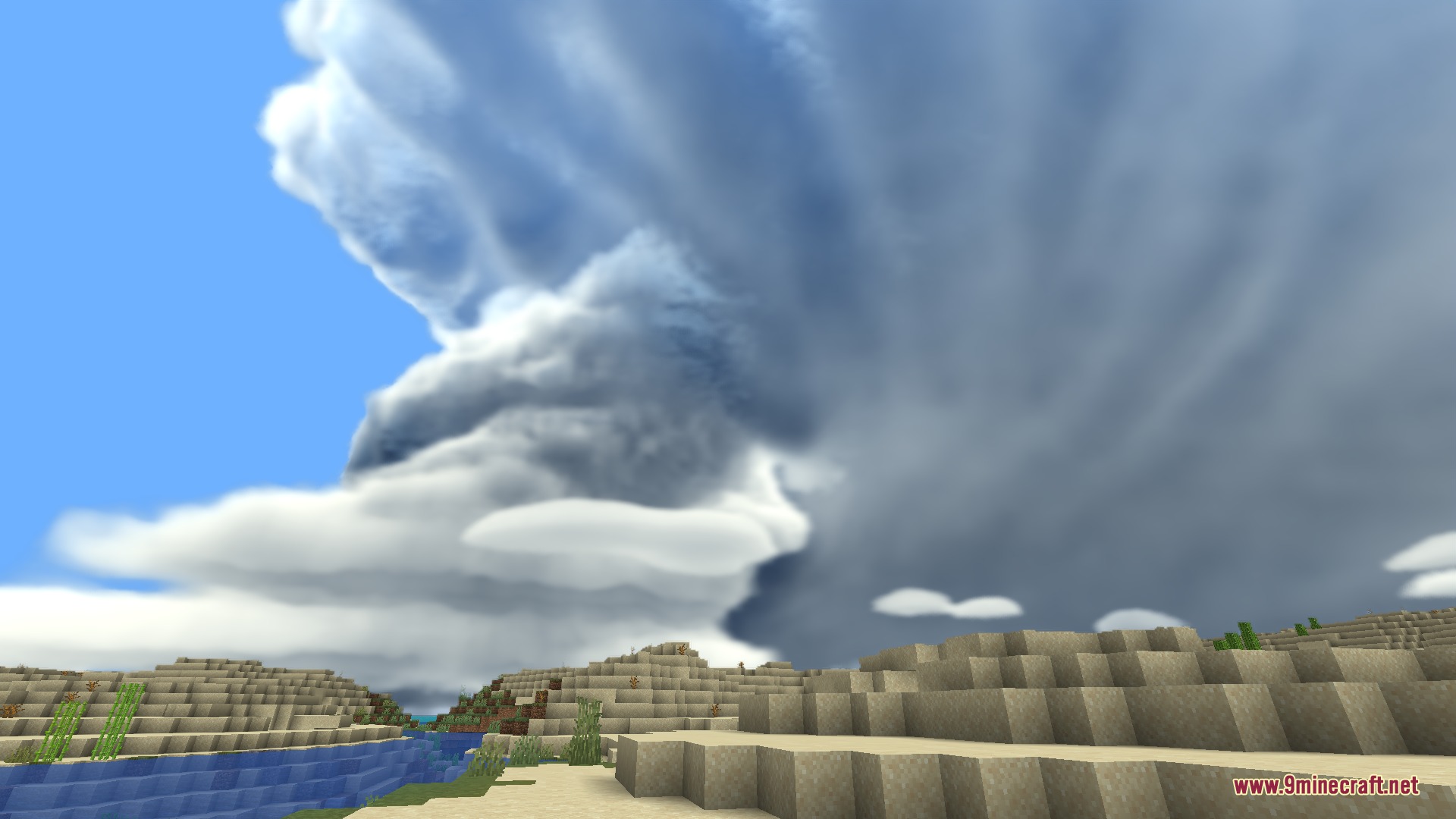
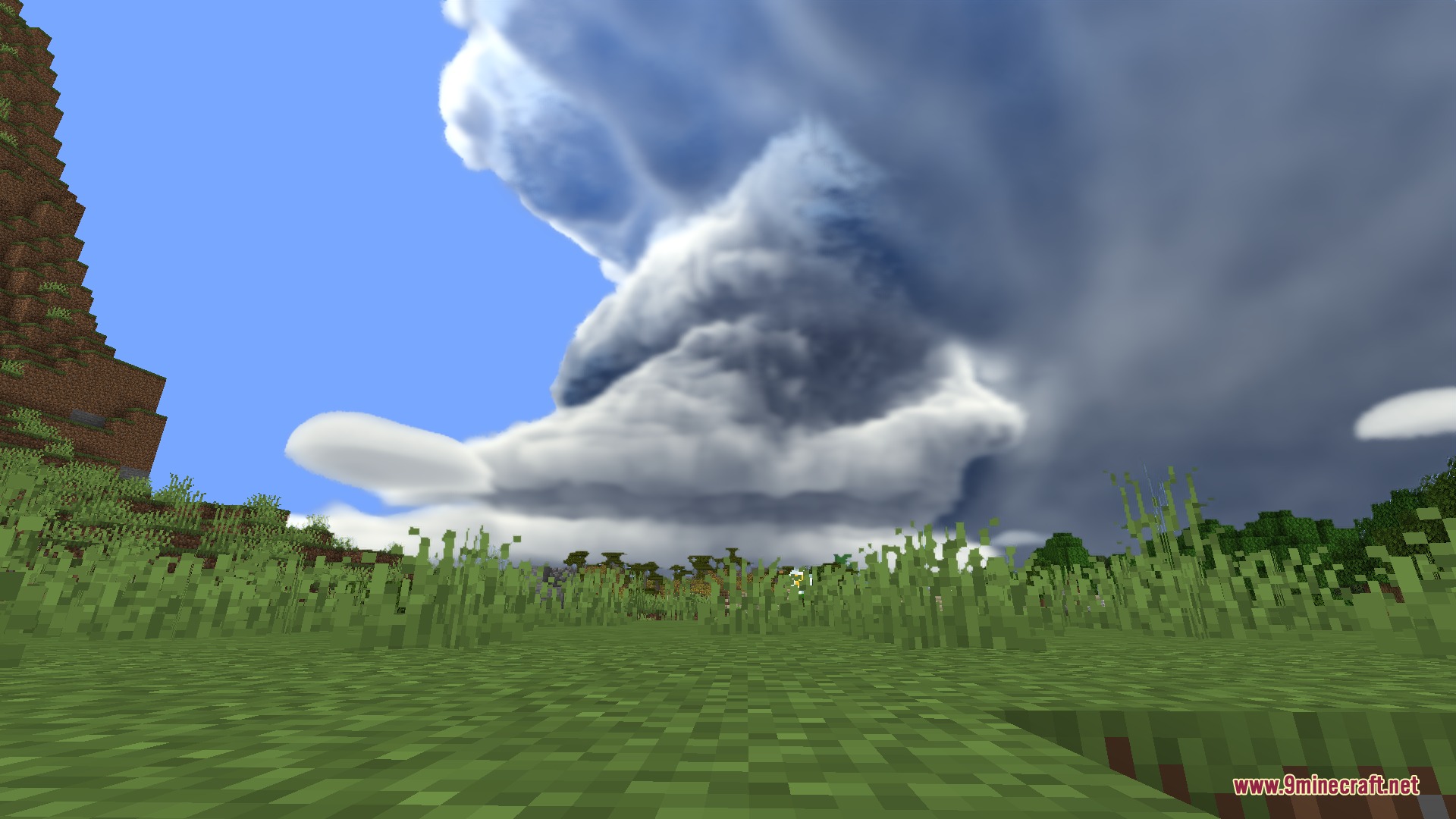
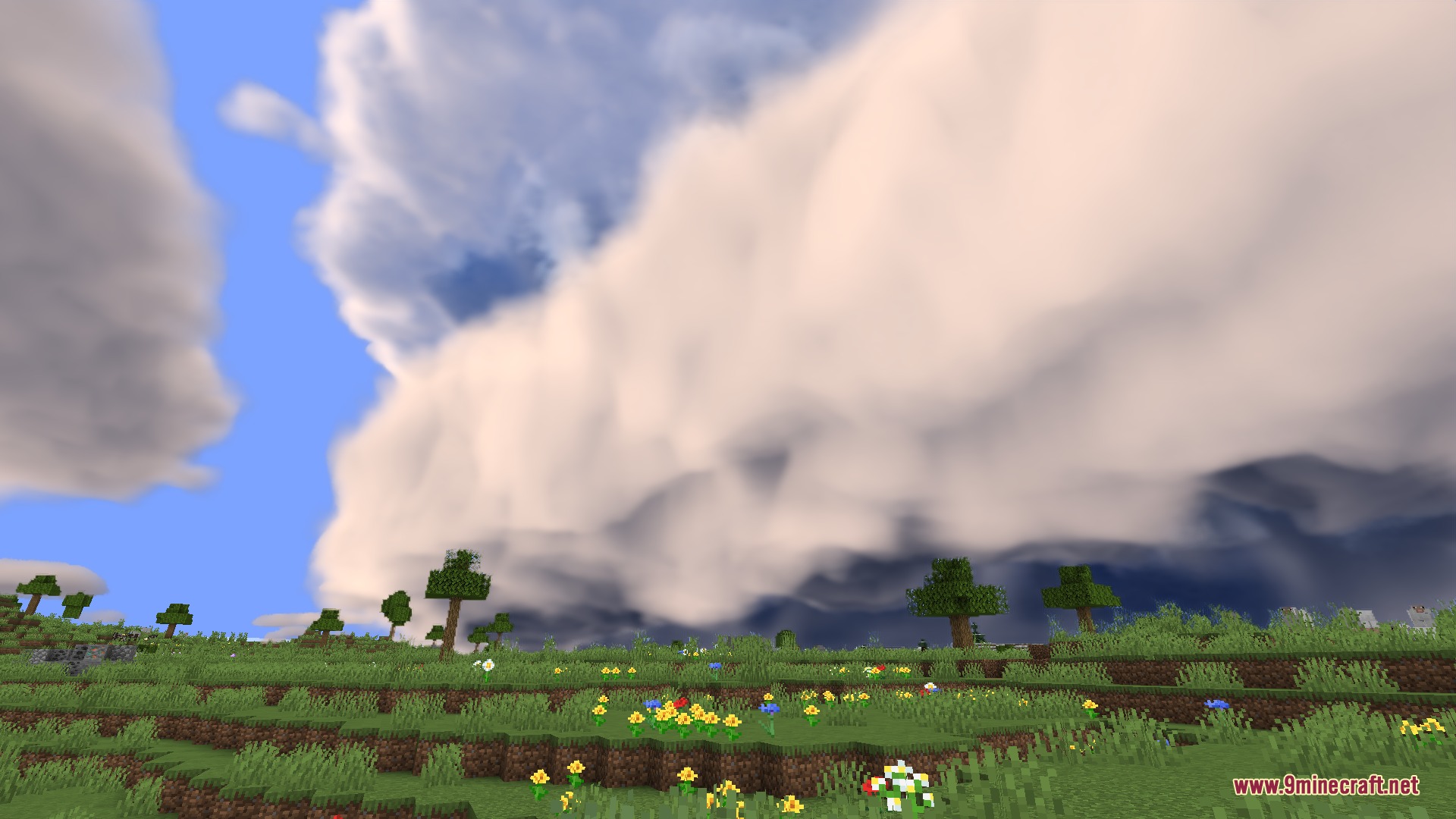
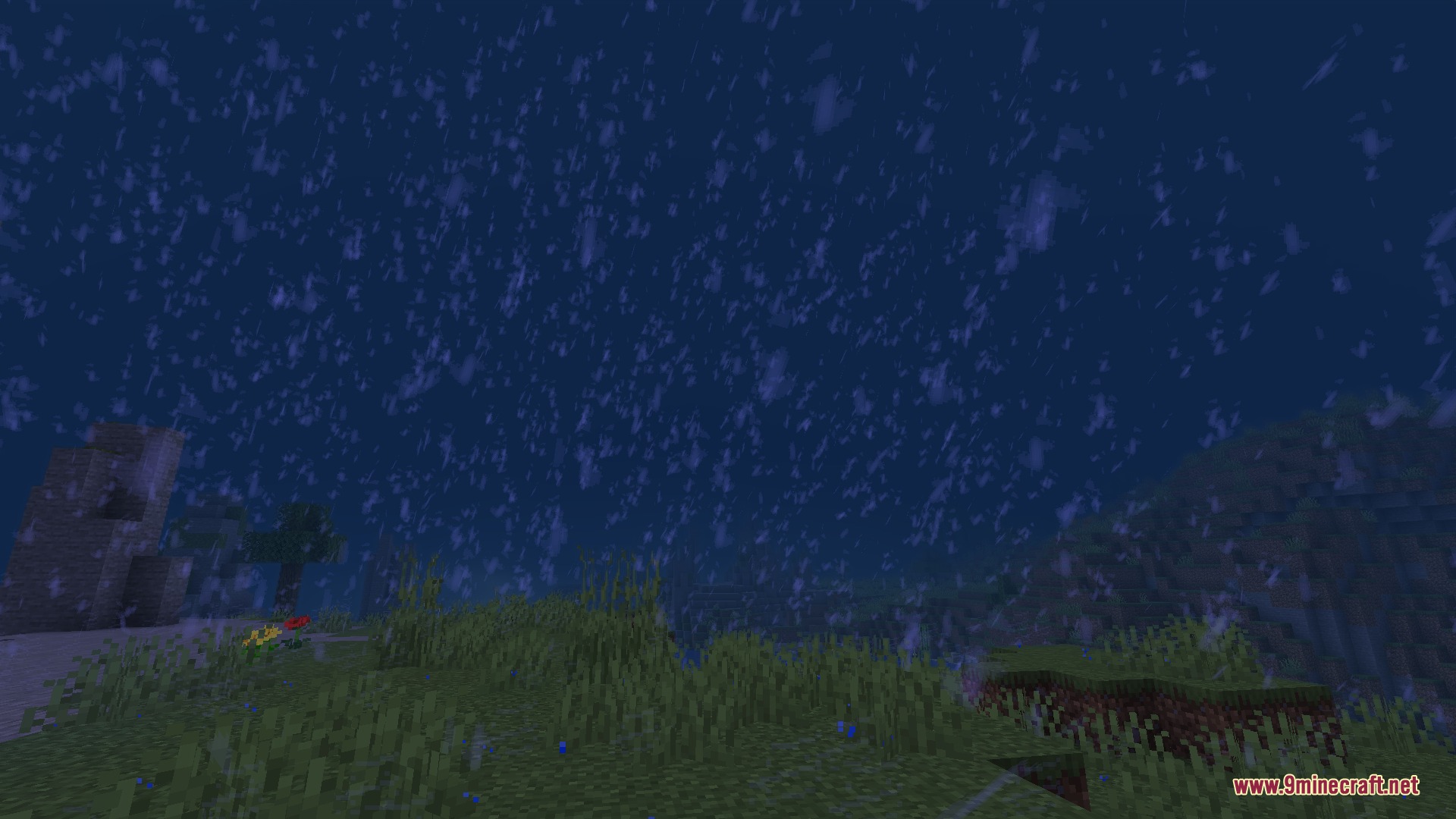
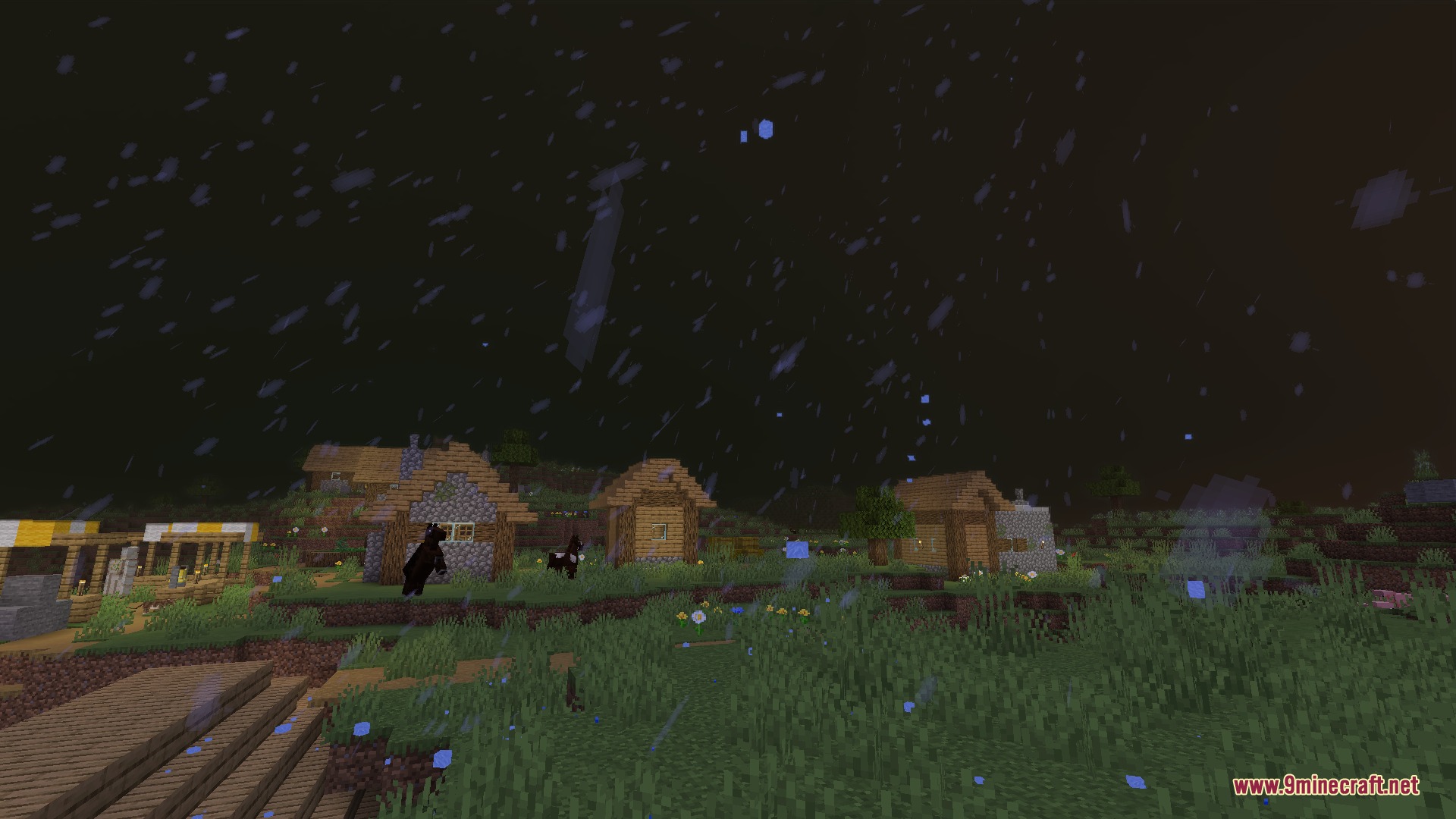
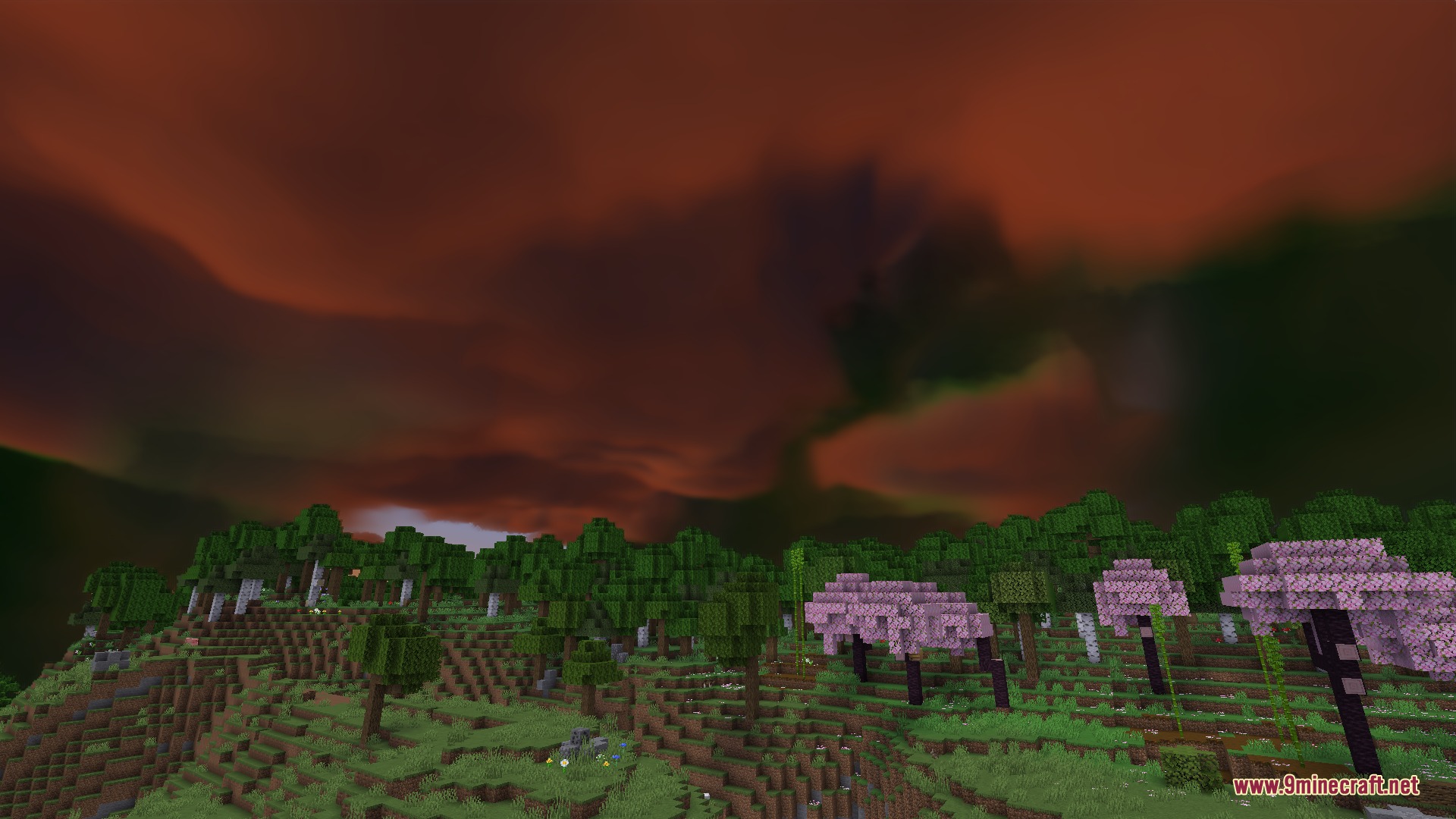
PM Weather CM1 Mod adds physically simulated storms for Protomanly’s Weather. It generates realistic weather events that change how the sky and atmosphere look. You face massive storms, accurate lightning strikes, and changing cloud formations while exploring your world.
Features:
- Realistic Storms: Generates physically accurate weather scenarios like supercells and torrential downpours.
- Advanced Lightning: Uses full charge separation simulation to create accurate lightning activity in the sky.
- Changes the sky and atmosphere to match real-life weather conditions.
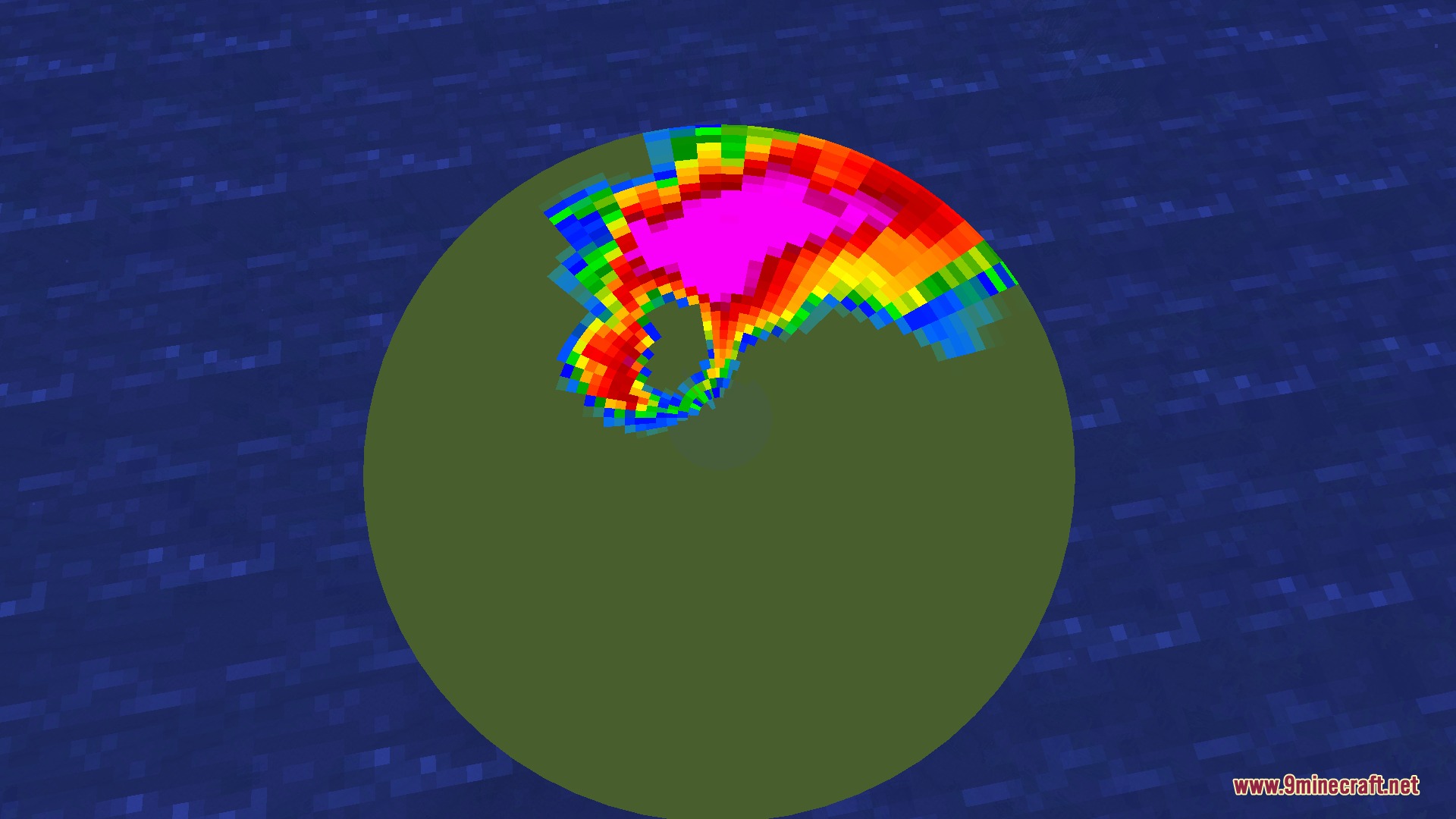
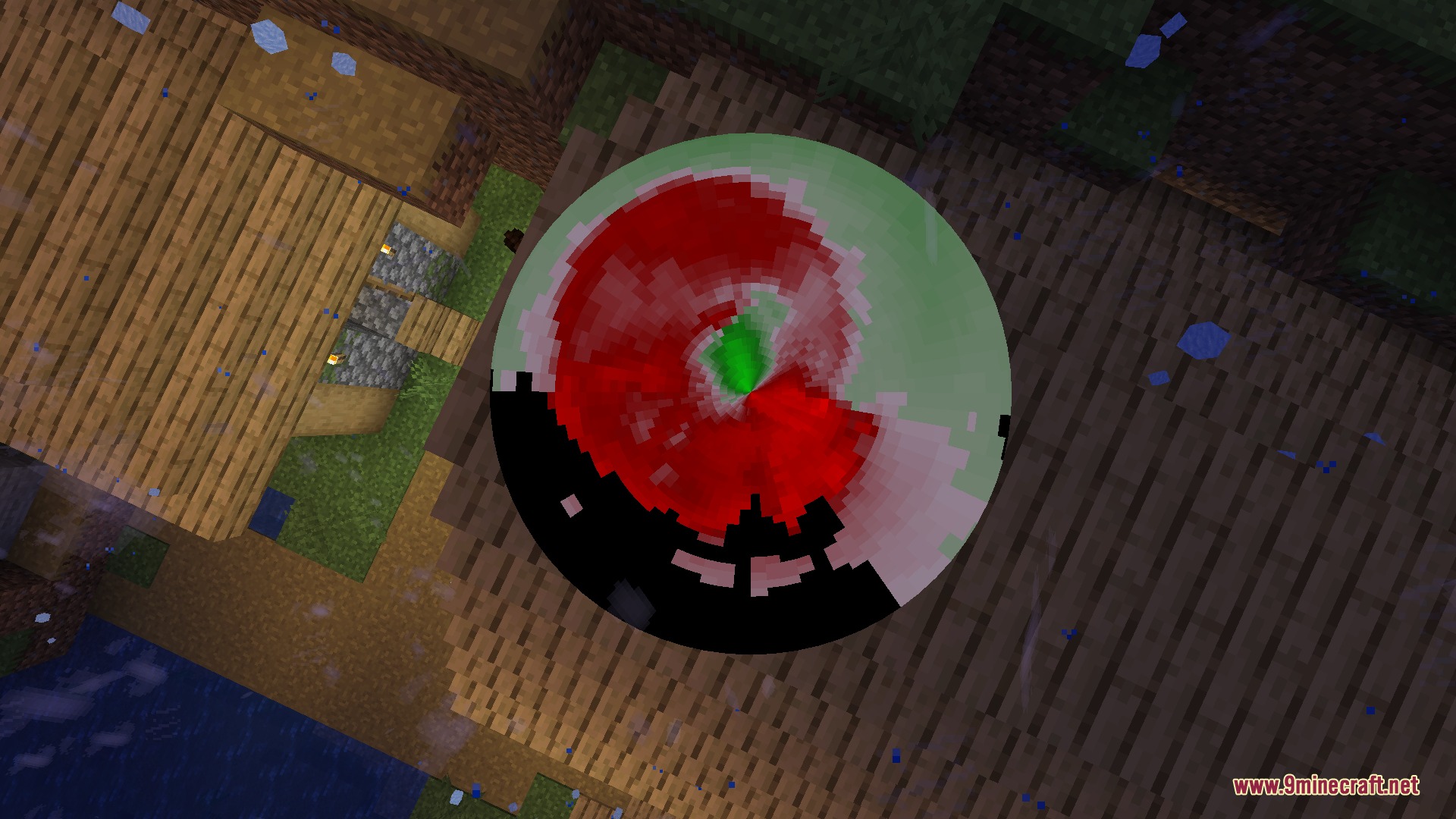
- Adds a working polar radar system to track incoming weather events.
- Spawns rare atmospheric phenomena like red sprites, elves, and blue jets above massive storms.
- Brings heavy hail and dark shelf clouds that completely change the look of the horizon.
Commands:
/pmweather spawn scenario: spawns a specific weather event manually.
How to Use:
- Allocate at least 4GB of RAM in your game launcher so massive storms load smoothly without memory errors.
- Explore your world and wait for weather events to spawn naturally over time.
- Open the chat and use the spawn command to manually trigger a storm if you do not want to wait.
Screenshots:
PM Weather CM1 Mod Download Links
Quick facts
- Edition: Minecraft Java
- File type: .jar
- Minecraft version listed: 1.21.1
- How to install: Install the matching mod loader (Forge, Fabric or NeoForge) for your Minecraft version. → Download the .jar. → Put it in the .minecraft/mods folder and launch that loader profile.
- Where to get it: In MC Java Mods, or directly above on this page.
Install steps are the general flow for this file type — How to install Minecraft Java mods & modpacks walks through it step by step.
Verified by MCModsHub
- Downloads as 393910.mcaddon
- Download size: 82.3 MB
- Download link checked 25 Sept 2026 — working
- Mirrored on our own servers — the download does not depend on the original host
These come from our own check of the pack file, not from the source page.