ModsJava
Orestige Client Mod (26.1.2) – Dominate Anarchy Servers with Auto Crystal Combat
Minecraft Java mod. Downloads from the MC Java Mods app on Android.
⬇ Download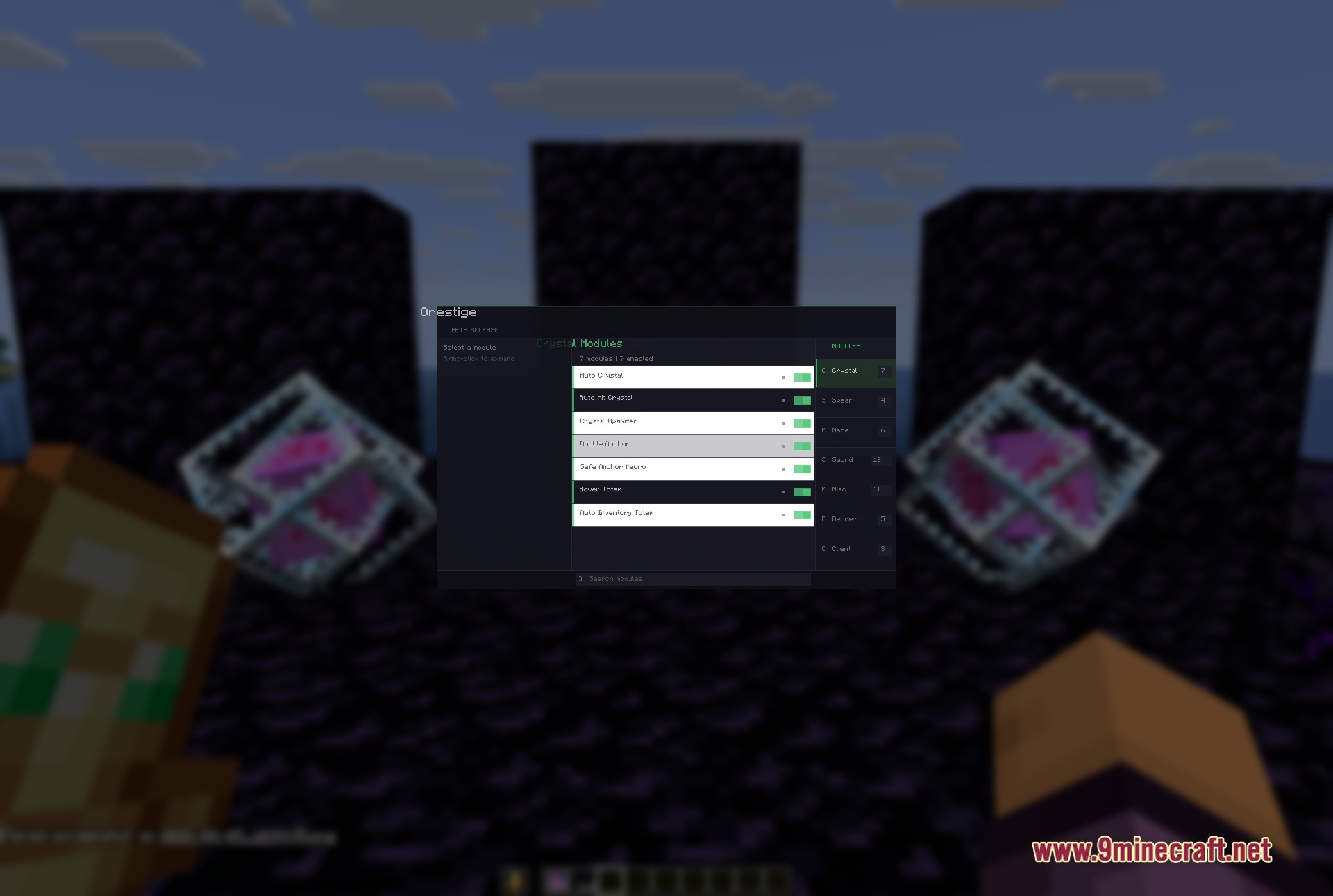
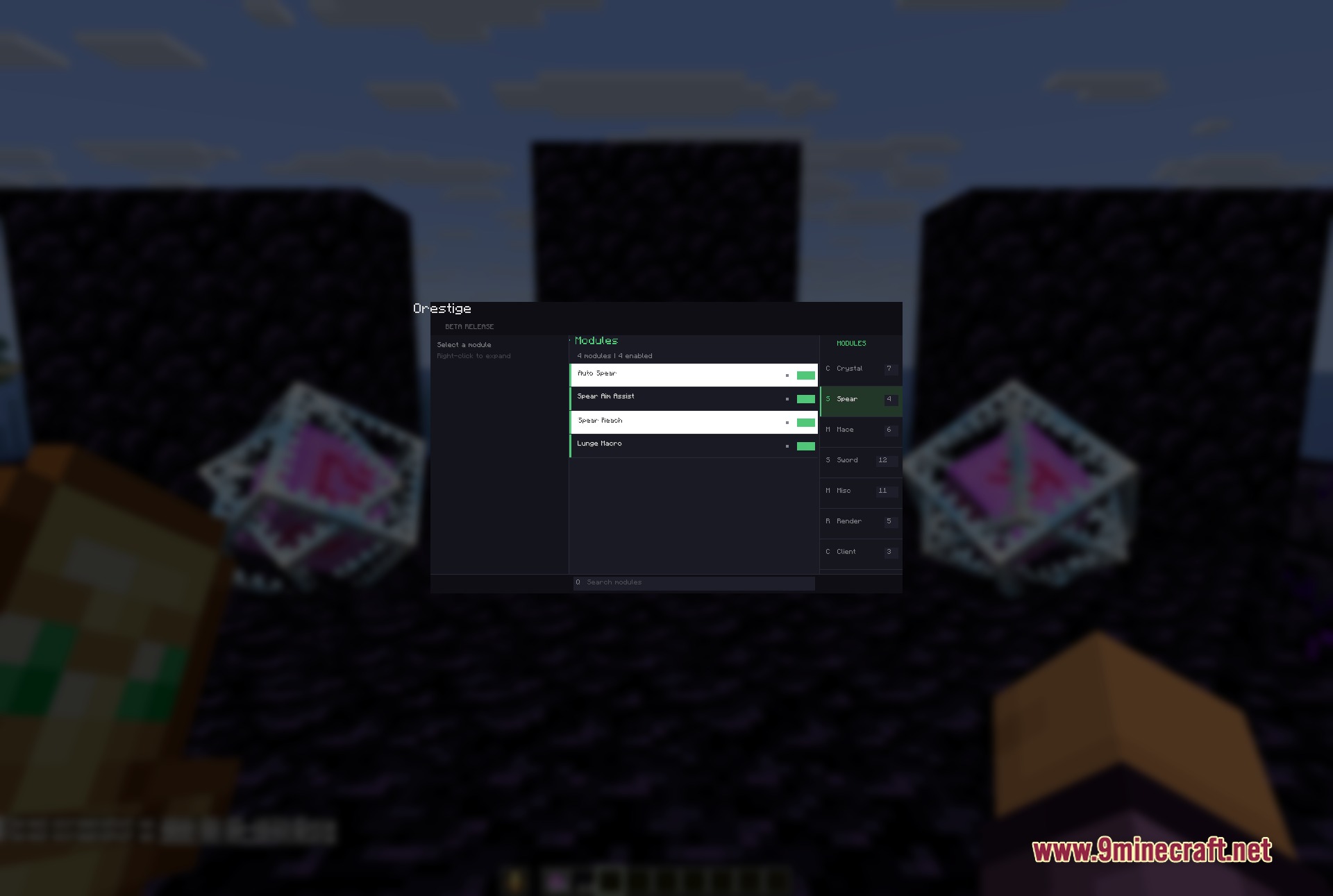
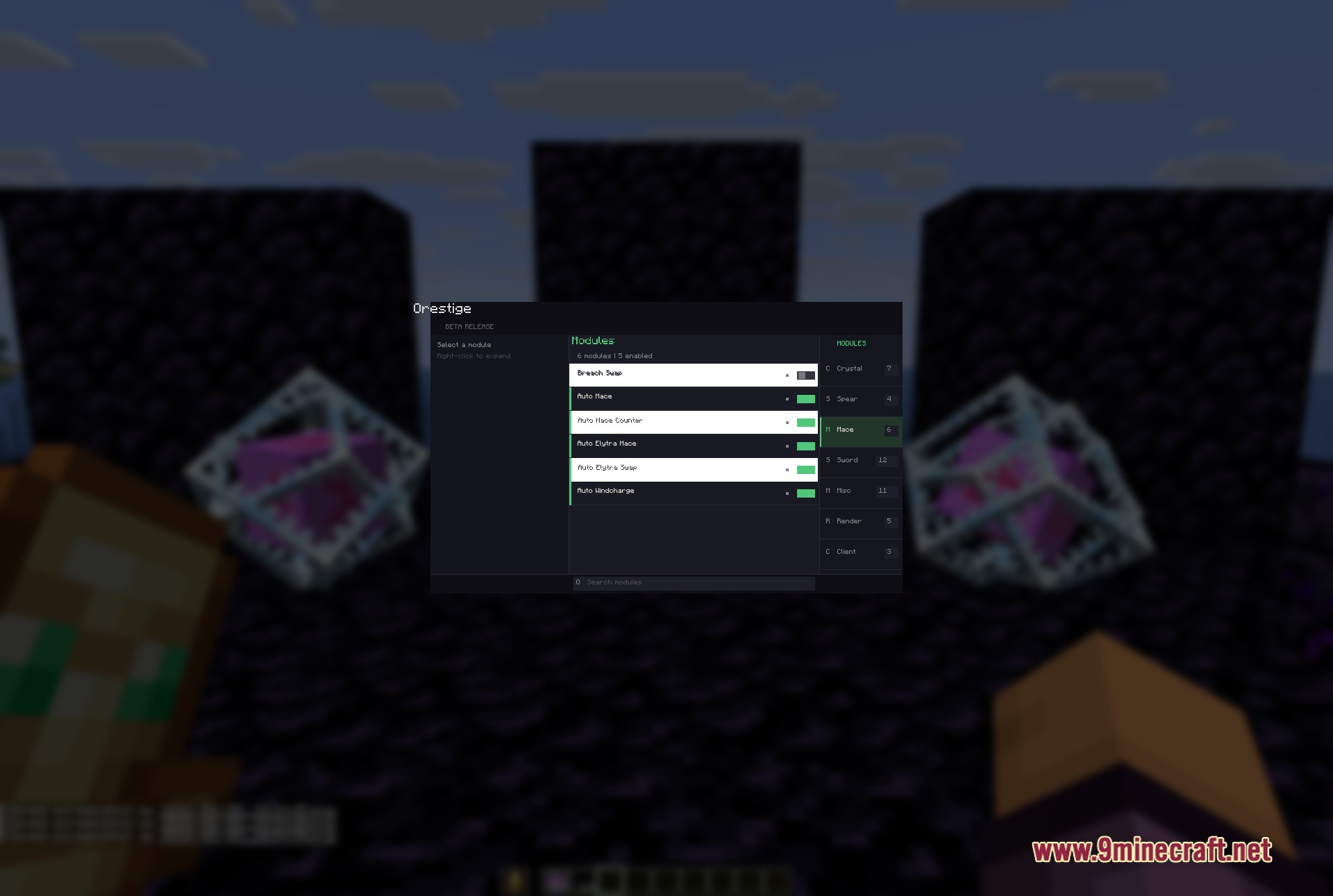
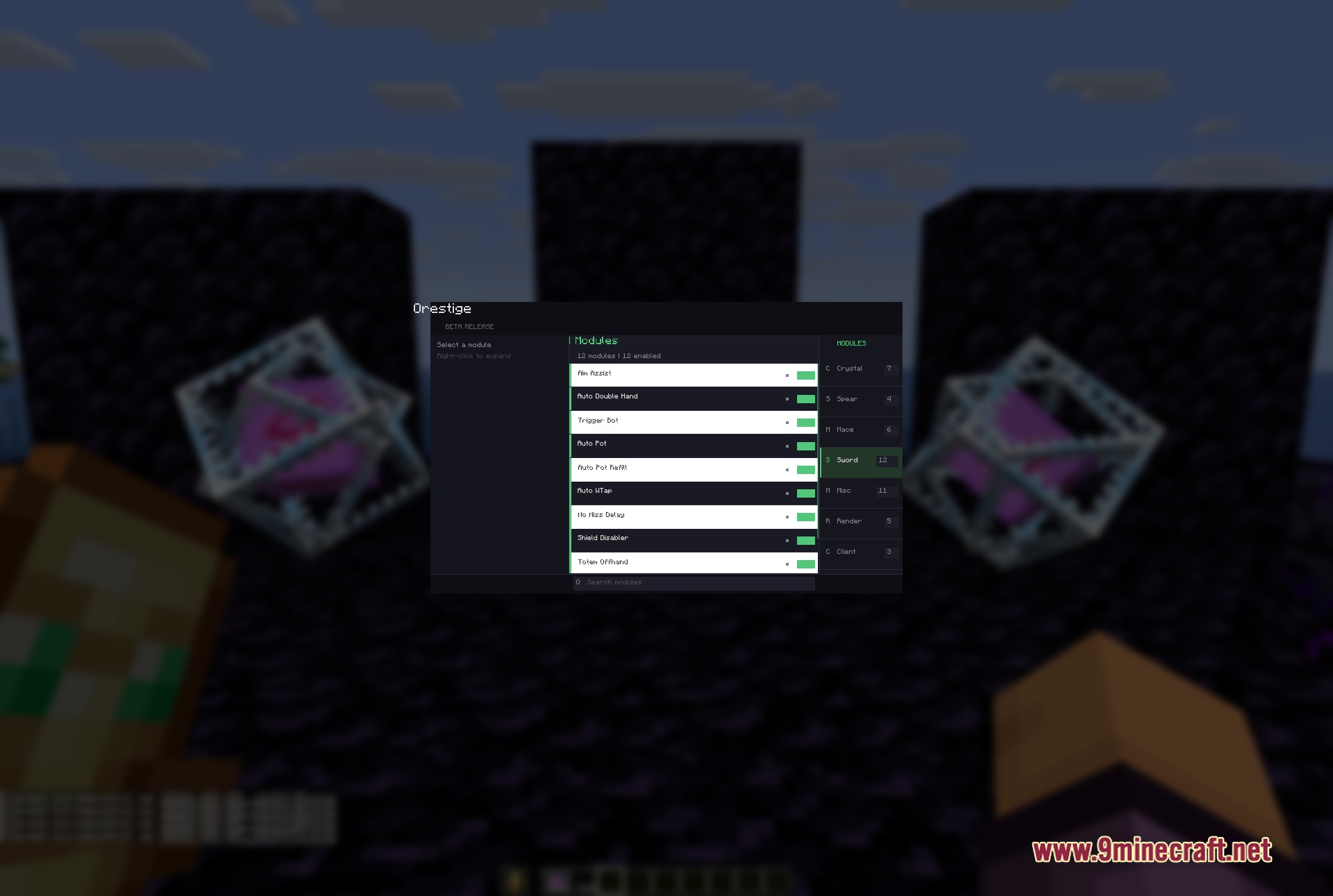
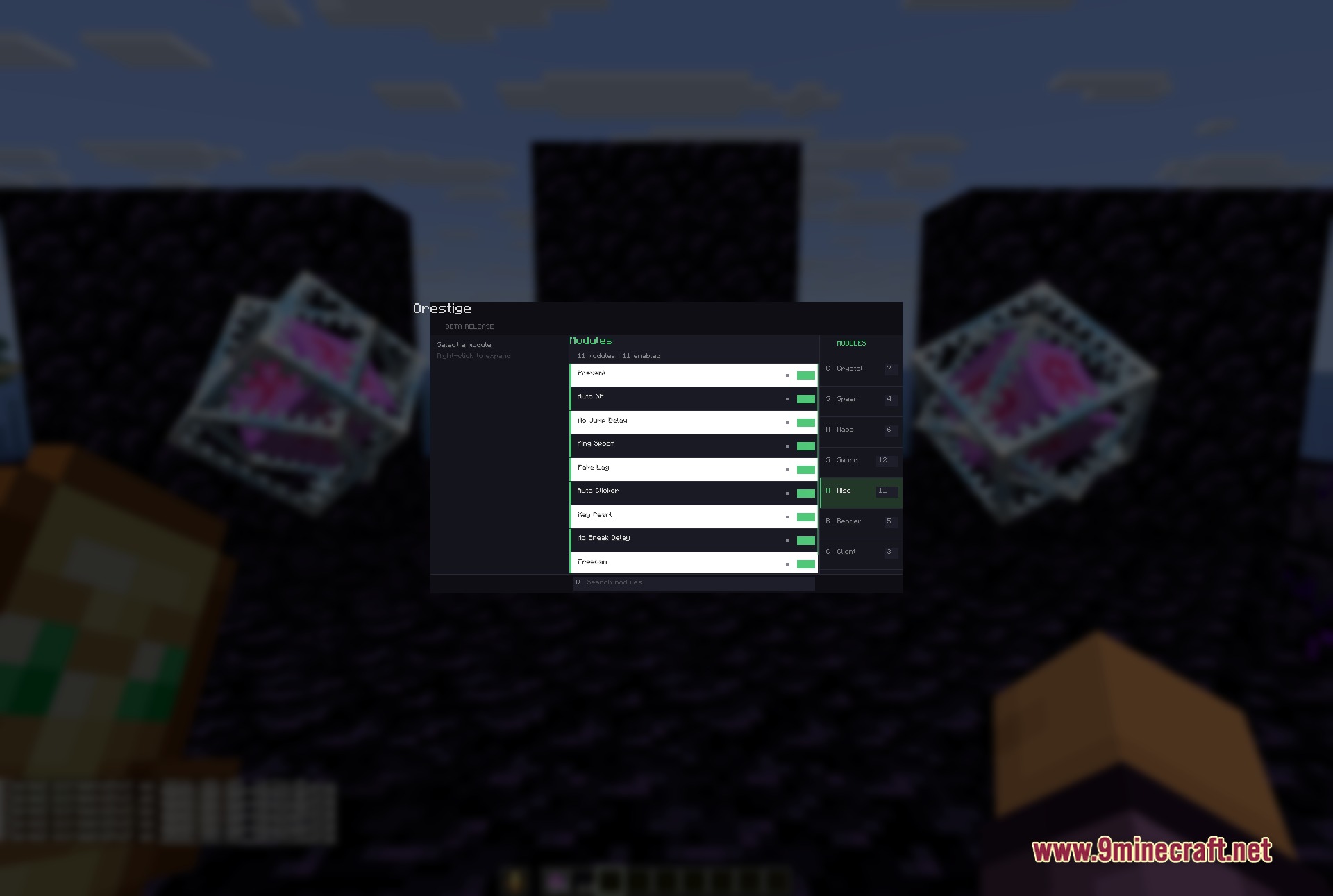
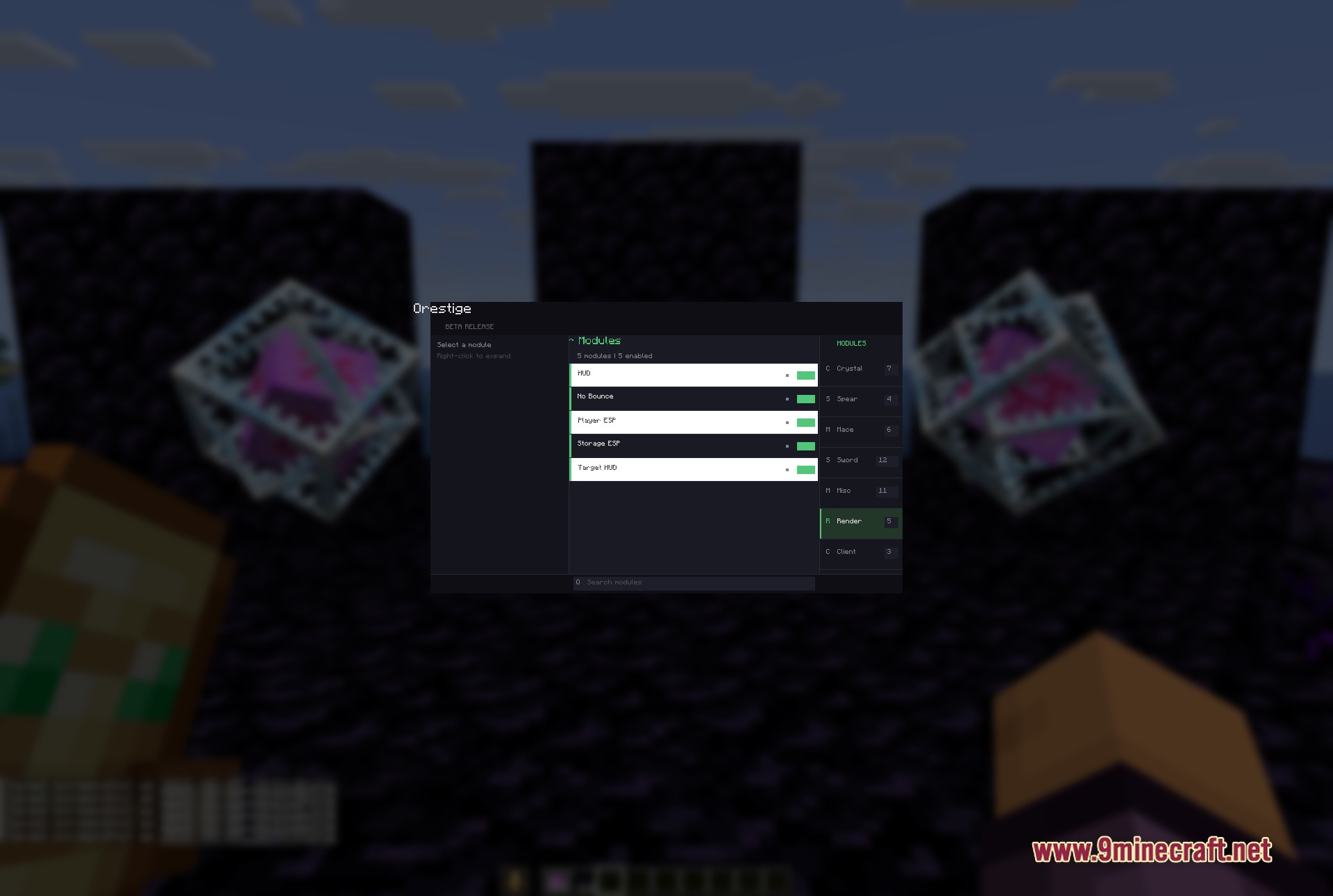
Orestige Client Mod gives you a powerful set of tools for crystal PvP and anarchy server fights. It draws its own custom menu over your game and organizes combat modules based on the weapon you hold. You can set up automatic actions, manage your totems, and track your opponent’s health during fast-paced battles. This client focuses purely on giving you the upper hand in difficult combat situations without cluttering your screen with unnecessary extras.
Features:
- Weapon-Based Modules: Organizes all combat tools around specific weapons like swords, maces, and spears so you find what you need fast.
- Profile Manager: Saves your custom settings into profiles so you can swap them quickly without setting everything up again.
- Displays a custom HUD on your screen showing your active tools, current FPS, ping, and the health and armor of your target.
- Includes a panic button that replaces the client file with a normal optimization file to clean up your game instantly.
- Lets you tweak every tool using simple sliders, on/off switches, text boxes, and keybinds.
- Provides a search box at the bottom of the menu to help you find specific tools by name.
Crystal & Anchor Combat:
- Automates crystal placement and hits for fast damage output.
- Manages respawn anchors safely with double anchor macros.
- Swaps totems automatically from your inventory to your offhand so you stay alive.
Render & Vision:
- Highlights other players and storage blocks through walls using ESP.
- Removes screen bounce effects for a clearer view during fights.
- Shows a target HUD with exact enemy health and armor stats.
Movement & Utility:
- Removes jump and break delays to speed up your actions.
- Adds freecam so you can look around without moving your character.
- Throws ender pearls instantly with a dedicated keybind.
How to Use:
- Press the Right Shift key to open the main ClickGUI menu.
- Look at the right panel to pick a module group, like Crystal, Sword, or Render.
- Check the left panel to see all the tools available in your chosen group.
- Right-click on any tool to open its specific settings, like sliders and keybinds.
- Type in the bottom search box if you need to find a tool quickly.
Screenshots:
Orestige Client Mod Download Links
Quick facts
- Edition: Minecraft Java
- File type: .jar
- How to install: Install the matching mod loader (Forge, Fabric or NeoForge) for your Minecraft version. → Download the .jar. → Put it in the .minecraft/mods folder and launch that loader profile.
- Where to get it: In MC Java Mods, or directly above on this page.
Install steps are the general flow for this file type — How to install Minecraft Java mods & modpacks walks through it step by step.
File checked by MCModsHub
- Downloads as 393922.mcaddon
- Download size: 363 KB
- Download link checked 25 Sept 2026 — working
- Mirrored on our own servers — the download does not depend on the original host
These come from our own check of the pack file, not from the source page.