
Catalytic Tweaks Mod patches performance issues and adds new settings for several popular tech and utility mods. It changes how these other mods work to stop lag, prevent crashes, and give you more control over your game. Every change is optional, so you only affect the specific mods you choose to play with.
Features:
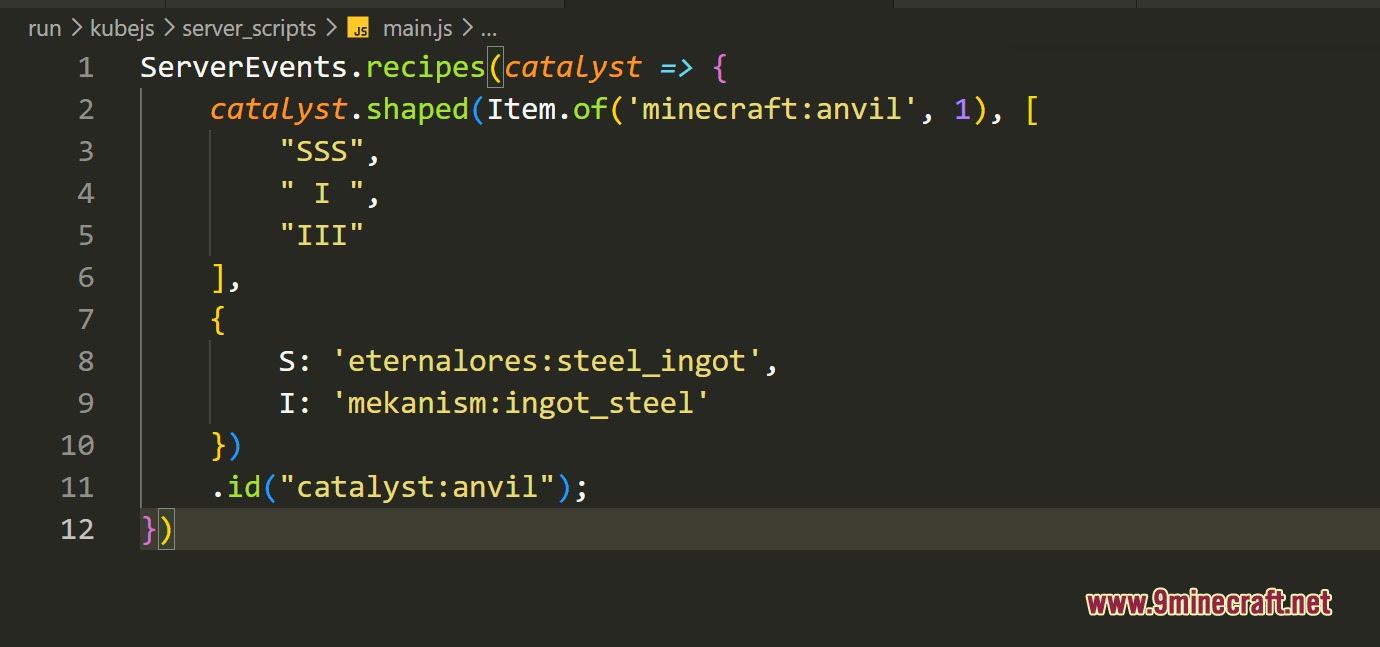
KubeJS Additions:
- Adds specific commands to check items in your hand or look at blocks from a distance.
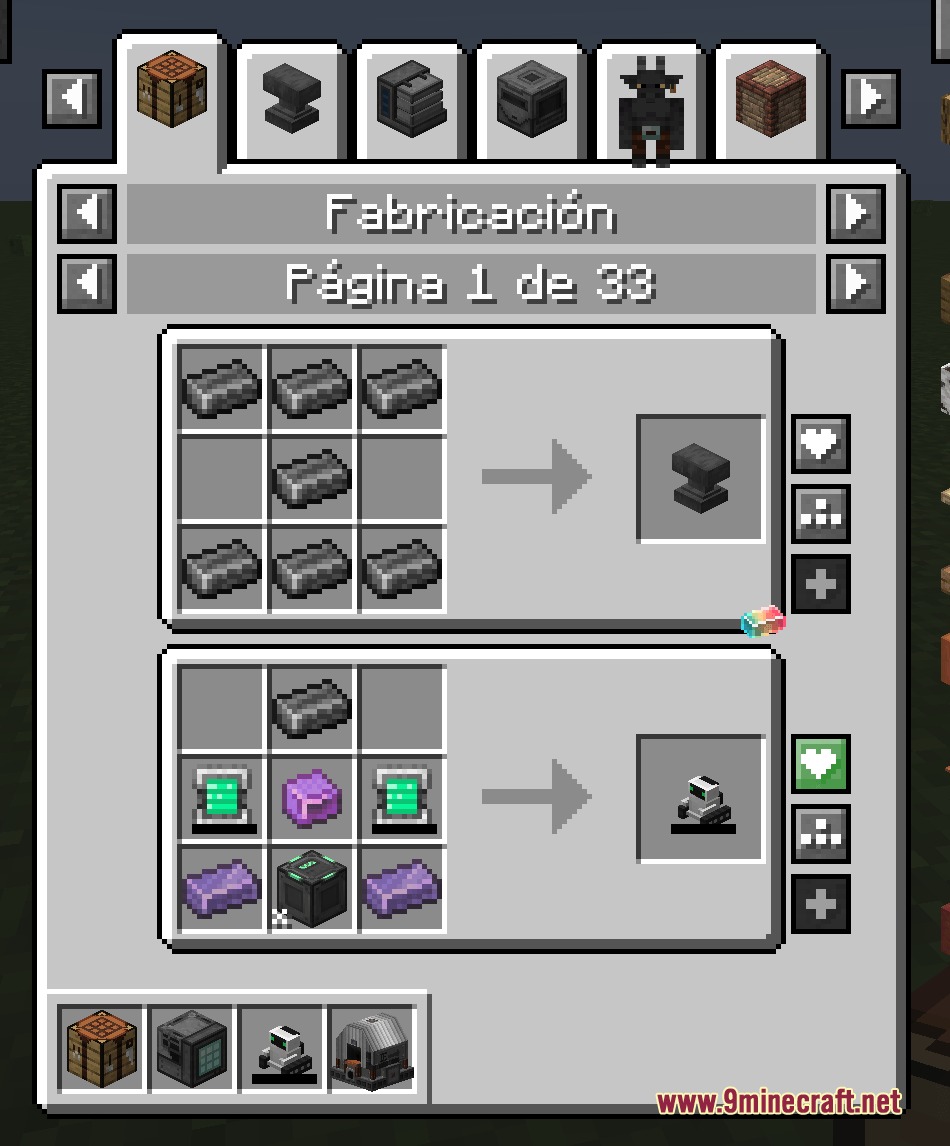
- Lets you build shaped and shapeless recipes easily using a simple chest menu.
- Connects automatically with Almost Unified to keep your recipes clean.
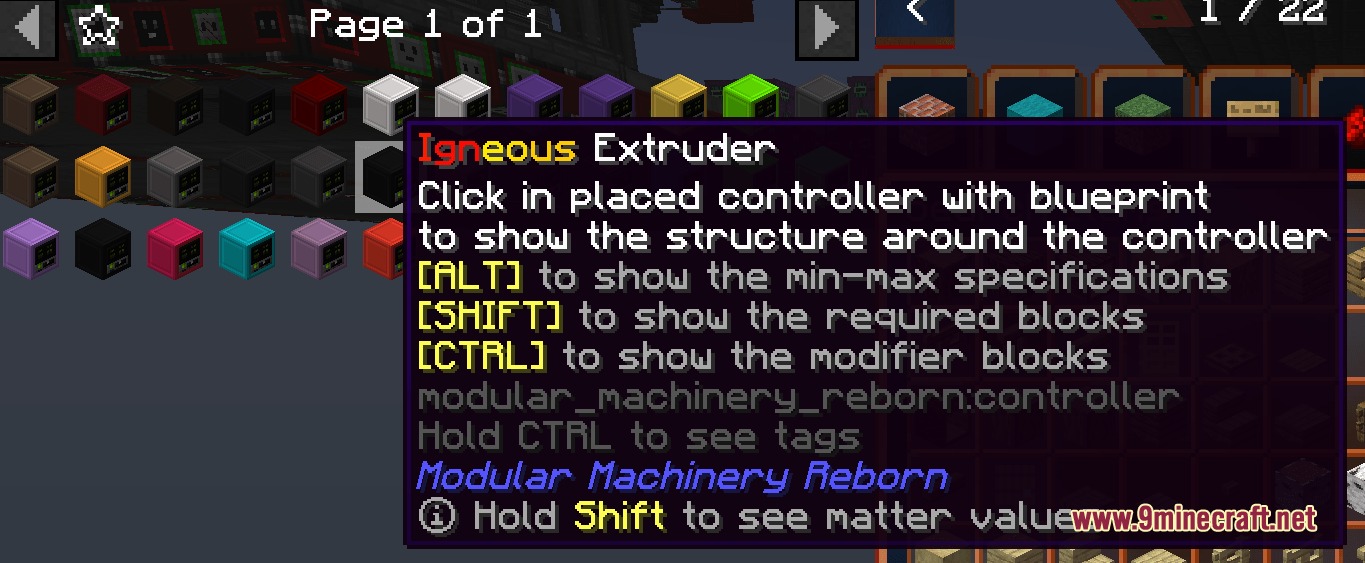
Modular Machinery Reborn Fixes:
- Handles up to one million recipes at the same time without slowing down your game.
- Processes thousands of machine operations at once with very little lag.
- Adds a special mining stick tool that clears blocks quickly.
- Lets you rename machines with custom colors and translated text.
- Stops machines from deleting your items if a recipe fails by mistake.
Pipez Adjustments:
- Removes the need for diamond upgrades just to change basic pipe settings.
- Lets you control redstone modes and filters right from a simple config file.
Other Mod Tweaks:
- Speeds up the EMI recipe viewer by letting it load things at the same time.
- Fixes a crash with Mystical Agriculture crux recipes in item viewing menus.
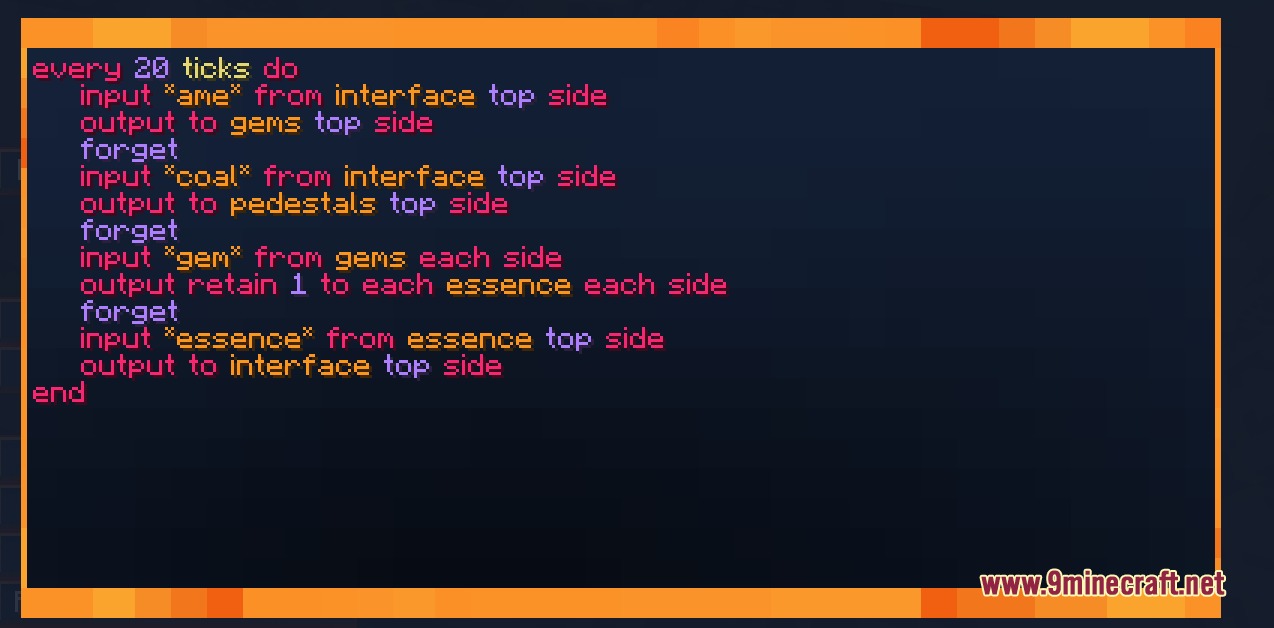
- Lets you change the text colors inside Super Factory Manager menus.
Commands:
/kjs hand item: checks the exact details of the item you hold./kjs recipe: opens a chest menu to help you build custom recipes./kjs look: checks the details of the block you are looking at.
How to Use:
- Start your game to let the mod generate its configuration files.
- Open the config folder to turn features on or off for specific mods.
- Use the new commands in-game if you play with KubeJS.
- Place basic upgrades in your Pipez blocks to see the unlocked filter options.
Screenshots:
Catalytic Tweaks Mod Download Links
Quick facts
- Edition: Minecraft Java
- File type: .jar
- Minecraft version listed: 1.21.1
- How to install: Install the matching mod loader (Forge, Fabric or NeoForge) for your Minecraft version. → Download the .jar. → Put it in the .minecraft/mods folder and launch that loader profile.
- Where to get it: In MC Java Mods, or directly above on this page.
Install steps are the general flow for this file type — How to install Minecraft Java mods & modpacks walks through it step by step.
Verified by MCModsHub
- Downloads as 393960.mcaddon
- Download size: 1.7 MB
- Download link checked 26 Sept 2026 — working
- Mirrored on our own servers — the download does not depend on the original host
These come from our own check of the pack file, not from the source page.