Sidebar
Bedrock add-on listed for Minecraft 26.x. Download on the author's site.
⬇ Download on CurseForge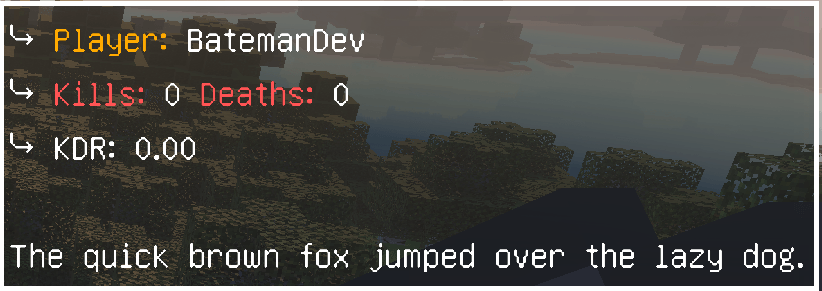
Configurable Scoreboard
Fully in game configurable sidebar scoreboard. No editing files, no server restarts.
Tired of scoreboard add ons that force you to dig through JSON files just to change a line of text? Configurable Scoreboard puts everything in a simple in game menu. Build your layout, pick a color, and go, all without leaving your world.
✨ Features
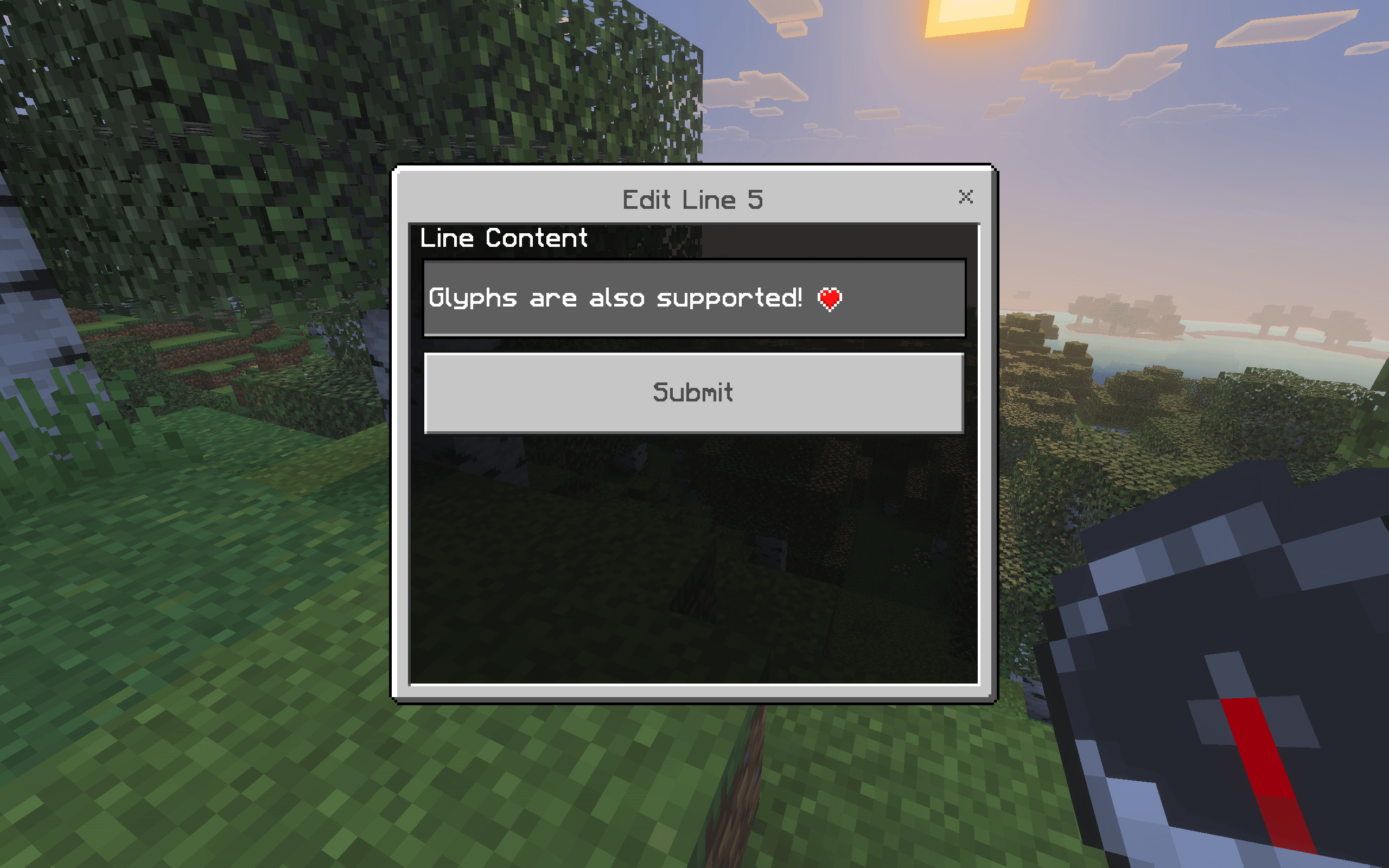
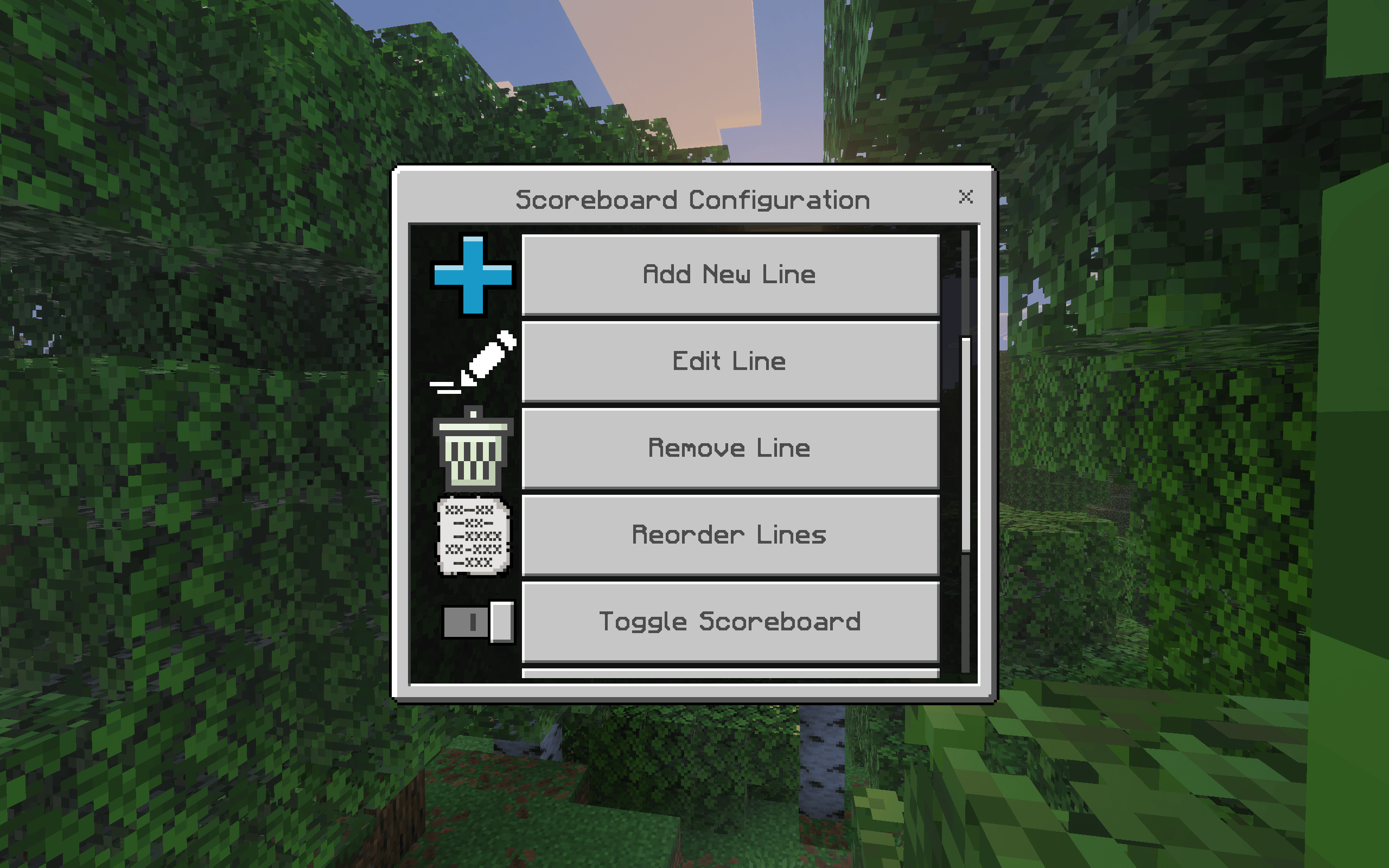
- 📝 In game menu. Add, edit, remove, and reorder scoreboard lines without touching a single file.
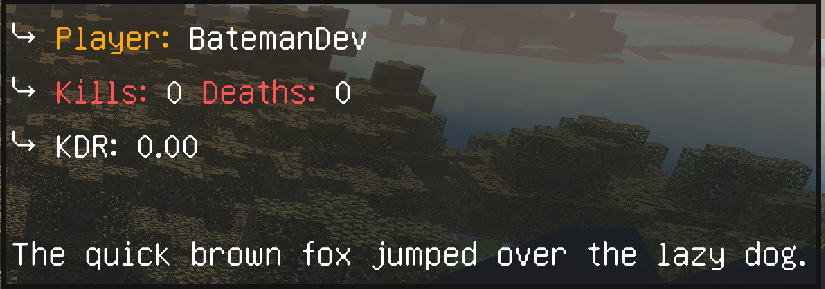
- 🎯 Custom placeholders. Combine color codes, static text, and live scoreboard values in any line (e.g.
Kills: {kills}). - 👁 Live preview. Check exactly how your scoreboard looks before saving it.
- 🔀 Toggle on/off. Hide or show the scoreboard for the whole world instantly.
- ♻️ One click reset. Restore the default layout any time.
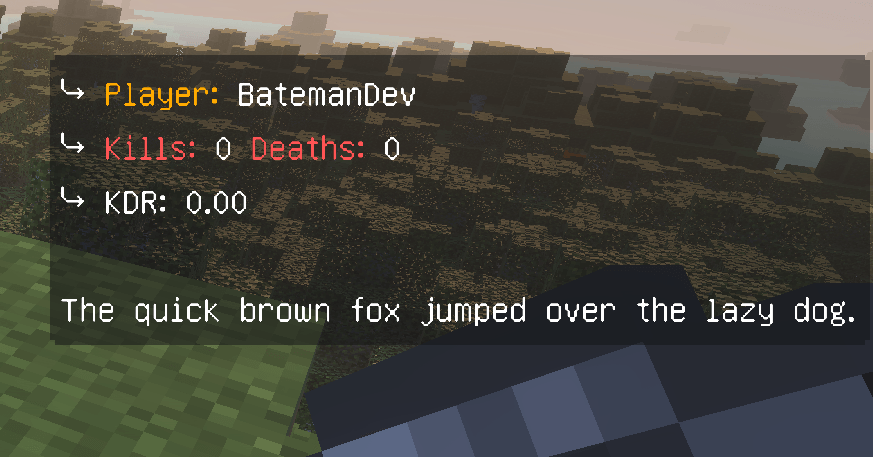
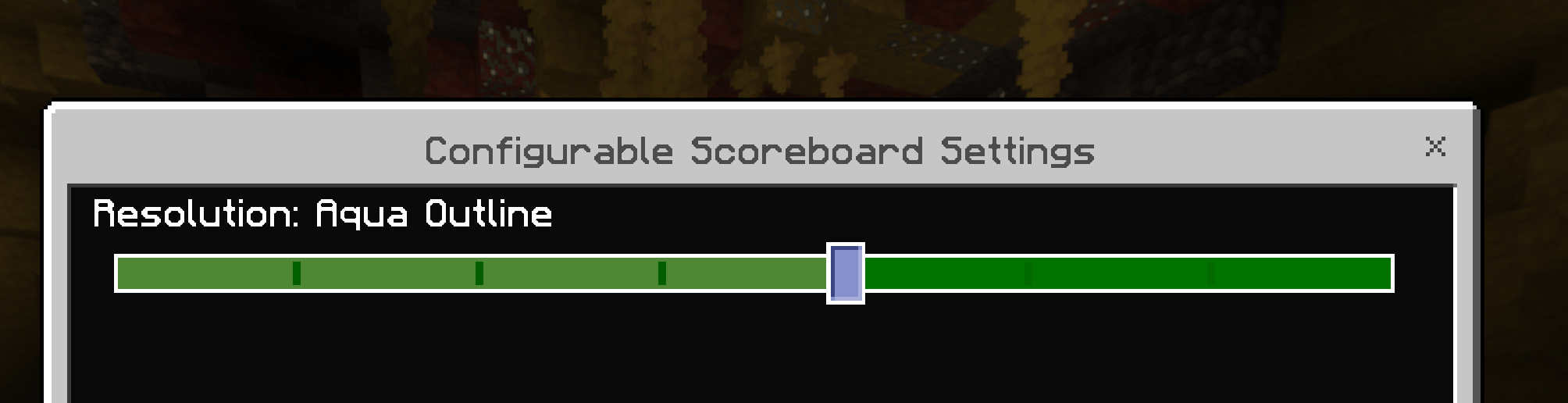
- 🎨 8 outline colors. Black, White, Purple, Green, Aqua, Orange, Yellow, or no outline at all, pick your style from the resource pack settings.
- 🧭 Configurable trigger item. Opens with a compass by default, but you can set it to any item you want.
- ⌨️ Slash command.
/scoreboard:configopens the menu instantly, item not required. - 💾 Persistent. Your layout and settings are saved to the world and survive restarts.
🚀 Getting Started
- Download and enable both the behavior pack and the resource pack, both are required.
- Use a compass (default trigger item) or run
/scoreboard:configto open the configuration menu. - Add your lines, preview, and you're done!
🎨 Choosing an Outline Color
Go to Settings > Global Resources, click the gear icon on the resource pack, and slide through the available outlines: Black, White, Purple, Green, Aqua, Orange, Yellow, or No Outline.
🧩 Placeholders
Any {name} in a line pulls from a scoreboard objective of that name, it's created automatically the first time it's used. Use {player} for the viewing player's name.
Player: {player}
Kills: {kills}
Deaths: {deaths}
📋 Requirements
- Minecraft Bedrock 1.21.100+
- Both packs enabled (behavior pack and resource pack)
💬 Support & Feedback
Found a bug or have a feature request? Let us know!
- Edition: Minecraft Bedrock
- File type: .mcpack or .mcaddon
- Minecraft versions listed: 26.0.02, 26.0, 26.3
- How to install: Download the .mcpack or .mcaddon file. → Open it — Minecraft imports it. → In your world: Behavior Packs → Available → Activate, then the same under Resource Packs.
- Where to get it: Opens on CurseForge — not every file is mirrored on our own servers.
Install steps are the general flow for this file type — How to install Minecraft Bedrock addons & mods walks through it step by step.
Sidebar is a free Minecraft Bedrock addon. Compatible with Minecraft 26.0.02, 26.0, 26.3, 26.10 and newer. Downloaded 295 times (via CurseForge). Download it and open it directly in the game.