🌉 VectorLock: Bridge — Walk Across Any Gap
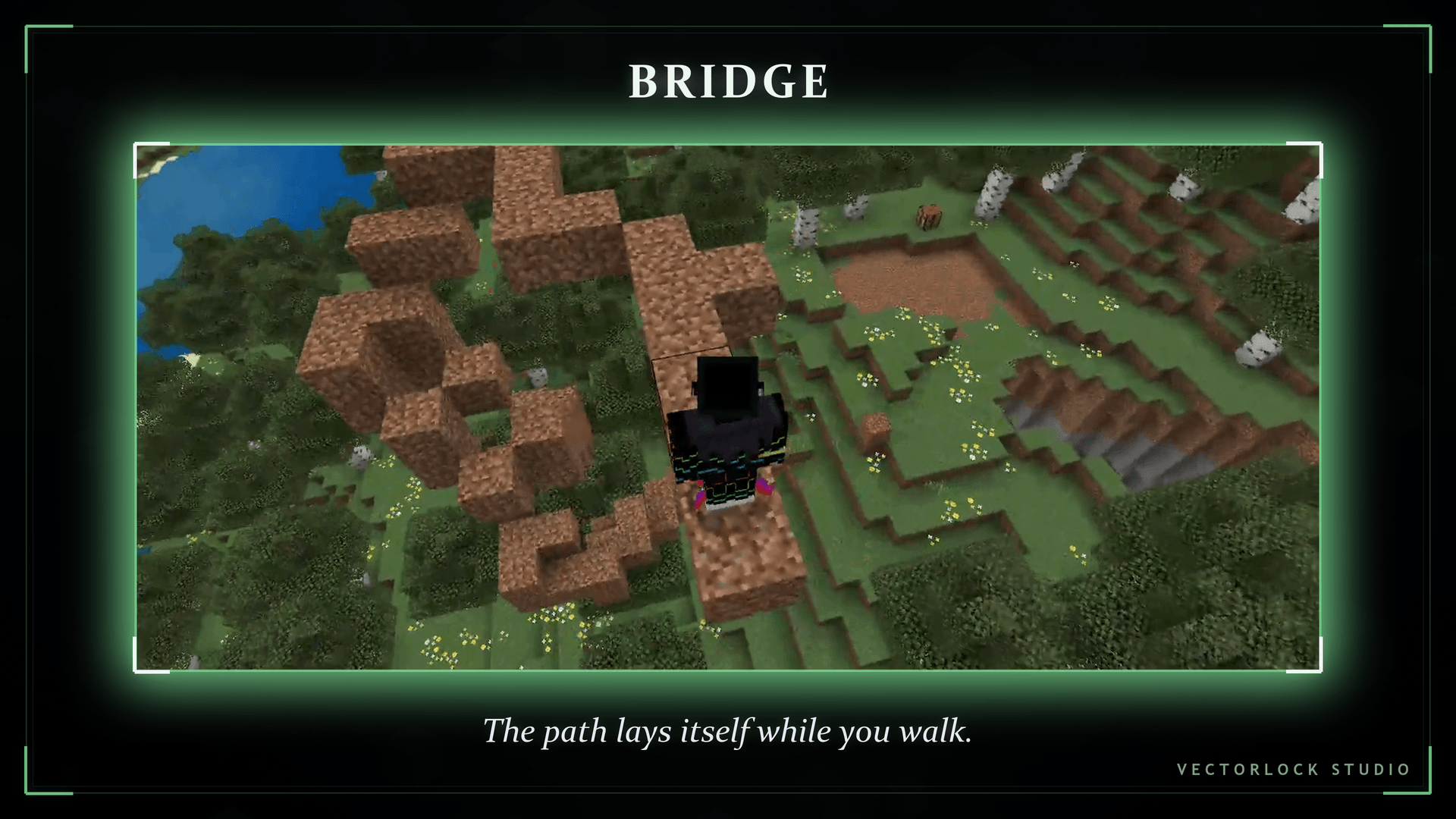
Stop falling off your own builds. VectorLock: Bridge lays a block under your feet as you walk, and when you reach a hole with nothing under it, it bridges the gap for you before you step into it. Hold a stack, walk forward, and the path appears — no sneak-and-peck, no backwards shuffle, no lost stacks at the bottom of a ravine.
Bridge is a lightweight, Stable-API Minecraft Bedrock add-on: no Experiments required, works in singleplayer and multiplayer, and your world stays Achievements Enabled. It runs perfectly on its own, and plugs straight into the VectorLock unified menu if you use other add-ons in the suite.
Original work — designed and developed by p7x939 (VectorLock Studio).
✅ Requirements & Compatibility
- Minecraft Bedrock 1.21.70 or newer
- Add the Behavior Pack to your world
- No "Beta APIs" / Experiments needed — Stable Script API only
- Works in Survival and Creative, singleplayer and multiplayer/Realms
- Achievement-safe: the add-on itself never disables achievements
- Hold one of the supported blocks: Stone, Cobblestone, Dirt or Grass Block
🌉 What It Does
Hold a supported block and move. Scaffold fills the air under your feet so you're always standing on something. Smart Gap Bridge looks one step ahead while you walk and only places a block when the ground genuinely drops away — so it saves you at the edge without paving over the world behind you.
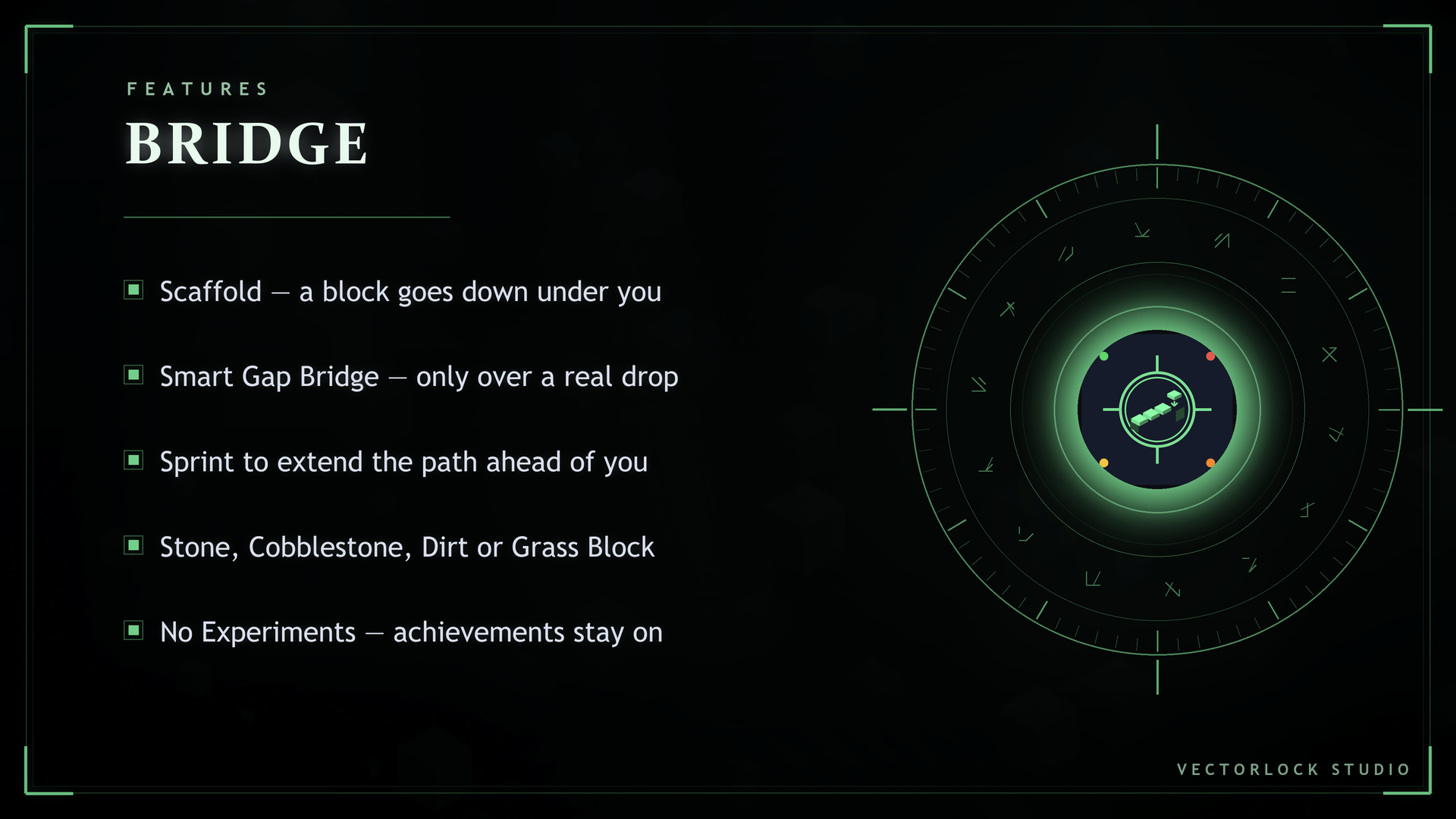
- Scaffold — a block goes down under you while you're moving
- Smart Gap Bridge — a block goes down ahead of you, but only over a real drop
- Sprint across open air — sprinting places under you and one step ahead
- Sneak to bridge one level down and forward, the classic staircase-down move
- Blocks come from the stack in your hand and are consumed normally
- Creative never runs out
✨ Features
- Scaffold — auto-place under your feet while moving (toggle, on by default)
- Smart Gap Bridge — auto-bridge only over dangerous gaps (toggle, on by default)
- Sprint-aware — sprinting extends the bridge one block ahead of you
- Sneak-aware — sneaking steps the bridge down a level for controlled descents
- Supported blocks: Stone, Cobblestone, Dirt, Grass Block
- In-game menu — two toggles, no commands to learn
- No Experiments — Stable Script API
- Standalone, or auto-joins the shared menu when VectorLock Core is installed
🎮 How to Use
- Sneak + hold a Compass to open the VectorLock menu.
- Open Bridge.
- Keep Scaffold and Smart Gap Bridge on.
- Hold a stack of Stone / Cobblestone / Dirt / Grass Block and walk out over the gap.
- Walk → it only places when the gap ahead is actually dangerous.
- Sprint → it lays a continuous path in front of you as you run.
- Sneak → it builds down a level, for stairs and controlled descents.
📥 Installation
- Download the
.mcaddonand open it — Minecraft imports it automatically. - In your world: Settings → Behavior Packs → Activate "Vector Lock Bridge".
- Enter the world and sneak while holding a Compass to open the menu.
No Experiments to switch on. No commands to type.
❓ FAQ / Troubleshooting
Do I need to turn on Experiments? No. Bridge uses the Stable Script API — leave all Experiments off.
Will it disable my achievements? No. The pack declares itself as an add-on per Minecraft's official spec, so your world remains Achievements Enabled. (Note: enabling Cheats or Experiments, or switching to Creative, disables achievements — that's vanilla Minecraft behavior, not this pack.)
Which blocks can it place? Stone, Cobblestone, Dirt and Grass Block. The block has to be the item you're holding. Anything else is ignored, so you can carry your build blocks without the add-on spending them.
Nothing is being placed. Check three things: the Behavior Pack is activated, Scaffold is toggled ON in the Sneak + Compass menu, and you're holding a supported block. It also only places while you're actually moving.
It doesn't bridge every gap in front of me. That's Smart Gap Bridge working as intended — while walking it only fills a gap with a real drop underneath. Sprint if you want a continuous path.
Does it use up my blocks? Yes, one block per placement, taken from the stack in your hand — the same as building by hand. Creative doesn't consume anything.
Does it work on Realms / servers? Yes, as long as the host supports Script API behavior packs and the pack is applied to the world.
Can I use it with other add-ons? Yes. It runs solo, and if you install VectorLock Core it auto-joins one shared menu with the rest of the suite.
🔒 More From VectorLock
Bridge is one of 18 standalone VectorLock power add-ons. A few favorites:
| Add-on | What it does |
|---|---|
| MLG | Auto water-bucket clutch when you're falling |
| Fly | Double-tap jump to fly in Survival |
| Vein Miner | Mine a whole ore vein in one swing |
| Tree Cutter | Fell a whole tree in one swing |
| Waypoints | Pins, warp, HUD compass, death location |
Install VectorLock Core to run several at once from a single tidy in-game menu.
⚠️ License
© 2026 p7x939. All Rights Reserved. Original work by p7x939 (VectorLock Studio). Copying, redistributing, re-uploading, modifying, or claiming this work as your own — in part or in whole — is prohibited without the author's prior written permission. Please link back to the official CurseForge page instead of re-hosting the file.
❤️ Support
If Bridge saved you a fall or two, you can support the work here:
• PayPal: https://paypal.me/wattanakornnanta
- Edition: Minecraft Bedrock
- File type: .mcpack or .mcaddon
- Minecraft versions listed: 1.21.81, 1.21.93, 1.21.73
- How to install: Download the .mcpack or .mcaddon file. → Open it — Minecraft imports it. → In your world: Behavior Packs → Available → Activate, then the same under Resource Packs.
- Where to get it: Opens on CurseForge — not every file is mirrored on our own servers.
Install steps are the general flow for this file type — How to install Minecraft Bedrock addons & mods walks through it step by step.
🌉 VectorLock: Bridge — Walk Across Any Gap is a free Minecraft Bedrock addon. Compatible with Minecraft 1.21.81, 1.21.93, 1.21.73, 1.21.90 and newer. Downloaded 205 times (via CurseForge). Download it and open it directly in the game.