Admin Desk – Admin Menu & Server Tools
Powerful admin menu and server management tools for Minecraft Bedrock with player management, moderation, inventory editing, OP controls, teleport tools…
⬇ Download on CurseForge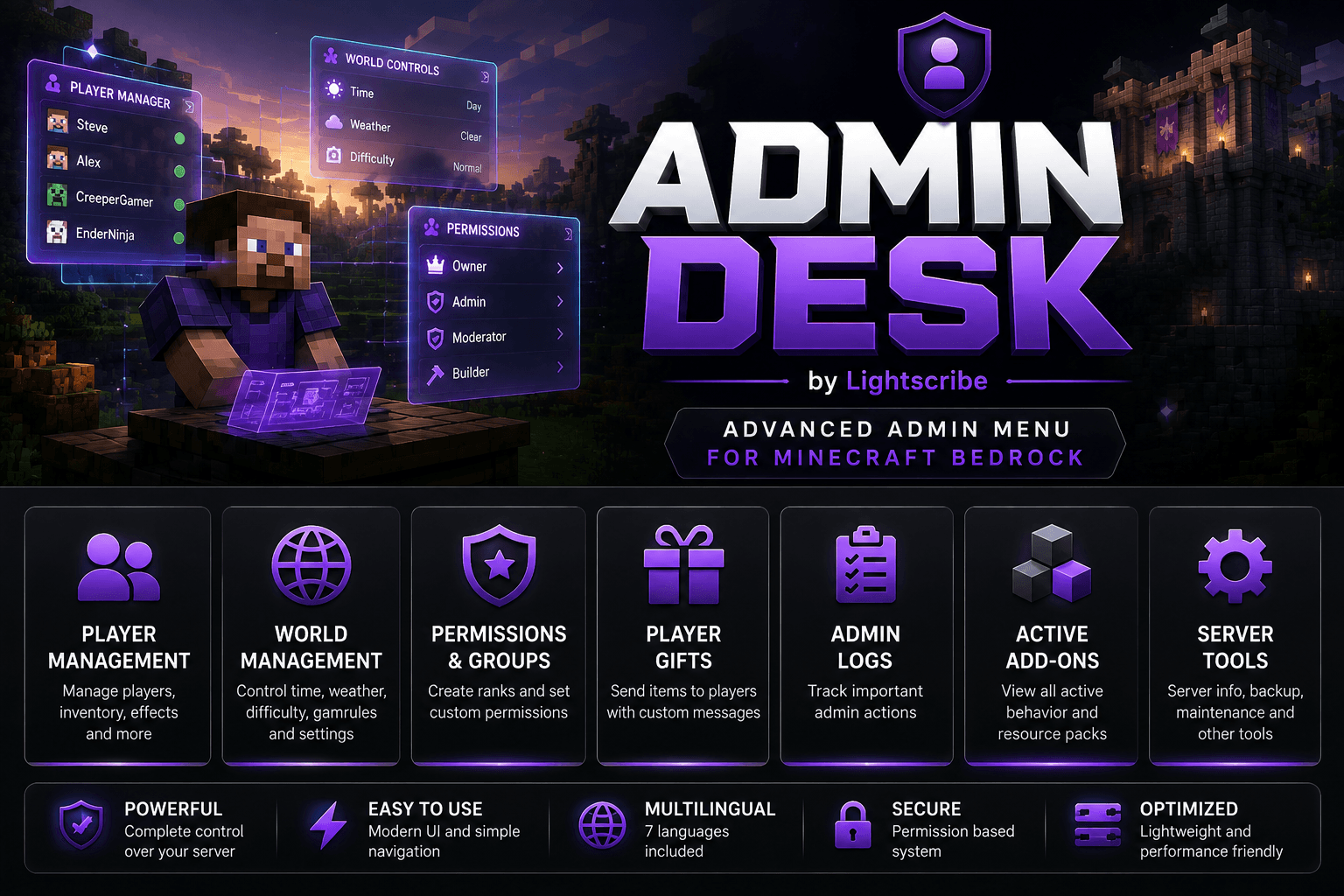
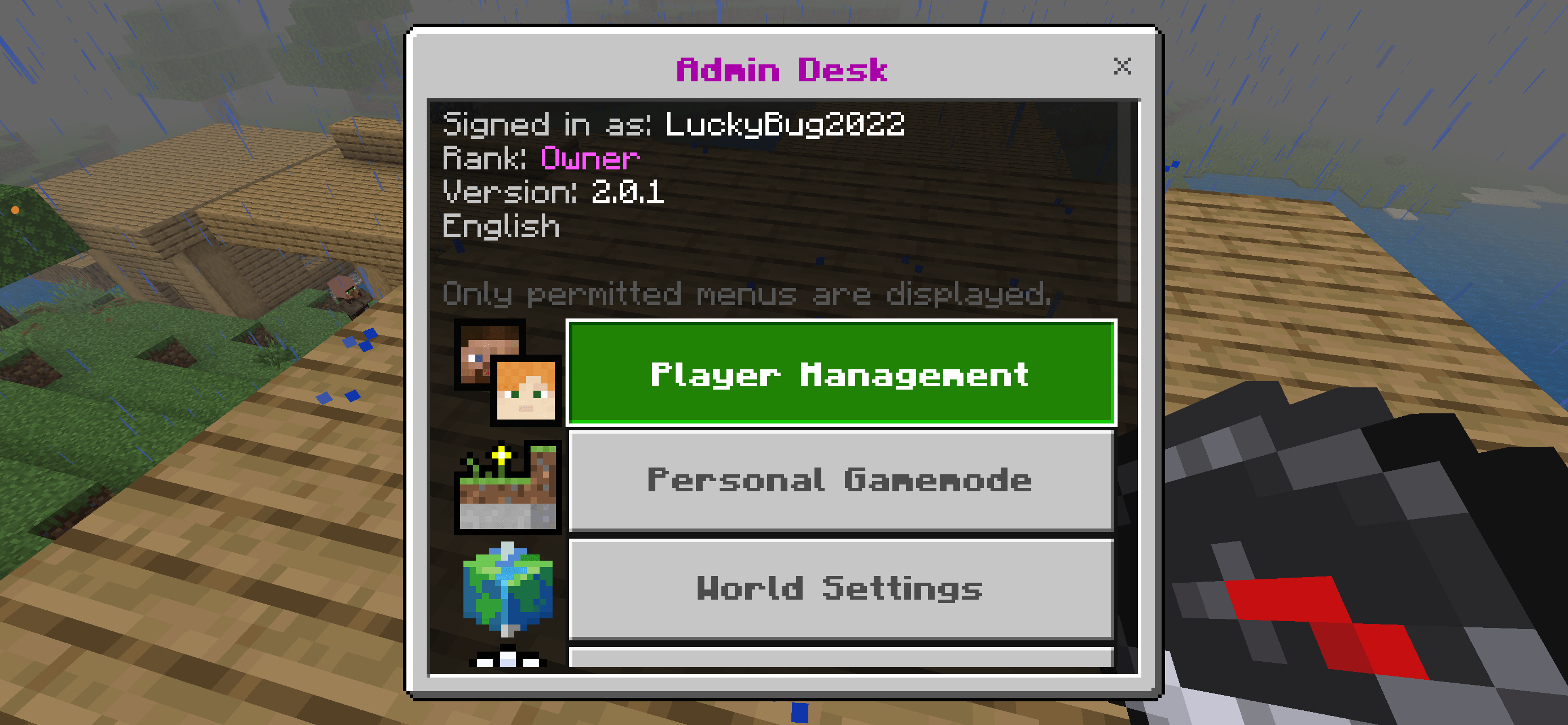
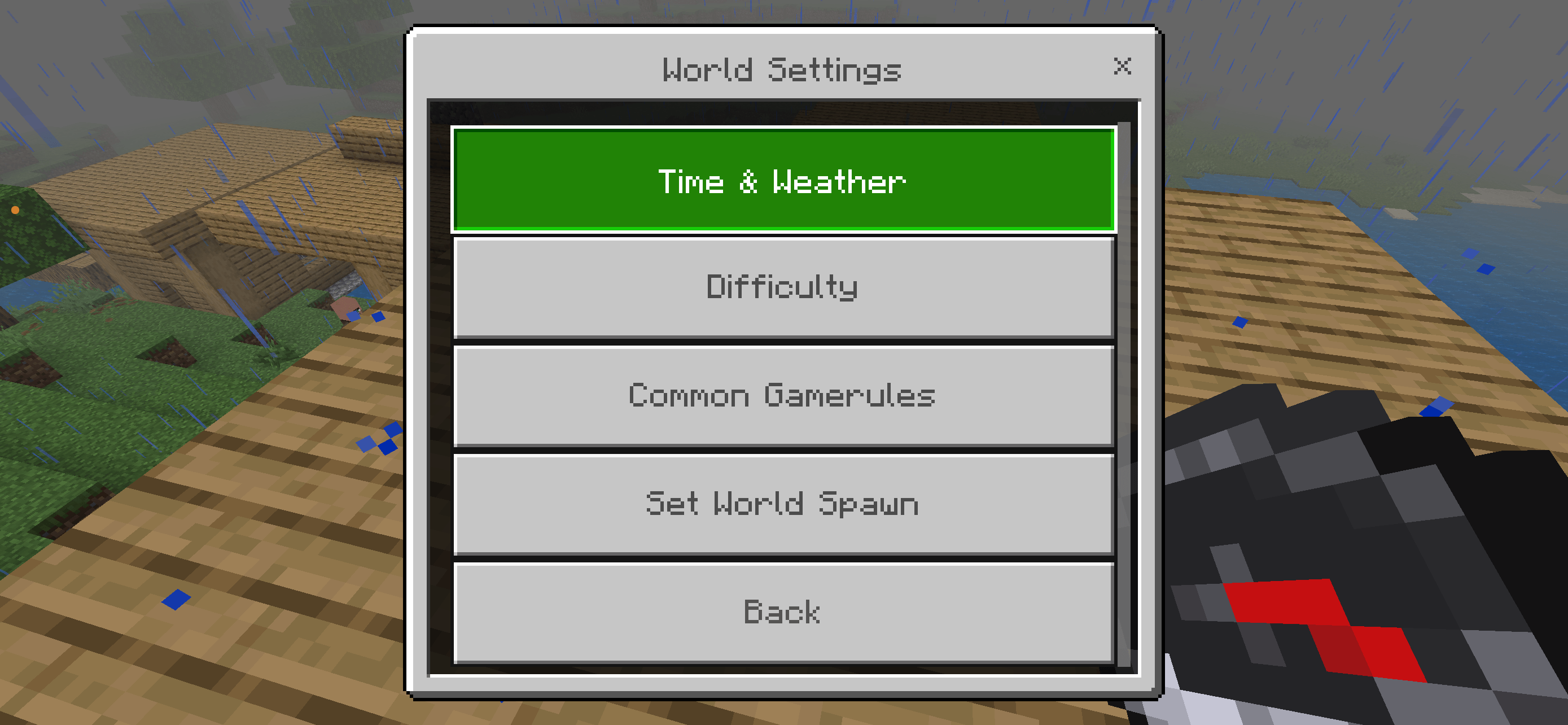
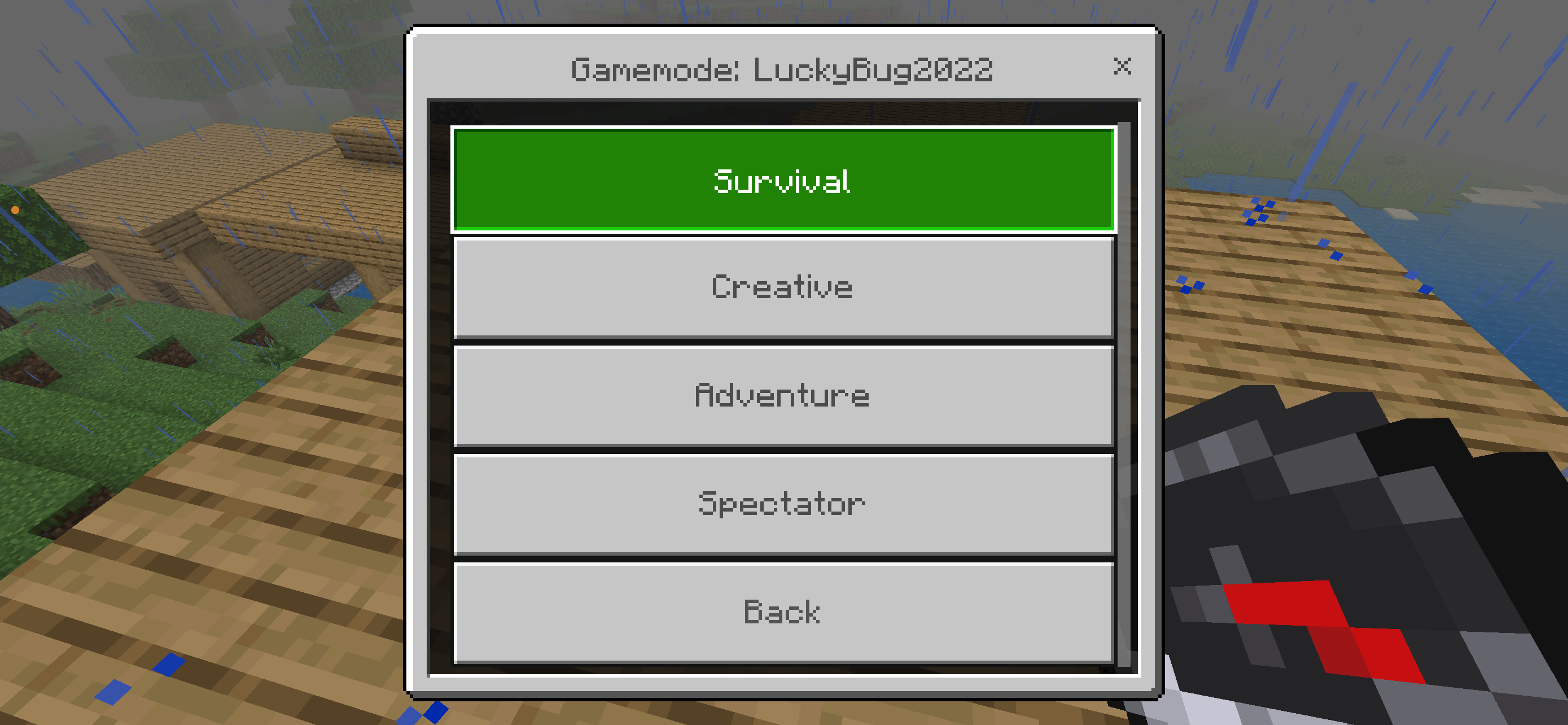
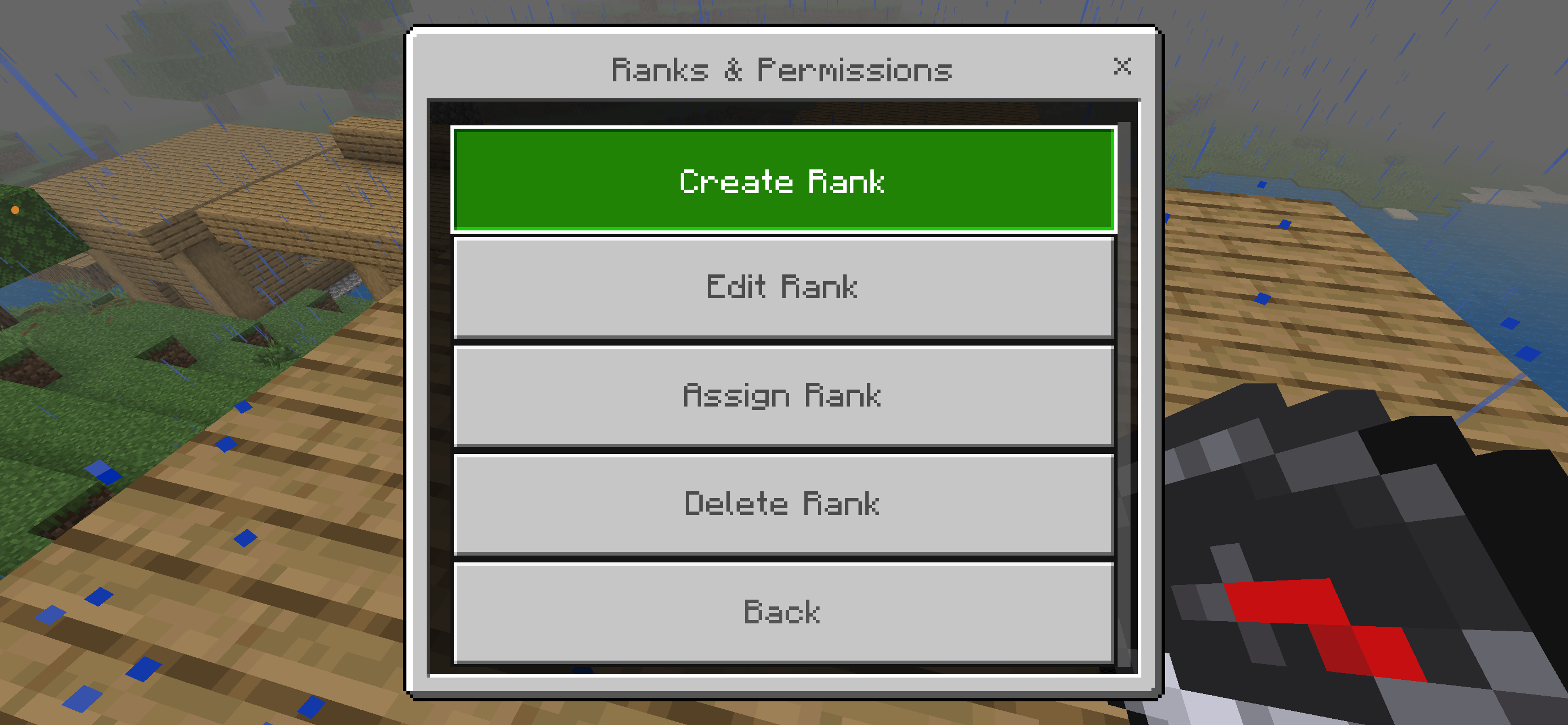
Admin Desk
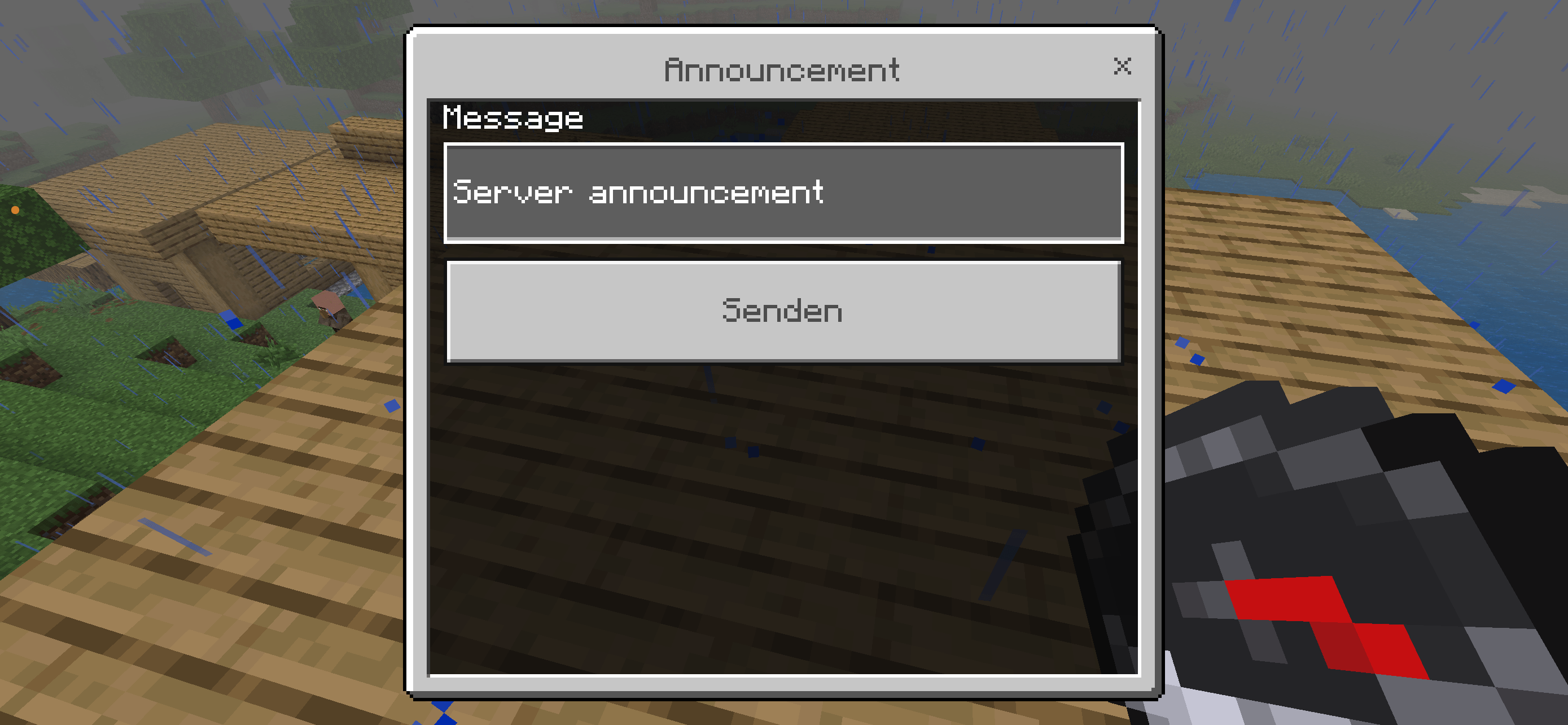
Admin Desk is an in-game administration tool for Minecraft Bedrock Edition. It gives operators quick access to player management, moderation, server tools and maintenance controls through a clear menu system.
First-Time Setup
Before using Admin Desk for the first time, run:
/function admin/install
This setup only needs to be done once per world.
After installation, Operators can open the Admin Desk menu in two ways:
- Use a normal Compass
- Or in the Chat :
/function admin/settings
Only players with Operator permissions can access and use the Admin Desk menu.
Features
- Maintenance Mode
- Player Management
- OP / De-OP controls
- Member / Visitor permissions
- Teleport tools
- Heal, Hunger and Effects
- Inventory & Ender Chest management
- XP and Level controls
- Spawn controls
- Freeze, Vanish, God Mode and Fly
- Kick, Ban and Warning tools
- Spectate
- Tags and Admin Notes
- Command Console
- Compass shortcut for OPs
- Structured categories for easier navigation
Maintenance Mode
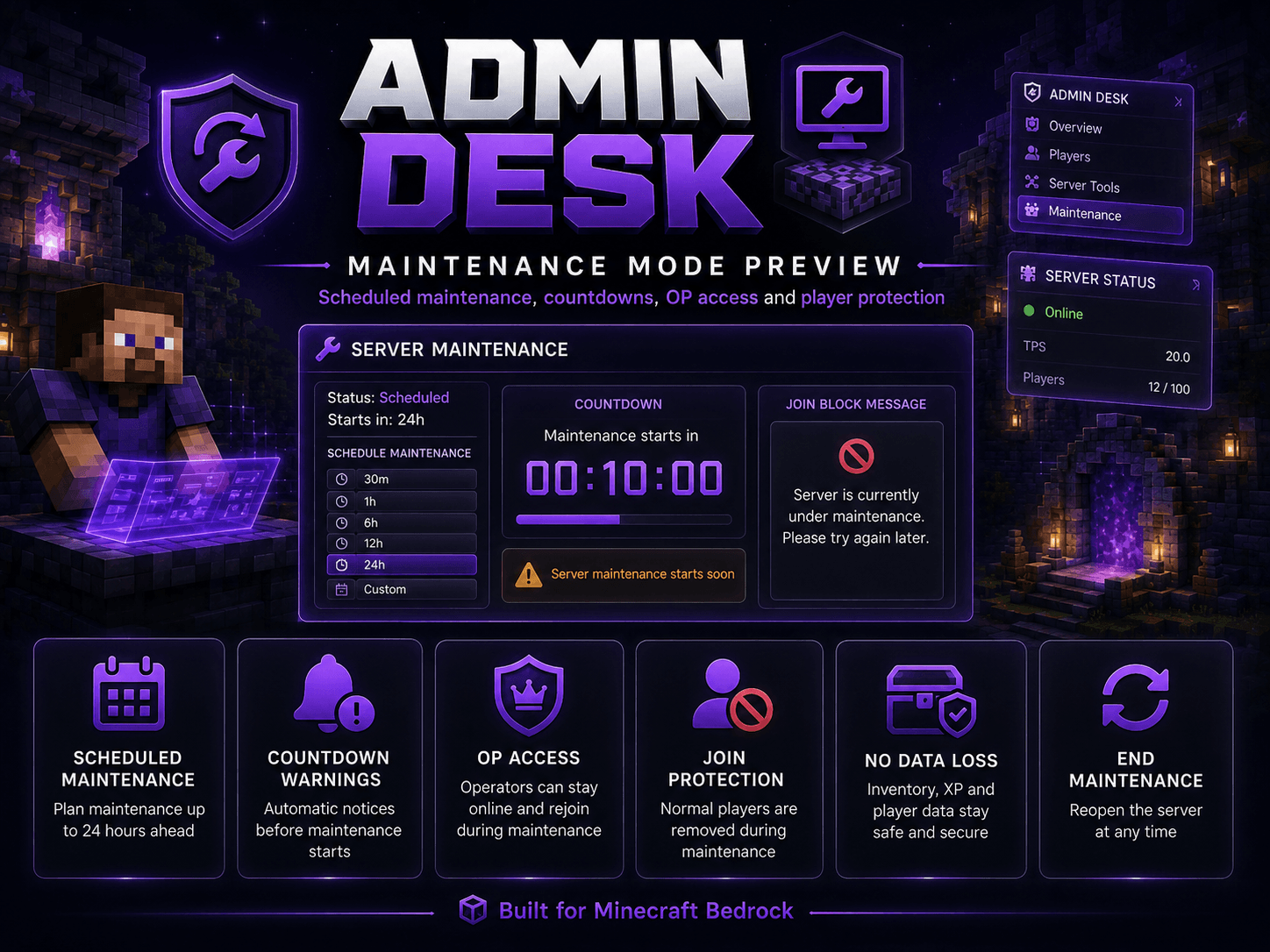
Admin Desk includes a built-in Maintenance Mode for server maintenance without changing player data.
You can:
- Start maintenance immediately
- Schedule maintenance in:
- 30 minutes
- 1 hour
- 6 hours
- 12 hours
- 24 hours
- custom time
- Show automatic countdown warnings
- Display maintenance messages to players
- Cancel a scheduled maintenance
- End maintenance at any time
How Maintenance Mode works
When maintenance starts:
- Normal players are removed from the server
- Operators are still allowed to stay and join
- Players trying to join during maintenance are automatically removed with a maintenance message
- No inventory, XP, Ender Chest, position or other player data is deleted
- No server restart is required
- No external server tools are required
- No changes to
server.propertiesor the server allowlist are made
When maintenance is disabled, all players can join normally again.
This makes the feature suitable for different Bedrock server setups without requiring Docker, external scripts or special hosting tools.
Installation
- Import the
.mcaddon - Activate the Behavior Pack
- Join the world as an Operator
- Open Admin Desk using the configured admin function or by using a compass as an OP
Support Future Development ❤️
Do you enjoy this addon? You can support my work through Buy Me a Coffee.
Every donation helps me dedicate more time to creating new addons, improving existing projects, fixing issues and responding to community suggestions more quickly.
Support is completely optional. Feedback, ideas and feature requests are always welcome and help make future updates even better.
Click here for Buy Me a Coffee
Thank you for supporting Lightscribe and the development of more Minecraft Bedrock content! 🙏
- Edition: Minecraft Bedrock
- File type: .mcpack or .mcaddon
- Minecraft versions listed: 1.19, 1.20, 26.0
- How to install: Download the .mcpack or .mcaddon file. → Open it — Minecraft imports it. → In your world: Behavior Packs → Available → Activate, then the same under Resource Packs.
- Where to get it: Opens on CurseForge — not every file is mirrored on our own servers.
Install steps are the general flow for this file type — How to install Minecraft Bedrock addons & mods walks through it step by step.
- Pack type: .mcaddon — behaviour and resource pack in one file
- Manifest requires Minecraft 1.21.80 or newer
- Complete pack — everything it depends on is inside the file
- Download size: 296 KB
- Download link checked 20 Sept 2026 — working
These come from our own check of the pack file, not from the source page.