PlayerLP's Prestige Add-on
This Add-on allows you to change your name tag, and Levels. This Add-on is made by me for fun. Disclaimers THIS SCRIPT REQUIRES BETA API AND LATEST…
⬇ Download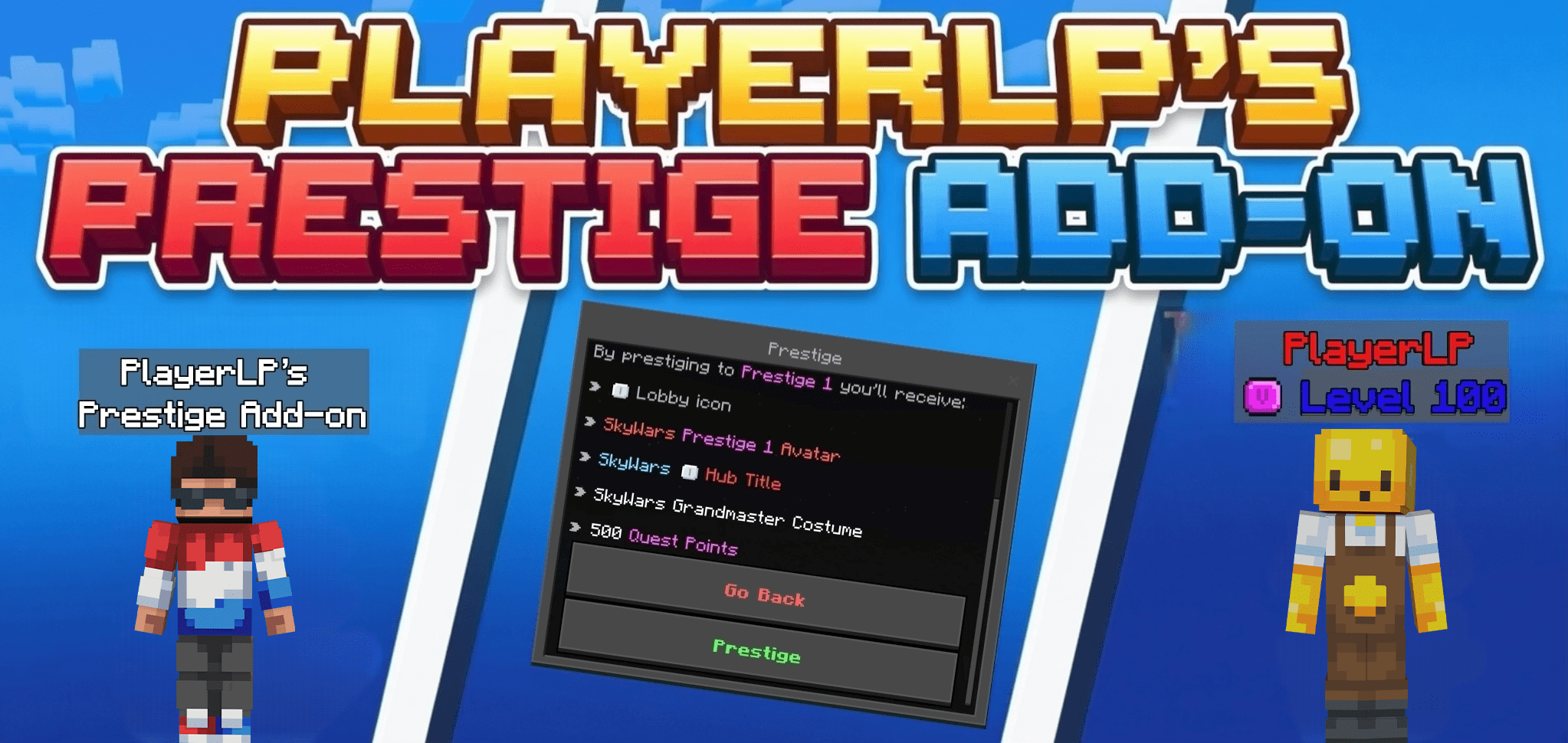
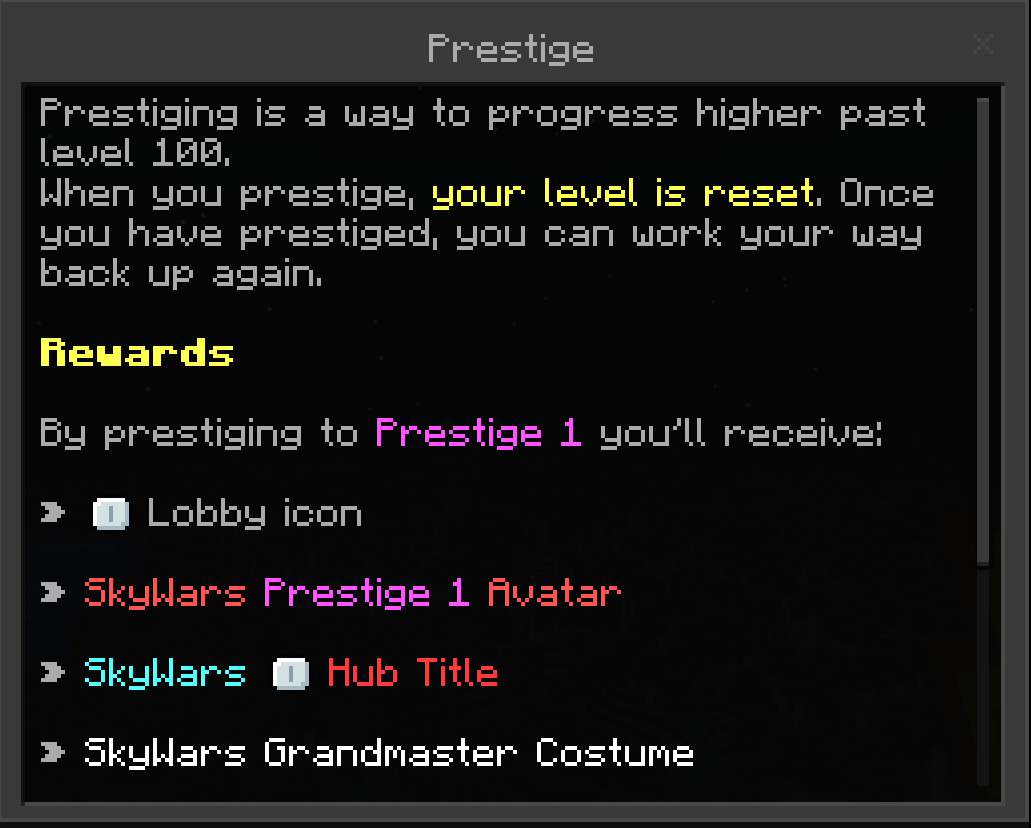
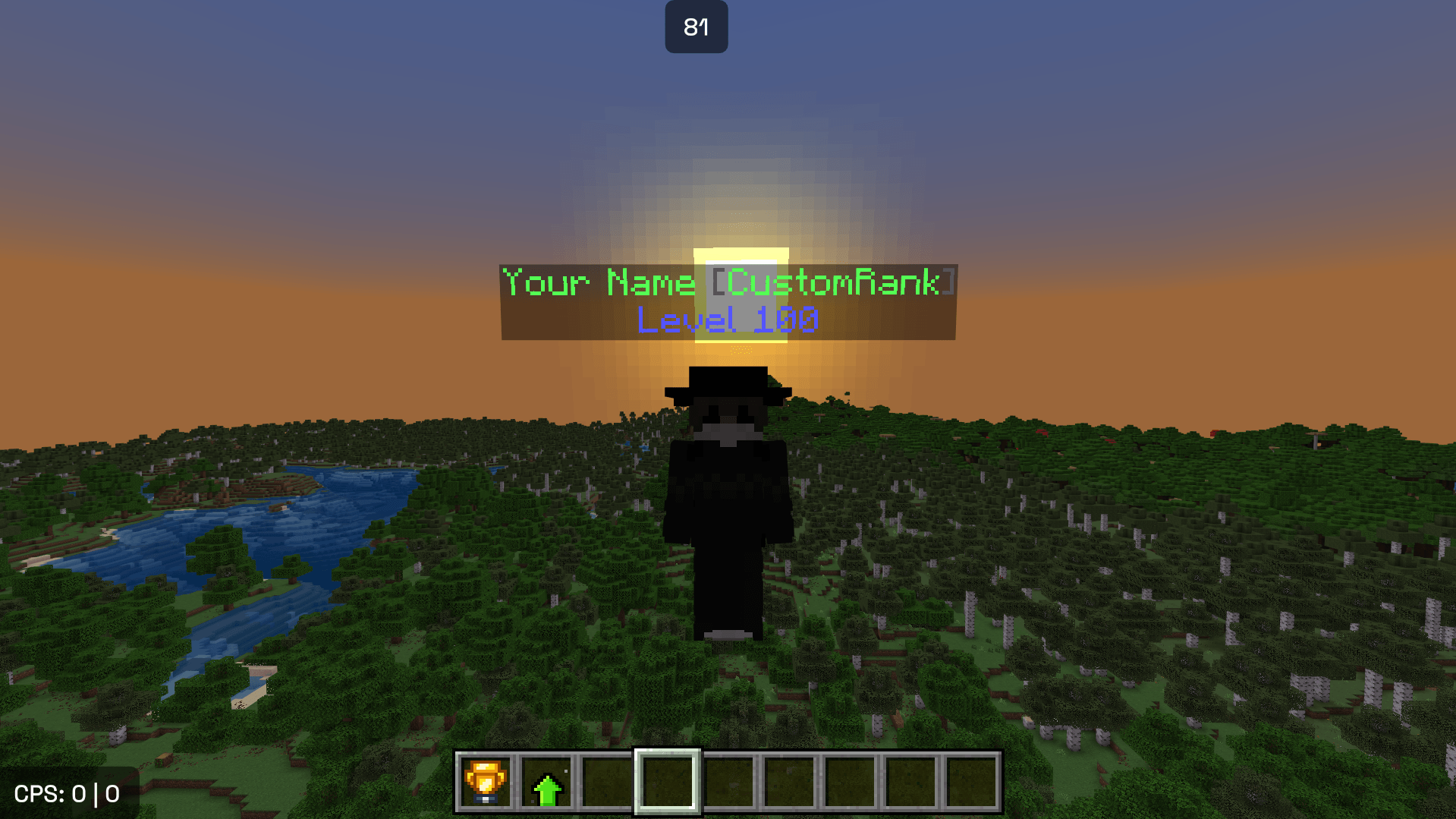
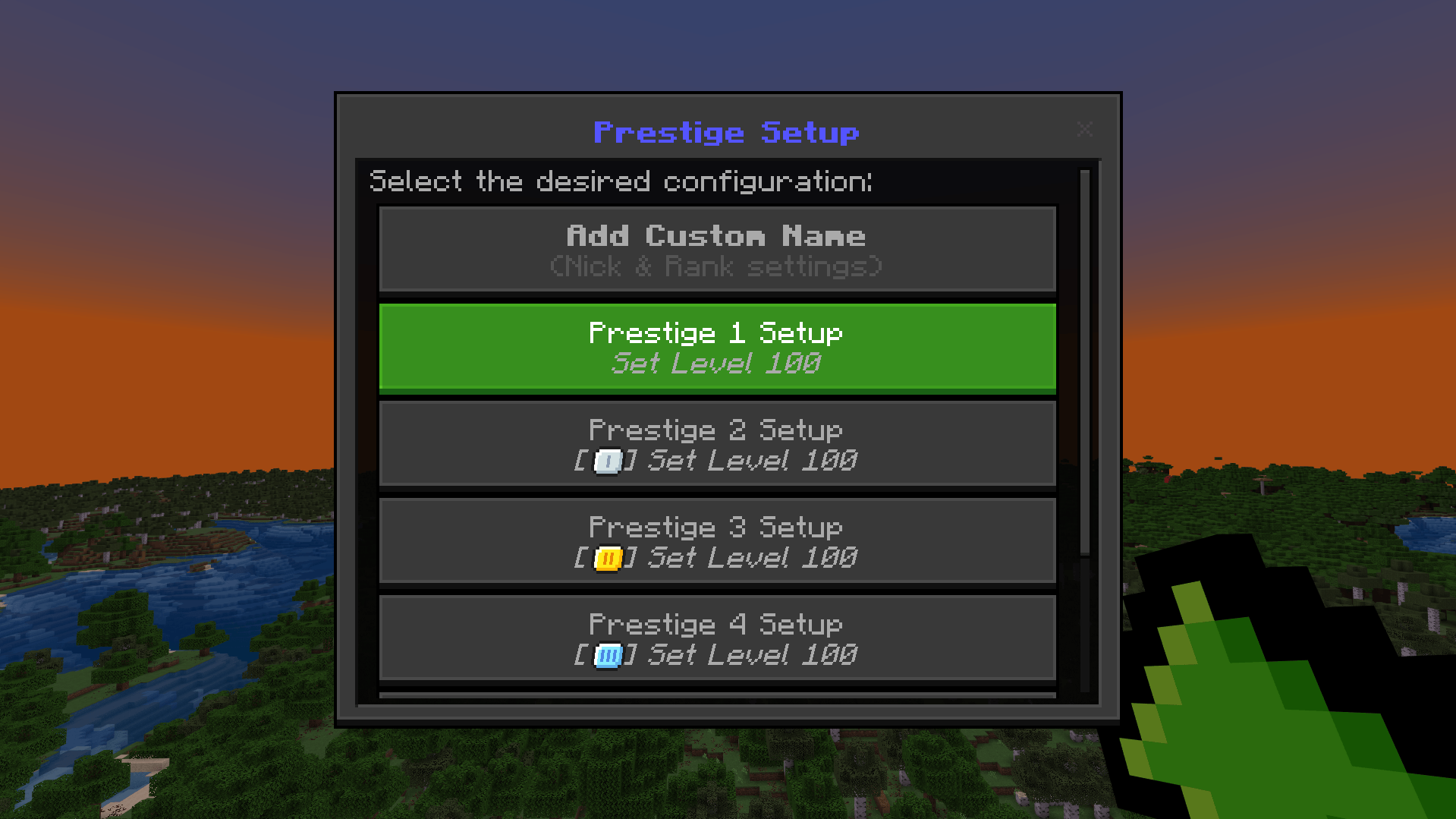
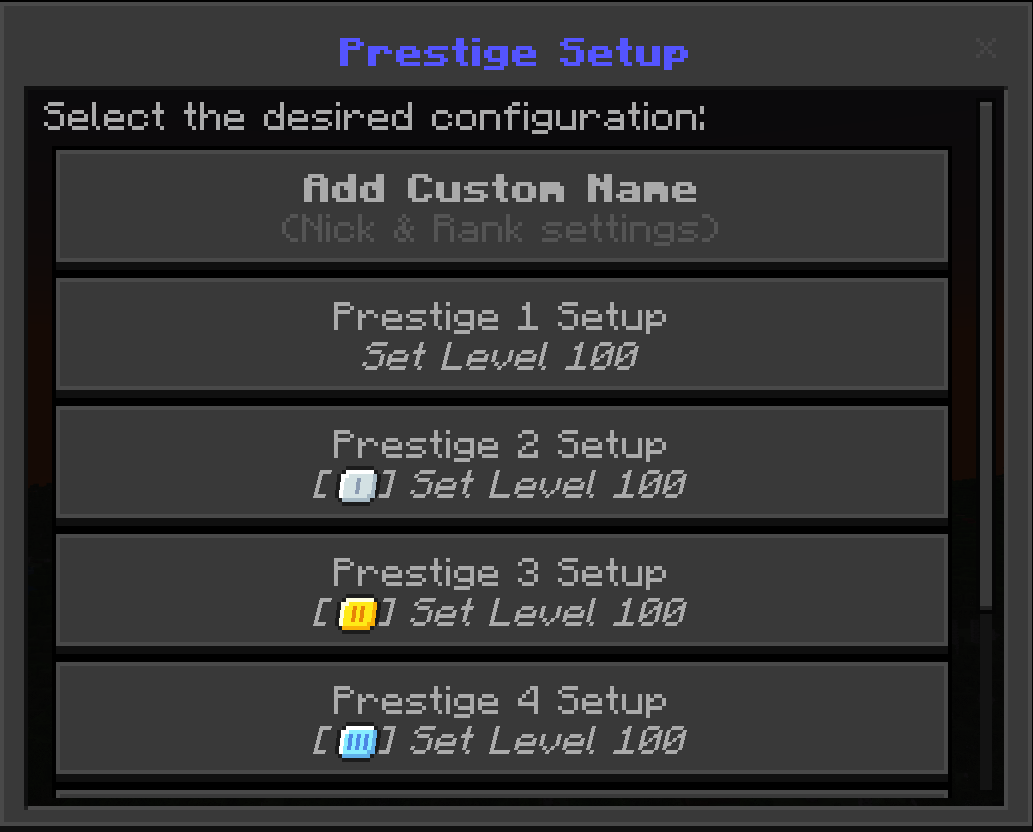
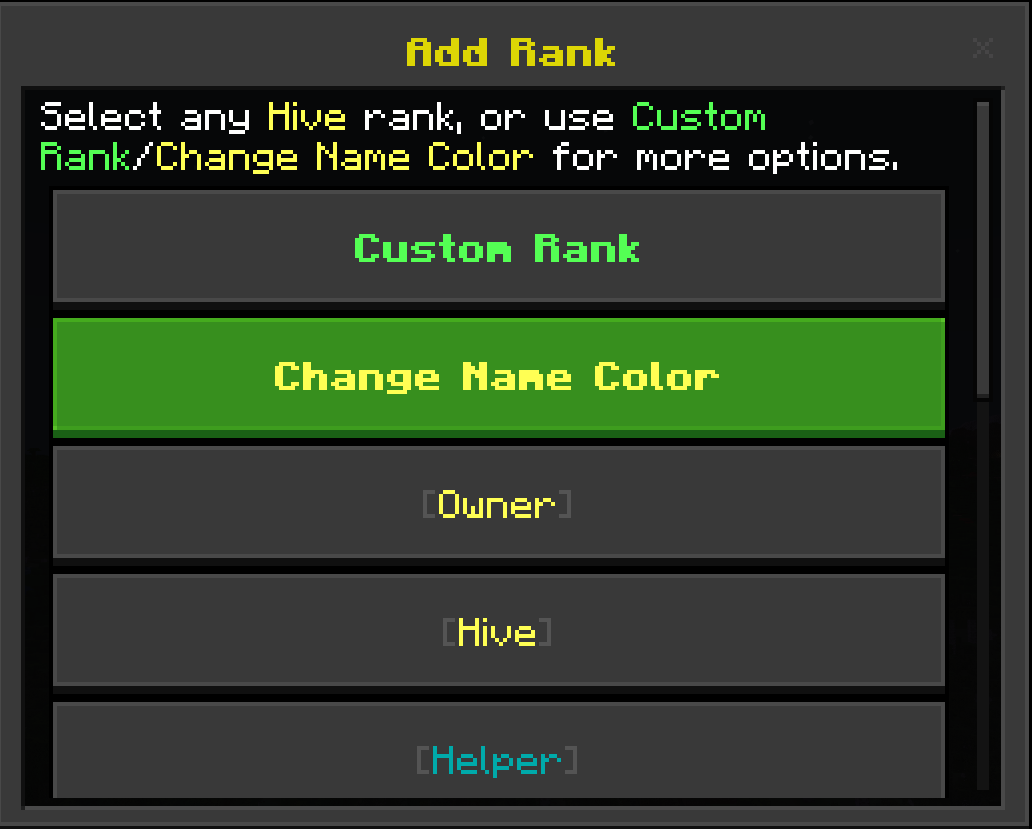
Welcome to my very first add-on! This pack allows you to fully customize your experience with custom nicknames, levels, and a complete Prestige system.
[Insert Main Menu Screenshot Here]
Key Features
-
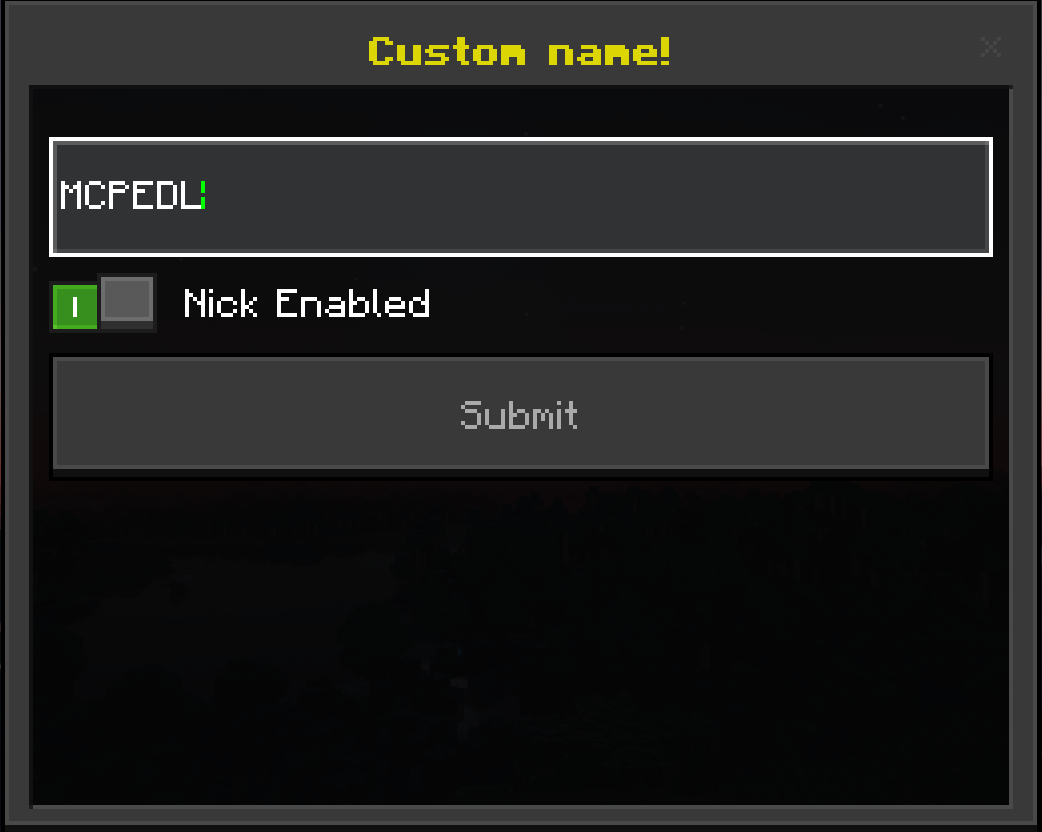
Custom Nicknames: Change your name easily in both multiplayer and single-player worlds.
-
Prestige System: Level up and progress through custom Prestiges (Prestige 1 to 100) using a dedicated setup item.
-
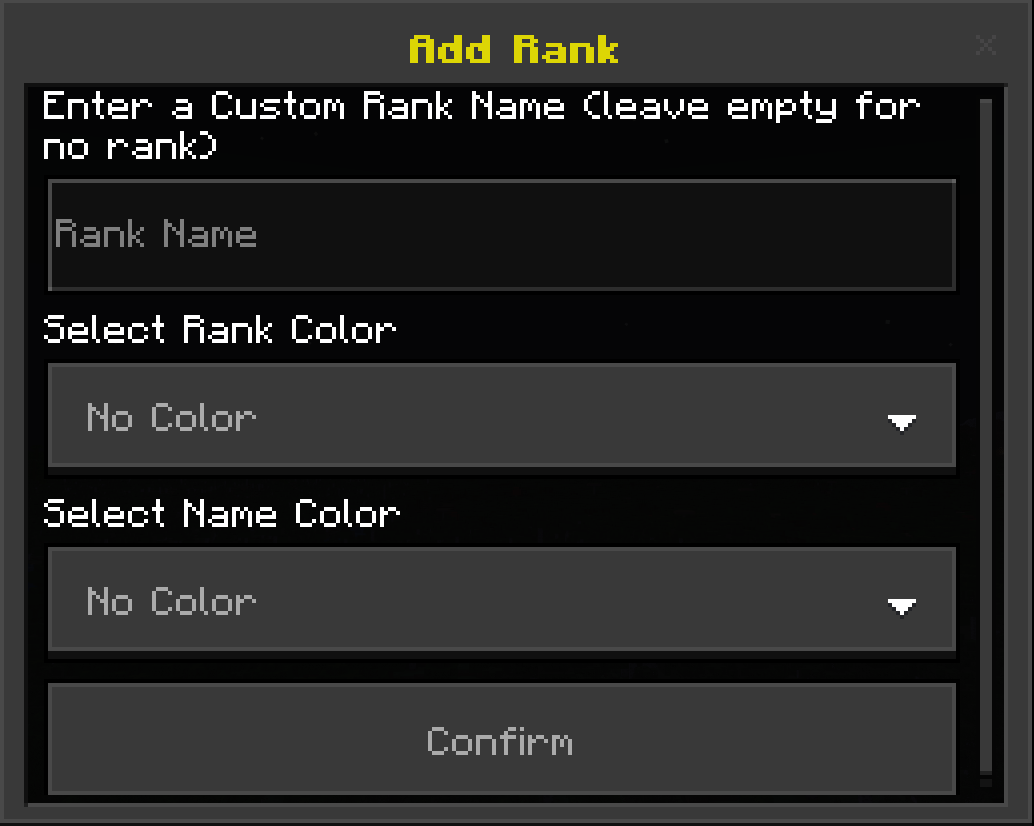
Custom Ranks and Hive Ranks: Stand out with pre-made ranks from The Hive or create your own custom ranks with custom colors.
[Insert Prestige UI Screenshot Here]
How To Use
-
Get the custom item in-game.
-
Right-click the item to open up the main UI menu.
-
Select what you want to change (Nickname, Prestige level, or Ranks) and enjoy.
- To Prestige in more minigames like survival or duels, you have to use command /tag. (aka /tag @s add survival or /tag @s remove survival to add/remove tags). You Can't stack the tags! Current tags:
bedwars, duels, skywars, survival, uhc, hide and hub (hub is default for SkyWars Prestige menu).
[Insert In-Game Chat or Ranks Screenshot Here]
Requirements and Disclaimers
-
Beta APIs: This script requires Beta APIs to be enabled in your world settings.
-
Compatibility: This pack does not allow you to see your name in third-person natively (third-person name tags require specific clients like Oderso, Onix, Lyra, etc.).
Terms of Use and Copyright
-
Original Creator: This pack is fully created and owned by PlayerLP.
-
Re-uploading: It is strictly prohibited to re-upload, redistribute, or share this pack on any other websites, apps, or platforms without direct permission.
-
Servers and Worlds: You are free to use this add-on in your personal worlds or servers, but any public sharing must link back to the official page.
SOCIALS
- Join My Discord: https://discord.gg/bqqZQpWse (this is the ORIGINAL Discord Server of original Developer aka PlayerLP, and the Add-on).
Thx for supporting!
- Edition: Minecraft Bedrock
- File type: .mcpack or .mcaddon
- Minecraft versions listed: 1.21.50, 1.21.81, 1.21.93
- How to install: Download the .mcpack or .mcaddon file. → Open it — Minecraft imports it. → In your world: Behavior Packs → Available → Activate, then the same under Resource Packs.
- Where to get it: In MCModsHub, or directly above on this page.
Install steps are the general flow for this file type — How to install Minecraft Bedrock addons & mods walks through it step by step.
- Pack type: .mcaddon
- Manifest requires Minecraft 1.21.0 or newer
- Needs Beta APIs switched on in the world settings
- Ships one half — this pack asks for another pack that is not included
- Download size: 5.7 MB
- Download link checked 6 Aug 2026 — working
These come from our own check of the pack file, not from the source page.