ShadersJava
Purpliness Shaders (26.3, 1.20.1) – Strong Purple Tinted Fantasy Lighting
Java shader pack listed for Minecraft 1.20. Downloads from the MC Java Mods app on Android.
⬇ Download


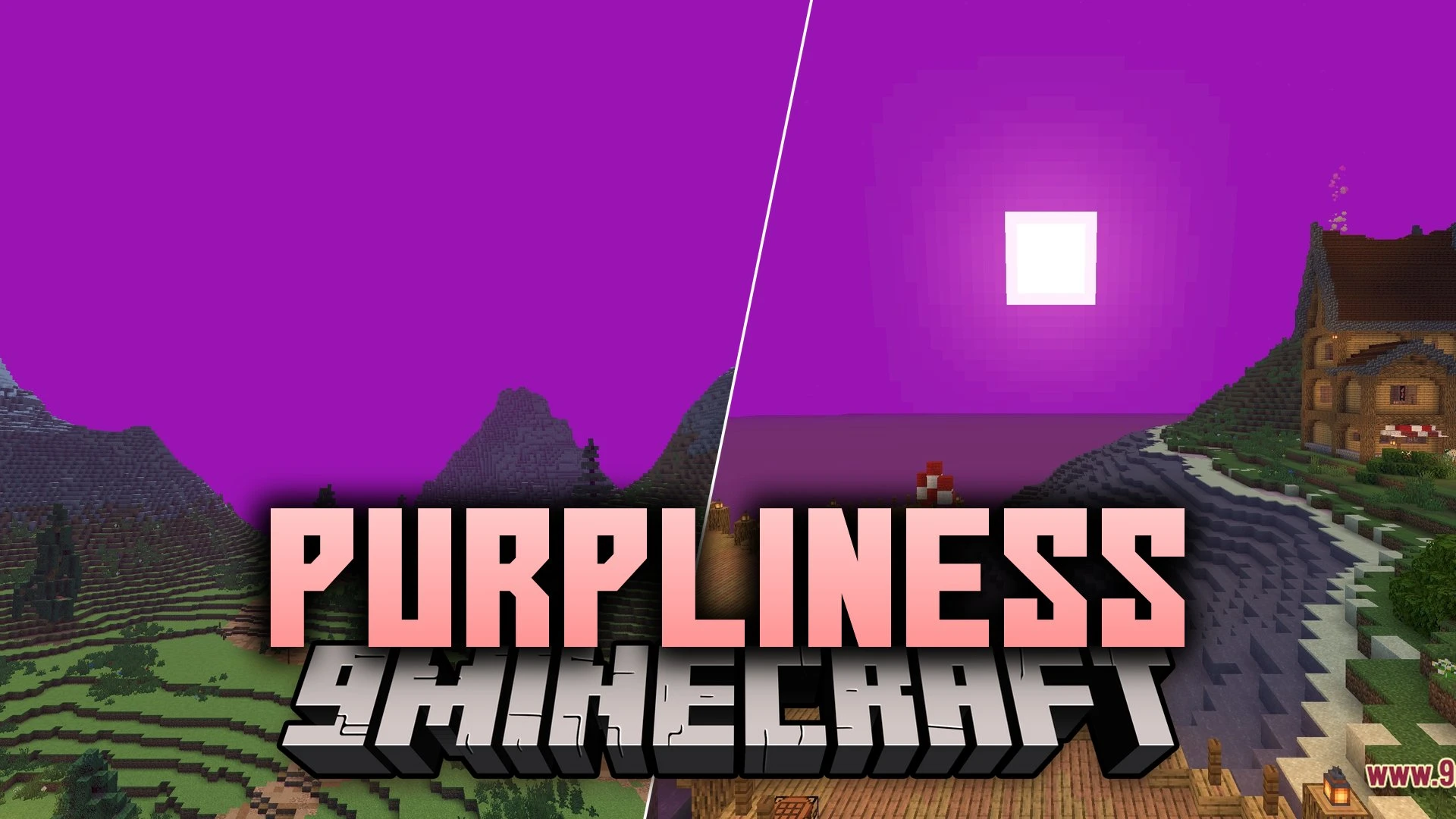
Purpliness paints your Minecraft world with a heavy dose of purple. This shader changes the normal colors of the game into a bright fantasy style. It takes the regular vanilla look and adds a strong purple tint to the lighting and environment. If you want a fun and colorful change to your game, this pack gives you exactly that.
Features:
- Purple Theme: Changes the main lighting and colors of the world to a bright purple shade.
- Vanilla Style: Keeps the basic feel of the game while adding the new colorful look.
- Gives a fantasy look to the sky and surroundings by changing how light works.
- Recolors many blocks and areas so they match the purple design.
- Runs easily on most computers because it focuses on simple color changes.
Screenshots:


Purpliness Shaders Download Links
Quick facts
- Edition: Minecraft Java
- File type: .zip (resource pack)
- Minecraft version listed: 1.20.1
- How to install: Download the .zip resource pack — do not unzip it. → Put it in .minecraft/resourcepacks. → Enable it in Options → Resource Packs.
- Where to get it: In MC Java Mods, or directly above on this page.
Install steps are the general flow for this file type — see the MC Java Mods guides for the full walkthrough.
Purpliness Shaders (26.3, 1.20.1) – Strong Purple Tinted Fantasy Lighting is a free Minecraft Java shader. Compatible with Minecraft 1.20.1. Download it and open it directly in the game.