ShadersJava
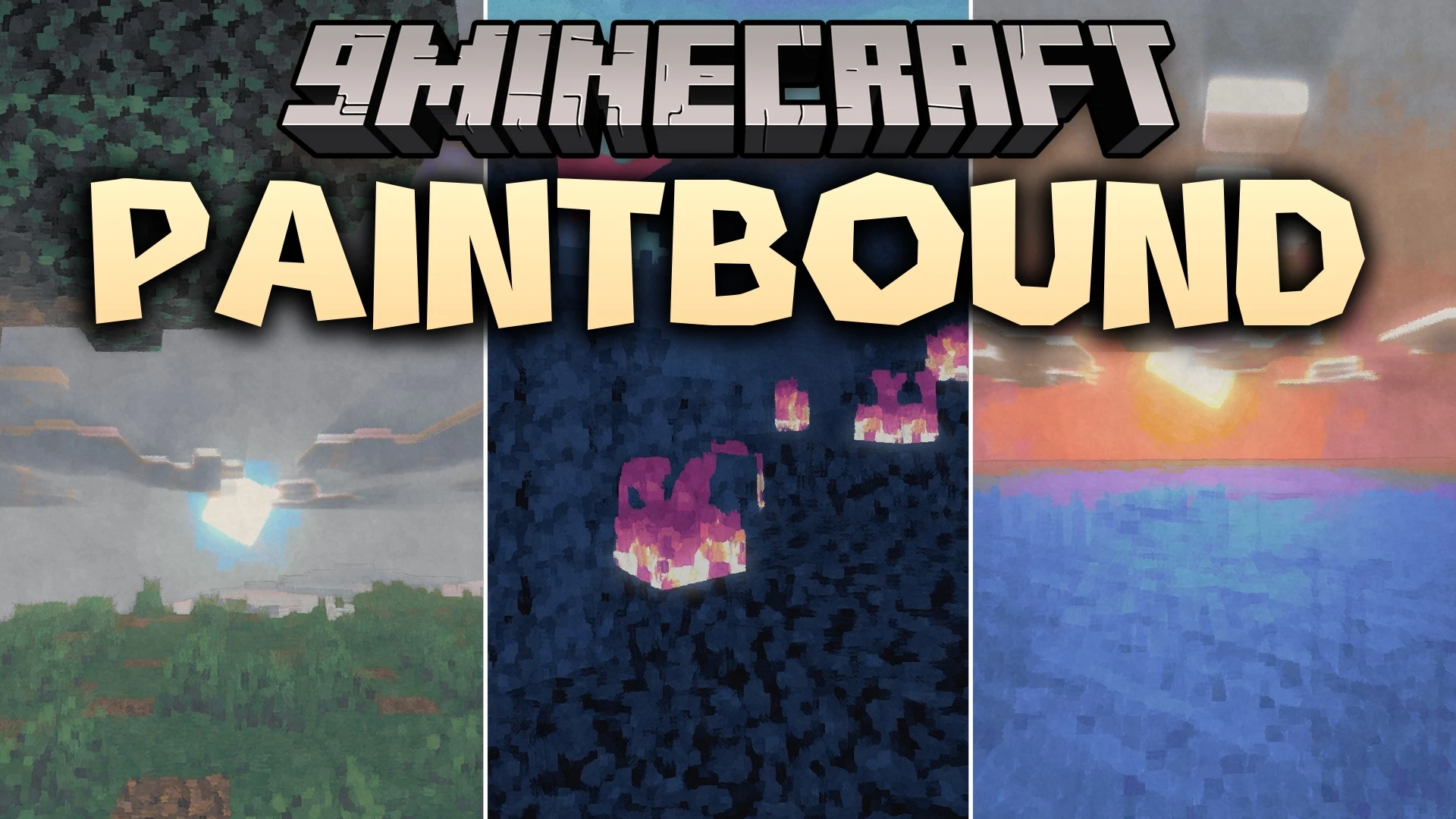
PaintBound Shaders (26.3, 1.20.1) – Brushstroke Shading with Soft Bloom
Java shader pack listed for Minecraft 1.20–26.x. Downloads from the MC Java Mods app on Android.
⬇ Download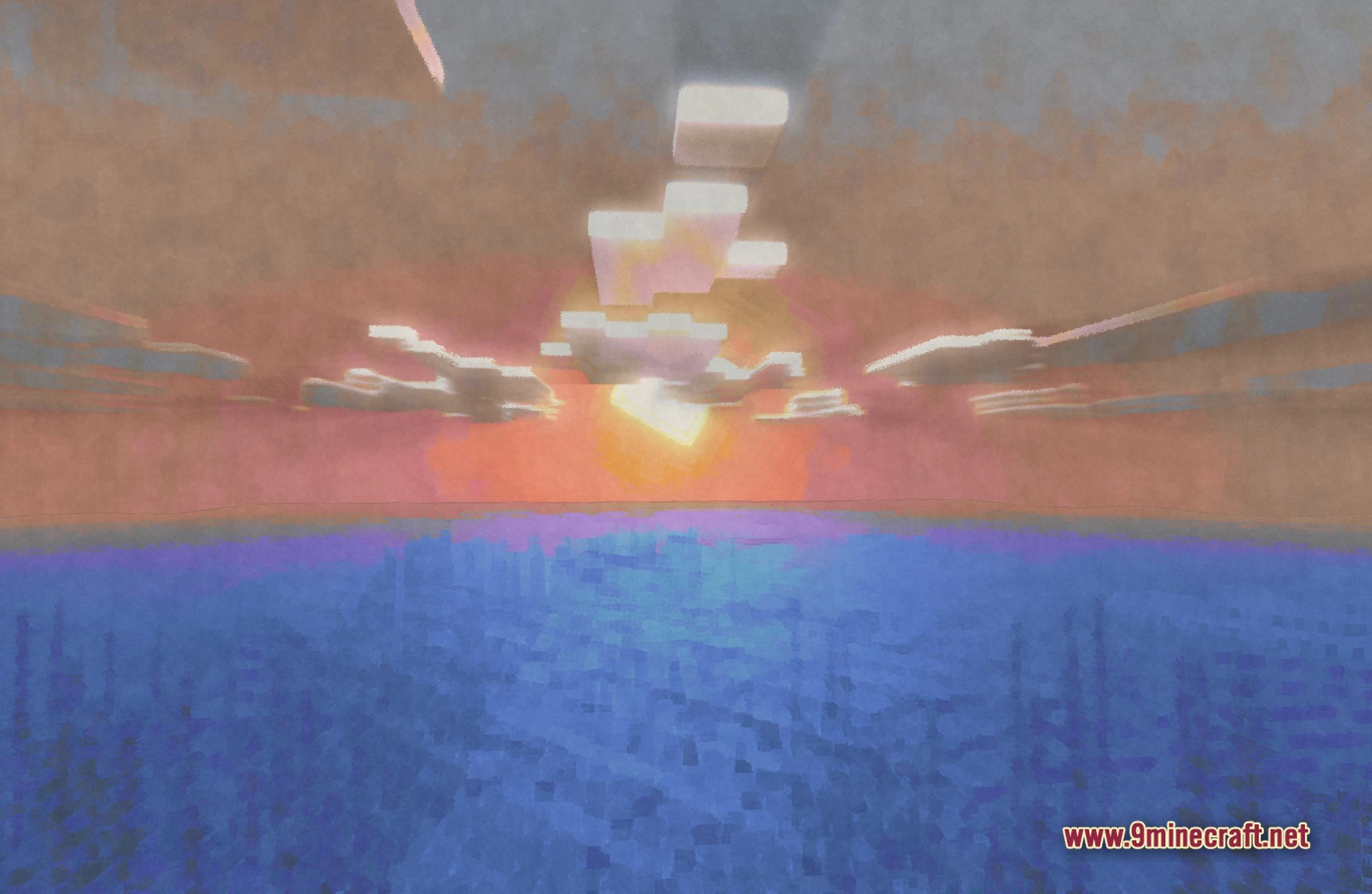
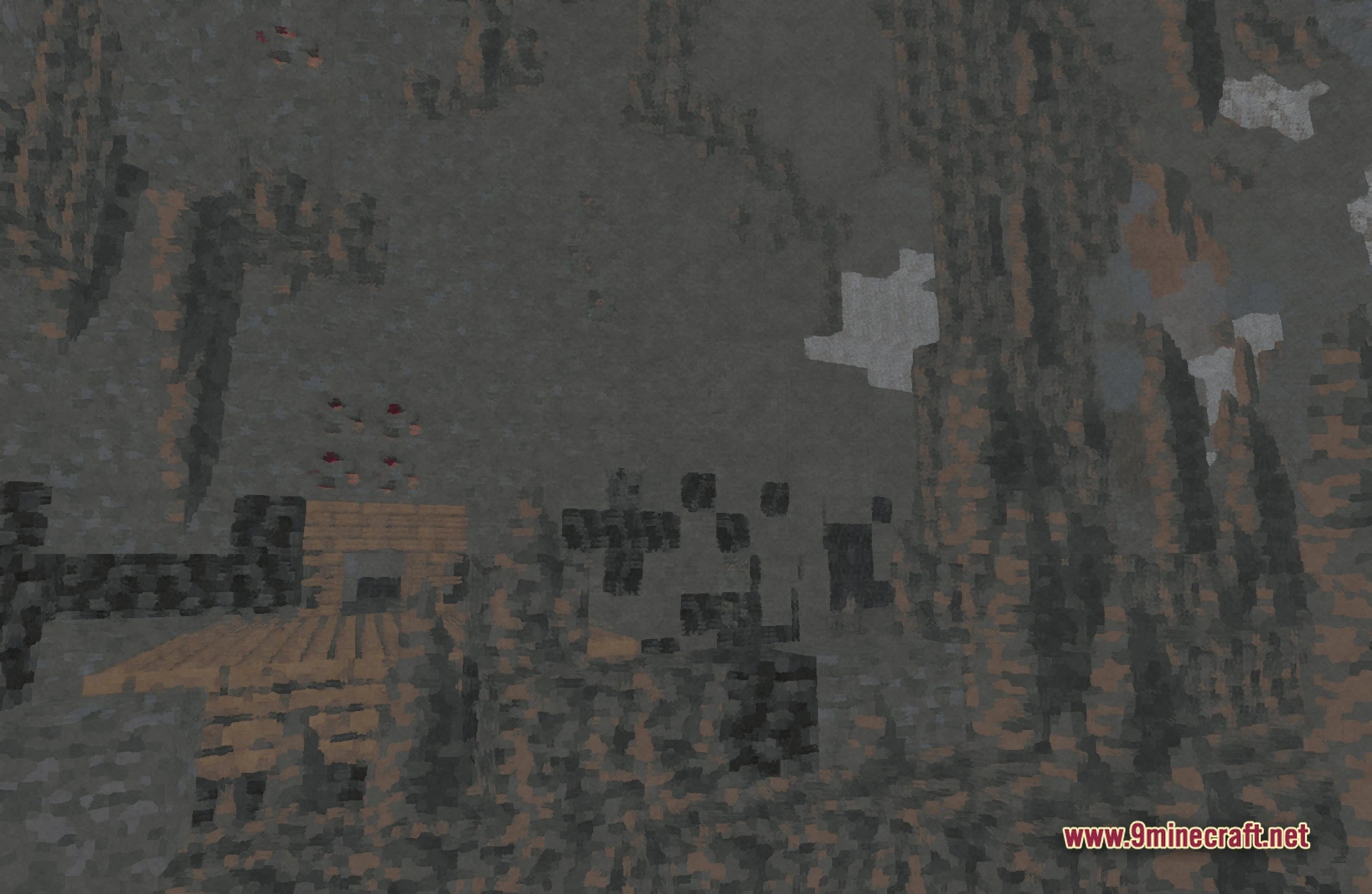
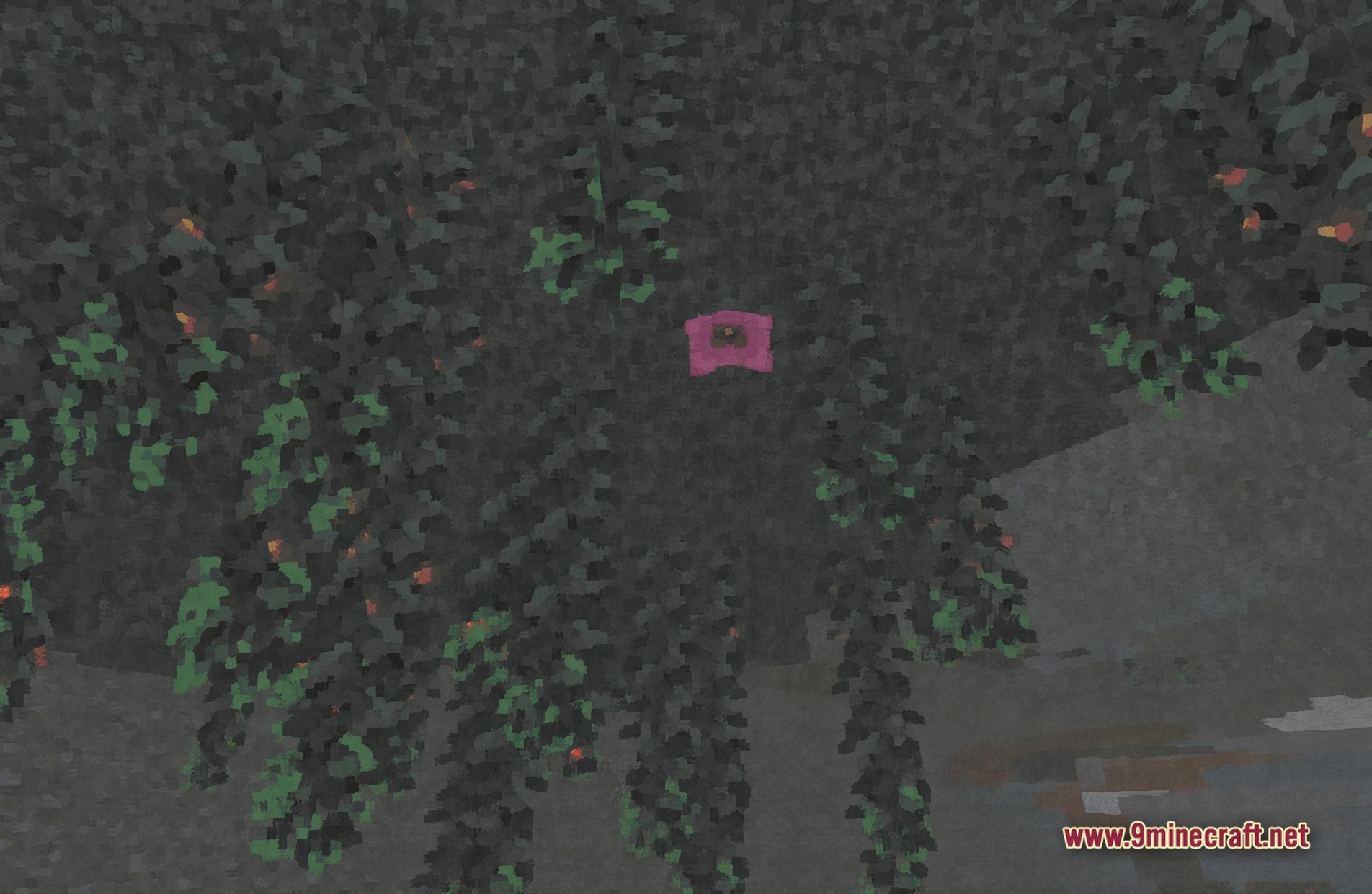
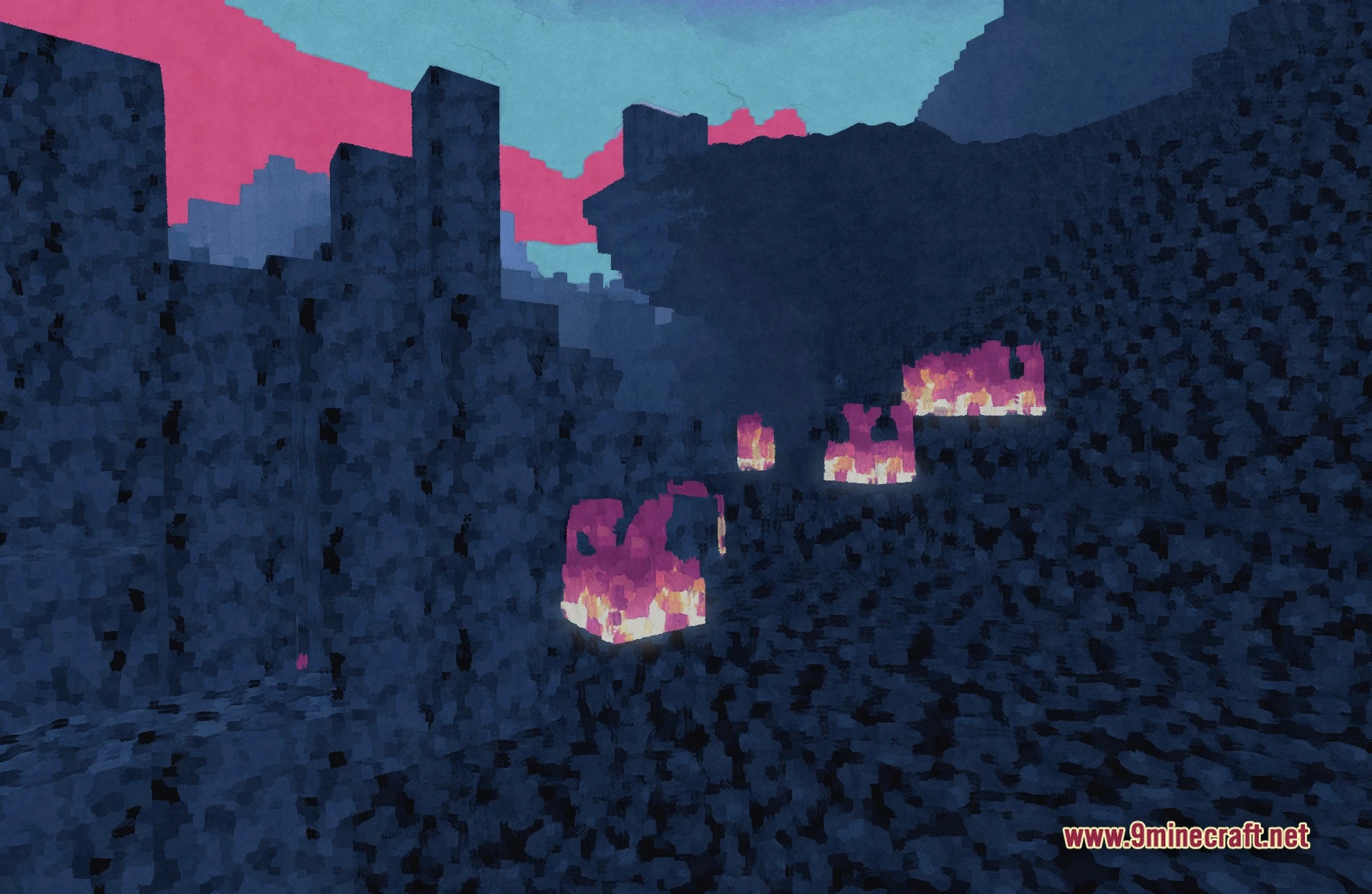
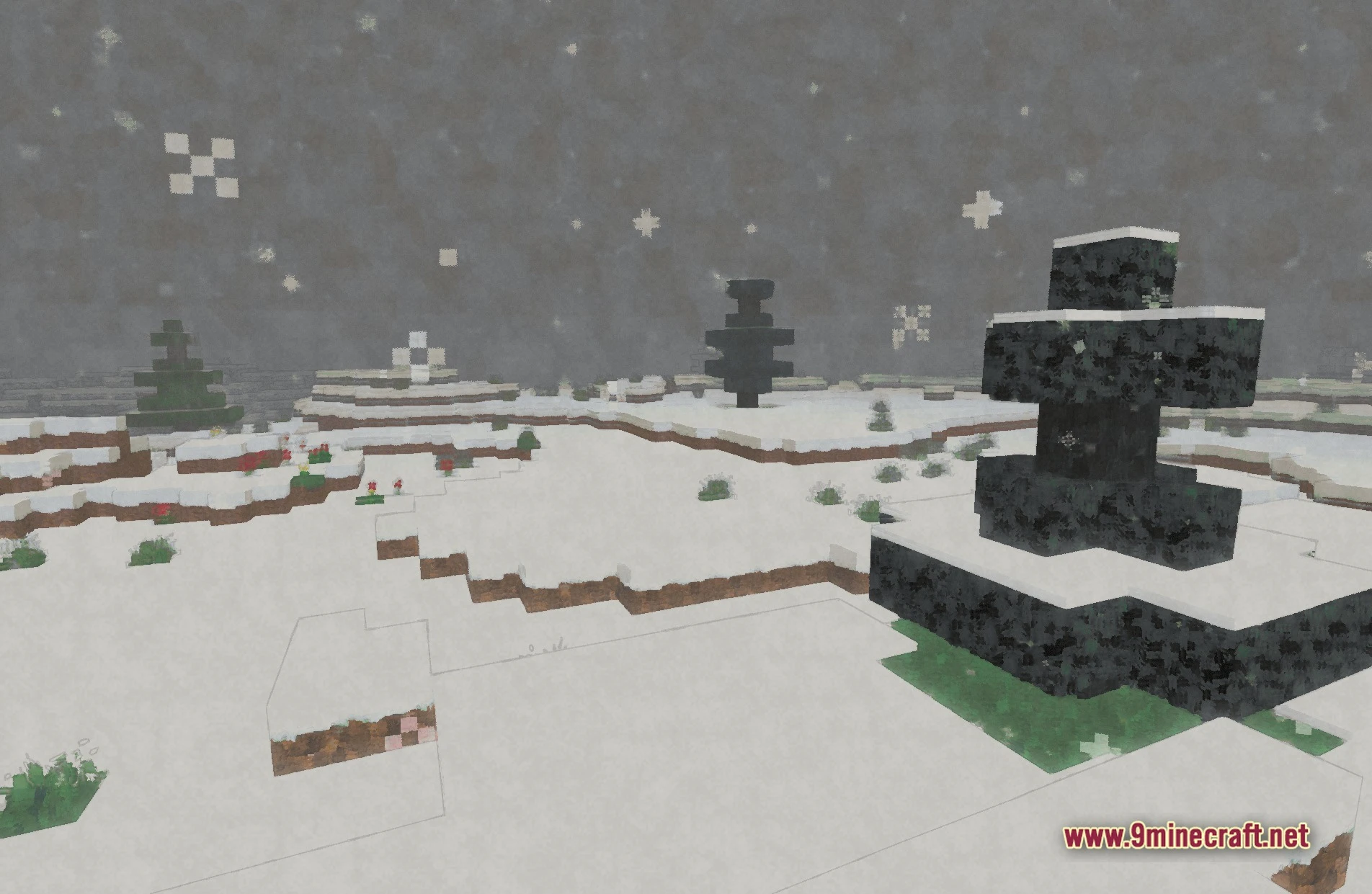
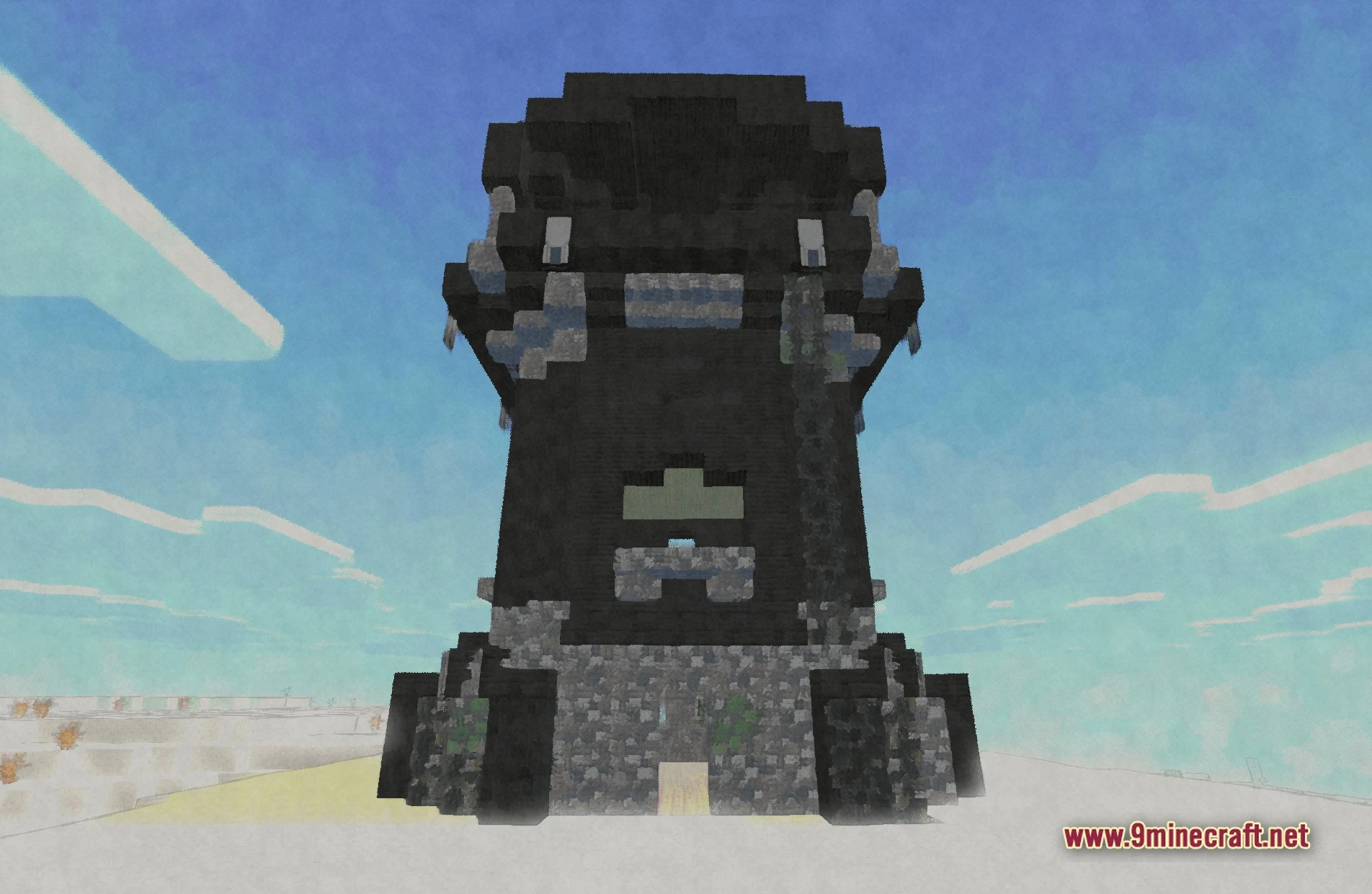
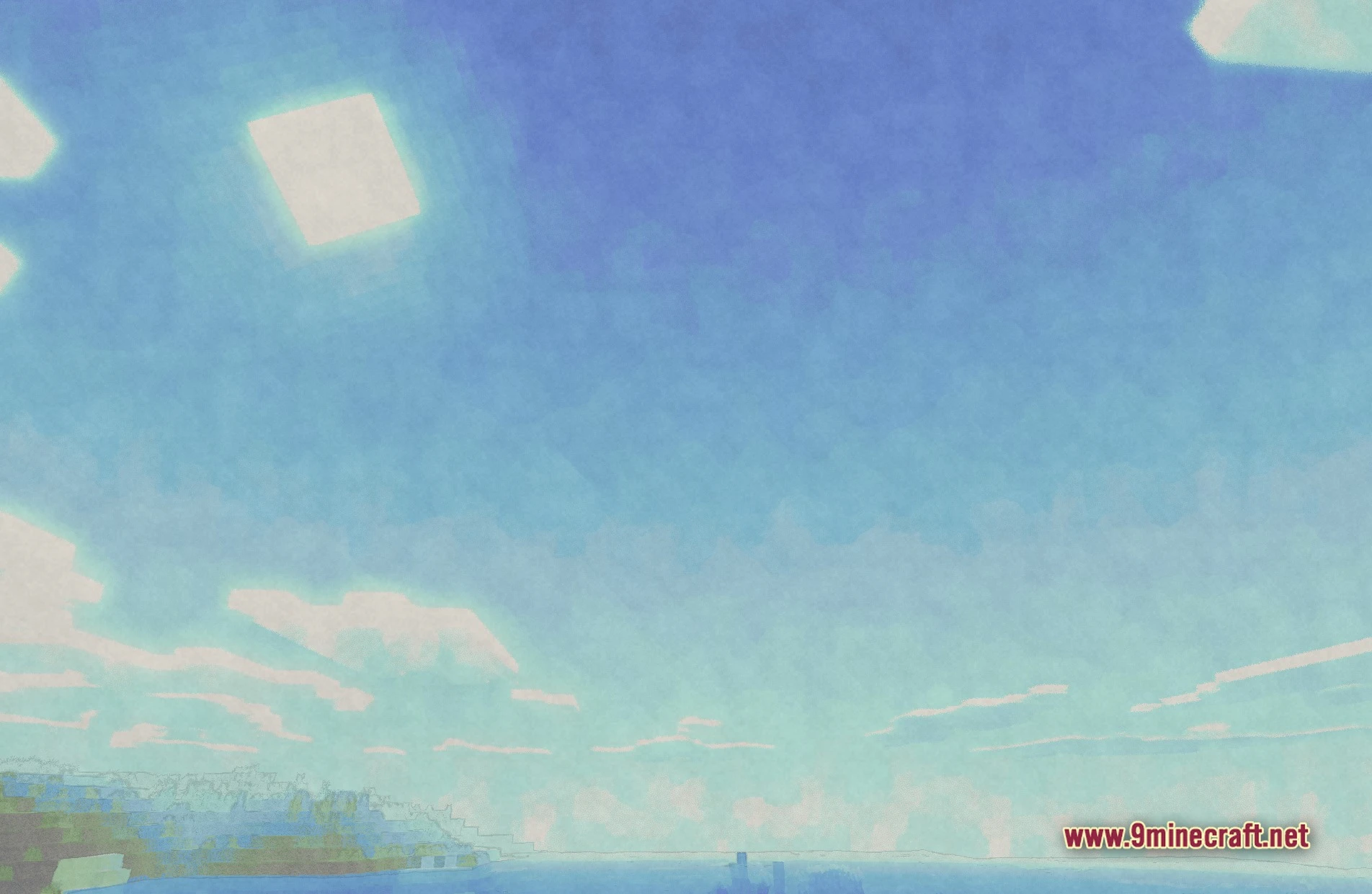
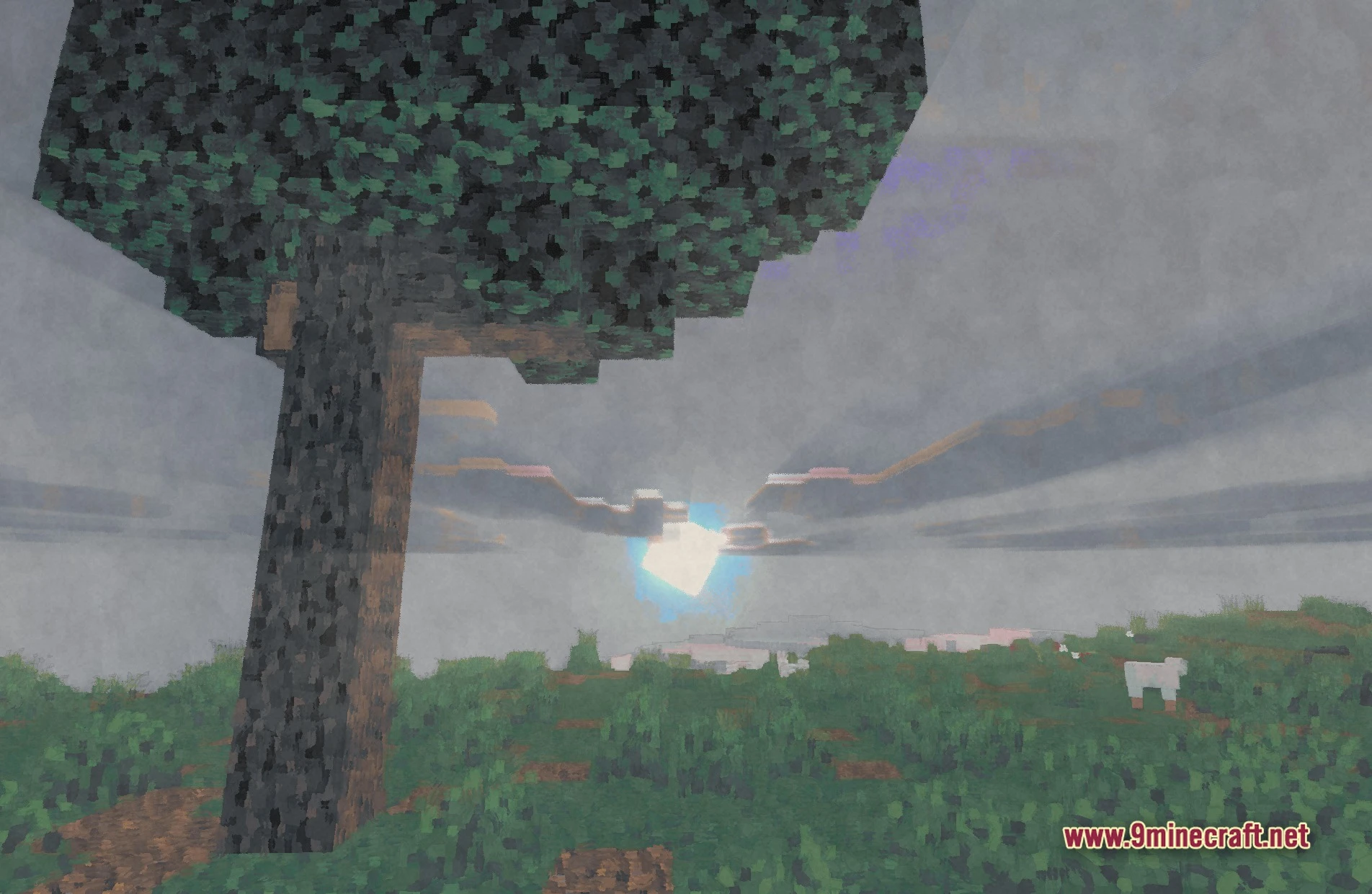
PaintBound paints your Minecraft world with a unique brushstroke style. It turns the game into a cartoon painting with colorful lighting and soft bloom effects.
Features:
- Brushstroke Shading: Changes the way light hits blocks, making them look like a real painting.
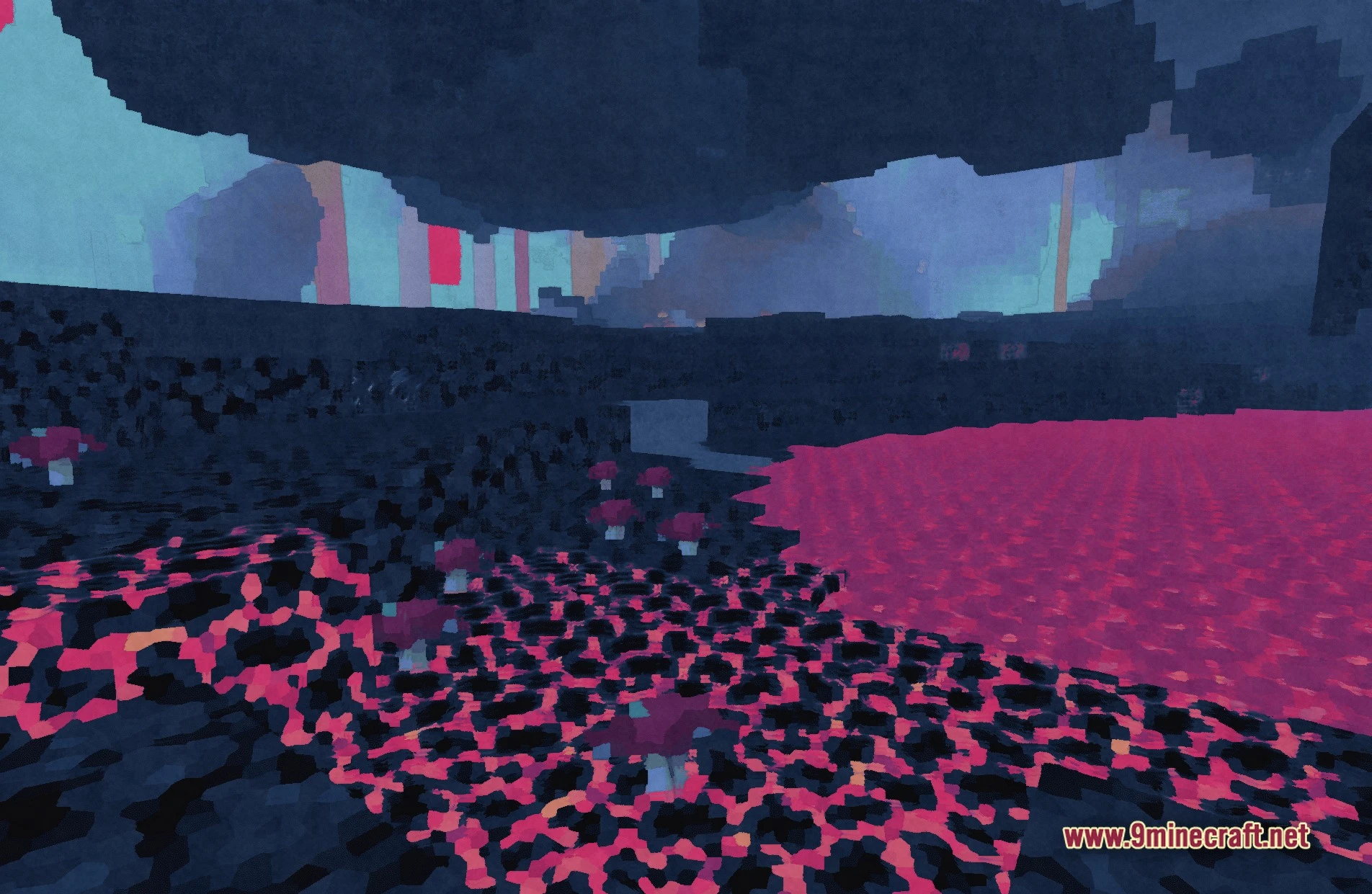
- Colored Lighting: Adds bright and fantasy-like colors to torches, glowstone, and other light sources.
- Adds a soft bloom effect around bright objects to give the world a dreamy look.
- Runs well on different computers by offering low, medium, and high settings.
- Gives shadows a semi-realistic shape that fits perfectly with the cartoon art style.
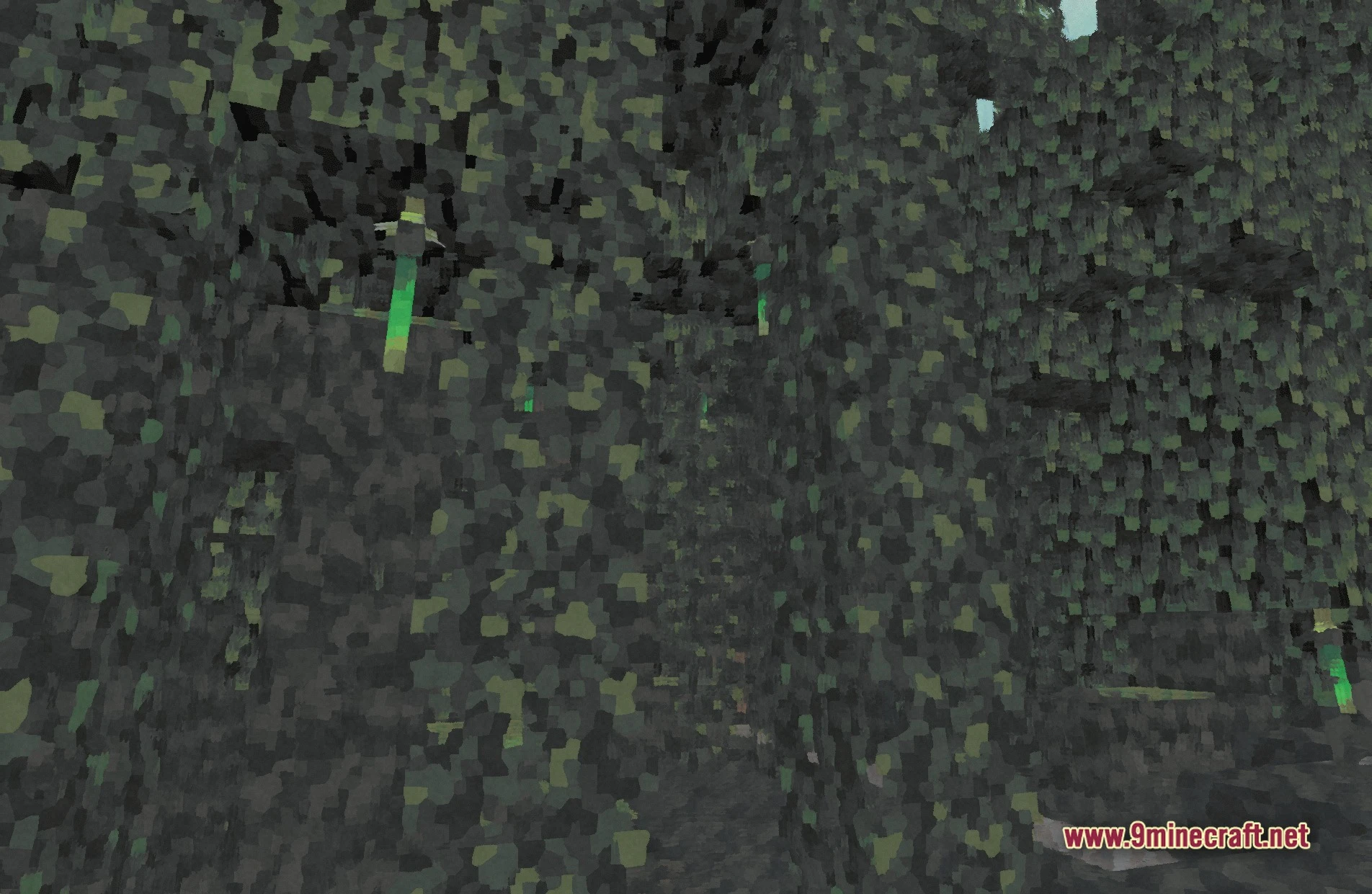
- Creates a great setup for taking beautiful screenshots of your builds using PaintBound Shaders.
Screenshots:
PaintBound Shaders Download Links
Quick facts
- Edition: Minecraft Java
- File type: .zip (resource pack)
- Minecraft versions listed: 26.3, 1.20.1
- How to install: Download the .zip resource pack — do not unzip it. → Put it in .minecraft/resourcepacks. → Enable it in Options → Resource Packs.
- Where to get it: In MC Java Mods, or directly above on this page.
Install steps are the general flow for this file type — see the MC Java Mods guides for the full walkthrough.
File checked by MCModsHub
- Download size: 4.0 MB
- Download link checked 6 Aug 2026 — working
- Mirrored on our own servers — the download does not depend on the original host
These come from our own check of the pack file, not from the source page.