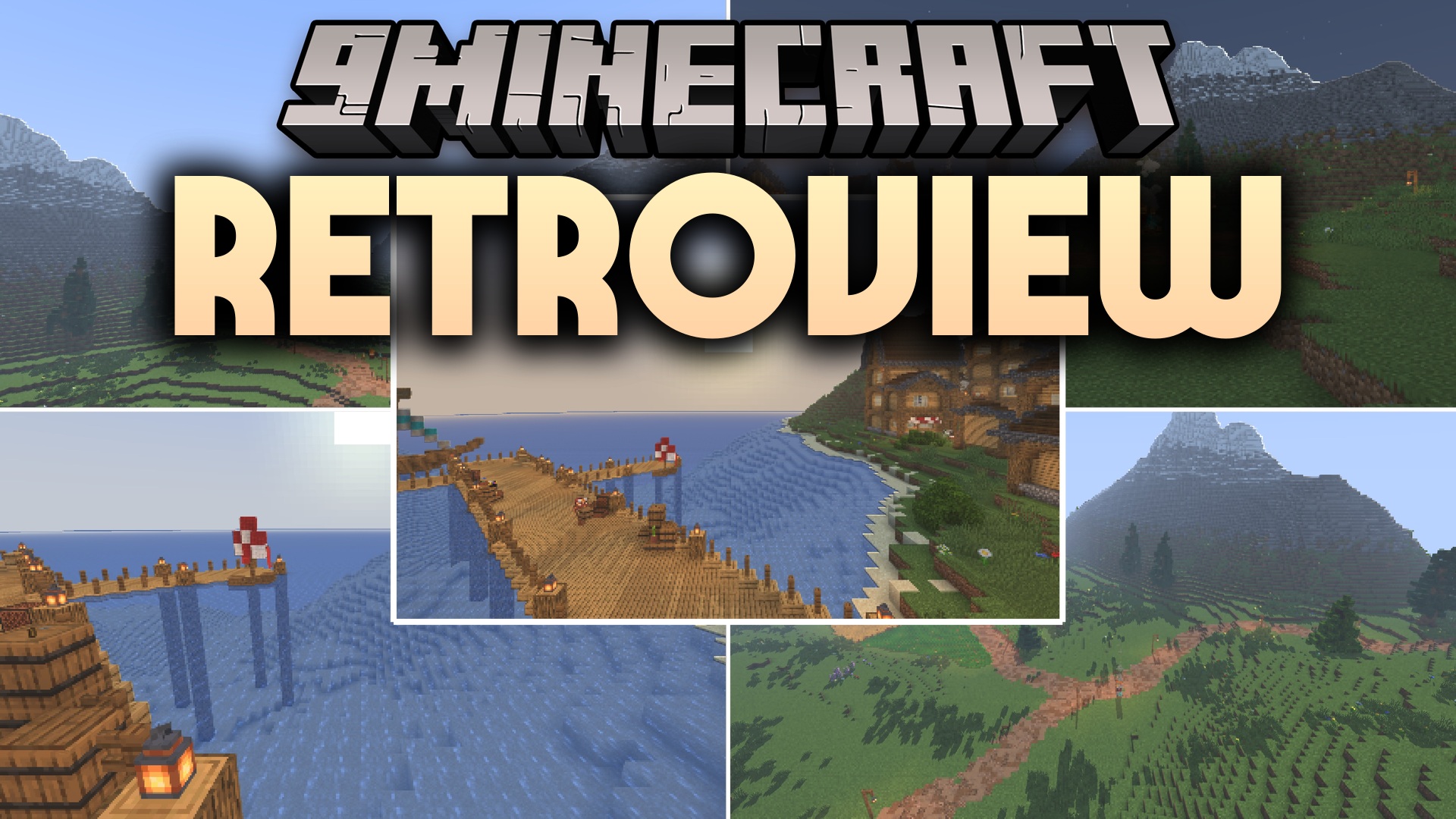
ShadersJava
Retroview Shaders (26.2, 1.20.1) – Lightweight Retro Lighting and Colors
Java shader pack listed for Minecraft 1.20. Downloads from the MC Java Mods app on Android.
⬇ Download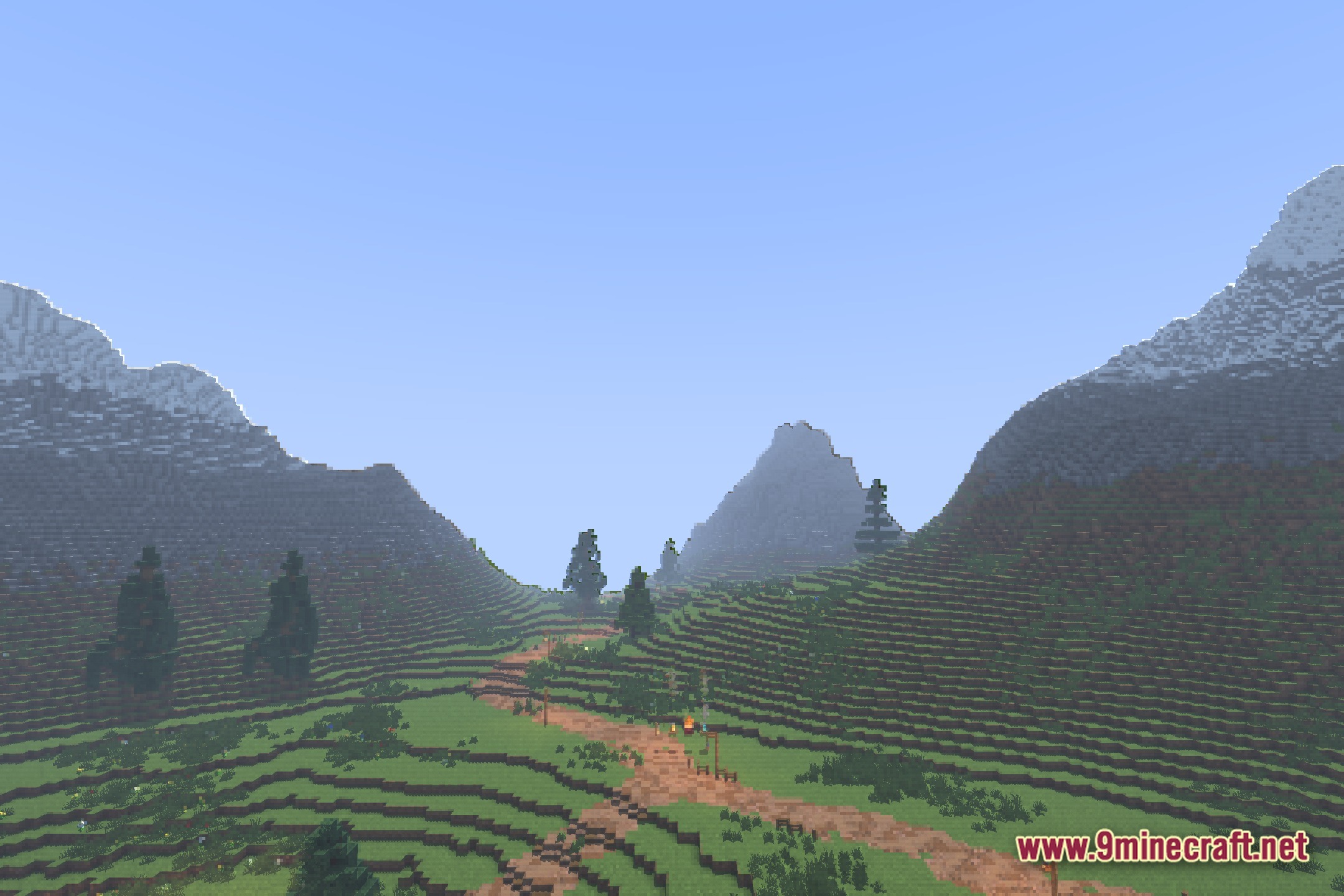
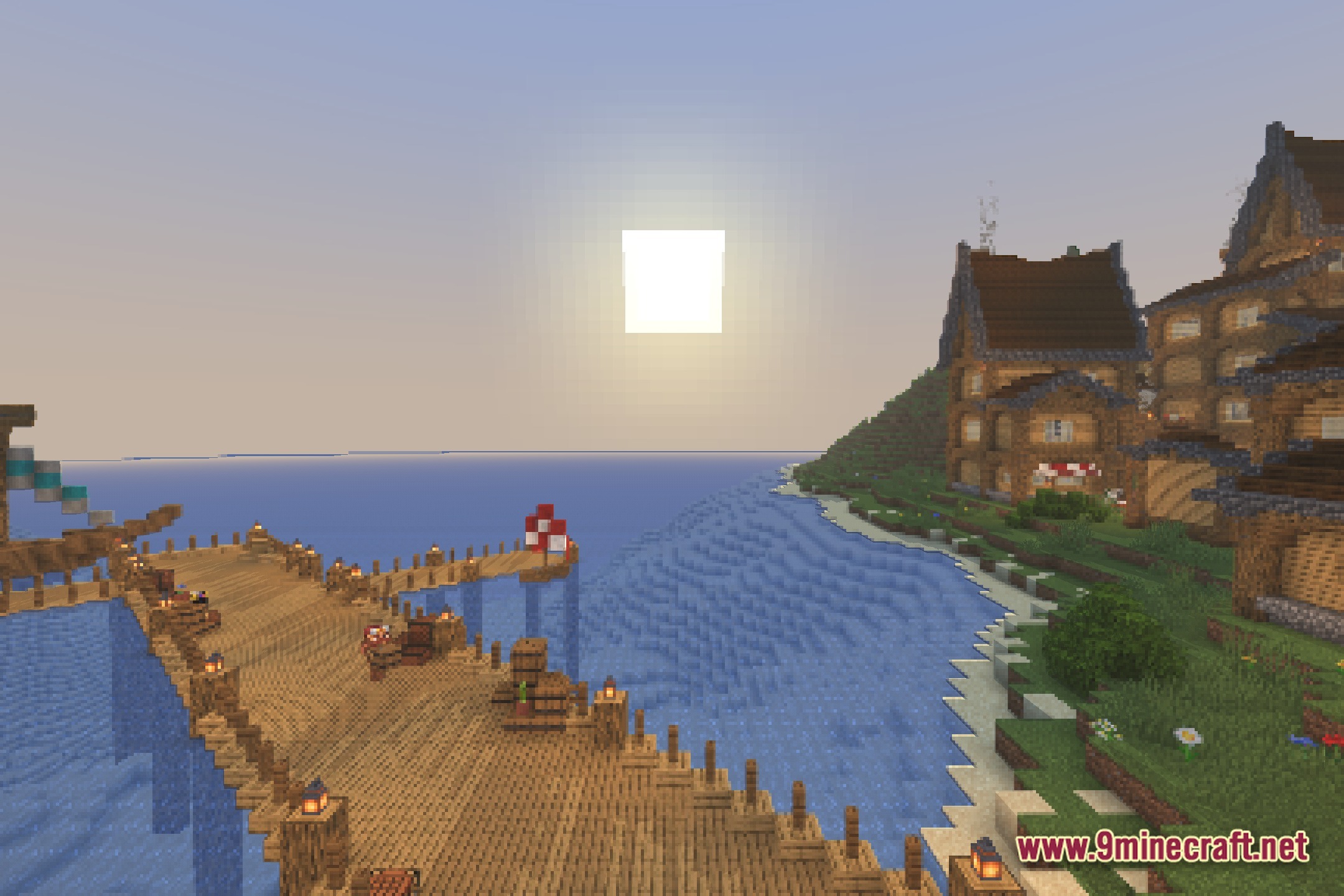
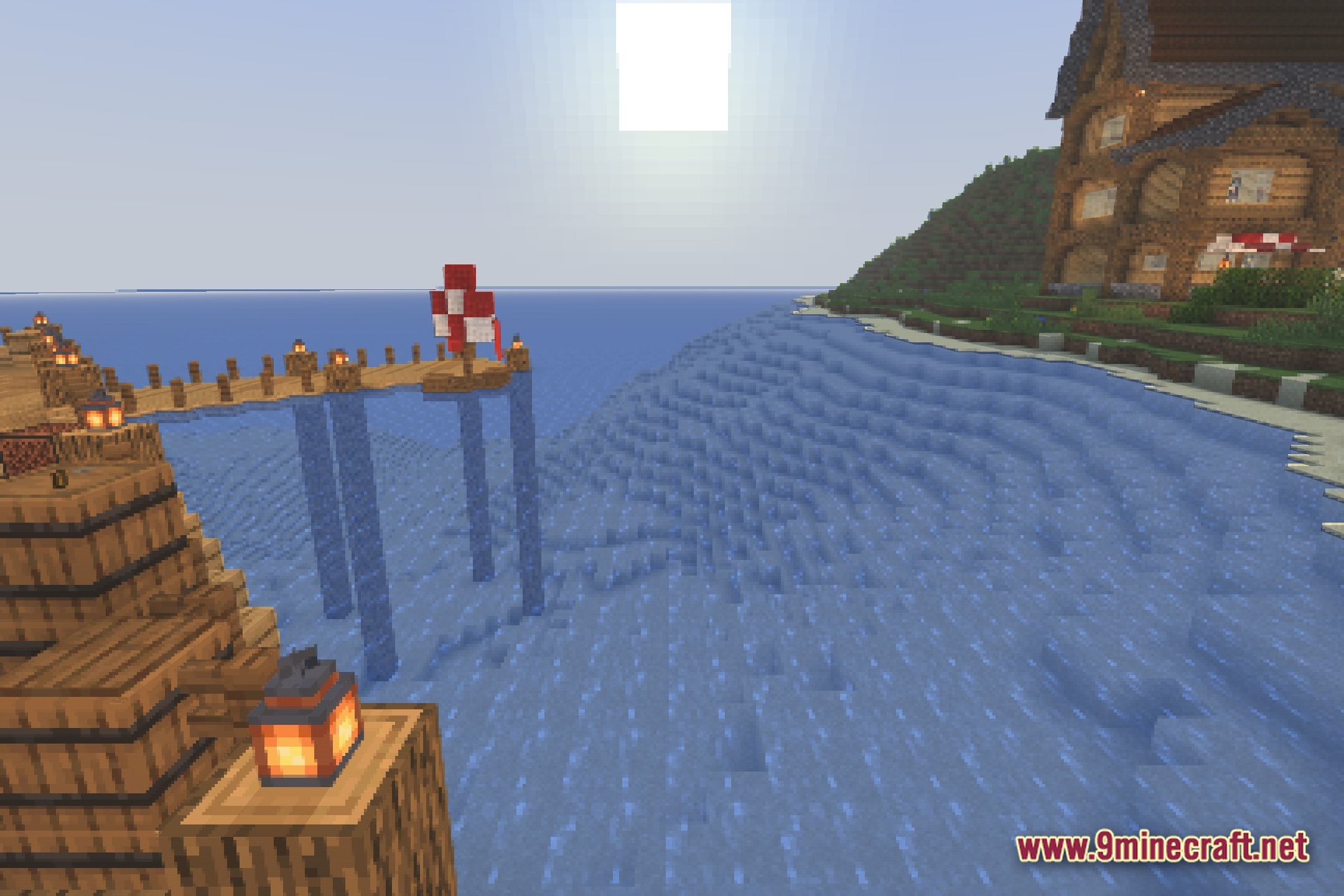
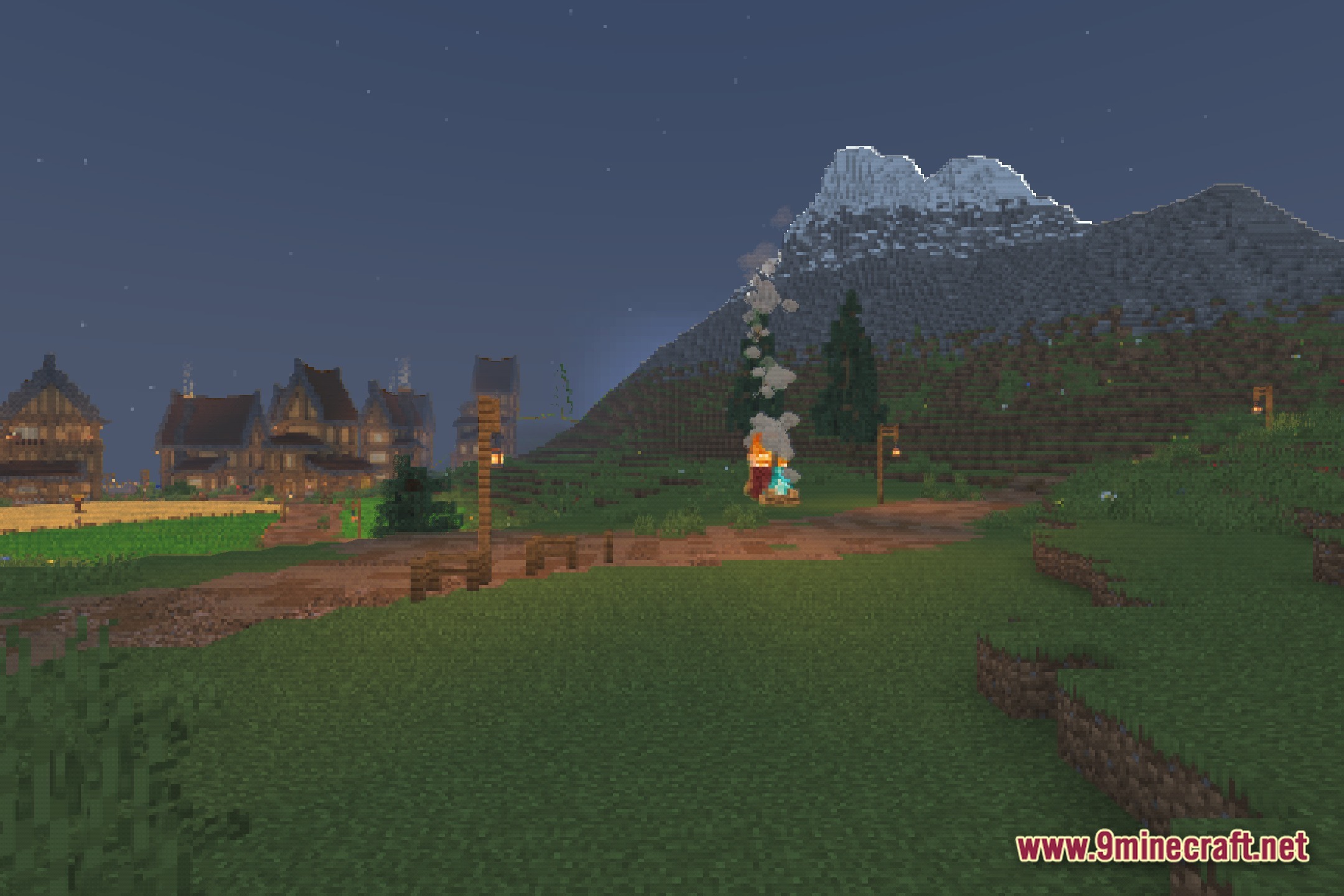
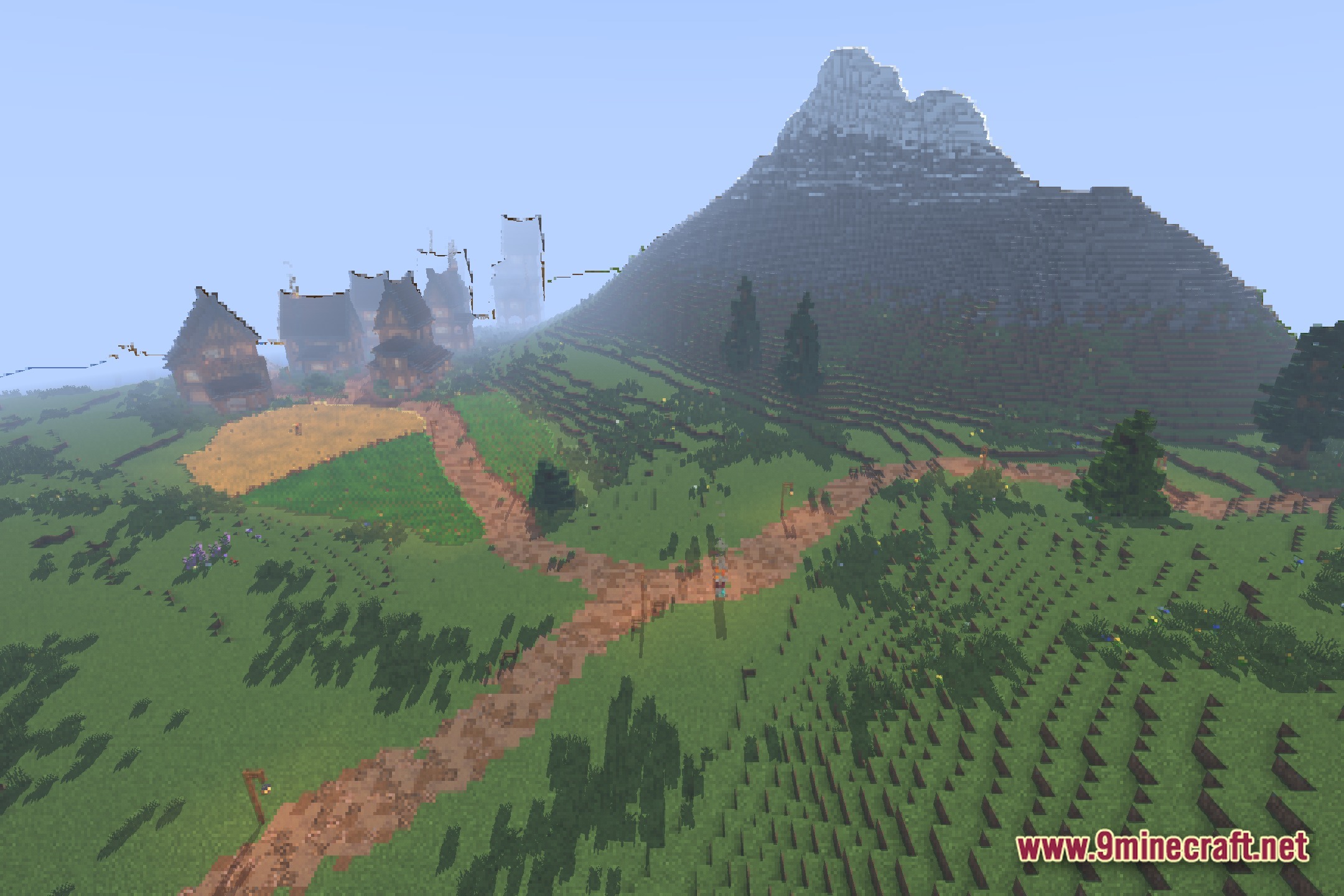
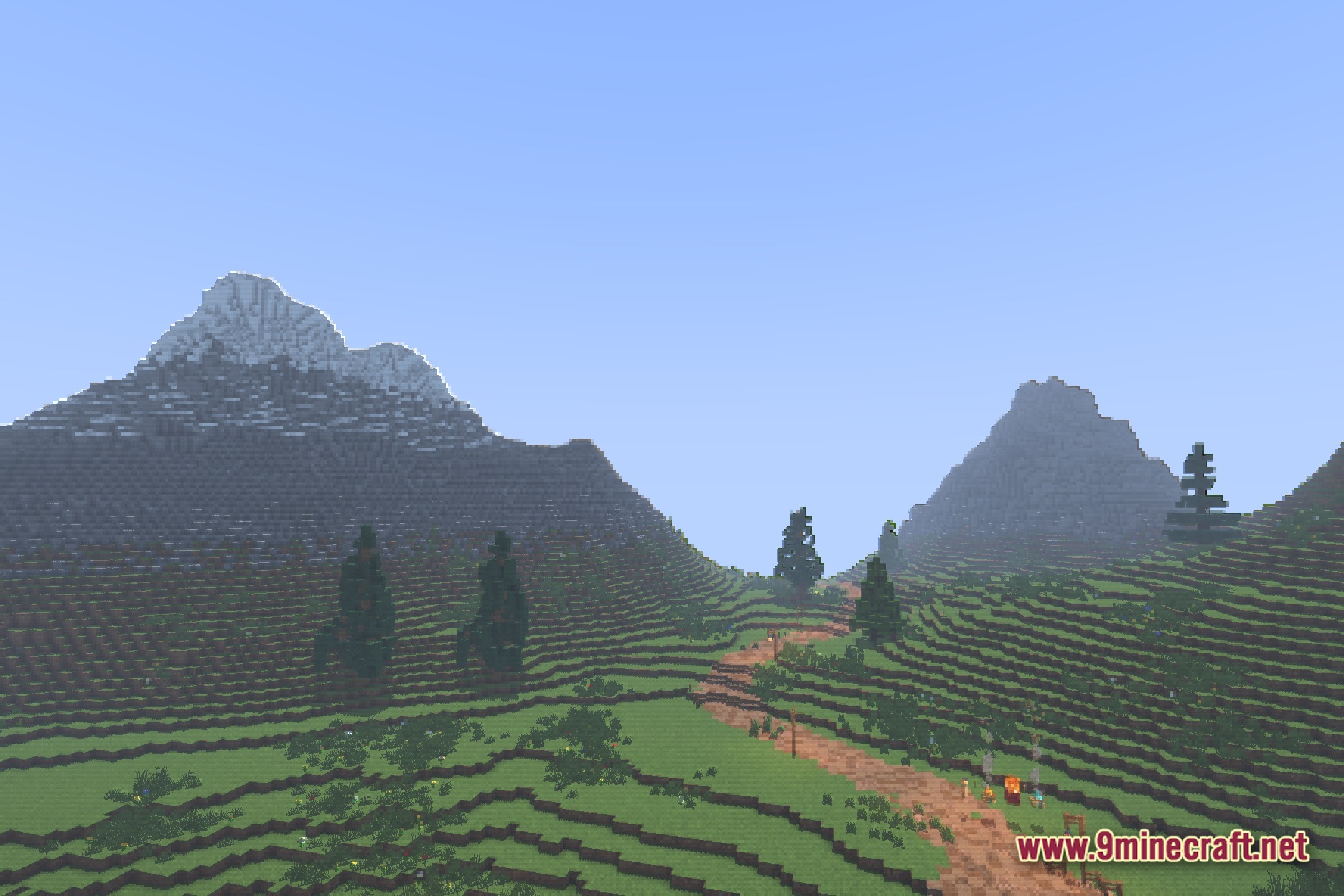
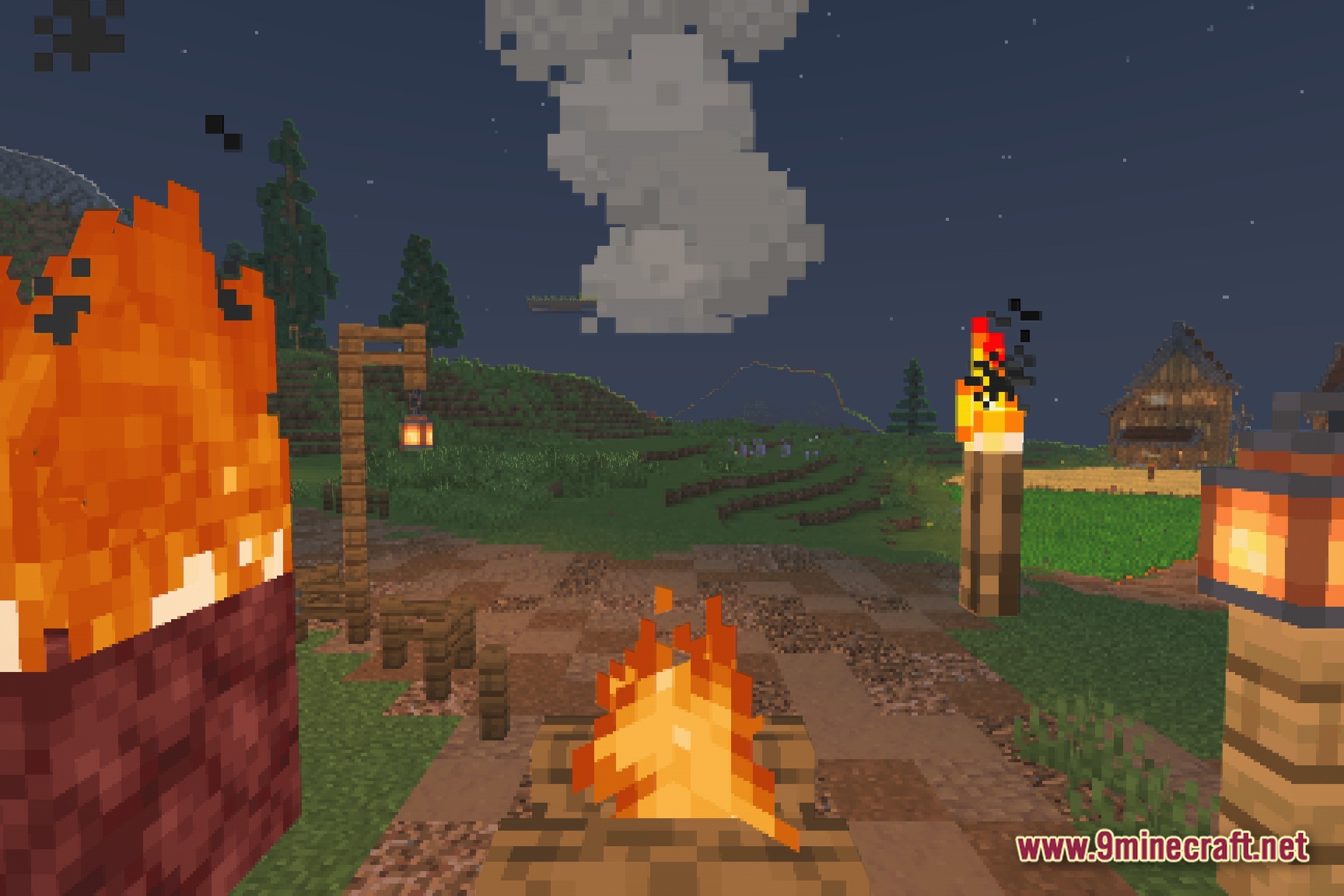
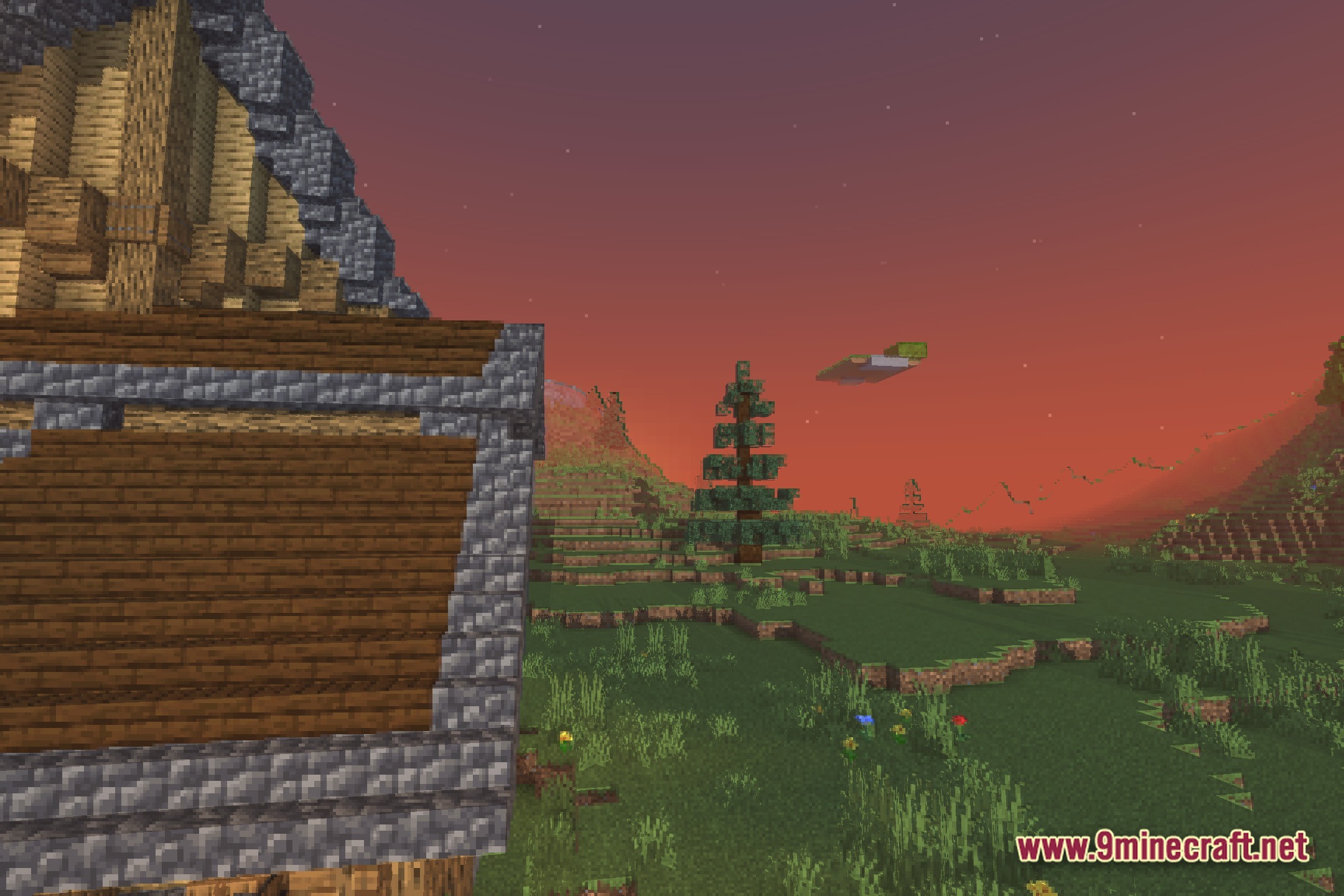
Retroview gives Minecraft a classic, old-school look. This shader pack changes the way the game renders light and colors to match retro games. It works with the vanilla graphics engine to make your world feel like a game from the past.
Features:
- Changes the normal lighting to look like an old retro game.
- Adds classic visual effects that make blocks and items look older.
- Runs directly in vanilla Minecraft without needing heavy extra mods.
- Adjusts the colors to match the style of vintage screens.
- Keeps the game running smoothly because it uses the basic graphics engine.
Screenshots:
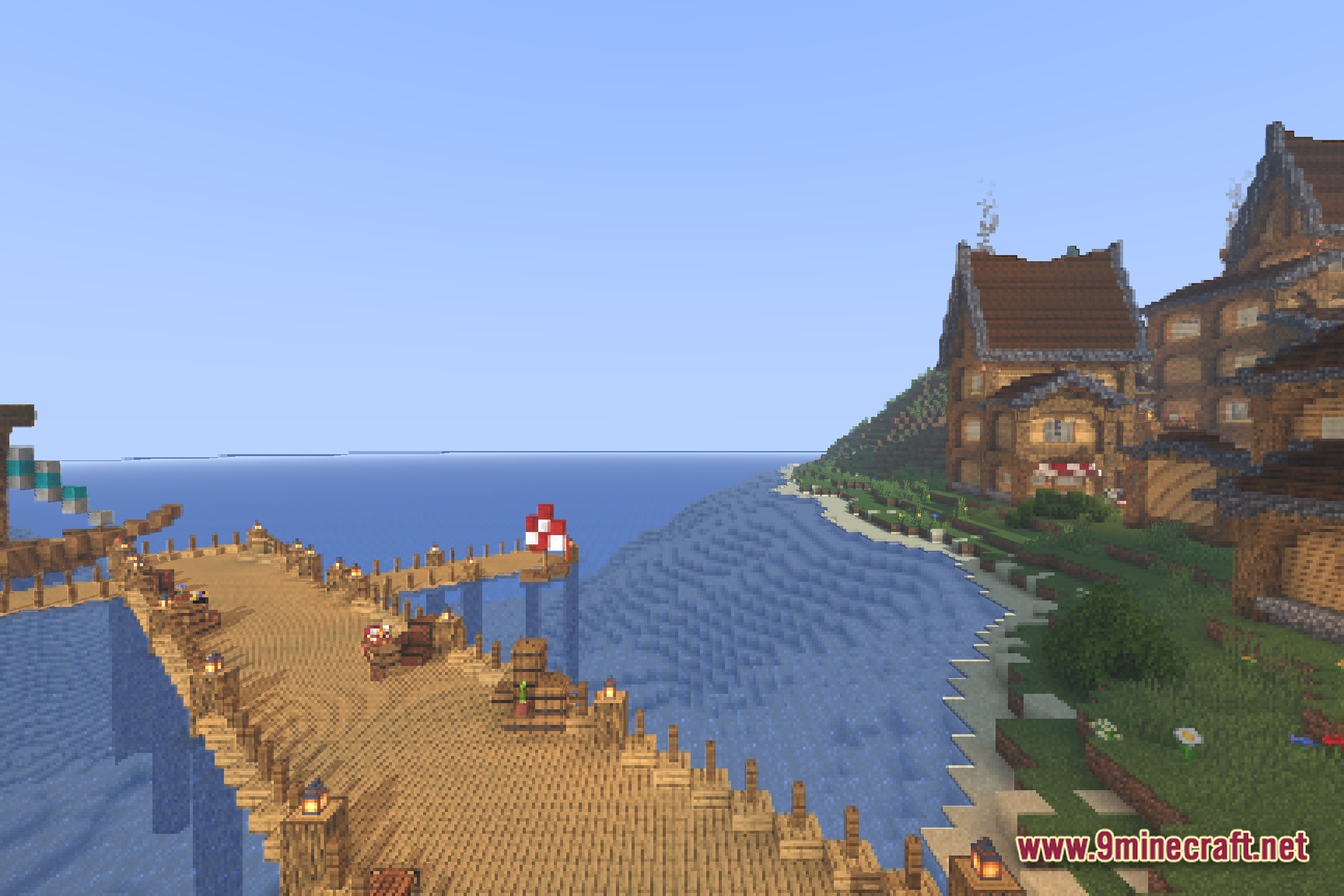

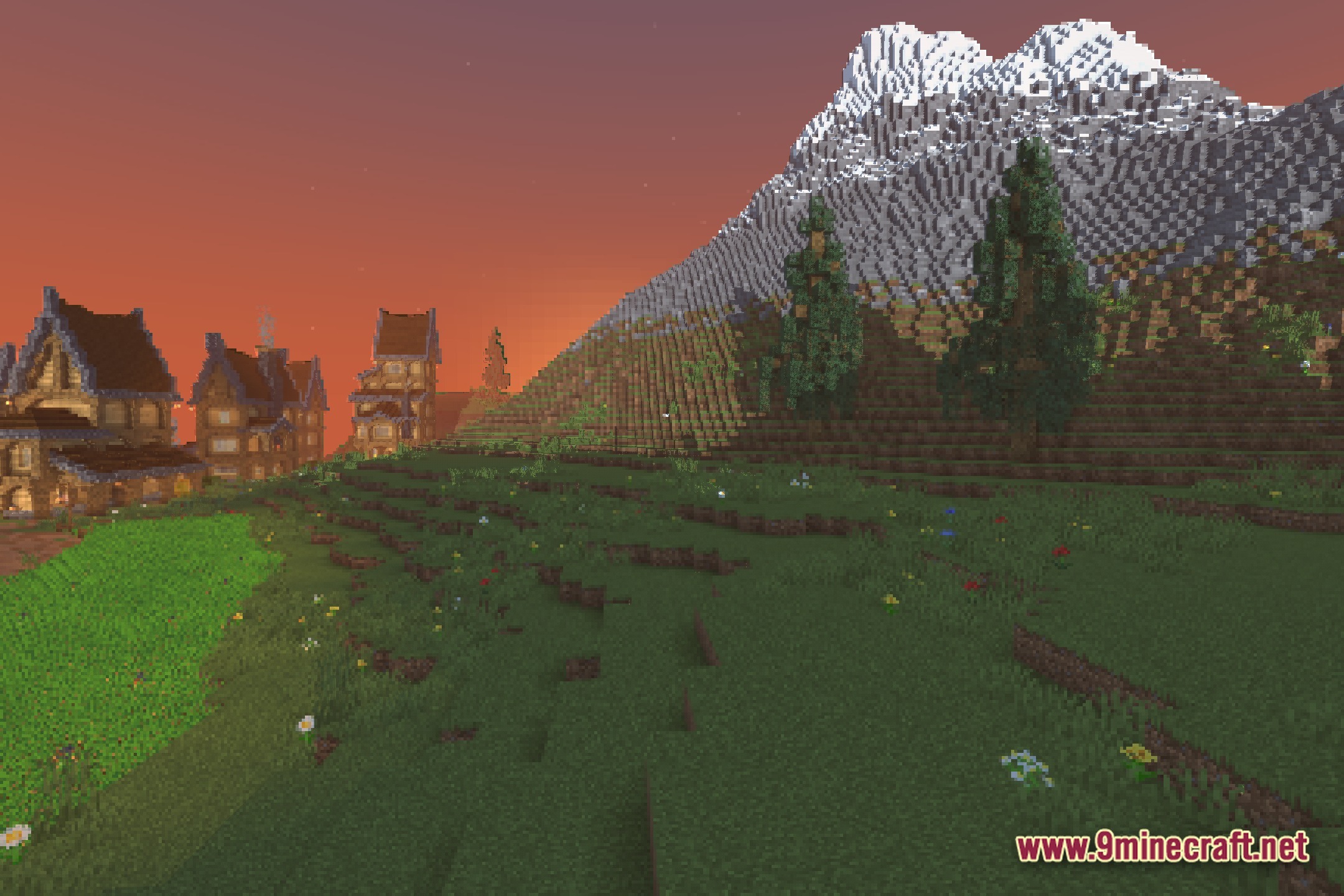
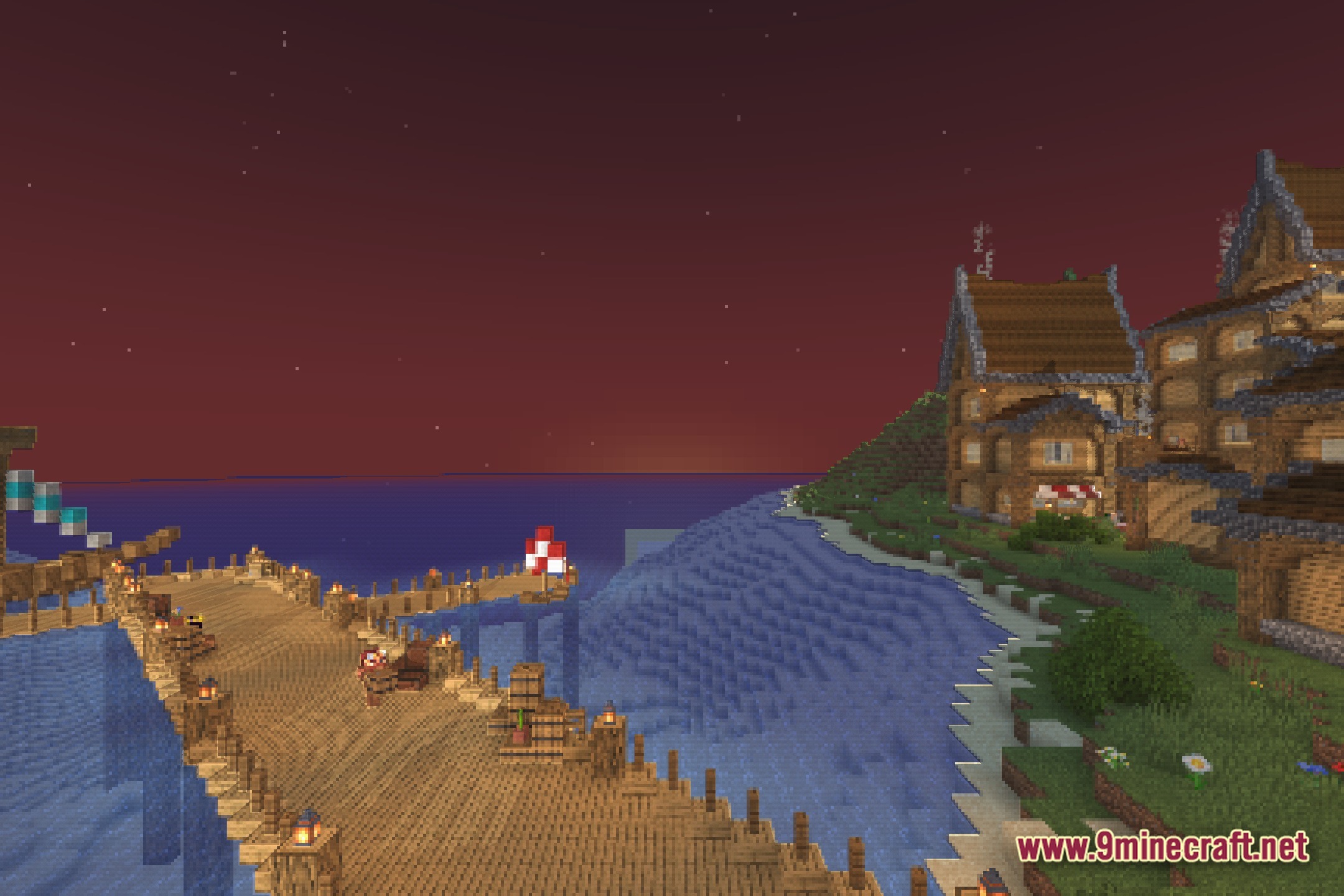
Retroview Shaders Download Links
Quick facts
- Edition: Minecraft Java
- File type: .zip (resource pack)
- Minecraft version listed: 1.20.1
- How to install: Download the .zip resource pack — do not unzip it. → Put it in .minecraft/resourcepacks. → Enable it in Options → Resource Packs.
- Where to get it: In MC Java Mods, or directly above on this page.
Install steps are the general flow for this file type — see the MC Java Mods guides for the full walkthrough.
File checked by MCModsHub
- Downloads as 394355.mcpack
- Download size: 28 KB
- Download link checked 6 Aug 2026 — working
- Mirrored on our own servers — the download does not depend on the original host
These come from our own check of the pack file, not from the source page.