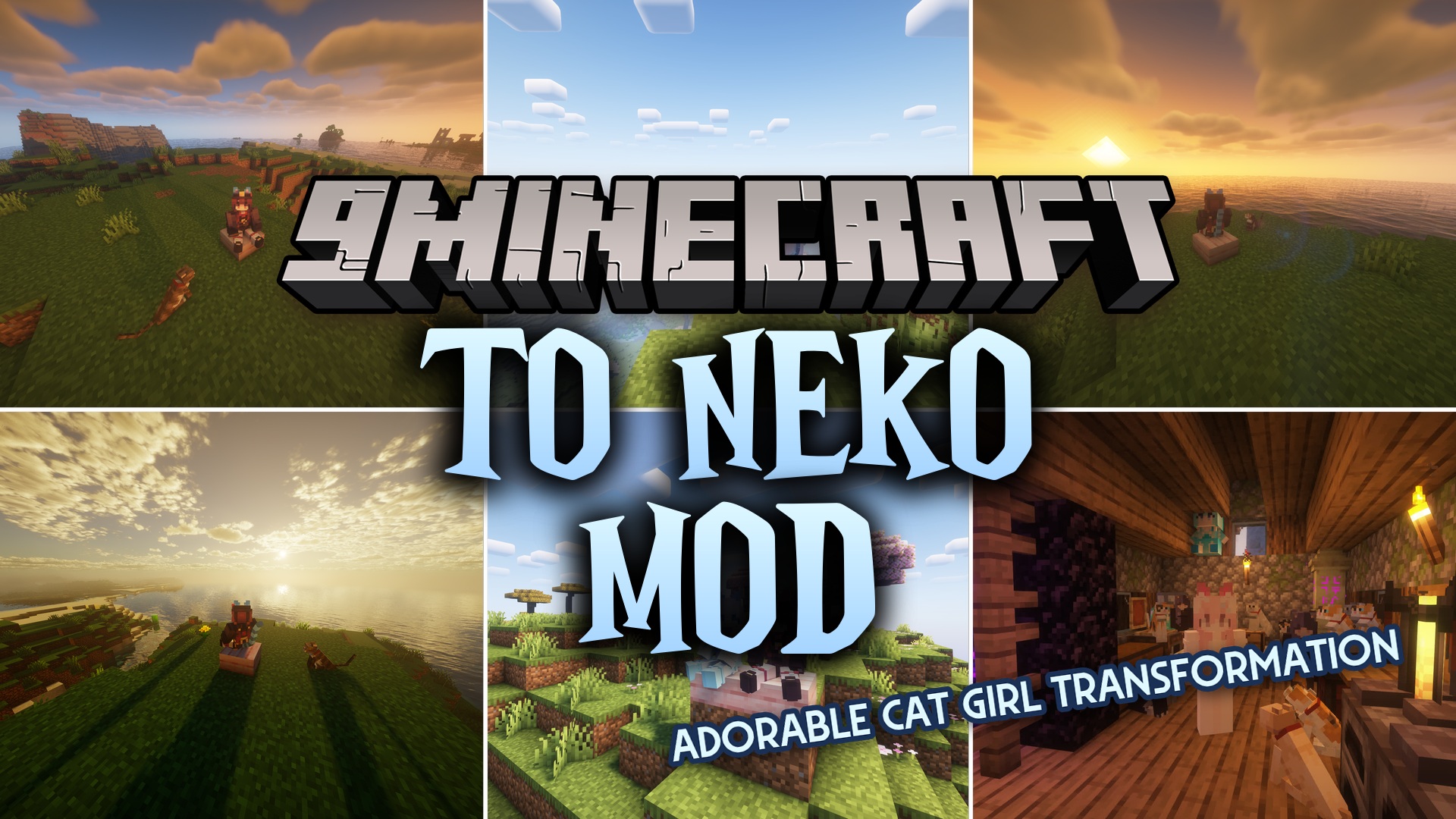
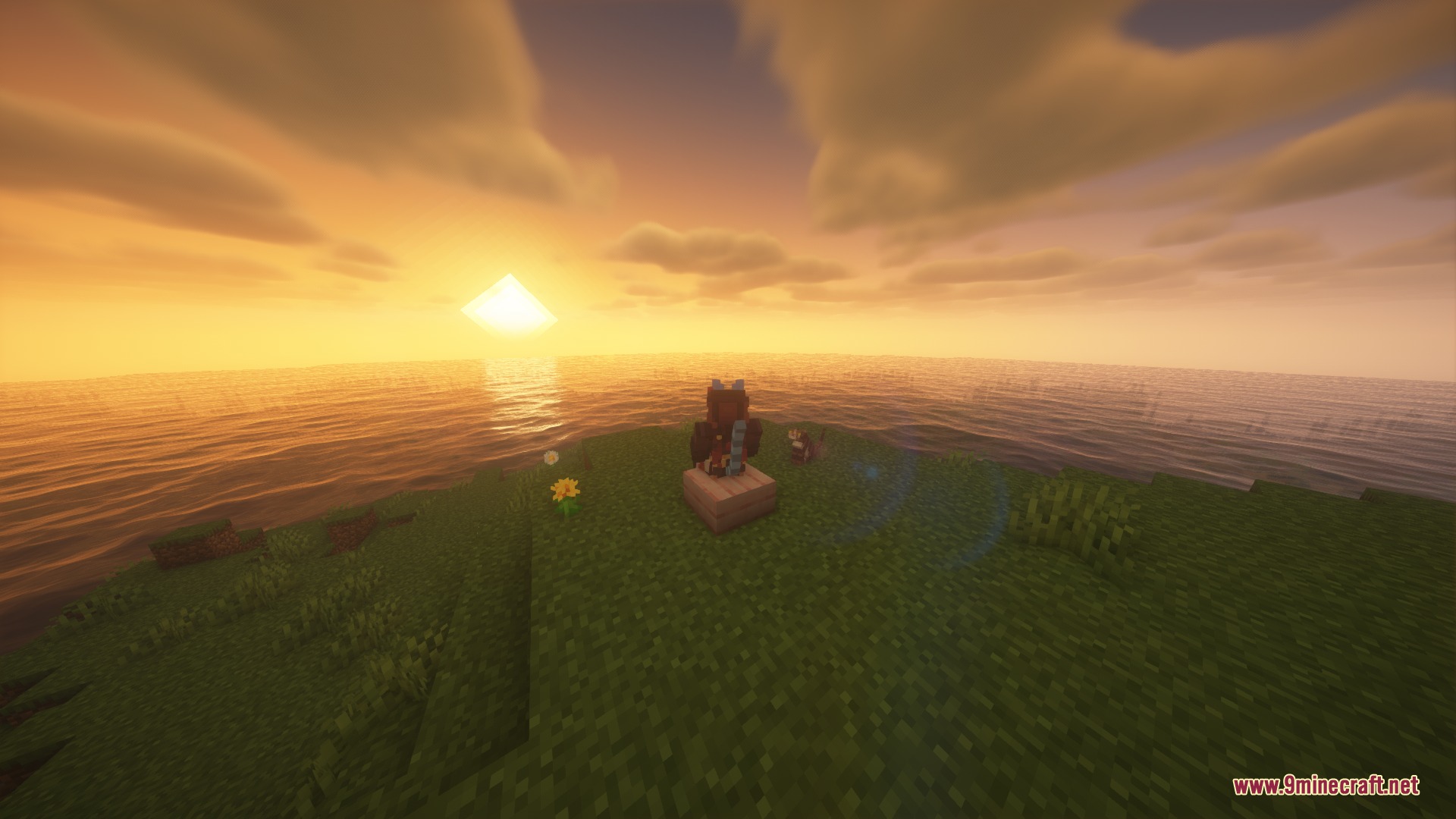
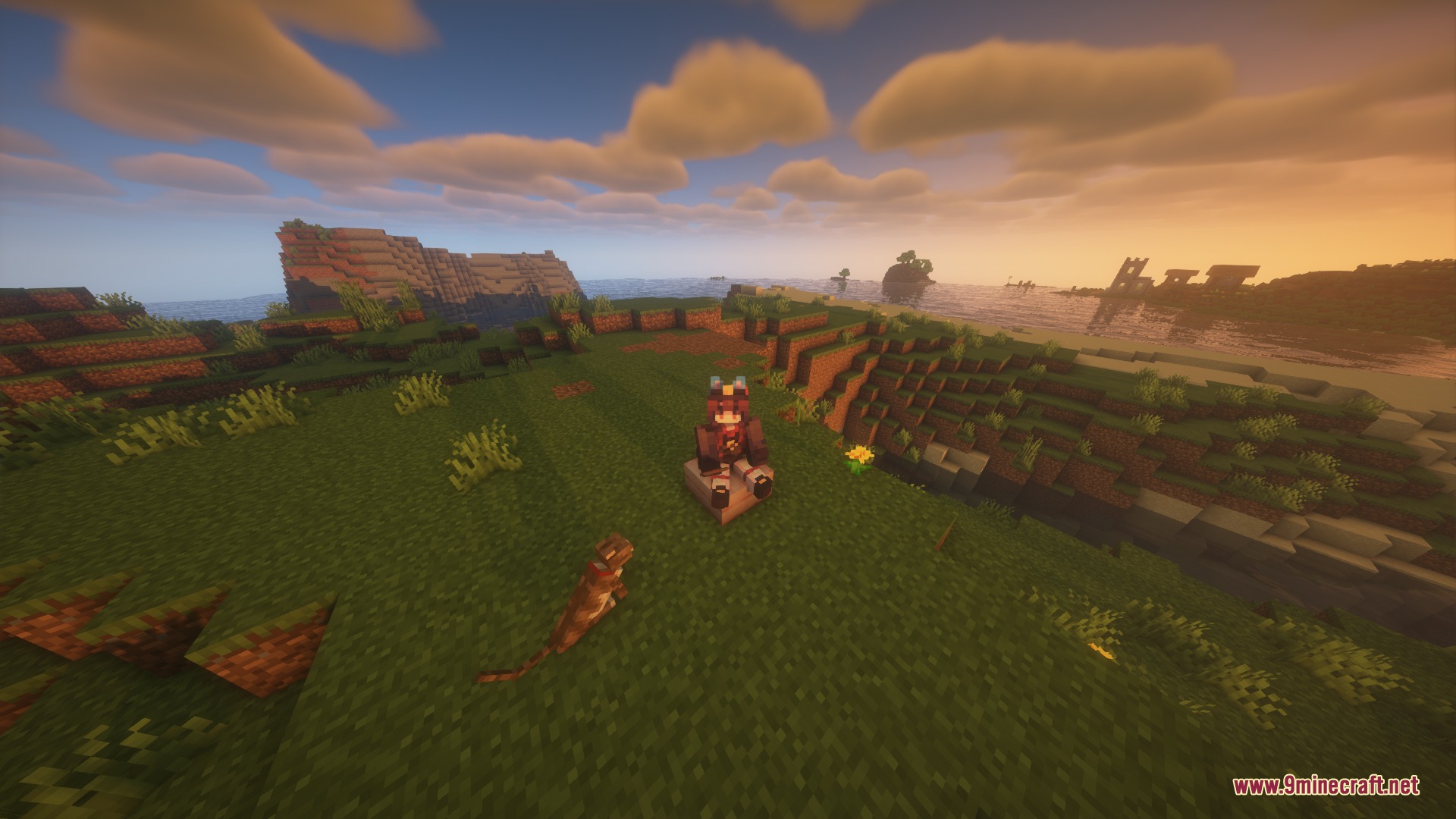
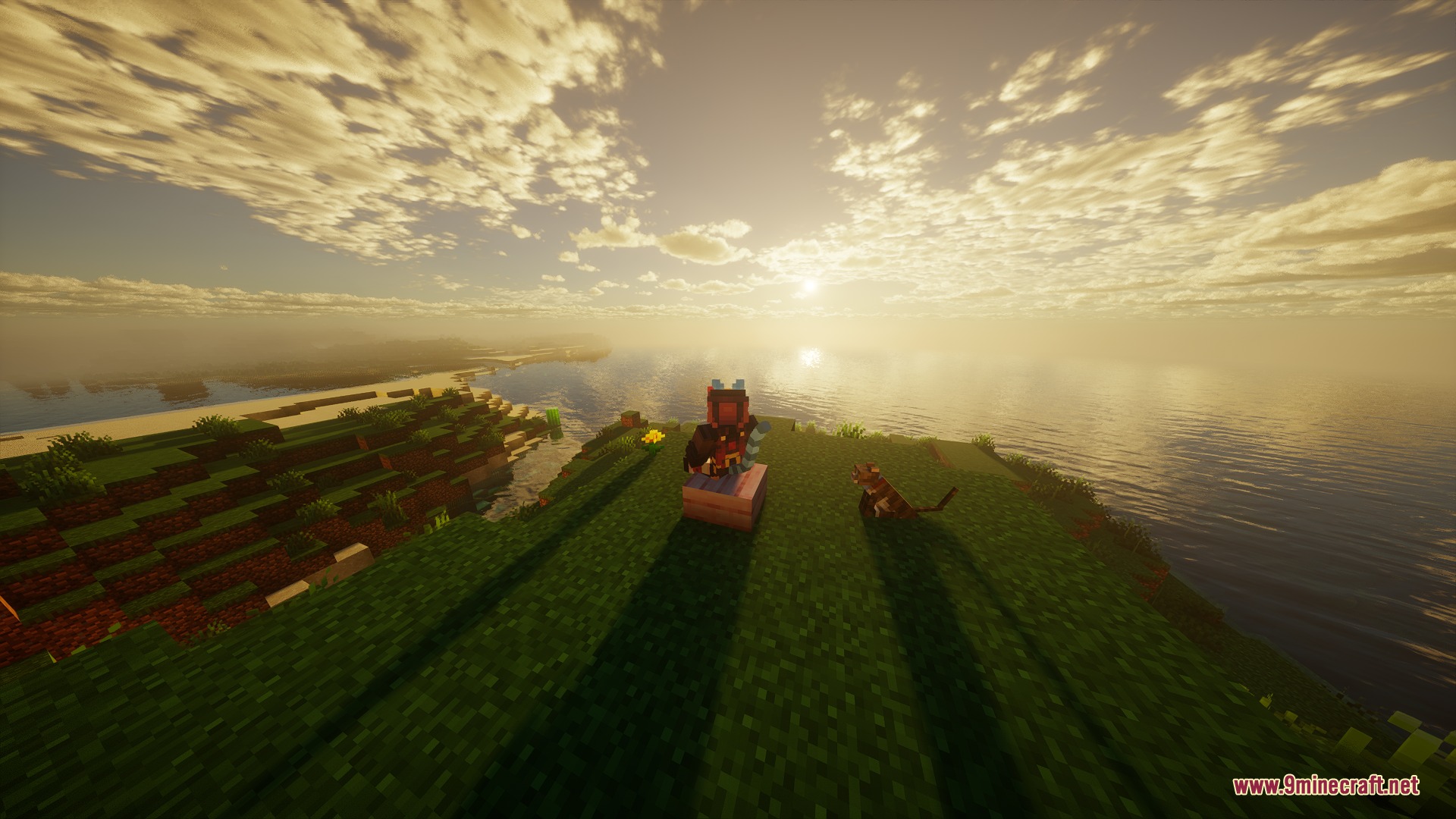
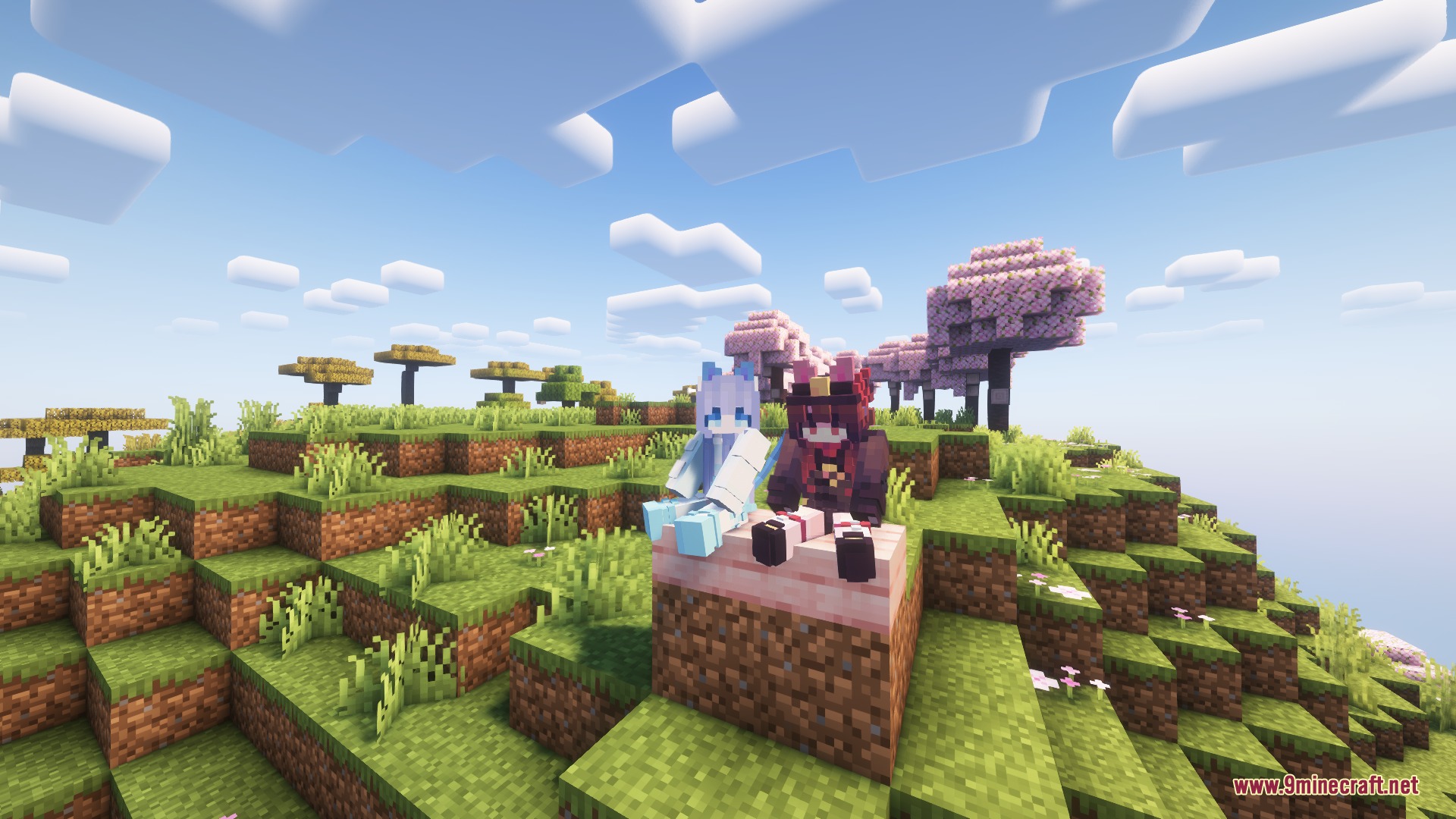
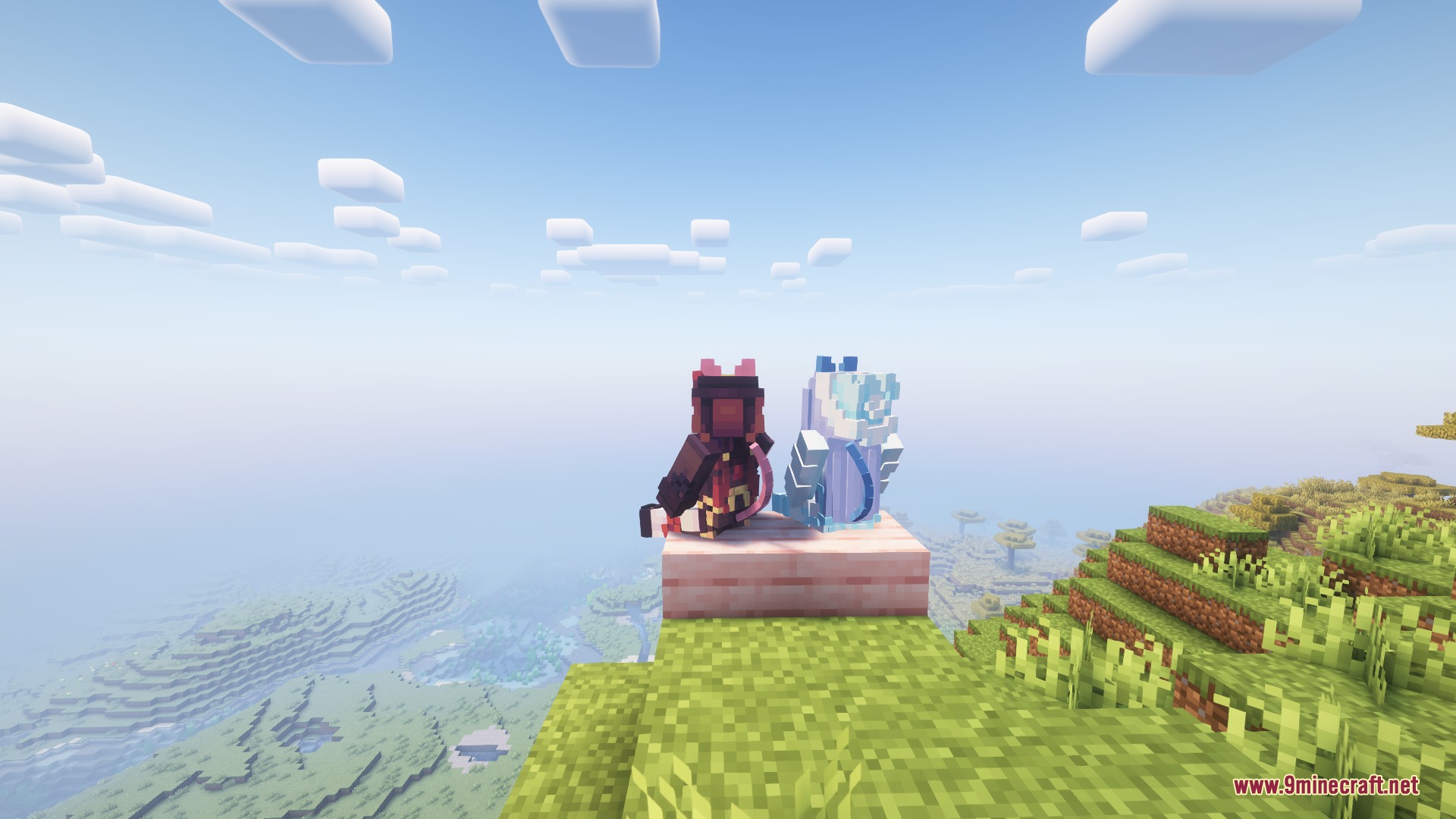
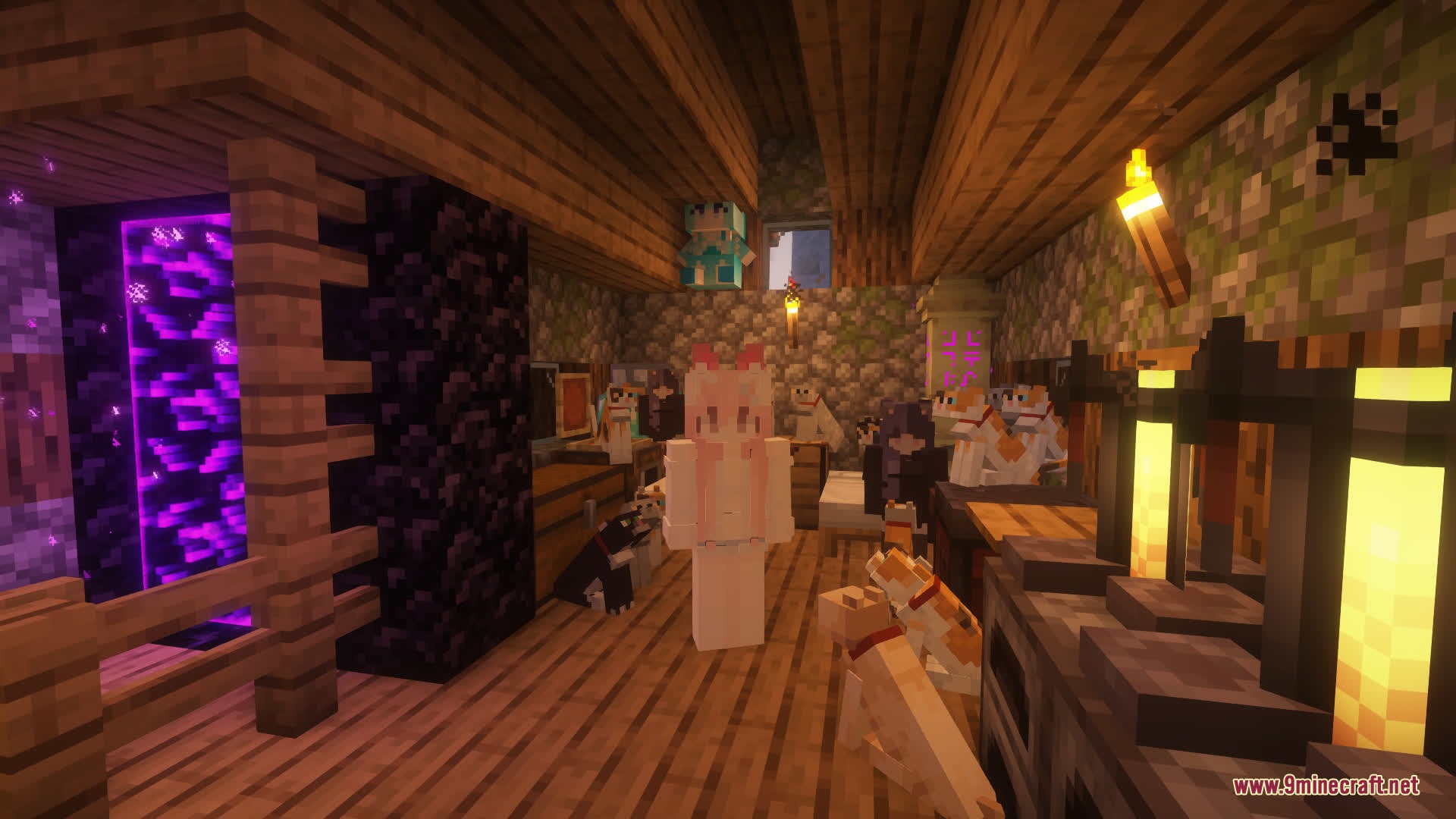
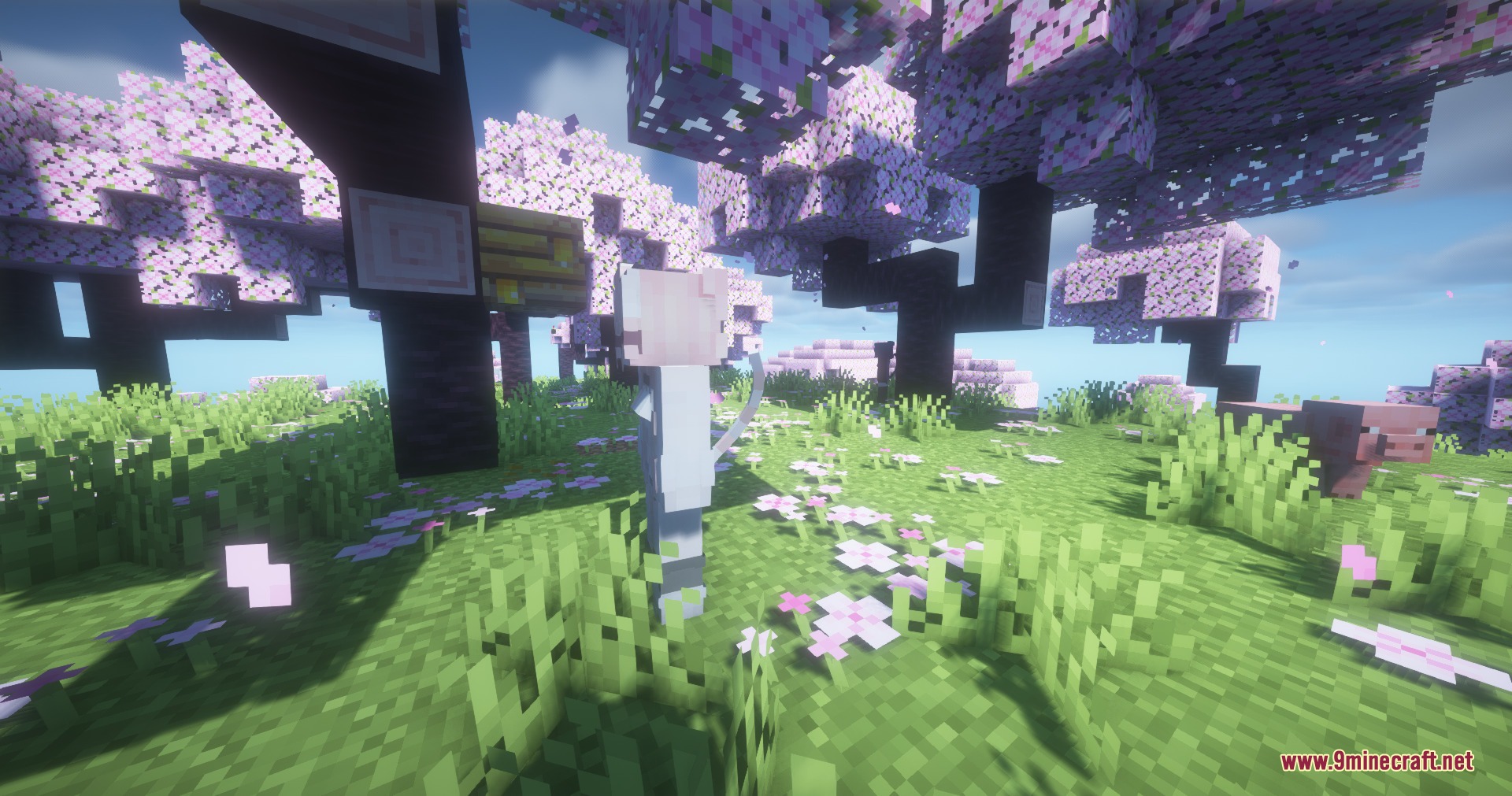
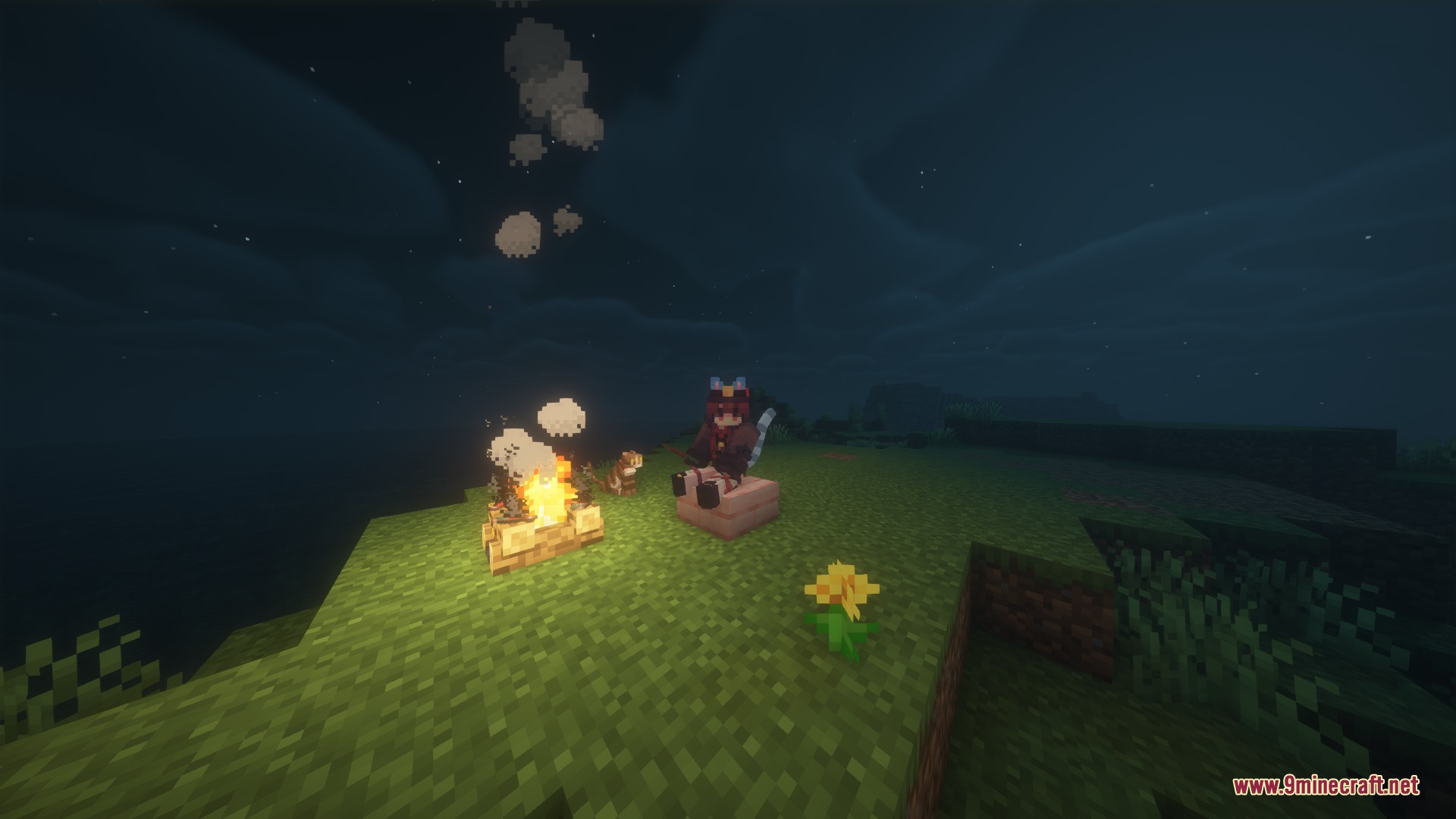
To Neko Mod lets you turn your character into a cute catgirl. It brings a whole new lifestyle to the game where you can interact with cat NPCs, grow special crops, and wear adorable accessories. You can even chat with these new mobs using built-in AI features. If you want a fun and relaxed experience with some tough boss fights mixed in, this addition gives you plenty of new things to do.
Features:
- Genetics System: Edit heritable traits like moe genes using a special in-game tool.
- AI Chat: Talk to NPCs using different AI providers and text-to-speech voices.
- Auto-Scaling Heads: Automatically adjusts your head size when your body shrinks so you always look right.
- Plant and harvest a brand new crop to make tasty catnip sandwiches.
- Craft specific items easily using a dedicated workbench block.
- Wear adorable ears, tails, and paws in your armor or accessory slots.
- Fight a powerful flying boss that tries to steal your items during combat.
- View all new crafting recipes directly if you have EMI installed.
NPC Variants:
- Find different types of characters like Adventurer, Ghost, and Fighting types in various biomes.
- Look for the rare Crystal variant that only spawns on a specific day of the year.
Commands:
/toneko: main command for owners to manage things./neko: main command for players who have transformed./tonekoadmin: use admin features and server settings./quirk: set up and change your personal traits./genetics: view information about your current genes.
How to Use:
- Craft a Neko Collector and hold it near normal cats in your world.
- Wait for the collector’s energy to fill up until it drops a special potion.
- Drink the potion to transform your character instantly.
- Press K to ride nearby creatures.
- Press I to lie down or O to get down on the ground.
- Press J to open the menu and set up your personal traits.
- Hold Shift and right-click on wild NPCs from within 16 blocks to open their interaction menu.
Screenshots:
To Neko Mod Download Links
Quick facts
- Edition: Minecraft Java
- File type: .jar
- Minecraft versions listed: 1.21.11, 1.20.1
- How to install: Install the matching mod loader (Forge, Fabric or NeoForge) for your Minecraft version. → Download the .jar. → Put it in the .minecraft/mods folder and launch that loader profile.
- Where to get it: In MC Java Mods, or directly above on this page.
Install steps are the general flow for this file type — How to install Minecraft Java mods & modpacks walks through it step by step.
Verified by MCModsHub
- Downloads as 394513.mcaddon
- Download size: 4.7 MB
- Download link checked 25 Sept 2026 — working
- Mirrored on our own servers — the download does not depend on the original host
These come from our own check of the pack file, not from the source page.