ModsJava
Latitude Mod (26.2, 1.20.1) – Travel From Hot Jungles to Freezing Polar Edges
Java mod listed for Minecraft 1.20. Downloads from the MC Java Mods app on Android.
⬇ Download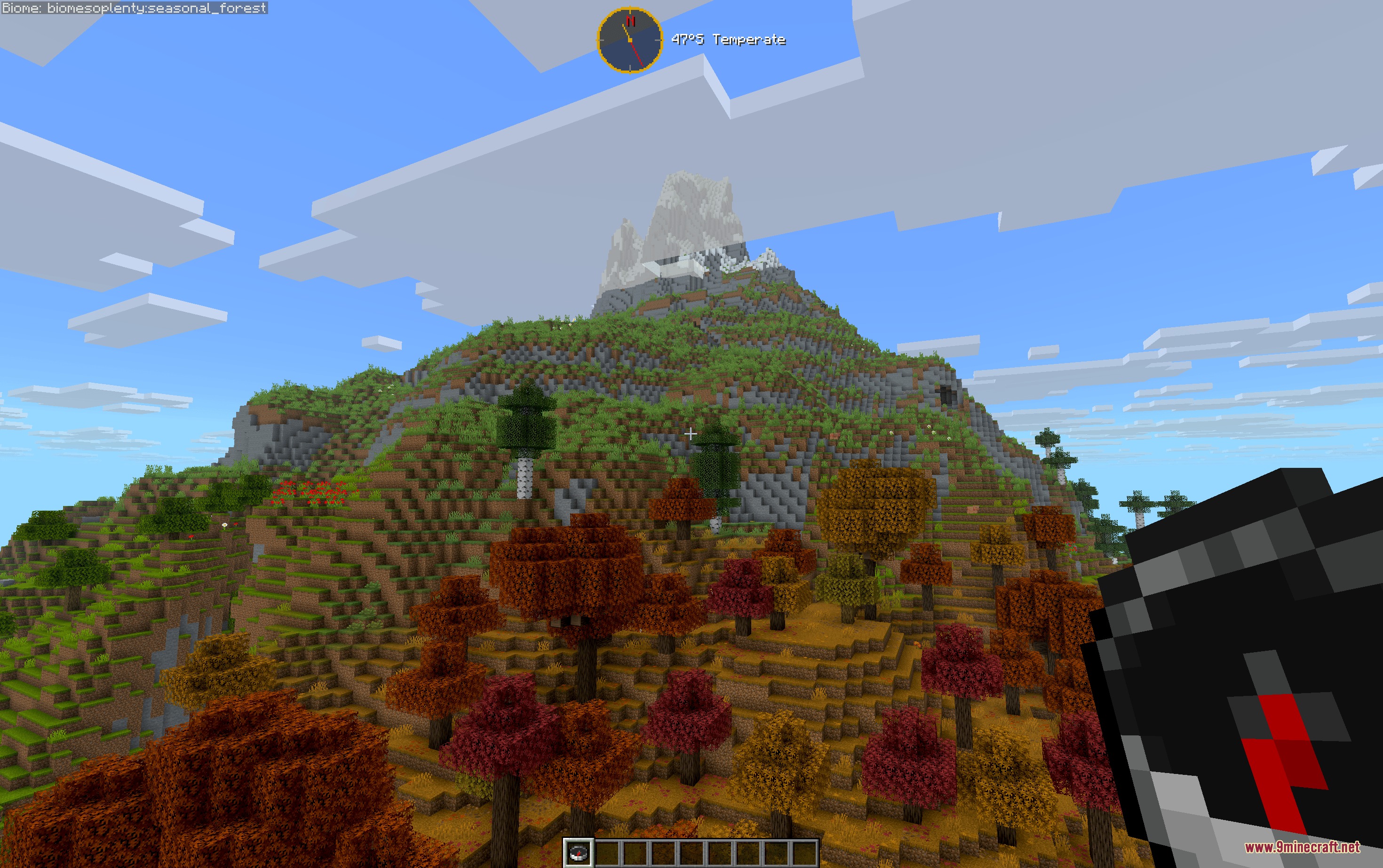
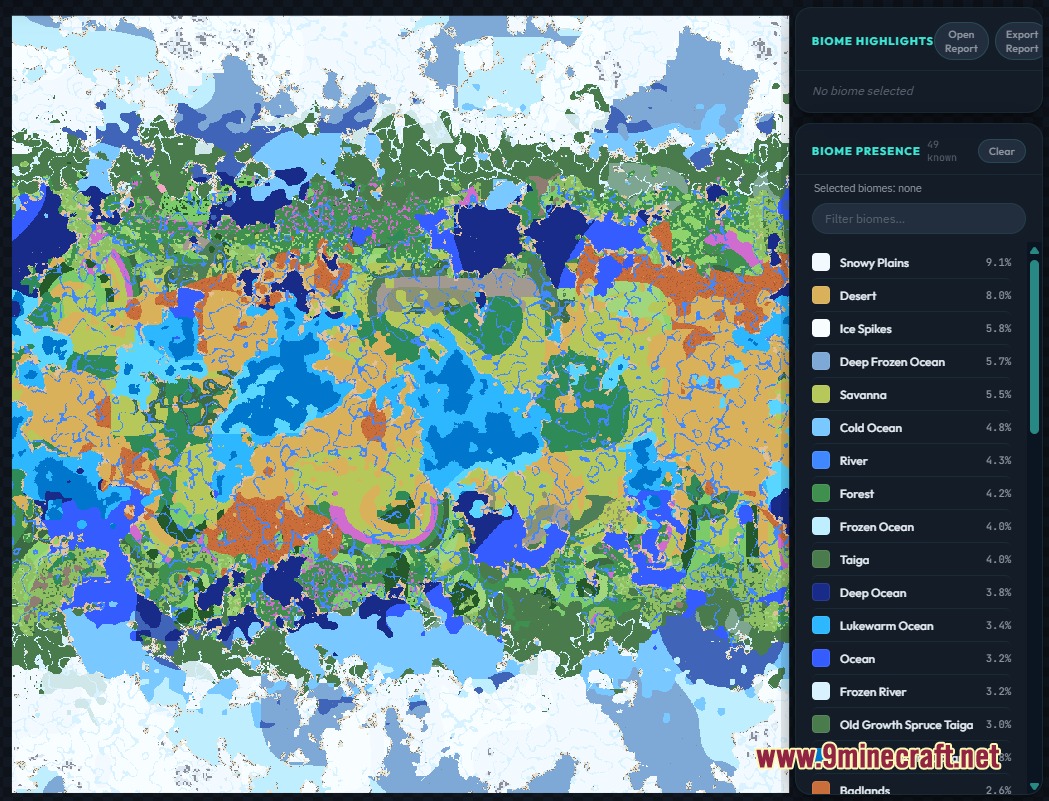
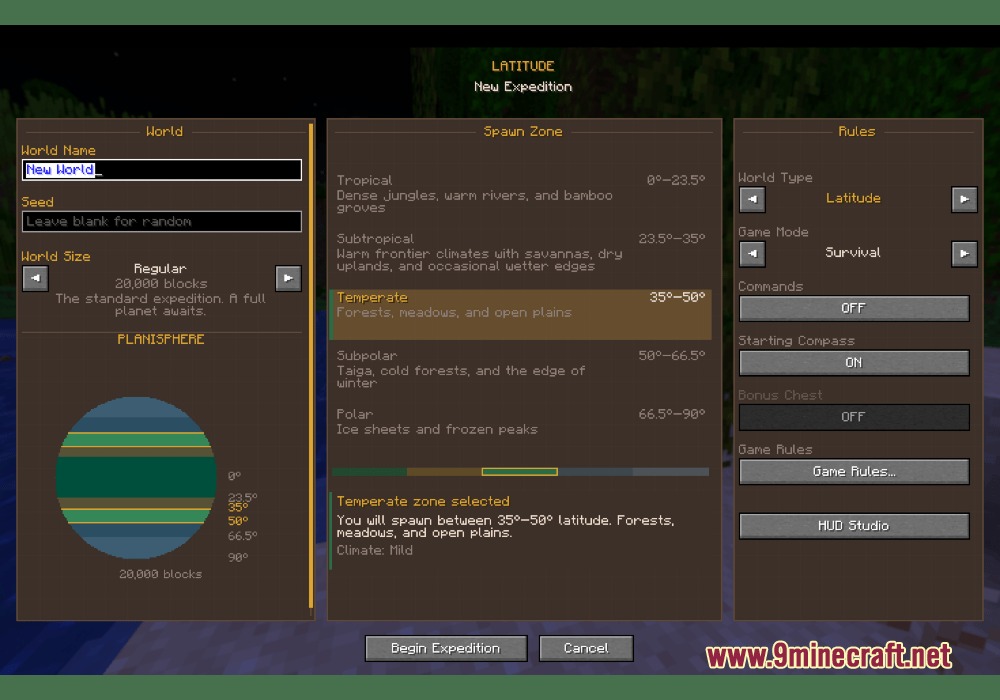
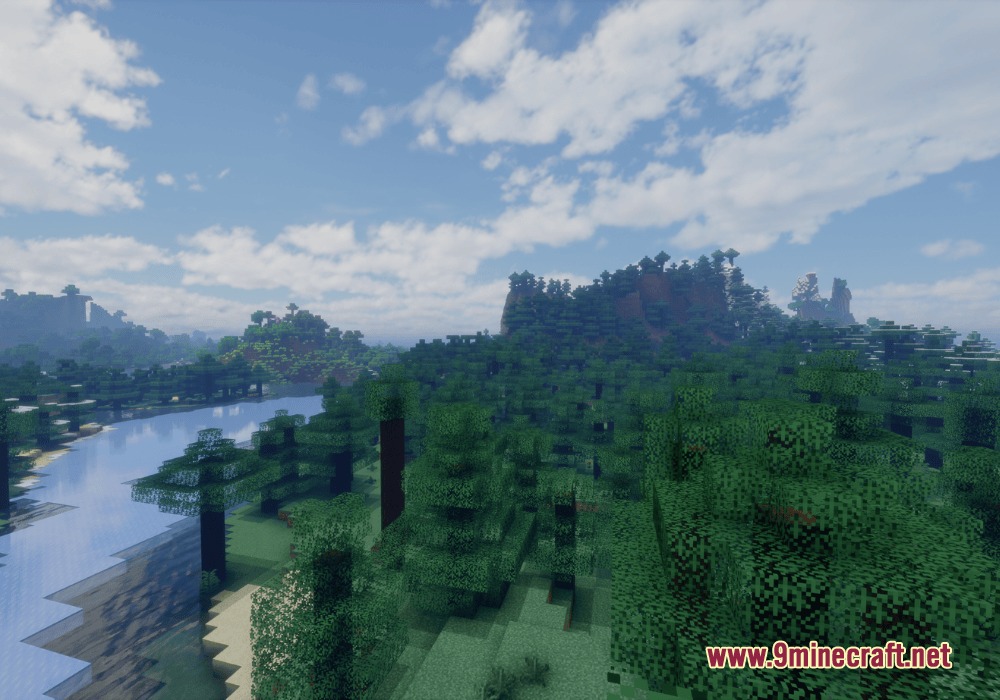
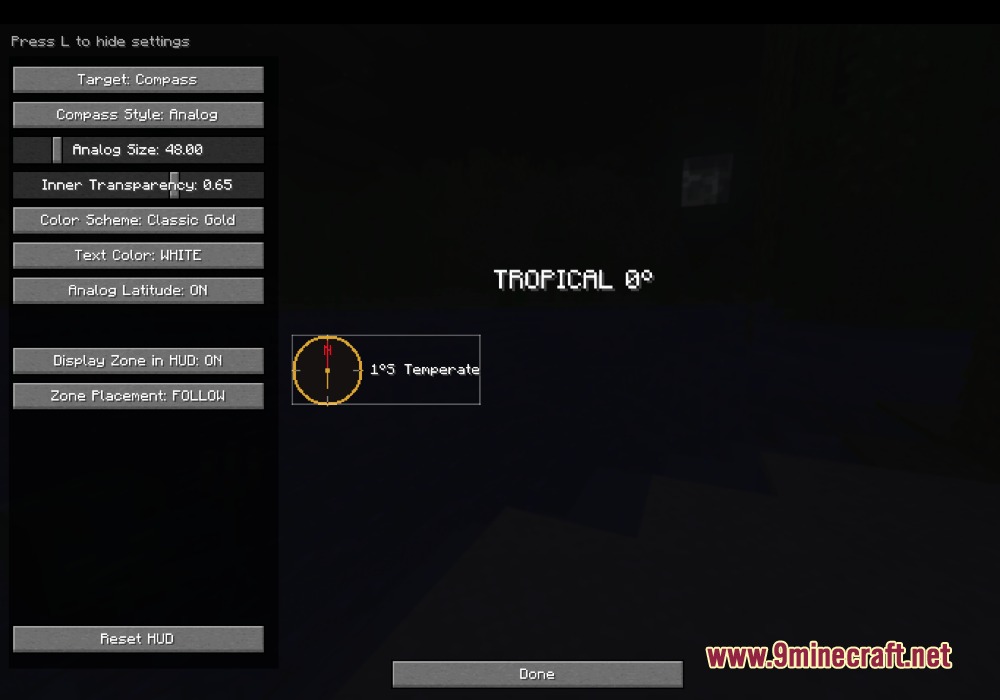
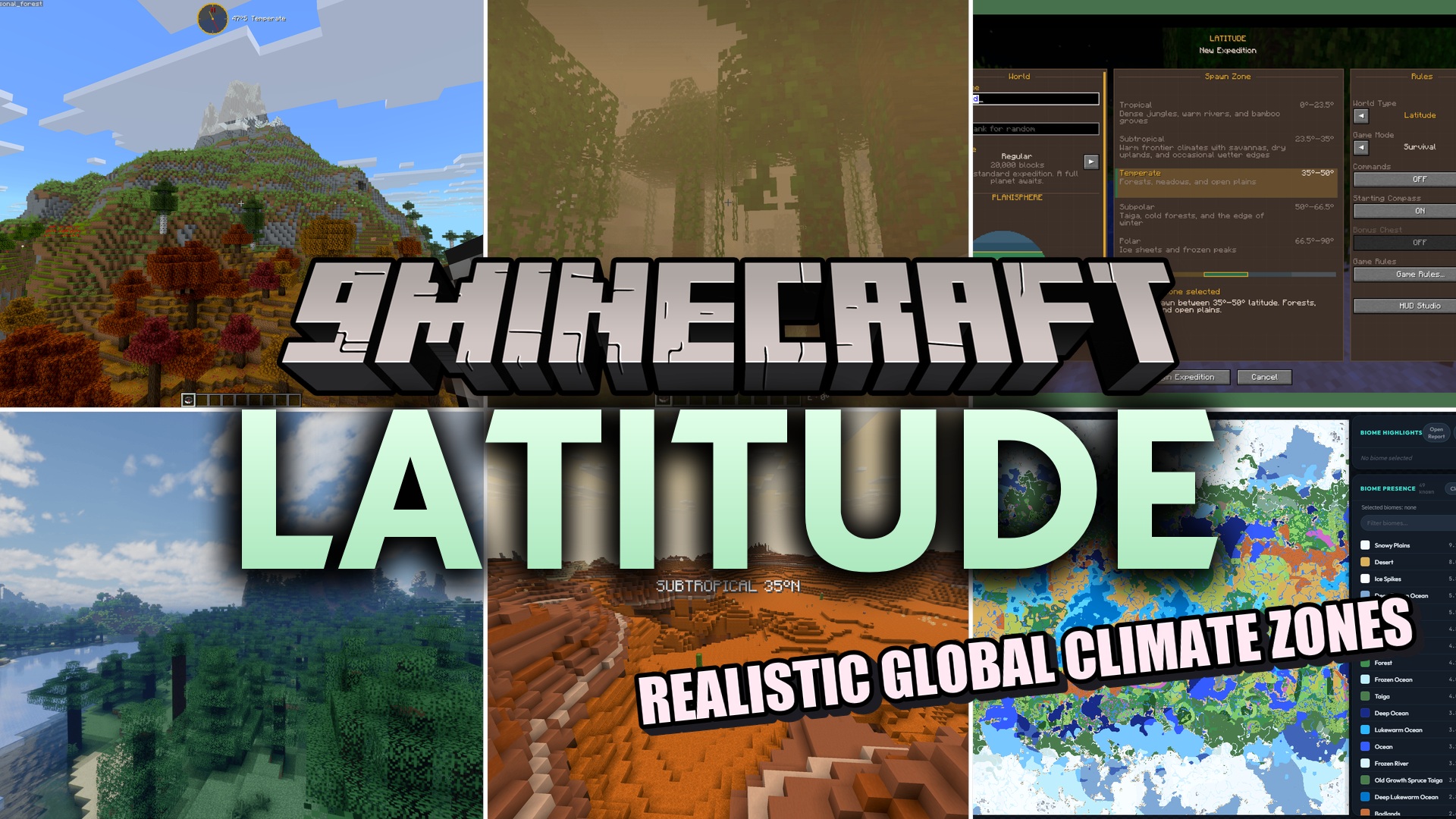
Latitude Mod turns your Minecraft map into a real planet with climate zones. It stops biomes from spawning randomly next to each other. Instead, it places hot jungles at the center of the world and frozen ice spikes at the far edges. As you walk north or south, the weather slowly changes, giving you a real reason to pack your bags and travel.
Features:
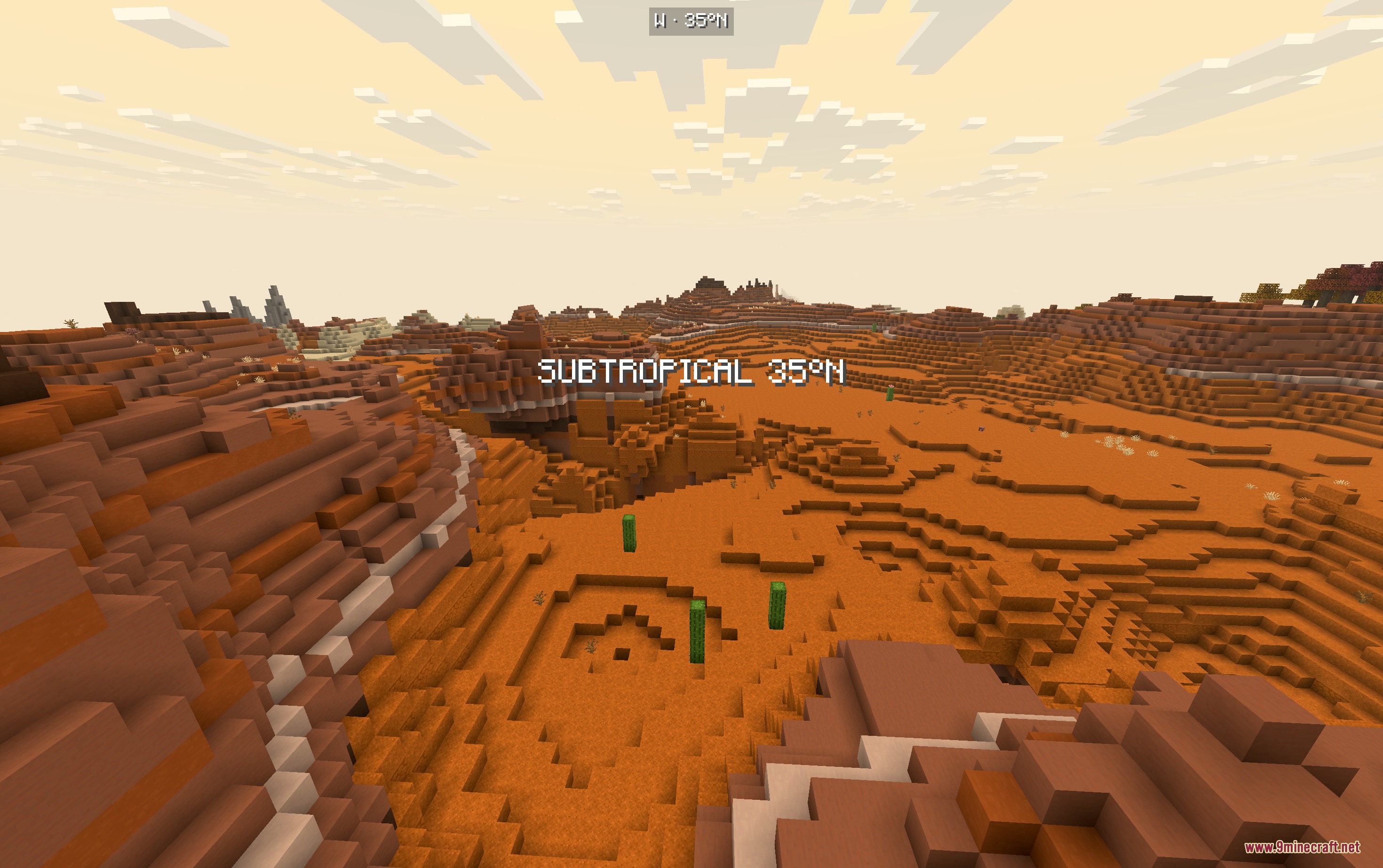
- Climate Zones: Changes world generation to have five weather bands, from hot tropical centers to freezing polar edges.
- Realistic Mountains: Adds tree lines and snow caps that change based on how far north or south you are.
- Map Sizes: Lets you pick how big your planet is when you make a new world, from tiny to huge.
- Blends biomes slowly so you do not see a hot desert right next to a snowy forest.
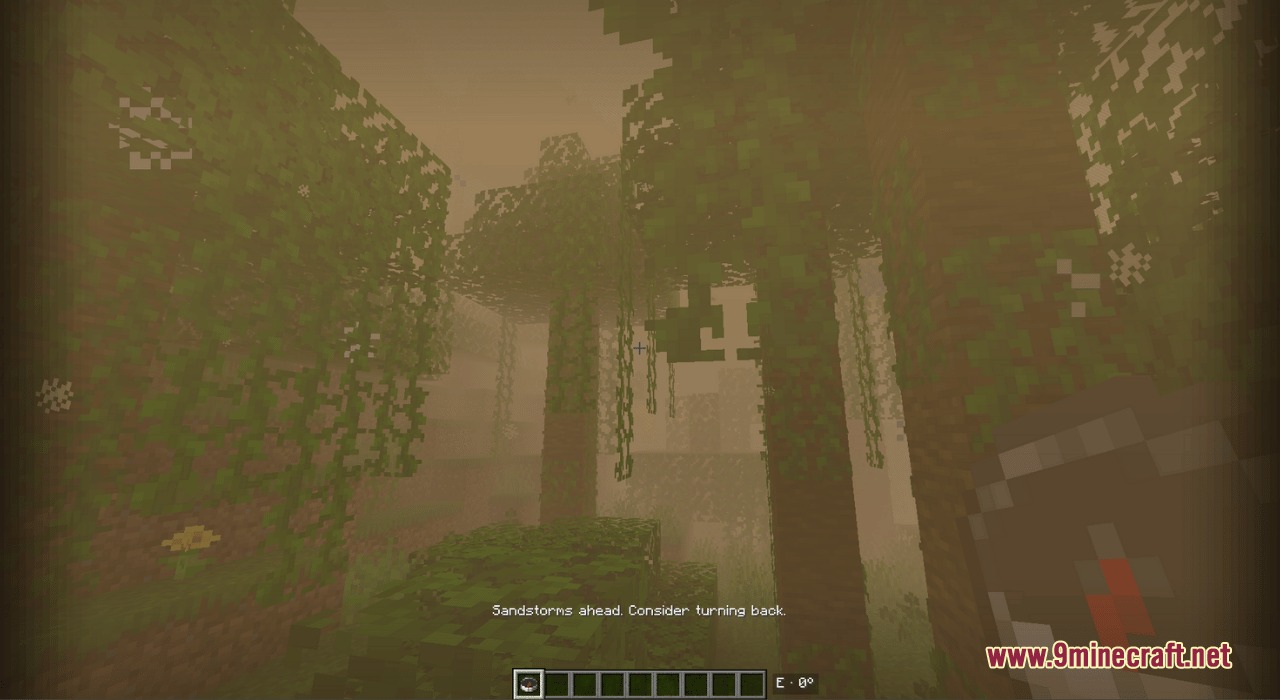
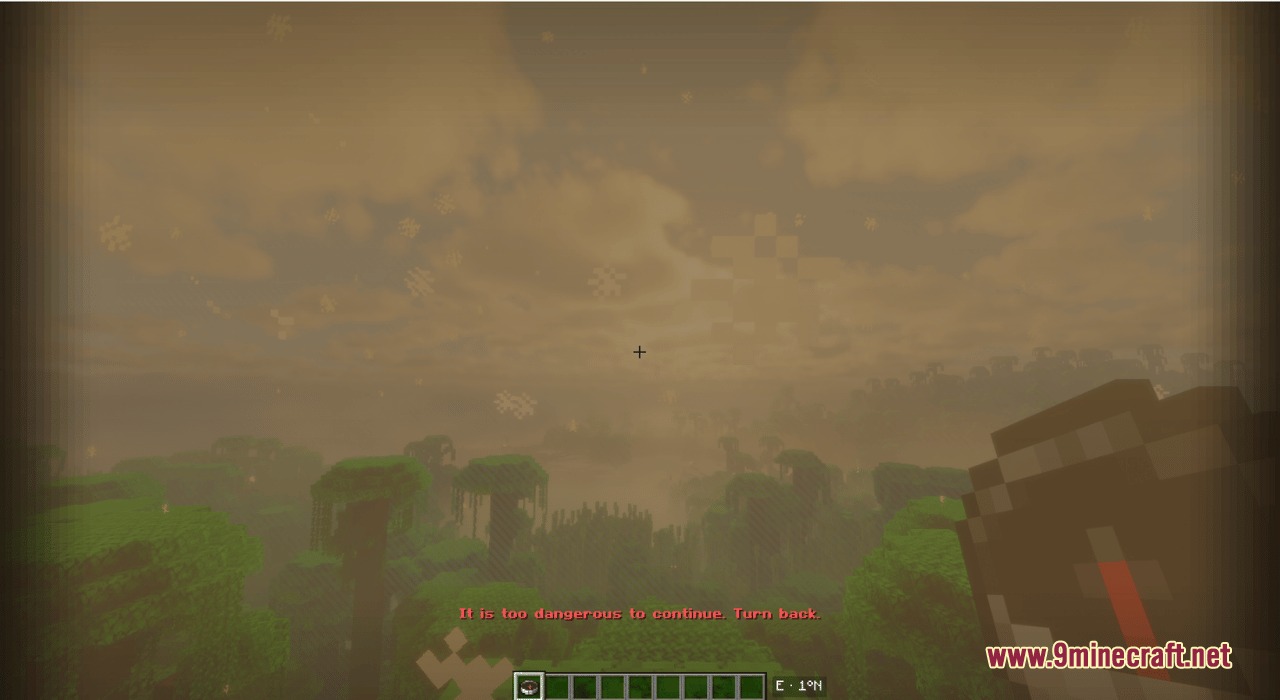
- Adds dangerous weather at the edges of the map to stop you from walking past the borders.
- Works with other biome packs like Biomes O’ Plenty and Terralith without any extra setup.
- Puts a handy compass on your screen so you always know which way is north.
- Shows your current latitude on the screen, letting you know exactly how far you are from the equator.
Commands:
/latitude here: checks your current climate zone./latitude explainHere: gives details about the biome you are standing in./latitude probe: tests the climate of a specific spot on the map./latitude tpLat <number>: teleports you to a specific latitude line./latitude tpBand <name>: teleports you to a specific climate band.
How to Use:
- Create a brand new world, as this will not change worlds you already made.
- Look at the Atlas screen when making your world to pick your starting climate zone.
- Press F9 while playing to open the HUD Studio.
- Click and drag your compass and location text to put them anywhere on your screen.
Screenshots:
Latitude Mod Download Links
Quick facts
- Edition: Minecraft Java
- File type: .jar
- Minecraft version listed: 1.20.1
- How to install: Install the matching mod loader (Forge, Fabric or NeoForge) for your Minecraft version. → Download the .jar. → Put it in the .minecraft/mods folder and launch that loader profile.
- Where to get it: In MC Java Mods, or directly above on this page.
Install steps are the general flow for this file type — How to install Minecraft Java mods & modpacks walks through it step by step.
File checked by MCModsHub
- Downloads as 394518.mcaddon
- Download size: 1.6 MB
- Download link checked 26 Sept 2026 — working
- Mirrored on our own servers — the download does not depend on the original host
These come from our own check of the pack file, not from the source page.