ModsJava
Cursed Fate Auras Mod (1.20.1) – Unleash Legendary Cursed Energy Auras
Java mod listed for Minecraft 1.20. Downloads from the MC Java Mods app on Android.
⬇ Download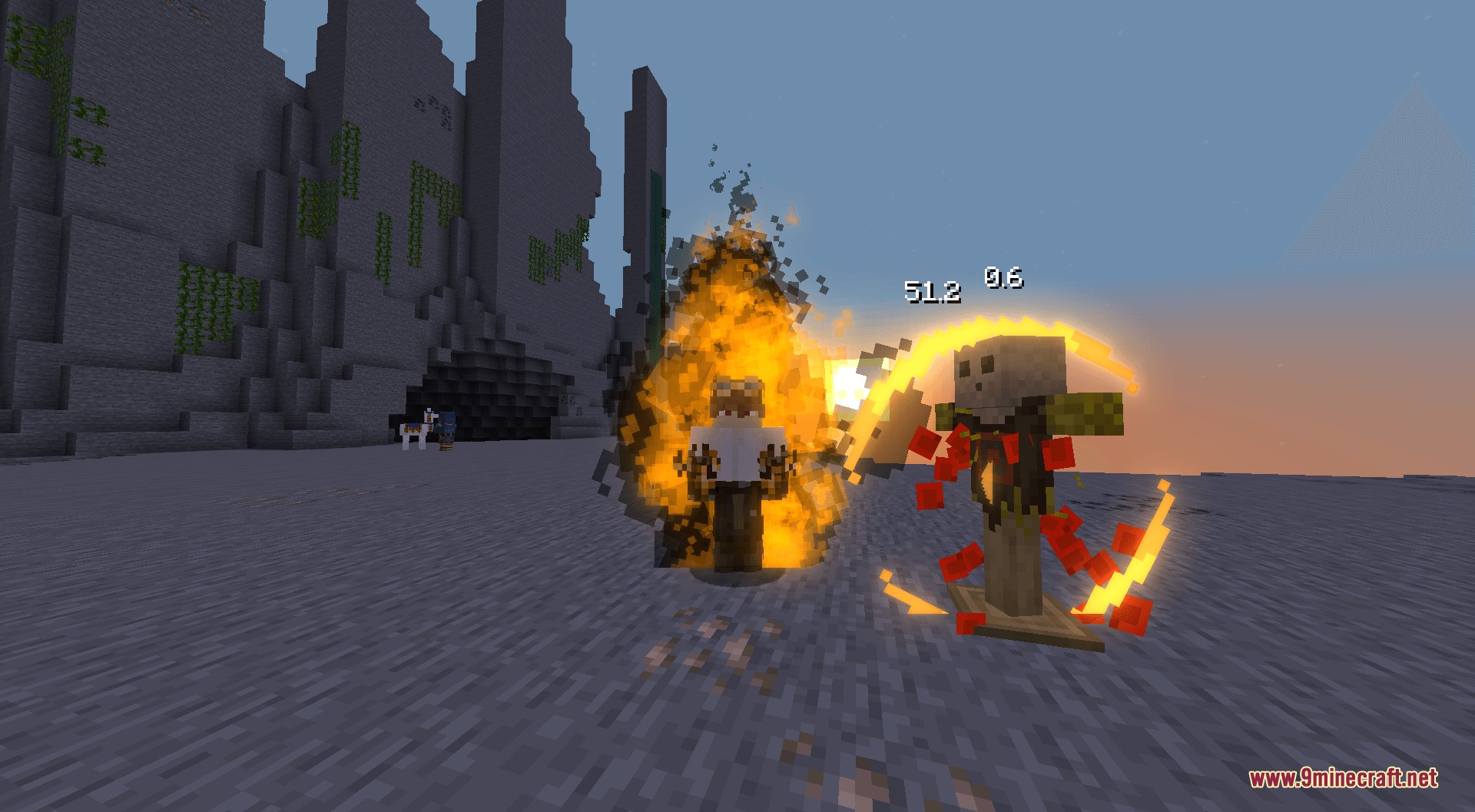
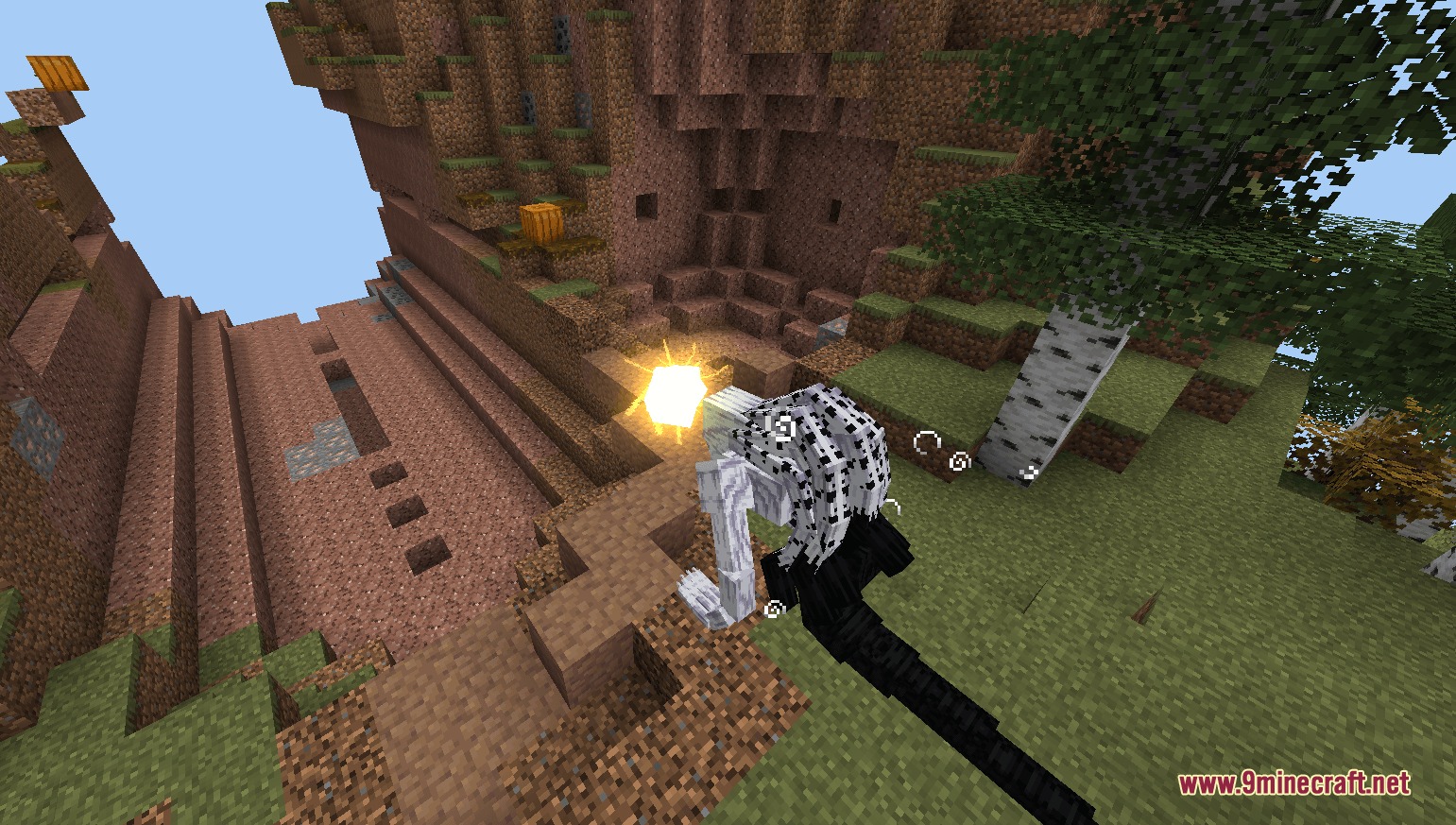
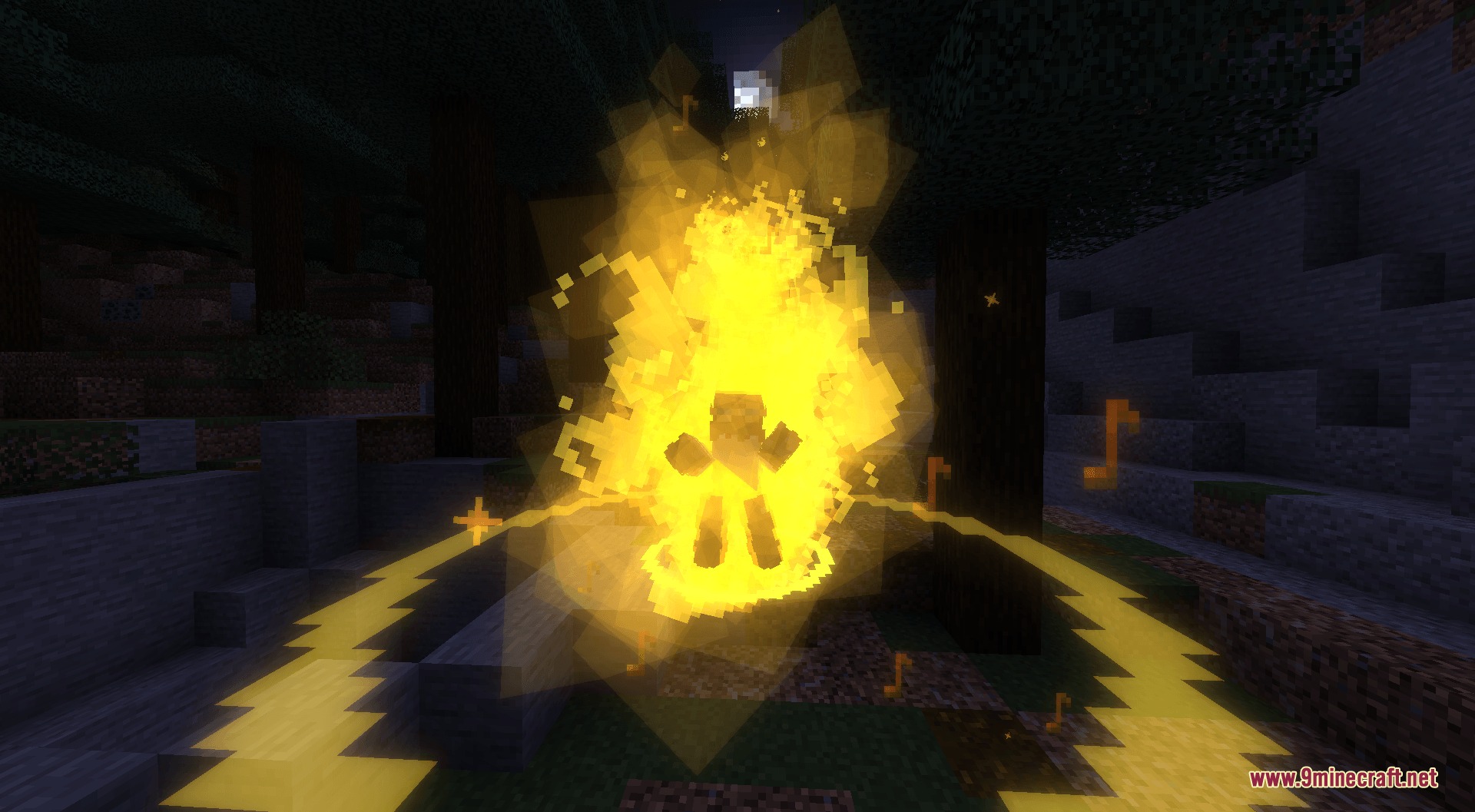
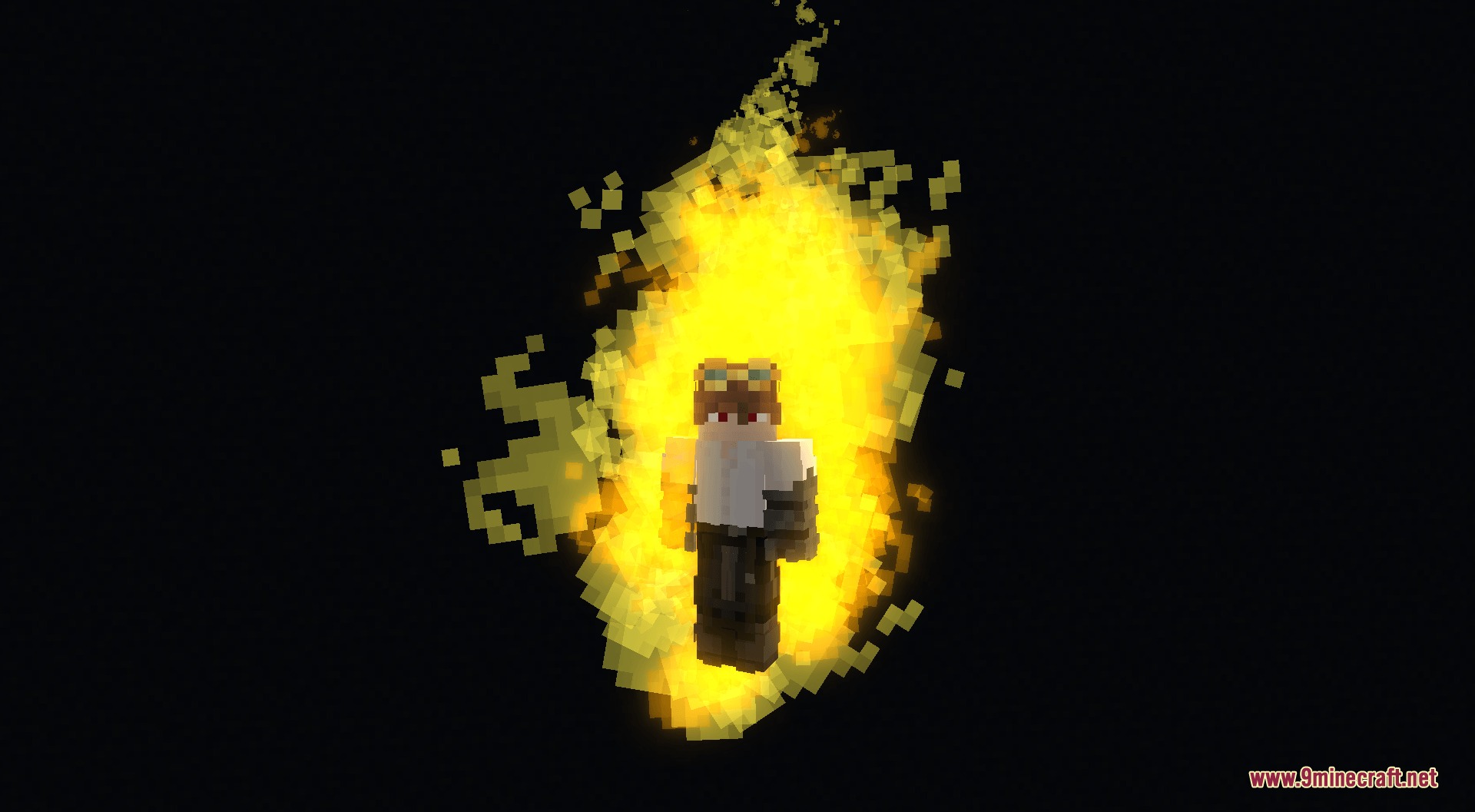


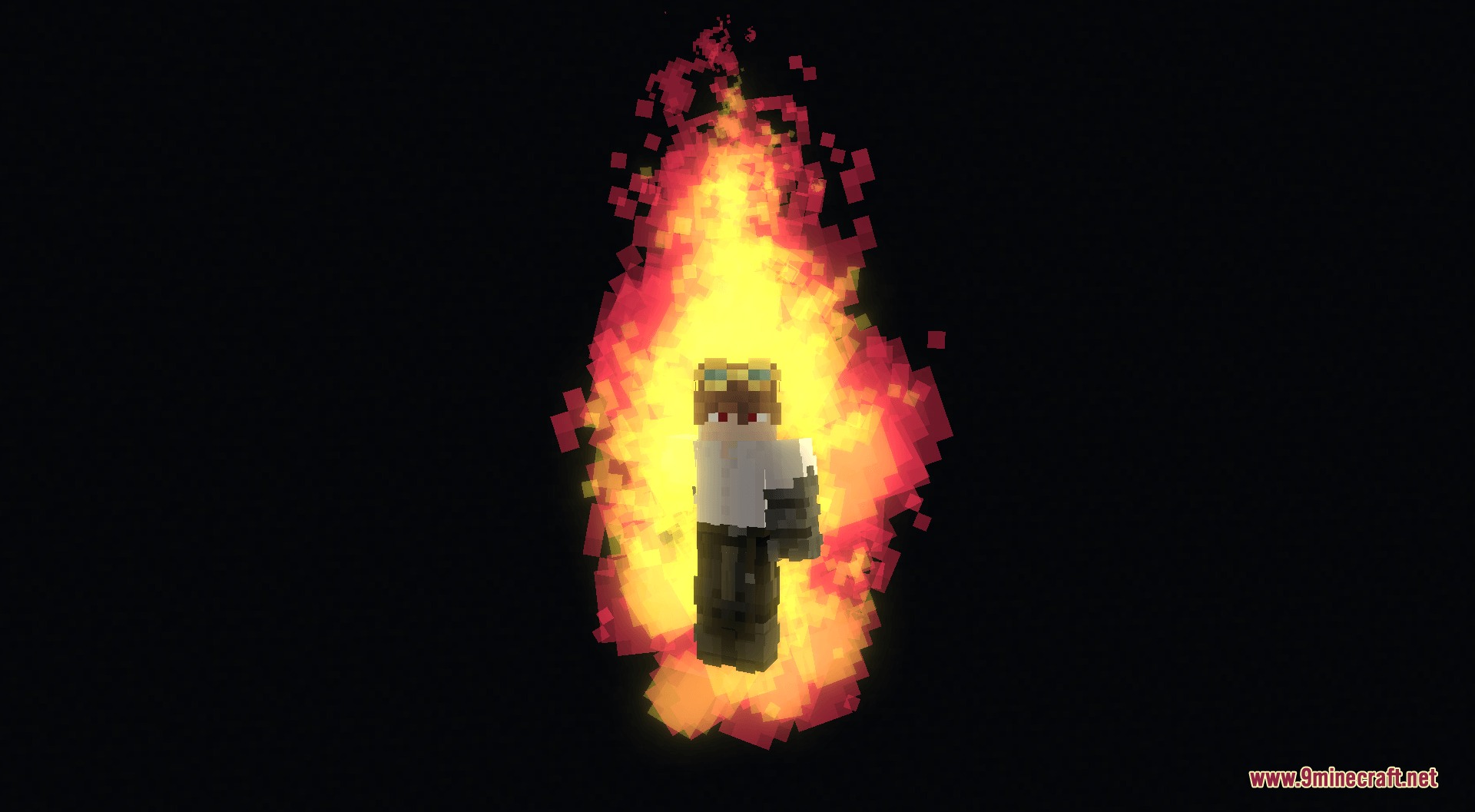
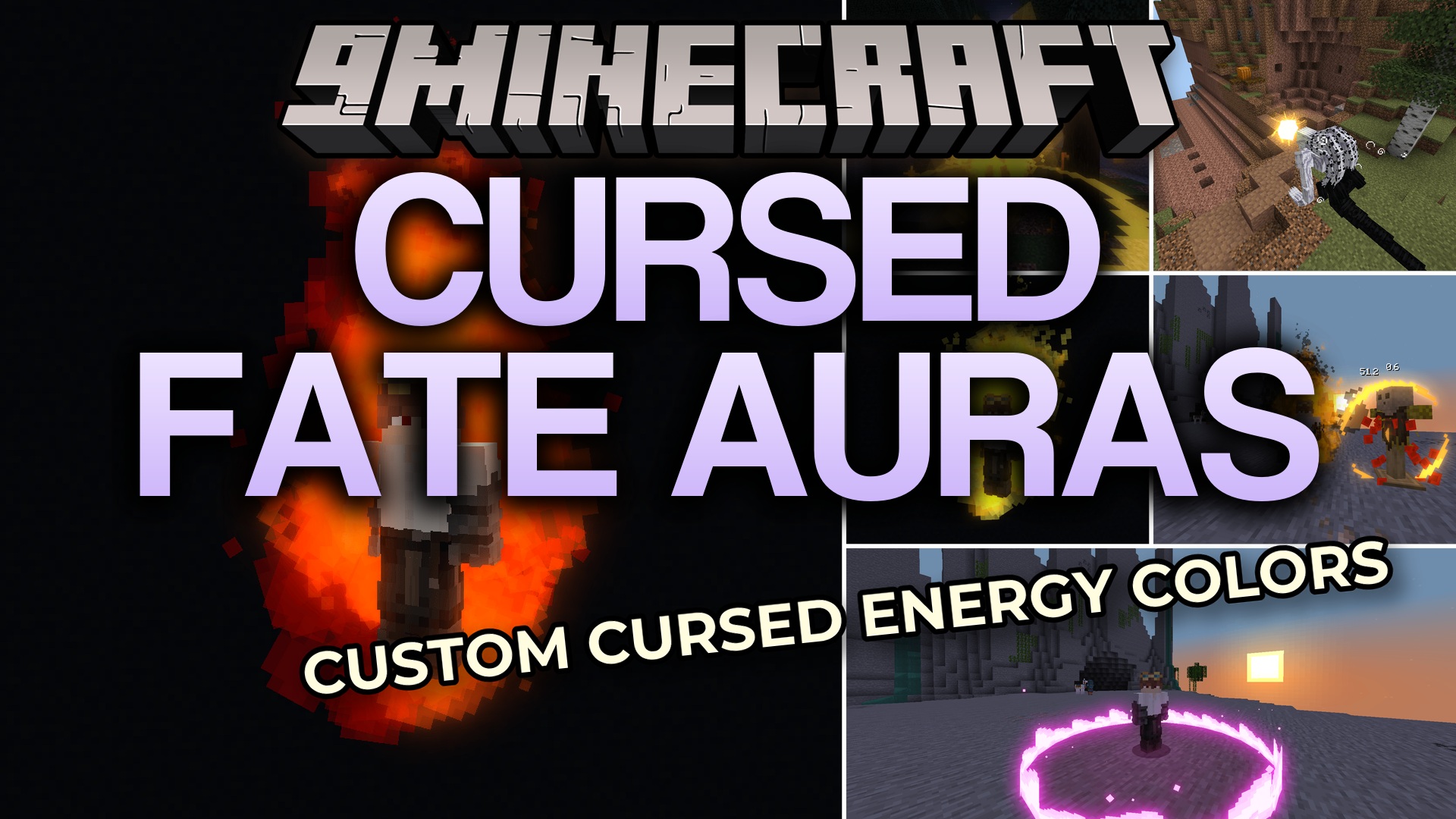
Cursed Fate Auras Mod expands the Cursed Fate mod by adding a new rarity system for your cursed energy colors. It gives you a way to craft Chroma Orbs and unlock different colored auras for your character. This addon changes the visual effects of your abilities, techniques, and Simple Domains to match your specific energy color. You can collect common colors or try your luck to get rare auras that come with special sounds and voice lines.
Features:
- Rarity System: Adds a percentage-based drop system for cursed energy colors, split into Common, Exotic, and Legendary tiers.
- Lets you craft Chroma Orbs in survival mode to roll for new energy colors.
- Changes the visual effects of all cursed energy abilities to match your current aura color.
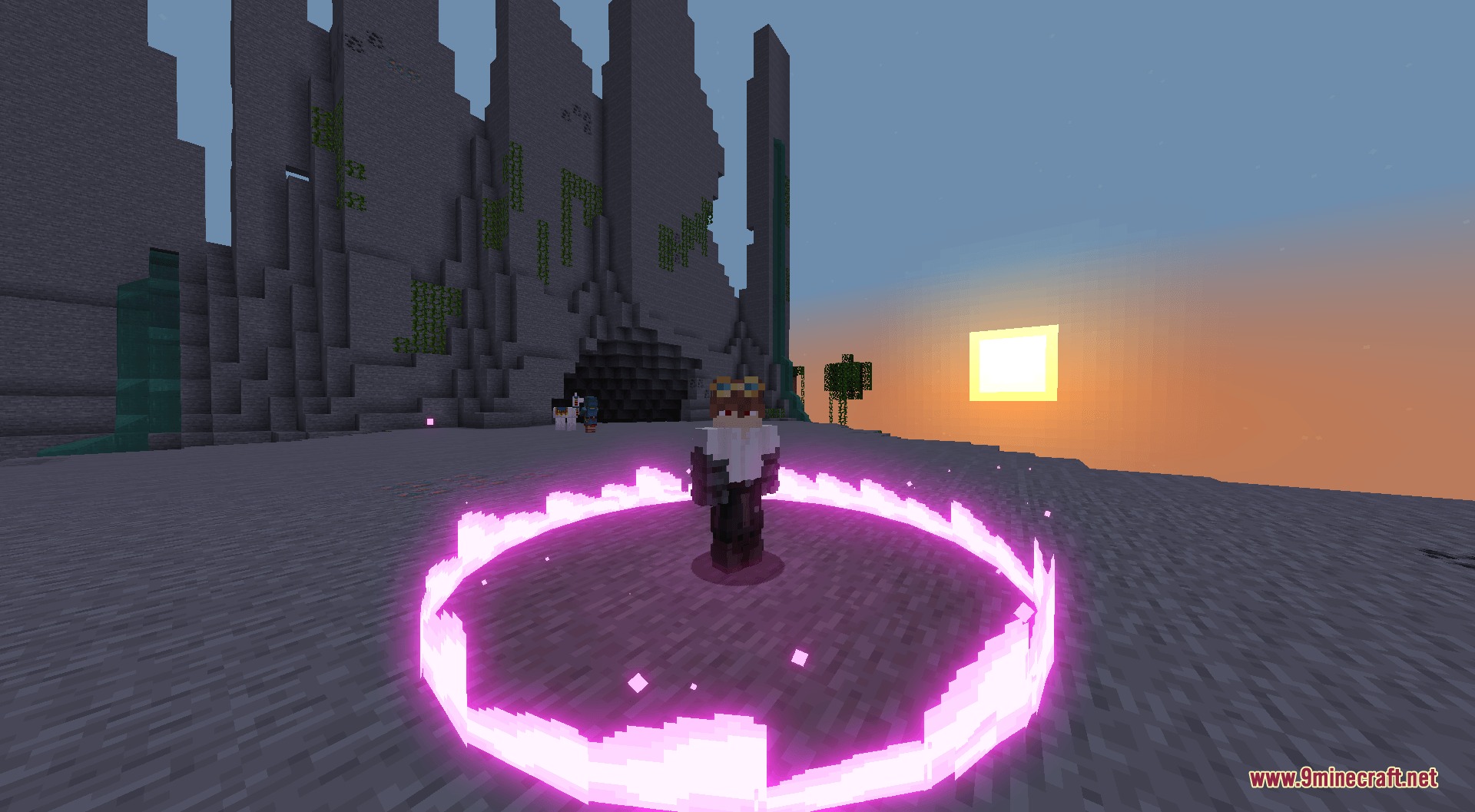
- Recolors your Simple Domain to match your specific energy hue.
- Allows you to adjust the drop rates for each rarity tier in the configuration file.
Energy Rarity Tiers:
- Common Colors (85% chance): Includes Yellow, Orange, Blue, Cyan, Red, Green, Purple, and Pink.
- Exotic Colors (14% chance): Includes Divine, Bayle, Gemini, Frenzy, Inverse, Theos, and Vitriol, all featuring custom activation sounds for the Flow ability.
- Legendary Colors (1% chance): Includes Vanguard and Ancient, which give you a larger aura, unique sounds, and a special voice line.
Configuration:
/gamerule doCustomSimpleDomain false: turns off custom colors for Simple Domains and makes them all default blue.
How to Use:
- Craft a Chroma Orb using the new recipe.
- Use the orb to get a random cursed energy color based on the rarity rates.
- Activate your Flow ability to see your new aura and hear custom sounds if you have an Exotic or Legendary color.
- Hold right-click while activating Flow with a Legendary color to trigger a special voice line.
Screenshots:
Cursed Fate Auras Mod Download Links
Quick facts
- Edition: Minecraft Java
- File type: .jar
- Minecraft version listed: 1.20.1
- How to install: Install the matching mod loader (Forge, Fabric or NeoForge) for your Minecraft version. → Download the .jar. → Put it in the .minecraft/mods folder and launch that loader profile.
- Where to get it: In MC Java Mods, or directly above on this page.
Install steps are the general flow for this file type — How to install Minecraft Java mods & modpacks walks through it step by step.
File checked by MCModsHub
- Downloads as 394526.mcaddon
- Download size: 1.9 MB
- Download link checked 23 Sept 2026 — working
- Mirrored on our own servers — the download does not depend on the original host
These come from our own check of the pack file, not from the source page.