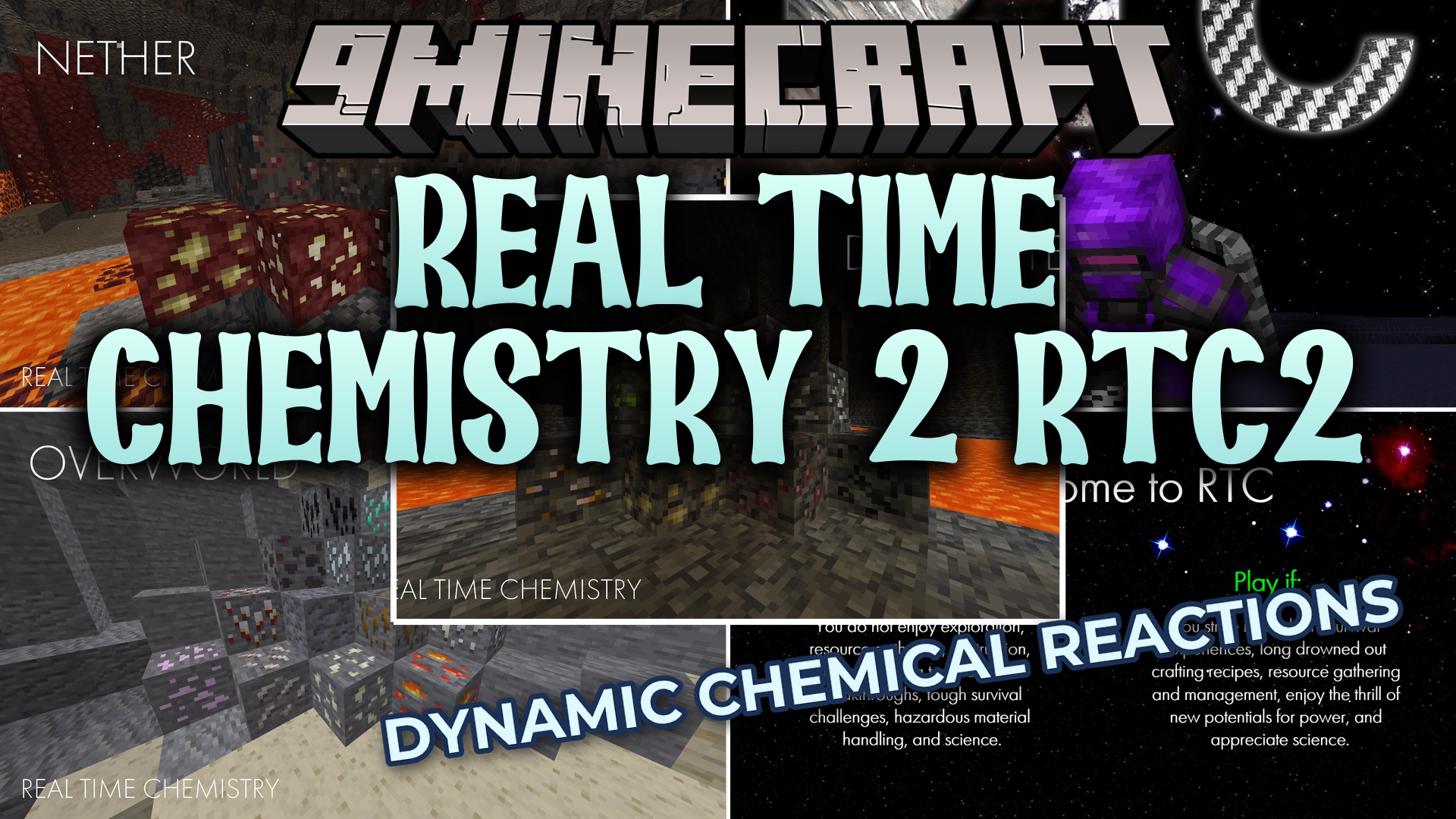
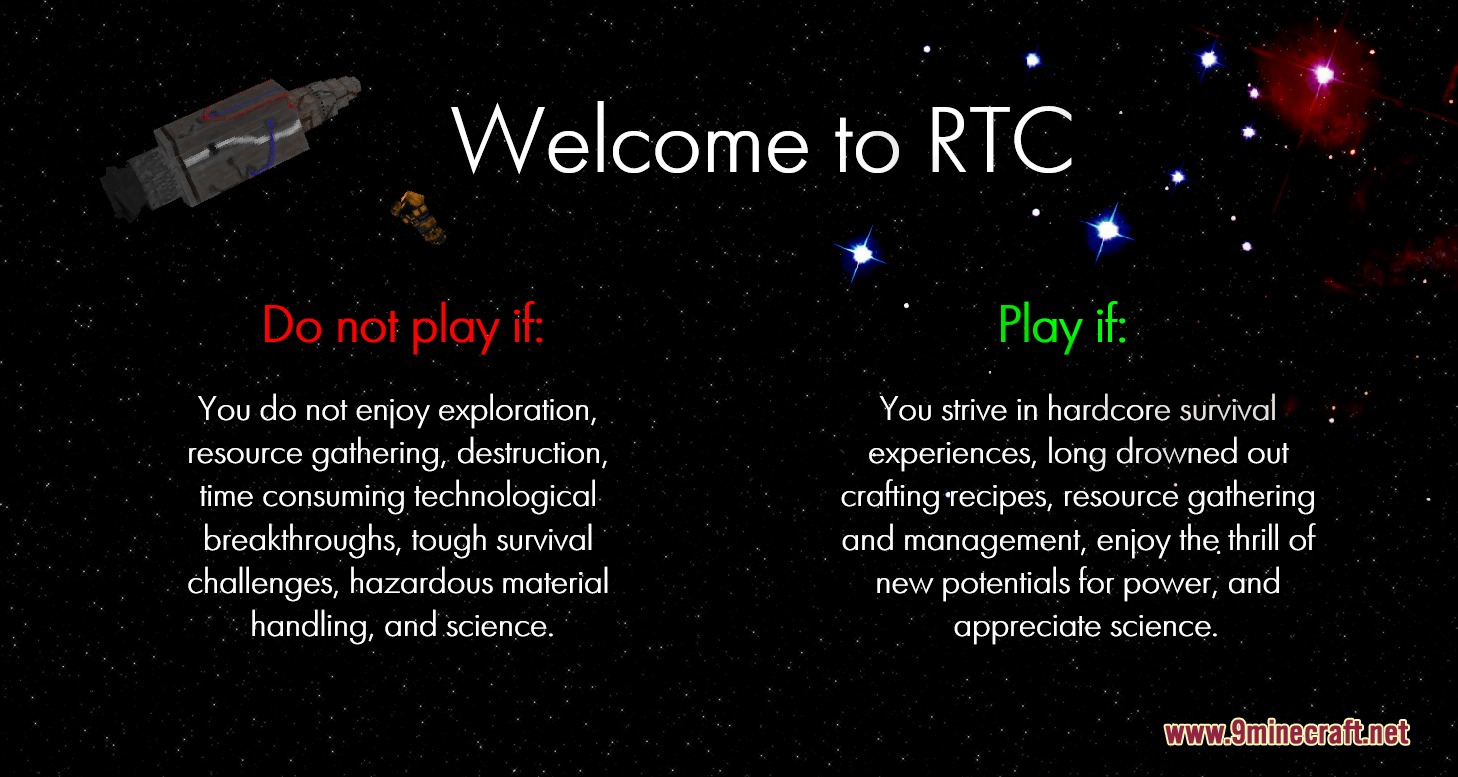
Real Time Chemistry 2 RTC2 Mod turns your Minecraft world into a giant science lab. It adds simple chemistry rules, new machines, and powerful weapons so you can run fun experiments. You get to mine special ores, build nuclear reactors, and even wear a jetpack to fly around the map safely.
Features:
- Massive Item Catalog: Adds over 250 blocks, 550 items, and 1000 crafting recipes to learn.
- Radiation System: Gives you radiation sickness if you stand near dangerous materials, which requires special medicine to cure since respawning does not reset it.
- Introduces new survival rules for thirst, wetness, and pressure.
- Lets you build nuclear reactors to make power for late-game tools.
- Includes a Geiger counter item so you can check your current radiation levels safely.
- Allows you to set off nuclear bombs to clear out huge areas of land.
- Adds a giant walking machine called the Spidertron for heavy attacks.
New Ores:
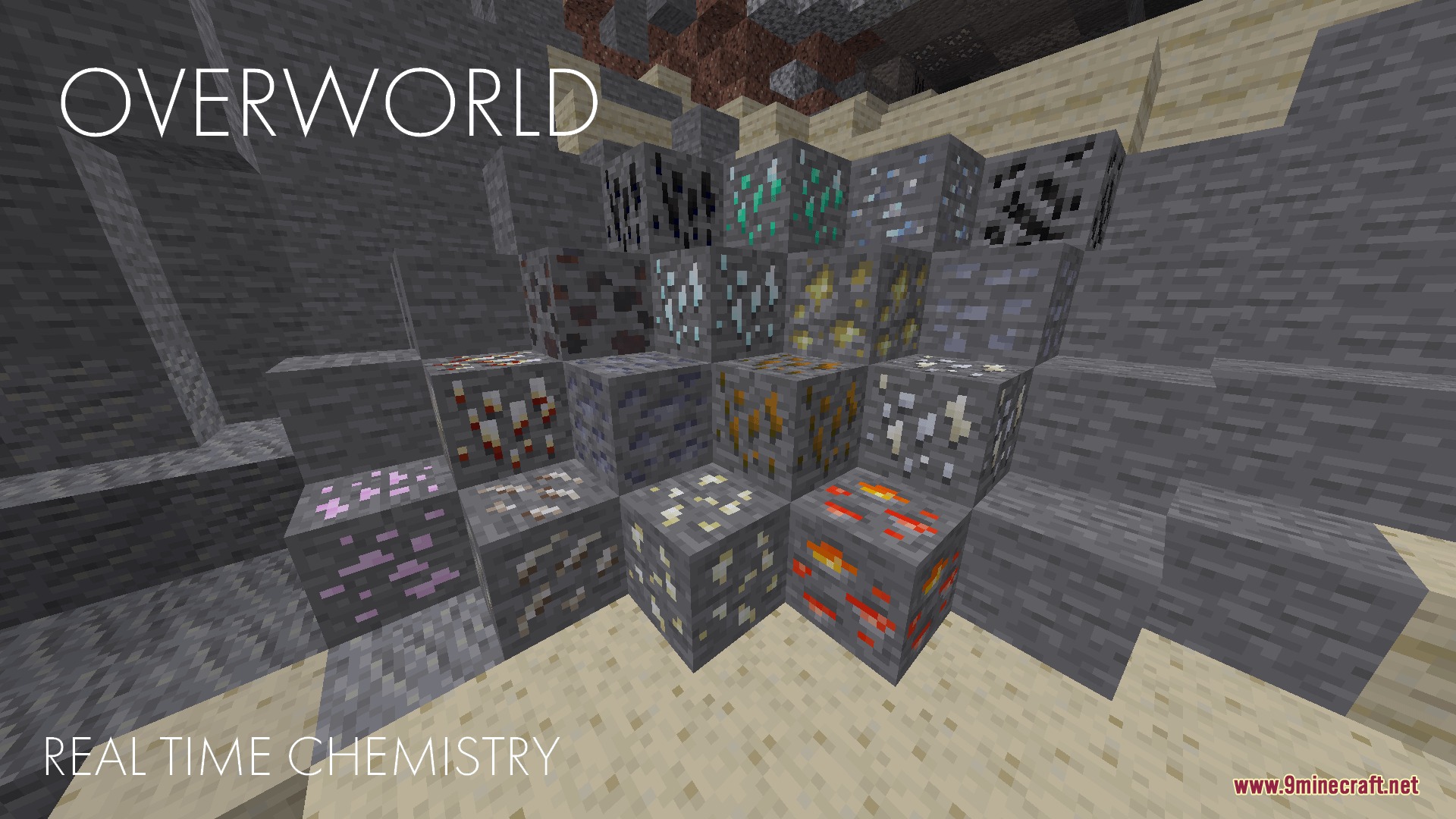
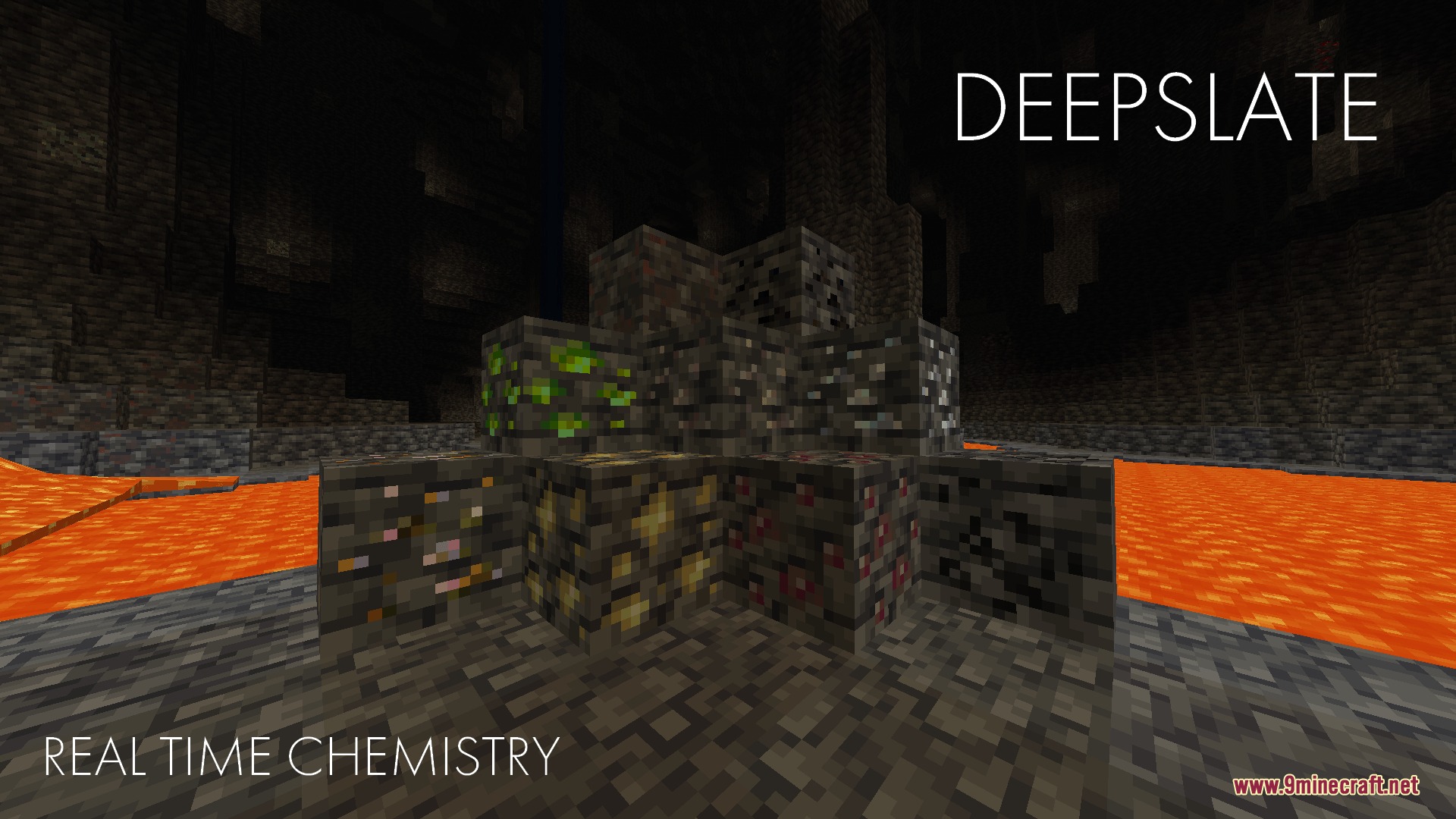
- Spawns normal ores like Bauxite, Fluorite, and Quartz in the Overworld.
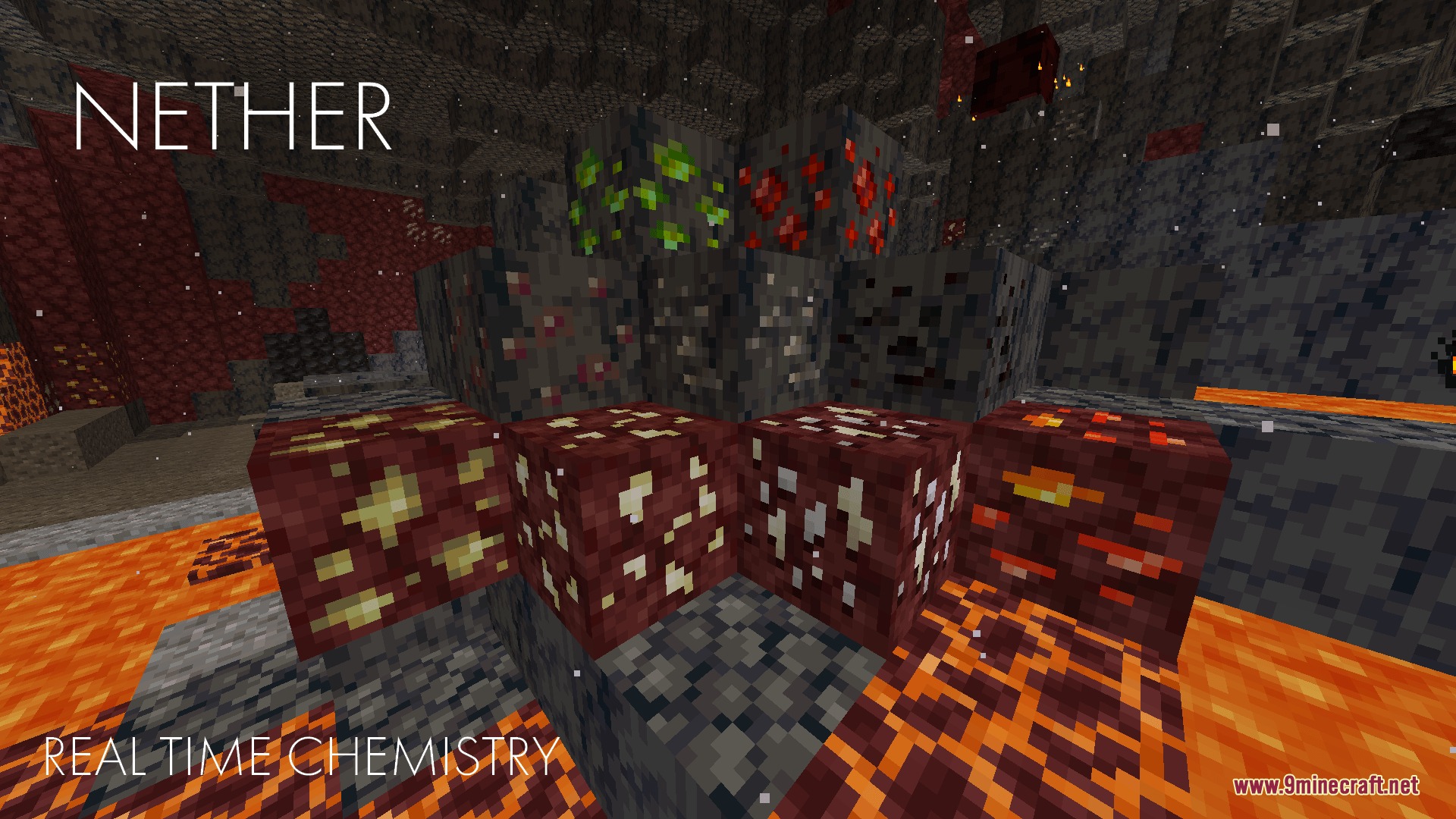
- Hides special deepslate and Nether ores like Uraninite and Cobaltite deep underground.
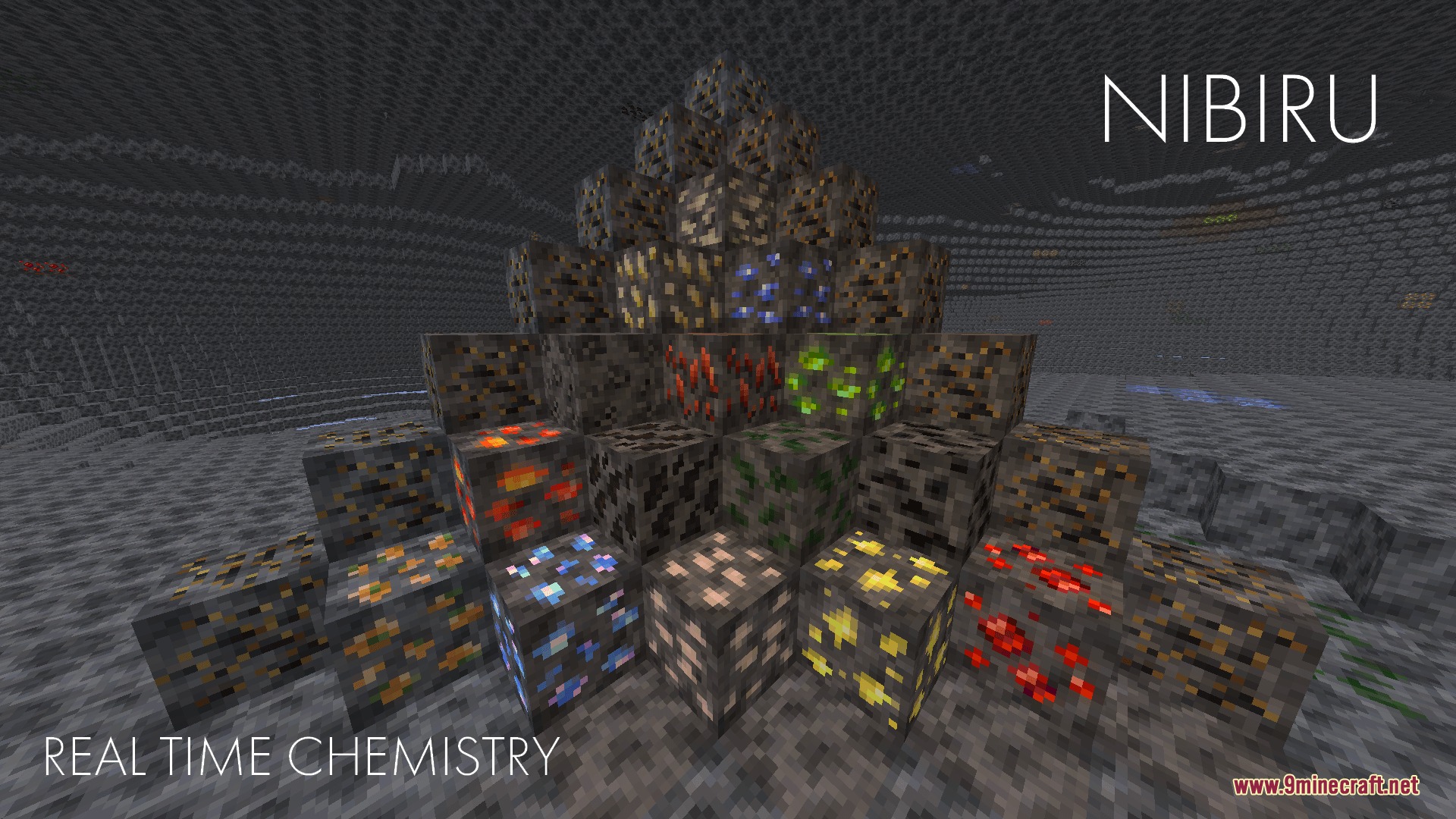
- Sends you to a brand new place called Nibiru to mine alien materials like Lunar Pyrolusite.
Weapons and Tools:
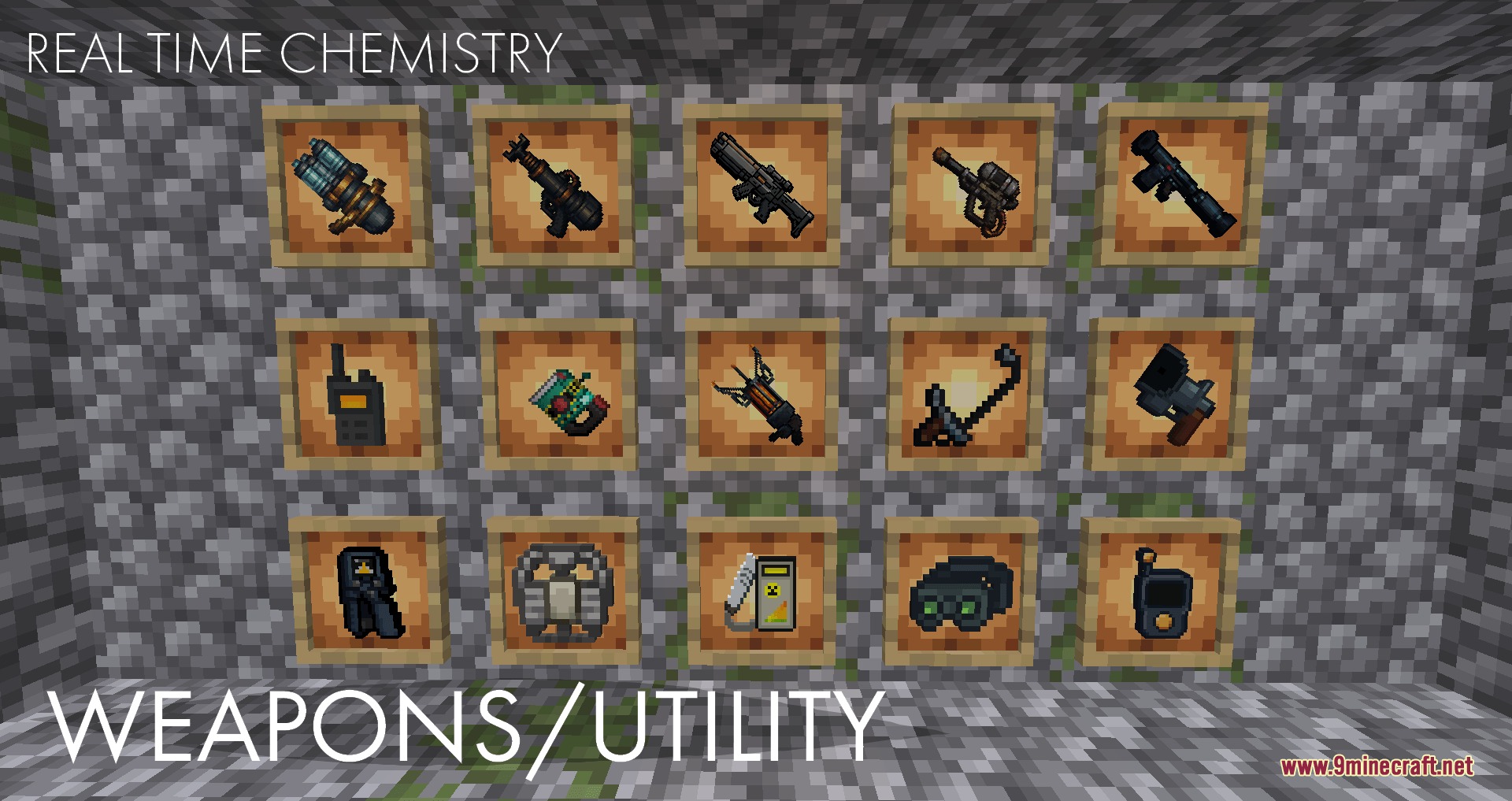
- Equips you with crazy guns like the Flamethrower, Railgun, and Lightning Cannon.
- Gives you a Gravity Gun and a Portable Teleporter to move things and travel fast.
Special Armor:
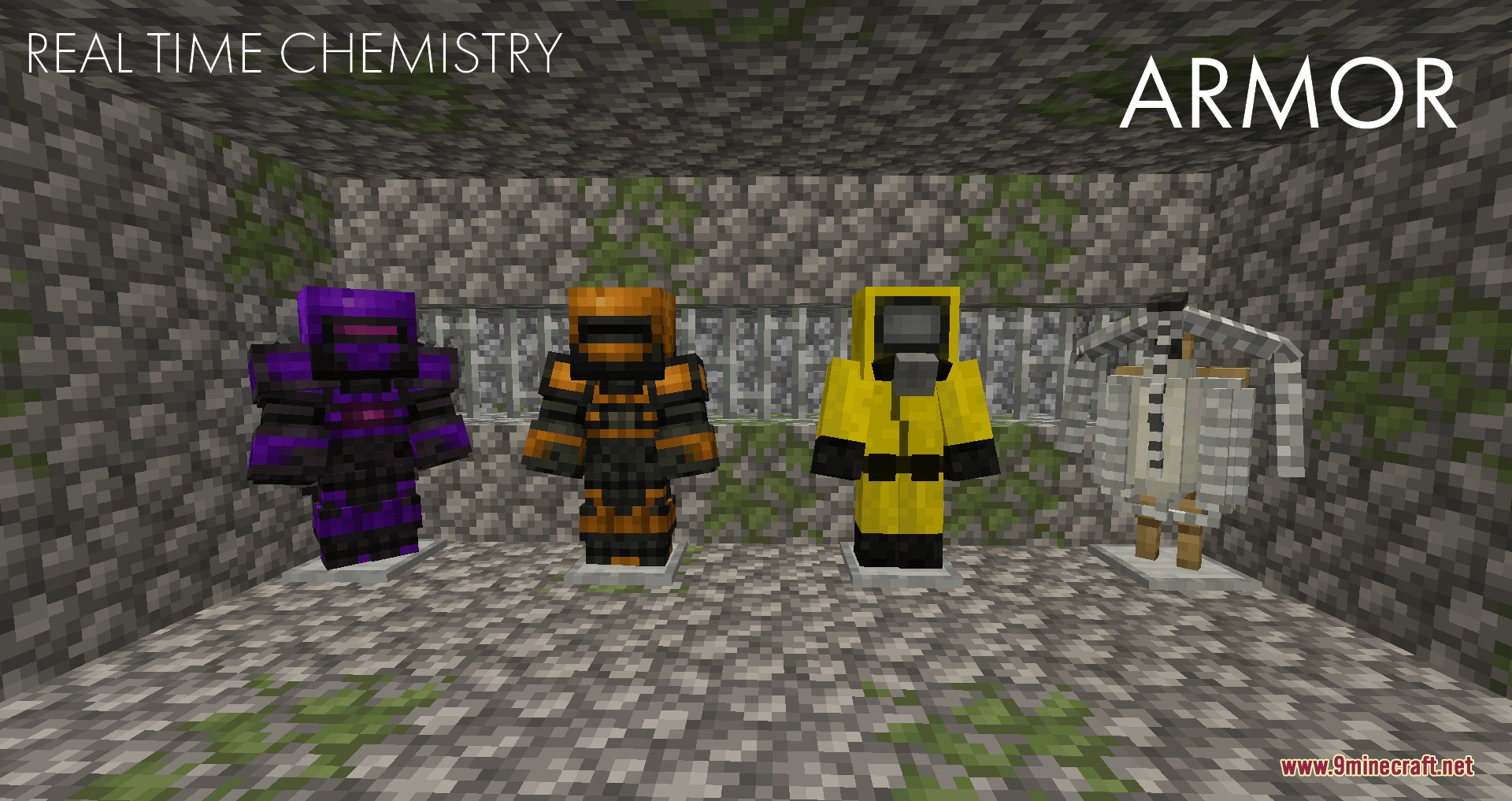
- Protects you from danger with Hazmat Suits and heavy Power Armor.
- Lets you fly across the map using a Jetpack that has an automatic pilot mode.
How to Play:
- Craft a Geiger Counter to keep an eye on your radiation levels while mining.
- Wear a Hazmat Suit and carry Radioguard medicine before working with nuclear materials.
- Put on a Jetpack and type in the X and Z coordinates to use the automatic pilot flying mode.
- Mine Uranium and Lithium to start your first nuclear reactor and collect power.
Screenshots:
Real Time Chemistry 2 RTC2 Mod Download Links
Quick facts
- Edition: Minecraft Java
- File type: .jar
- Minecraft version listed: 1.21.1
- How to install: Install the matching mod loader (Forge, Fabric or NeoForge) for your Minecraft version. → Download the .jar. → Put it in the .minecraft/mods folder and launch that loader profile.
- Where to get it: In MC Java Mods, or directly above on this page.
Install steps are the general flow for this file type — How to install Minecraft Java mods & modpacks walks through it step by step.
Verified by MCModsHub
- Downloads as 394537.mcaddon
- Download size: 92.8 MB
- Download link checked 23 Sept 2026 — working
- Mirrored on our own servers — the download does not depend on the original host
These come from our own check of the pack file, not from the source page.