
Stream Control
Java mod listed for Minecraft 1.21. Downloads from the MC Java Mods app on Android.
Stream Control lets your Twitch chat control Minecraft in real time with movement, actions, custom key inputs, and Bits-based mob spawns.
⬇ Download on Modrinth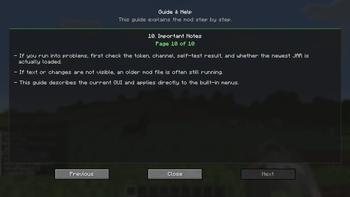
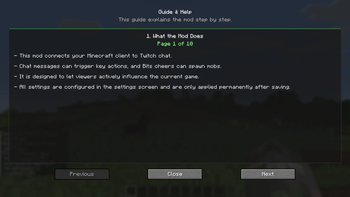
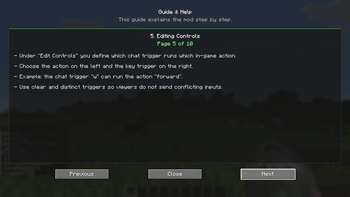
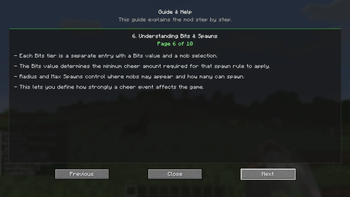
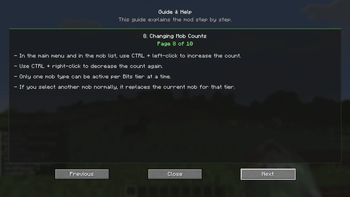
Stream Control turns your Minecraft world into a live Twitch experience. It lets viewers jump in and influence the game right from chat and Bits. Instead of just watching, your audience can actually participate—trigger movements, actions, and custom key inputs in real time. It pulls off chaotic, funny, and highly engaging moments for streams, videos, and community events.
The mod is built for streamers who want a straightforward but powerful way to link Twitch chat to gameplay. You can set up your own command system, map chat inputs to specific in-game actions, and tweak how viewers interact with your character. Whether you’re aiming for organized participation or total chat-driven chaos, Stream Control gives you flexible tools to shape the vibe.
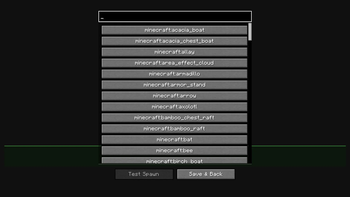
Besides chat controls, there’s a configurable Bits/cheer system that can spawn chosen mobs in your world when viewers cheer. You can create different Bits tiers, pick which mobs show up, adjust how many spawn, and set limits like radius and total spawns. It’s perfect for reward moments, challenge events, or high-energy streams that respond to viewer support.
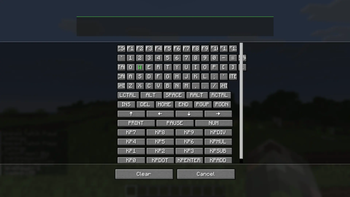
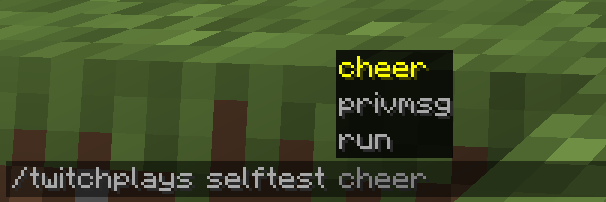
Everything happens in an in-game config menu, so you don’t have to touch files. The mod includes Twitch channel and OAuth setup, a connection test, editable control bindings, mob and spawn settings, an in-game guide, and a self-test to make sure everything runs smoothly before you go live.
Stream Control is all about making streams more interactive, a bit more unpredictable, and a lot more entertaining, while still keeping you in control of how far viewer involvement goes. If you want Twitch chat to be a real part of your Minecraft game, this mod gives you a clean, practical way to do it.
- Edition: Minecraft Java
- File type: .jar
- Minecraft version listed: 1.21.11
- How to install: Install the matching mod loader (Forge, Fabric or NeoForge) for your Minecraft version. → Download the .jar. → Put it in the .minecraft/mods folder and launch that loader profile.
- Where to get it: Opens on Modrinth — not every file is mirrored on our own servers.
Install steps are the general flow for this file type — How to install Minecraft Java mods & modpacks walks through it step by step.
- Ships as twitchplays-1.0.0.jar — drop this file into the mods folder
- Download size: 131 KB
- Download link checked 9 Oct 2026 — working
These come from our own check of the pack file, not from the source page.