
Universal Voice Chat
Java mod listed for Minecraft 26.x. Downloads from the MC Java Mods app on Android.
⬇ Download on Modrinth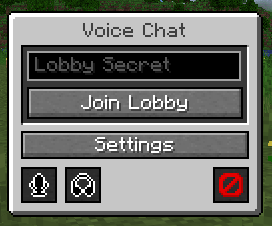
Universal Voice Chat
Discord-powered proximity voice chat that works without relying on a server.
Usage
First-Time Setup
Only one person has to follow these steps, after which everyone else can utilize the application ID.
- Go to the Discord Developer Dashboard and create a new developer team
- Create a new application and assign it to that team
- Go to the OAuth2 tab and add
http://127.0.0.1/callbackas a redirect URL, and togglePublic Client - Go to Games > Social SDK and fill out the form
- Go back to Overview > General Information and copy the application ID
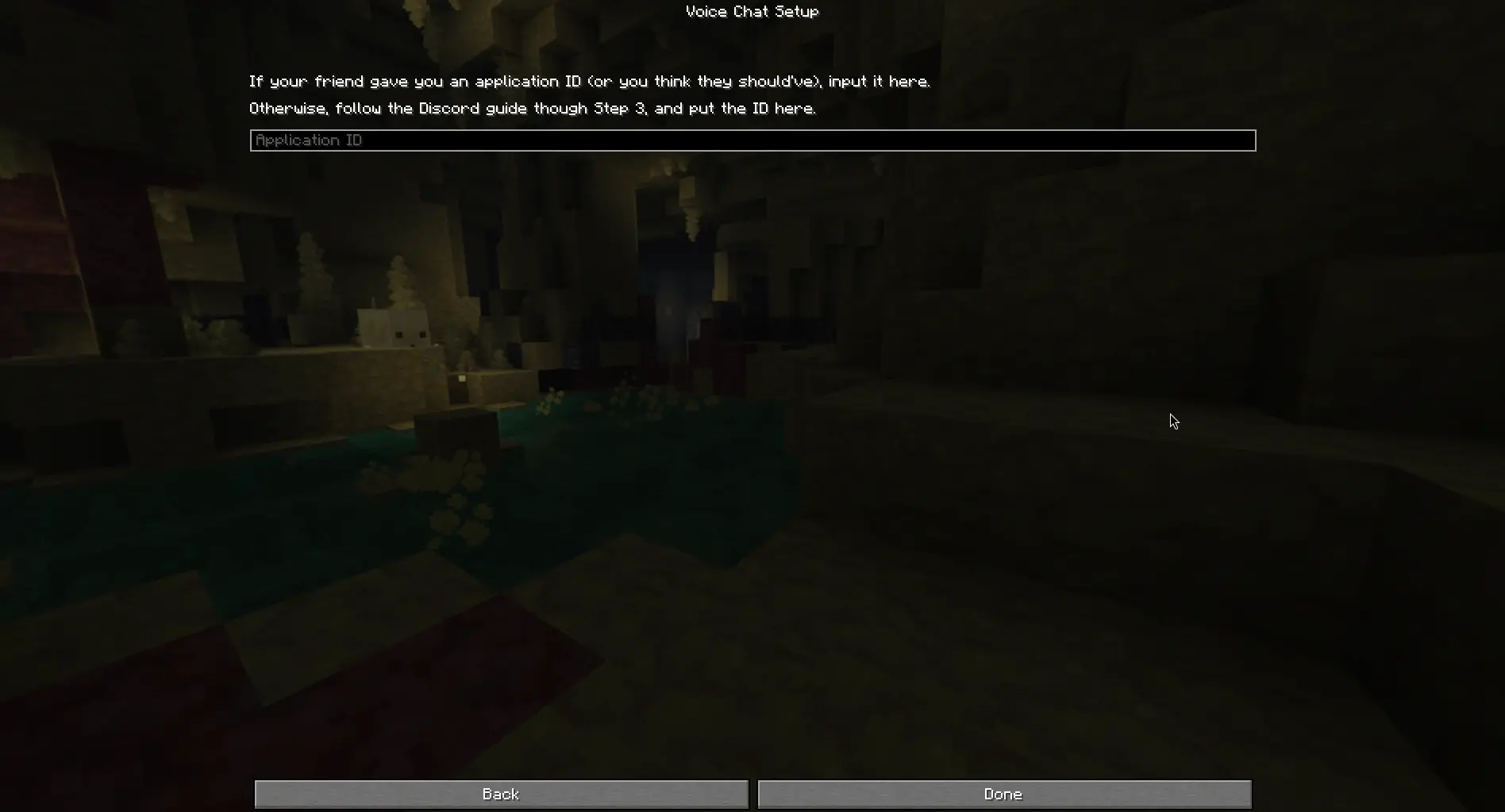
After this, send the application ID to everyone you want to speak with and paste it into the setup screen. Discord will open and ask you for authorization, and you should scroll down until you can click "Authorize".
Lobbies
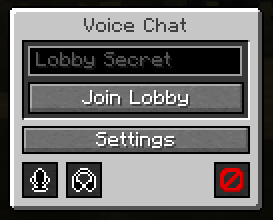
You can only hear/speak to people in your lobby. The lobby secret can be basically anything, as long as your friends can type it in.
Input the secret into the menu and click "Join Lobby".
Notes
This mod is a bit of a proof-of-concept. If you are looking for something to use on your server, use Simple Voice Chat or Plasmo Voice— they will work better there.
Only use this mod with people you trust! There are several places where bad actors could impersonate others or crash your game due to how the Social SDK is designed with client-side lobbies.
Credits
- Discord - UVC uses the Discord Social SDK to handle voice chat
- Simple Voice Chat - UI inspiration (nothing directly copied, but I've used it too much not to accidentally take inspiration)
- Edition: Minecraft Java
- File type: .jar
- Minecraft version listed: 26.2
- How to install: Install the matching mod loader (Forge, Fabric or NeoForge) for your Minecraft version. → Download the .jar. → Put it in the .minecraft/mods folder and launch that loader profile.
- Where to get it: Opens on Modrinth — not every file is mirrored on our own servers.
Install steps are the general flow for this file type — How to install Minecraft Java mods & modpacks walks through it step by step.
- Ships as universalvc-1.1.1.jar — drop this file into the mods folder
- Download size: 52.2 MB
- Download link checked 9 Oct 2026 — working
These come from our own check of the pack file, not from the source page.