Grand Planes Simple Edition (Realistic Physics)
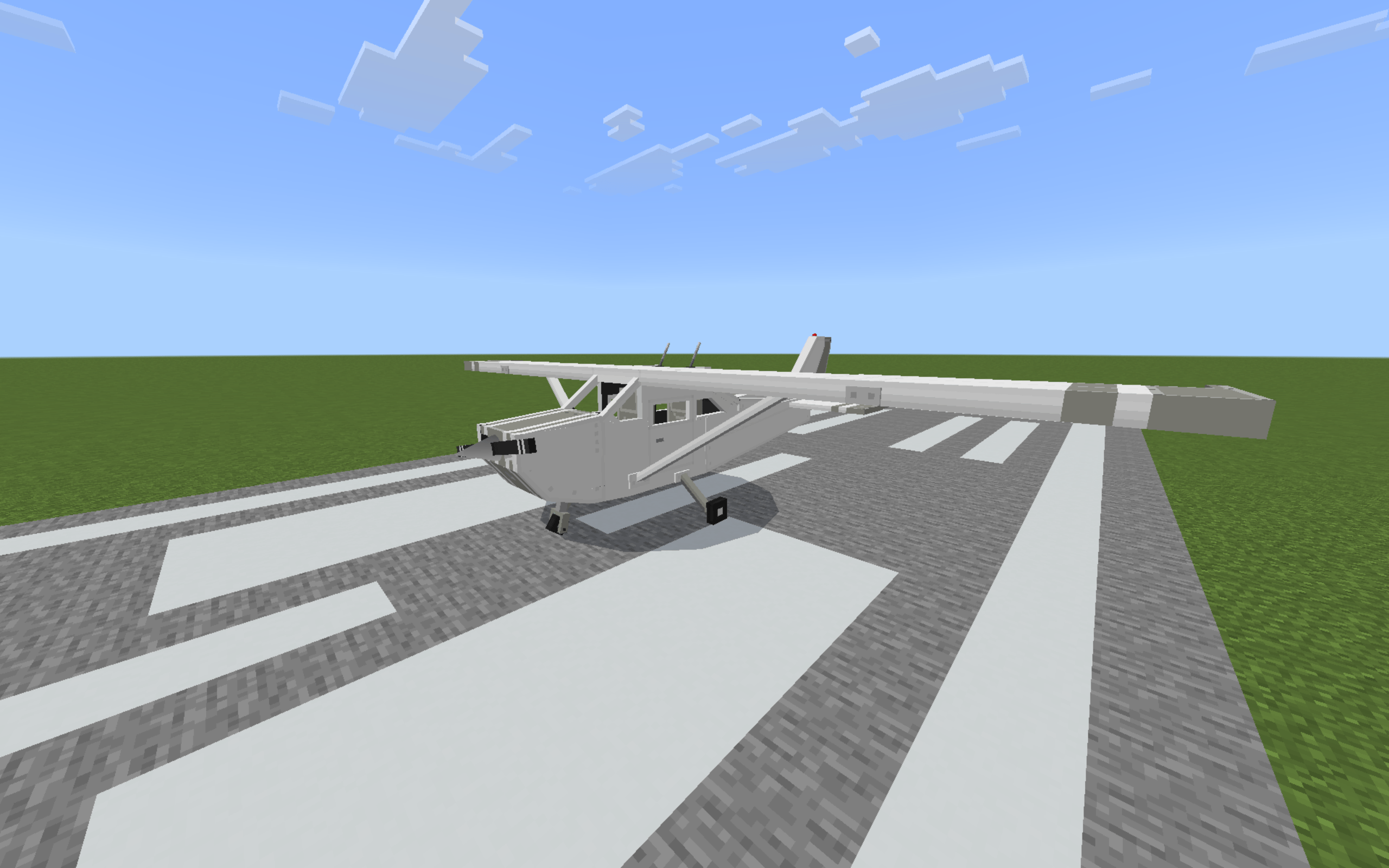
Craft, fuel and fly a fully simulated Cessna - real flight physics, 16 liveries, and landing grades. The most realistic airplane addon on Minecraft…
⬇ DownloadThe author built this one for Minecraft 1.21–26.40. On other versions it may install and then do nothing.
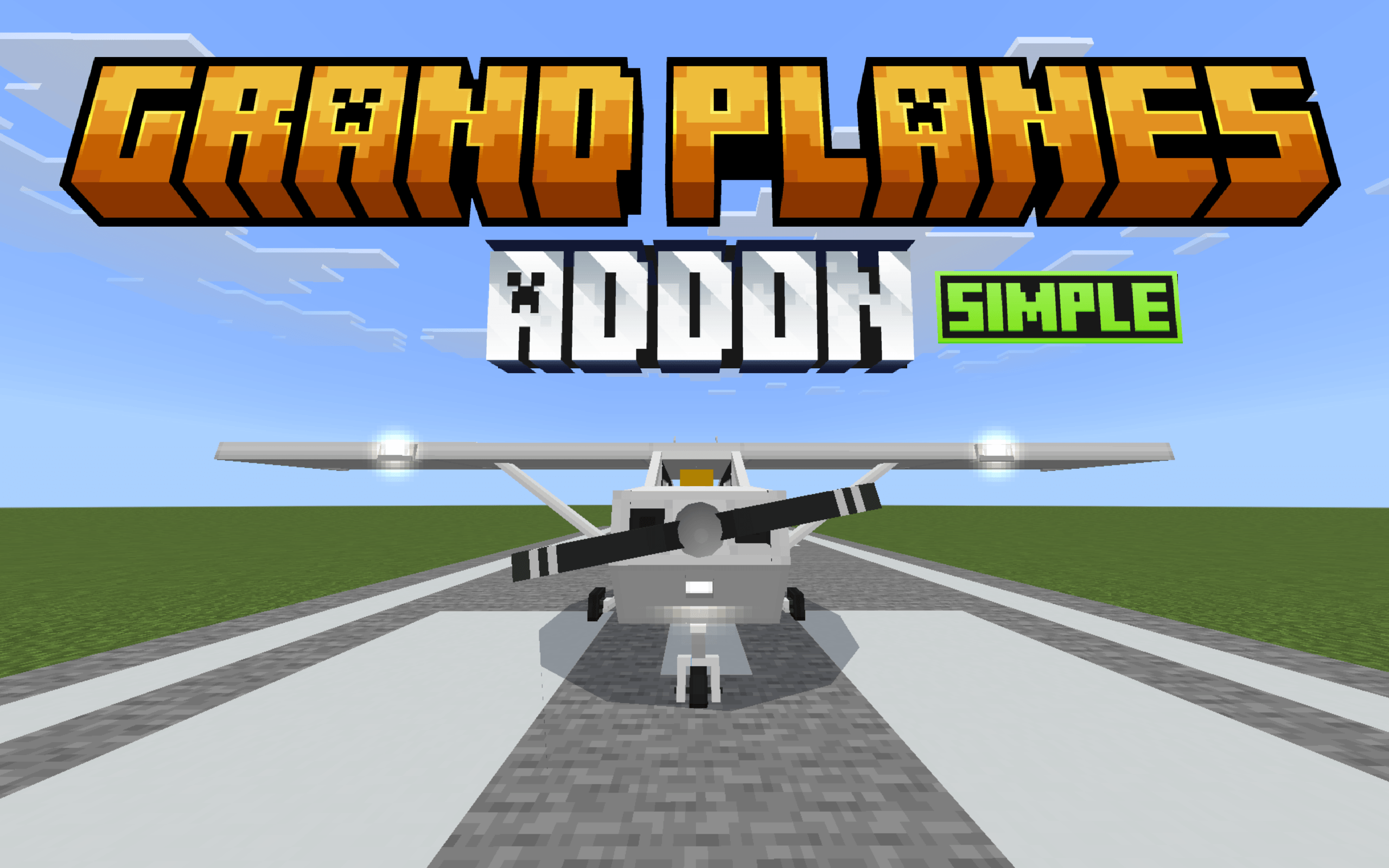
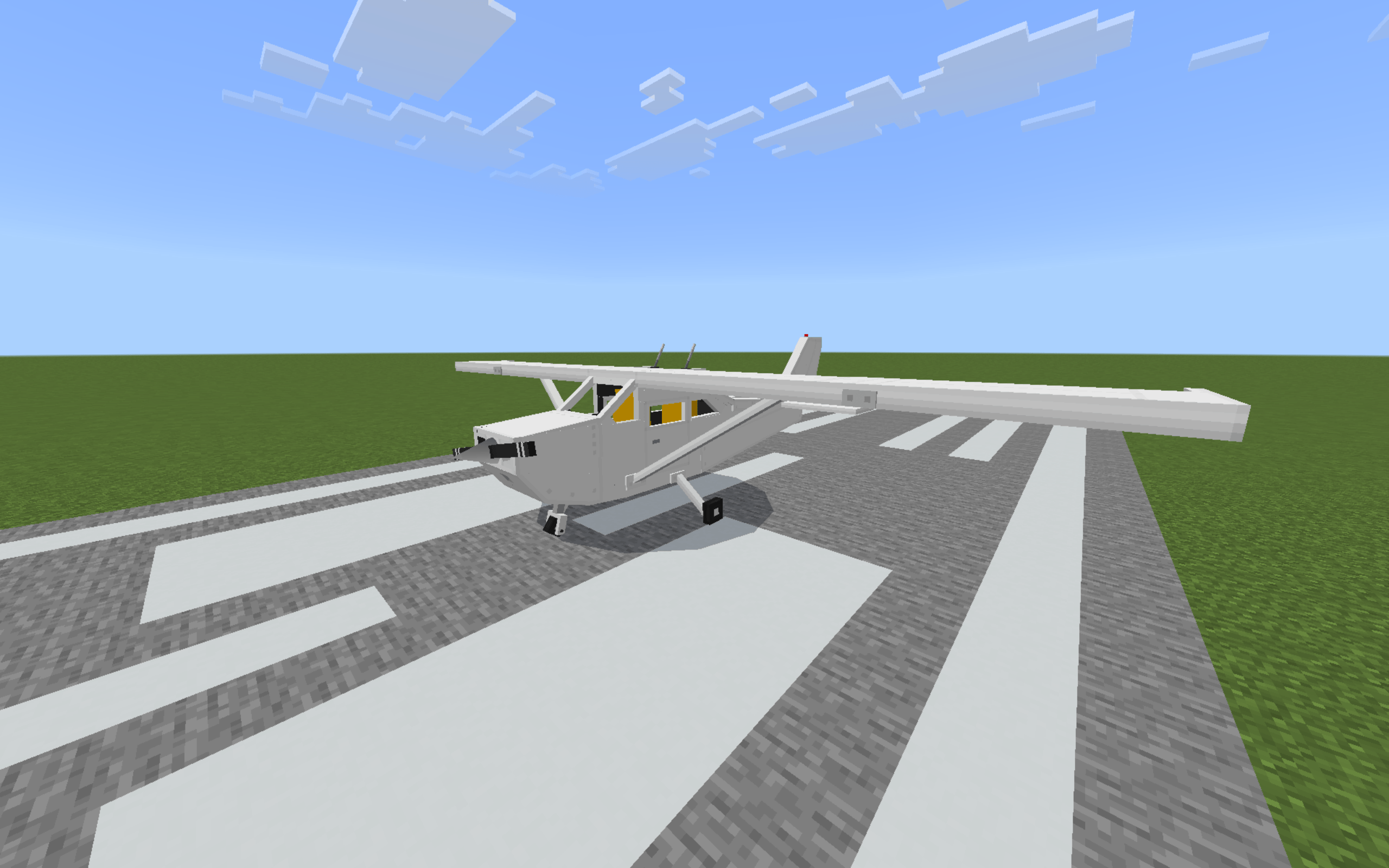
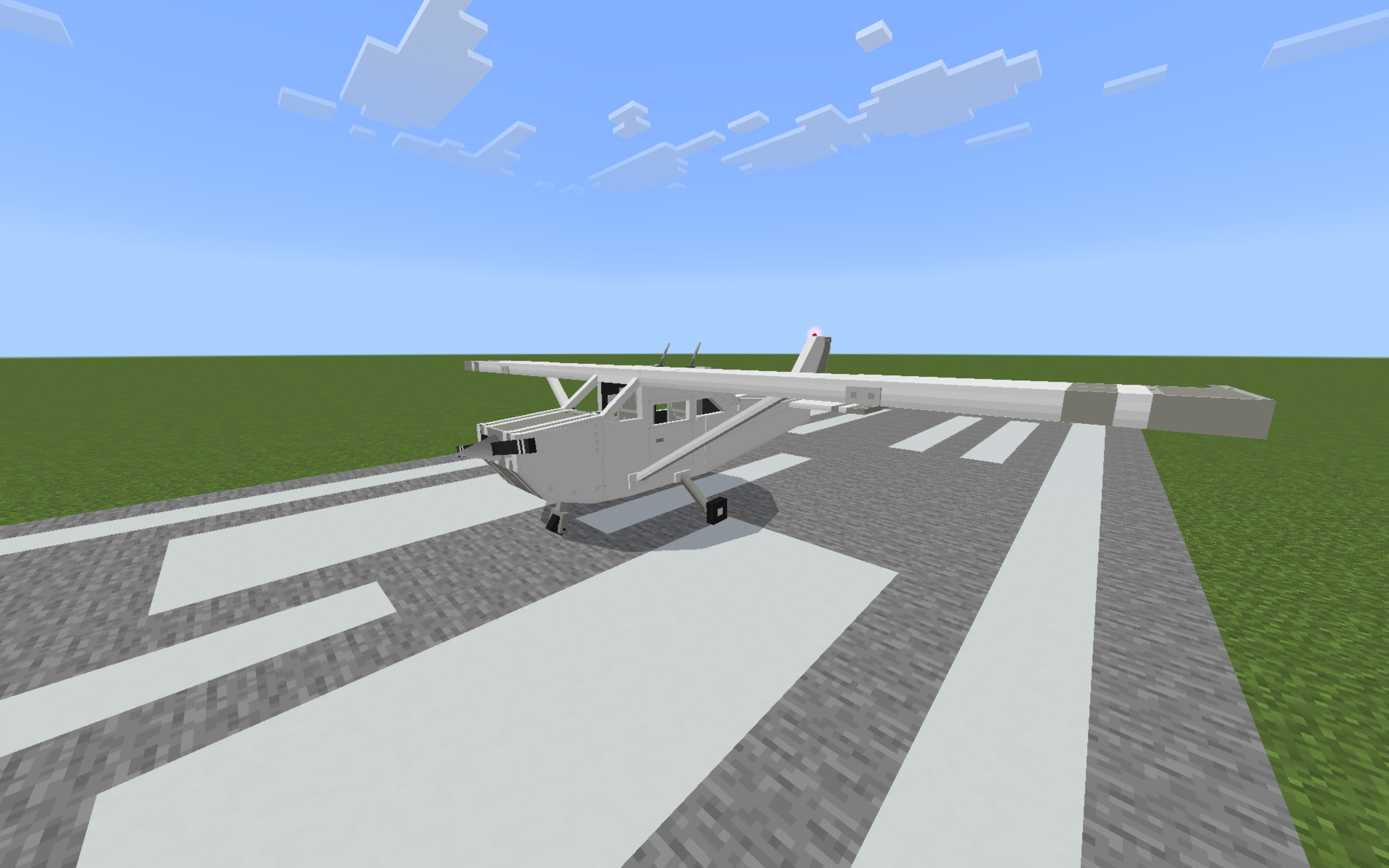
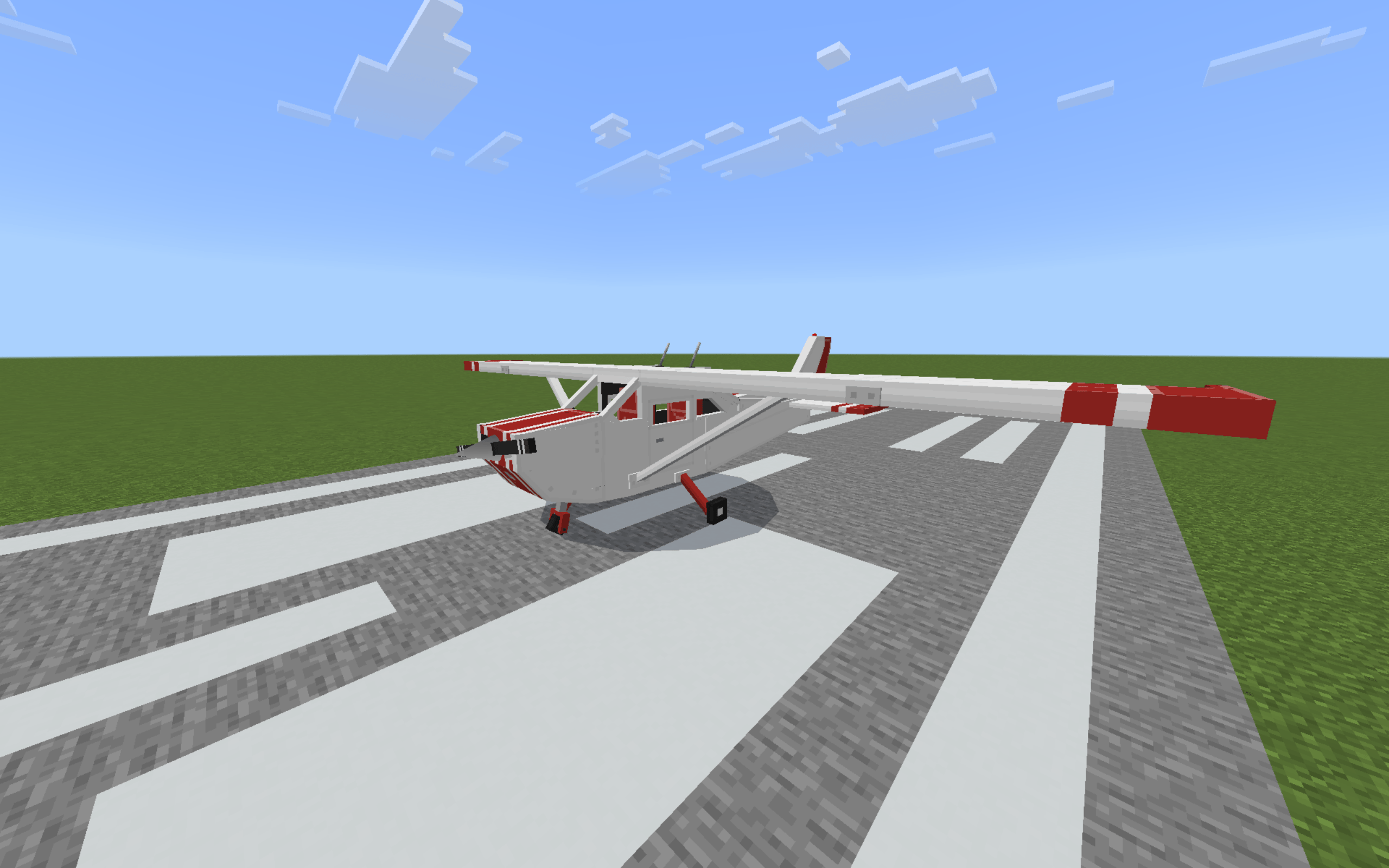
GRAND PLANES - Simple Edition
The most realistic airplane addon on Bedrock. One handcrafted Cessna 172 with actual flight physics. No reskinned mobs, Real stalls, real dives and real butter landings.
WHAT DROPPED IN 2.1.0?
| What changed | Description |
|---|---|
| TWO CONTROL LAYOUTS | Simplified or Original, picked on your first flight |
| PLANE SETTINGS | Your own taxi and pushback speed, one tap each |
| SMARTER SAFETY | Crash reports name the cause, auto landing lights, ground warning |
| YOUR KEY STAYS SAFE | Boarding stows the door key before the cockpit kit lands |
| CRAFTABLE WRENCH | 4 iron ingots, +25% hull a use, no wear limit |
| SHARPER TAXI | Cessna now turns easily on sharp taxiways |
| 13 LANGUAGES | Menus, messages, HUD, logbook and the full manual |
Controls
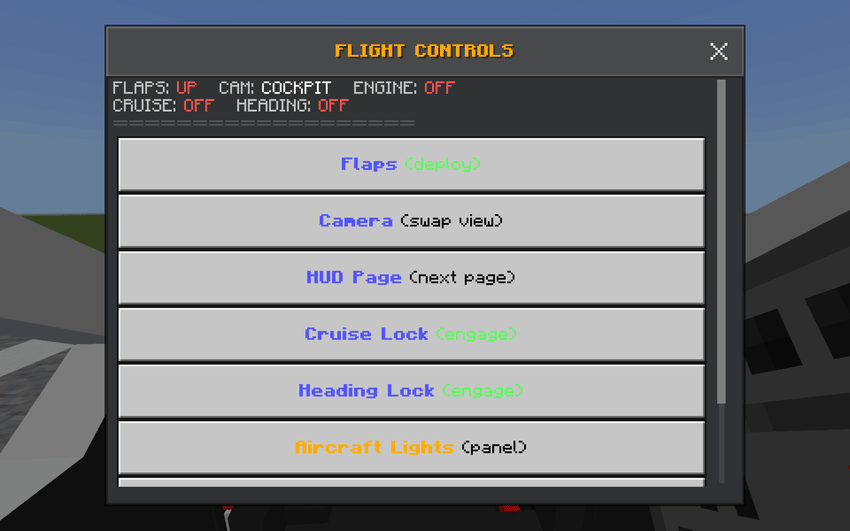
- New: two control layouts, Simplified and Original.
- You pick on your first flight.
- Change it anytime in Settings > Other.
- Simplified controls: the few buttons you need, plus the Flight Controls panel for everything slow (flaps, camera, HUD pages, both locks, lights).
- Original controls: the full bar from 1.0.0, every button in your hand.
- Upgrading from 2.0.0? Your layout stays the way you already fly it.
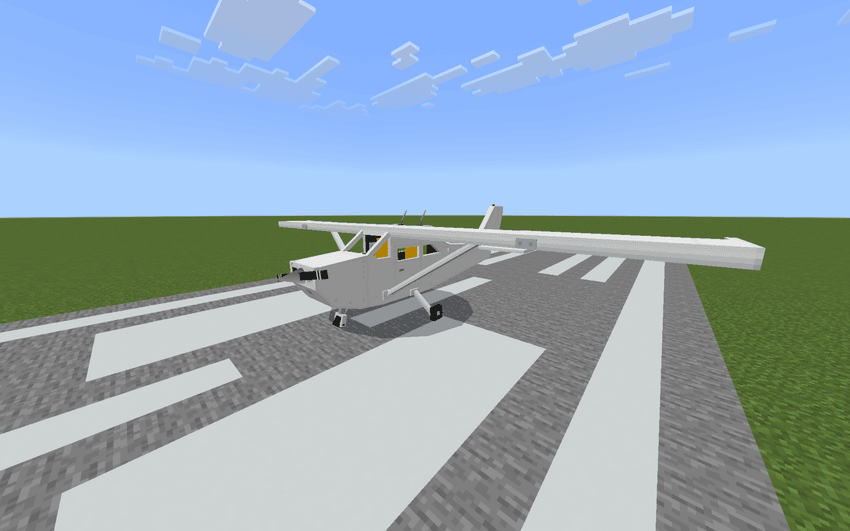
Why This One and Not the Others
- Actual flight physics. The plane stalls, glides, banks, overspeeds. Skill matters here.
- Survival-ready. Craft it, fuel it, fly it. No commands, no creative mode needed.
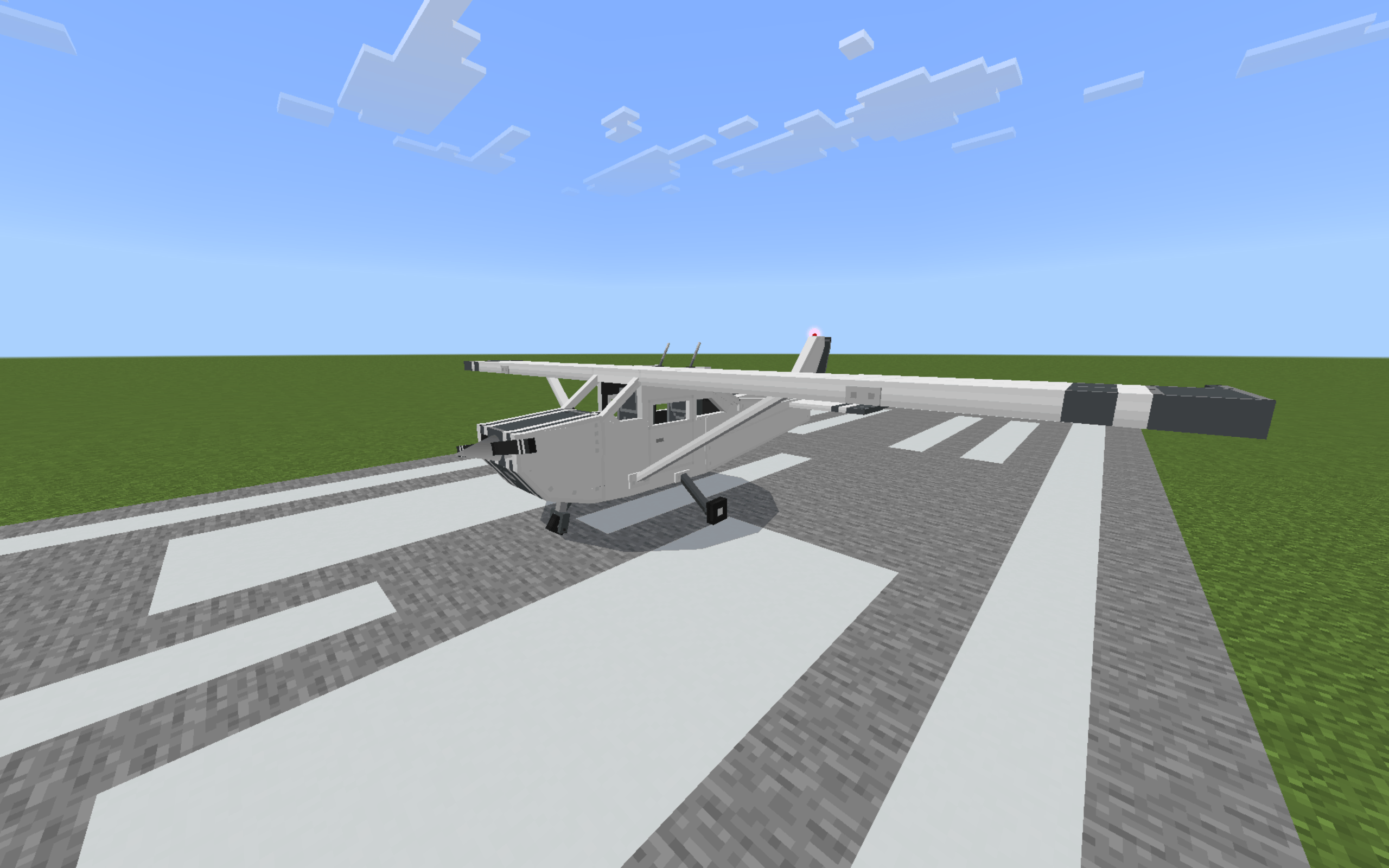
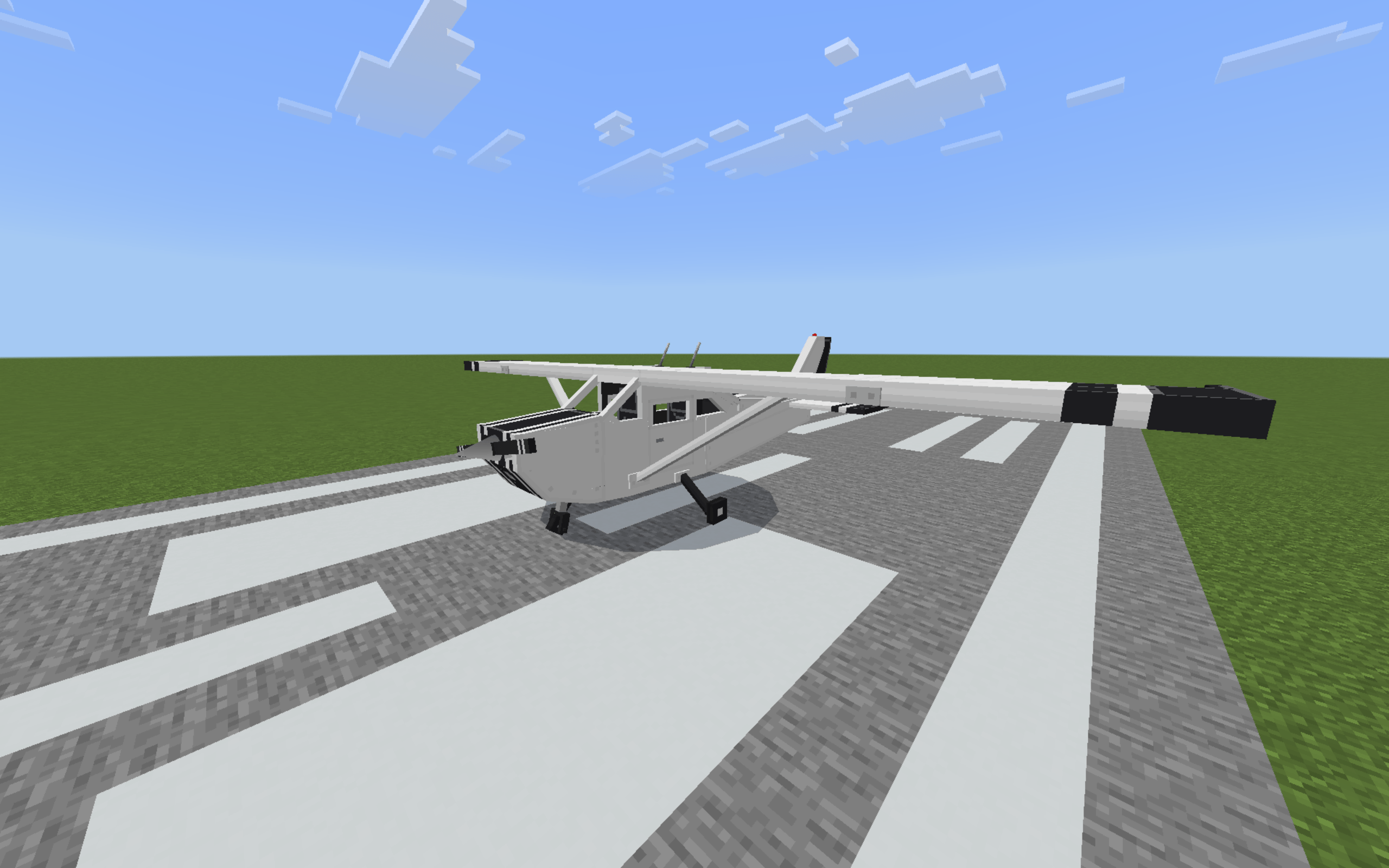
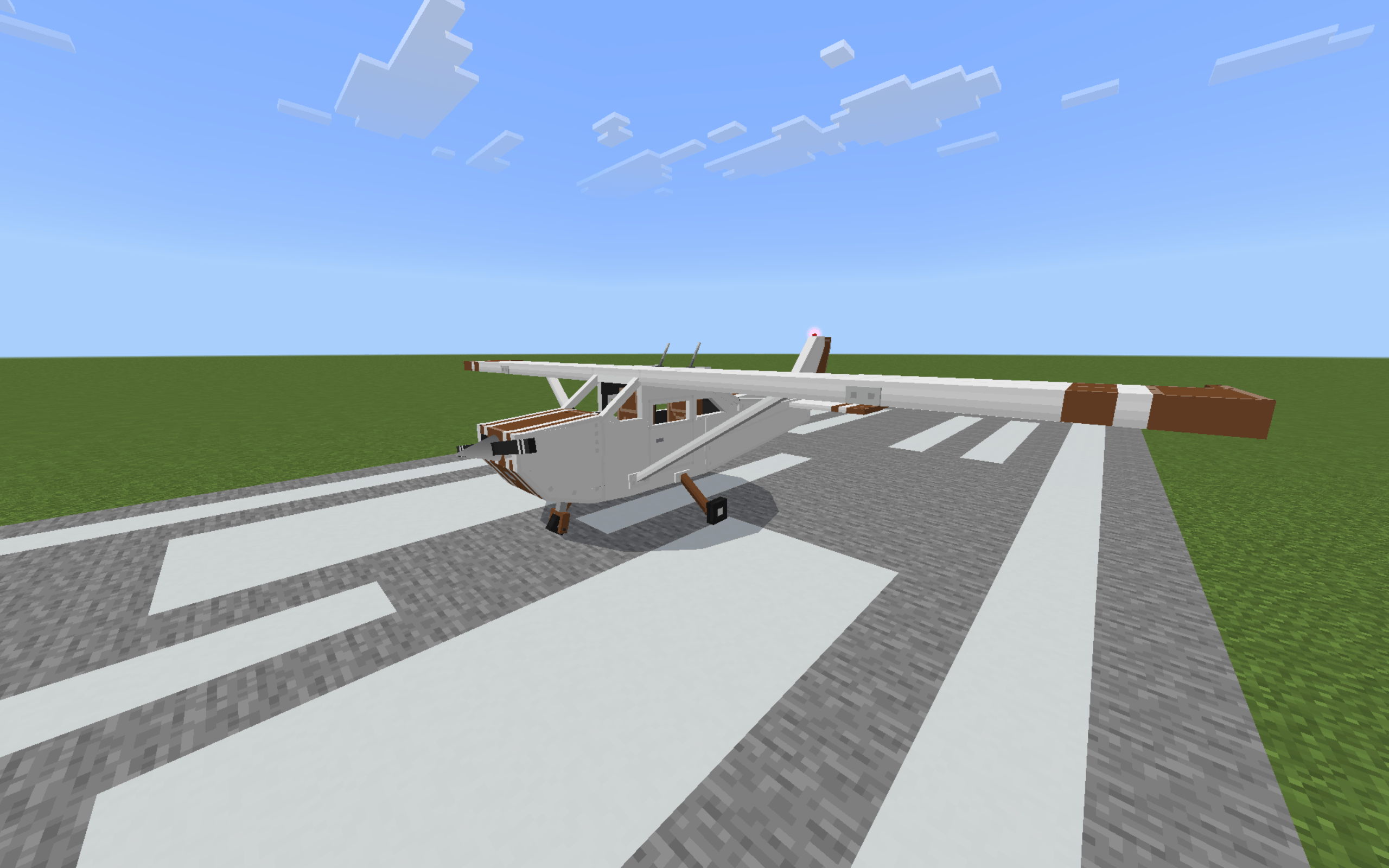
- 16 liveries. Any vanilla dye, any time. Match your fit.
- A real in-game manual. 12 parts of pilot school built into the addon. Read it or wing it, your call.
The Flight Model
Speed
Cruise up to 28 B/S. Go above Y200 and she opens up to 34 B/S. Climbing costs speed. Diving gives it back. That's the whole game.
Takeoff
You need a real runway. 70 blocks of roll before she rotates. Concrete runs smooth, dirt fights you, A 100 Runway blocks long is the bare minimum.
Limits
Slow + nose high = stall. Hold the stall = spin. Dive past 37 B/S = hull eating damage. Fly smart.
Controls
Ailerons, elevators, rudder, flaps - all live, all on your screen moving with your inputs.
Landing Grades
Every touchdown gets scored: BUTTER, NICE, DECENT, BAD, TERRIBLE. Descent rate, speed, pitch, roll, surface. Land like trash and the game says it. Land clean.
The Systems Grind
Fuel
Full tank = five Fuel Canisters at +20% each. One craft gives two cans now (I buffed it). In a pinch, coal works - +5% per piece, caps at half a tank.
Hull
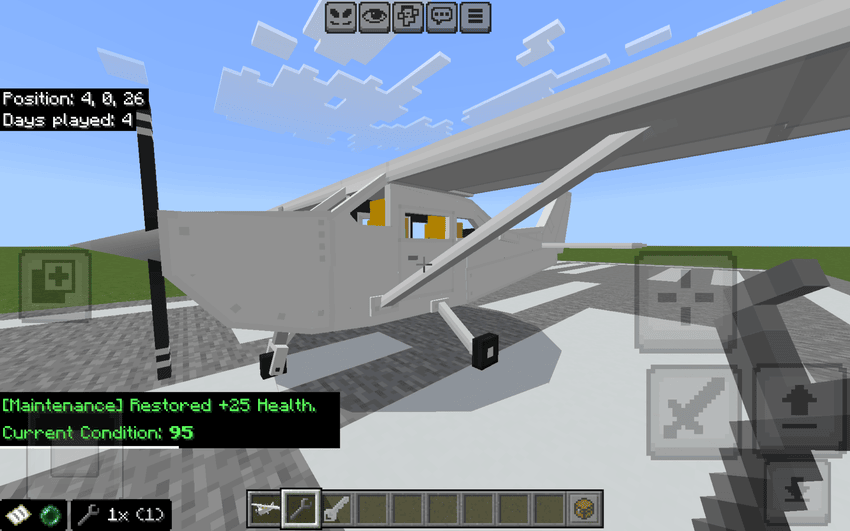
Hard landings, rough strips, wall hits - it all costs hull. Repair Wrench fixes +25% a use, 50 uses per wrench. Hit 0% and the engine dies mid-flight. Don't hit 0%.
Retrieval
Crouch-hit the plane 3 times - packs into an item with fuel, hull, paint saved. Costs 15% hull each time, so land it first like a normal person.
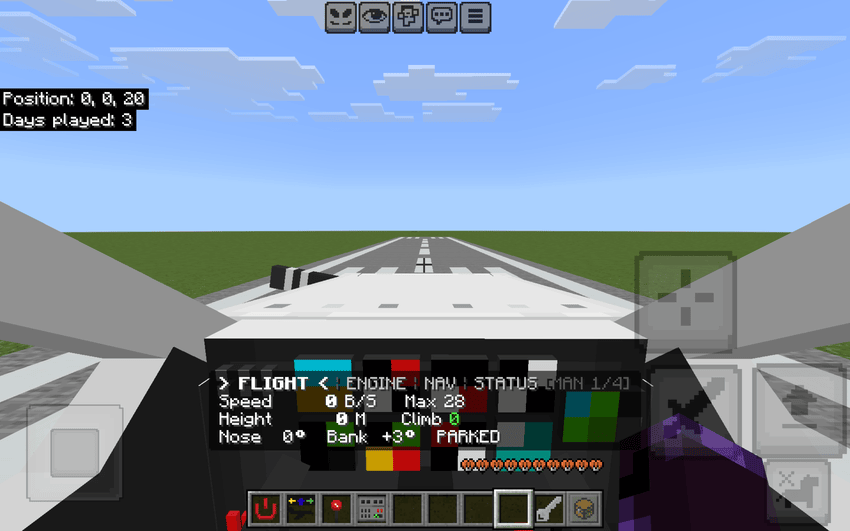
How You Fly It
Mode 1 - Click Controls
Full hotbar setup. Ignition with a live icon, throttle in 10% steps, taxi/takeoff/pushback modes, parking brake with a run-up boost trick.
Mode 2 - W / S Controls
Console and PC players, this is your mode. Throttle lives on W and S while you fly. Cleanest way to play, bar none.
Camera and HUD
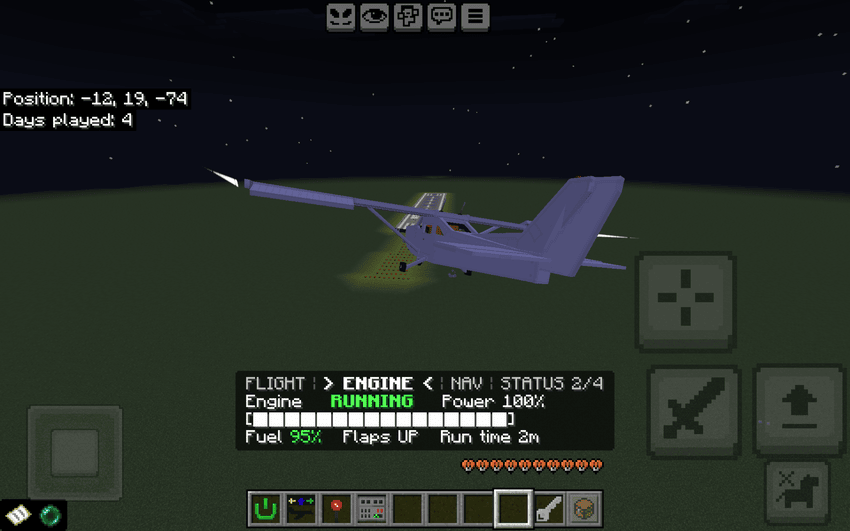
Chase cam that tracks where you look. 4 HUD styles you flip by hand. Settings menu got a full glow-up for 2.0.0.
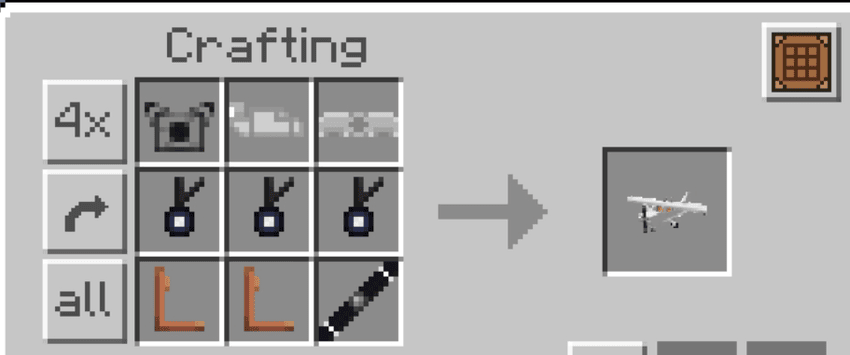
Crafting the Cessna
The Six Parts
- Engine, Body Frame, Wings
- Landing Gear - one craft drops all three wheels
- Two Seats - recipe crafts one seat, so make it twice
- Propeller
Assembly
Throw all of it together and out pops the Cessna Spawner. Full diagrams, colored and highlighted, inside the in-game manual.
Night Flights
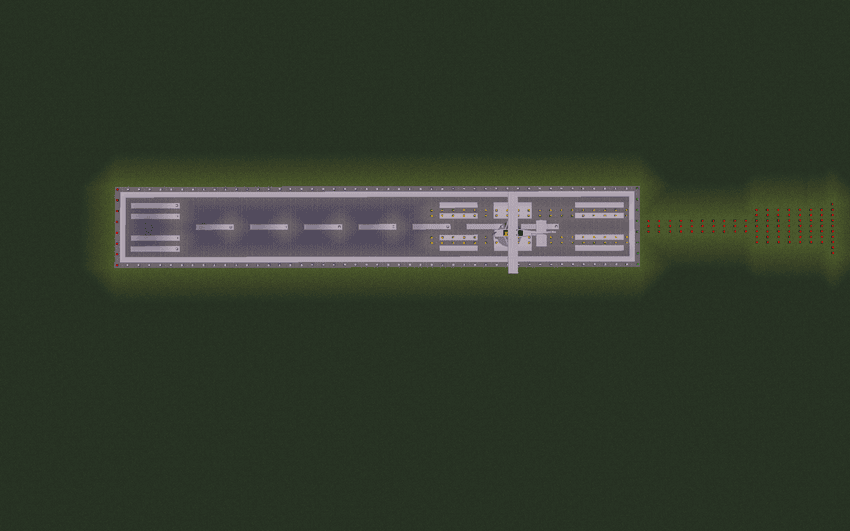
Craftable runway lights, 16 colors. Green threshold, white edges, yellow caution, red wall. Your survival base deserves a lit strip and you know it.
Runs Everywhere
| Platform | Status |
|---|---|
| Minecraft Bedrock | 1.21.0 or newer |
| Mobile, console, PC | All good |
| Experimental toggles | Not needed |
| Realms / cross-play | Works |
Drop it in your world and fly!
Credits
- Creator: GeneralX5247
- Discord: mr.bacon5247x_x - bugs and ideas, drop them there
- Special thanks: Goth_Protogen - First Tester. Real one :).
Thanks for flying Grand Planes. If this hits, more is coming. Now go touch grass.
- Edition: Minecraft Bedrock
- File type: .mcpack or .mcaddon
- Minecraft versions listed: 1.21, 26.0, 26.11
- How to install: Download the .mcpack or .mcaddon file. → Open it — Minecraft imports it. → In your world: Behavior Packs → Available → Activate, then the same under Resource Packs.
- Where to get it: In MCModsHub, or directly above on this page.
Install steps are the general flow for this file type — How to install Minecraft Bedrock addons & mods walks through it step by step.
- Pack type: .mcaddon — behaviour and resource pack in one file
- Complete pack — everything it depends on is inside the file
- Download size: 1.5 MB
- Download link checked 19 Sept 2026 — working
These come from our own check of the pack file, not from the source page.