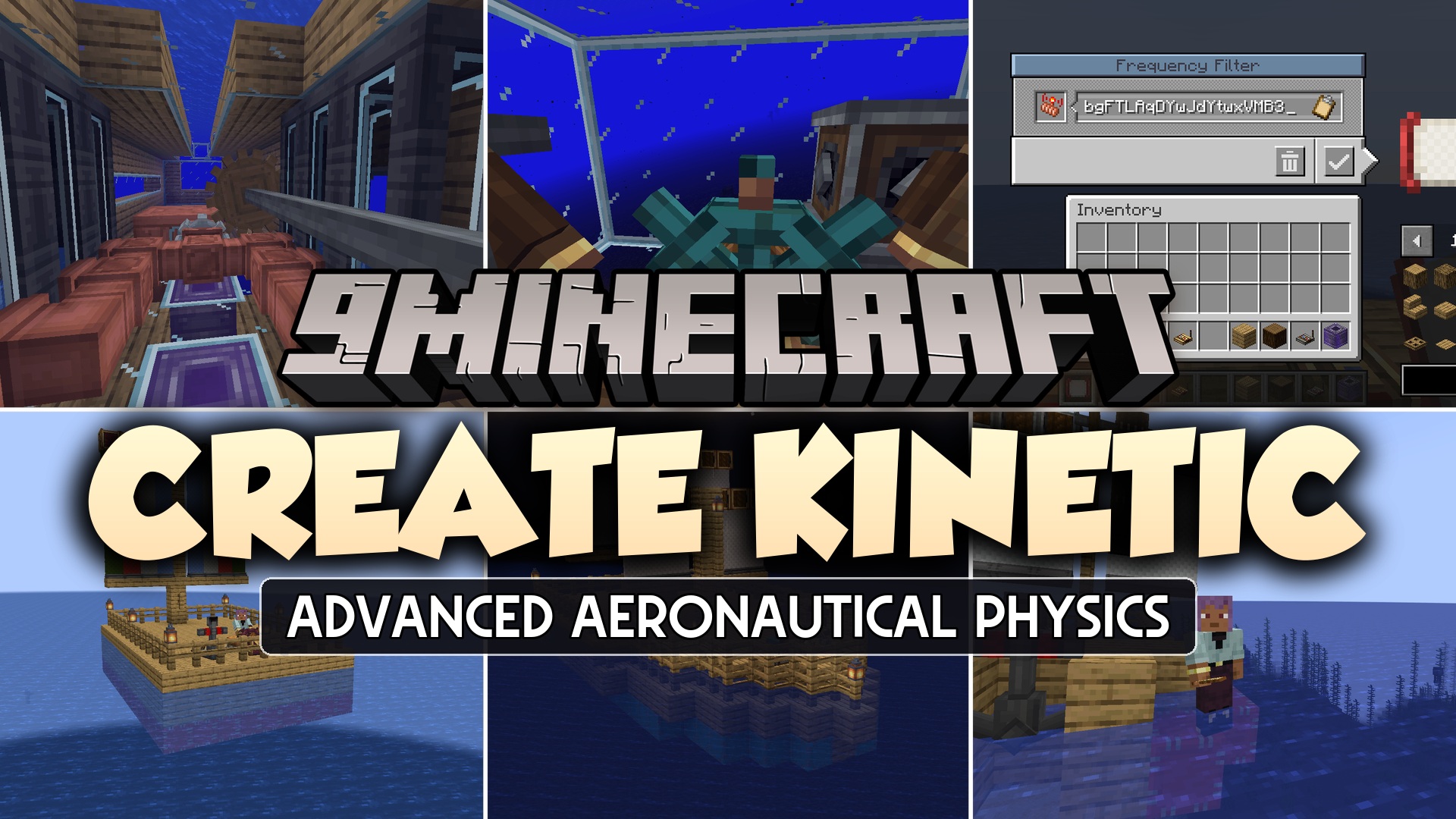
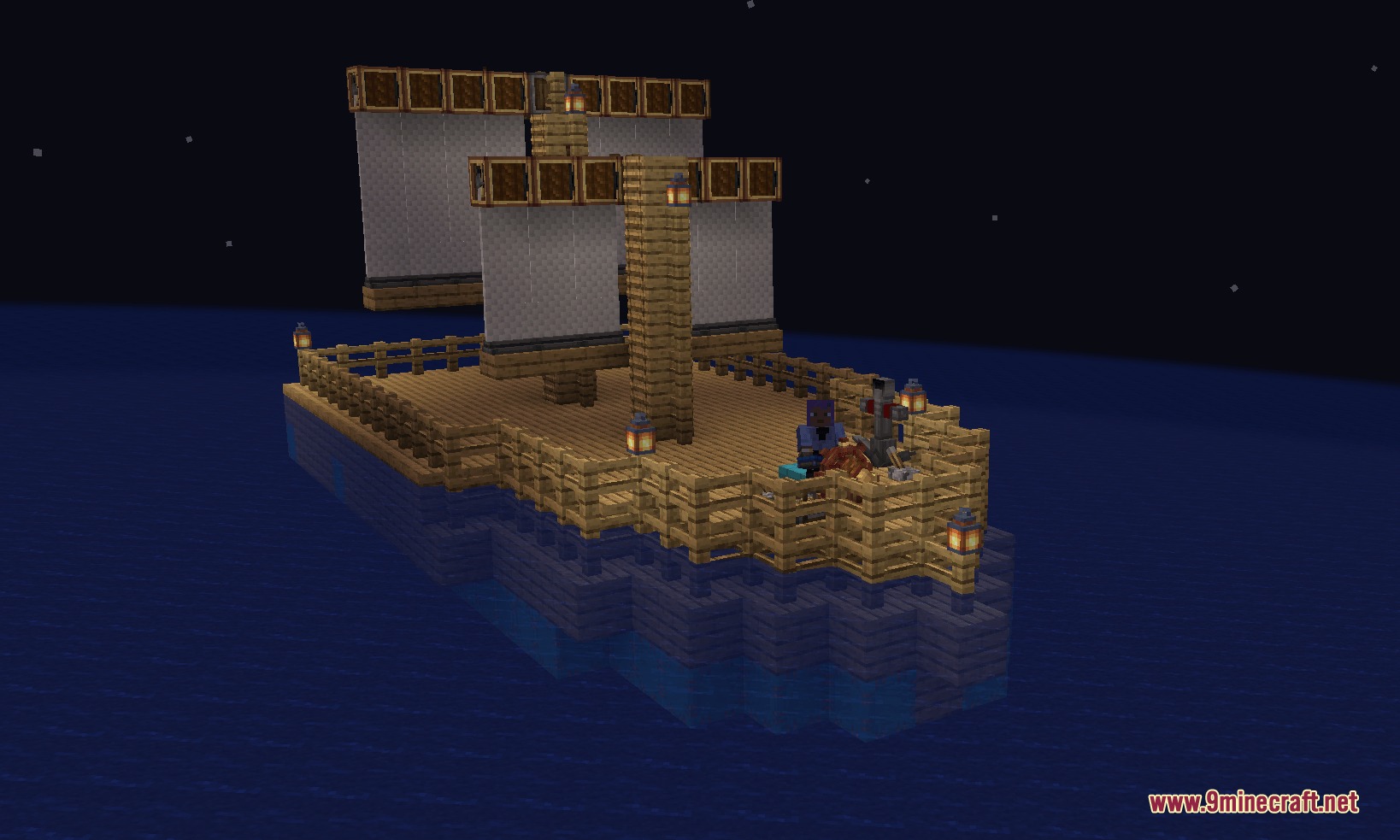
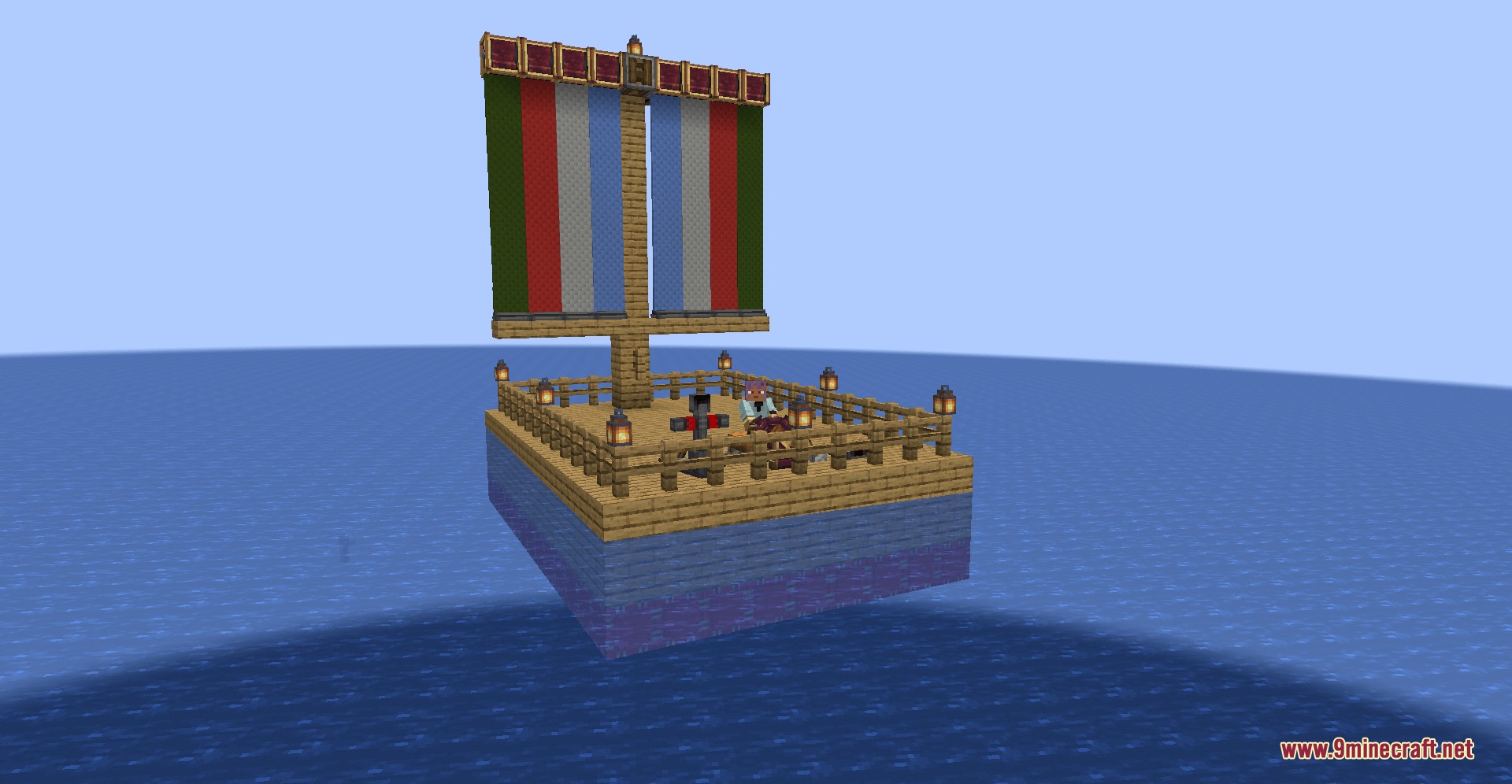
Create Kinetic Mod expands Create Aeronautics and Valkyrien Skies 2 with new parts for your flying ships. It adds useful blocks like steering wheels, thrusters, and sails to give you better control over your vehicles. You can build large airships or boats and drive them around without needing complicated redstone setups.
Features:
- Mouse Control: Use a joystick block to steer your ships just by moving your mouse around.
- Ship Recovery: Ship totems let you teleport your lost or runaway vehicles right back to you.
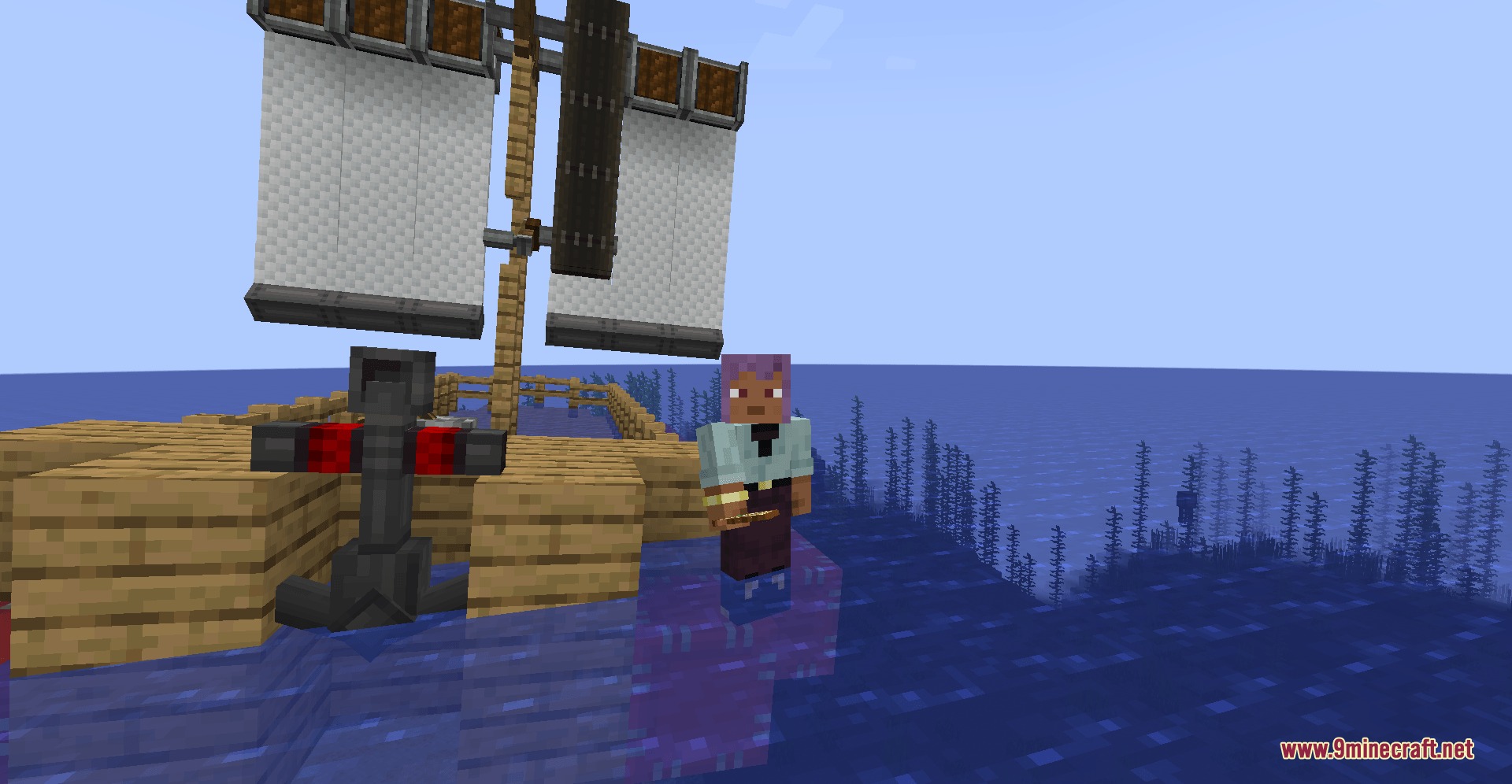
- Adds retractable sails and sail pulleys to push your boats across the water.
- Players can place different types of wooden helms to steer ships without any redstone controllers.
- Includes tank ballasts that you fill with water to make your ship heavier or lighter.
- Lets you attach horizontal and vertical rudders to turn your ship or make it go up and down.
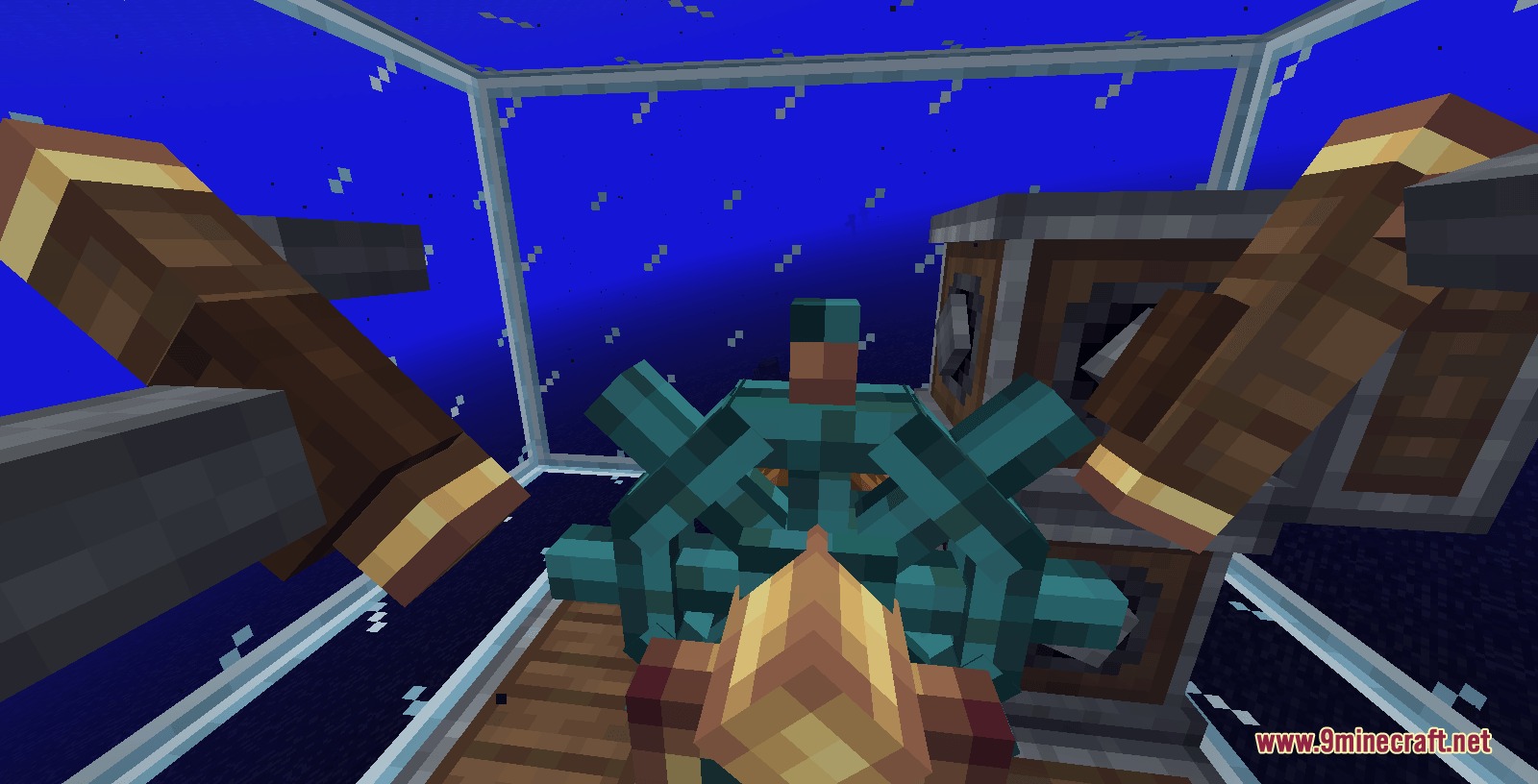
- Adds spinning reaction wheels to help keep your flying machines perfectly upright in the air.
- Gives you working tank treads that you can dye any color to drive vehicles on the ground.
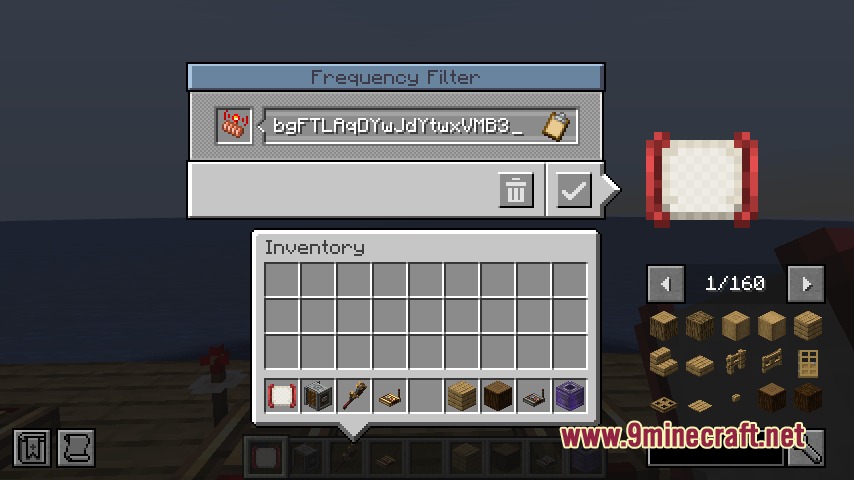
- Brings a new frequency filter so your redstone signals do not mix up with other signals nearby.
- Drops heavy anchors powered by redstone to stop your ship fast.
- Includes buoys to help your custom ships float better on the water.
Commands:
/ship this: targets the specific ship you are looking at./ship rename: changes the name of your ship./ship freeze: stops your ship from moving completely./ship unfreeze: lets your ship move normally again./vs deletemassles: removes specific parts (for server operators only)./vs total: checks ship numbers (for server operators only).
How to Use:
- Craft a ship totem item in your survival world.
- Rename the totem using the
/ship totemcommand to match your exact ship’s name. - Click the totem item in your hand to instantly bring your runaway ship back to you.
Screenshots:
Create Kinetic Mod Download Links
Quick facts
- Edition: Minecraft Java
- File type: .jar
- Minecraft versions listed: 1.21.1, 1.20.1
- How to install: Install the matching mod loader (Forge, Fabric or NeoForge) for your Minecraft version. → Download the .jar. → Put it in the .minecraft/mods folder and launch that loader profile.
- Where to get it: In MC Java Mods, or directly above on this page.
Install steps are the general flow for this file type — How to install Minecraft Java mods & modpacks walks through it step by step.
Verified by MCModsHub
- Downloads as 395104.mcaddon
- Download size: 1.4 MB
- Download link checked 22 Sept 2026 — working
- Mirrored on our own servers — the download does not depend on the original host
These come from our own check of the pack file, not from the source page.