ModsJava
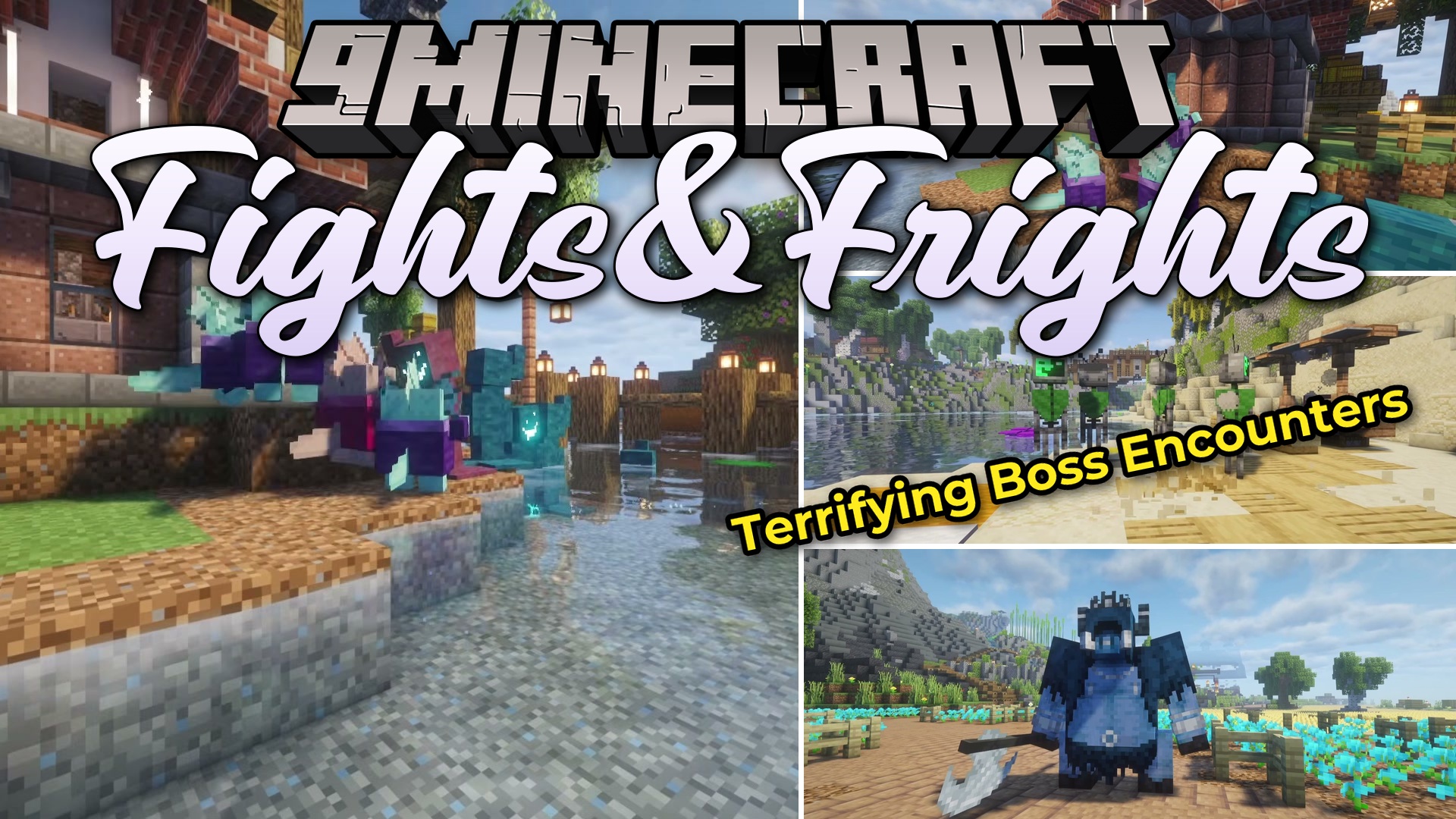
Fights&Frights Mod (1.21.1, 1.20.1) – Battle Creepy New Monsters
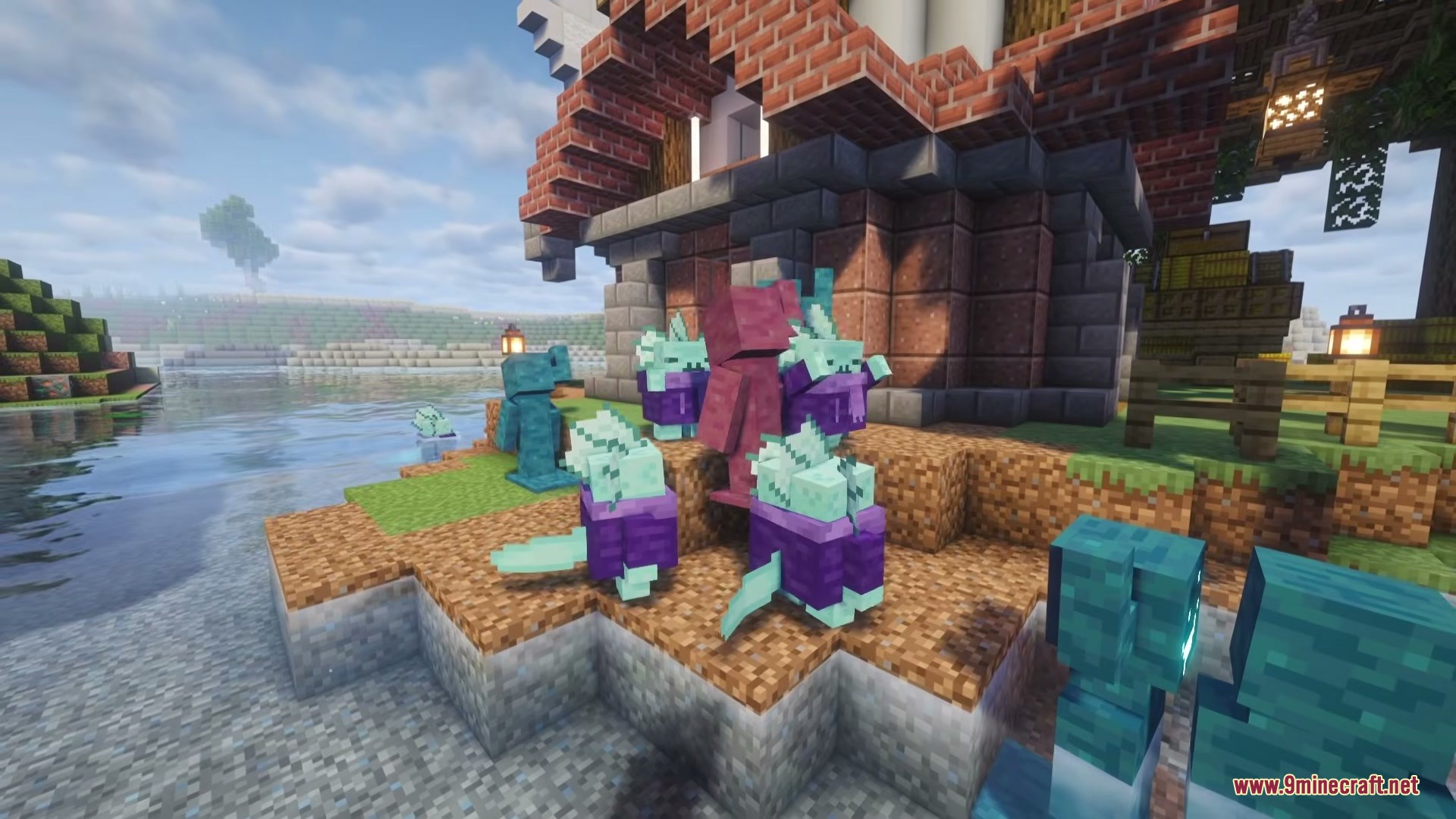
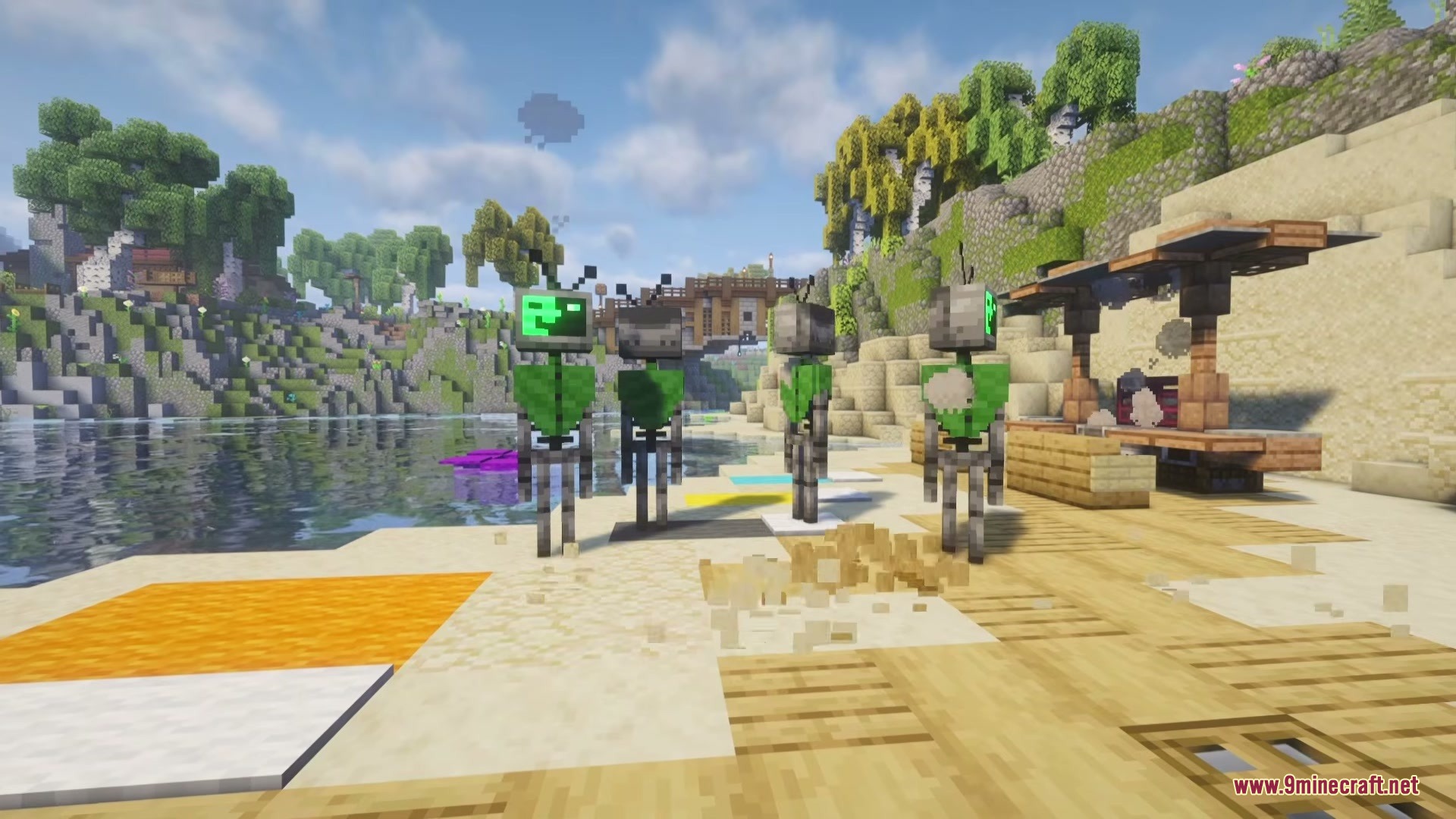
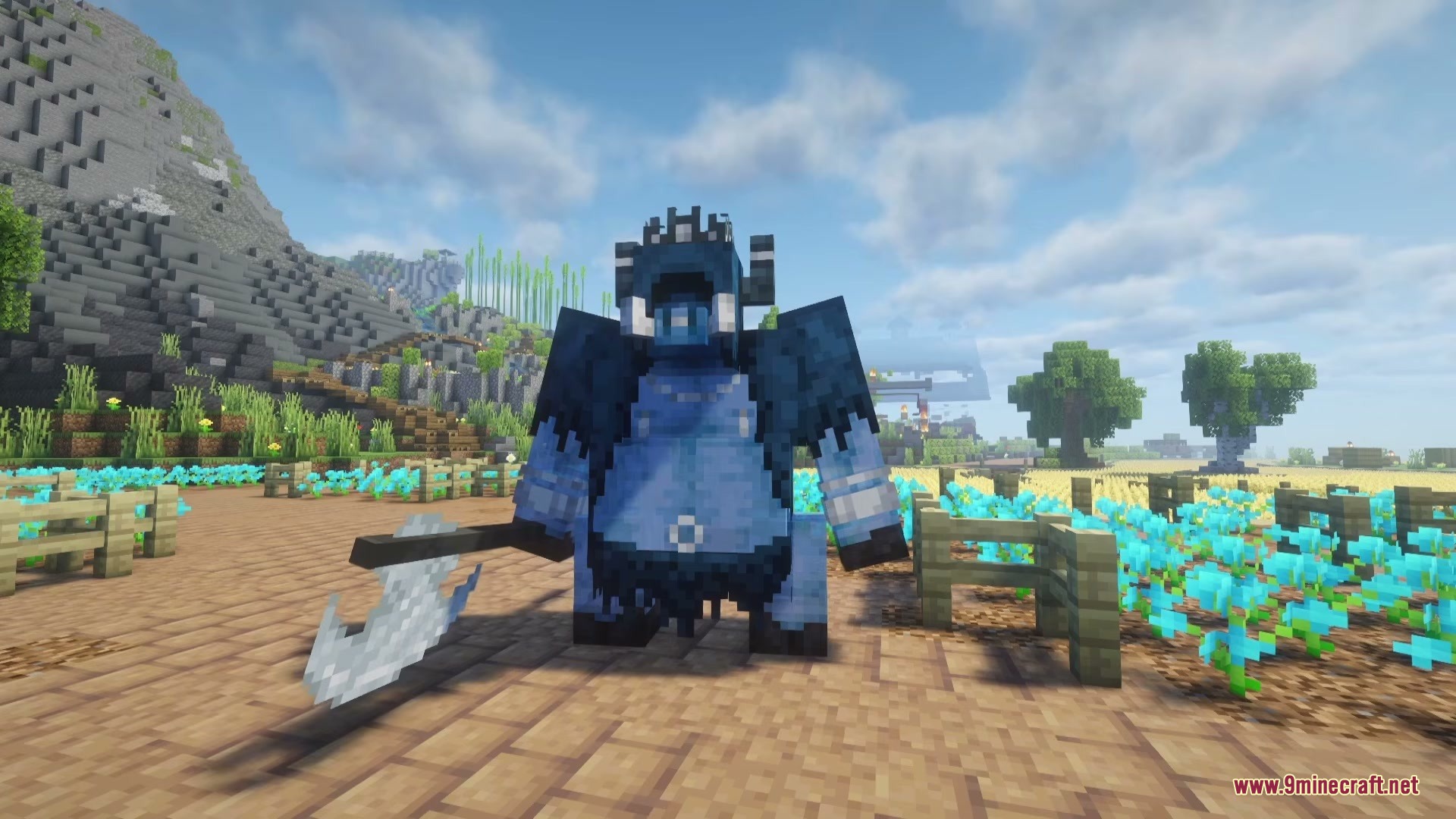
Fights&Frights Mod fills your world with new monsters and hidden bosses. It adds creepy creatures to different biomes while keeping the classic game feel…
⬇ Download
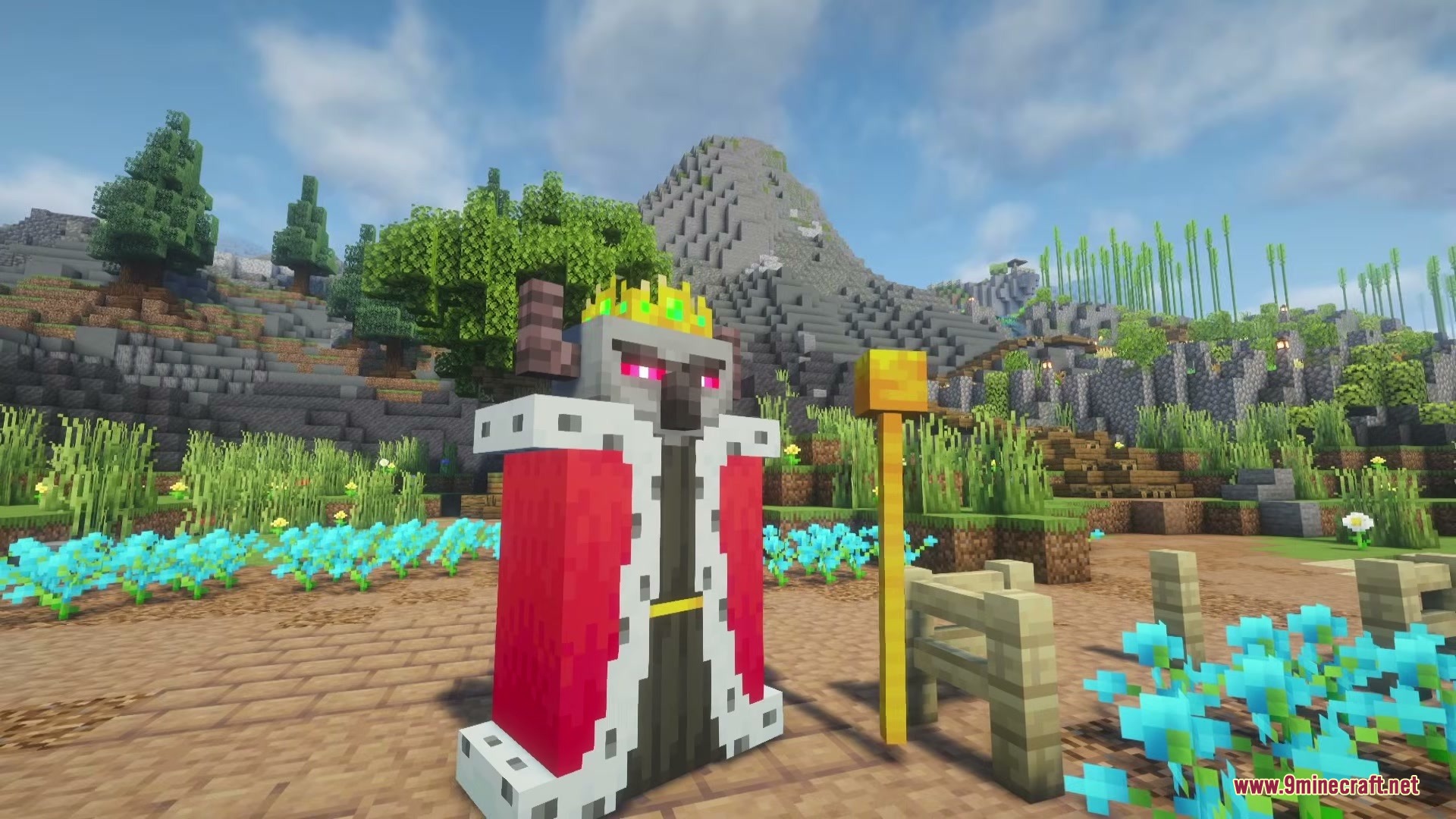
Fights&Frights Mod fills your world with new monsters and hidden bosses. It adds creepy creatures to different biomes while keeping the classic game feel.
Features:
- Boss Fights: Lets you summon powerful bosses using a special item called the Ominous Hex.
- Undead Infection: Includes a pathogen effect that starts a zombie-like pandemic if you turn it on.
- Adds new mobs like the Terrantula, Banshaa, and Scowl to regular biomes at night.
- Spawns Mimic Beetles that hide inside ores to surprise you while mining.
- Restricts certain dangerous monsters, like the Shackled, to specific biomes.
- Allows you to perform rituals to spawn the Reanimated creatures.
Configuration:
DoInfection: turns the undead pandemic on or off.DoReanimated: allows the Reanimated to spawn through rituals.DoBossRituals: lets you summon bosses with Ominous Hexes.ShackledSmoke: controls the smoke effect when a Shackled monster dies.DoMimicBeetles: turns ore mimic beetles on or off.SpawnSeer: controls the natural spawning of the Seer mob (works for all other added mobs too).
How to Play:
- Explore different biomes at night to find the new monsters spawning naturally.
- Mine carefully in caves, as Mimic Beetles hide inside normal ore blocks.
- Get an Ominous Hex item to summon the hidden bosses.
- Turn on the
DoInfectiongamerule if you want an extra challenge with the undead pandemic.
Screenshots:
Fights&Frights Mod Download Links
Quick facts
- Edition: Minecraft Java
- File type: .jar
- Minecraft versions listed: 1.21.1, 1.20.1
- How to install: Install the matching mod loader (Forge, Fabric or NeoForge) for your Minecraft version. → Download the .jar. → Put it in the .minecraft/mods folder and launch that loader profile.
- Where to get it: In MC Java Mods, or directly above on this page.
Install steps are the general flow for this file type — How to install Minecraft Java mods & modpacks walks through it step by step.
Verified by MCModsHub
- Downloads as 395106.mcaddon
- Download size: 3.0 MB
- Download link checked 23 Sept 2026 — working
- Mirrored on our own servers — the download does not depend on the original host
These come from our own check of the pack file, not from the source page.