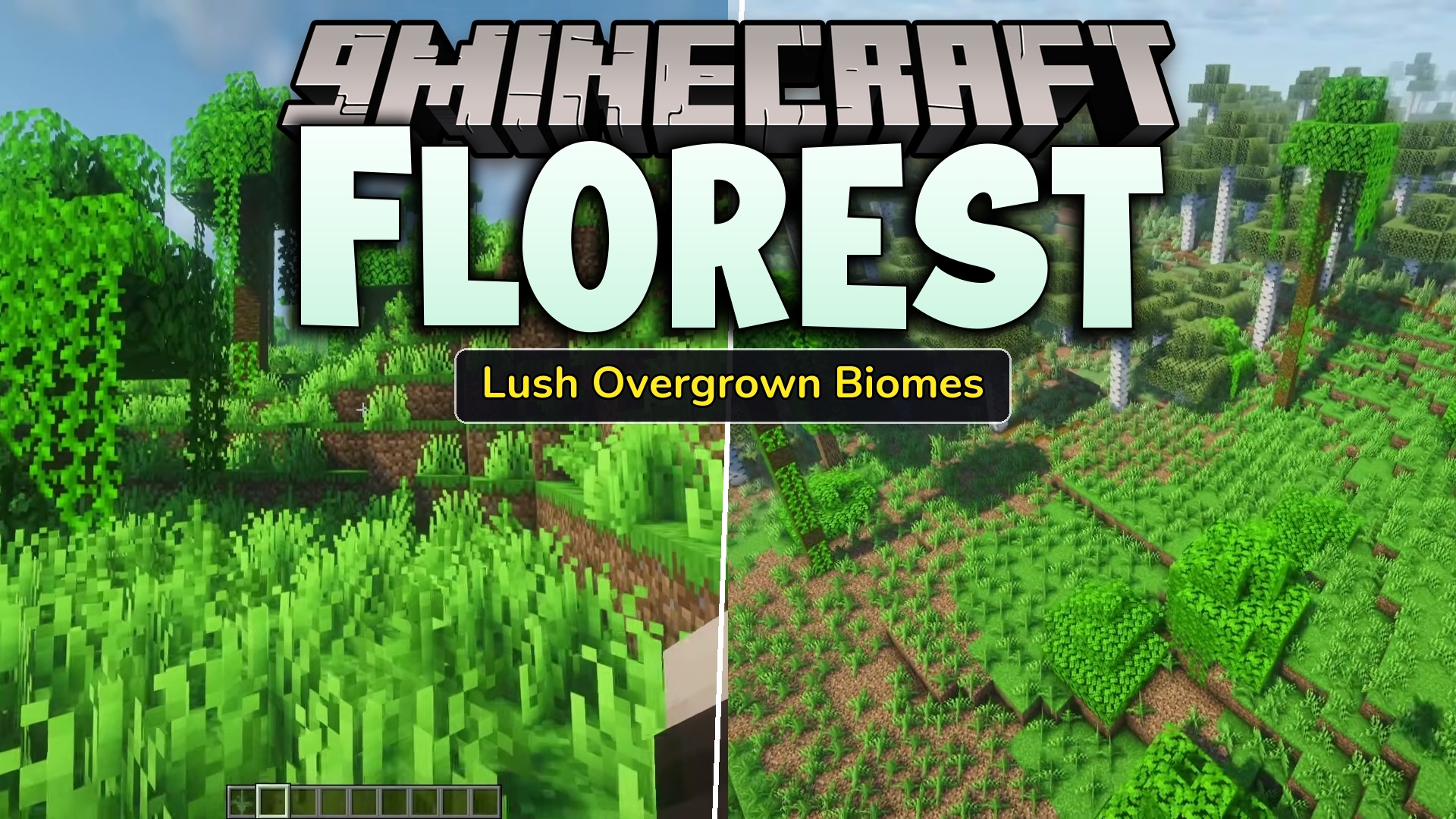
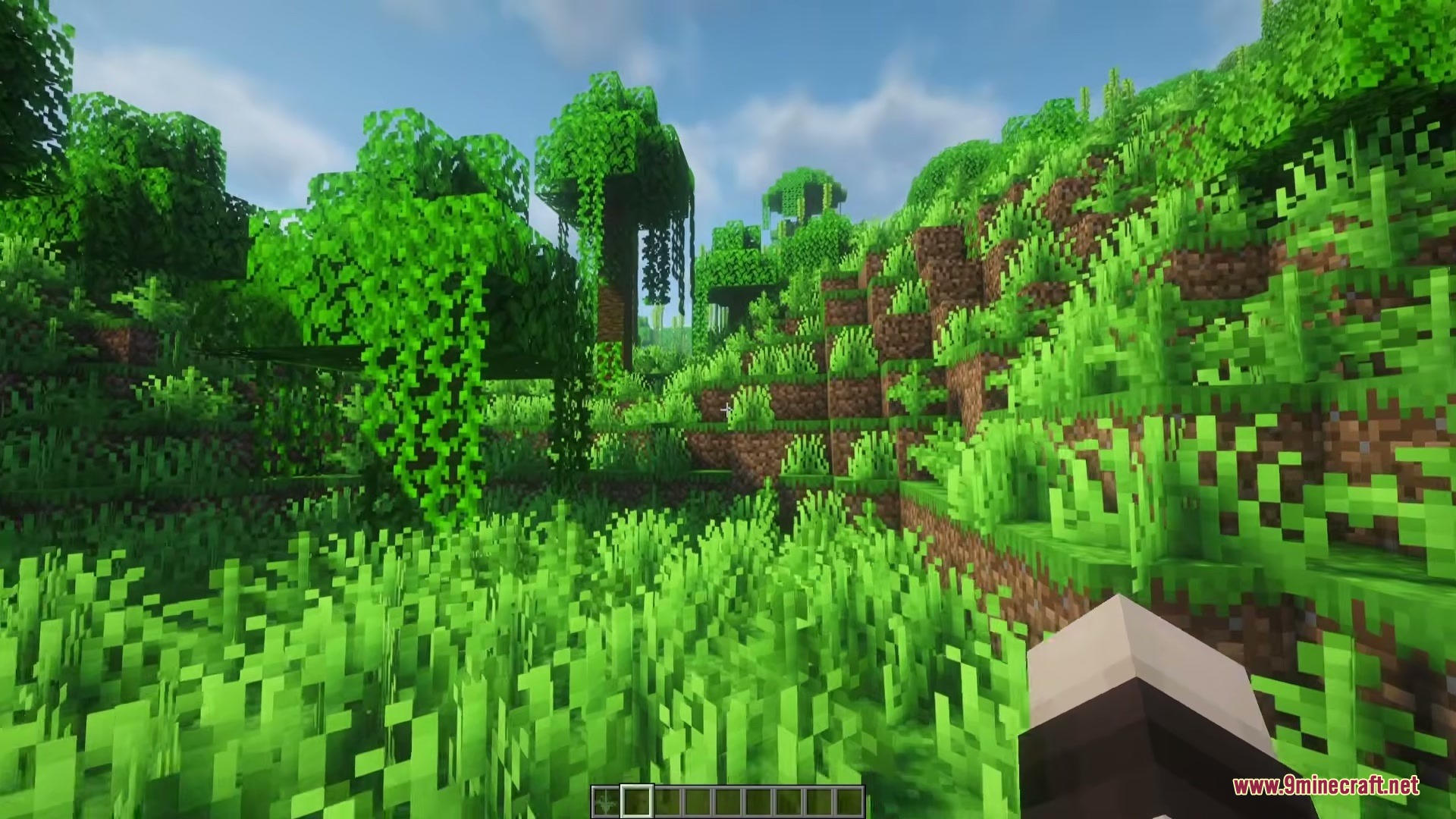
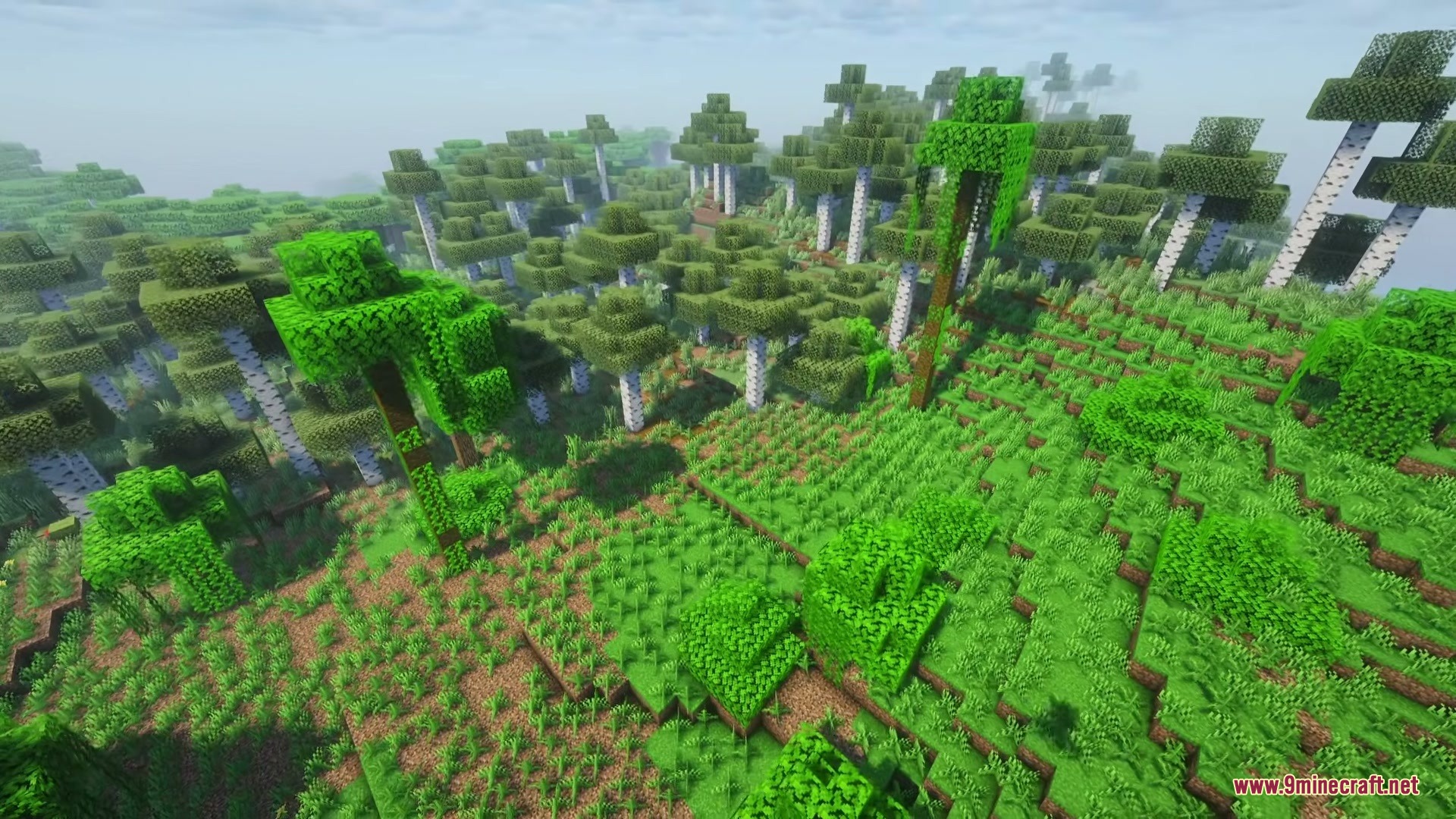
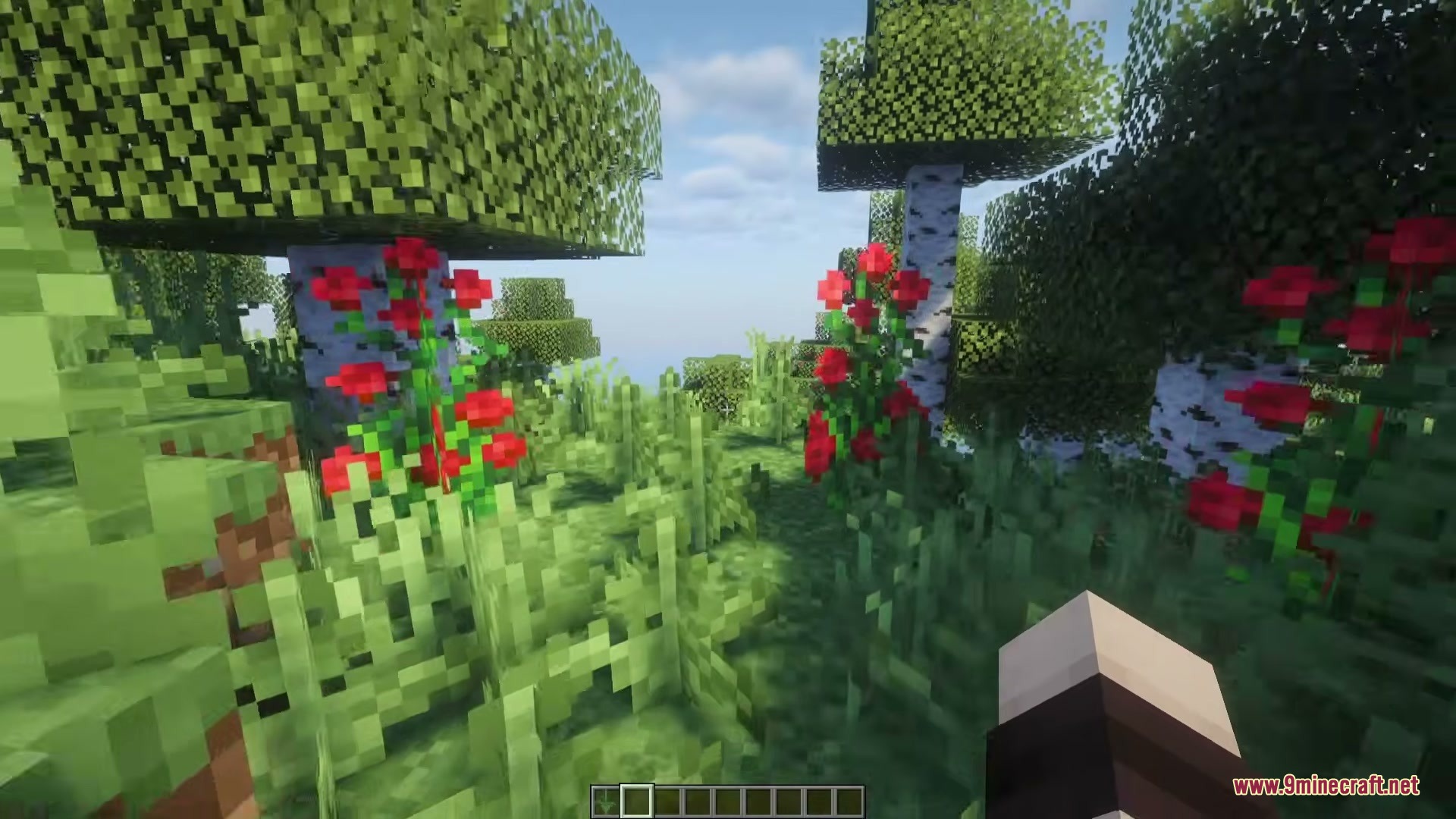
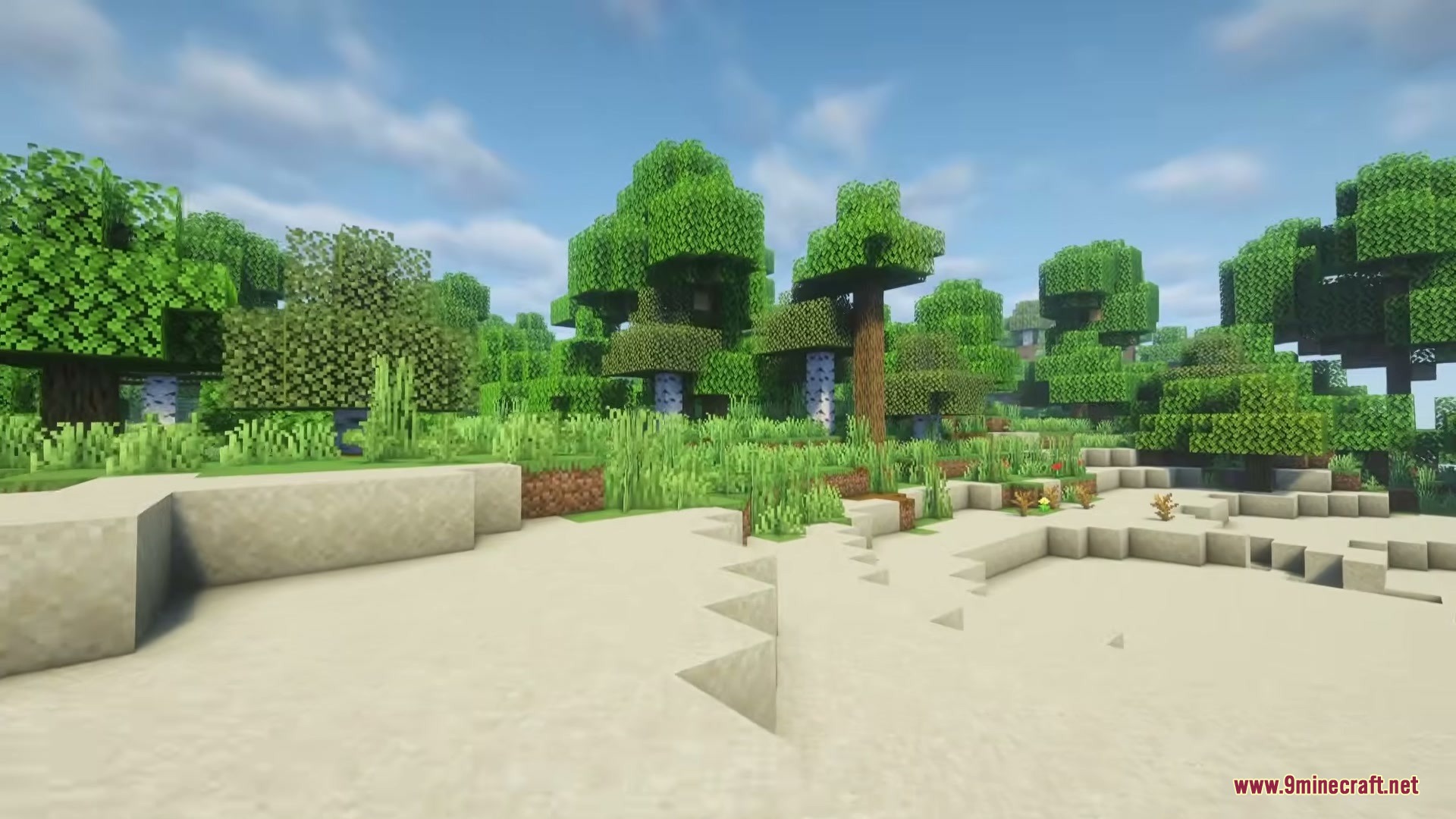
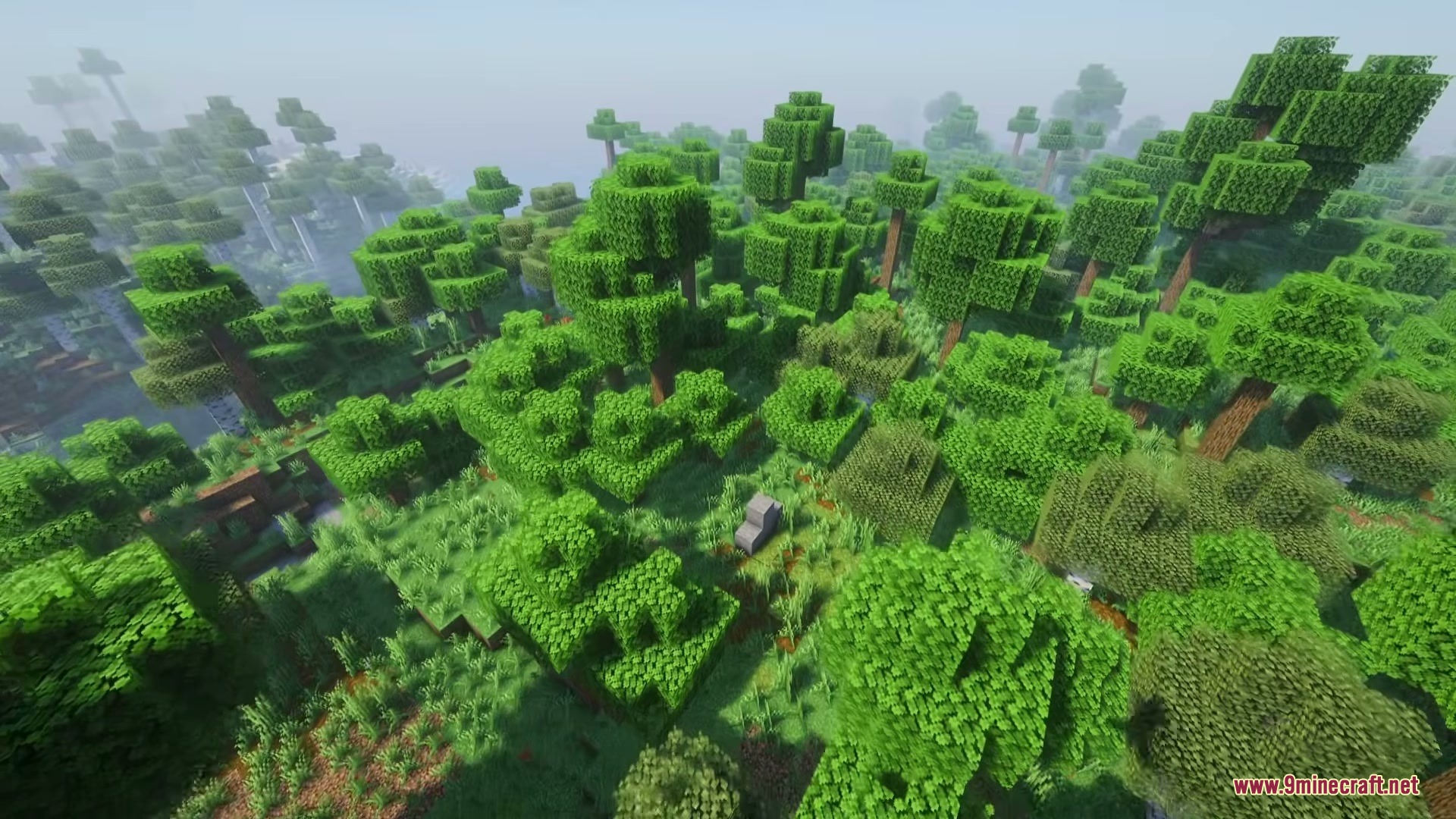
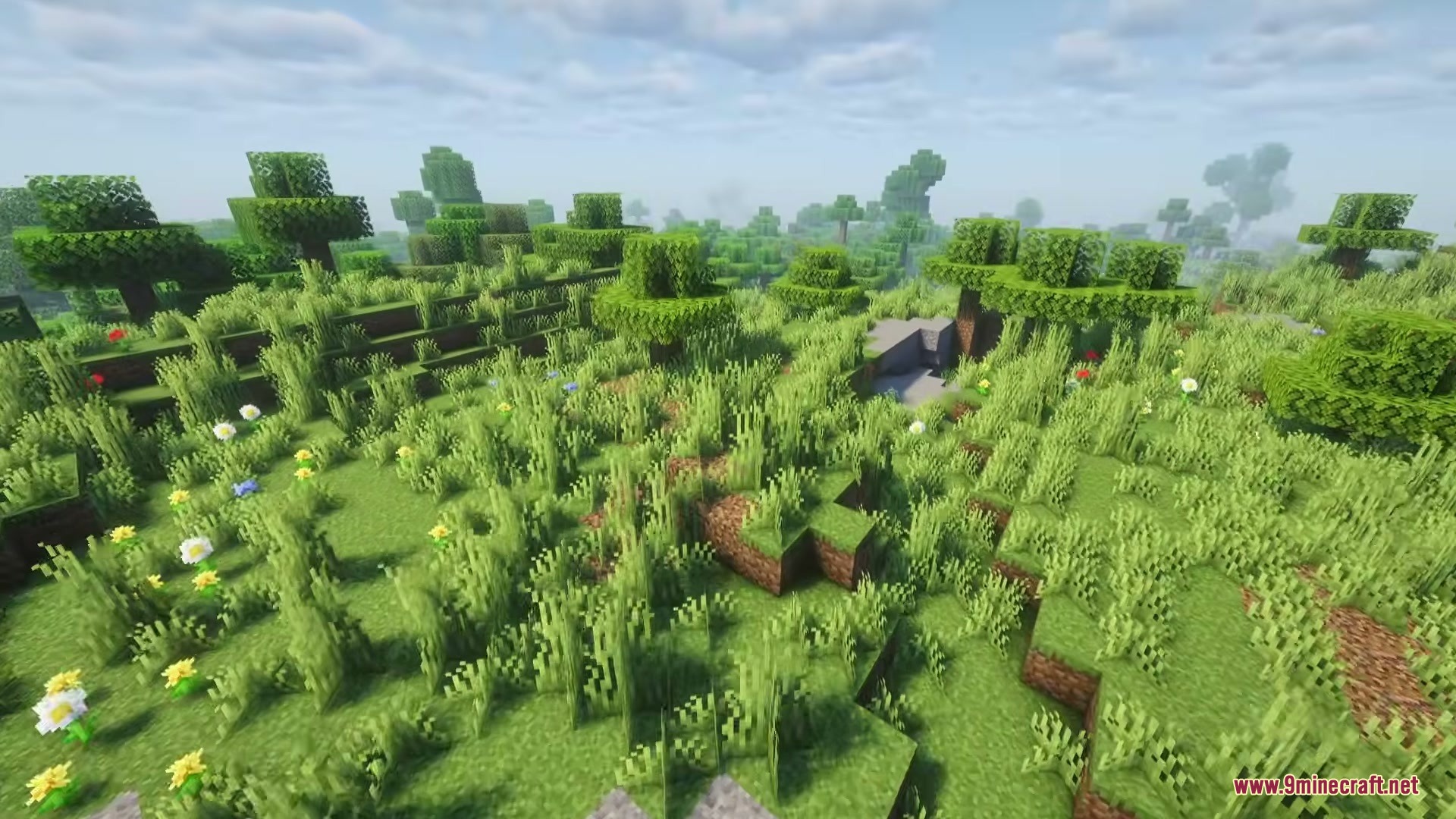
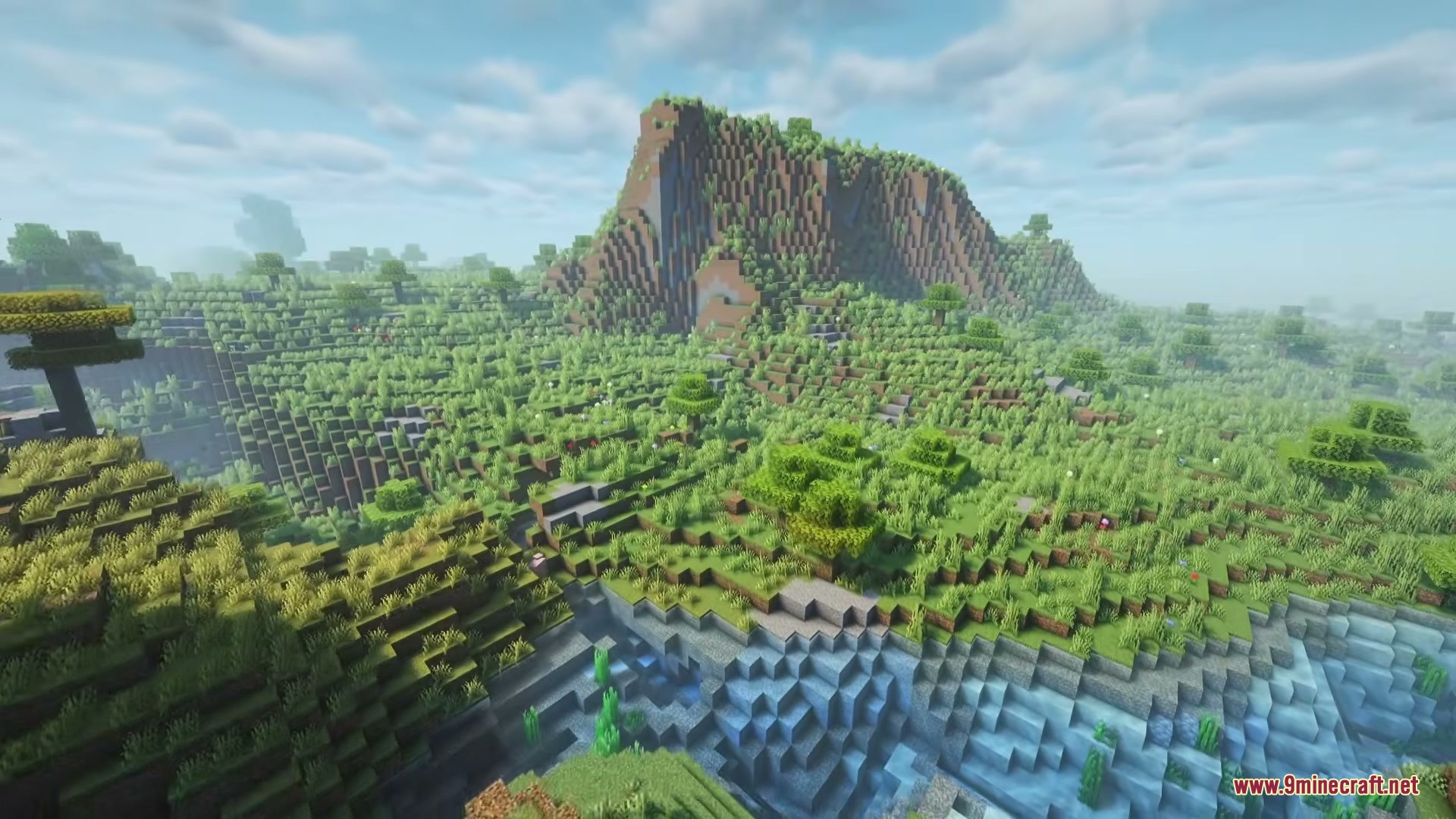
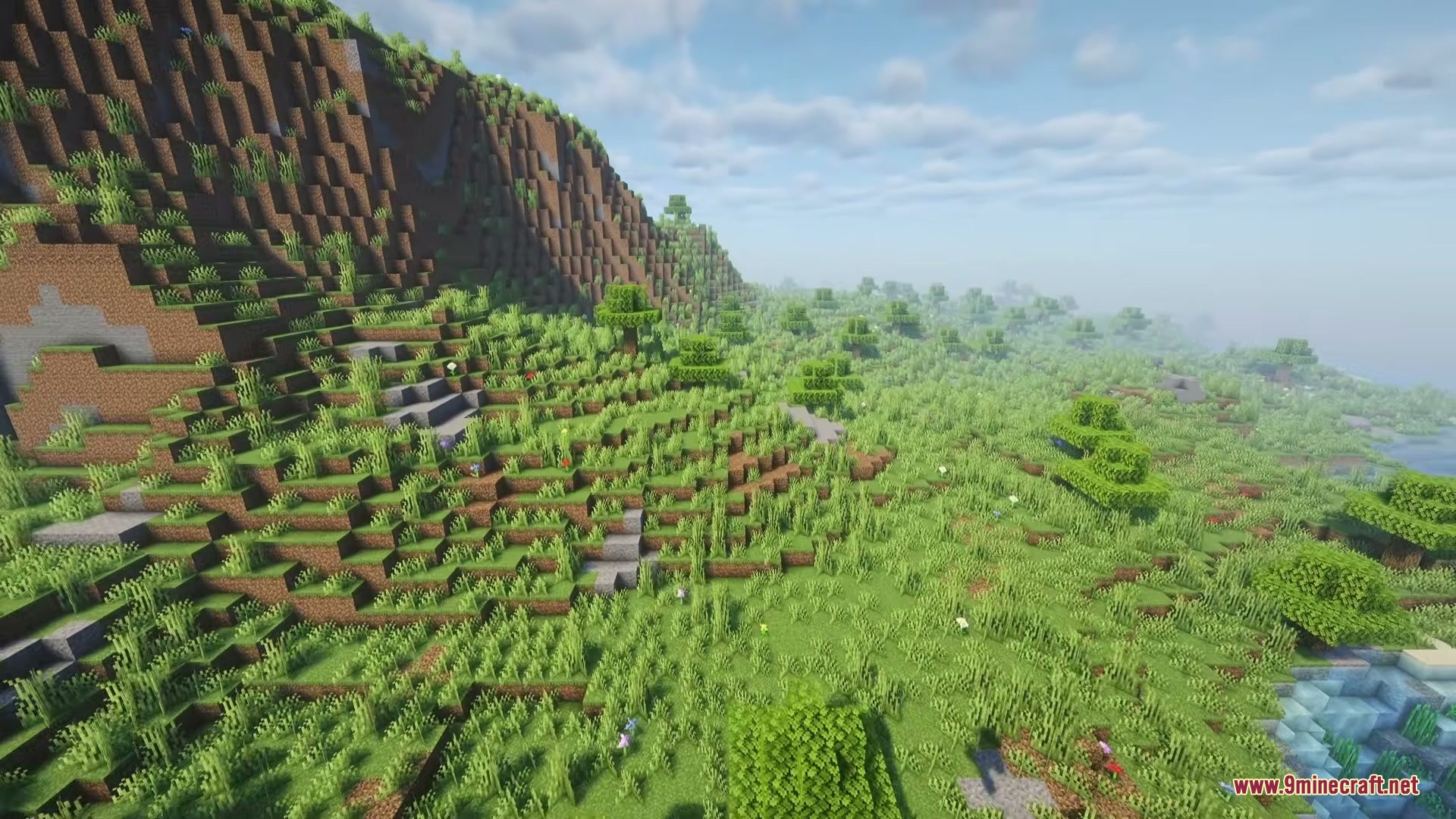
Florest Mod changes the forests and ground in your Minecraft world to look natural and full of life. It updates how trees grow and what the ground looks like without adding any new blocks or items. You can explore woods with tall and short trees, find fallen logs, and walk on different types of dirt based on the shape of the land. The mod keeps the basic shape of your world exactly the same, but makes the plants and ground much prettier.
Features:
- Layered Trees: Replaces flat forests with trees of different heights, including giant branching oaks and small bushes.
- Fallen Logs: Adds dead wood and old stumps to the woods so it feels like a real wild area.
- Natural Ground: Changes the forest floor so you find mud in swamps, pebbles near water, and moss in old woods.
- Spreads thick grass, tall ferns, and colorful flowers in natural groups instead of covering everything equally.
- Places boulders made of stone, andesite, and mossy cobblestone around the landscape.
- Keeps the normal shape of your world safe, meaning mountains and caves still look exactly the same.
- Uses only normal game blocks, so you do not need to learn any new crafting recipes.
Updated Biomes:
- Broadleaf areas get changes in standard forests, dark forests, and cherry groves.
- Conifer woods update the taiga, snowy areas, and groves.
- Tropical spots change the normal and bamboo jungles.
- Wetlands update normal swamps and mangrove swamps.
- Open lands get changes in plains, meadows, and savannas.
How to Use:
- Create a completely new world from the single-player menu.
- Travel to any forest or plains area to see the new trees and ground.
- Remember that old worlds will only show these changes in places you have never visited before.
Screenshots:
Florest Mod Download Links
Quick facts
- Edition: Minecraft Java
- File type: .jar
- Minecraft versions listed: 1.21.11, 1.20.1
- How to install: Install the matching mod loader (Forge, Fabric or NeoForge) for your Minecraft version. → Download the .jar. → Put it in the .minecraft/mods folder and launch that loader profile.
- Where to get it: In MC Java Mods, or directly above on this page.
Install steps are the general flow for this file type — How to install Minecraft Java mods & modpacks walks through it step by step.
Verified by MCModsHub
- Downloads as 395107.mcaddon
- Download size: 93 KB
- Download link checked 26 Sept 2026 — working
- Mirrored on our own servers — the download does not depend on the original host
These come from our own check of the pack file, not from the source page.