
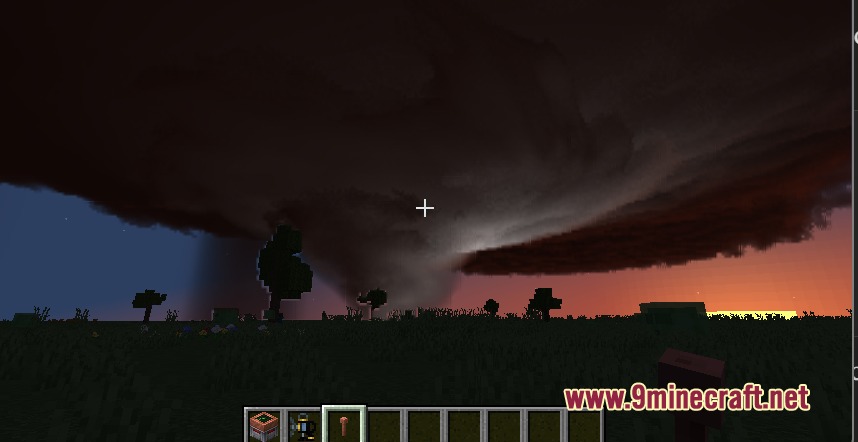
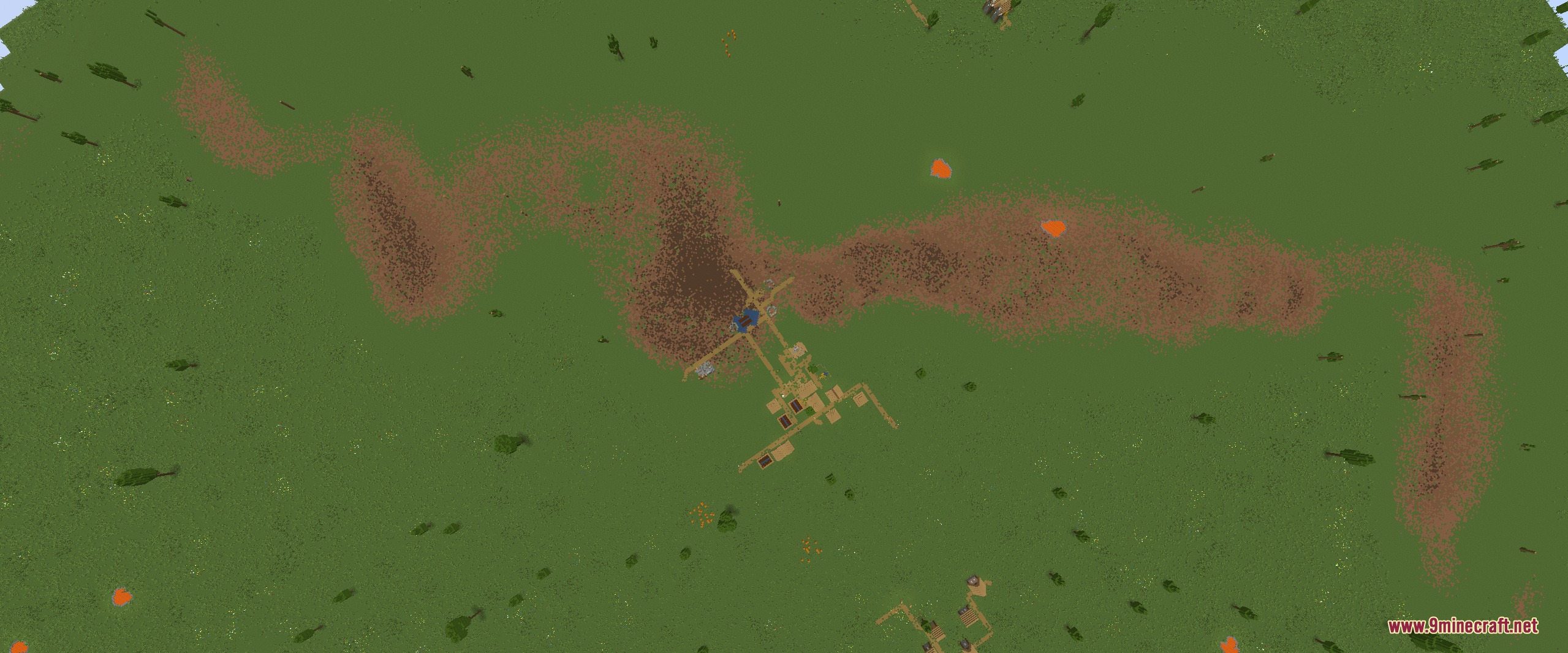
PMW Extra Mod extends Protomanlys Weather with realistic storm physics and changing climate conditions. It adds new wind mechanics, detailed weather stations, and changing temperatures to make the game’s weather system feel much more dangerous and unpredictable.
Features:
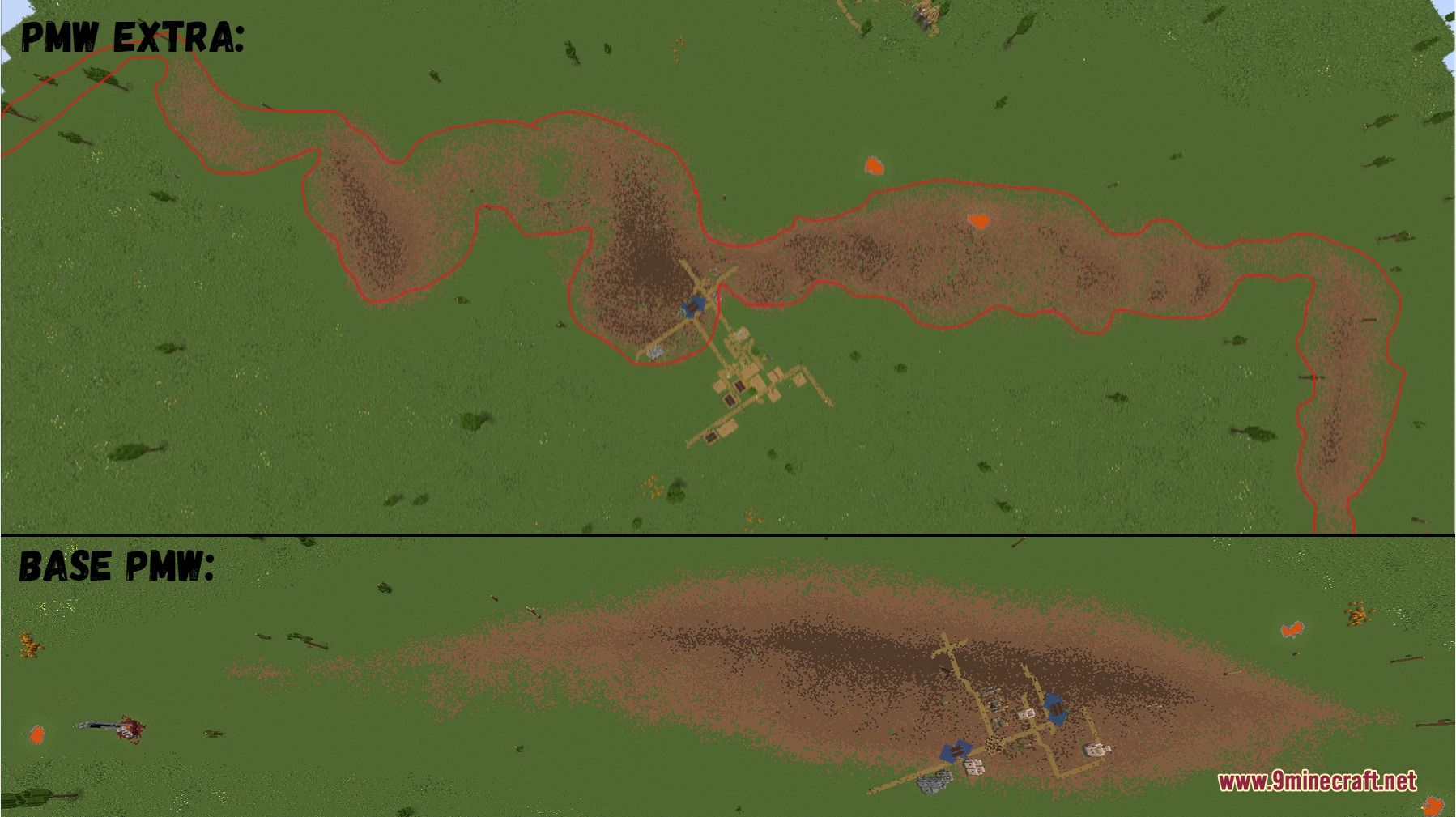
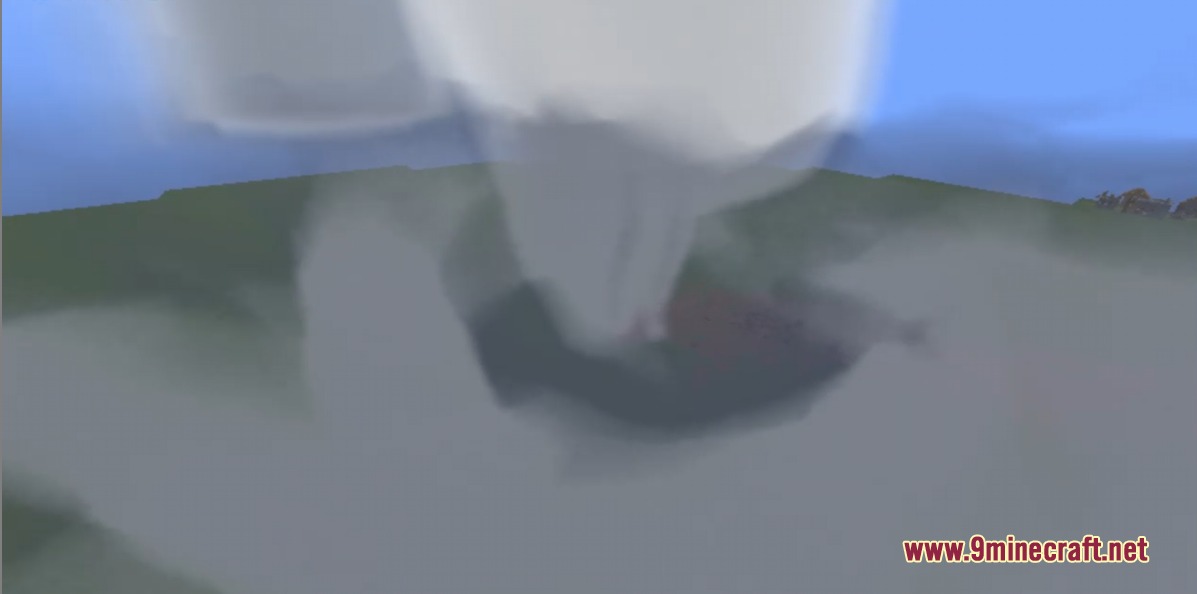
- Variable Tornadoes: Tornadoes grow, shrink, and wobble randomly instead of moving in a straight line.
- Enhanced Wind Damage: High winds break blocks and damage players if they reach extreme speeds.
- Smart Weather Stations: Weather stations send automated morning reports and launch balloons on a schedule.
- Changes how storms look on the radar based on their size, hail strength, and stage.
- Makes hail size change depending on the humidity in the air.
- Adds lightning and strong outward winds to the front edge of storms.
- Deflects arrows and thrown items when they pass through strong wind fields.
- Shakes your screen when you stand inside heavy winds.
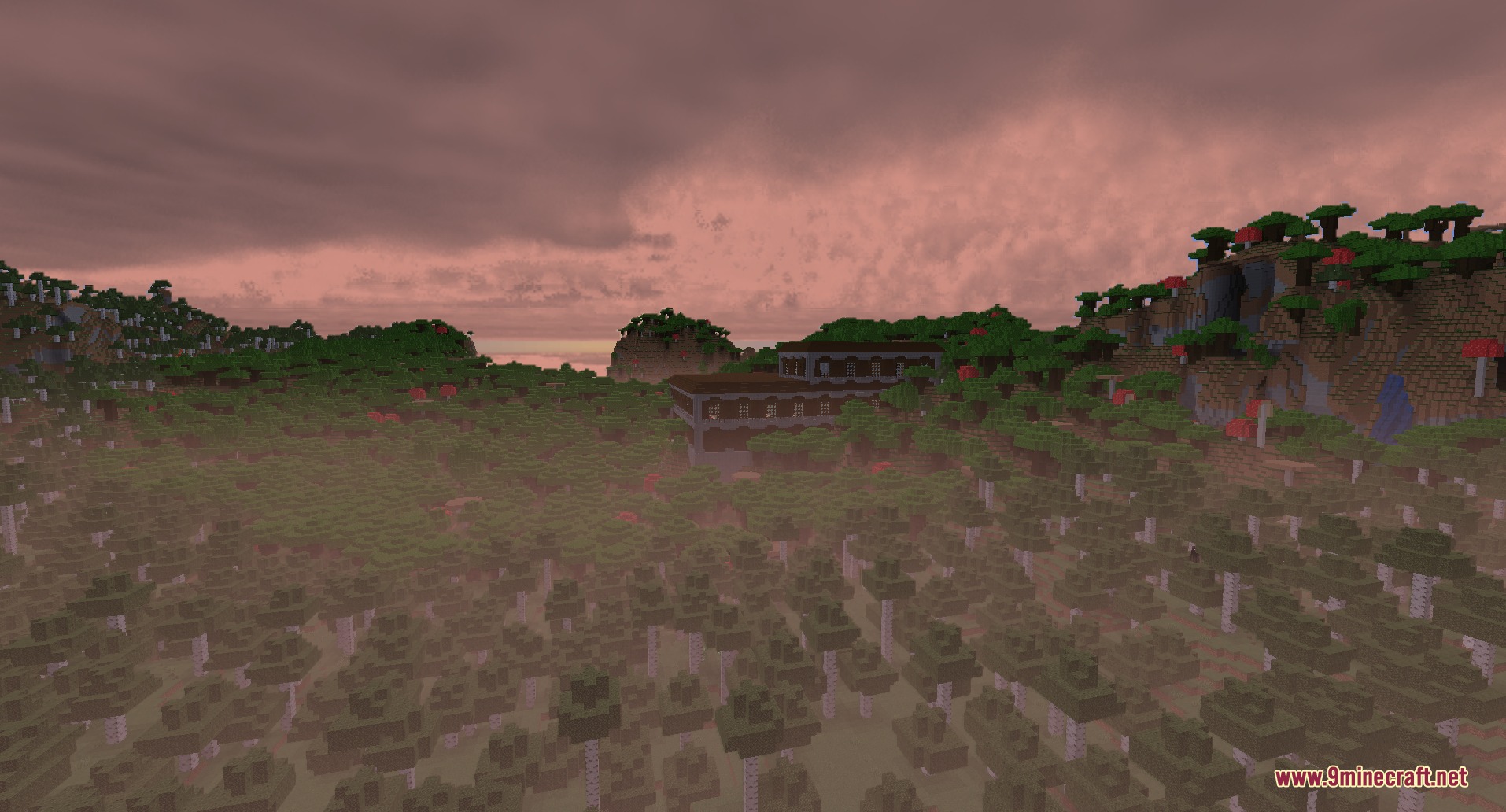
- Creates temperature drops and morning fog based on the cloud cover.
- Adds a small chance for dying storms to suddenly gain their strength back.
- Shows the current day, month, and wind direction on your screen.
Commands:
/storm: spawns custom storms at specific coordinates with no size or wind limits.
Configuration:
Rain threshold: sets how much humidity a storm needs to produce rain.No overcast precip: keeps background clouds without creating rain.Debug mode: makes sounding viewers always show live data.
How to Use:
- Place down a weather station and give it a custom name.
- Put weather balloons inside the station’s inventory slots.
- Choose morning, noon, or evening for automated balloon launches.
- Check the chat in the morning to read automated weather reports from your stations.
Screenshots:
PMW Extra Mod Download Links
Quick facts
- Edition: Minecraft Java
- File type: .jar
- Minecraft version listed: 1.21.1
- How to install: Install the matching mod loader (Forge, Fabric or NeoForge) for your Minecraft version. → Download the .jar. → Put it in the .minecraft/mods folder and launch that loader profile.
- Where to get it: In MC Java Mods, or directly above on this page.
Install steps are the general flow for this file type — How to install Minecraft Java mods & modpacks walks through it step by step.
Verified by MCModsHub
- Downloads as 395108.mcaddon
- Download size: 109 KB
- Download link checked 23 Sept 2026 — working
- Mirrored on our own servers — the download does not depend on the original host
These come from our own check of the pack file, not from the source page.