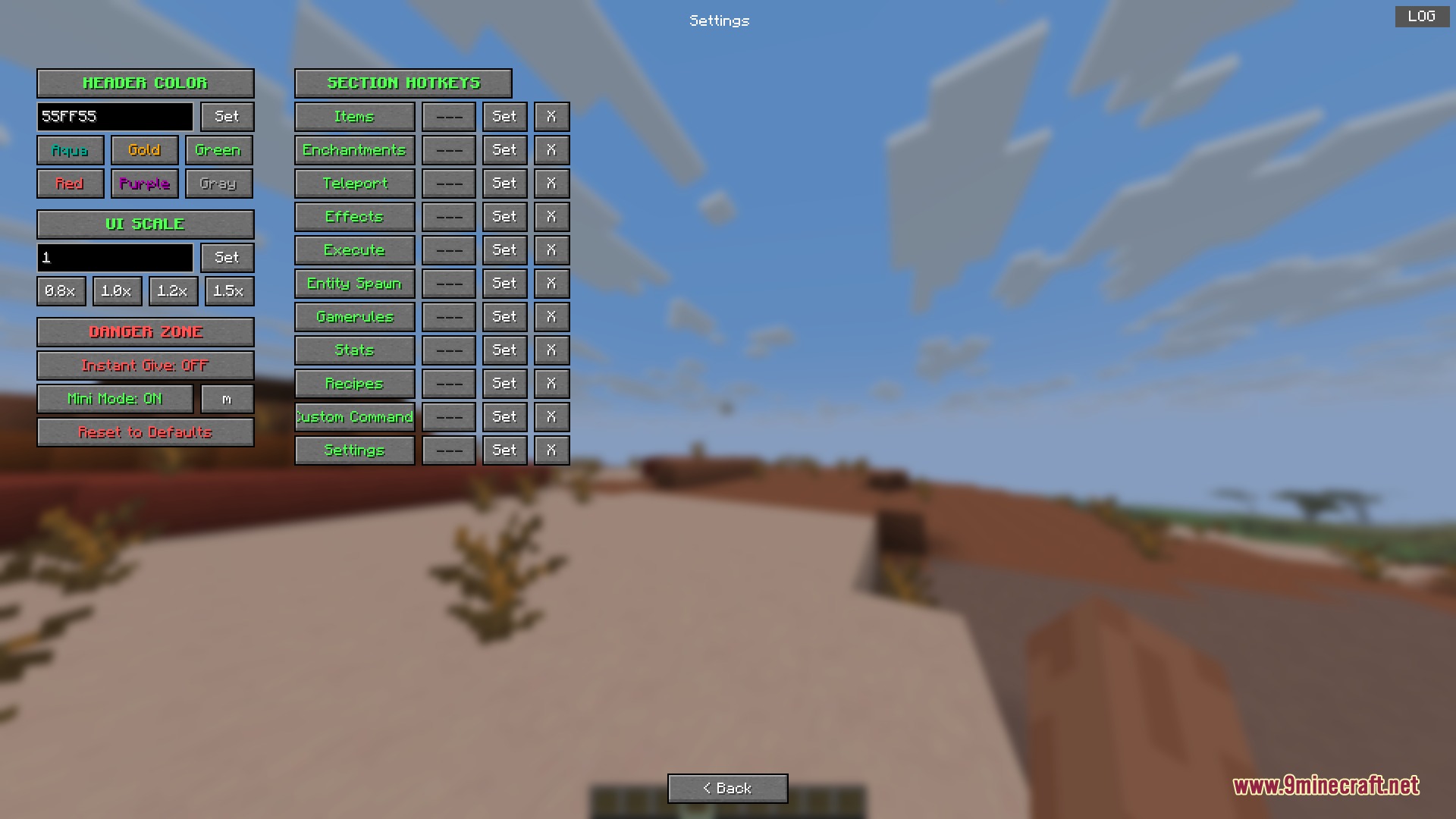
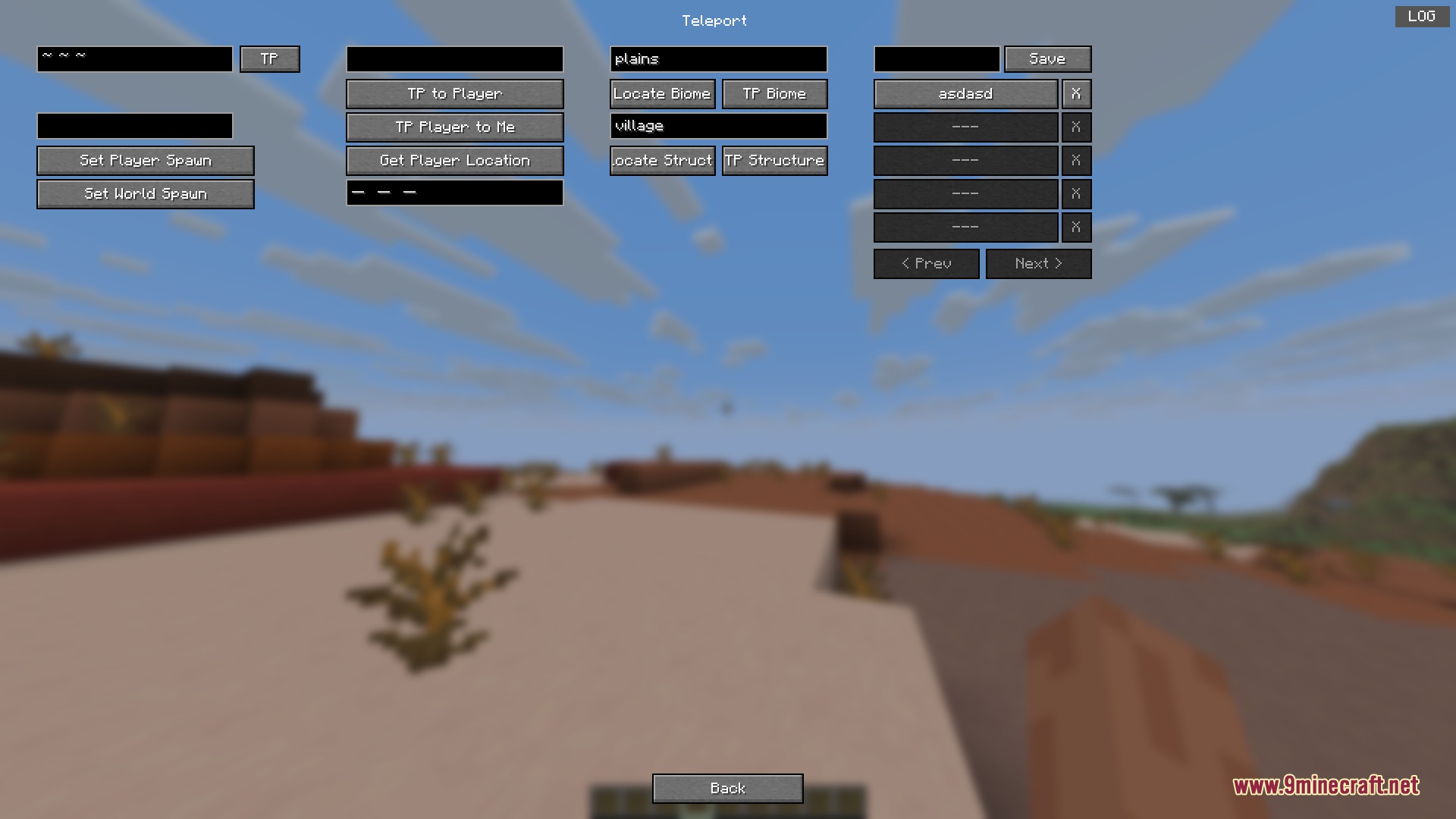
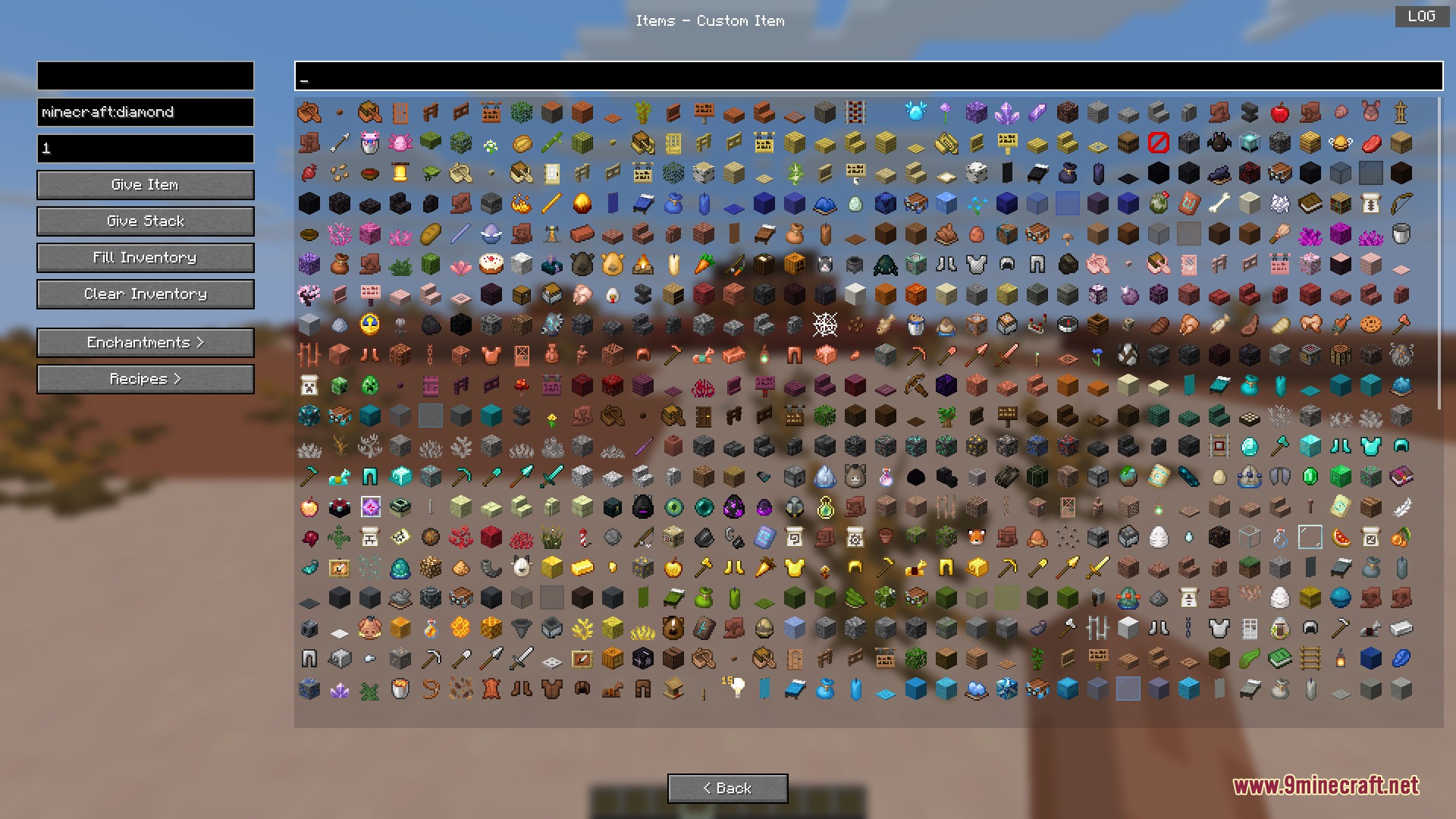
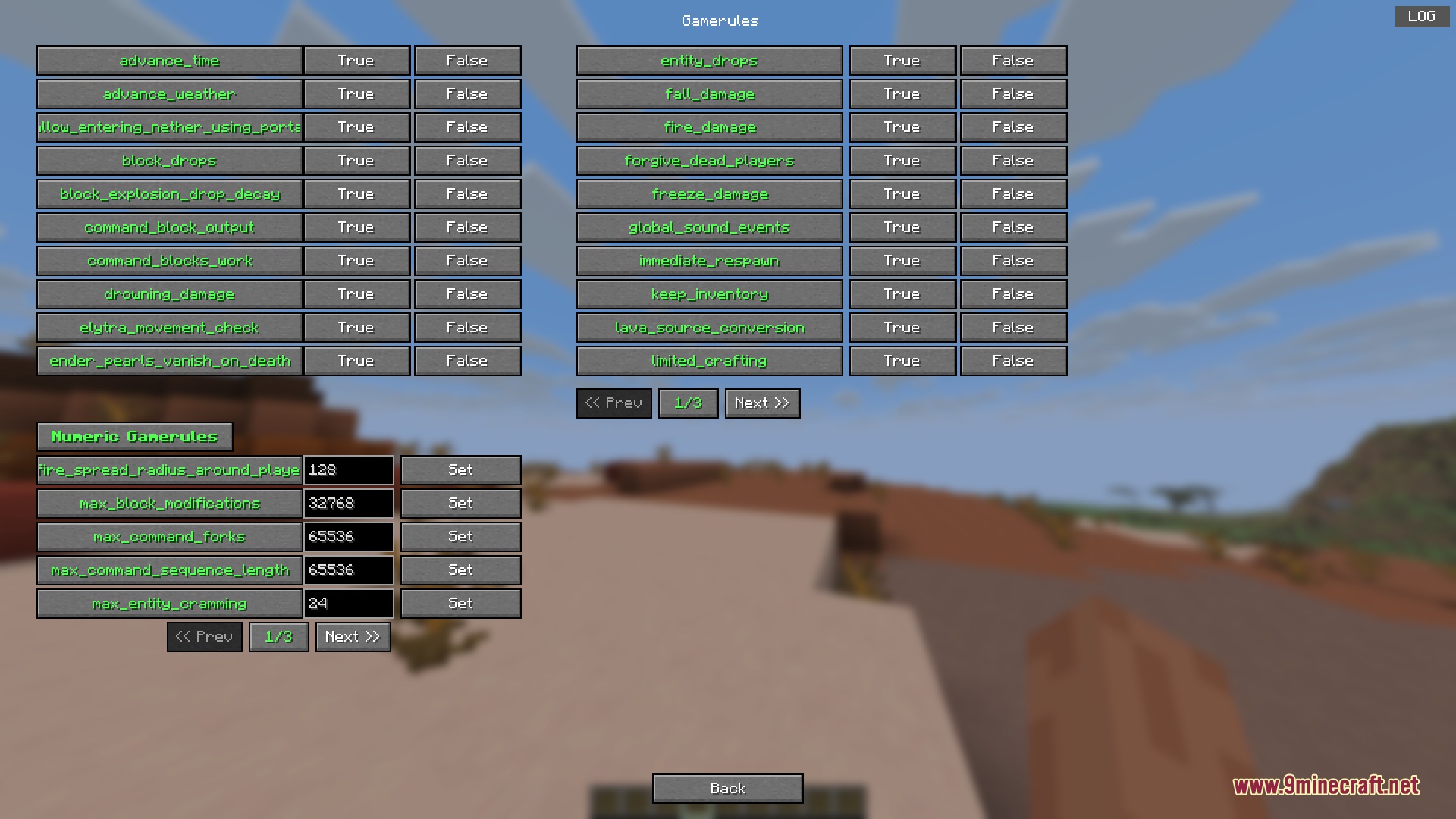
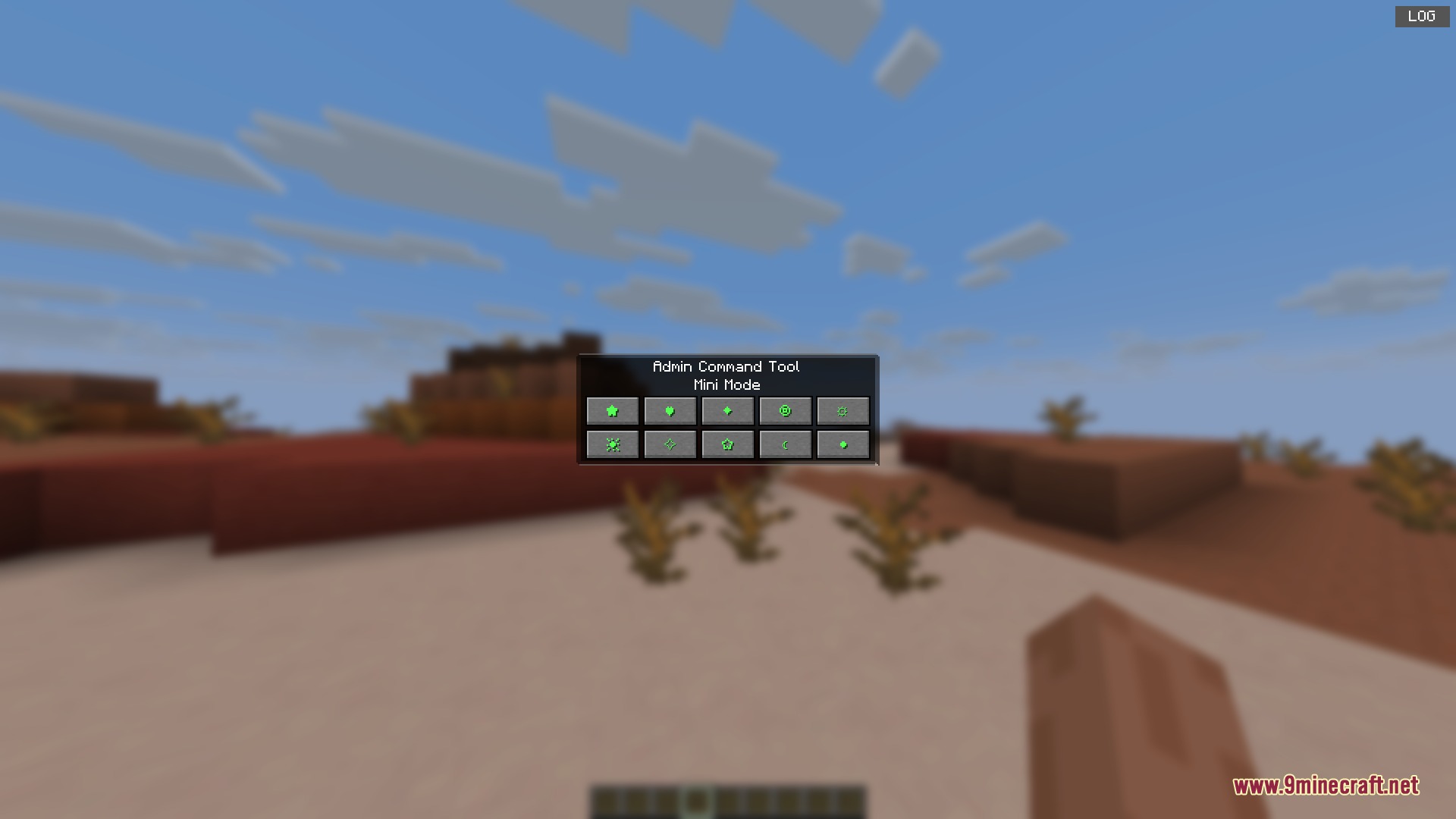
Admin Command Tool Mod gives you a simple menu to control your Minecraft world. It lets you change weather, give items, and teleport players without typing long slash commands. You just press a button to open the screen and click what you want to happen. This tool makes running a server or testing things in your single-player world much faster and easier.
Features:
- Custom Command Hotkeys: Set up your own commands and run them instantly by pressing a button on your keyboard.
- Quick Teleportation: Move players to specific coordinates or right next to other players in the world.
- Finds biomes and structures quickly using their exact IDs.
- Gives you any item with custom stack sizes, or clears out full inventories with one click.
- Spawns any mob or entity exactly how you want it, including special data tags.
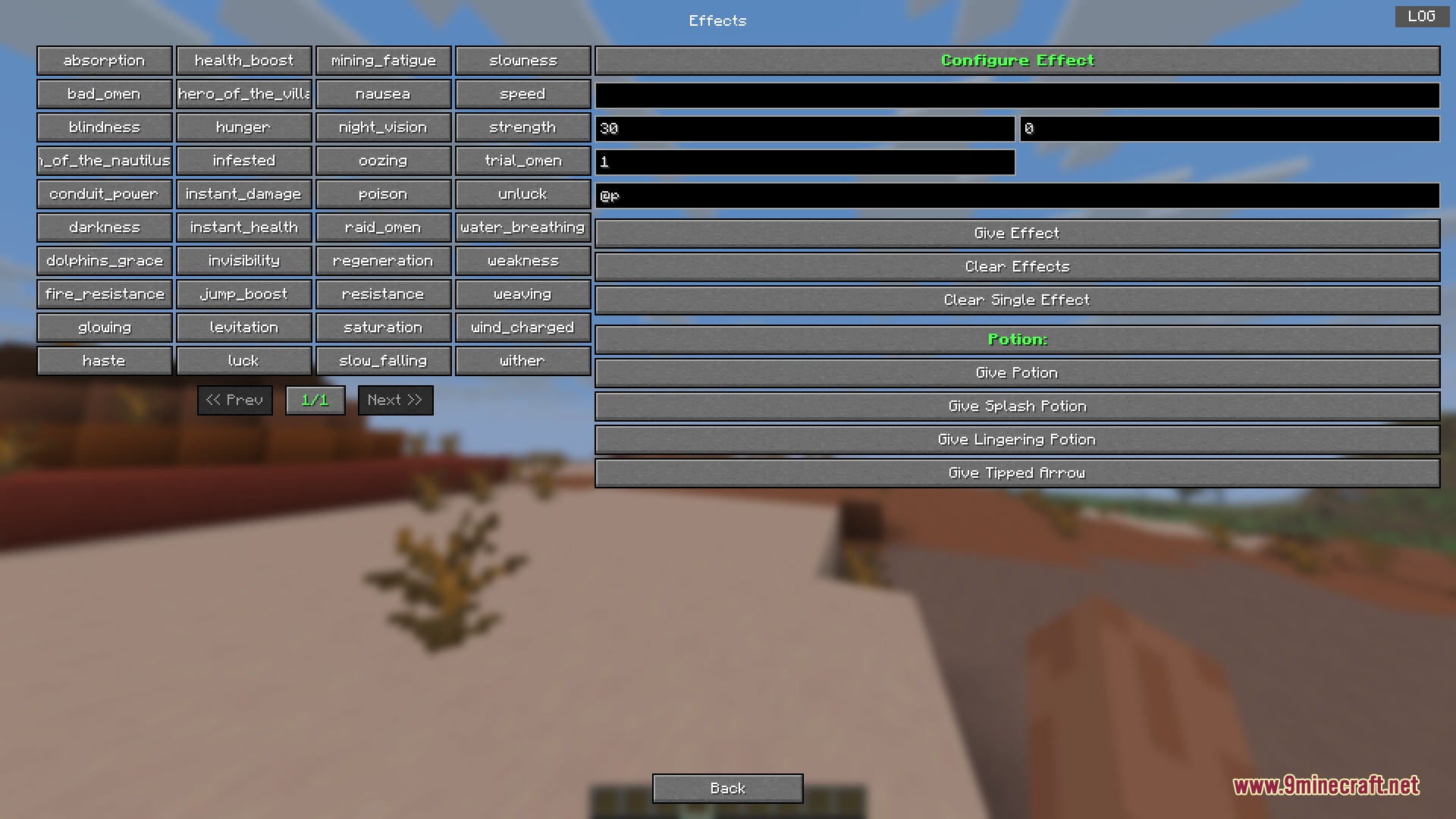
- Applies potion effects to players and lets you choose how long they last and how strong they are.
- Changes game rules and their numbers directly from the menu screen.
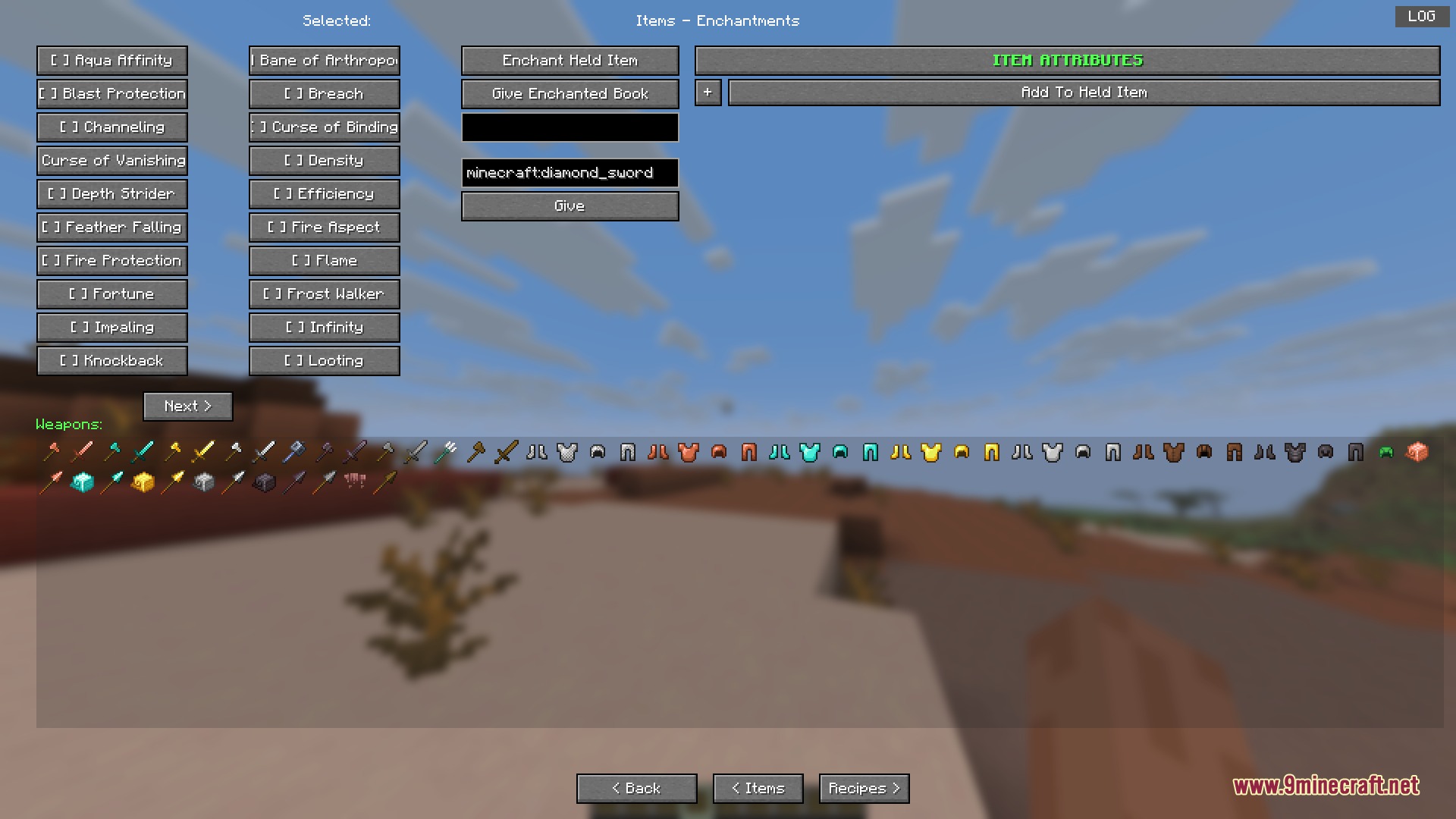
- Enchants items to any level and adds special attributes to your armor and weapons.
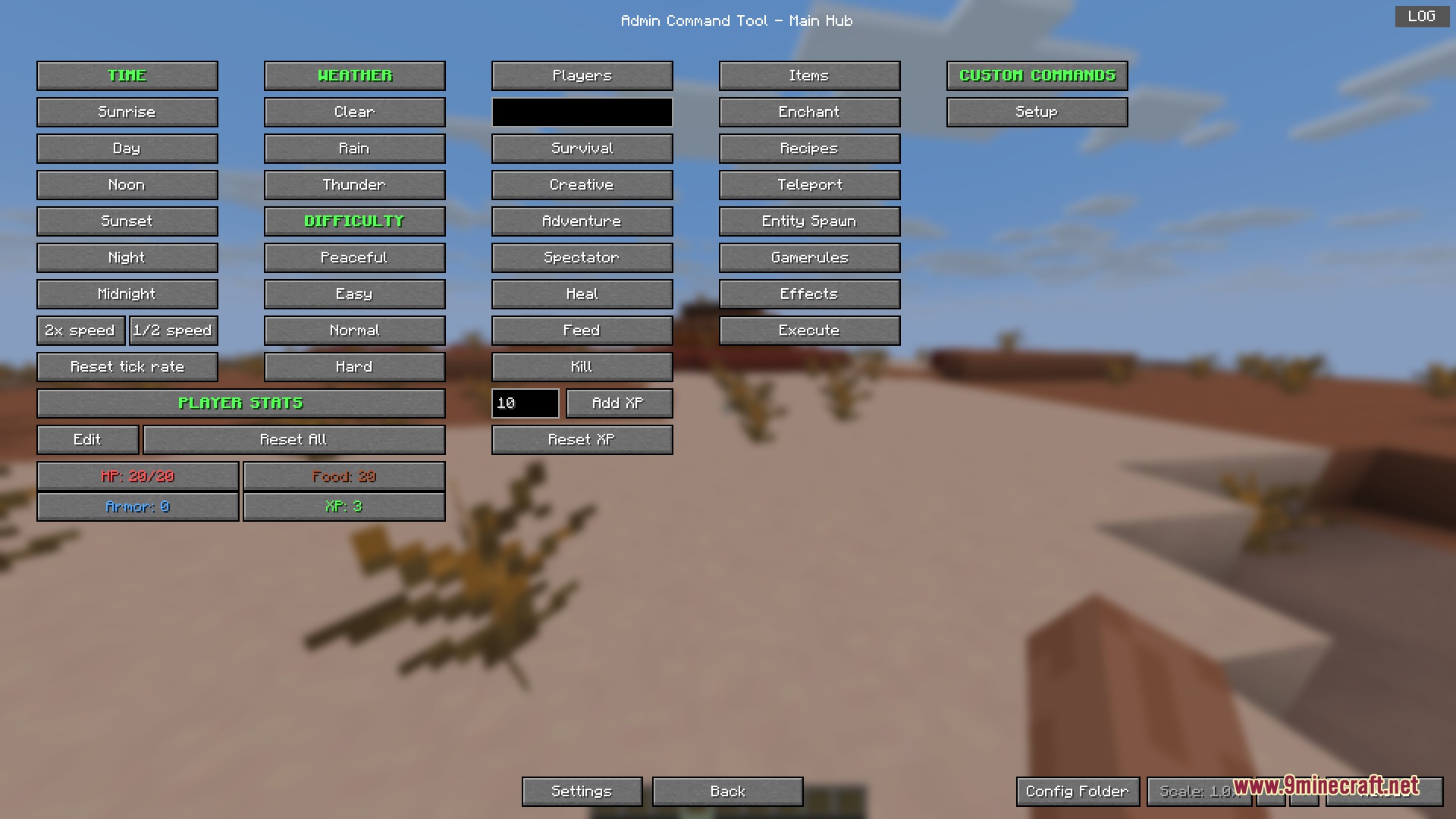
- Manages time, weather, difficulty, and game modes with simple buttons.
- Shows player stats like health, food, XP, and armor right on your screen.
- Includes a compact mini mode that you can toggle on and off with a hotkey.
How to Use:
- Press the G key on your keyboard to open the main control menu.
- Click through the different tabs to find the actions you want, like teleporting or giving items.
- Set up your custom hotkeys inside the settings to run your favorite commands faster.
Screenshots:
Admin Command Tool Mod Download Links
Quick facts
- Edition: Minecraft Java
- File type: .jar
- Minecraft version listed: 1.21.11
- How to install: Install the matching mod loader (Forge, Fabric or NeoForge) for your Minecraft version. → Download the .jar. → Put it in the .minecraft/mods folder and launch that loader profile.
- Where to get it: In MC Java Mods, or directly above on this page.
Install steps are the general flow for this file type — How to install Minecraft Java mods & modpacks walks through it step by step.
Verified by MCModsHub
- Downloads as 395111.mcaddon
- Download size: 277 KB
- Download link checked 23 Sept 2026 — working
- Mirrored on our own servers — the download does not depend on the original host
These come from our own check of the pack file, not from the source page.