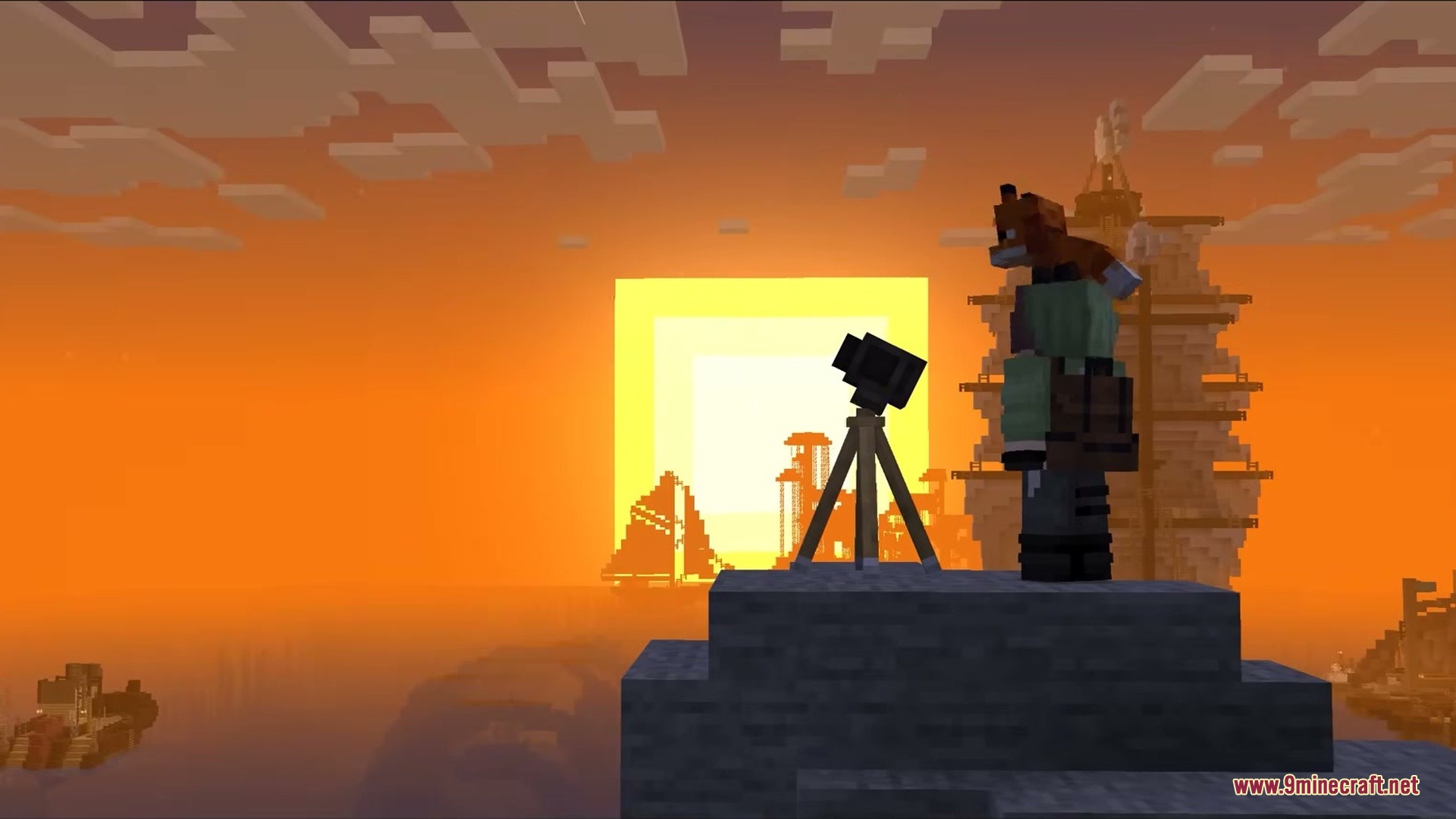
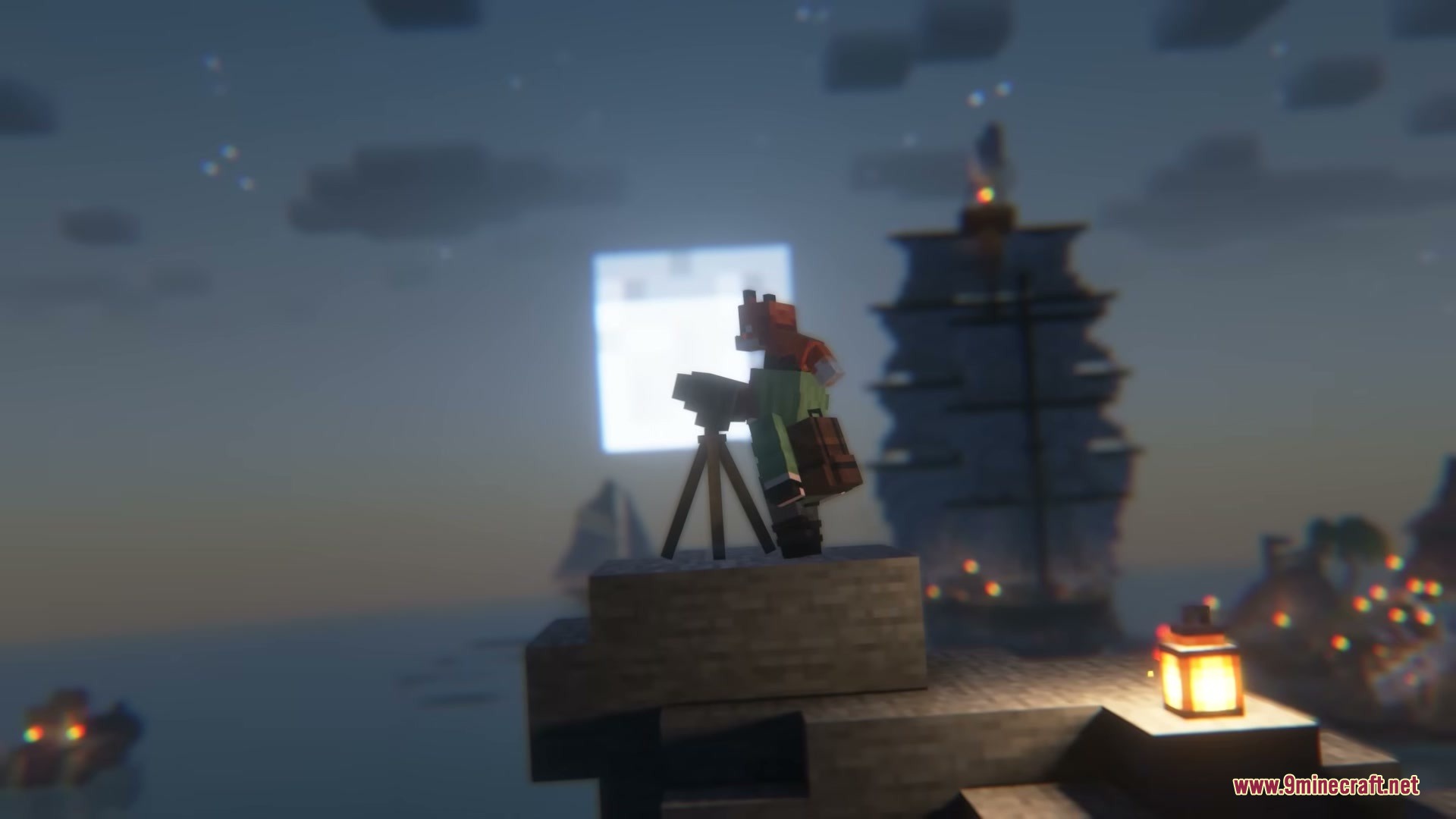
Exposure Space Mod adds astrophotography features for the Exposure mod. It lets you point your camera at the night sky to hunt for real cosmic objects. You can develop your photos and fill up a personal star album. The addon includes planets, comets, and galaxies that actually move across the sky. It gives you a new reason to stay up late and look at the stars.
Features:
- Real Cosmic Objects: Adds over 200 real space objects to find, like the Moon, planets, comets, and galaxies.
- Telescopic Lenses: Gives you five new lens tiers to attach to your camera so you can see fainter objects in deep space.
- Space Filter: Requires a special camera attachment to capture space photos properly.
- Places objects in their actual sky positions, and some things like comets or the ISS even move across the sky in real time.
- Triggers special night events like meteor showers and aurora storms that bring rare, event-only sights.
- Lets you craft a Night Analyzer block to check what events are happening in the sky without spamming your chat.
- Includes a Photo Analyzer desk that scans your developed photos, adds them to your album, and hands out rewards.
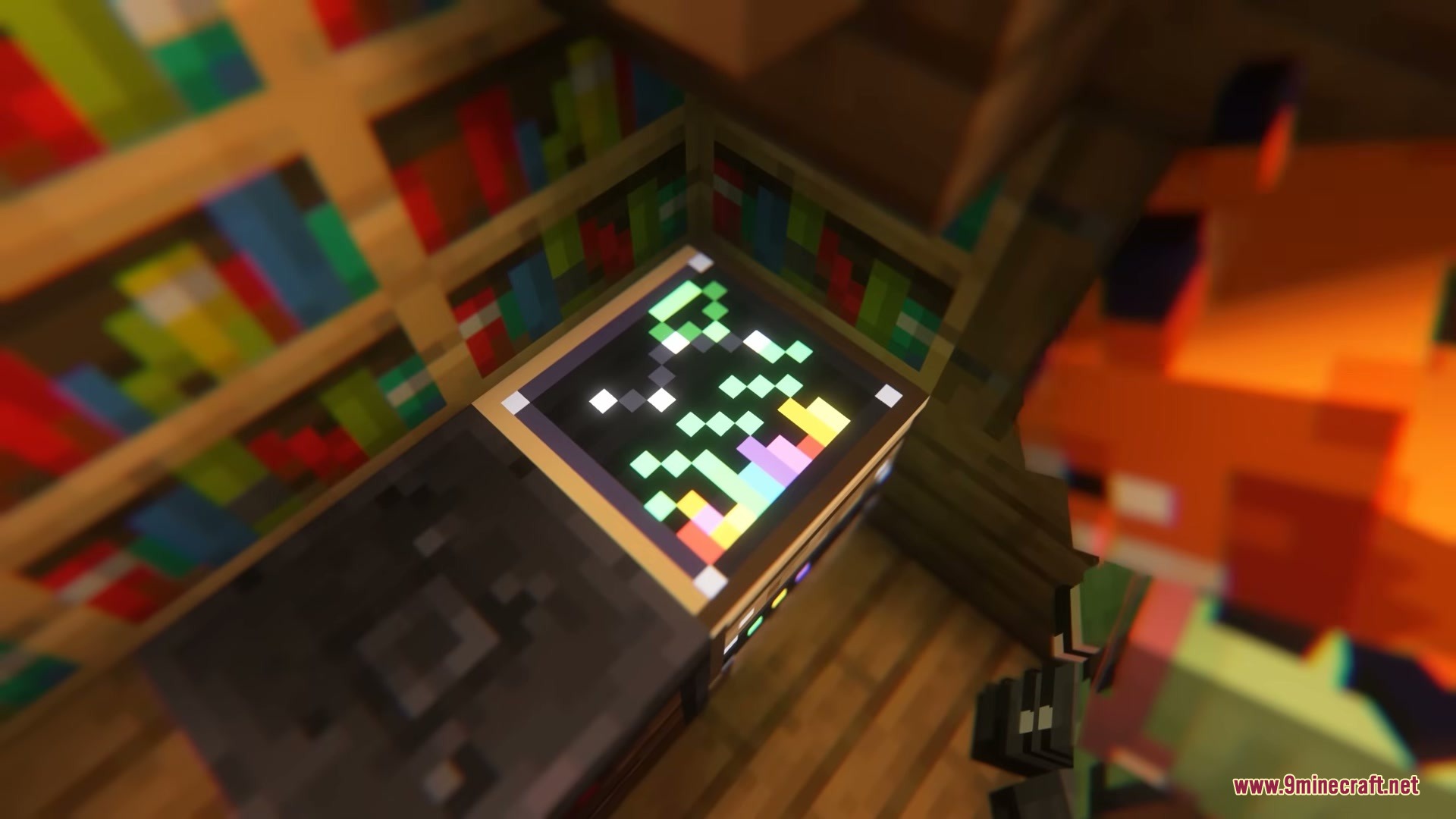
- You can craft a Cosmic Album to collect all your space polaroids, which includes stories and Wikipedia links for each object.
- Lets you buy old archival photographs from high-level cartographers and wandering traders.
- Adds a whole tree of new advancements to finish as you build your collection.
- Allows you to develop these specific space photos in the dark room, unlike regular pictures.
Commands:
/cosmicevent: opens the admin menu to manage space events.
Configuration:
config/exposure_space/objects/: folder to add or edit custom space objects.config/exposure_space/events/: folder to set up custom night sky events.
How to Use:
- Craft a Space Filter and a Telescopic Lens, then attach both to your camera.
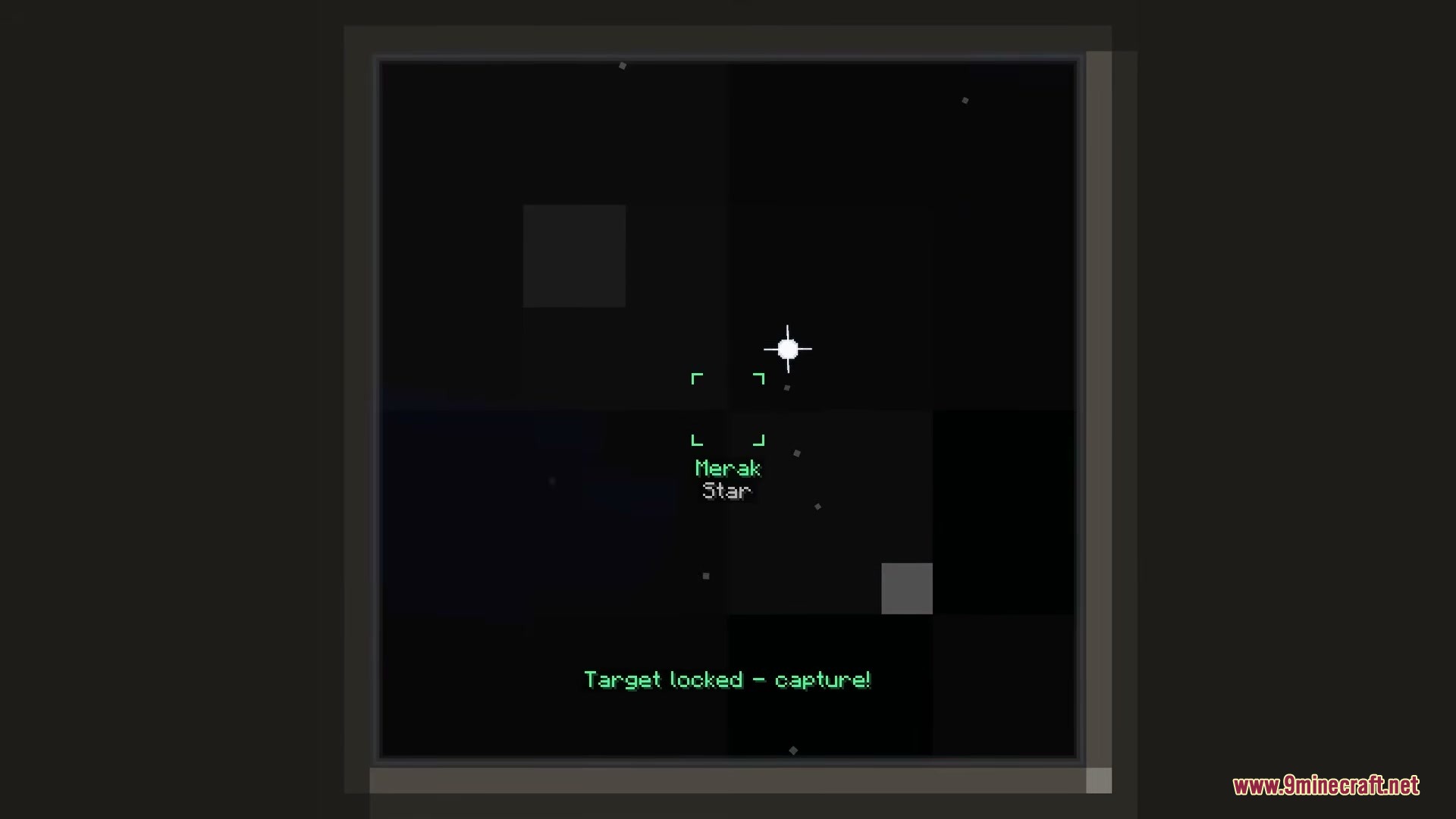
- Wait for nighttime, look through your viewfinder, and scan the sky until you get a target lock on an object.
- Take the picture, develop the film, and print the photo using a Lightroom.
- Place your printed photograph into the Photo Analyzer to get your rewards.
- Craft the Cosmic Album to store your new picture and read about the object you found.
Screenshots:
Exposure Space Mod Download Links
Quick facts
- Edition: Minecraft Java
- File type: .jar
- Minecraft version listed: 1.21.1
- How to install: Install the matching mod loader (Forge, Fabric or NeoForge) for your Minecraft version. → Download the .jar. → Put it in the .minecraft/mods folder and launch that loader profile.
- Where to get it: In MC Java Mods, or directly above on this page.
Install steps are the general flow for this file type — How to install Minecraft Java mods & modpacks walks through it step by step.
Verified by MCModsHub
- Downloads as 395117.mcaddon
- Download size: 561 KB
- Download link checked 25 Sept 2026 — working
- Mirrored on our own servers — the download does not depend on the original host
These come from our own check of the pack file, not from the source page.