ModsJava
Dinnerware Mod (1.20.1) – Serve and Eat Meals From Custom Dining Plates
Java mod listed for Minecraft 1.20. Downloads from the MC Java Mods app on Android.
⬇ Download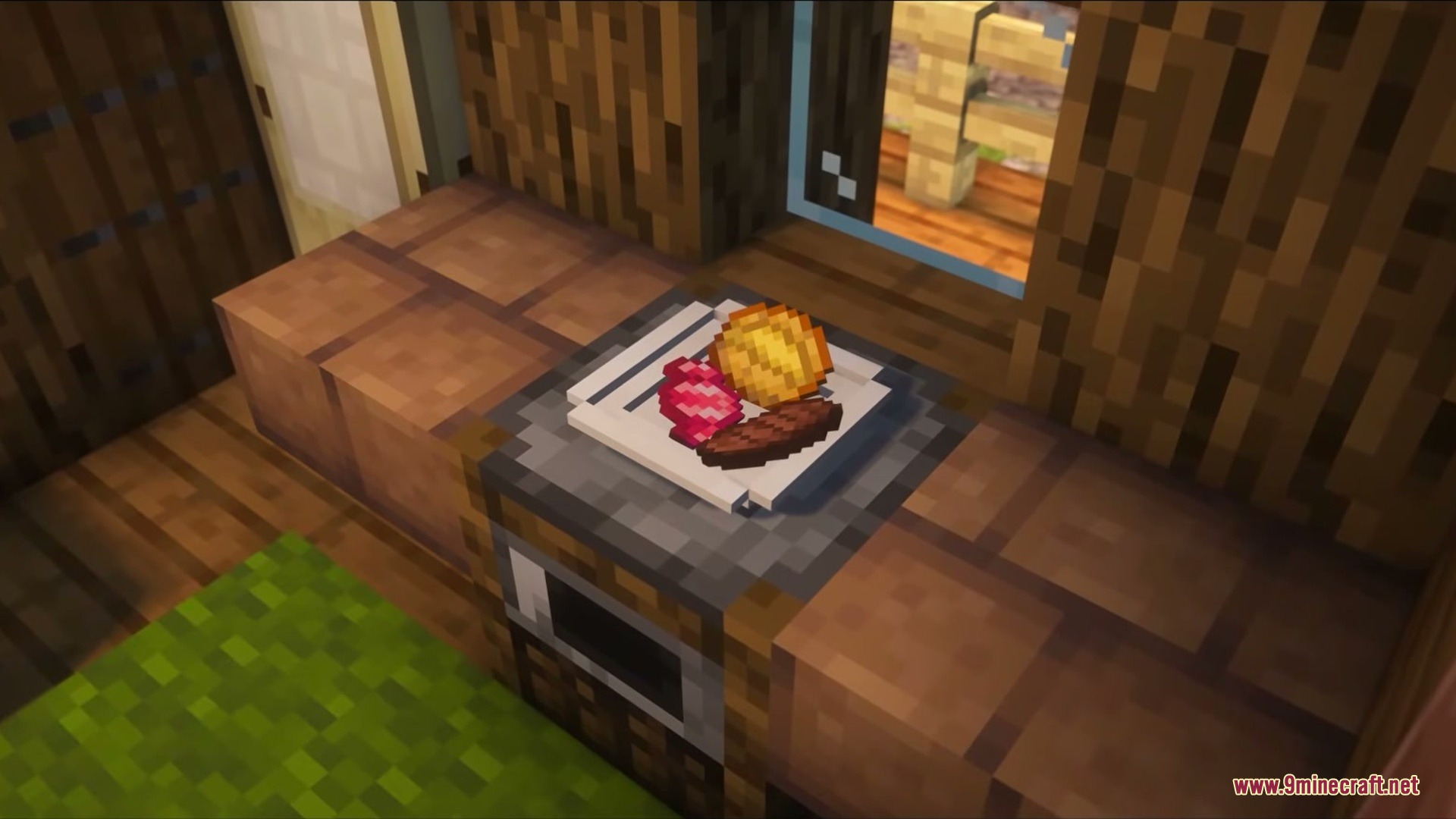
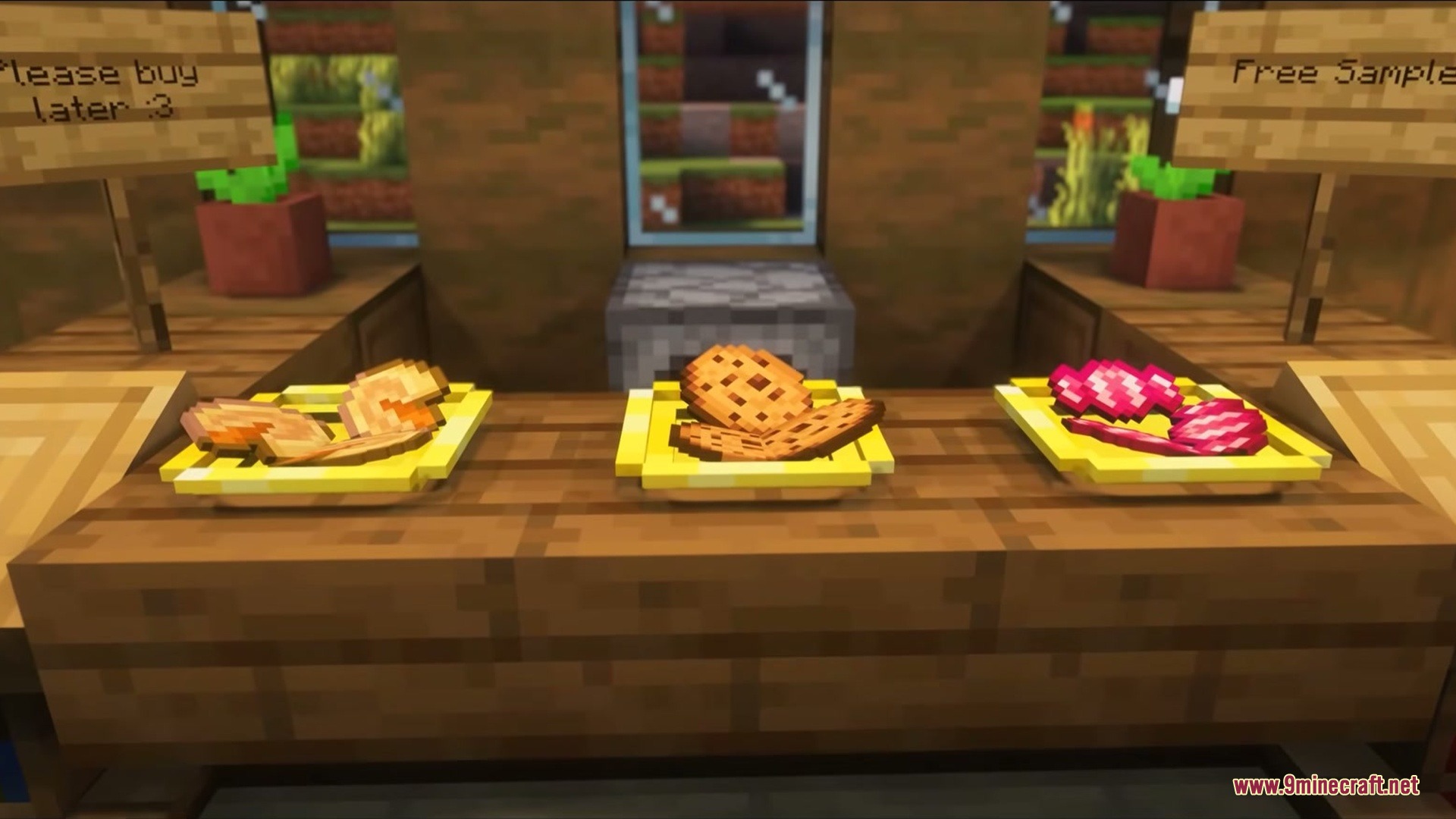
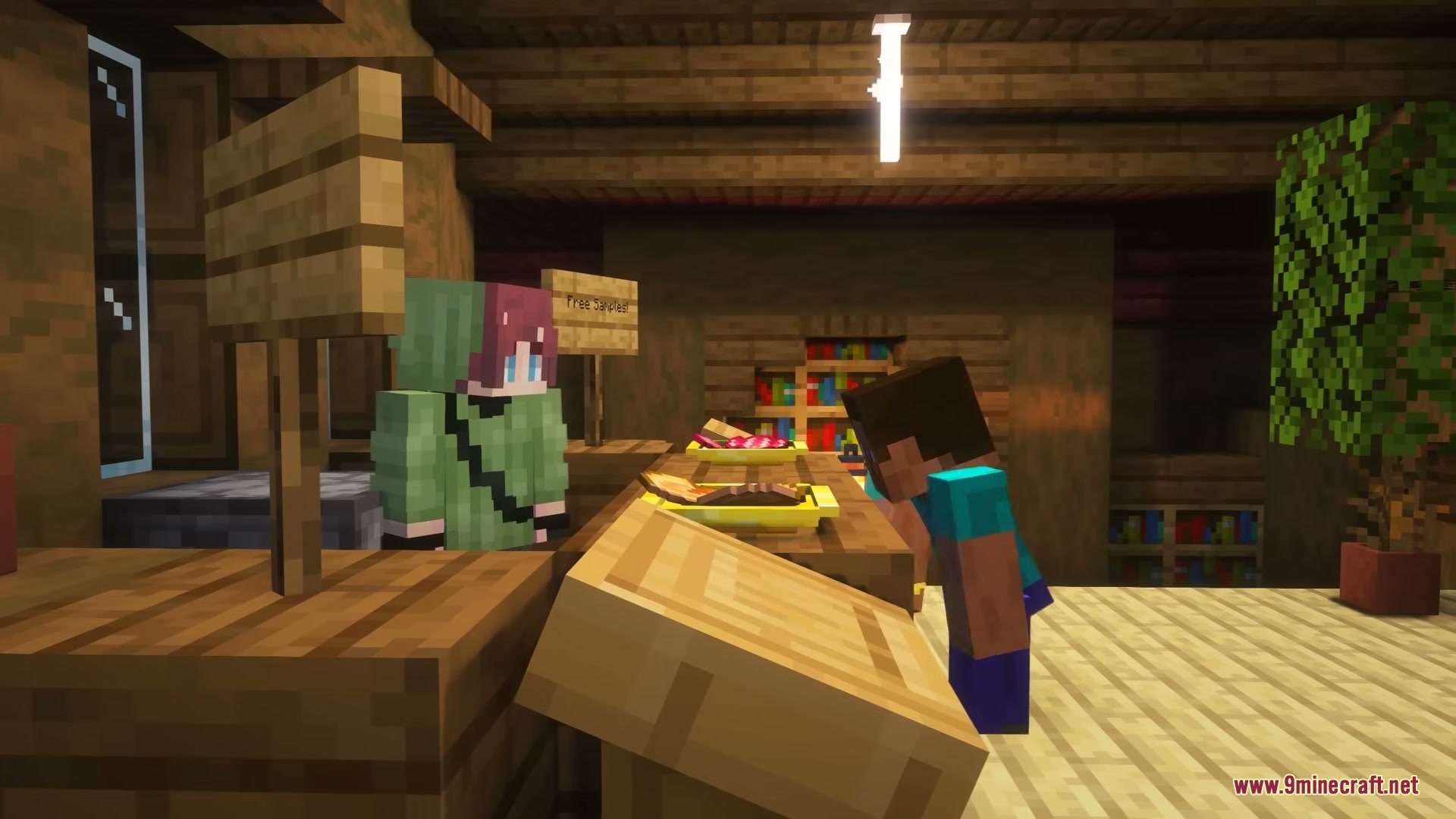
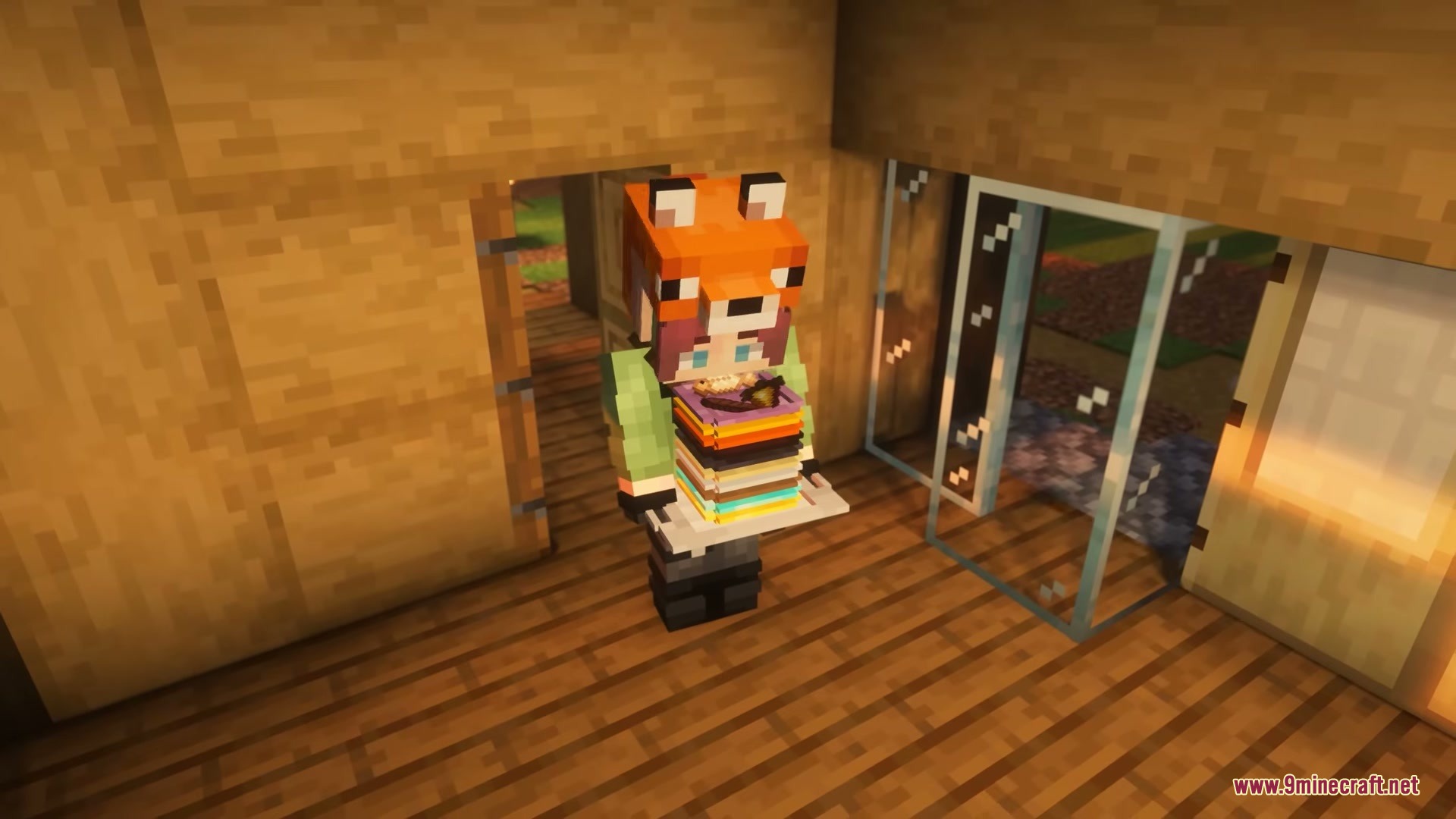
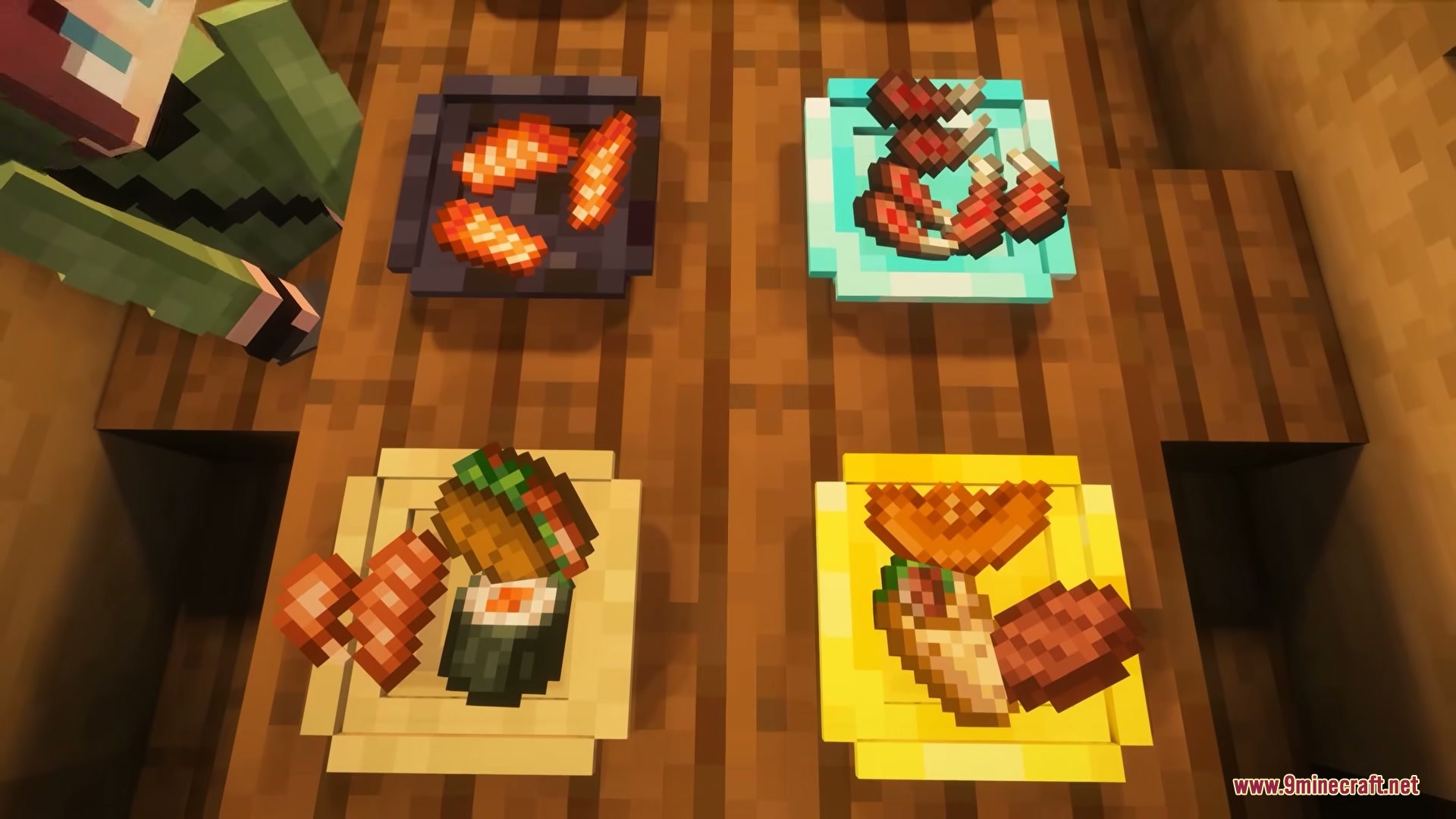
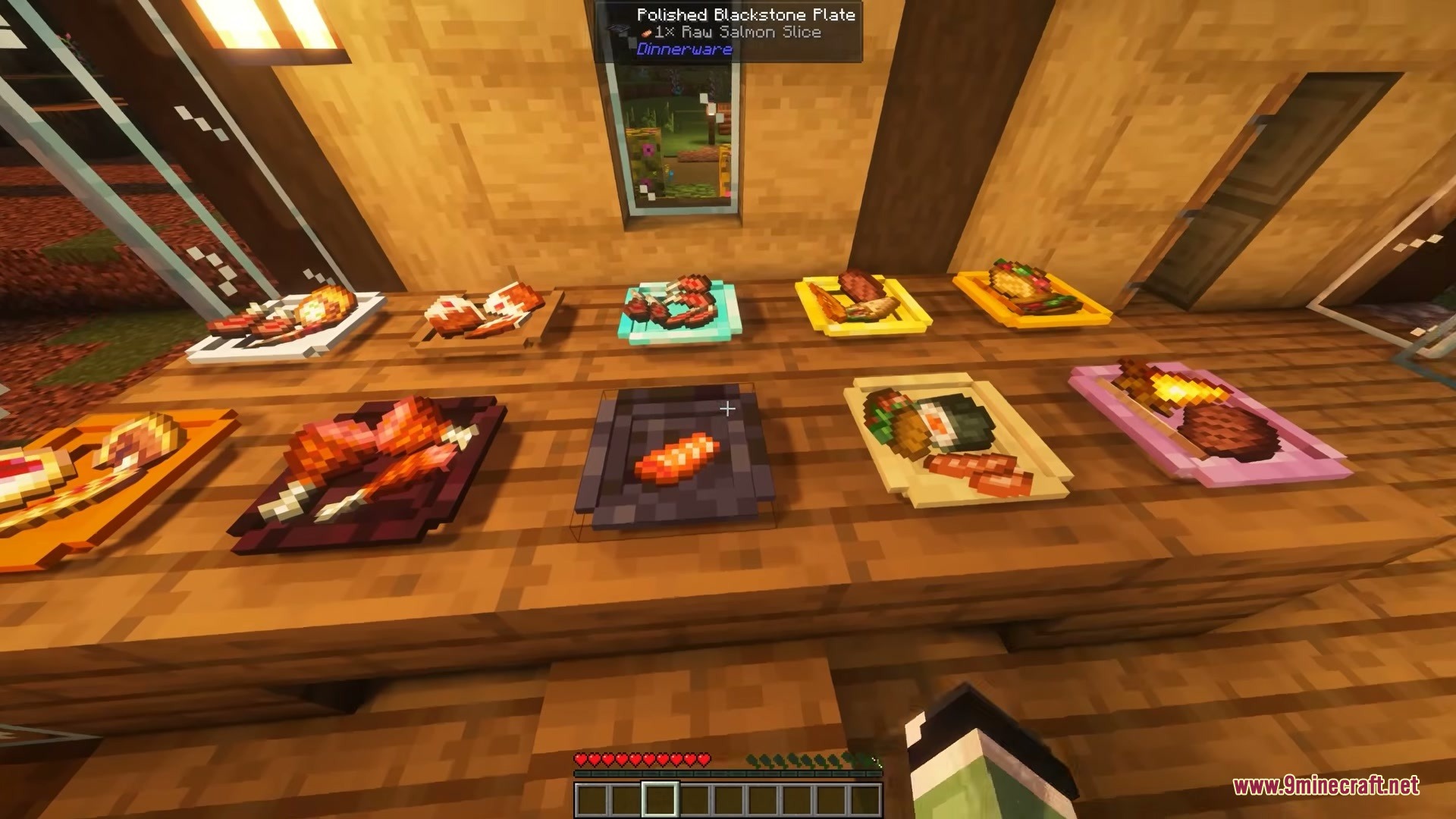
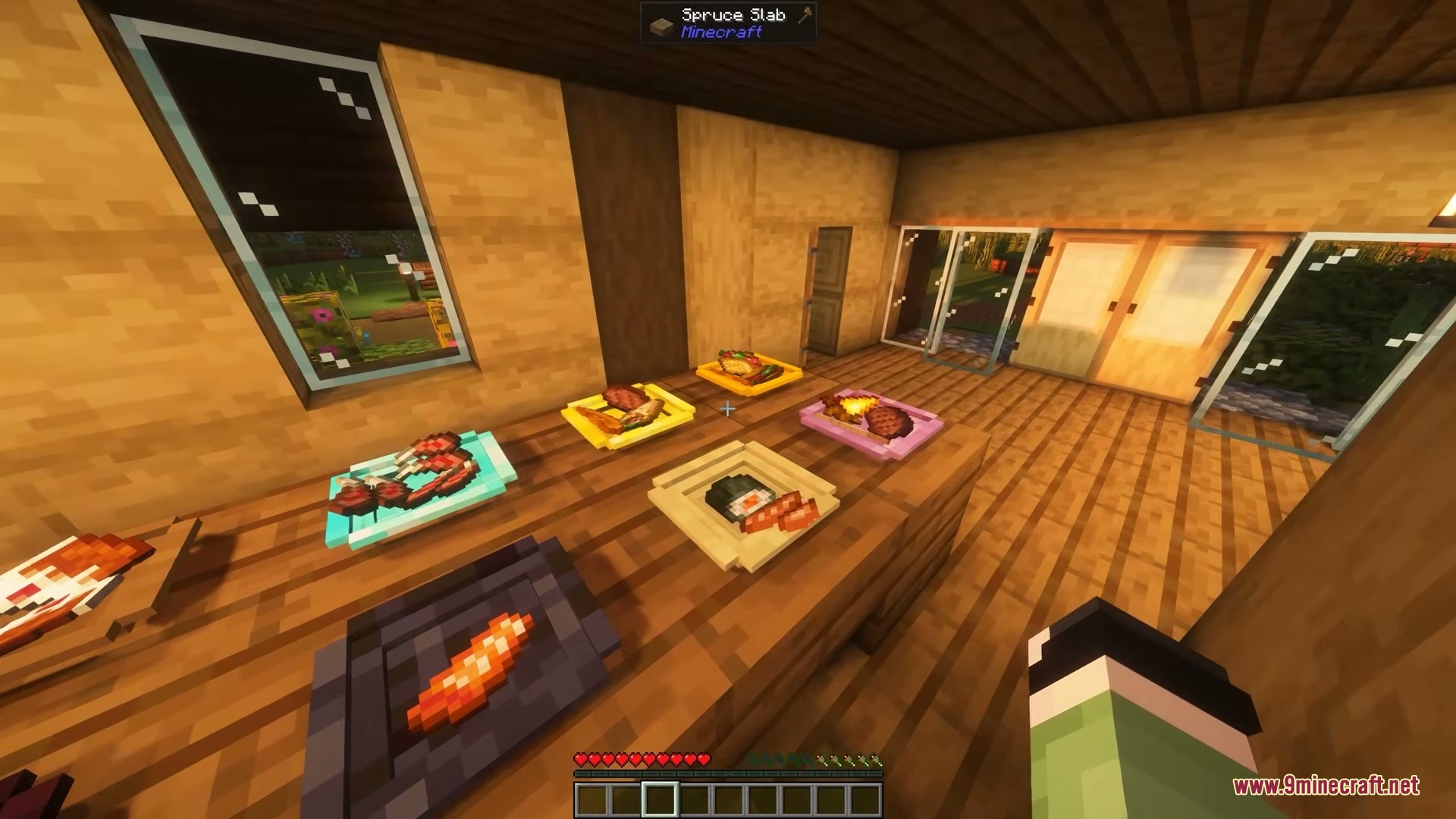
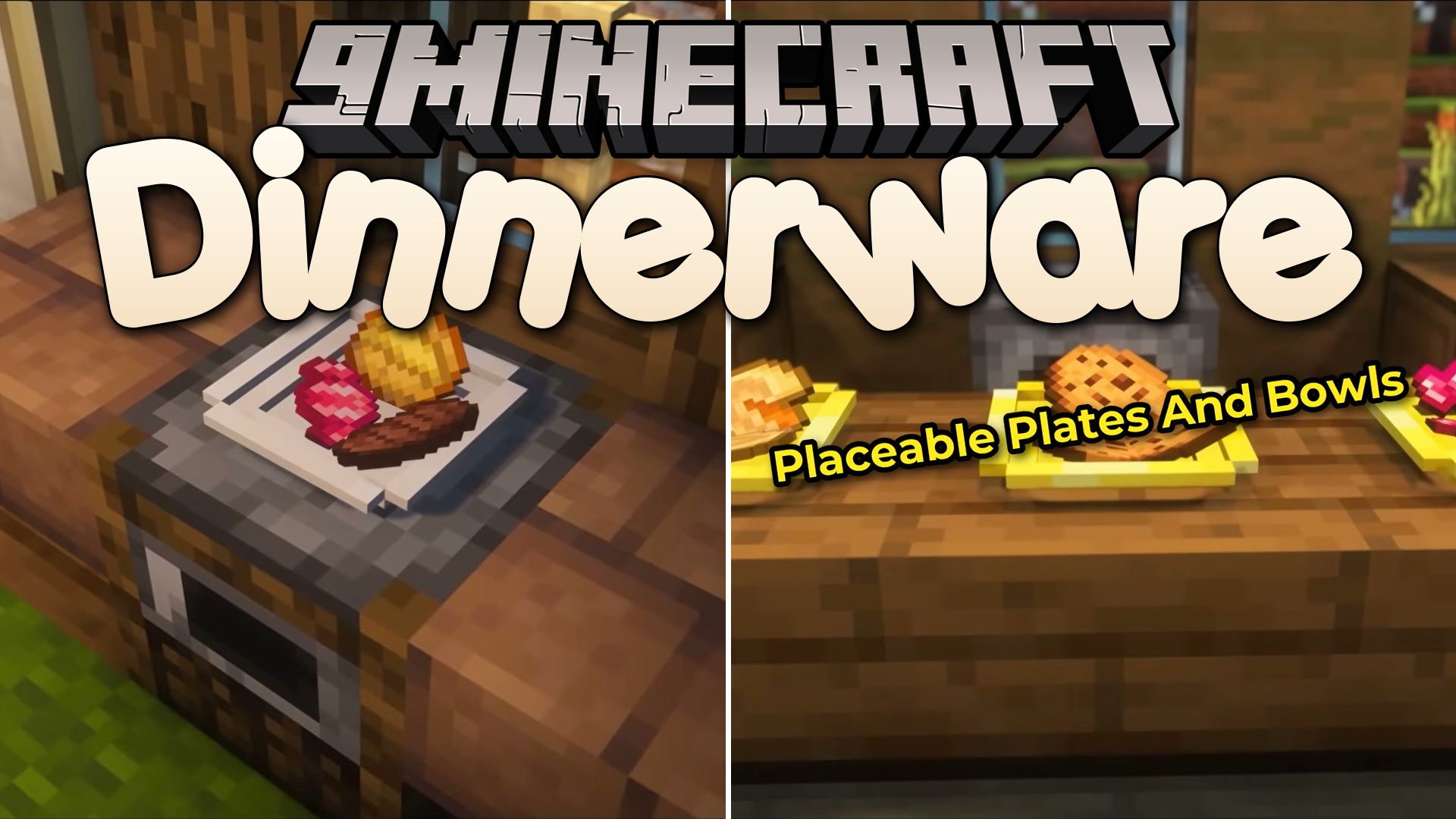
Dinnerware Mod adds real plates to your game so you can display and eat your food. It gives you a new way to set up your dining tables instead of just holding food in your hands. You can place different meals on the same plate and watch them appear right in front of you. The plates come in many materials like wood, quartz, and diamond to match your building style. It makes your kitchens and dining rooms look much better.
Features:
- Visual Food Display: Shows exactly what you place on the plate, and the food moves around depending on how much you add.
- Pick Up Full Meals: Lets you crouch and break a plate to pick it up with all the food still resting on it.
- Holds up to 48 food items on a single plate, split into different sections.
- Offers 54 different crafting materials for plates, including wood, obsidian, and diamonds.
- Matches your current resource pack automatically so the plates always look right in your world.
- Drops all the food on the floor if you break the plate normally or if it gets blown up by an explosion.
Configuration:
items_per_slot: change how many items fit in one section of the plate.eat_when_full: lets you eat from plates even if your hunger bar is full.allow_any_item: lets you put blocks and normal items on plates instead of just food.fragile_plates: makes plates break if you walk or jump on them.eating_mode: change how you eat, like aiming at the food or eating in a specific order.
How to Use:
- Place your crafted plate on a table or any block.
- Hold your food and right-click the plate to put it down.
- Look directly at the food on the plate and right-click to eat it.
- Hold Shift (crouch) and break the plate to pick it up without dropping the meal.
Screenshots:
Dinnerware Mod Download Links
Quick facts
- Edition: Minecraft Java
- File type: .jar
- Minecraft version listed: 1.20.1
- How to install: Install the matching mod loader (Forge, Fabric or NeoForge) for your Minecraft version. → Download the .jar. → Put it in the .minecraft/mods folder and launch that loader profile.
- Where to get it: In MC Java Mods, or directly above on this page.
Install steps are the general flow for this file type — How to install Minecraft Java mods & modpacks walks through it step by step.
File checked by MCModsHub
- Downloads as 395127.mcaddon
- Download size: 392 KB
- Download link checked 26 Sept 2026 — working
- Mirrored on our own servers — the download does not depend on the original host
These come from our own check of the pack file, not from the source page.