ModsJava
Advanced Tower Defense Mod (1.20.1) – Defend Your Base with Automatic Turrets
Java mod listed for Minecraft 1.20. Downloads from the MC Java Mods app on Android.
⬇ Download
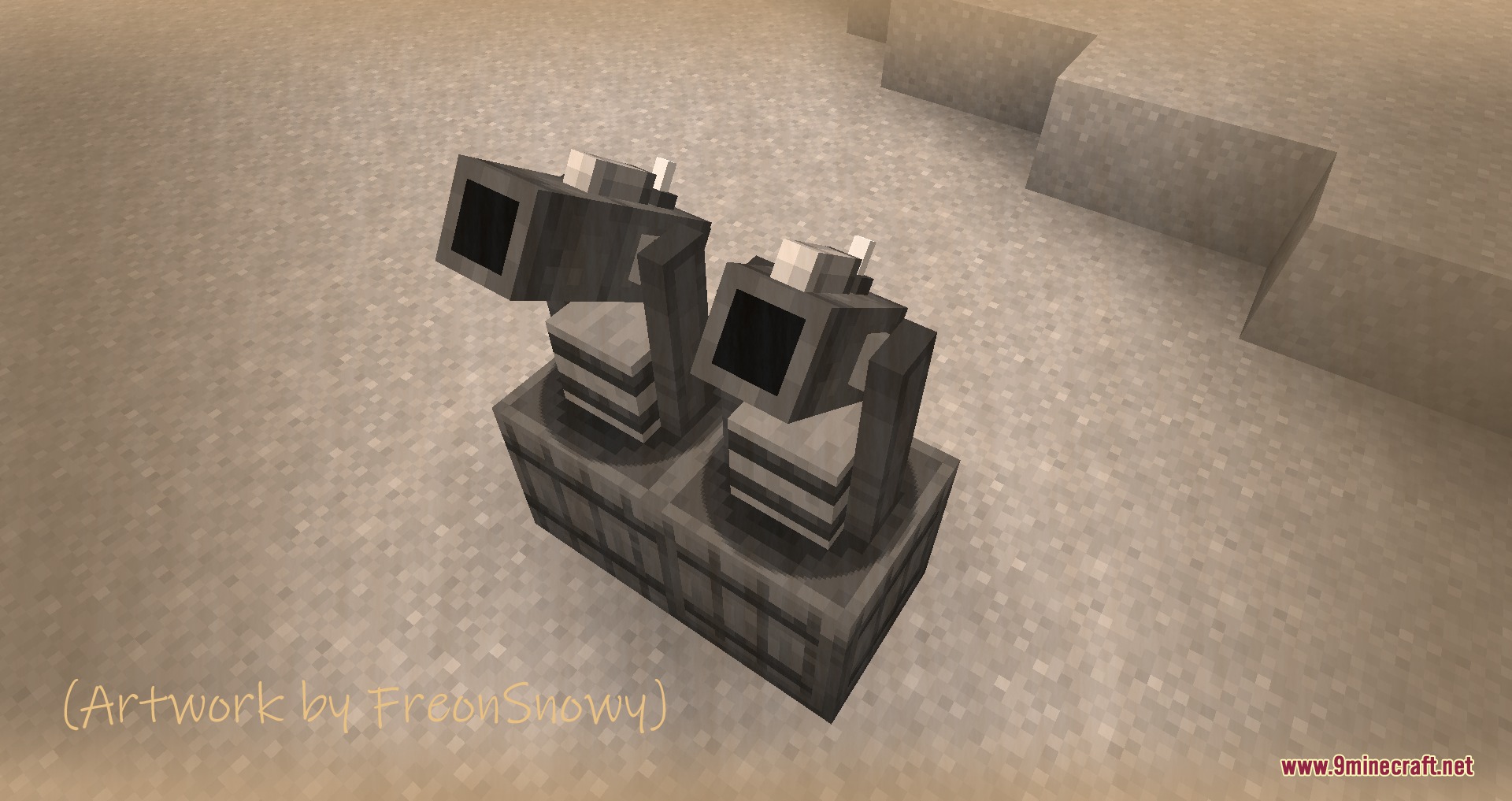
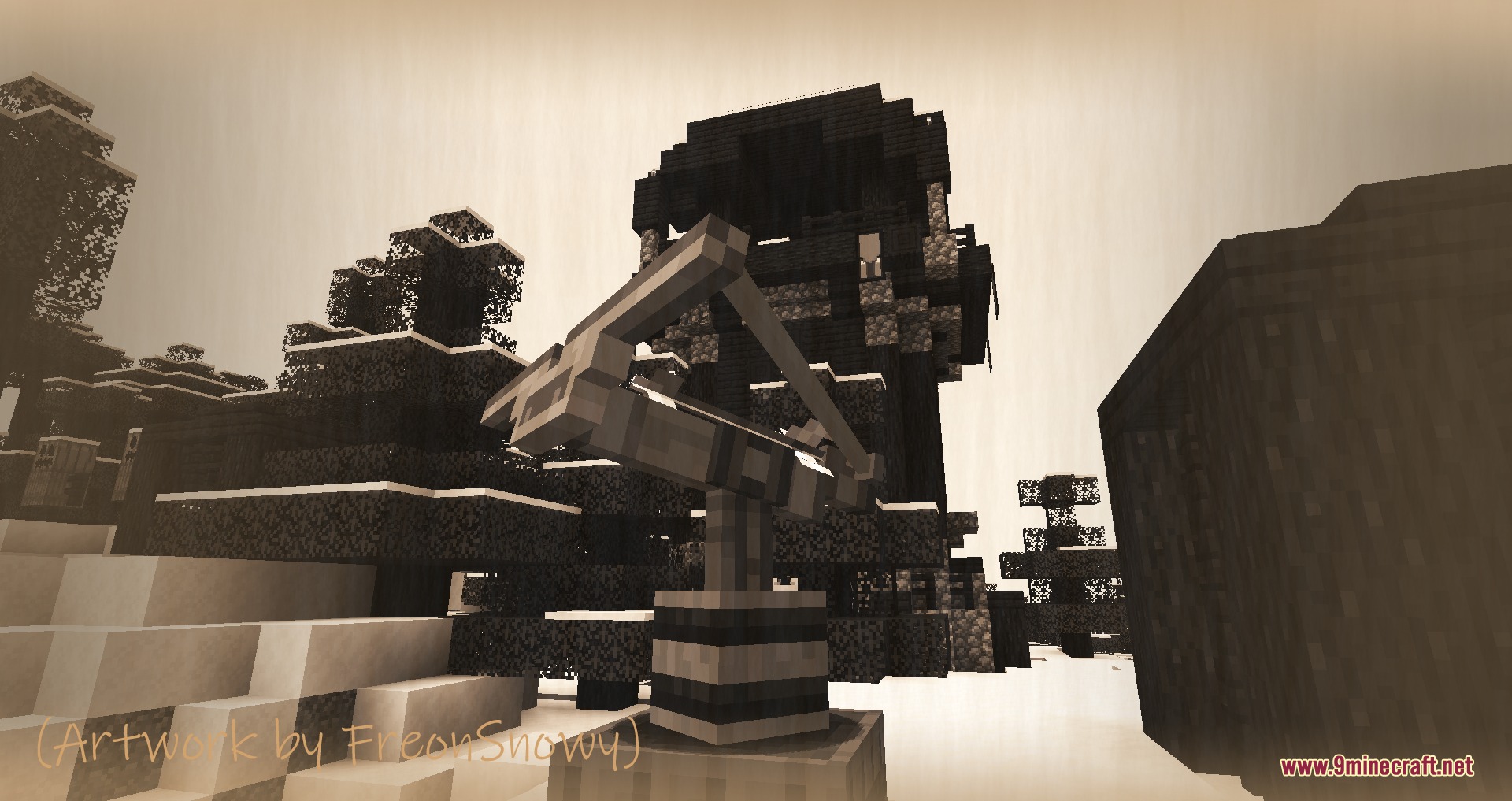
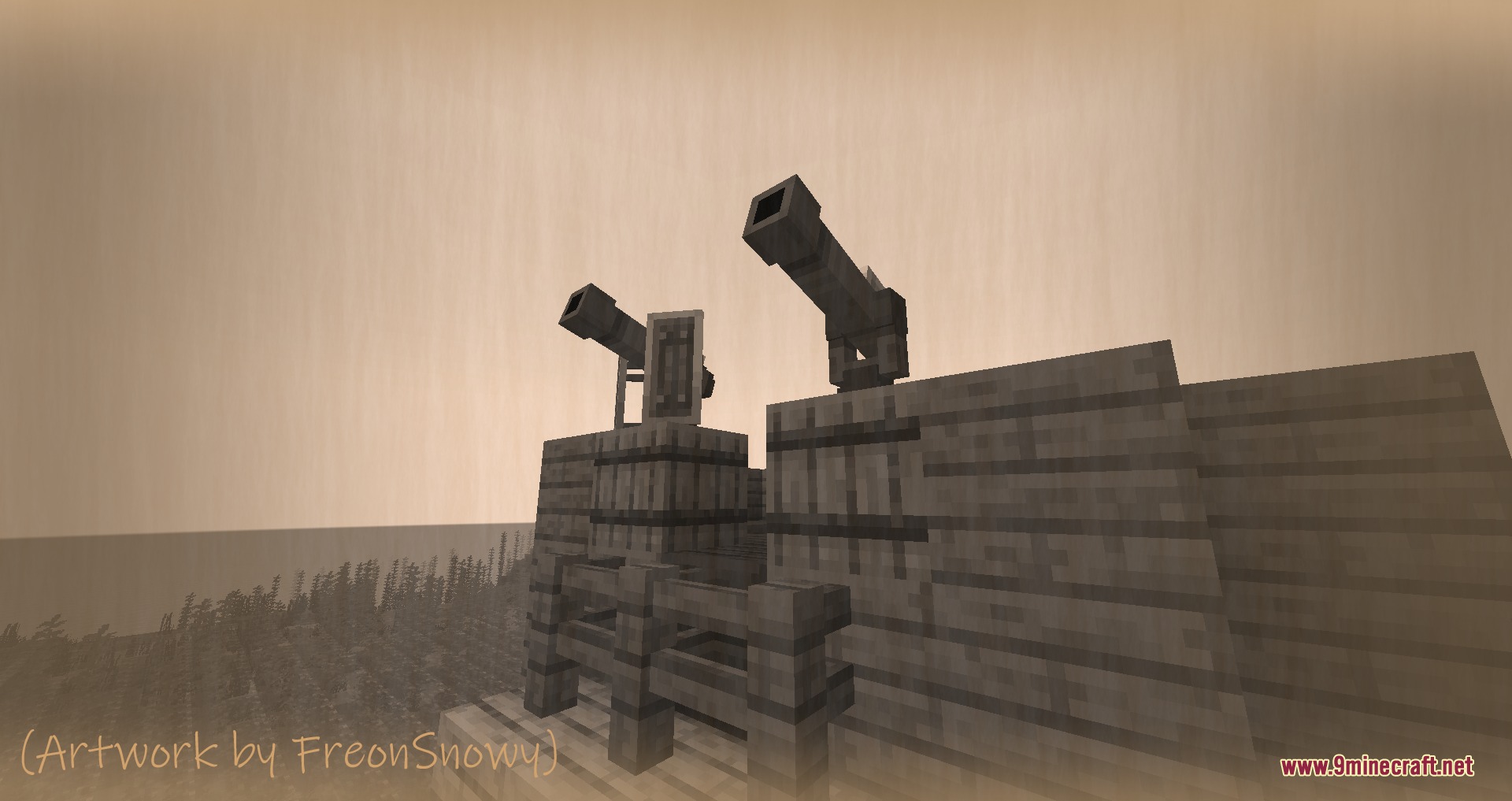

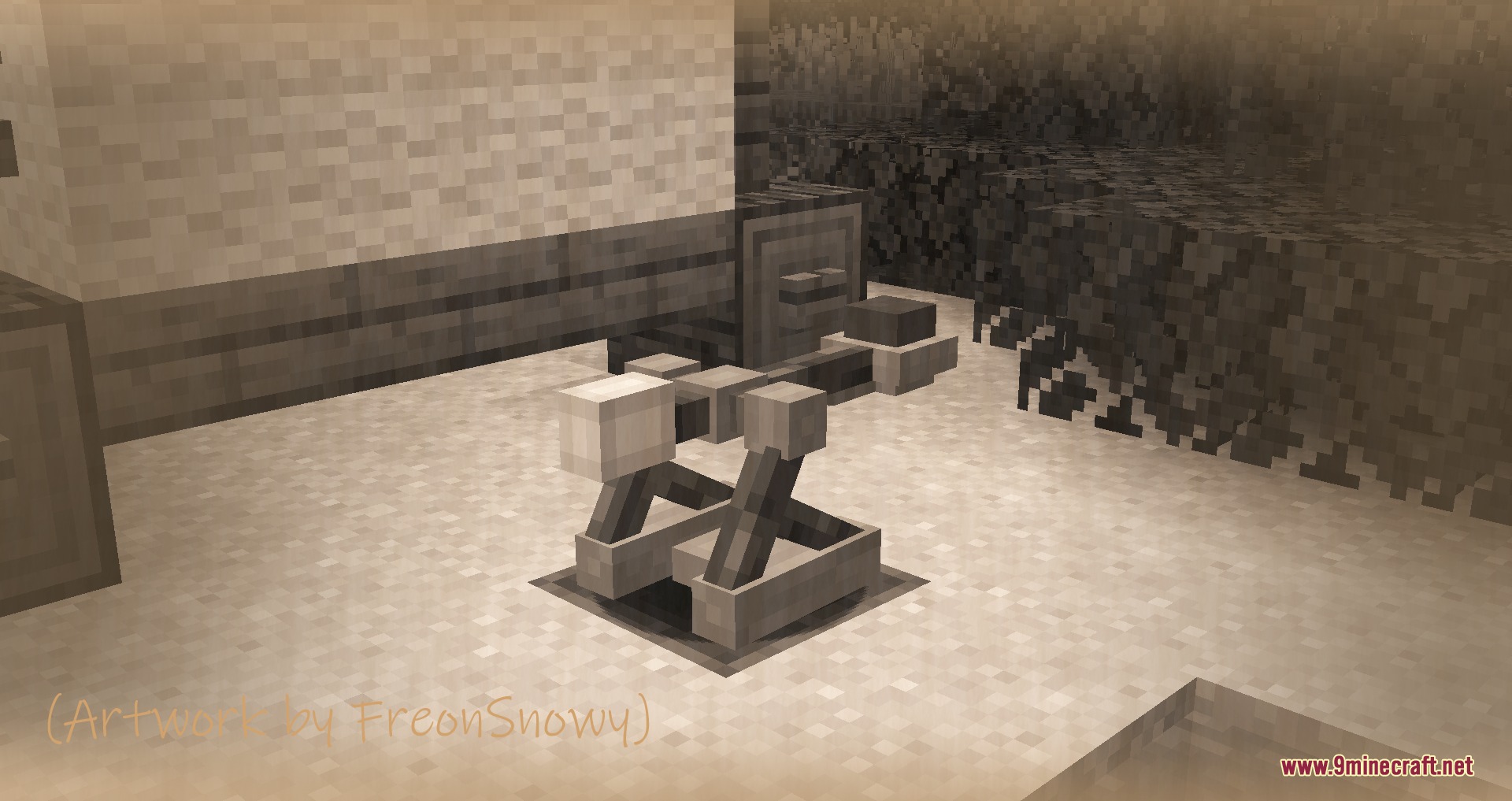
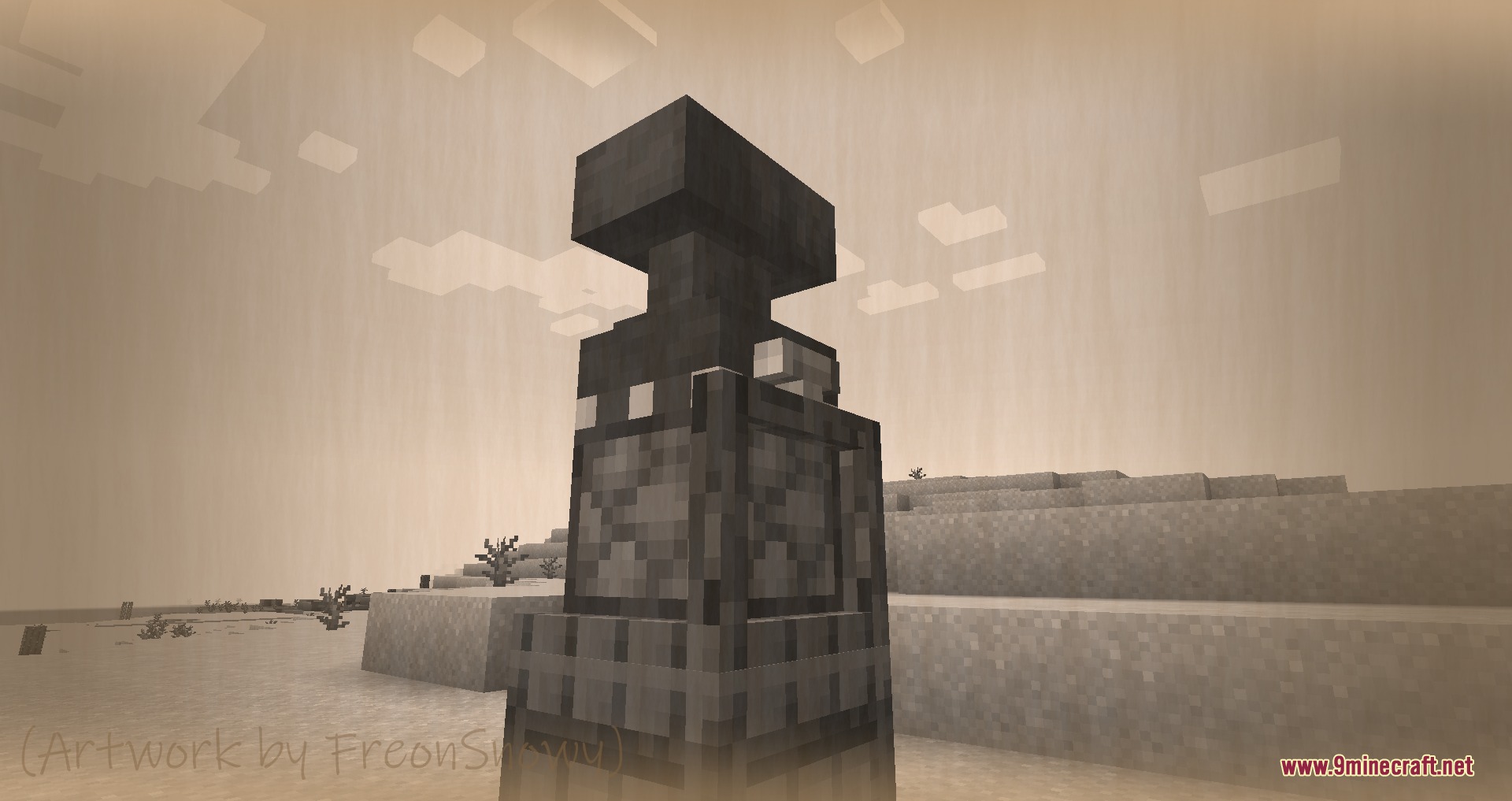
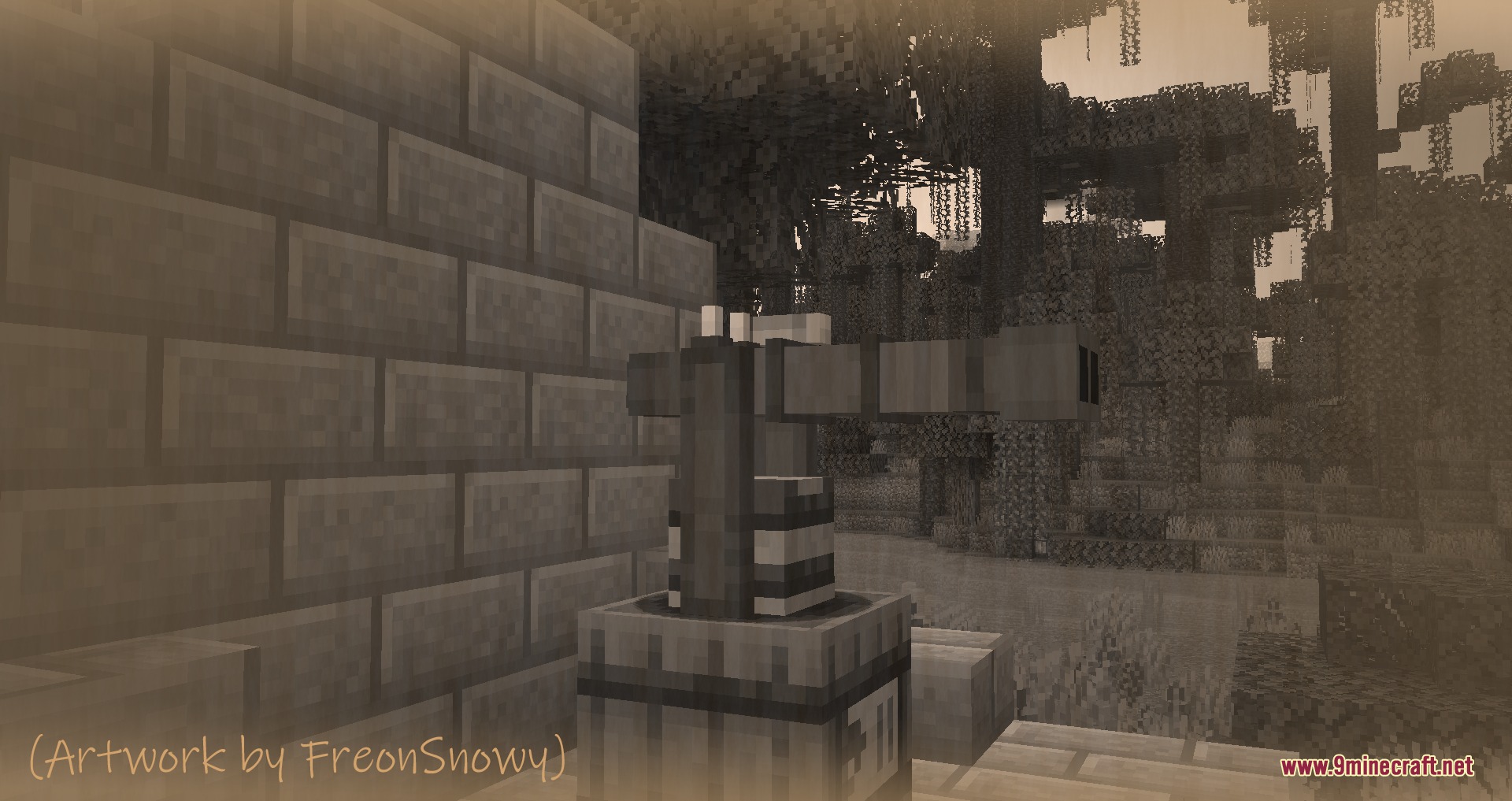
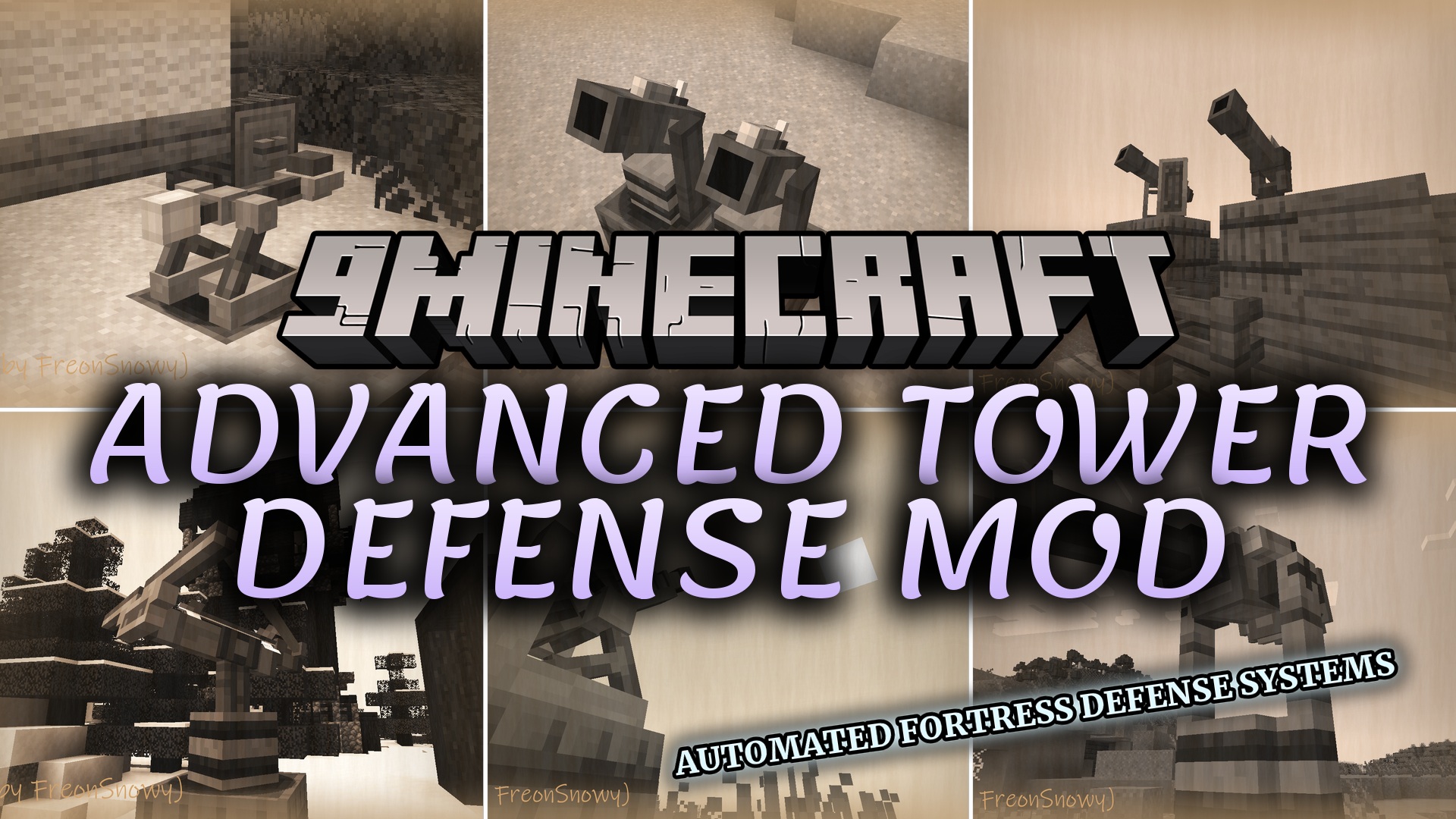
Advanced Tower Defense Mod gives you powerful tools to protect your base from enemy attacks. This mod brings a huge collection of medieval turrets, cannons, and traps into the game. You get everything from simple catapults to massive energy weapons. It changes how you defend your home against hordes of monsters.
Features:
- Manual Control: Lets you aim weapons using keyboard arrows and shoot with a custom button.
- Automatic Defense: Scans the area and shoots at any enemies that walk into range.
- Adds two ways to control your weapons for different combat styles.
- Requires a winding mechanism inside the base for automatic turrets to work.
- Each turret has a specific attack range and damage type.
Siege Cannons:
- Drop-Mortar destroys enemy walls and structures easily.
- Basilisk acts as a massive cannon that scares away attackers.
- Falconet shoots targets from very far away with high accuracy.
Rapid-Fire Turrets:
- Gatling Gun shoots many rounds quickly to stop big crowds.
- Puckle Gun uses a revolving mechanism for fast reloads.
- Hwacha launches multiple explosive rockets at once.
Special Defenses:
- Greek Fire sprays burning tar to set the surrounding area on fire.
- Tesla Turret zaps nearby enemies with bright electric energy.
- Anvil Launcher throws heavy anvils straight at incoming monsters.
How to Use:
- Find the correct base block for the turret you want to build.
- Hold Shift and click on the base to place your weapon.
- Put a winding mechanism inside the base if you want the turret to shoot automatically.
- Use the arrow keys to aim and press your binded shoot button for manual bases.
Screenshots:
Advanced Tower Defense Mod Download Links
Quick facts
- Edition: Minecraft Java
- File type: .jar
- Minecraft version listed: 1.20.1
- How to install: Install the matching mod loader (Forge, Fabric or NeoForge) for your Minecraft version. → Download the .jar. → Put it in the .minecraft/mods folder and launch that loader profile.
- Where to get it: In MC Java Mods, or directly above on this page.
Install steps are the general flow for this file type — How to install Minecraft Java mods & modpacks walks through it step by step.
File checked by MCModsHub
- Downloads as 395142.mcaddon
- Download size: 14.9 MB
- Download link checked 25 Sept 2026 — working
- Mirrored on our own servers — the download does not depend on the original host
These come from our own check of the pack file, not from the source page.