
AltCore
Java mod listed for Minecraft 1.20. Downloads from the MC Java Mods app on Android.
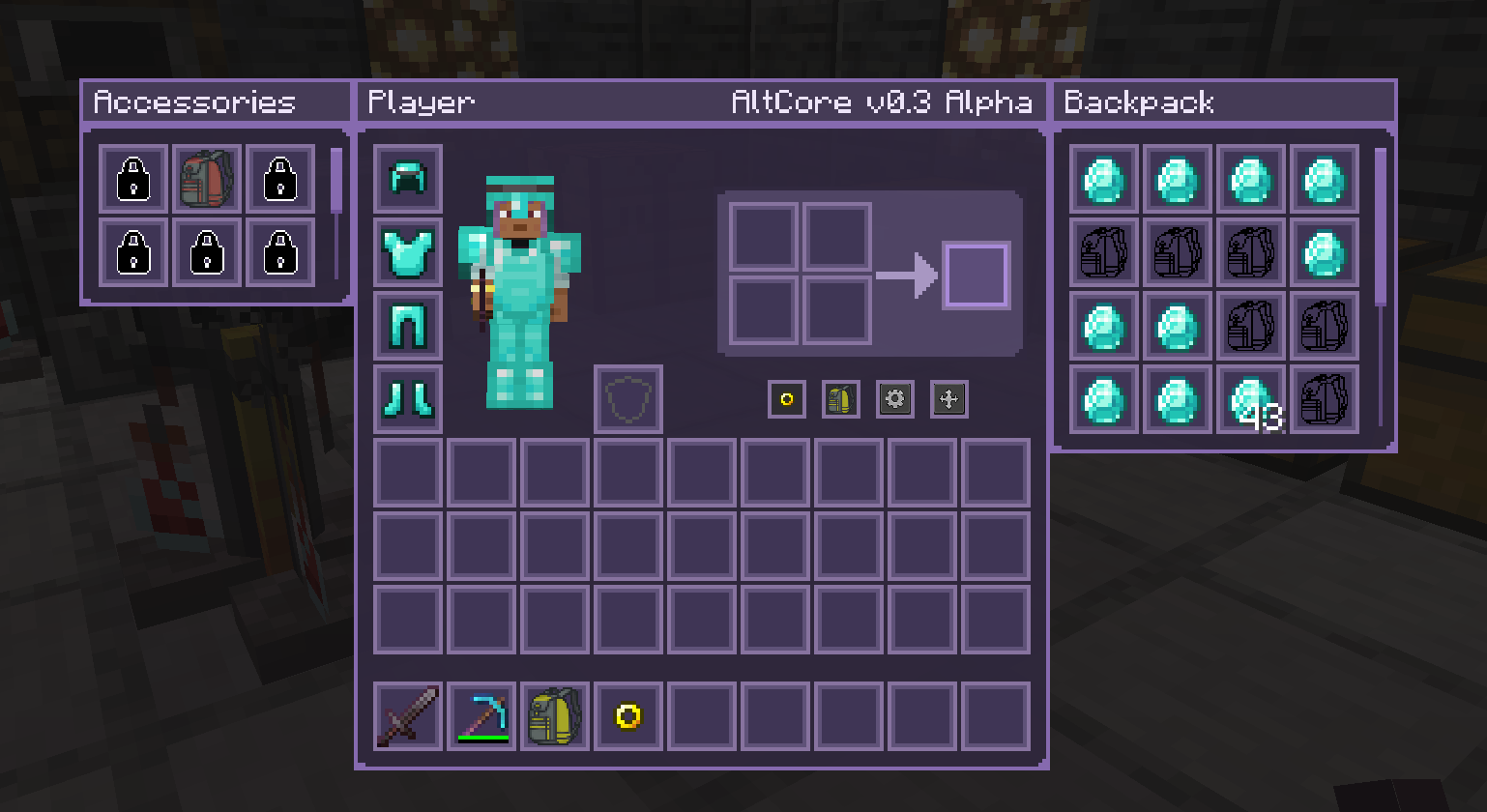
Сompletely reimagines the inventory and container interfaces, making them more flexible and visually expressive without using texture packs.
⬇ Download on Modrinth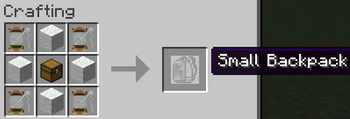
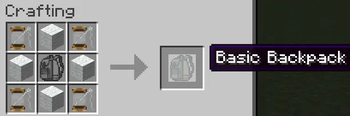
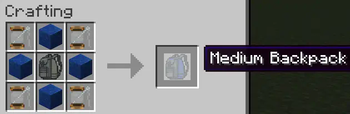
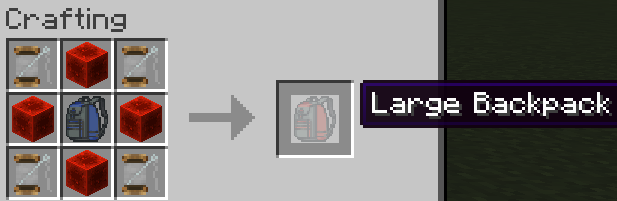
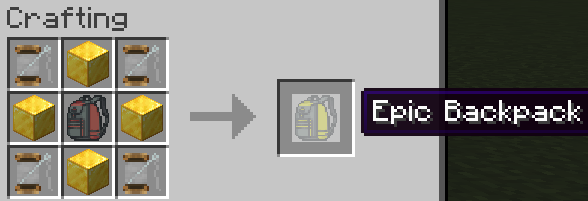
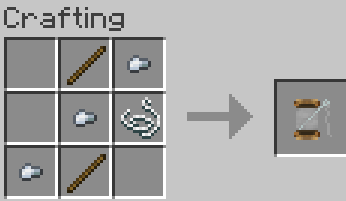
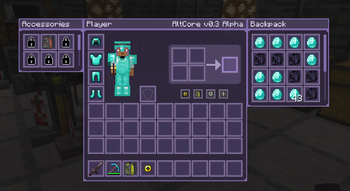
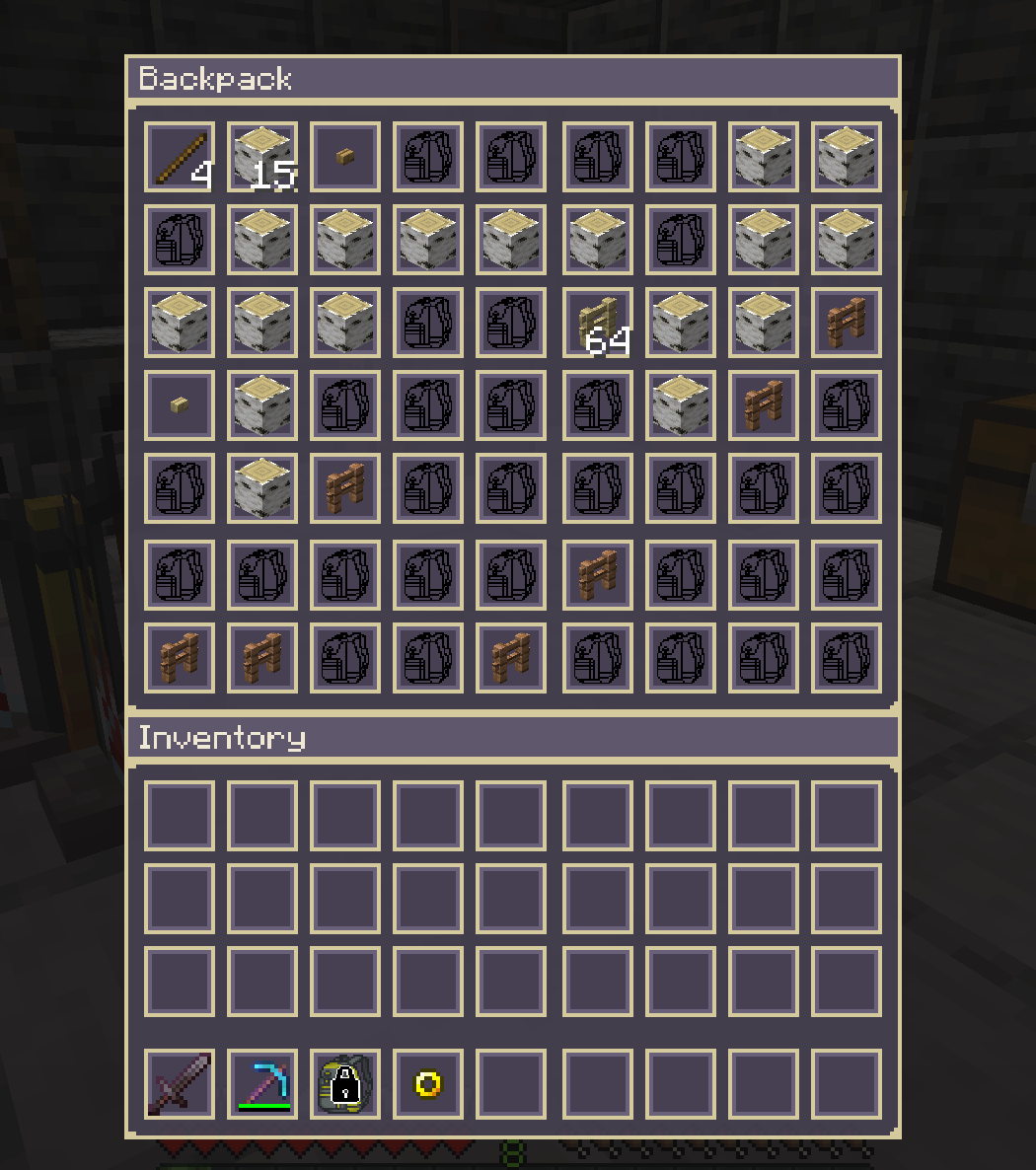
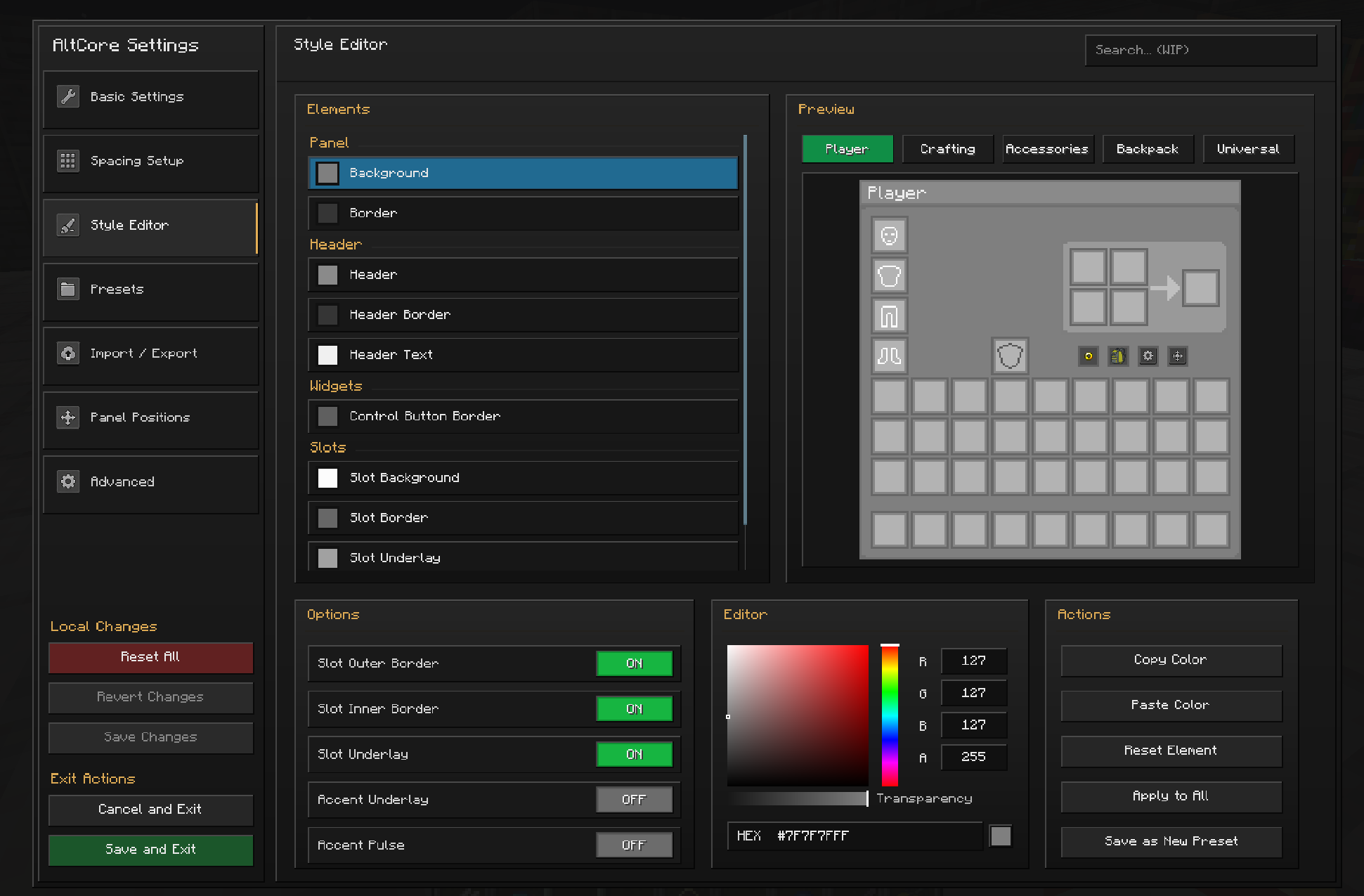
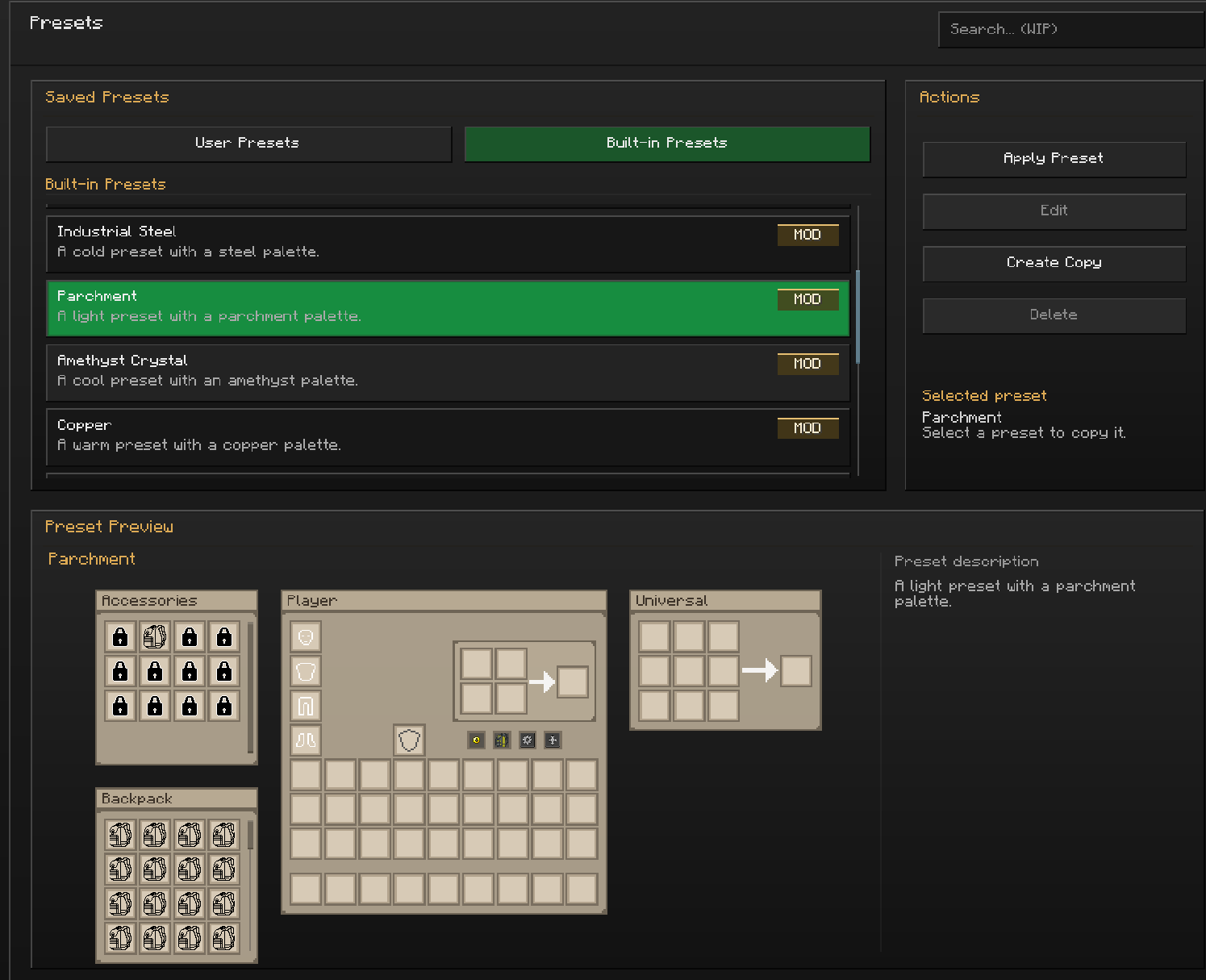
AltCore adds a custom player inventory screen, accessory slots, and backpacks whose slots are added to the player inventory. In addition, the mod overhauls many vanilla screens into a unified Universal GUI system with support for style presets, configurable spacing, sizes, positions, and the overall look of the interface.
What the mod already has:
- A custom inventory that fully replaces the default one;
- Full support for all standard Minecraft screens;
- A new player inventory screen;
- An accessory system and additional slots;
- Backpacks that expand the inventory;
- Built-in style presets and the ability to create your own;
- Flexible interface customization, including moving windows within each screen;
- Overhaul of many container and utility screens;
- A simplified /gm 0,1,2 gamemode command.
AltCore is currently in v0.3 Alpha.
What is planned for future versions:
- Fixing effect display on the custom inventory screen;
- Configurable default panel positions on screens;
- Compatibility with JEI, NEI, and others;
- Automatic support for other modded containers;
- Further development of the accessory system;
- Further development of the backpack system with auto-pickup, placement in the world, and upgrades;
- More customization options, including custom textures in any screen, gradients, and animated colors;
- Support for changing the player HUD;
- Tactical-style layout presets similar to TaCZ and others;
- The ability to add any item as an accessory or backpack with custom properties via config;
- Implementation of the /inv "name" command for server administrators.

- Edition: Minecraft Java
- File type: .jar
- Minecraft version listed: 1.20.1
- How to install: Install the matching mod loader (Forge, Fabric or NeoForge) for your Minecraft version. → Download the .jar. → Put it in the .minecraft/mods folder and launch that loader profile.
- Where to get it: Opens on Modrinth — not every file is mirrored on our own servers.
Install steps are the general flow for this file type — How to install Minecraft Java mods & modpacks walks through it step by step.
- Ships as AltCore-v0.3-Alpha-1.20.1.jar — drop this file into the mods folder
- Download size: 1.3 MB
- Download link checked 20 Nov 2026 — working
These come from our own check of the pack file, not from the source page.