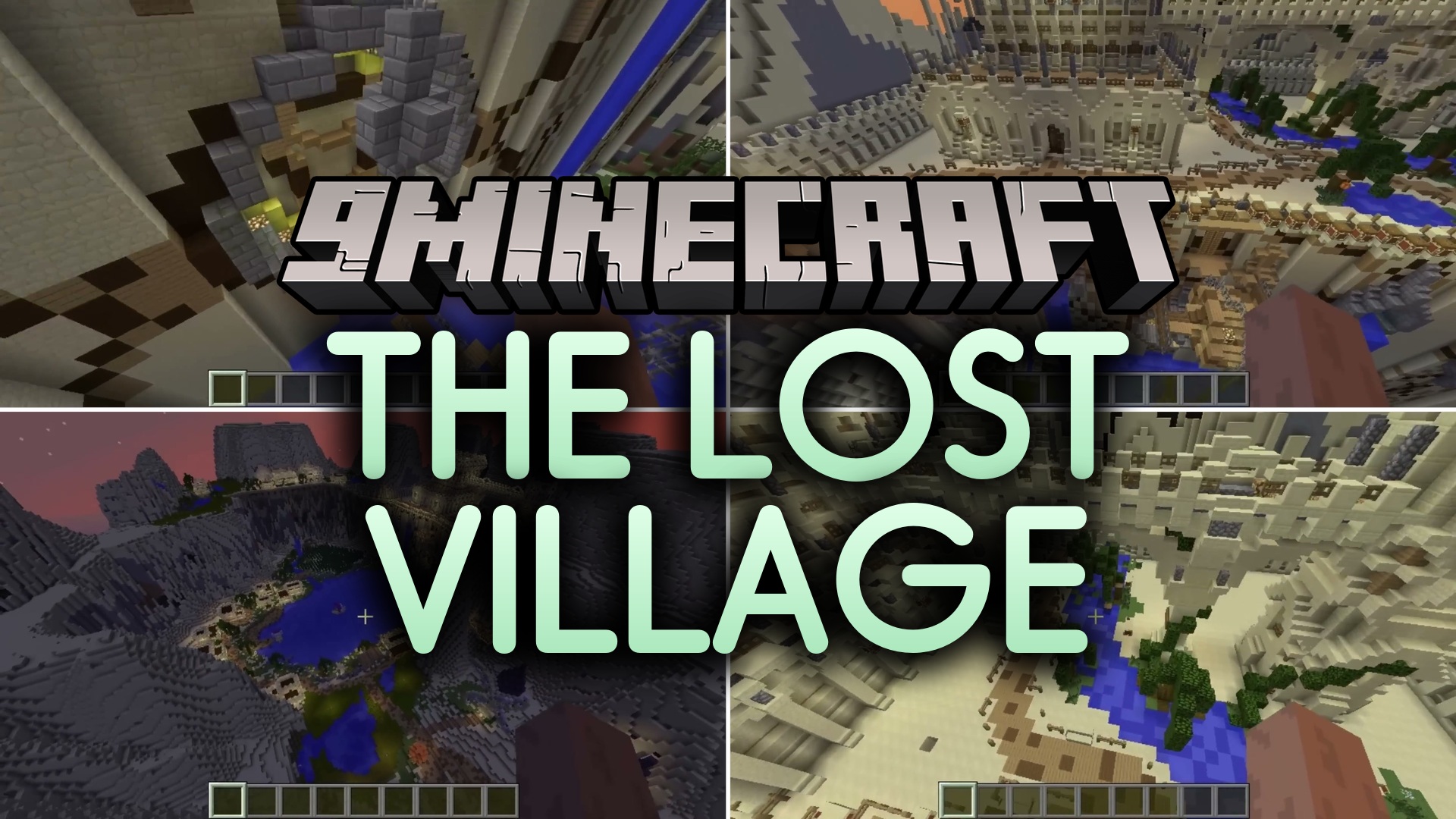
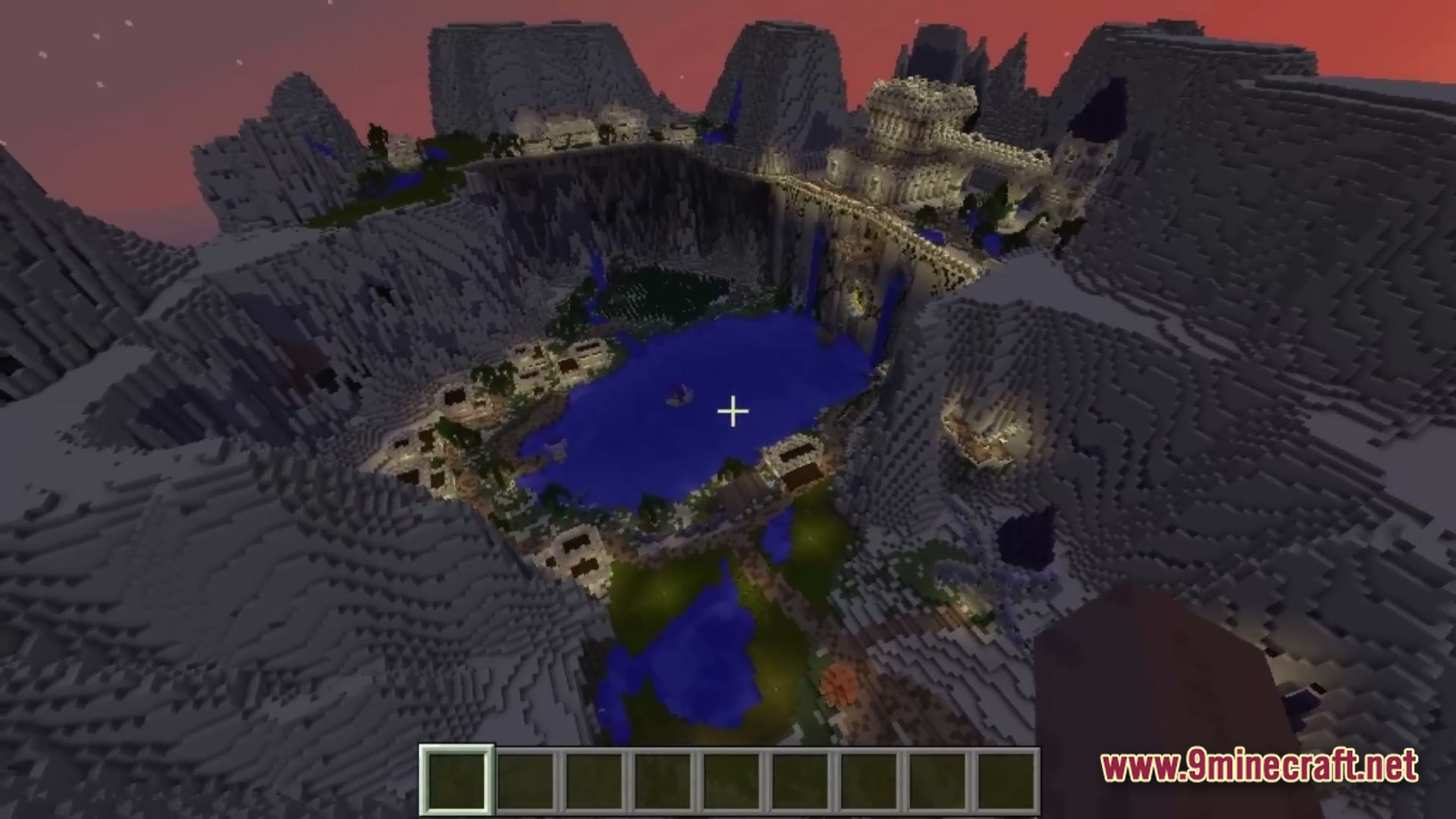
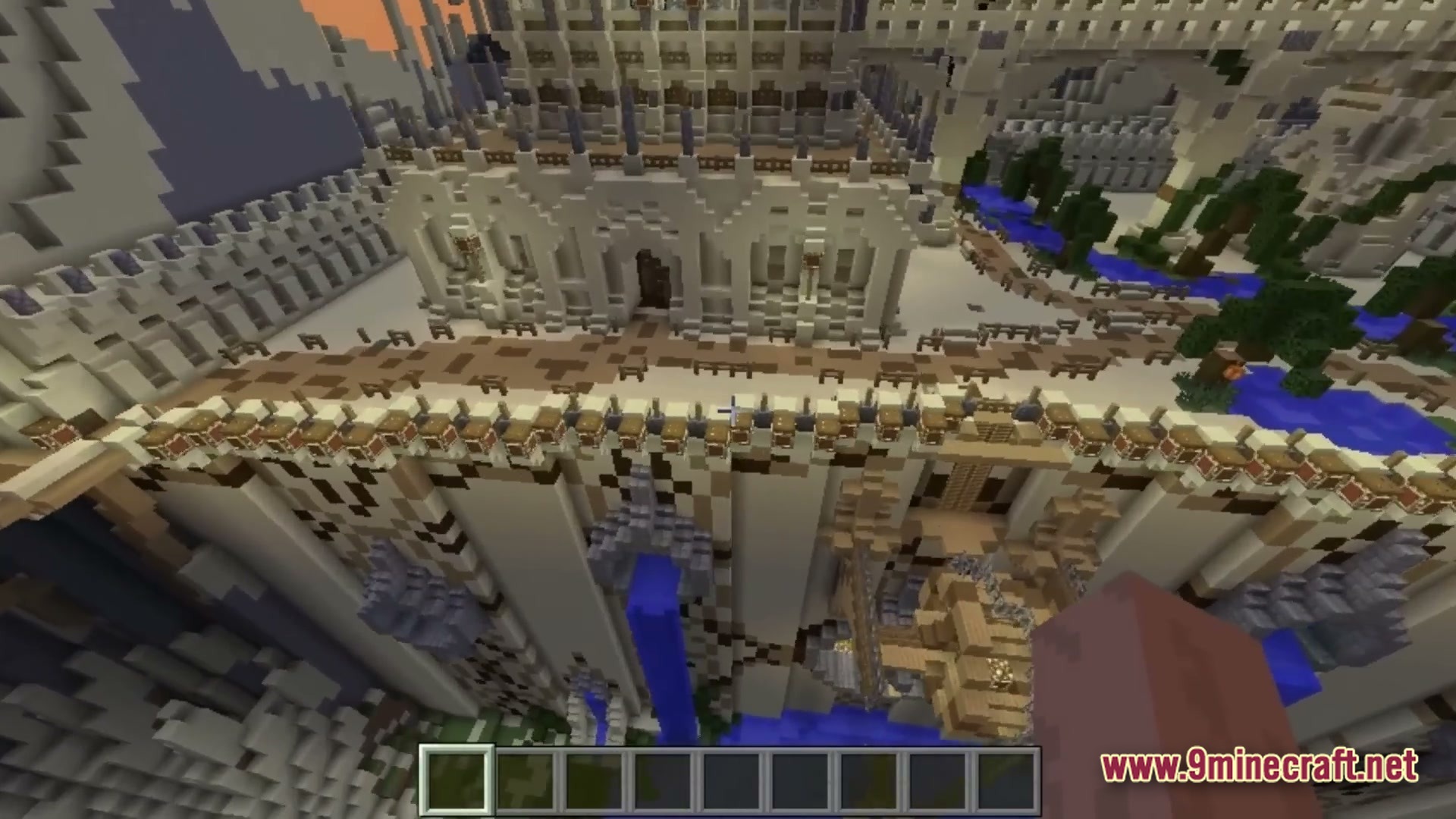
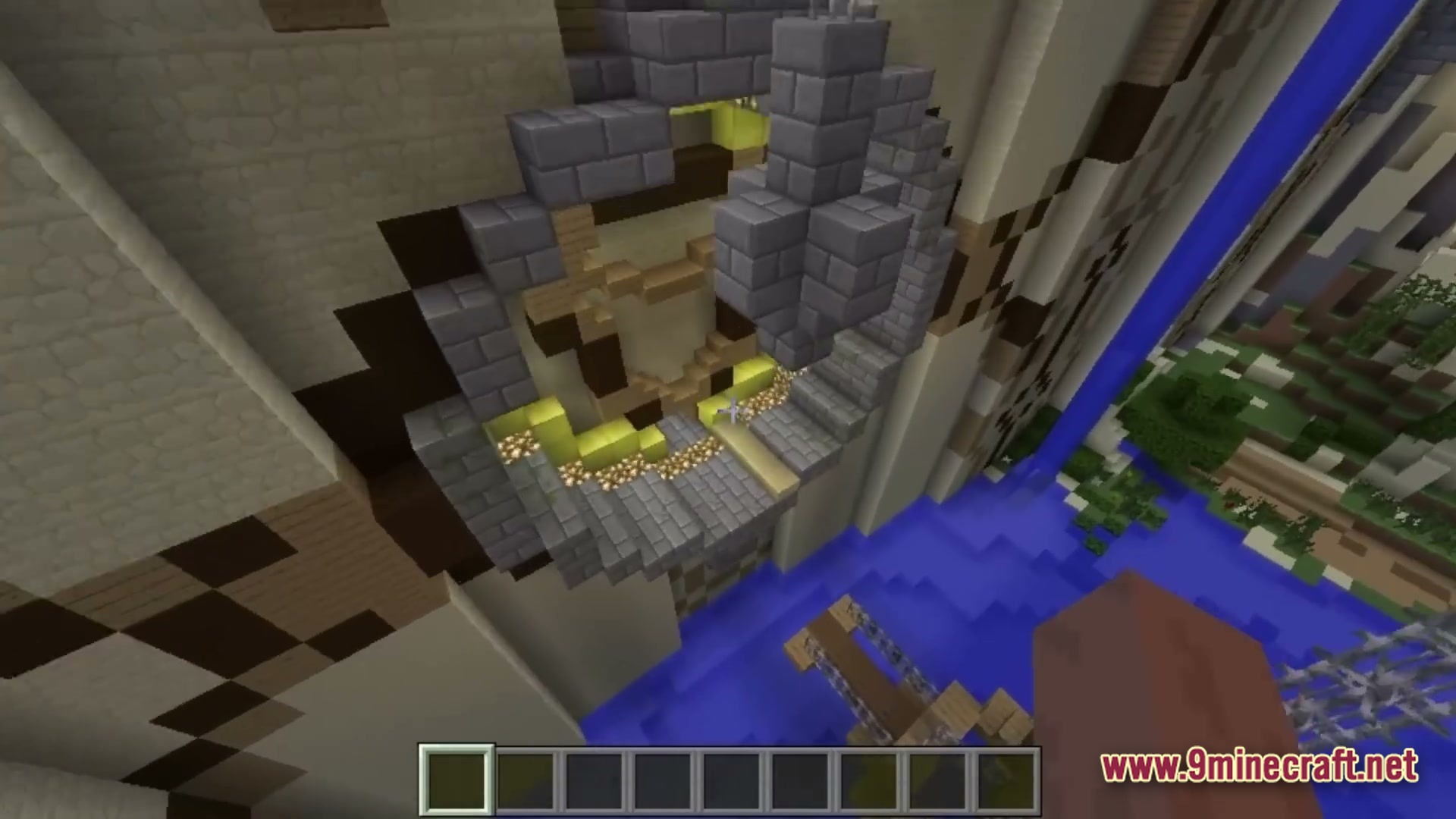
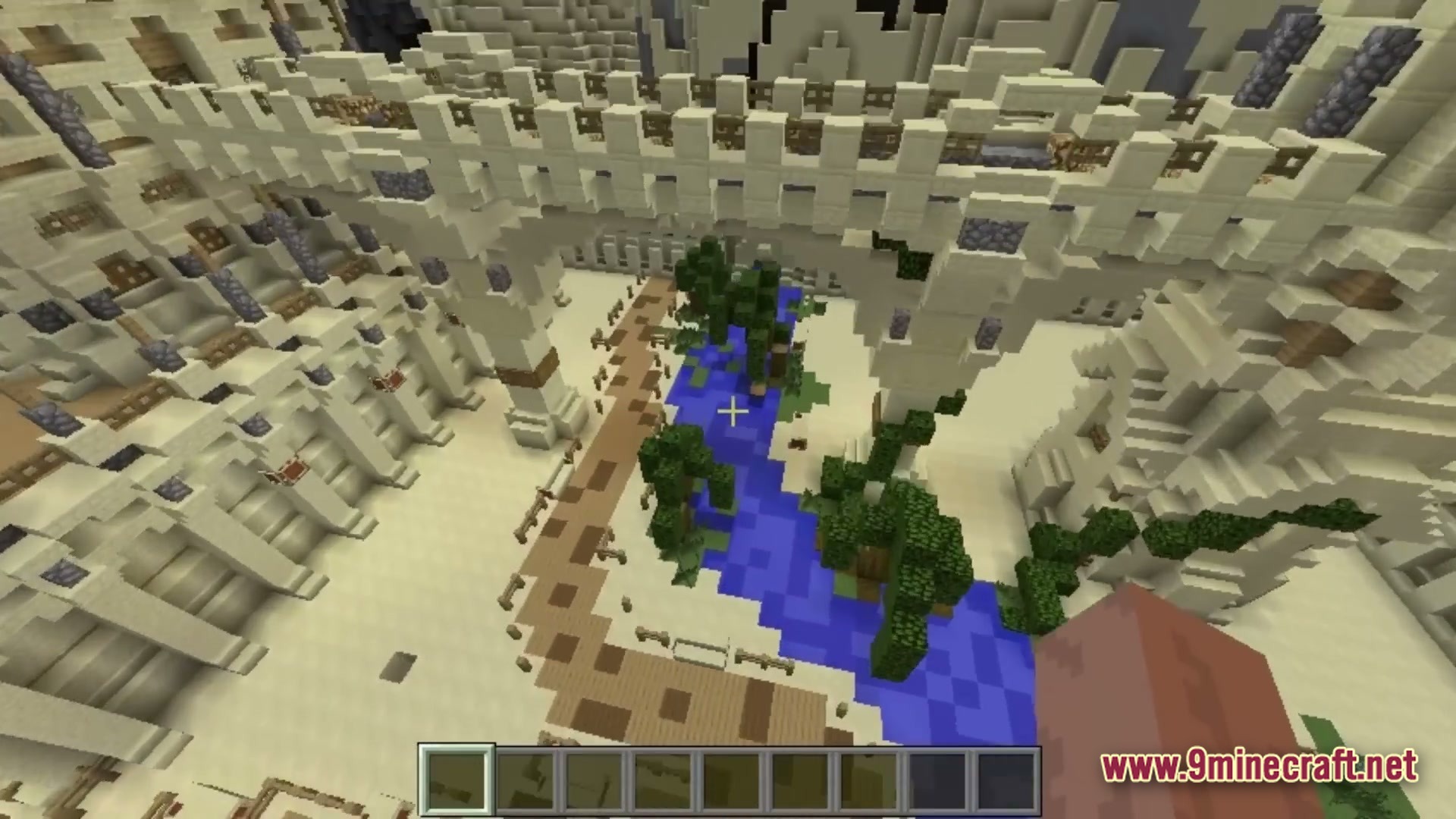
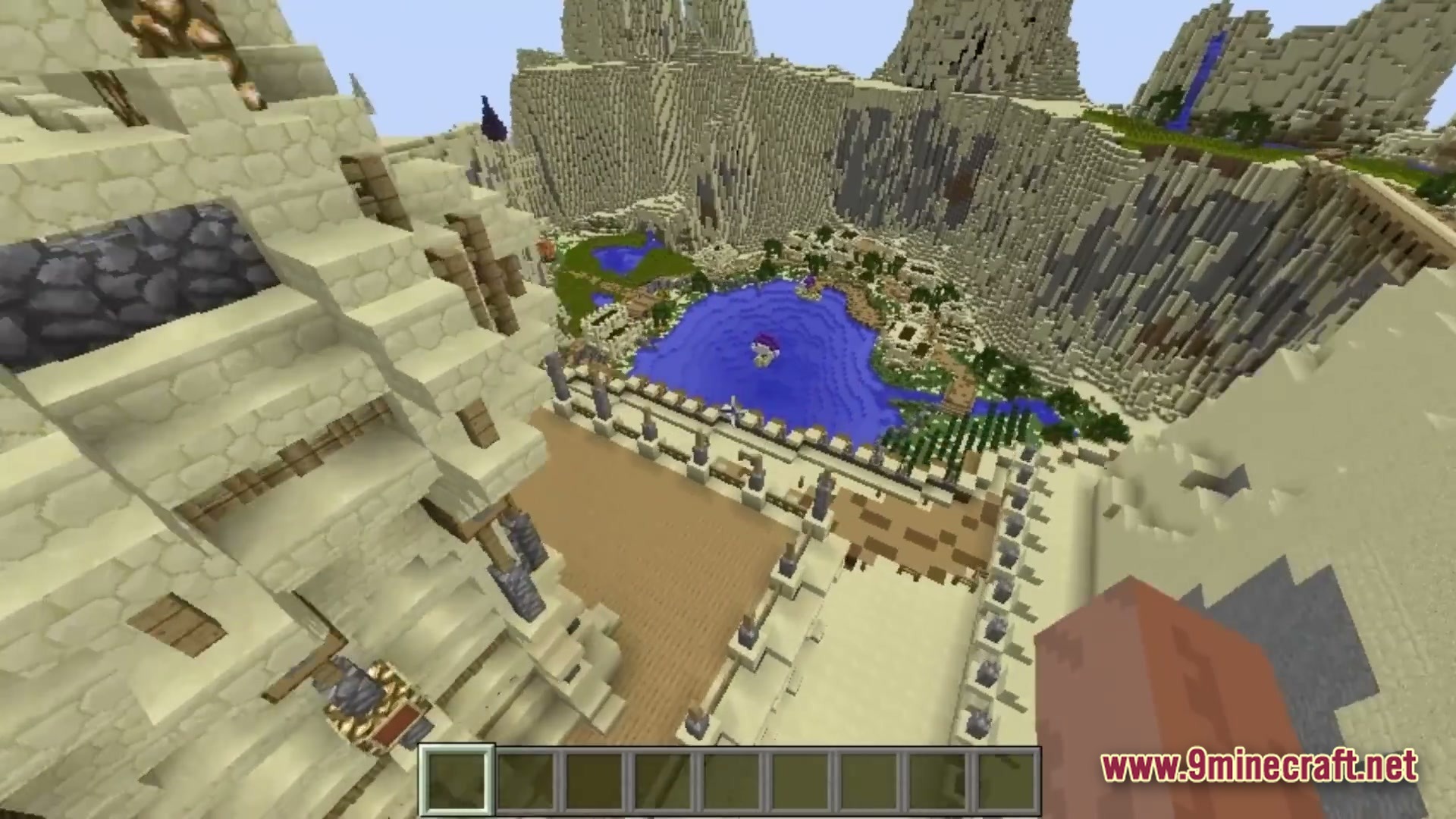
The Lost Village drops you into a quiet adventure setting filled with empty buildings. This map gives you a small town to walk through and look around.
Features:
- Puts you in an adventure map setting with a ready-made town.
- Includes multiple houses for you to look at and walk through.
- This map gives you a small settlement layout to play your own game.
How to Play:
- Load the world and start near the town area.
- Walk around the settlement and look inside the different houses.
- Make up your own story or set up a base in the buildings.
Screenshots:
The Lost Village Map Download Links
Quick facts
- Edition: Minecraft Java
- File type: .zip (world save)
- Minecraft version listed: 1.20.1
- How to install: Download the .zip world. → Unzip it. → Move the folder into .minecraft/saves.
- Where to get it: Opens on the file's original source — not every file is mirrored on our own servers.
Install steps are the general flow for this file type — How to install Minecraft Java maps & worlds walks through it step by step.
The Lost Village Map (26.2, 1.20.1) – Make an Empty Town Your Home is a free Minecraft Java map. Compatible with Minecraft 1.20.1. Download it and open it directly in the game.