MapsJava
Tutorial 31 Map (26.2, 1.20.1) – Rebuild the Classic Console Training World
Java map listed for Minecraft 1.20. Download on the author's site.
⬇ Download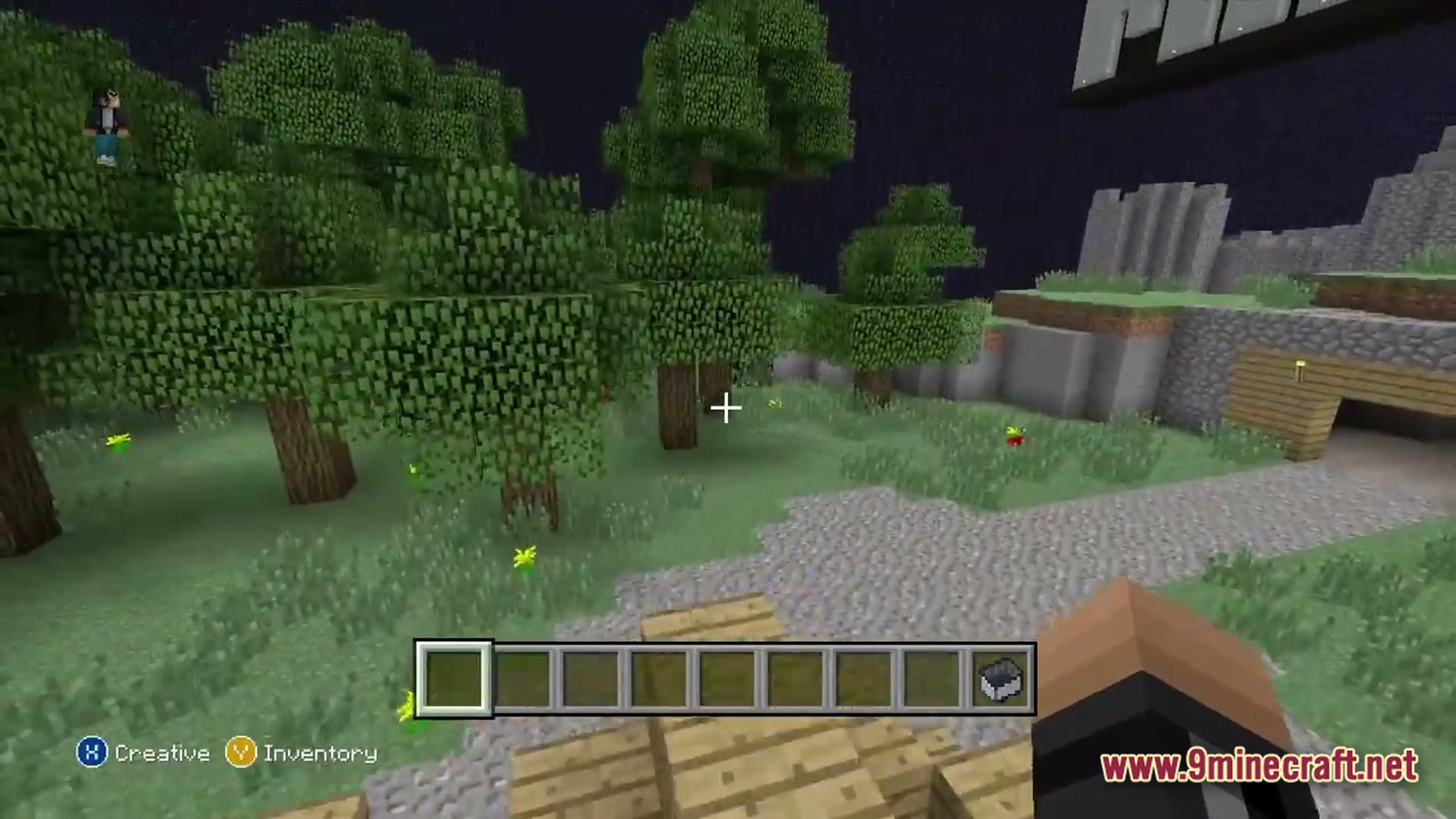
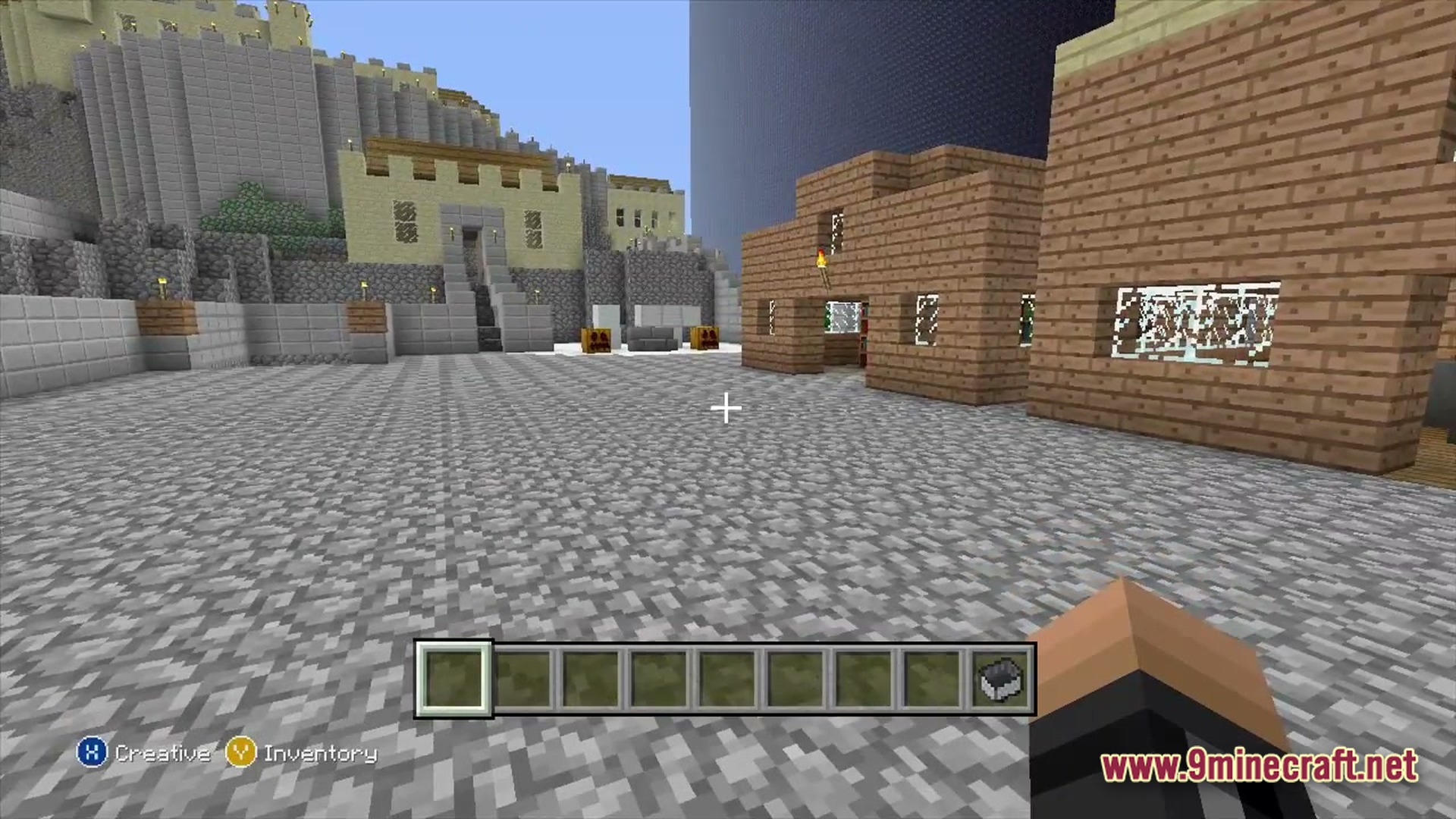
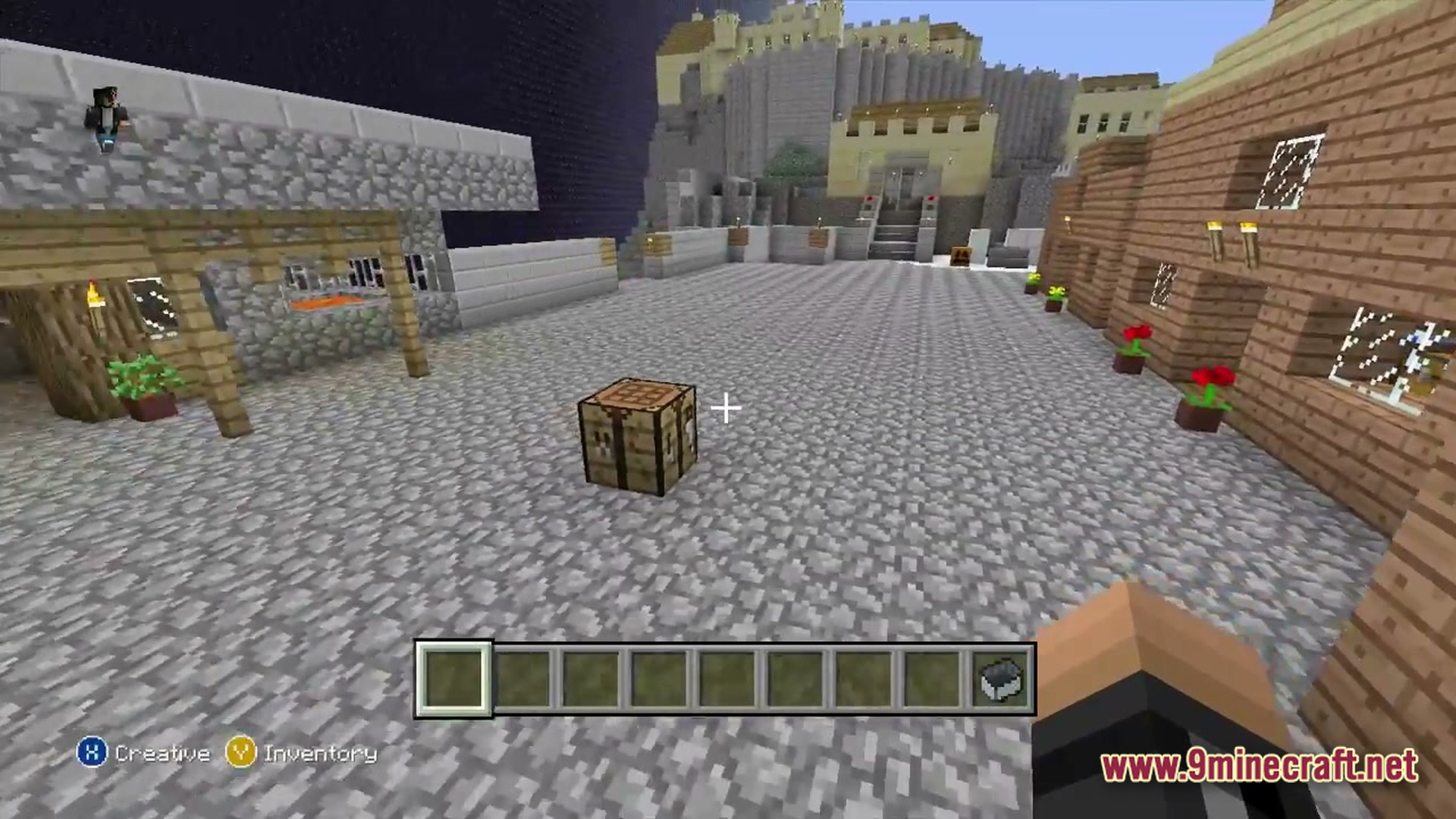
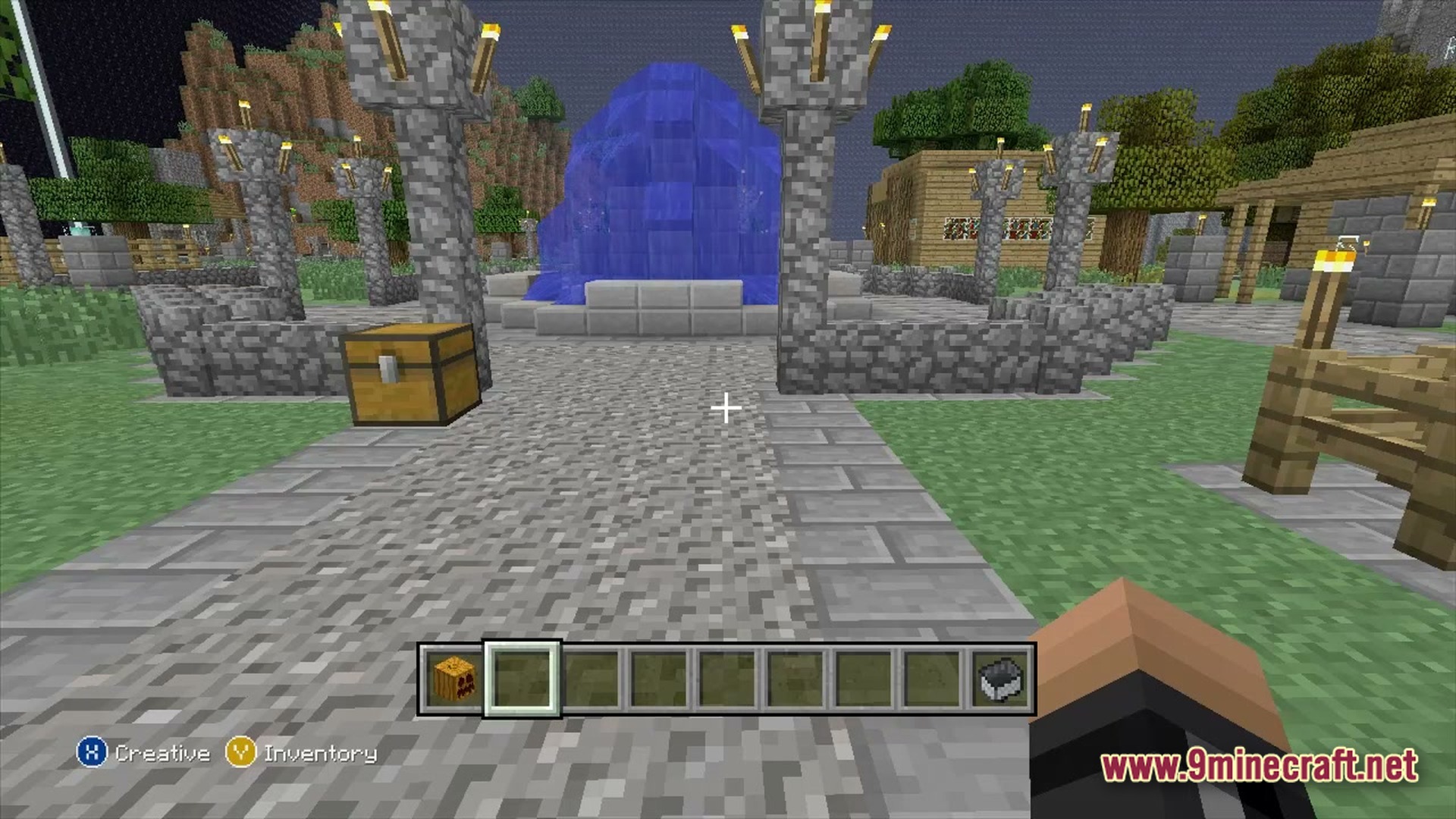
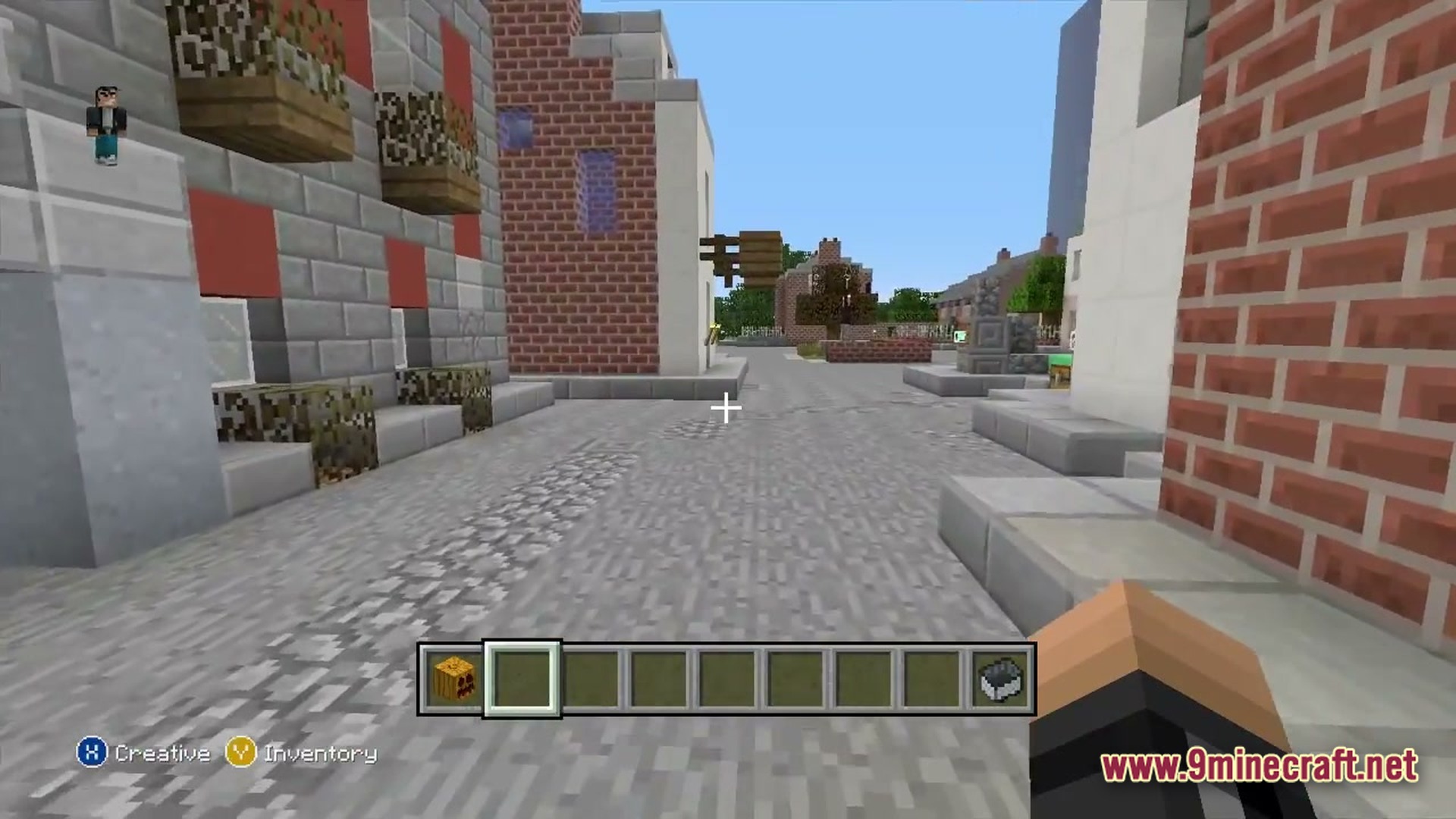
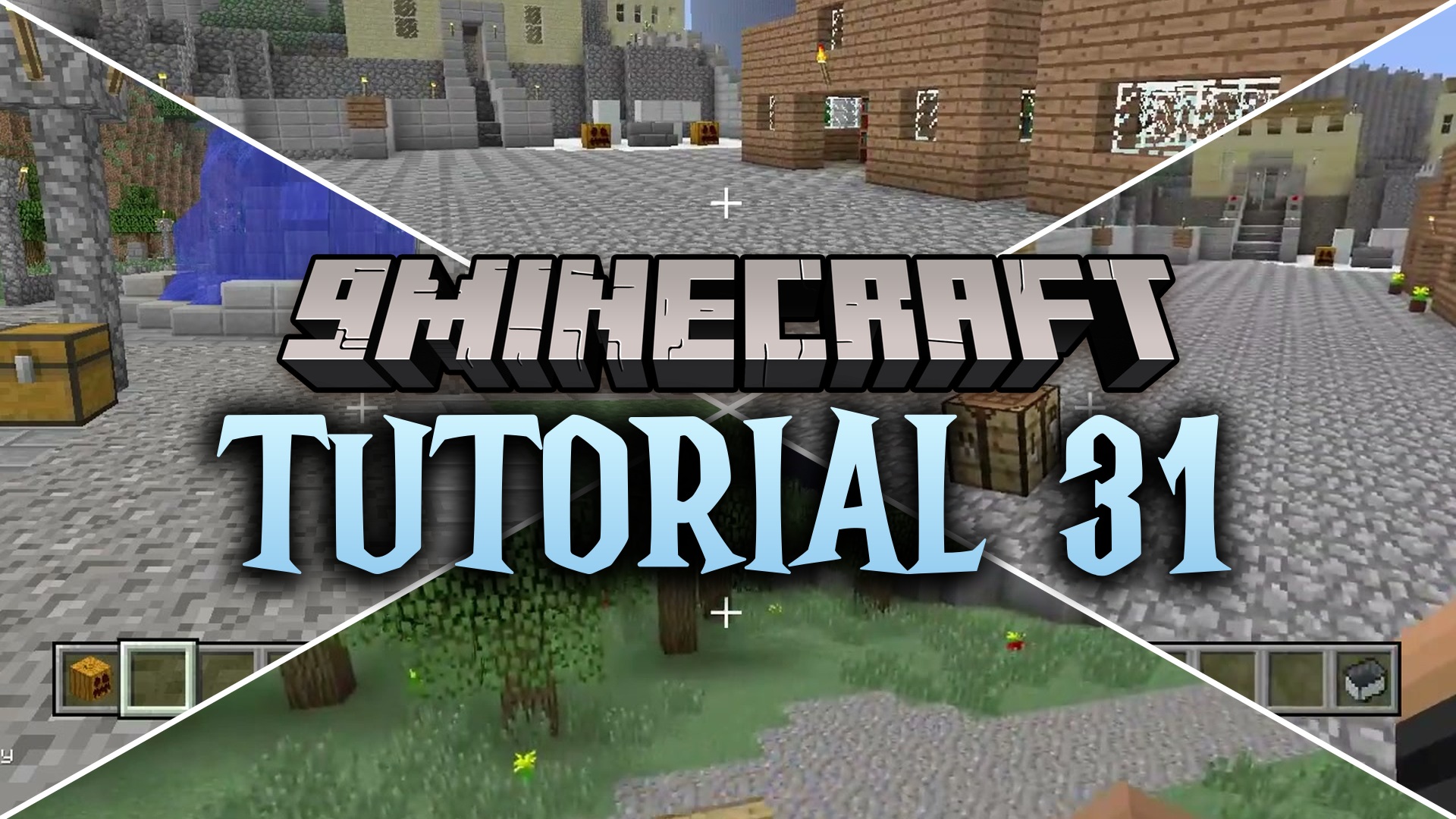
Tutorial 31 brings back the classic console training world with new blocks and items. It updates the old starting area so you can play it using modern Minecraft rules. This map gives you a fun and familiar place to start a fresh survival game.
Features:
- Updates the classic starting area with blocks from newer updates.
- Keeps the exact layout of the old console edition world.
- Gives you a safe and familiar place to build your own base.
- Adds modern items to the chests around the starting zone.
How to Play:
- Walk around the starting area to look at the old buildings.
- Gather wood, stone, and food just like a normal survival game.
- Find hidden chests and useful items left around the map.
- Build your own house or fix up the old structures to make them your home.
Screenshots:
Tutorial 31 Map Download Links
Quick facts
- Edition: Minecraft Java
- File type: .zip (world save)
- Minecraft version listed: 1.20.1
- How to install: Download the .zip world. → Unzip it. → Move the folder into .minecraft/saves.
- Where to get it: Opens on the file's original source — not every file is mirrored on our own servers.
Install steps are the general flow for this file type — How to install Minecraft Java maps & worlds walks through it step by step.
Tutorial 31 Map (26.2, 1.20.1) – Rebuild the Classic Console Training World is a free Minecraft Java map. Compatible with Minecraft 1.20.1. Download it and open it directly in the game.