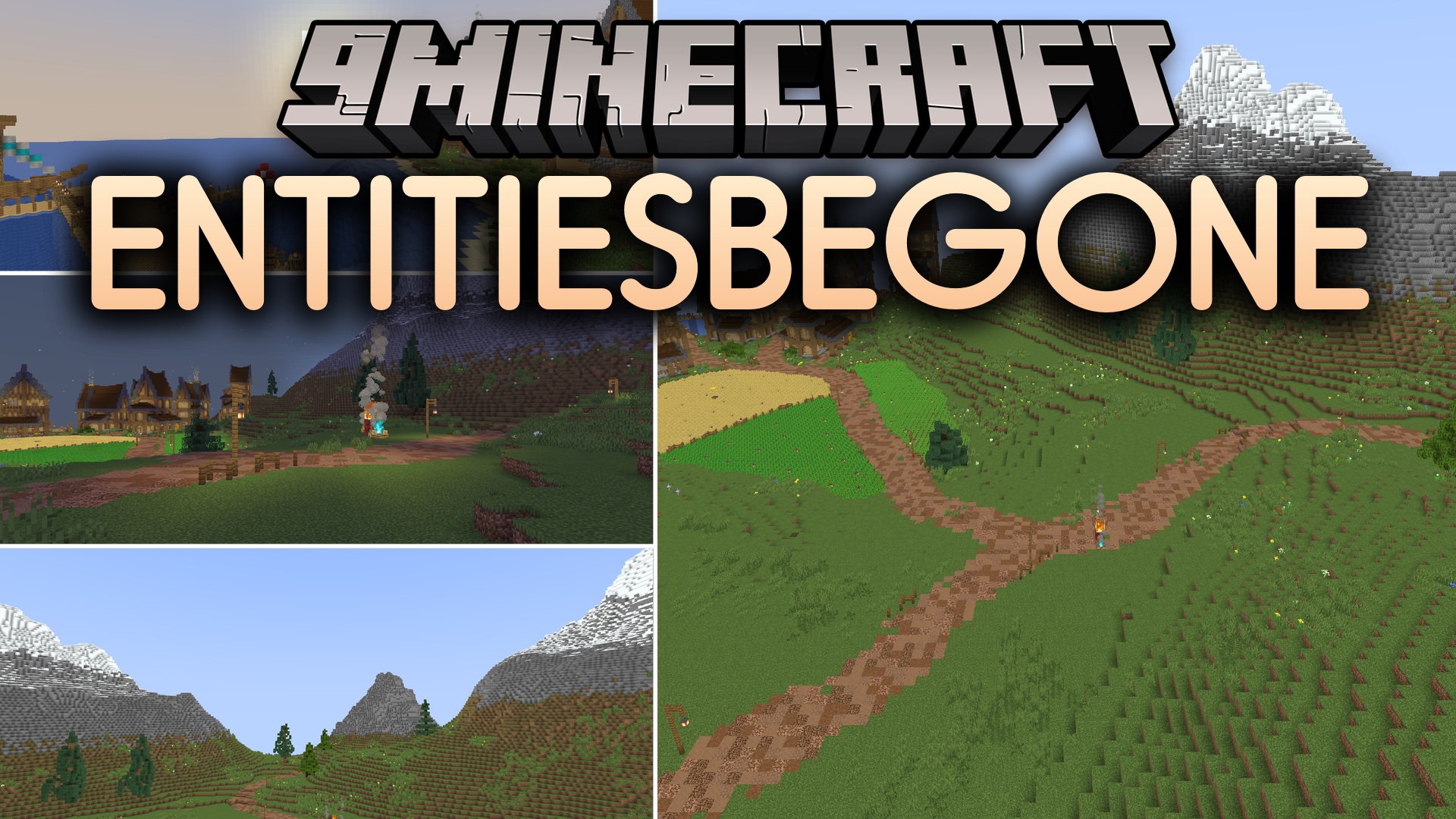
EntitiesBeGone Shaders (26.2, 1.20.1) – Hides All Entities for Screenshots
Java shader pack listed for Minecraft 1.20. File opened and checked on 14 Nov 2026; downloads from the MC Java Mods app on Android.
⬇ Download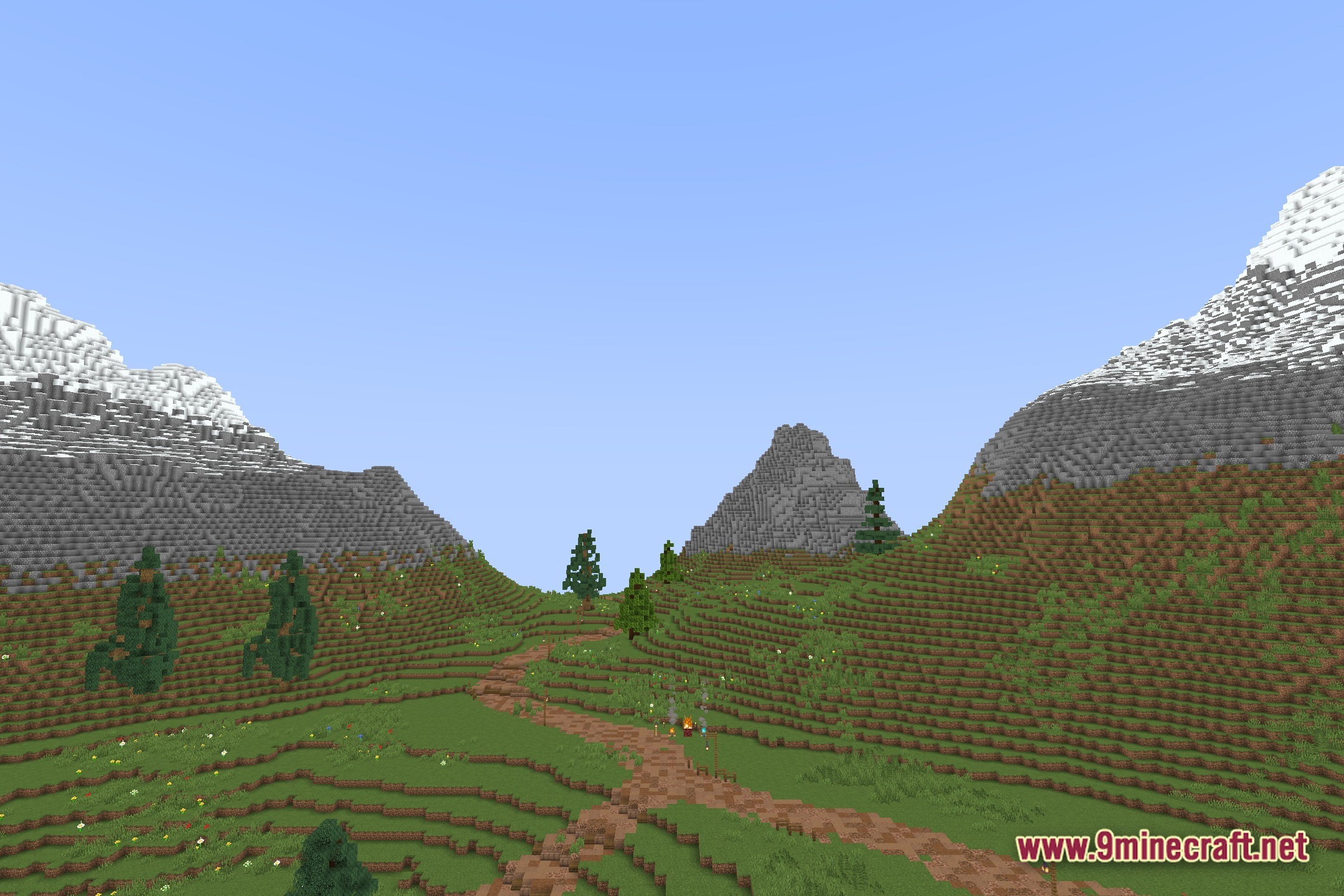
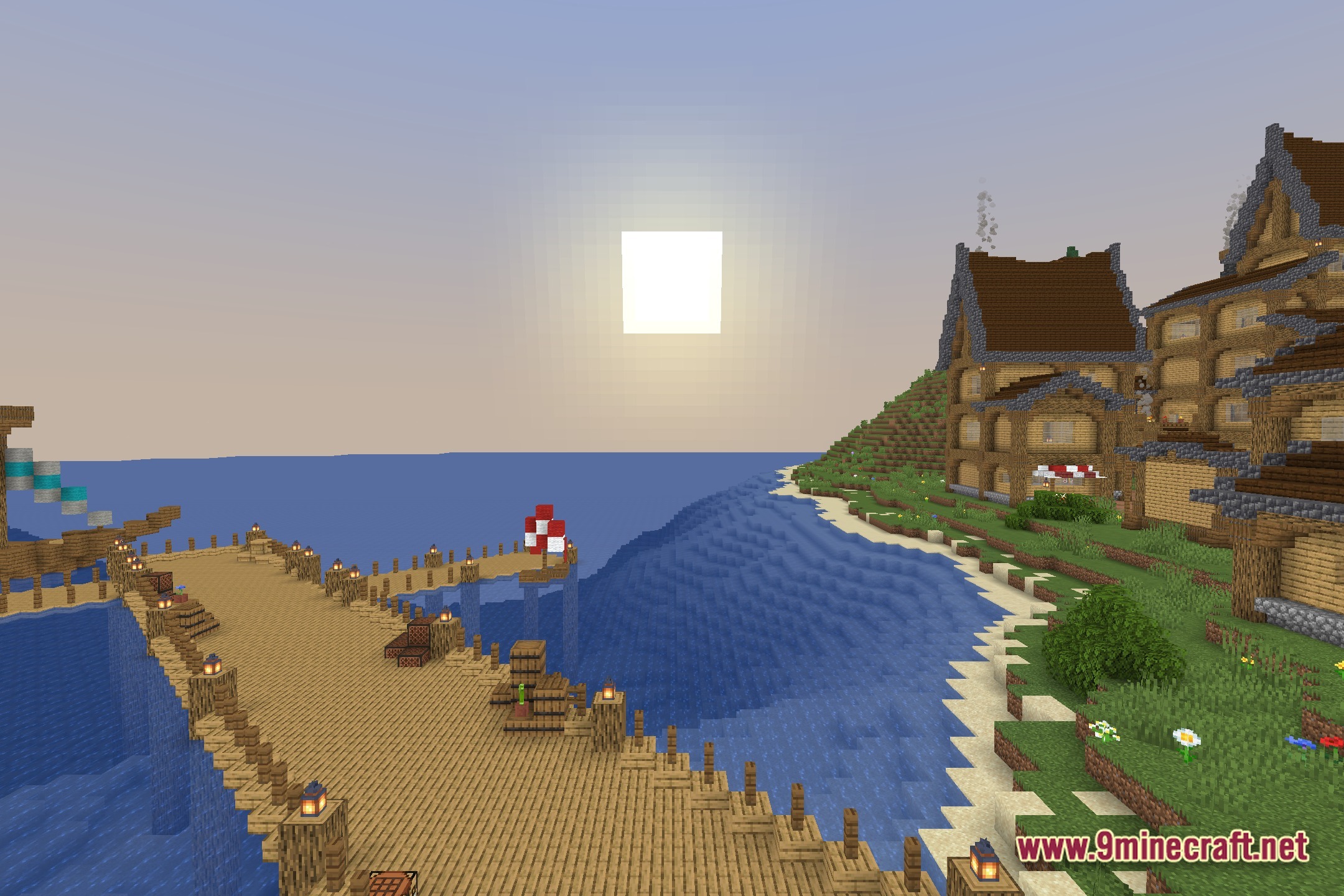
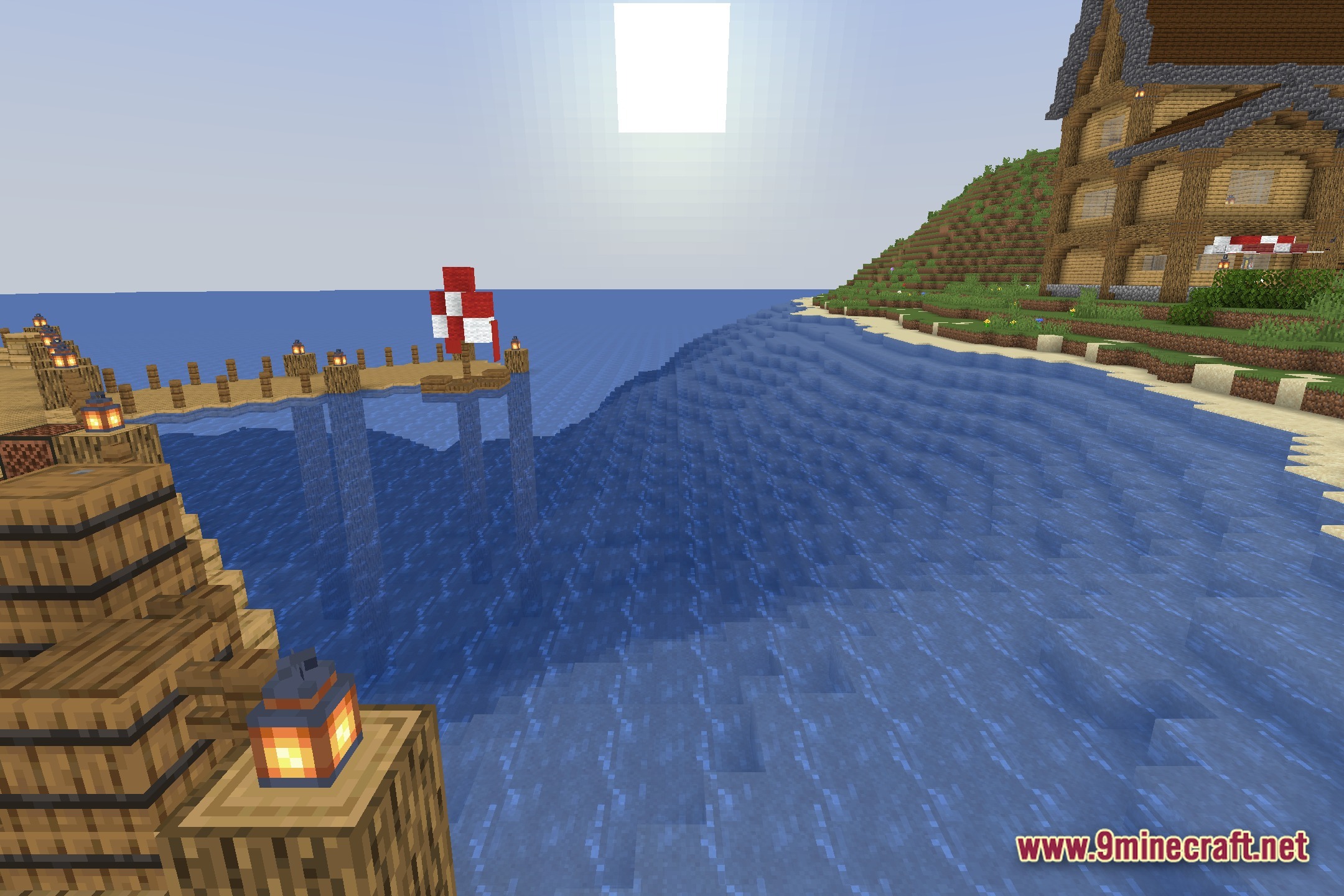
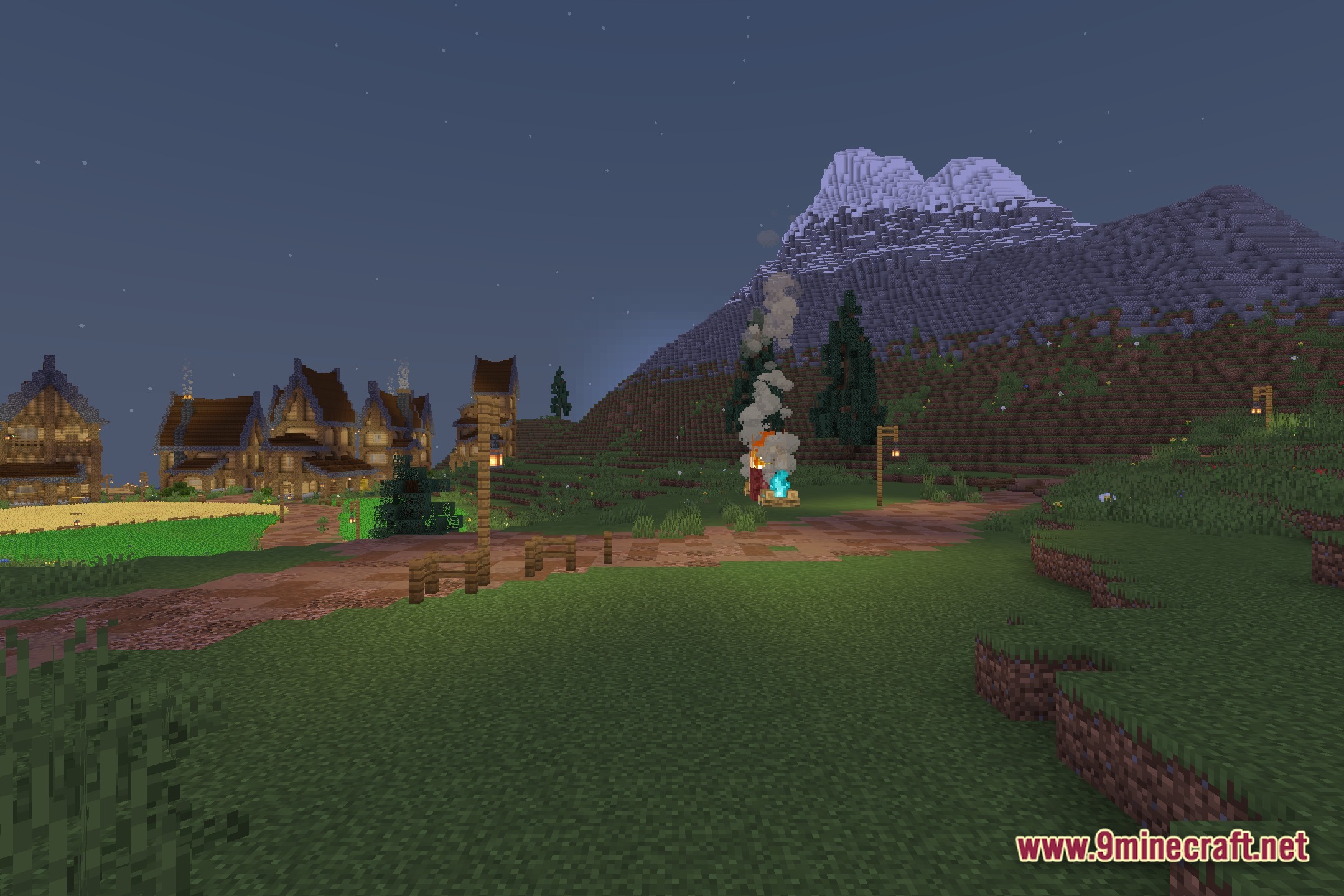
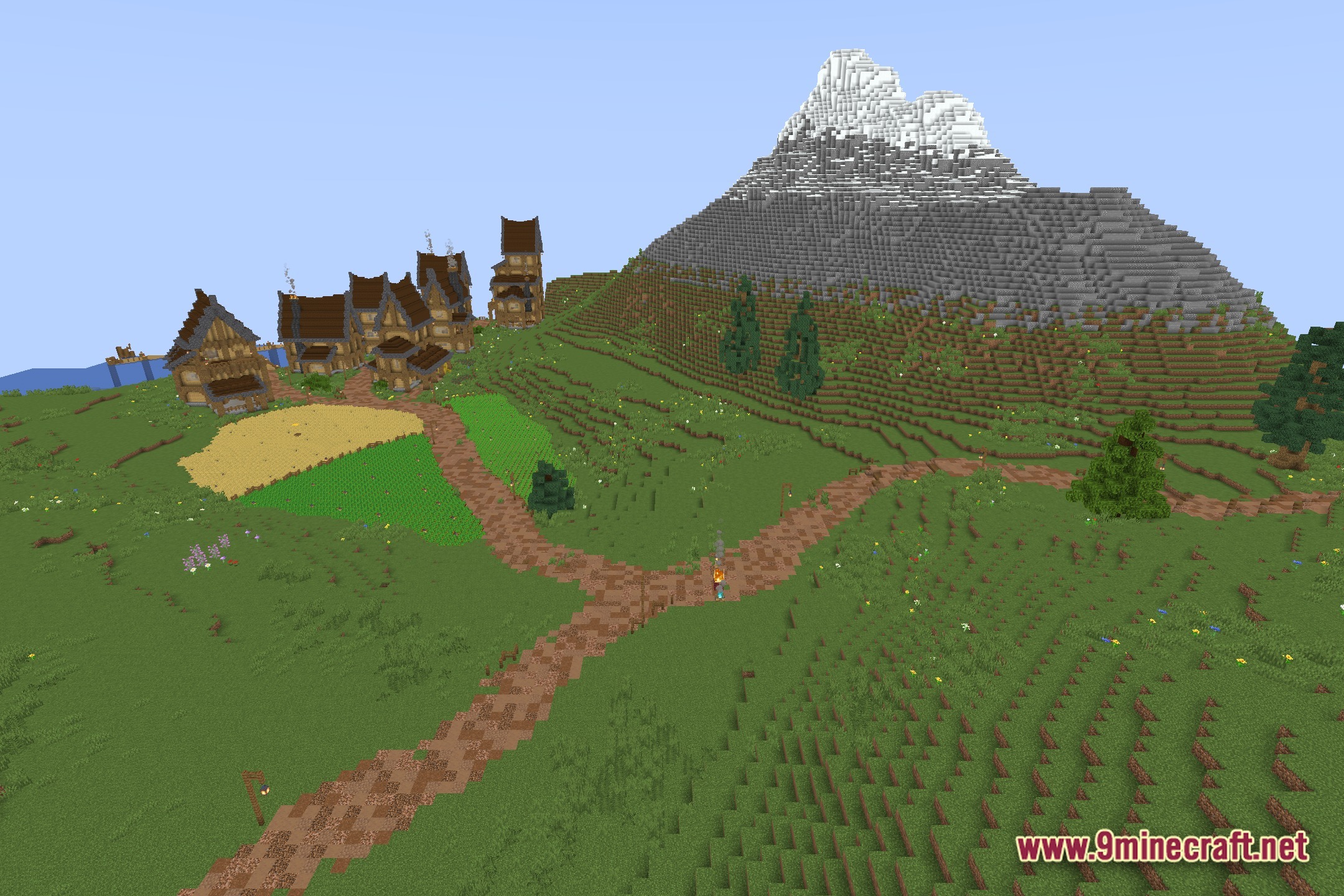
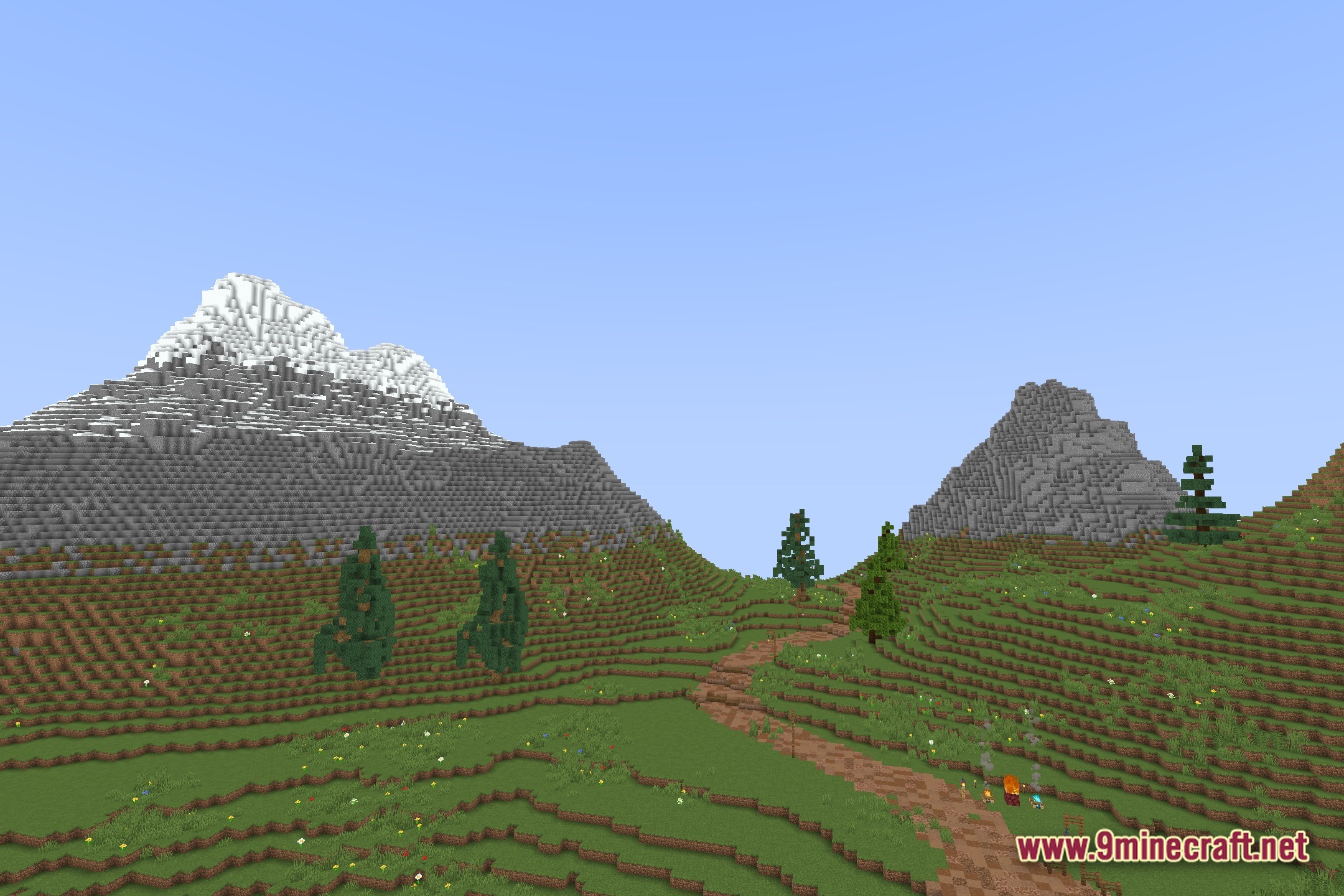
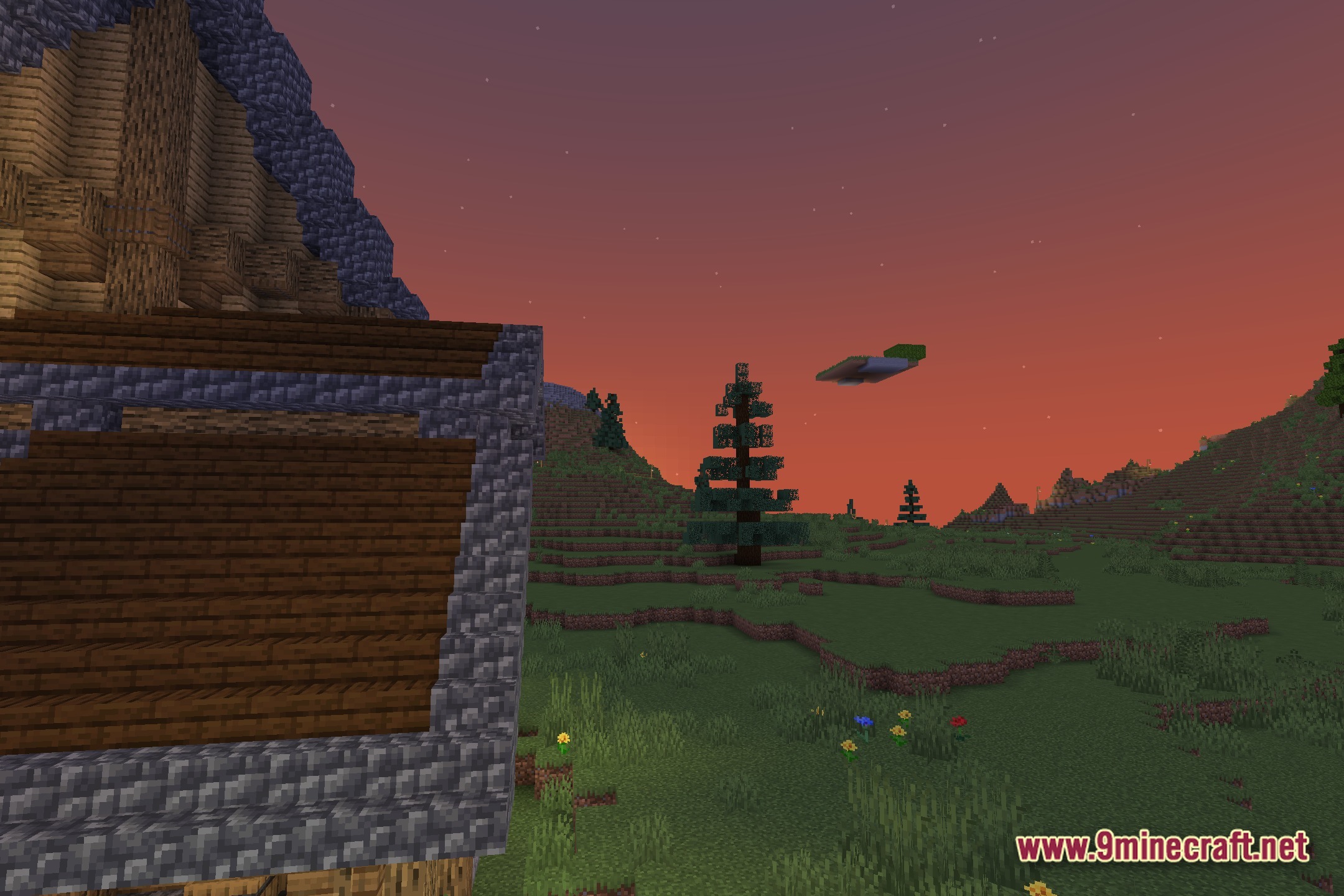
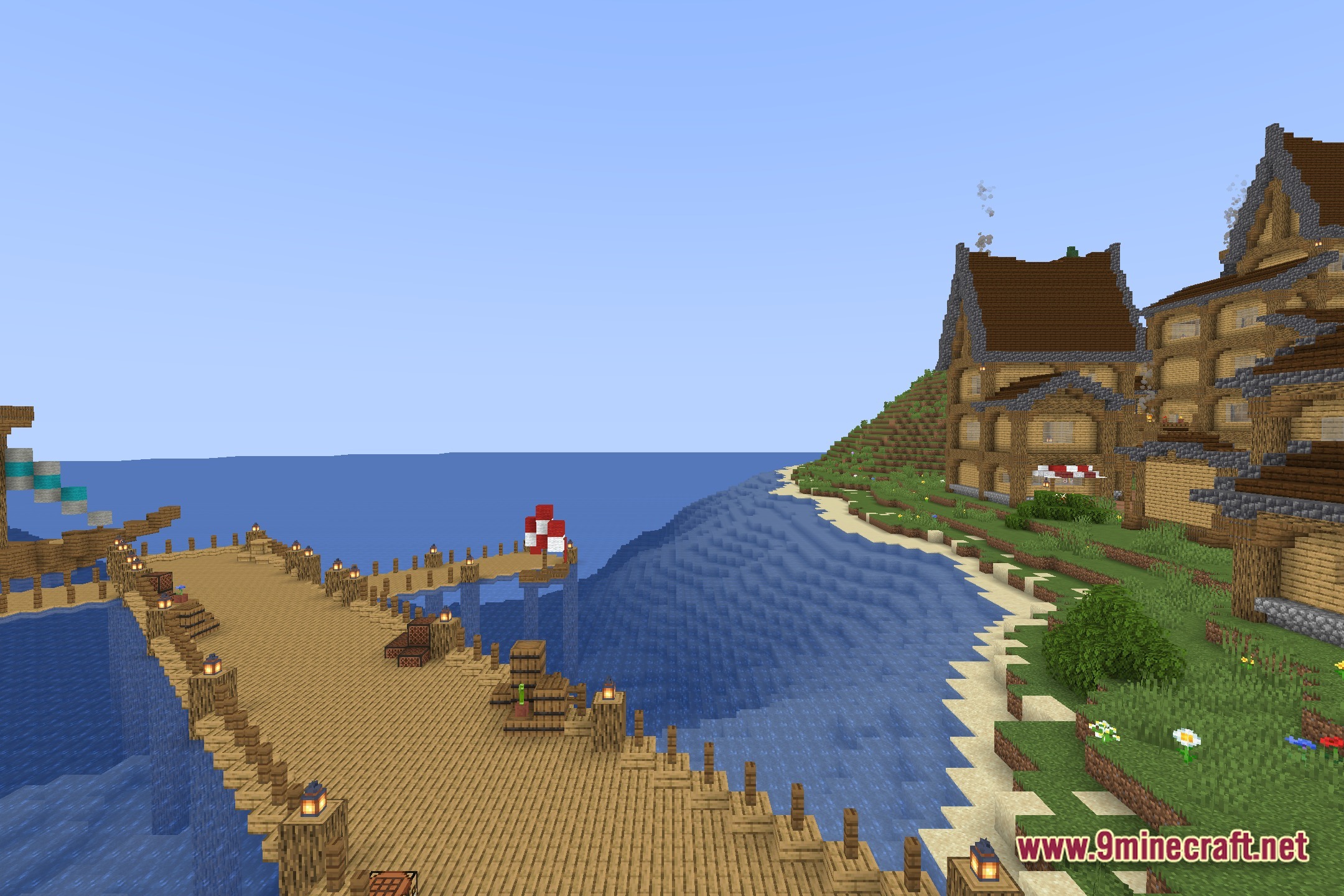
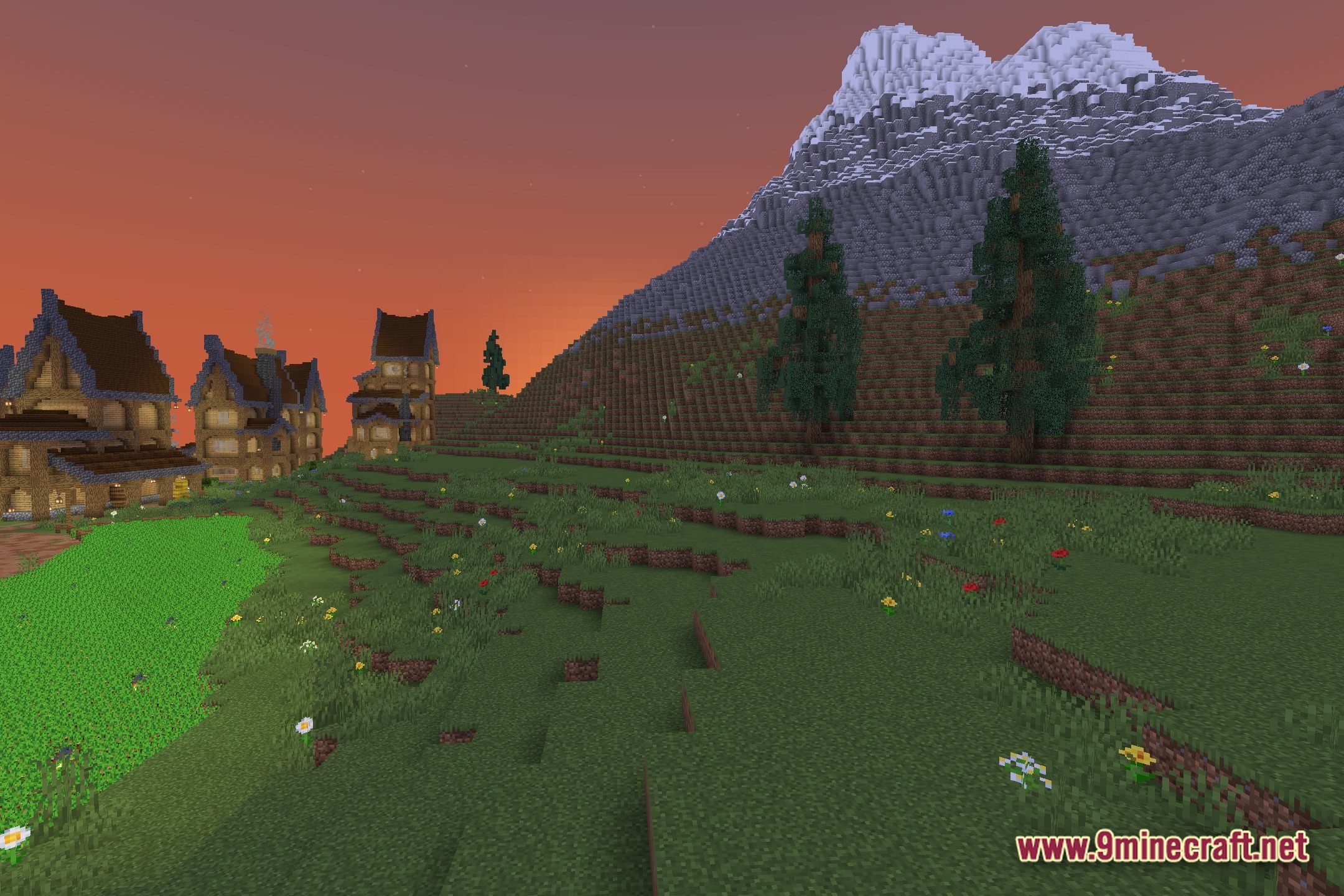
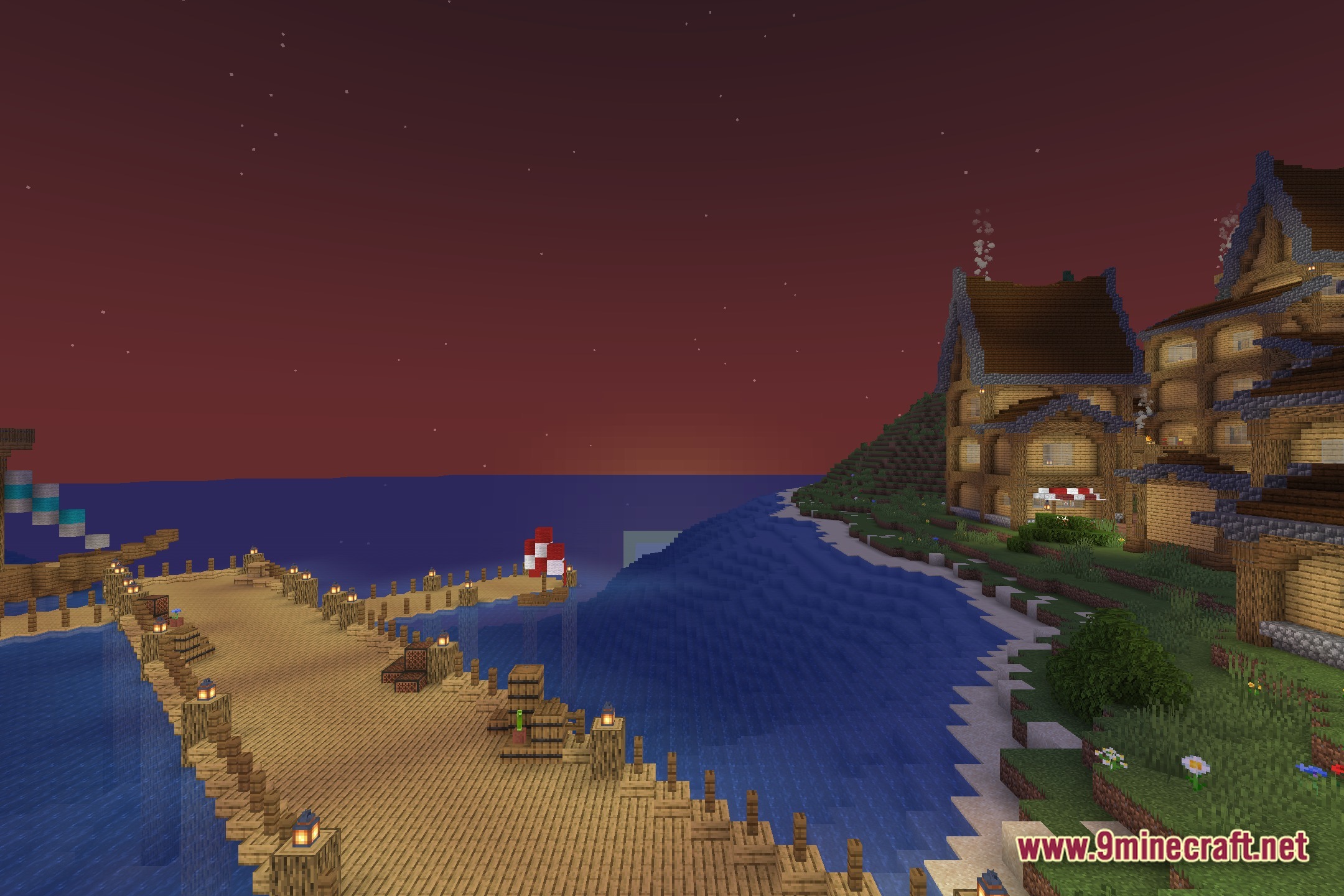
EntitiesBeGone Shaders makes every mob, player, and item in your world completely invisible. This shader pack is perfect for players who want to take clean screenshots of their buildings or landscapes without any creatures getting in the way. Instead of trying to clear an area of animals or monsters, you can just turn on this pack and they will all vanish from sight. It’s a simple tool for creators who need a clear view for their pictures or videos.
Features:
- Instantly hides all living creatures, including animals, monsters, and other players.
- Removes dropped items, armor stands, paintings, and item frames from your view.
- Makes it easy to capture clean screenshots of your builds without any distractions.
- Works like a regular shader pack, so you can turn it on and off from the video settings menu.
- Keeps the vanilla lighting and look of Minecraft, only changing the visibility of entities.
Screenshots:

EntitiesBeGone Shaders Download Links
- Edition: Minecraft Java
- File type: .zip (resource pack)
- Minecraft version listed: 1.20.1
- How to install: Download the .zip resource pack — do not unzip it. → Put it in .minecraft/resourcepacks. → Enable it in Options → Resource Packs.
- Where to get it: In MC Java Mods, or directly above on this page.
Install steps are the general flow for this file type — see the MC Java Mods guides for the full walkthrough.
- Downloads as 395657.mcpack
- Download size: 14 KB
- Download link checked 9 Aug 2026 — working
- Mirrored on our own servers — the download does not depend on the original host
These come from our own check of the pack file, not from the source page.