
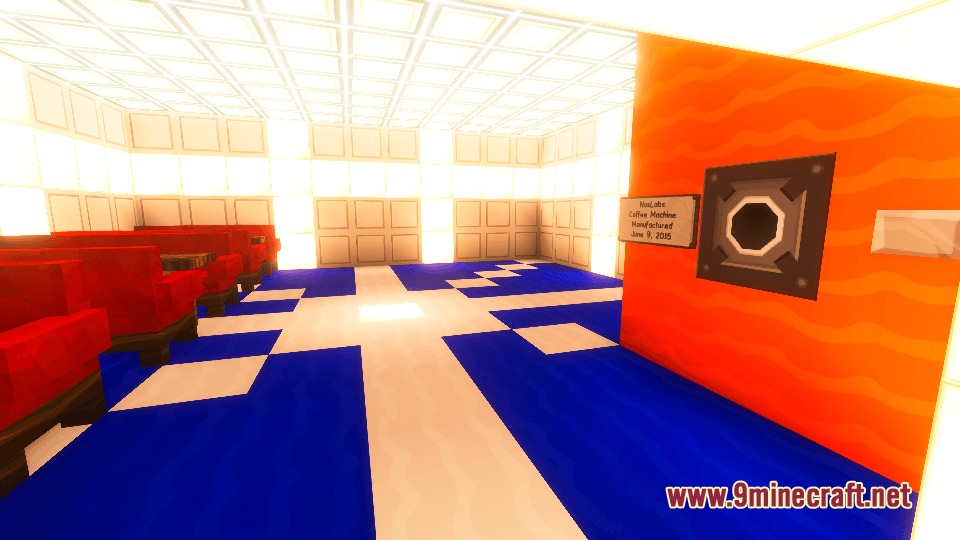

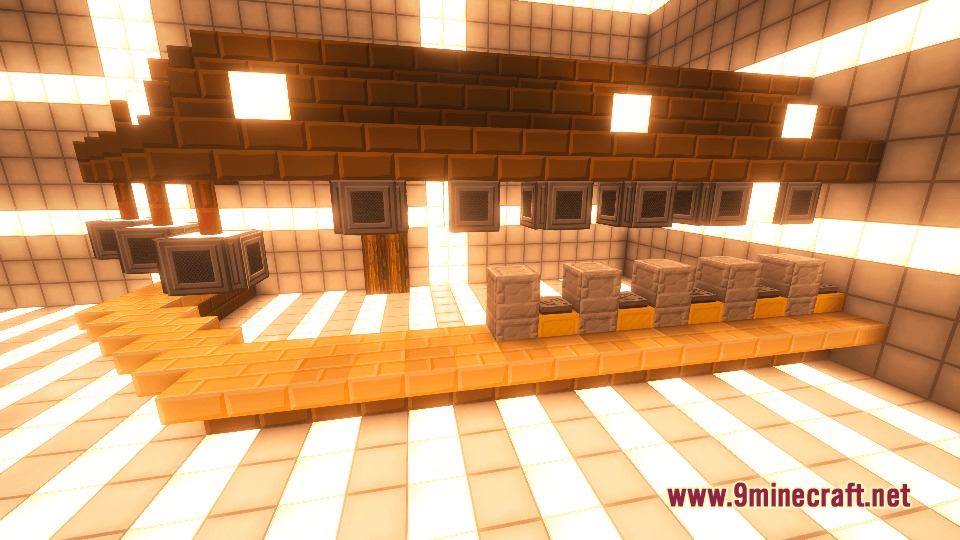
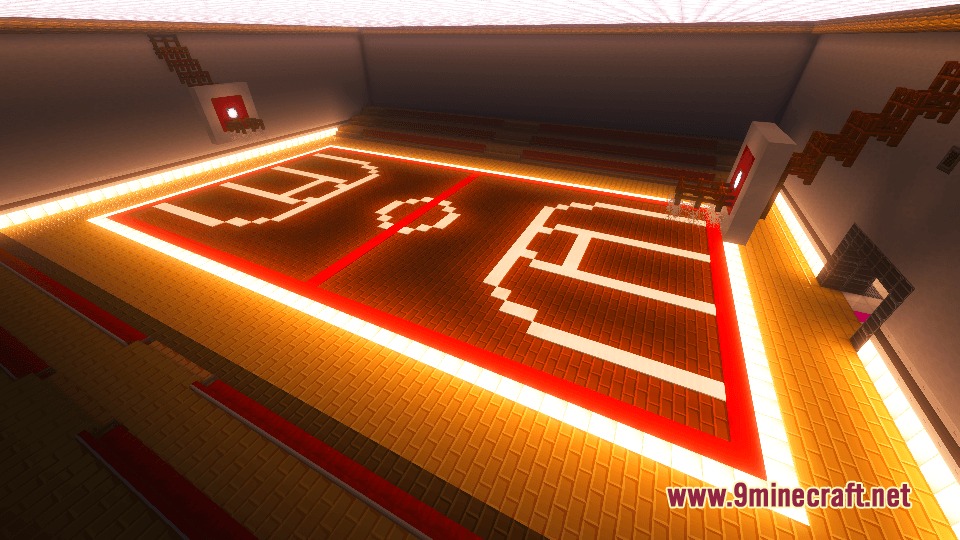
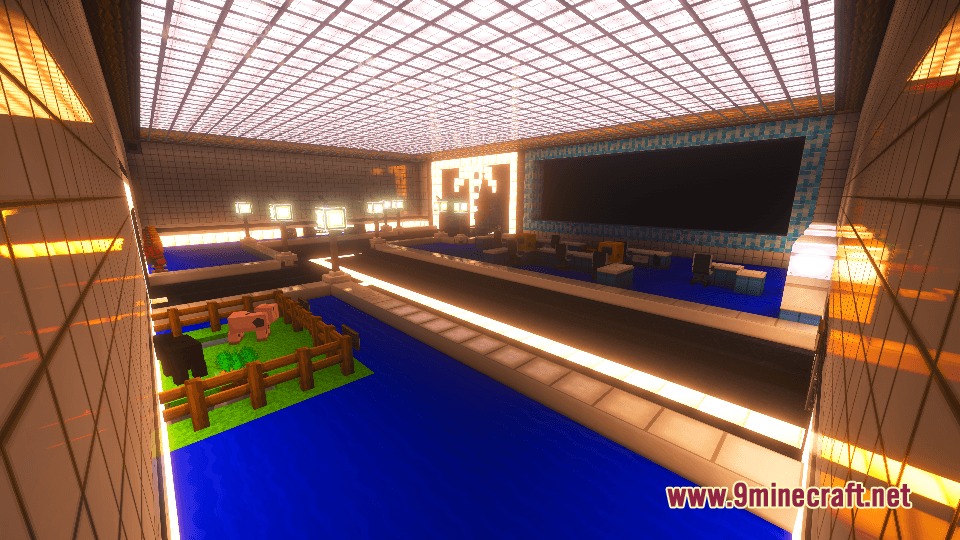
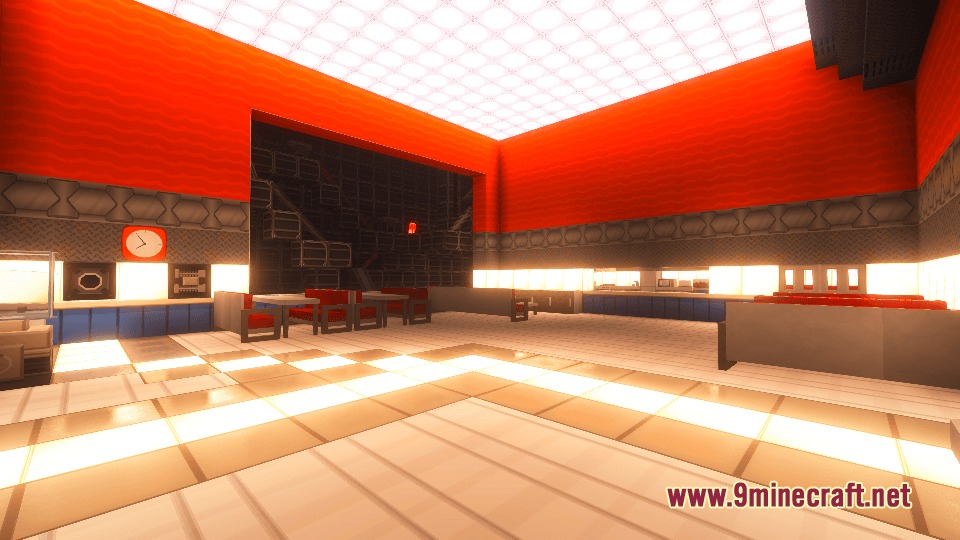
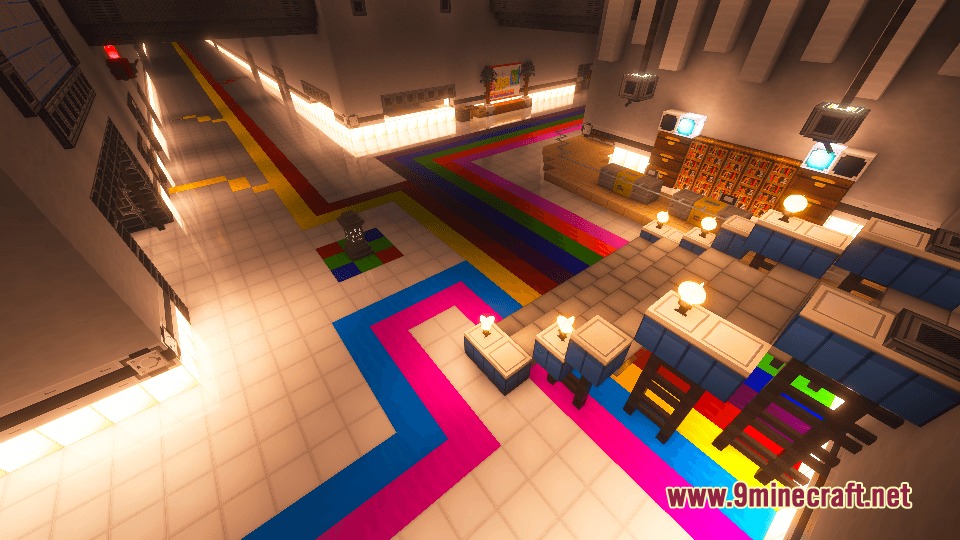
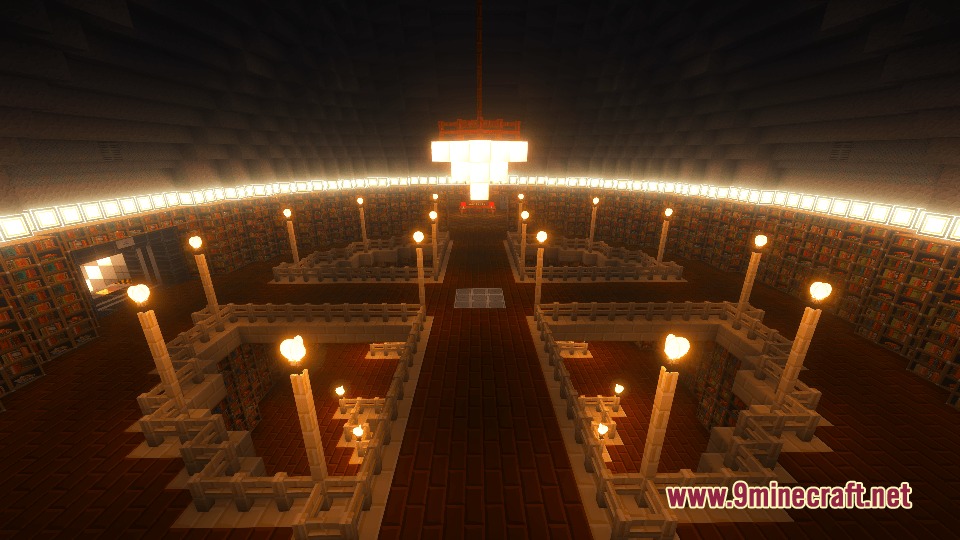
Yog Mod adds special blocks that look like science lab equipment to the game. It brings classic textures from old lab videos into your world as separate blocks, so you can build computers, counters, and circuits without changing how normal blocks look. The mod works perfectly in survival mode, giving you a fun way to decorate modern bases.
Features:
- Lab Equipment Blocks: Adds new blocks that feature textures from the classic scientific texture pack.
- Changes the appearance of specific items, turning pumpkins into computer monitors for your desks.
- Transforms regular melons into smooth countertops for kitchens or break rooms.
- Turns redstone ore into detailed circuitry blocks to make your builds look high-tech.
- Keeps vanilla blocks normal while giving you these custom blocks to build with.
- Works fully in survival mode, so you can gather and build with these items naturally.
- Includes standard low-resolution textures built right in.
- Supports high-definition texture add-ons for a cleaner, cartoon-style look.
How to Use:
- Craft and place the Yogifier block in your world.
- Open the Yogifier menu to start converting blocks.
- Place two normal vanilla blocks into the machine.
- Take out two of the new lab blocks from the output slot.
- Put the custom blocks back into the machine if you want your normal vanilla blocks back.
Screenshots:
Yog Mod Download Links
Quick facts
- Edition: Minecraft Java
- File type: .jar
- Minecraft versions listed: 1.21.1, 1.20.1
- How to install: Install the matching mod loader (Forge, Fabric or NeoForge) for your Minecraft version. → Download the .jar. → Put it in the .minecraft/mods folder and launch that loader profile.
- Where to get it: In MC Java Mods, or directly above on this page.
Install steps are the general flow for this file type — How to install Minecraft Java mods & modpacks walks through it step by step.
Verified by MCModsHub
- Downloads as 395787.mcaddon
- Download size: 2.3 MB
- Download link checked 25 Sept 2026 — working
- Mirrored on our own servers — the download does not depend on the original host
These come from our own check of the pack file, not from the source page.