ModsJava
Quick Link Wireless Logistics Mod (26.2, 1.20.1) – Transfer Resources Without
Java mod listed for Minecraft 1.20. Downloads from the MC Java Mods app on Android.
⬇ Download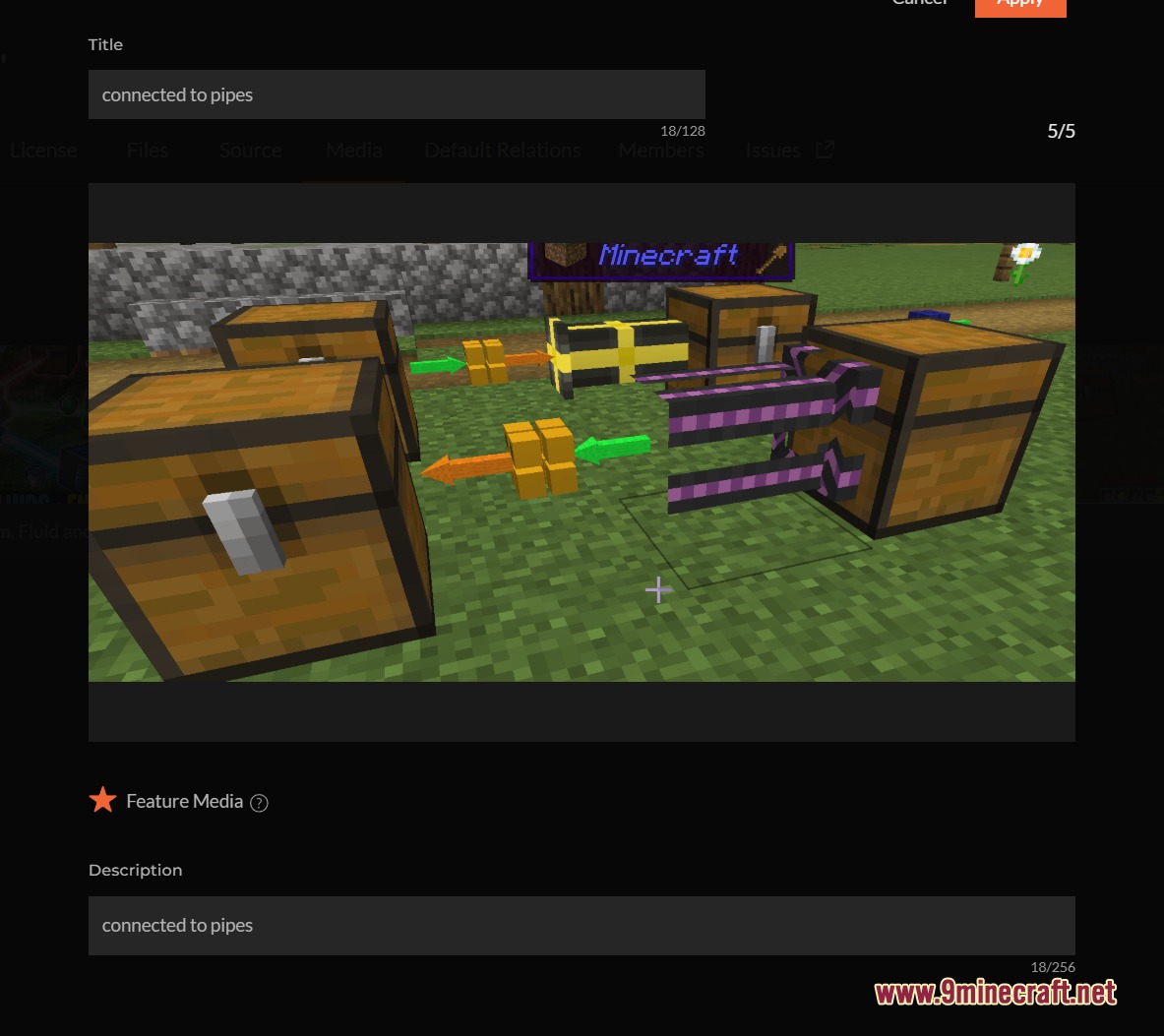
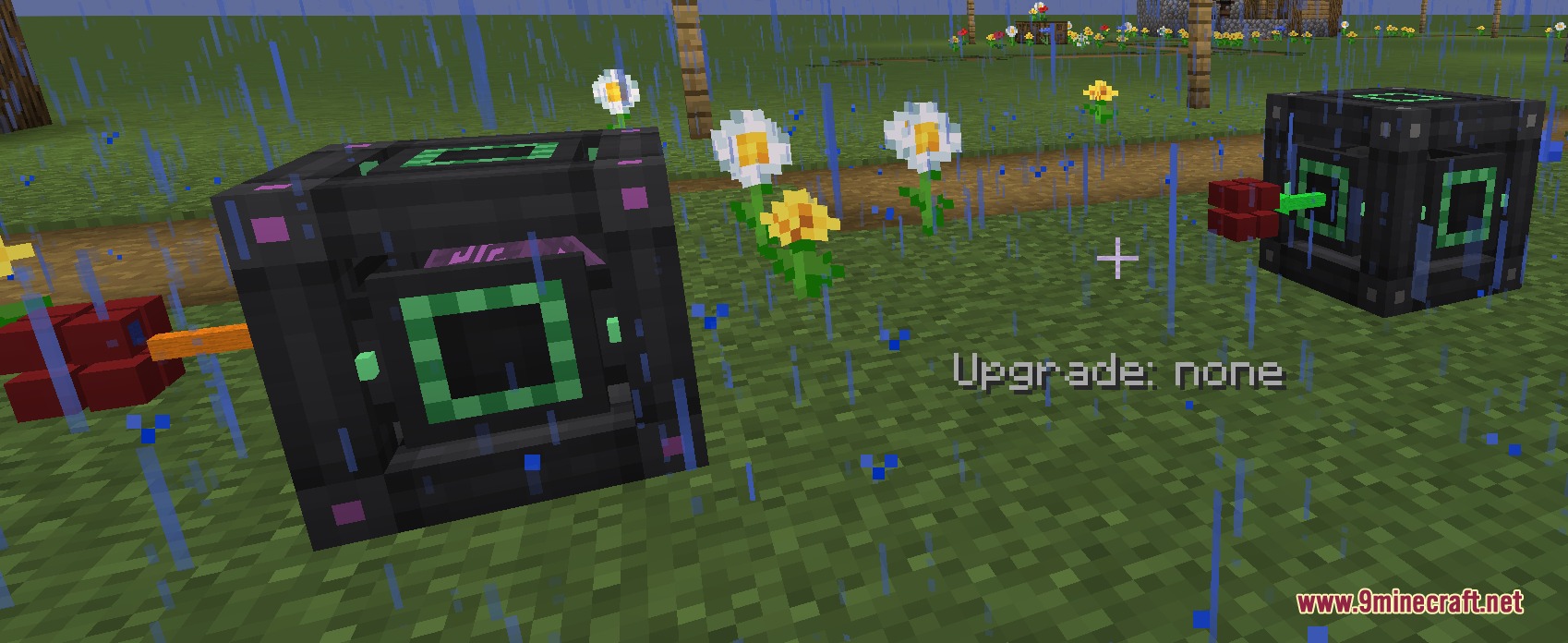
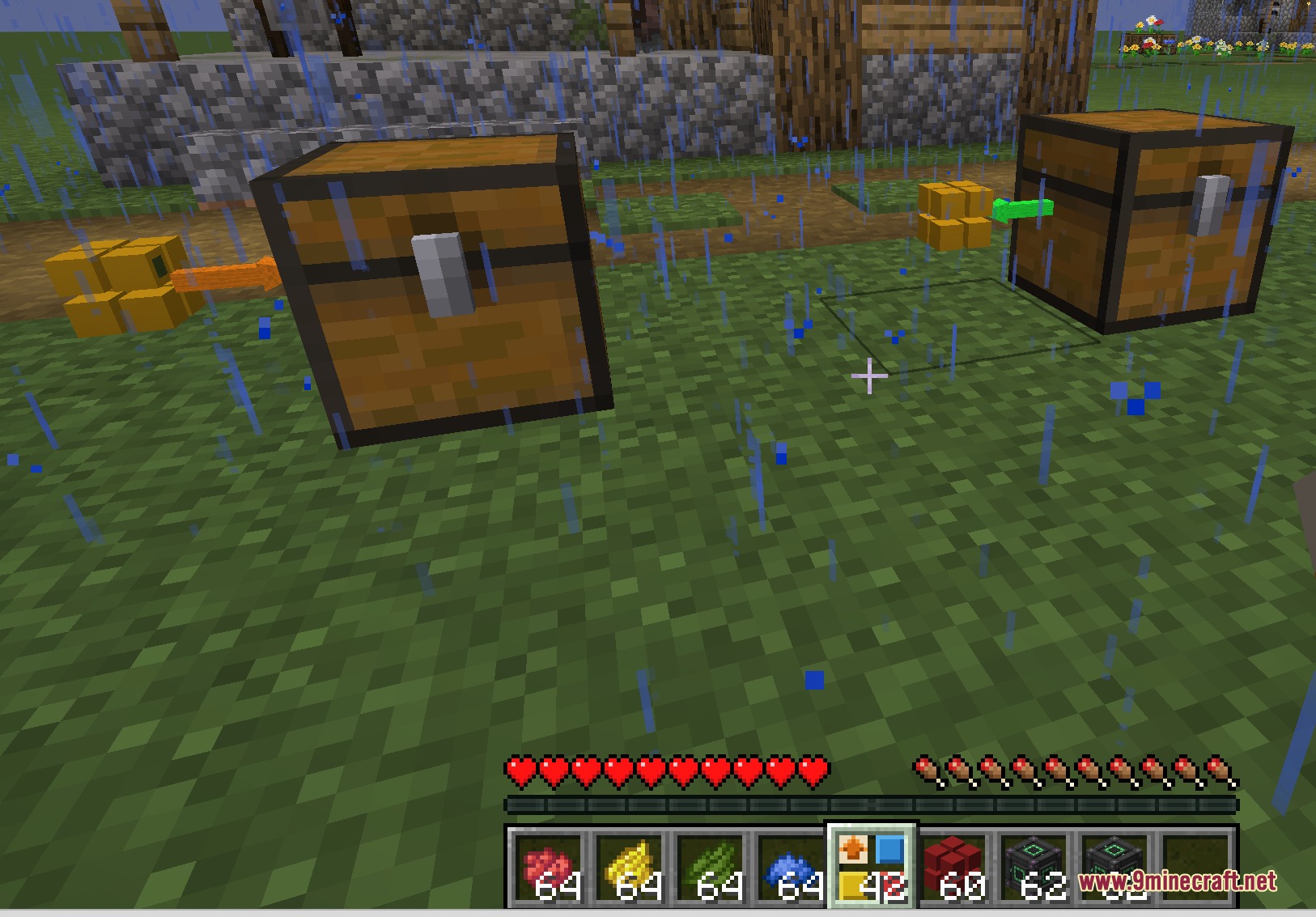
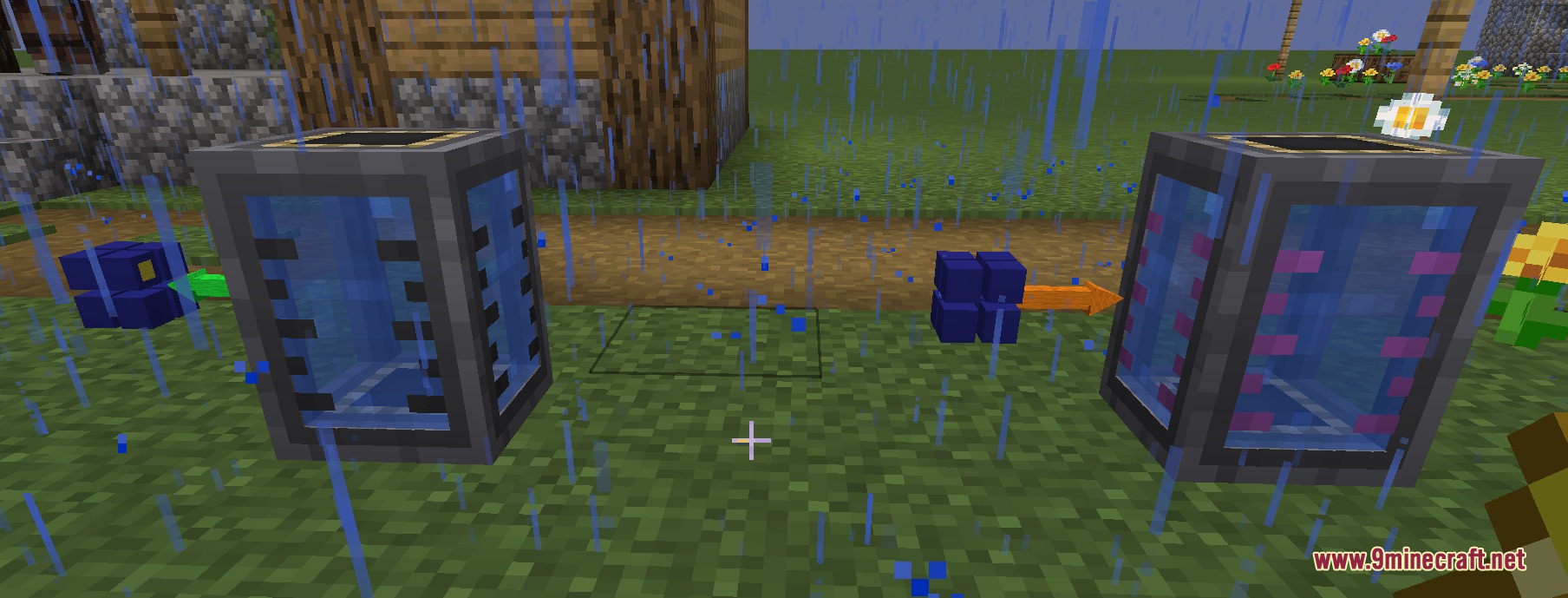
Quick Link Wireless Logistics Mod gives you an easy way to move items, fluids, energy, and chemicals across your world without using any cables. It lets you link different chests and machines together just by matching their colors. You can send things as far as you want instantly. This mod keeps your base clean and stops you from getting tangled in huge pipe networks.
Features:
- Moves items, liquids, power, and chemicals between your machines instantly from any distance.
- You can connect blocks together simply by painting them the same color.
- Clears away the mess in your base because you do not need any pipes or wires.
- Lets you change what each side of the block does, like setting it to send or receive things.
- You can remove a color from a side by holding Shift and right-clicking with any dye.
- Turns into an endless water source if you right-click a fluid block side with a water bucket.
- Accepts four different upgrade items to make your items transfer much faster.
- Works safely on multiplayer servers by keeping your items separate from other teams.
- Shows you exactly how much stuff is moving through the blocks if you look at them with info mods.
How to Use:
- Craft the main block and place it right next to your chest, tank, or machine.
- Paint the sides to pick a color for your network.
- Right-click with an empty hand to set a side to send things out or take things in.
- Watch your items and power move automatically between blocks with the same color.
- Hold Shift and right-click with any dye to clear a color if you make a mistake.
Screenshots:
Quick Link Wireless Logistics Mod Download Links
Quick facts
- Edition: Minecraft Java
- File type: .jar
- Minecraft version listed: 1.20.1
- How to install: Install the matching mod loader (Forge, Fabric or NeoForge) for your Minecraft version. → Download the .jar. → Put it in the .minecraft/mods folder and launch that loader profile.
- Where to get it: In MC Java Mods, or directly above on this page.
Install steps are the general flow for this file type — How to install Minecraft Java mods & modpacks walks through it step by step.
File checked by MCModsHub
- Downloads as 395793.mcaddon
- Download size: 1.1 MB
- Download link checked 25 Sept 2026 — working
- Mirrored on our own servers — the download does not depend on the original host
These come from our own check of the pack file, not from the source page.