
ModsJava
Mobs and Villager Mod (26.2) – Move Mobs Without Leads or Minecarts
Minecraft Java mod. Downloads from the MC Java Mods app on Android.
⬇ Download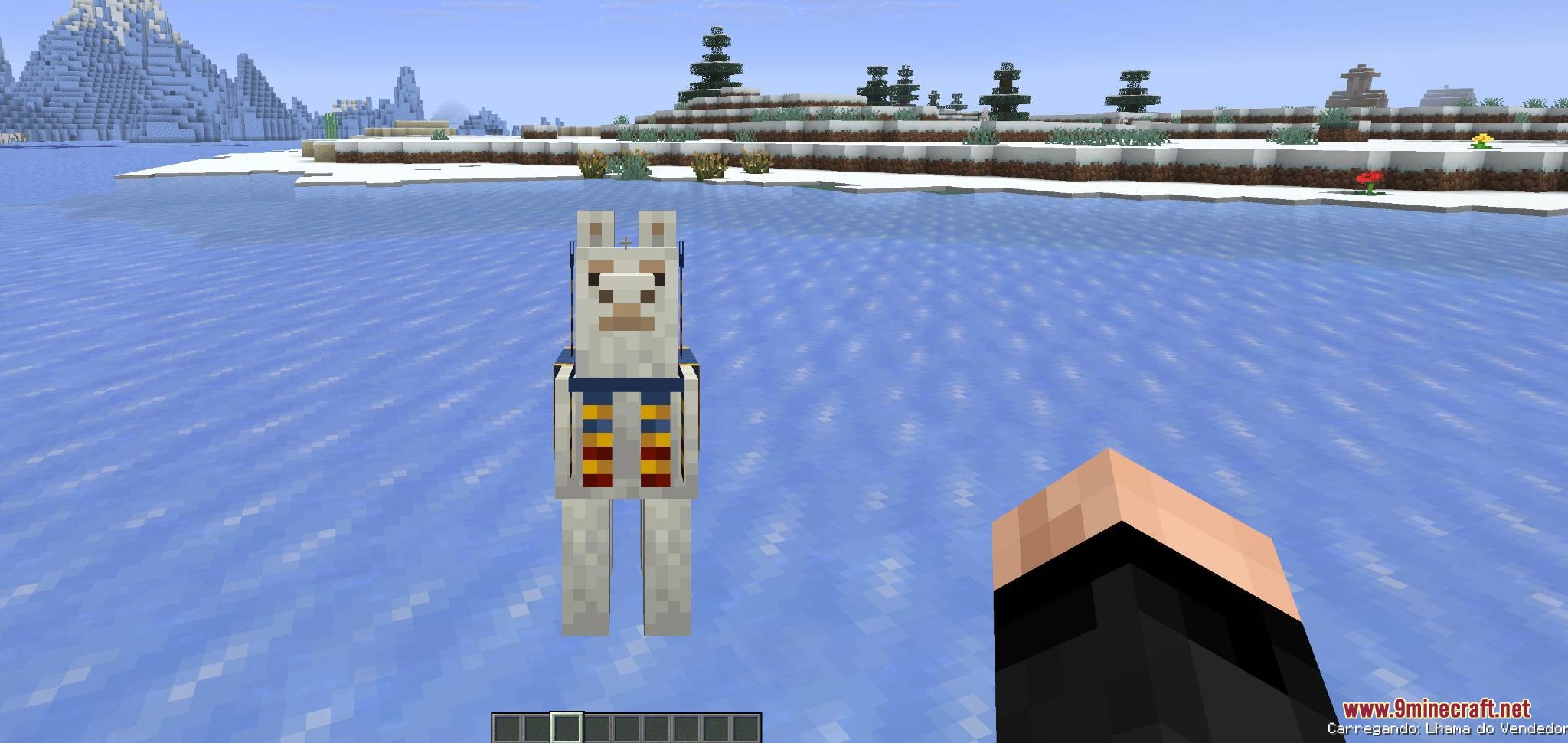
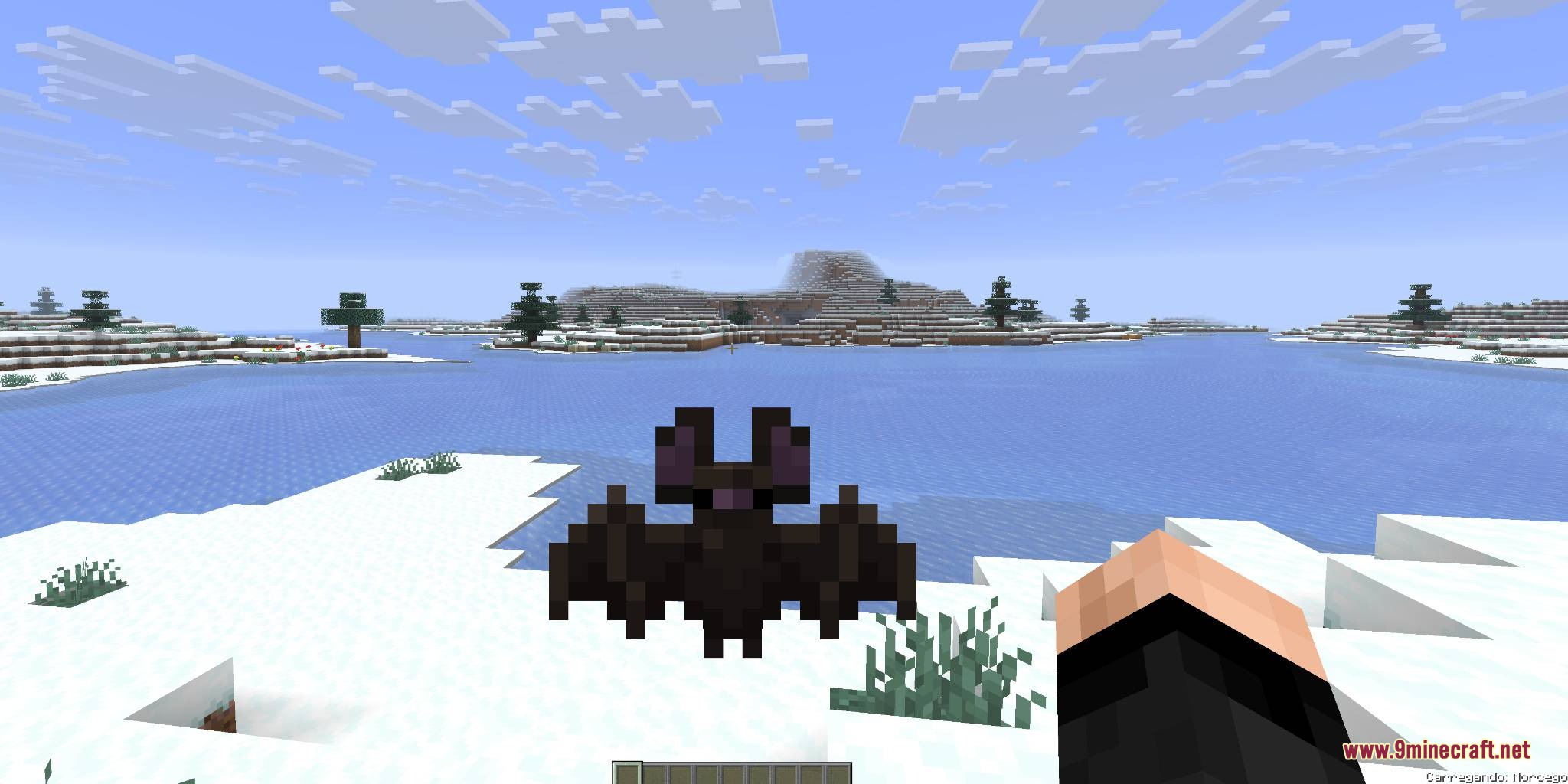
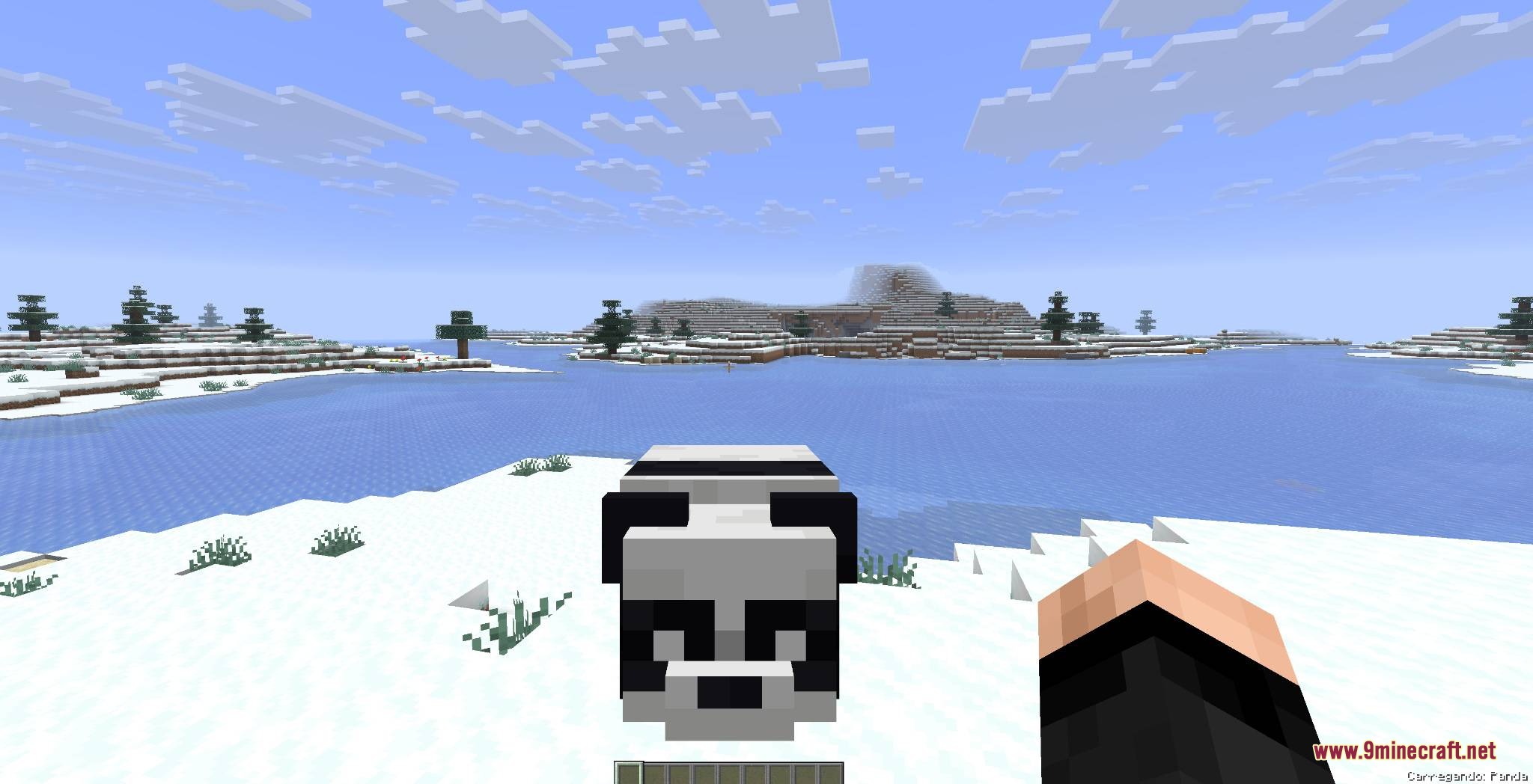
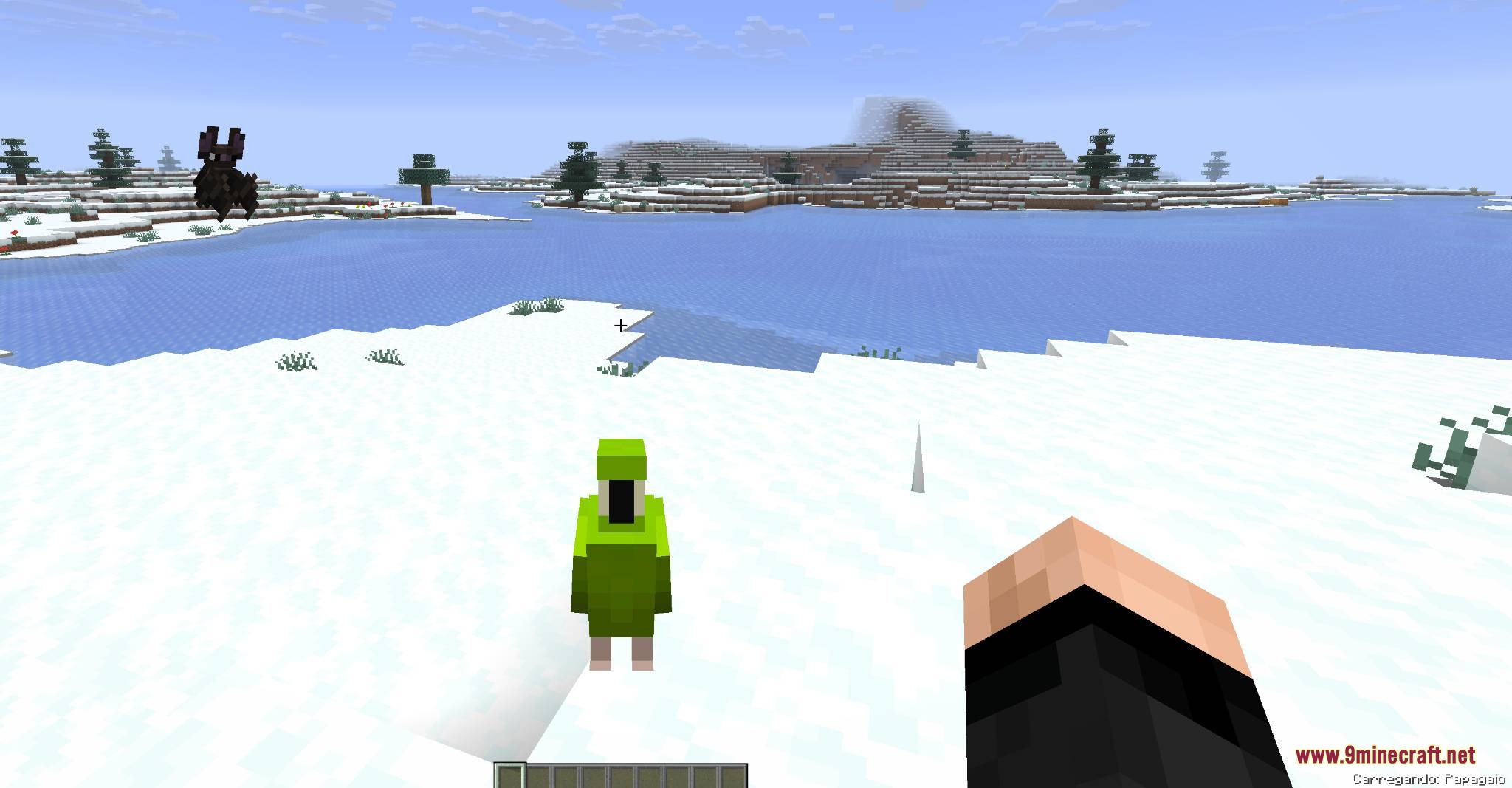
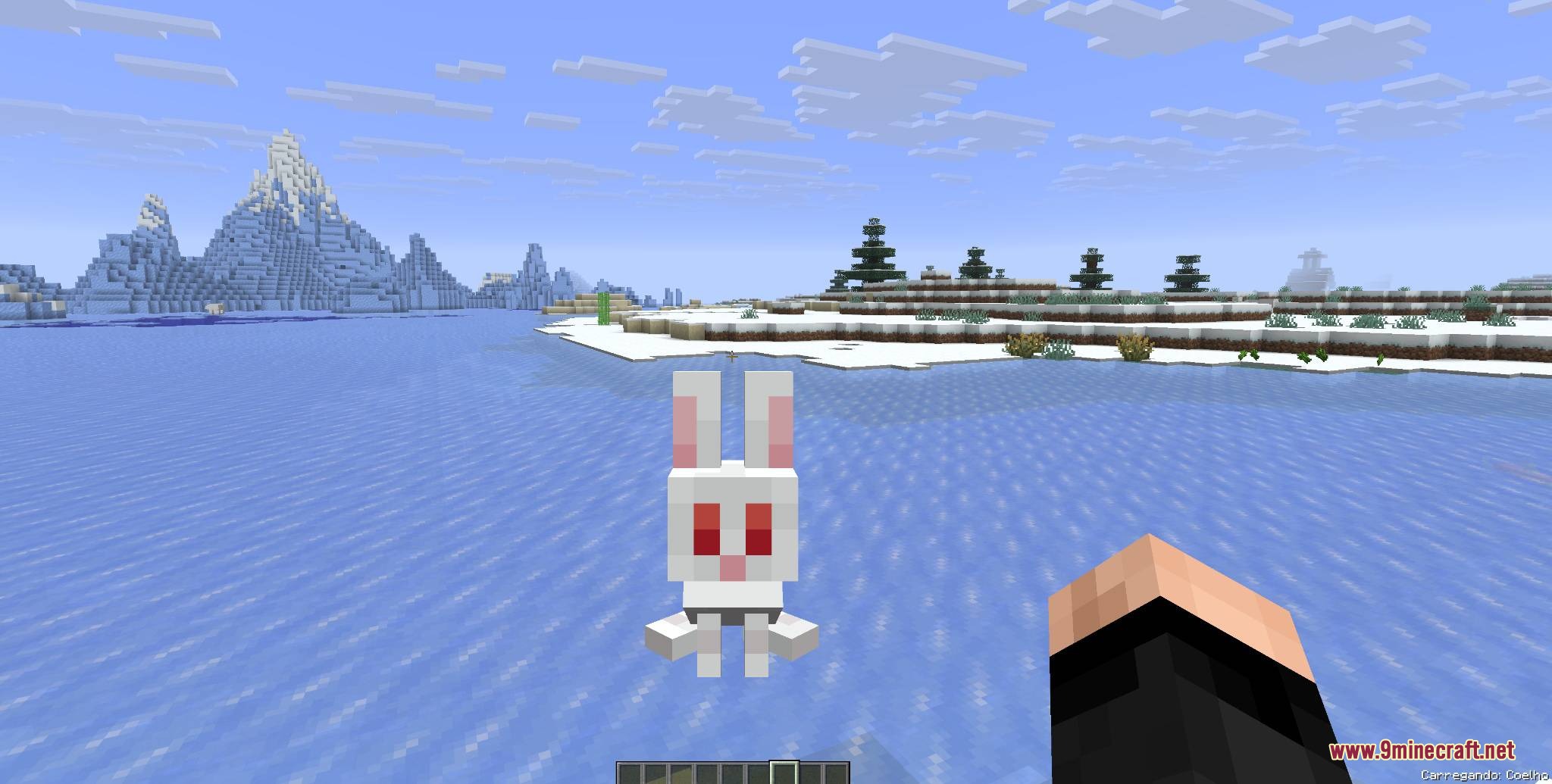
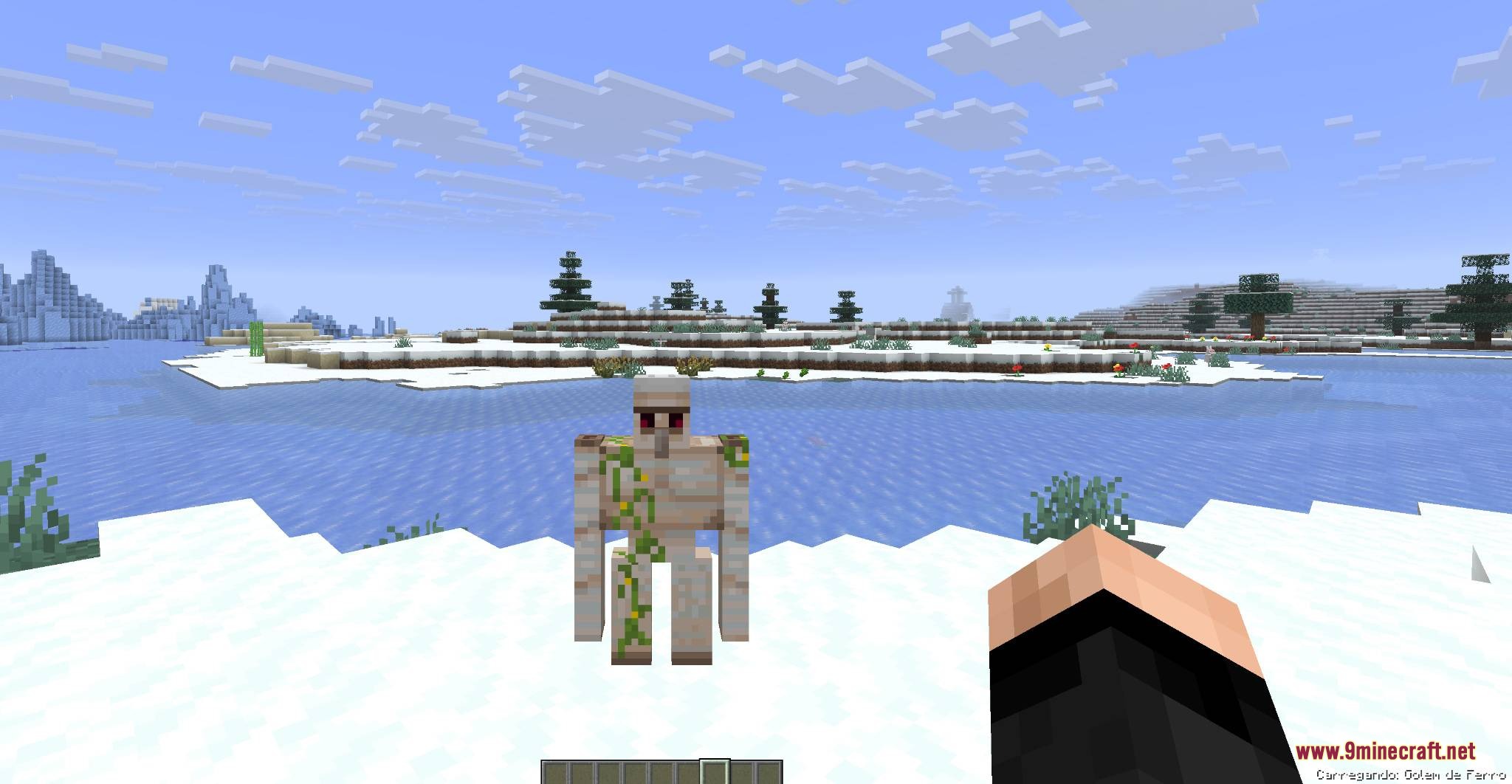
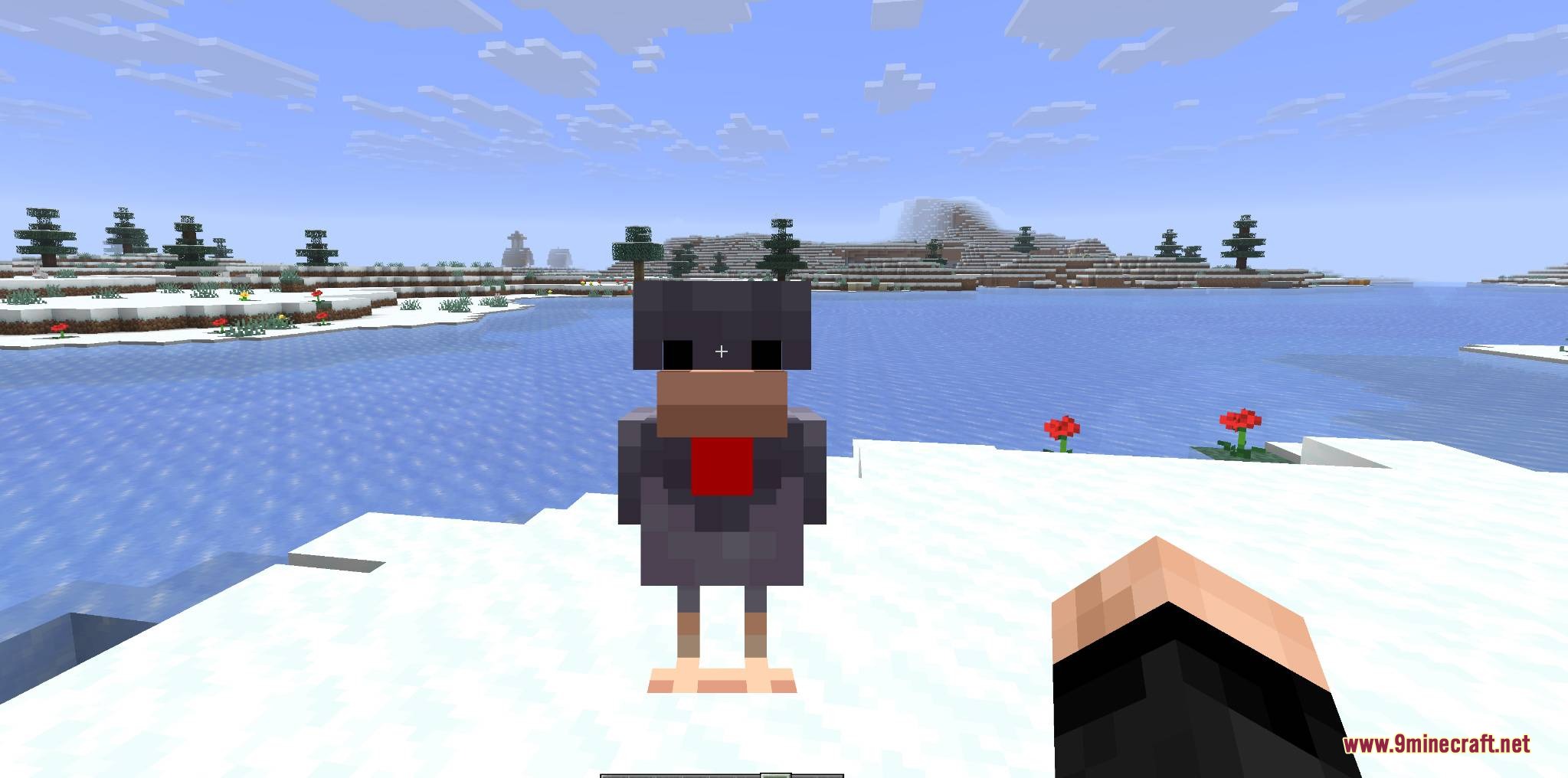
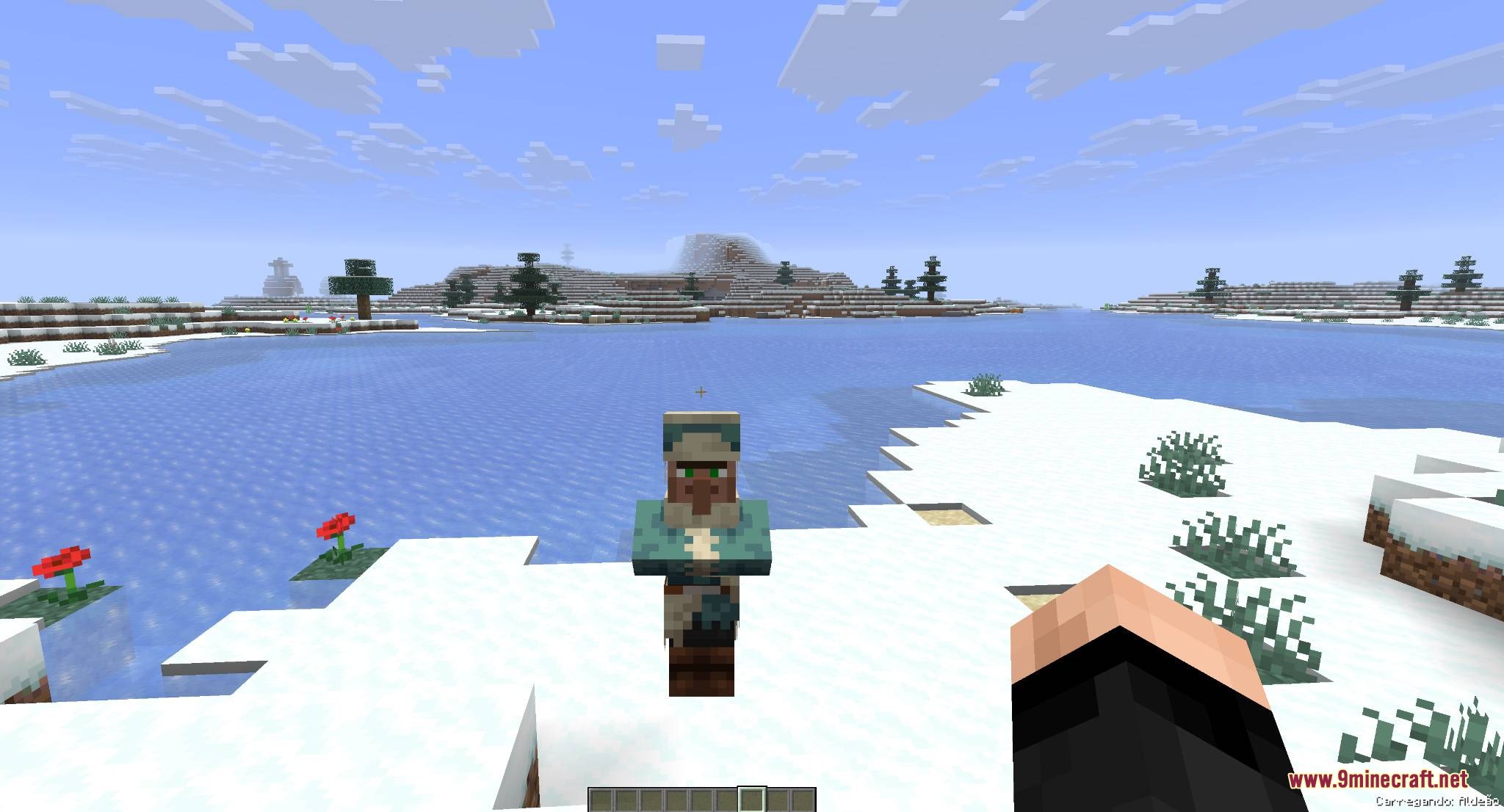
Mobs and Villager Mod lets you pick up and carry friendly creatures right in your hands. You do not need leads, boats, or minecarts to move animals around your world. It shows the actual 3D model of the creature you are holding instead of a basic spawn egg. You can walk to a new location and safely drop them down without causing any damage.
Features:
- Real Models: Shows the actual 3D shape of the animal in your hands in both first-person and third-person views.
- Data Saving: Keeps all important information like custom names, health, tamed status, and villager trades when you place them back down.
- Lets you pick up one creature at a time using an empty hand.
- Prevents you from placing animals inside blocks so they do not suffocate.
- Protects the carried mob from taking damage or making noises while in your inventory.
- Keeps babies as babies and adults as adults during the move.
Supported Creatures:
- Farm animals like cows, pigs, sheep, and chickens.
- Pets including wolves, cats, and parrots.
- Water mobs like turtles, frogs, dolphins, and fish.
- Large friendly mobs like iron golems, camels, and pandas.
- Villagers and wandering traders.
Unsupported Entities:
- Hostile monsters and bosses.
- Other players in the server.
- Items, vehicles, and projectiles.
How to Use:
- Empty your main hand.
- Walk up to a friendly animal or villager.
- Hold the Shift key and right-click the creature to pick it up.
- Walk to a safe, open spot.
- Hold Shift and left-click a block to put the creature down.
Screenshots:
Mobs and Villager Mod Download Links
Quick facts
- Edition: Minecraft Java
- File type: .jar
- How to install: Install the matching mod loader (Forge, Fabric or NeoForge) for your Minecraft version. → Download the .jar. → Put it in the .minecraft/mods folder and launch that loader profile.
- Where to get it: In MC Java Mods, or directly above on this page.
Install steps are the general flow for this file type — How to install Minecraft Java mods & modpacks walks through it step by step.
File checked by MCModsHub
- Downloads as 395795.mcaddon
- Download size: 32 KB
- Download link checked 23 Sept 2026 — working
- Mirrored on our own servers — the download does not depend on the original host
These come from our own check of the pack file, not from the source page.