ModsJava
TaCZ Hostiles Mod (1.20.1) – Survive Tactical Gunfights Against Armed Factions
Java mod listed for Minecraft 1.20. File opened and checked on 16 Oct 2026; downloads from the MC Java Mods app on Android.
⬇ Download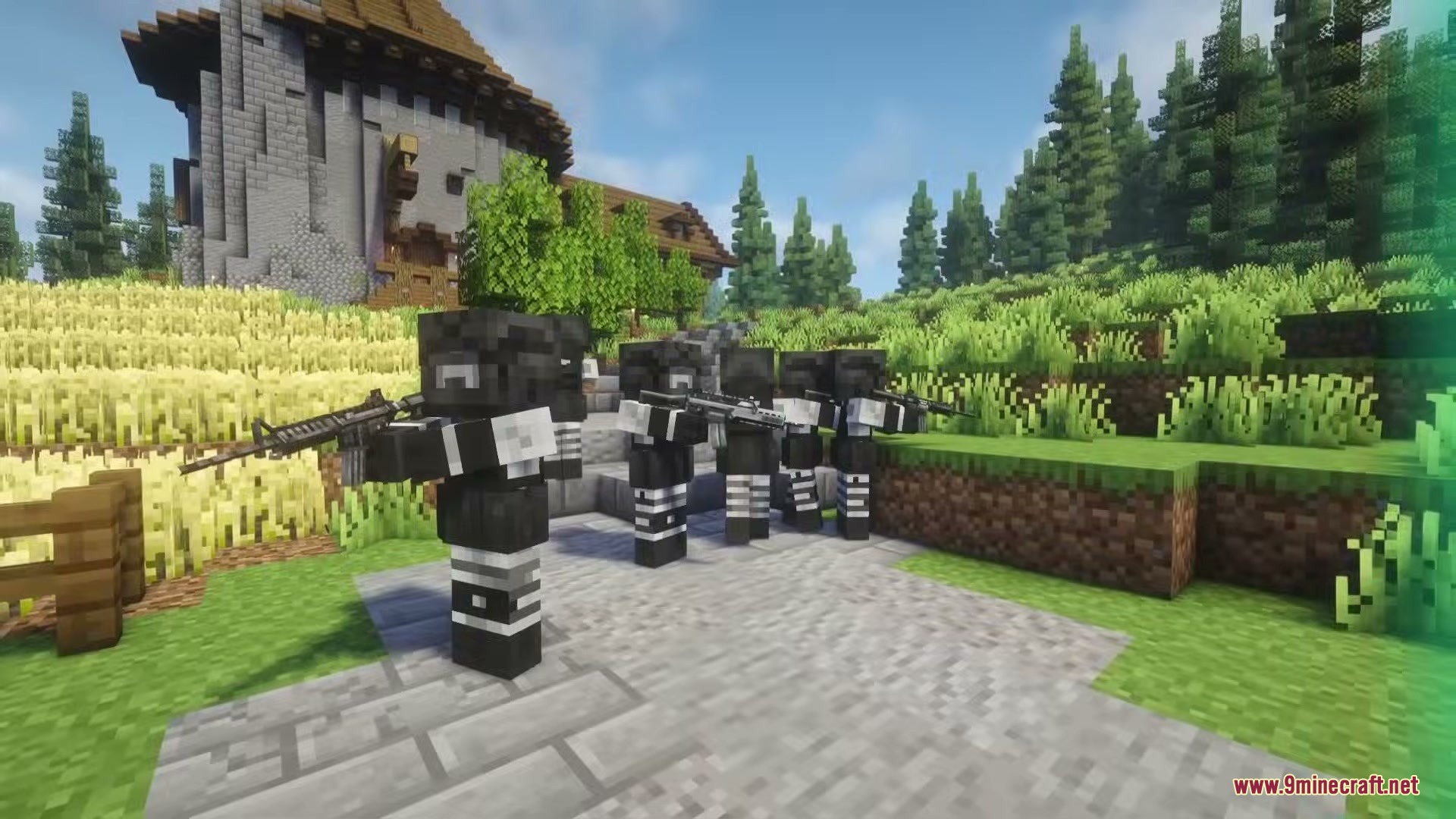
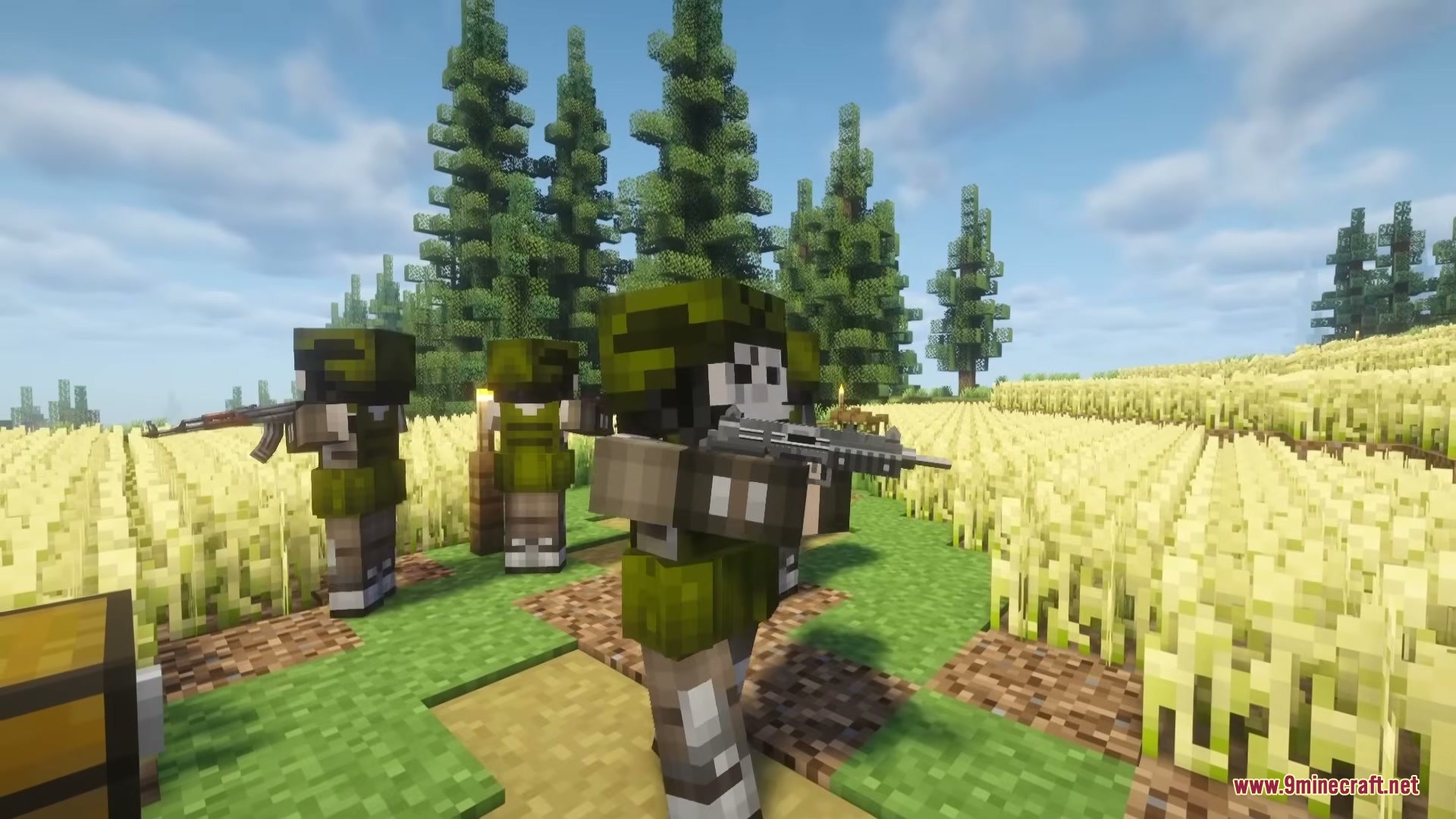
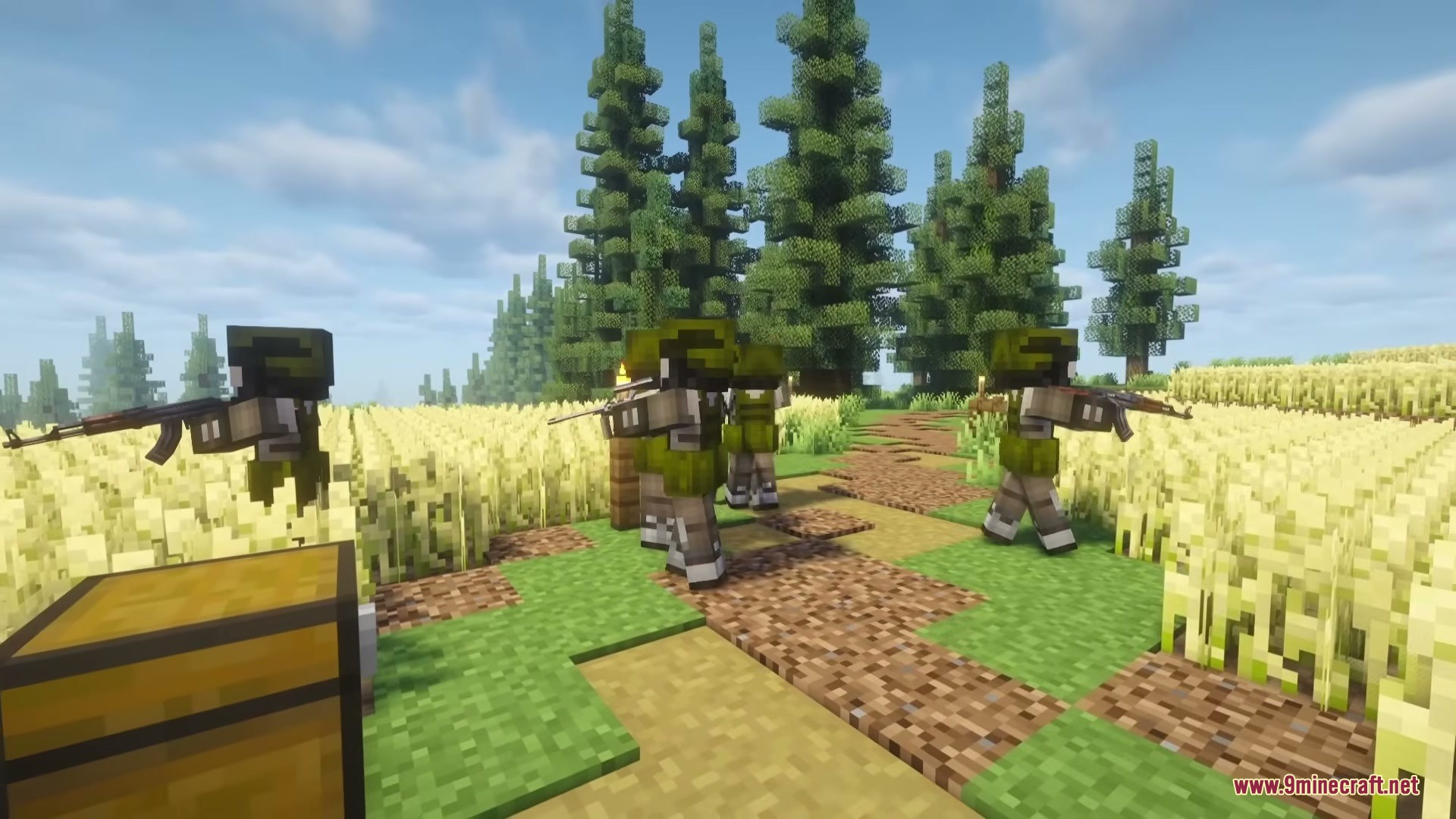
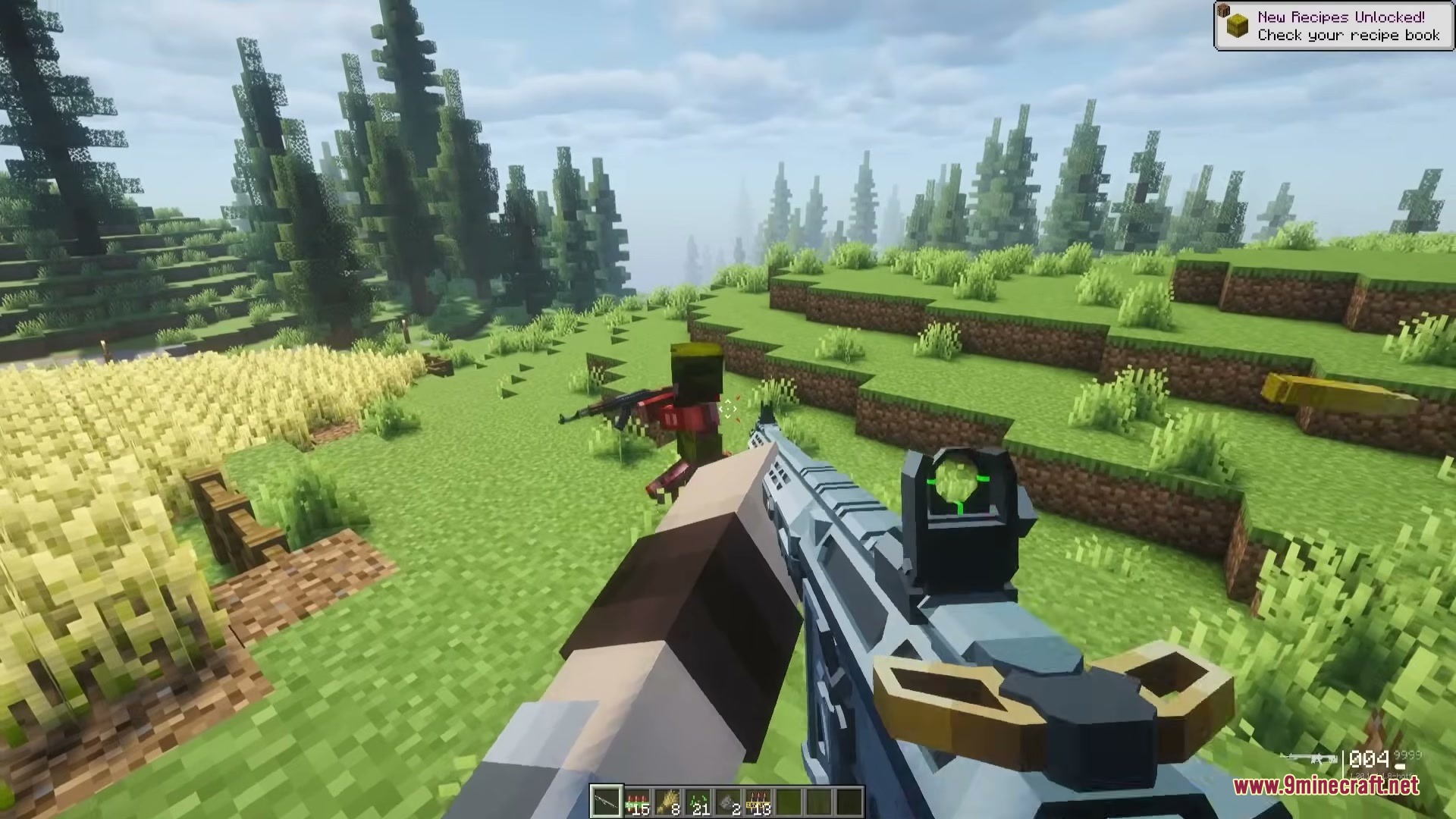
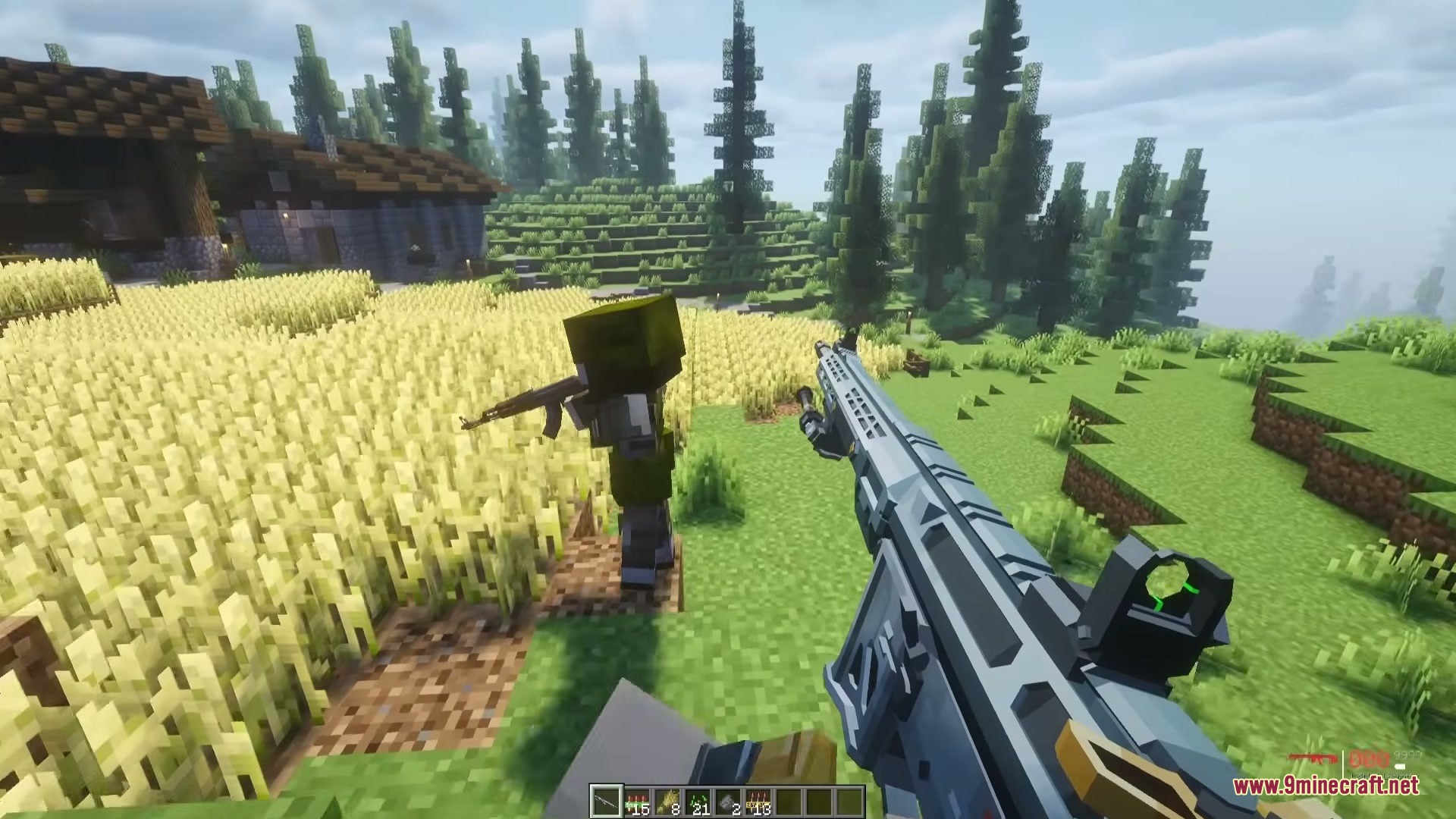
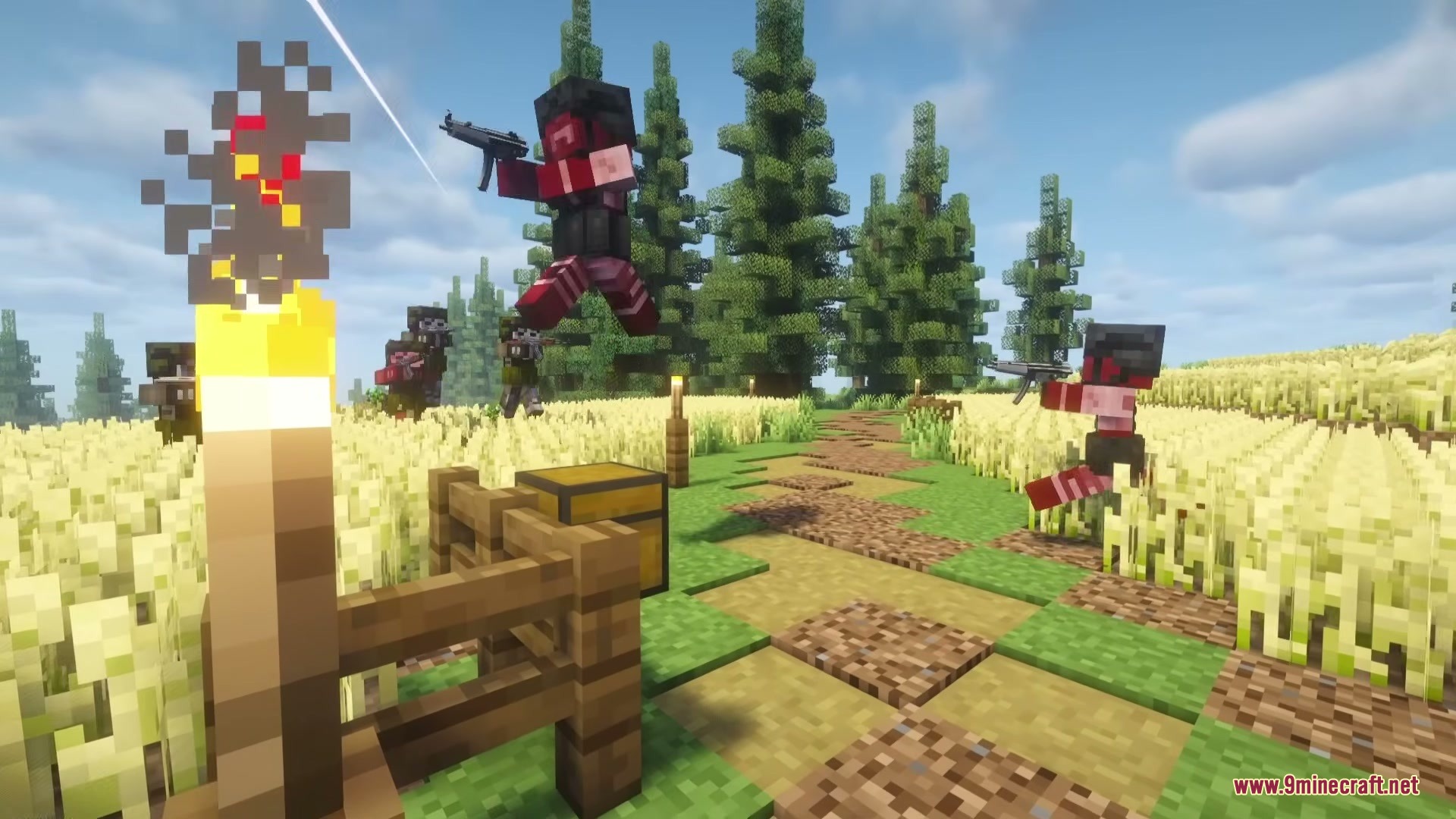
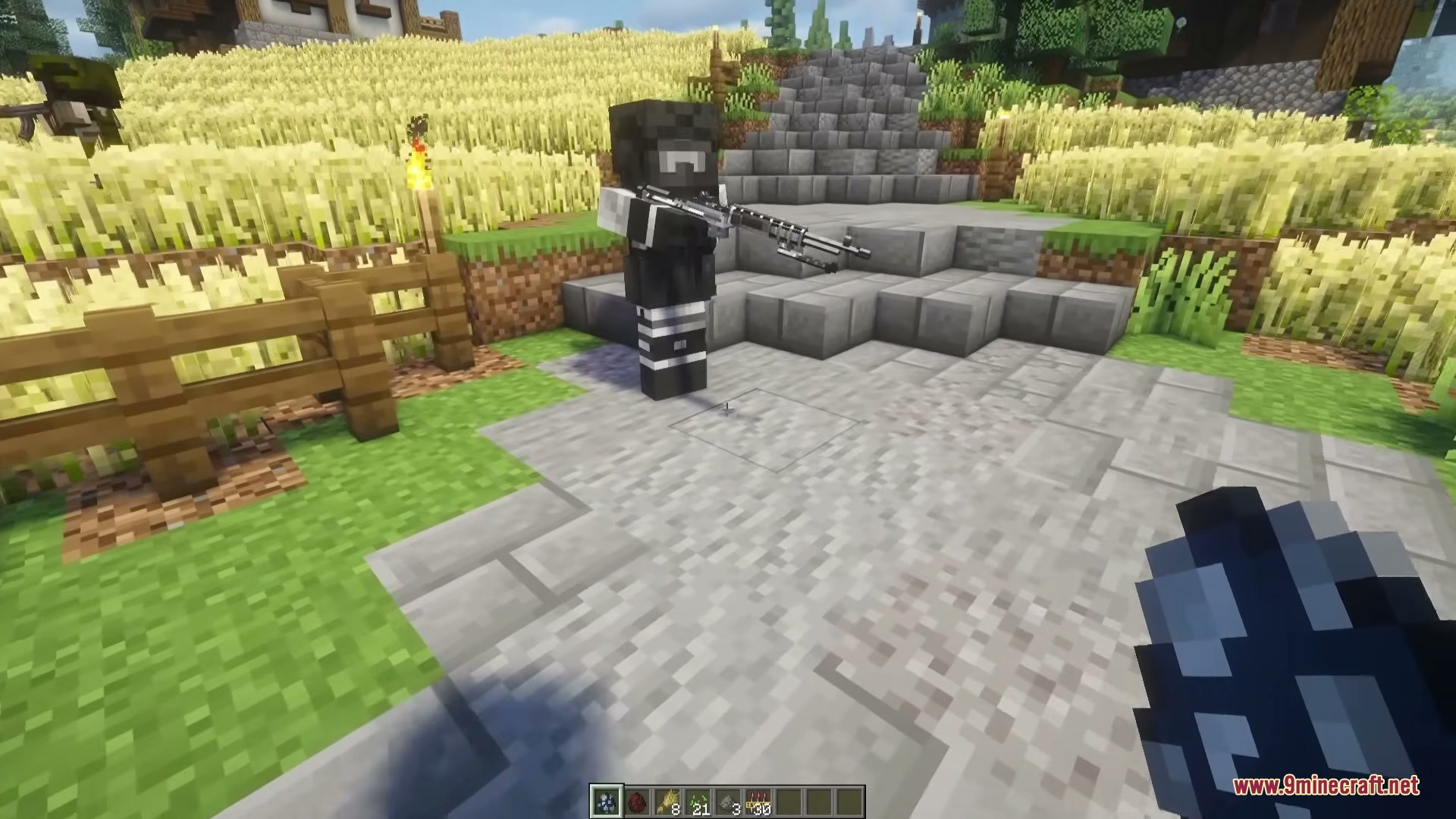
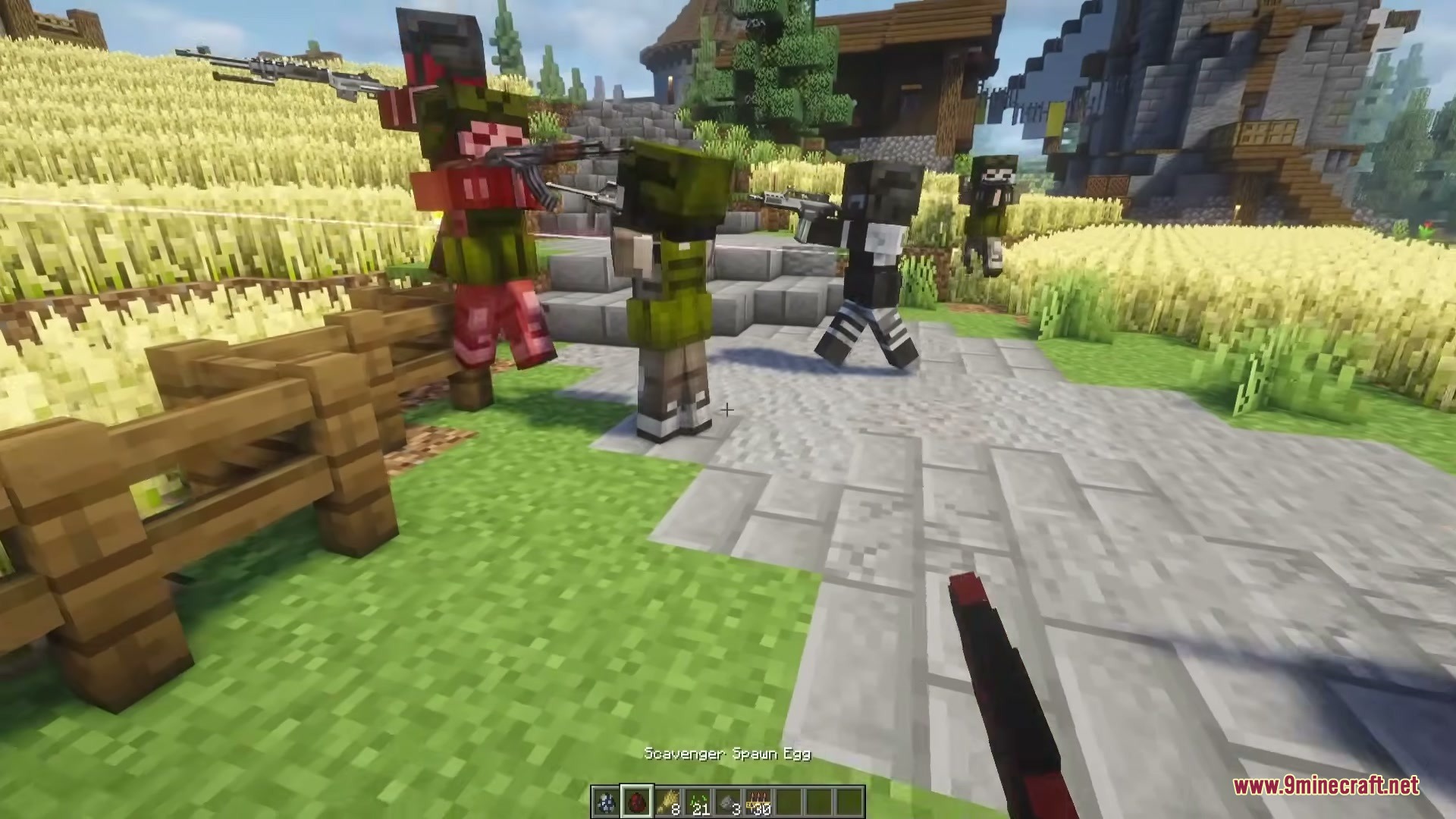
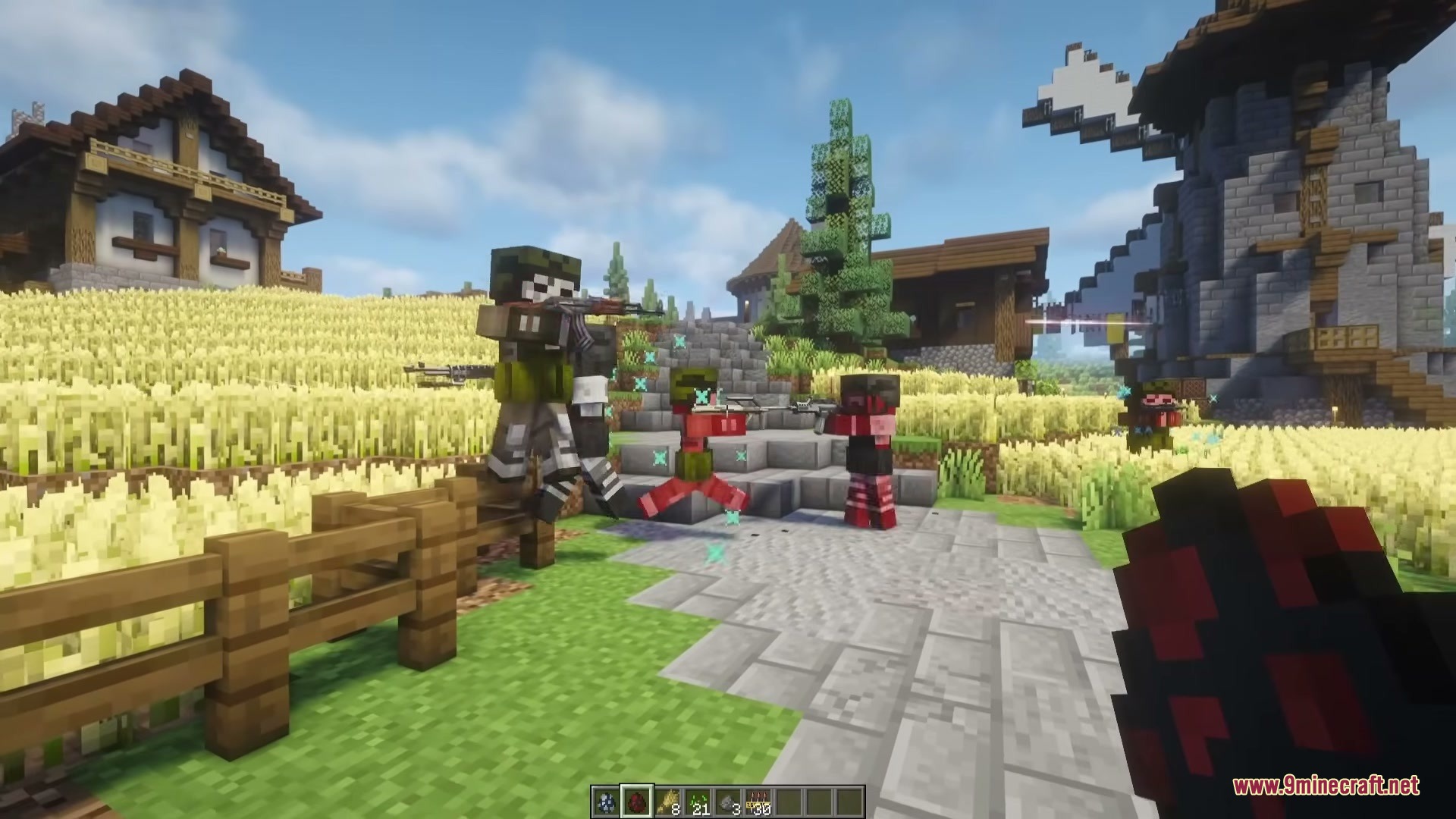
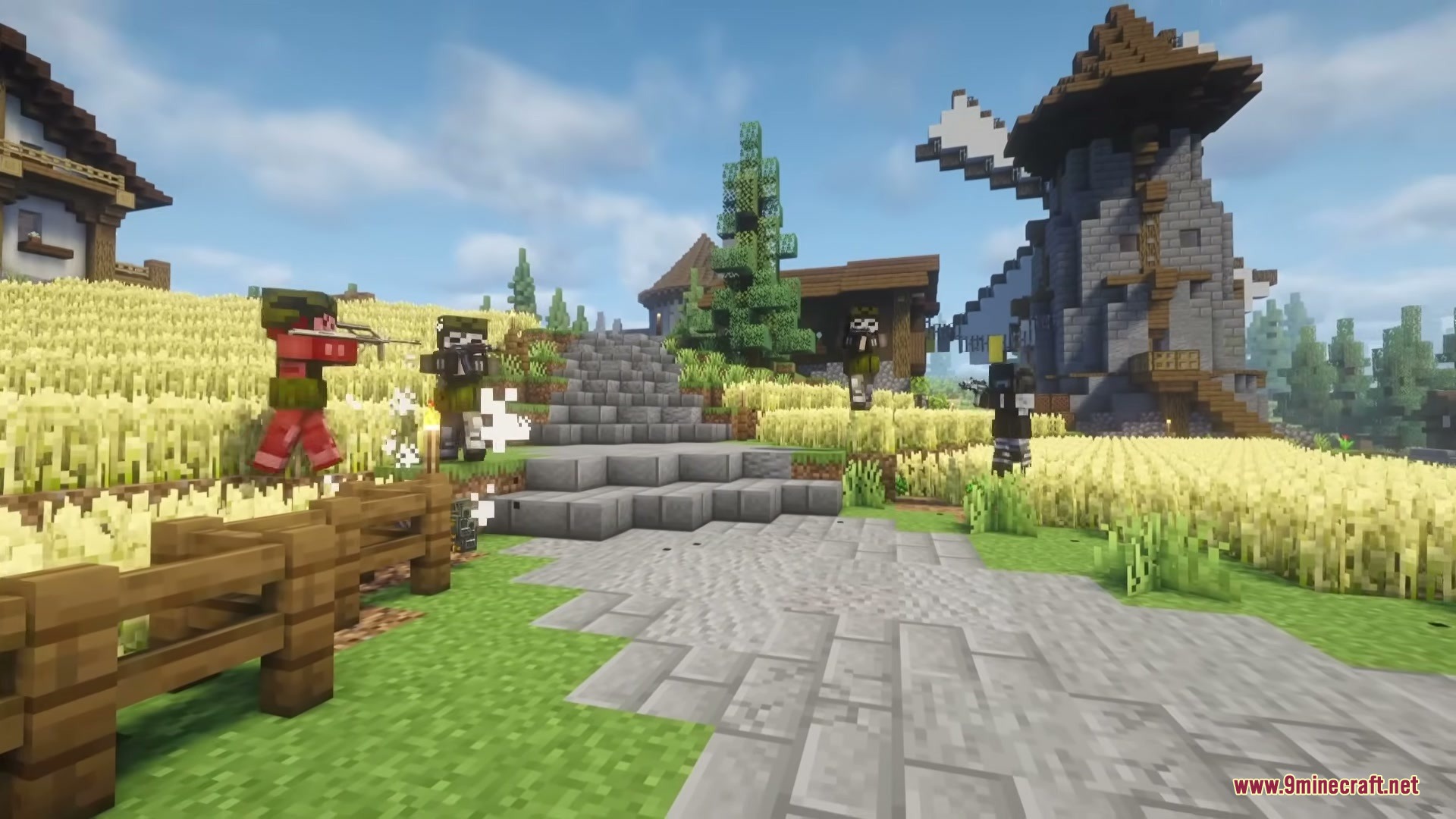
TaCZ Hostiles Mod adds enemy factions for the Timeless and Classics Zero gun mod. It spawns groups of armed soldiers and scavengers into your world. These enemies use guns from the main mod to hunt you down. You have to use your own weapons, cover, and tactics to survive against their patrols.
Features:
- Two Enemy Factions: Adds Scavengers and Soldiers that roam the world looking for a fight.
- Smart Combat AI: Enemies change their tactics based on how close you are, backing away if you get too close or running forward from far away.
- Enemies only see what is in front of them, leaving a blind spot behind their backs for sneak attacks.
- Gunshots attract nearby enemies to your location, but using a silencer lowers the chance of them hearing you.
- The mod lets enemies open doors and fence gates so they can chase you inside buildings.
- Hostile squads patrol the world with a leader, and they spawn more often the longer you go without seeing one.
- Defeated enemies drop gunpowder and the right ammo for the gun they were holding.
- You can change enemy health, weapon damage, and how often patrols spawn in the mod settings.
Commands:
/forcepatrol: spawns an enemy patrol group near you.
How to Play:
- Keep a weapon ready while exploring, as enemy patrols spawn automatically over time.
- Use stealth to approach enemies from behind, since they cannot see in a full circle.
- Attach a suppressor to your gun to avoid alerting other enemies when you shoot.
- Close doors behind you, but be ready to fight because enemies know how to open them.
Screenshots:
TaCZ Hostiles Mod Download Links
Quick facts
- Edition: Minecraft Java
- File type: .jar
- Minecraft version listed: 1.20.1
- How to install: Install the matching mod loader (Forge, Fabric or NeoForge) for your Minecraft version. → Download the .jar. → Put it in the .minecraft/mods folder and launch that loader profile.
- Where to get it: In MC Java Mods, or directly above on this page.
Install steps are the general flow for this file type — How to install Minecraft Java mods & modpacks walks through it step by step.
File checked by MCModsHub
- Downloads as 395798.mcaddon
- Download size: 87 KB
- Download link checked 25 Sept 2026 — working
- Mirrored on our own servers — the download does not depend on the original host
These come from our own check of the pack file, not from the source page.