ModsJava
Fish N' Ships Mod (1.21.1, 1.20.1) – Build Massive Ships to Haul Cargo
Fish N' Ships Mod adds new types of boats and large ships to your Minecraft oceans. This mod lets you build canoes, rafts, and giant vessels that need…
⬇ Download
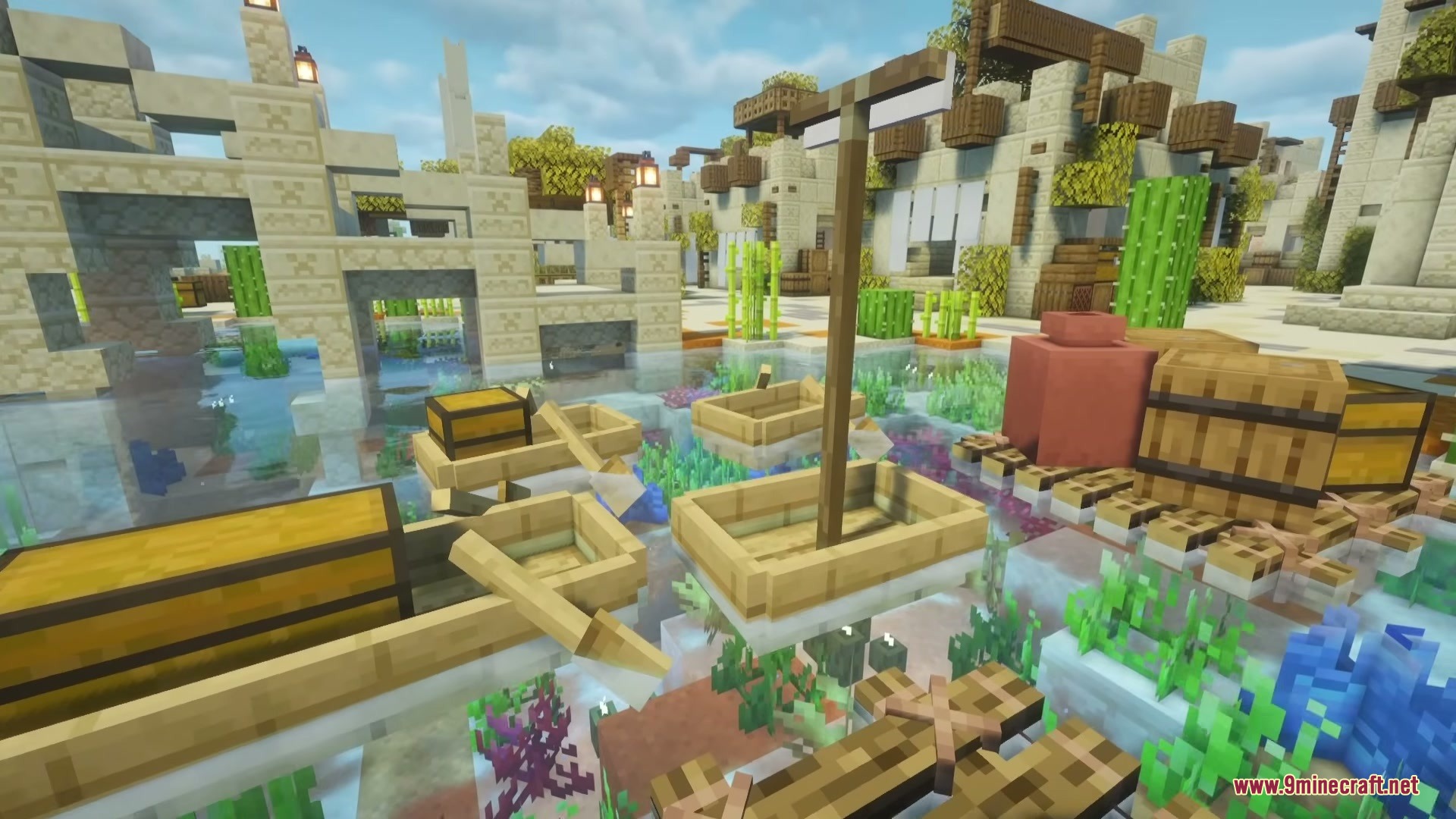
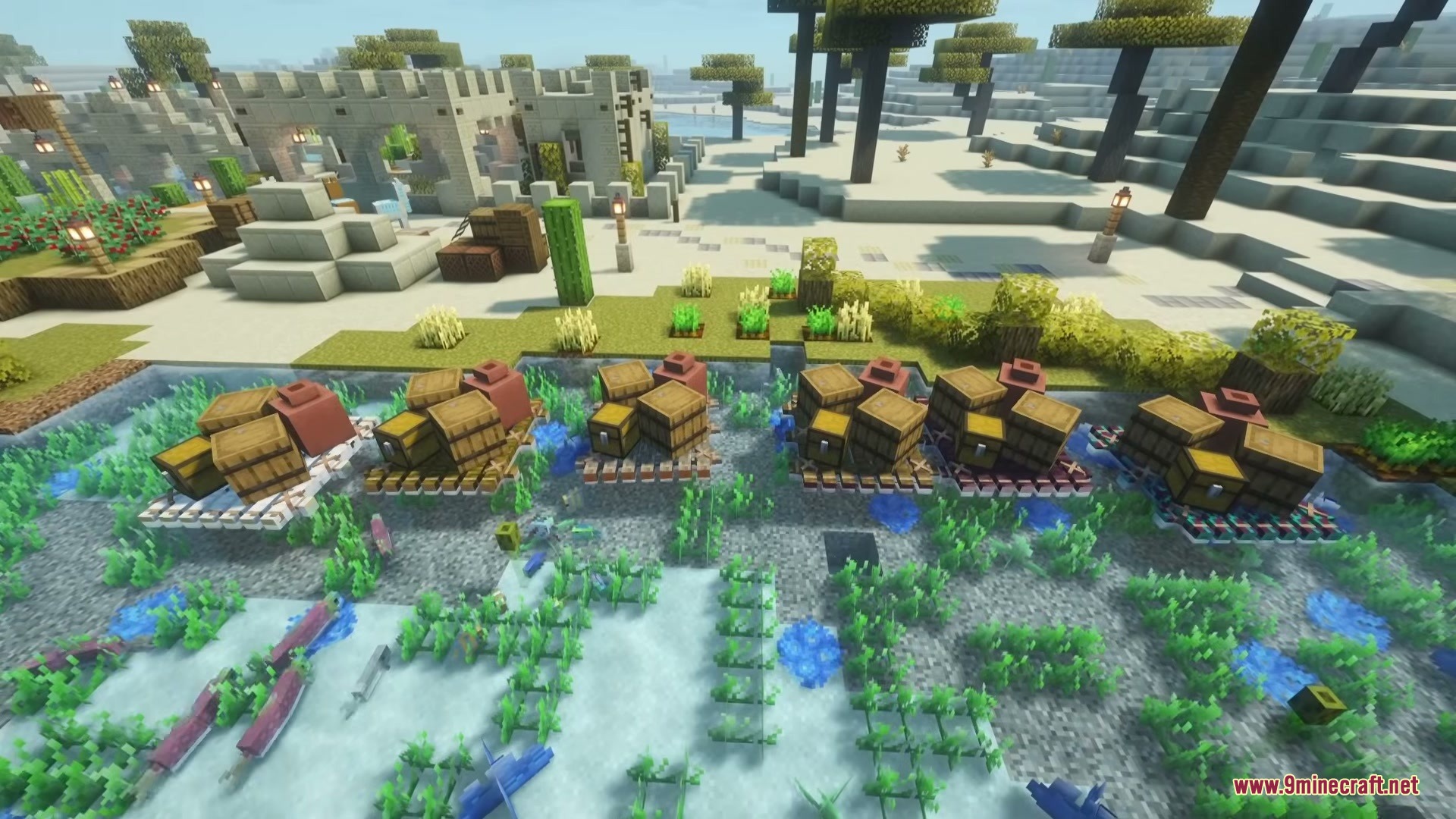
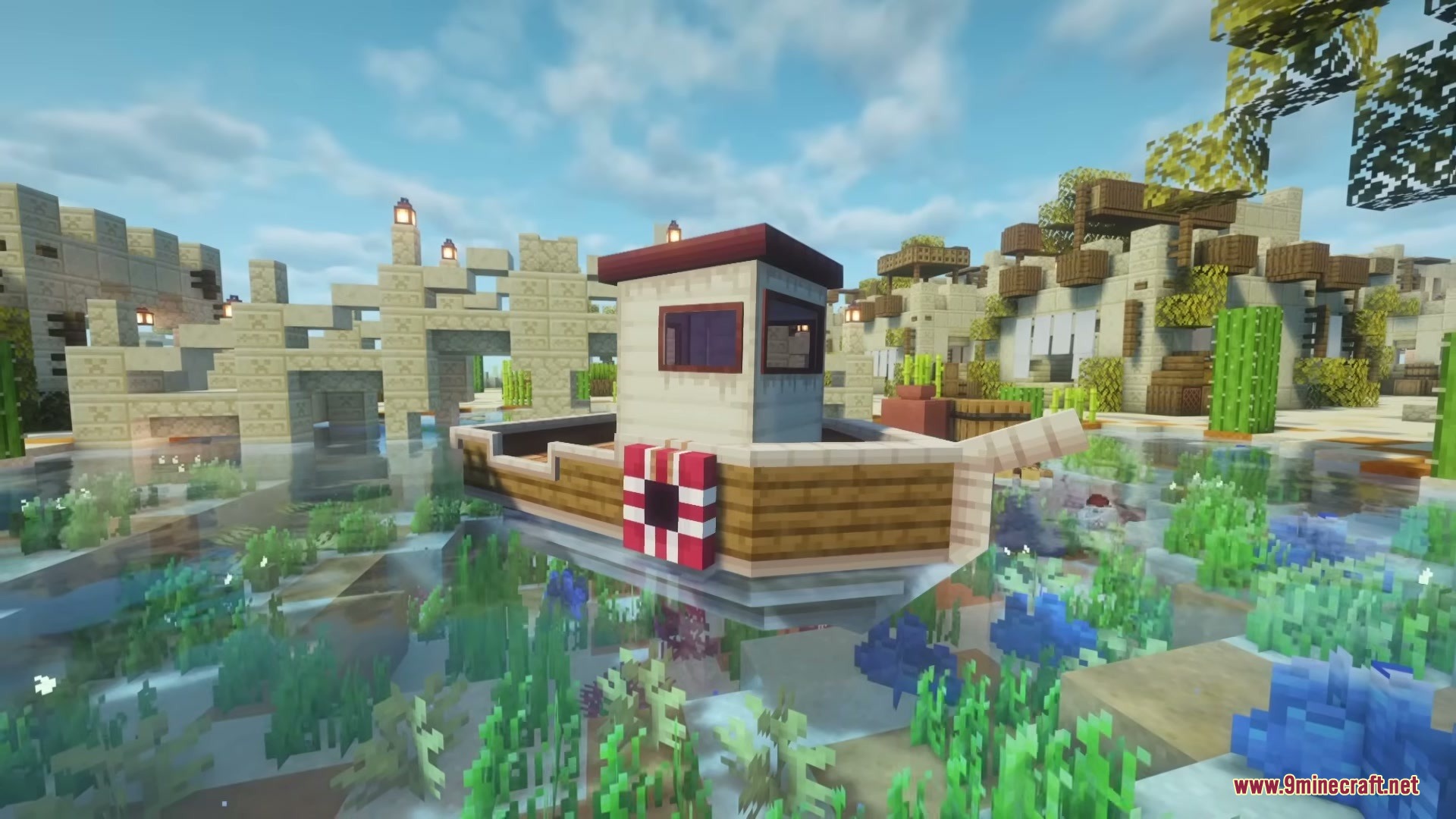
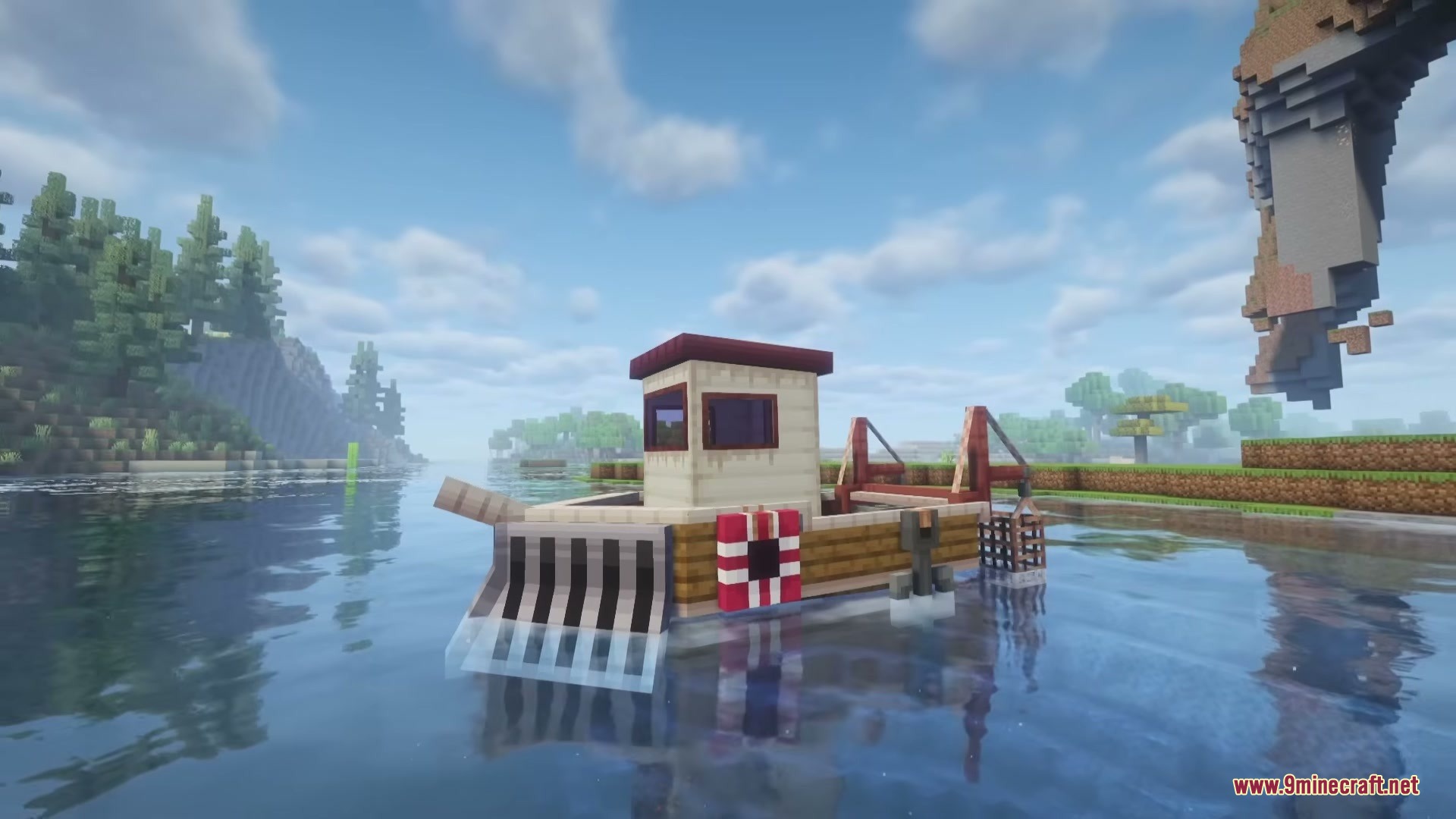
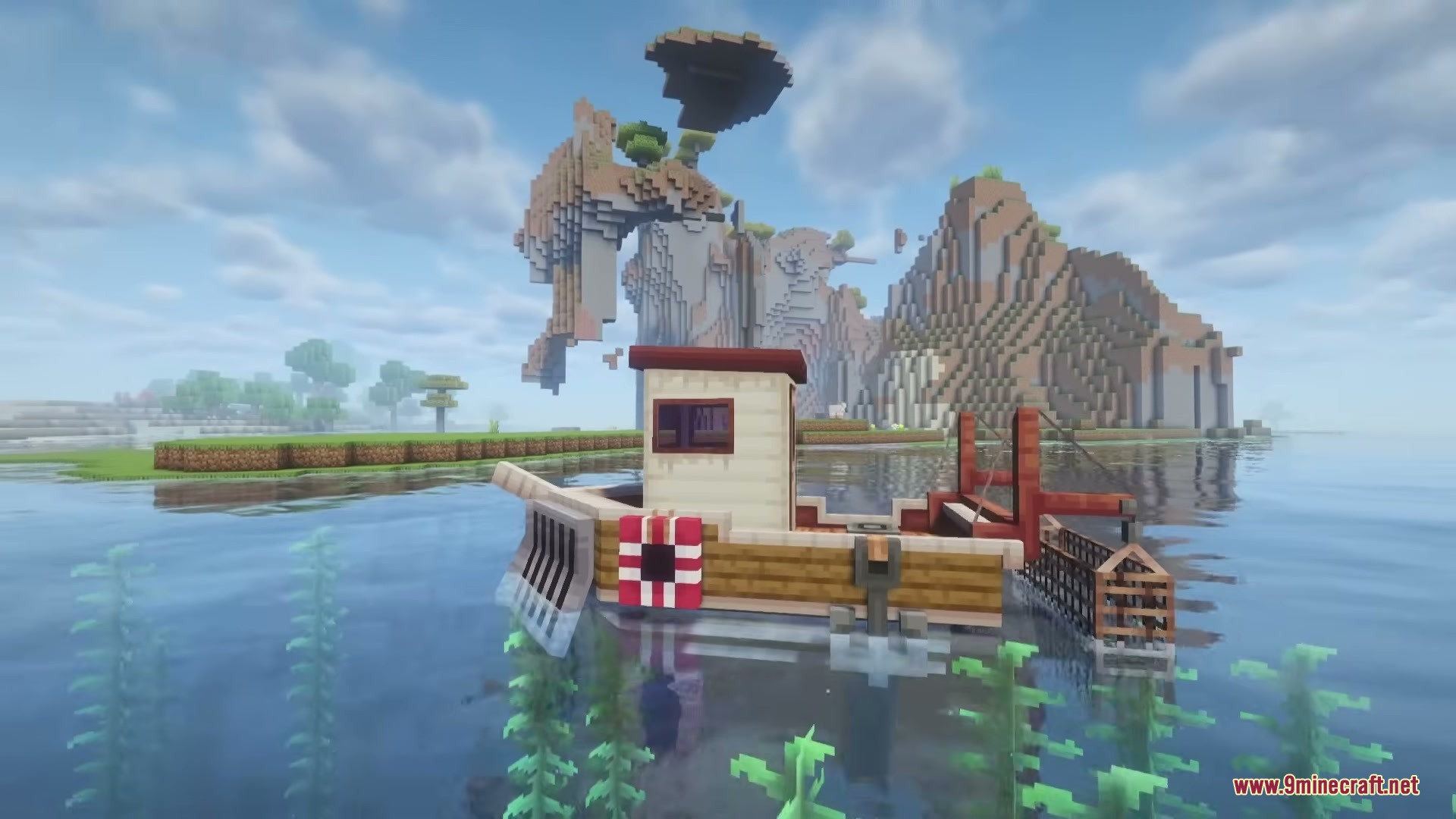
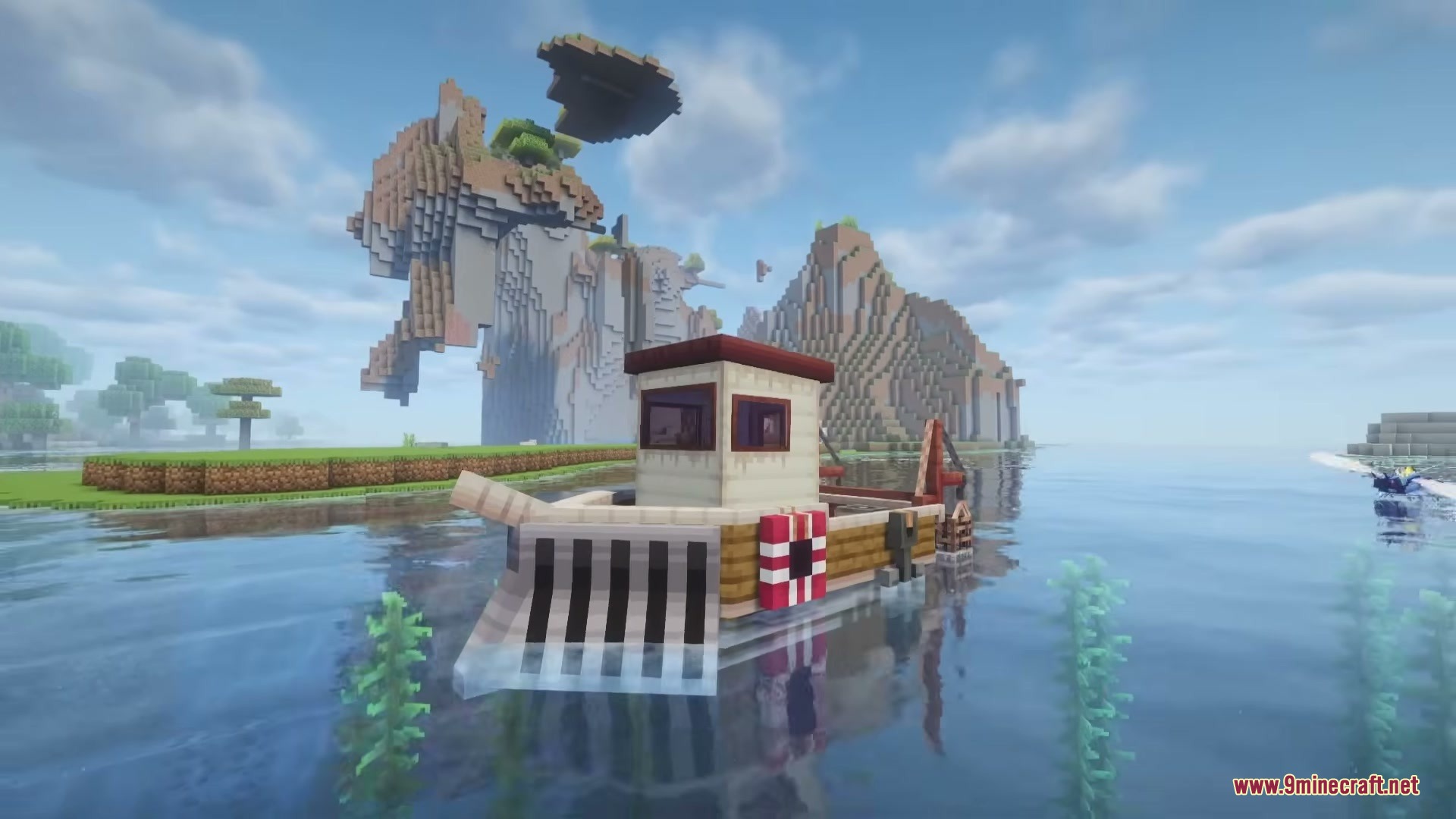
Fish N’ Ships Mod adds new types of boats and large ships to your Minecraft oceans. This mod lets you build canoes, rafts, and giant vessels that need fuel to move across the water. You can attach upgrades to your ships to break through ice or catch fish while you sail. It gives you many new ways to travel and move items across rivers and oceans.
Features:
- Canoes: Hold up to three players at once, making them great for group travel.
- Sailboats: Move forward on their own when you lower the sail, even if no one is riding them.
- Large Ships: Gives you a massive boat you can walk around on while it moves.
- Lets you swap passenger seats in the canoe for single or double chests to carry more items.
- Allows you to send items or animals across the water automatically using sailboats.
- Holds up to four passengers on rafts that you must pull behind you with a lead.
- Adds supply rafts that cannot hold players but can store up to 66 stacks of cargo.
- Requires fuel to power the large ship and comes with built-in storage space.
- Lets you attach an icebreaker upgrade to the front of your ship to smash through frozen rivers and oceans.
- Includes a trawling net upgrade that catches fish for you automatically as you drive the ship.
- Brings Crimson and Warped wood boat types to match the nether forests.
How to Use:
- Add fuel to the large ship to make it move across the water.
- Use a lead to attach a raft to your boat and pull it behind you.
- Press the Jump key (default: Space) while driving a ship with a trawling net to start catching fish.
- Lower the sail on a sailboat to make it move forward on its own.
Screenshots:
Fish N’ Ships Mod Download Links
Quick facts
- Edition: Minecraft Java
- File type: .jar
- Minecraft versions listed: 1.21.1, 1.20.1
- How to install: Install the matching mod loader (Forge, Fabric or NeoForge) for your Minecraft version. → Download the .jar. → Put it in the .minecraft/mods folder and launch that loader profile.
- Where to get it: In MC Java Mods, or directly above on this page.
Install steps are the general flow for this file type — How to install Minecraft Java mods & modpacks walks through it step by step.
Verified by MCModsHub
- Downloads as 395802.mcaddon
- Download size: 1.2 MB
- Download link checked 25 Sept 2026 — working
- Mirrored on our own servers — the download does not depend on the original host
These come from our own check of the pack file, not from the source page.