ModsJava
Pugmeowla's Infinity Stone Core Mod (1.20.1) – Wield the Power of the Six
Java mod listed for Minecraft 1.20. Downloads from the MC Java Mods app on Android.
Pugmeowla's Infinity Stone Core Mod brings the six Infinity Stones and the Infinity Gauntlet into your world. It adds special powers, unique structures…
⬇ Download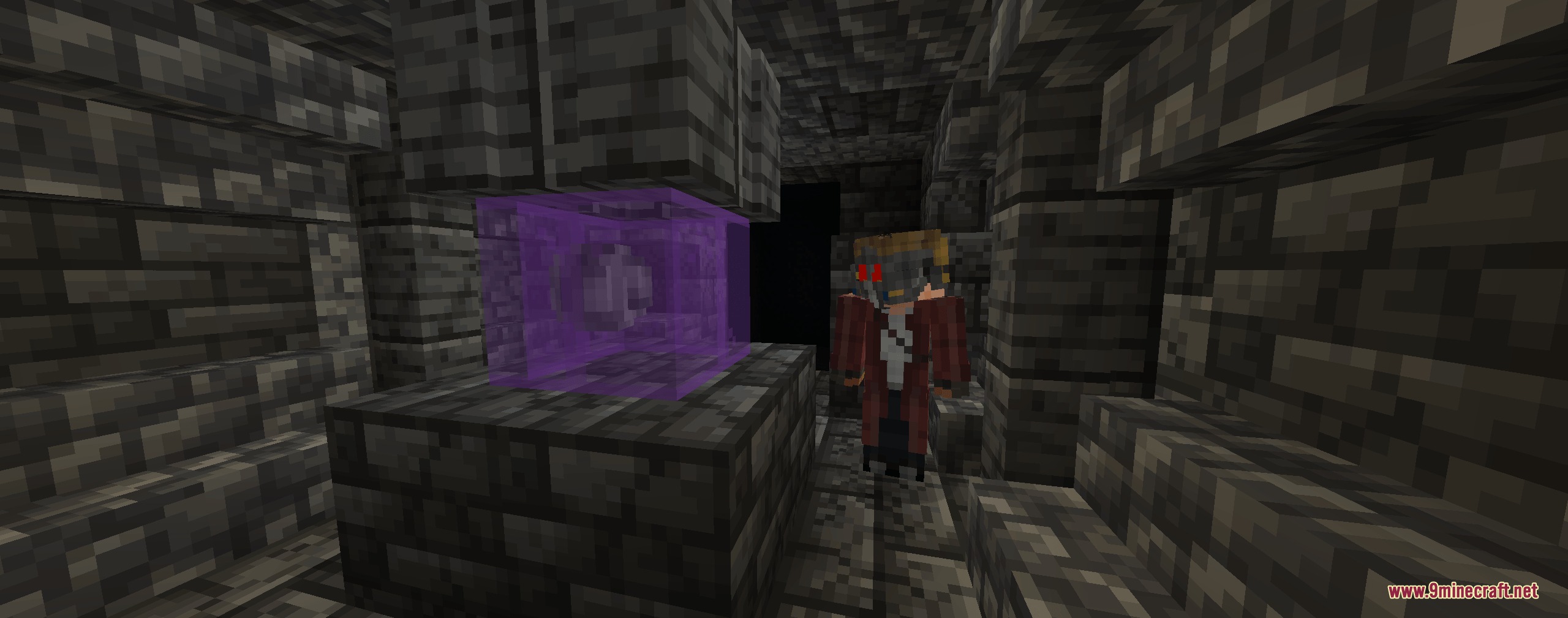
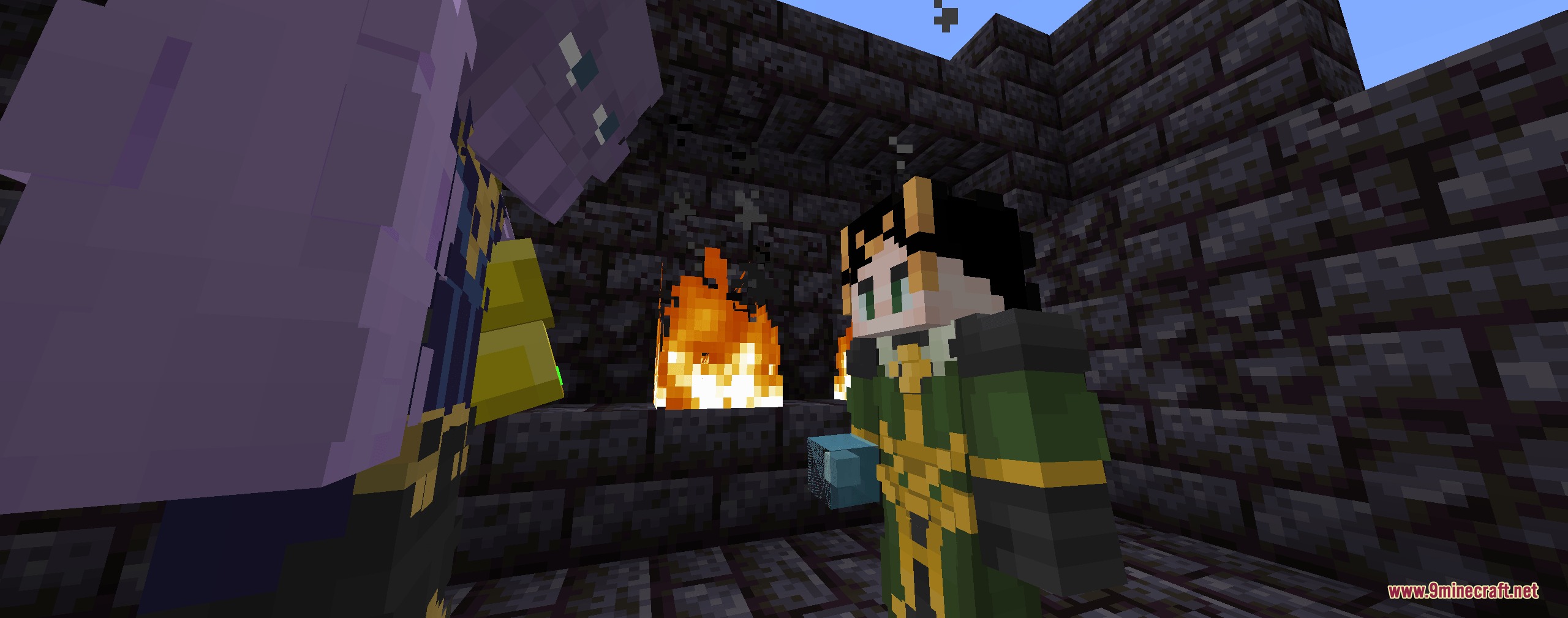
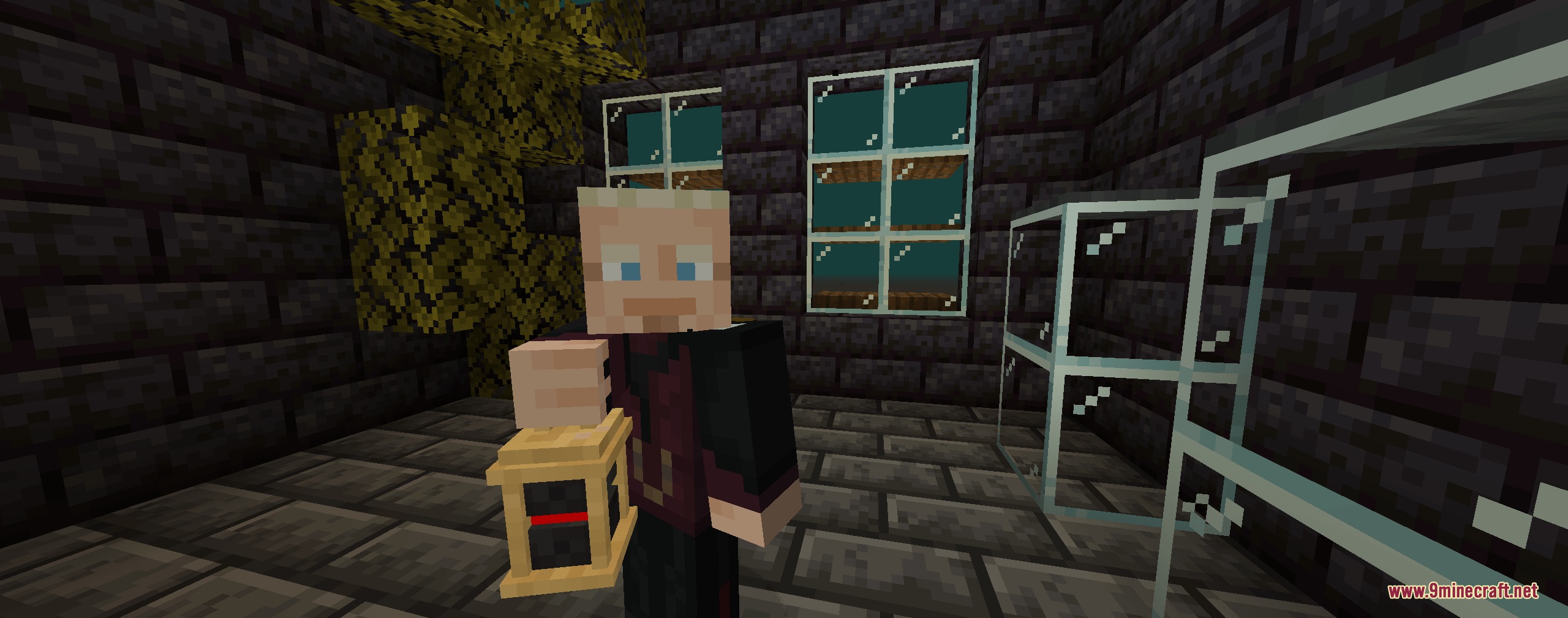
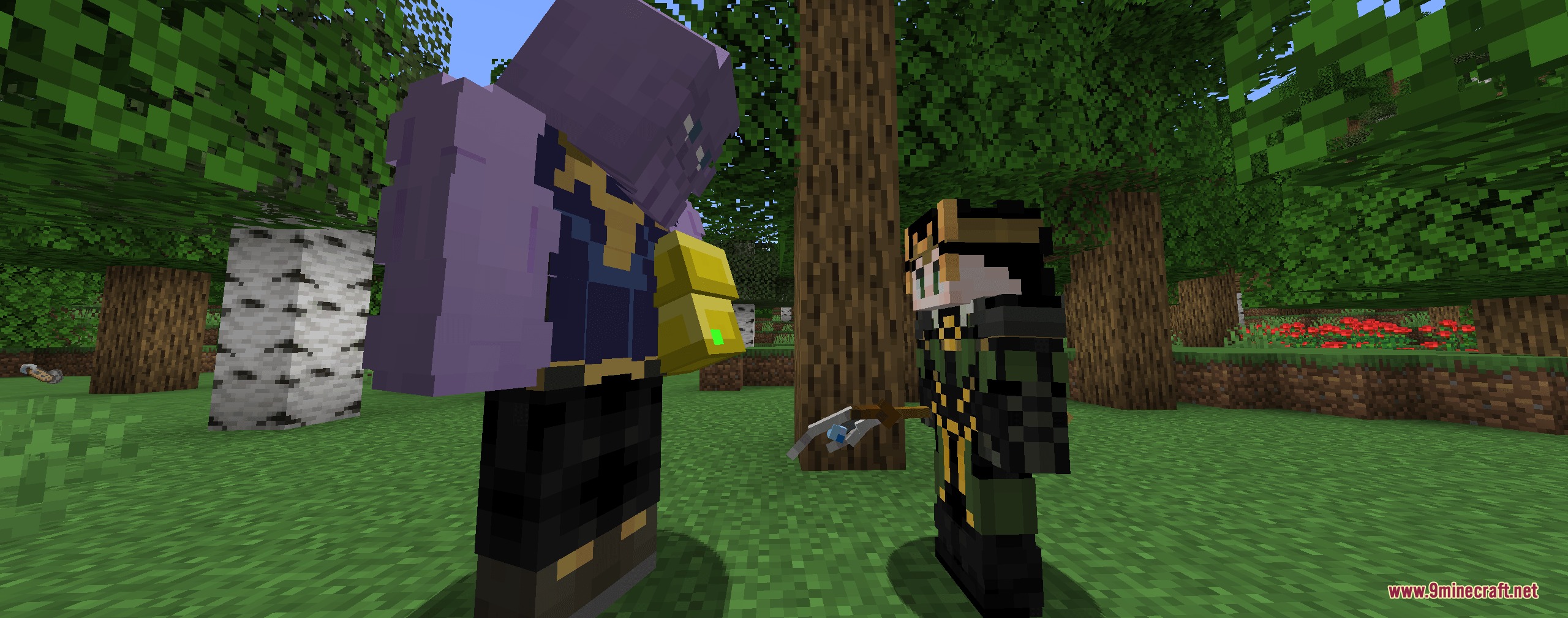
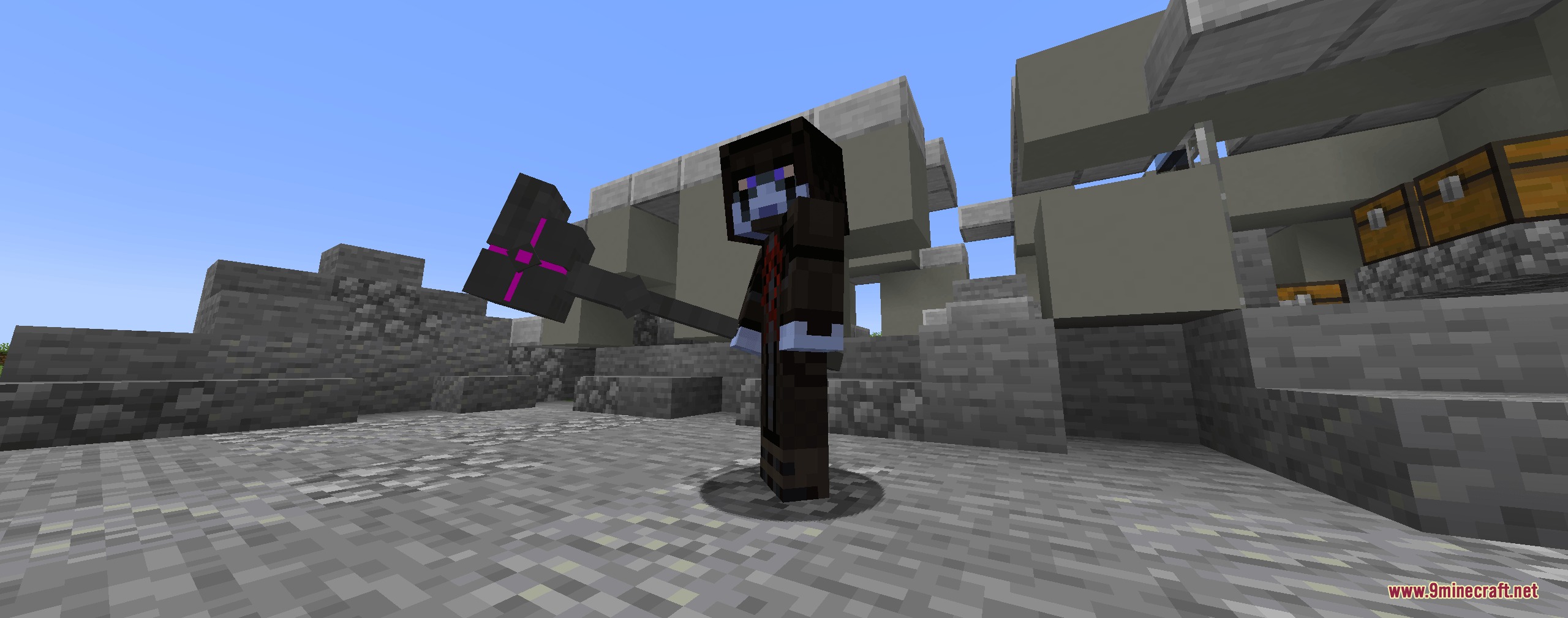
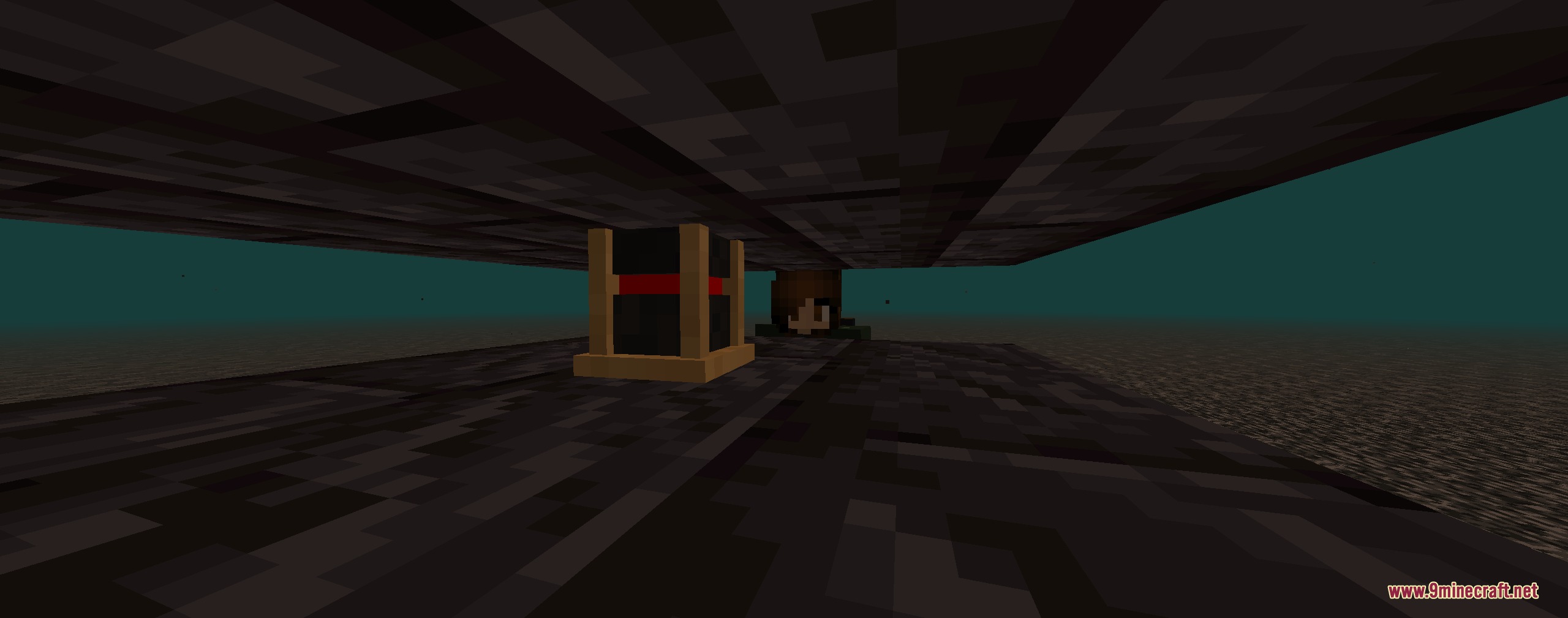
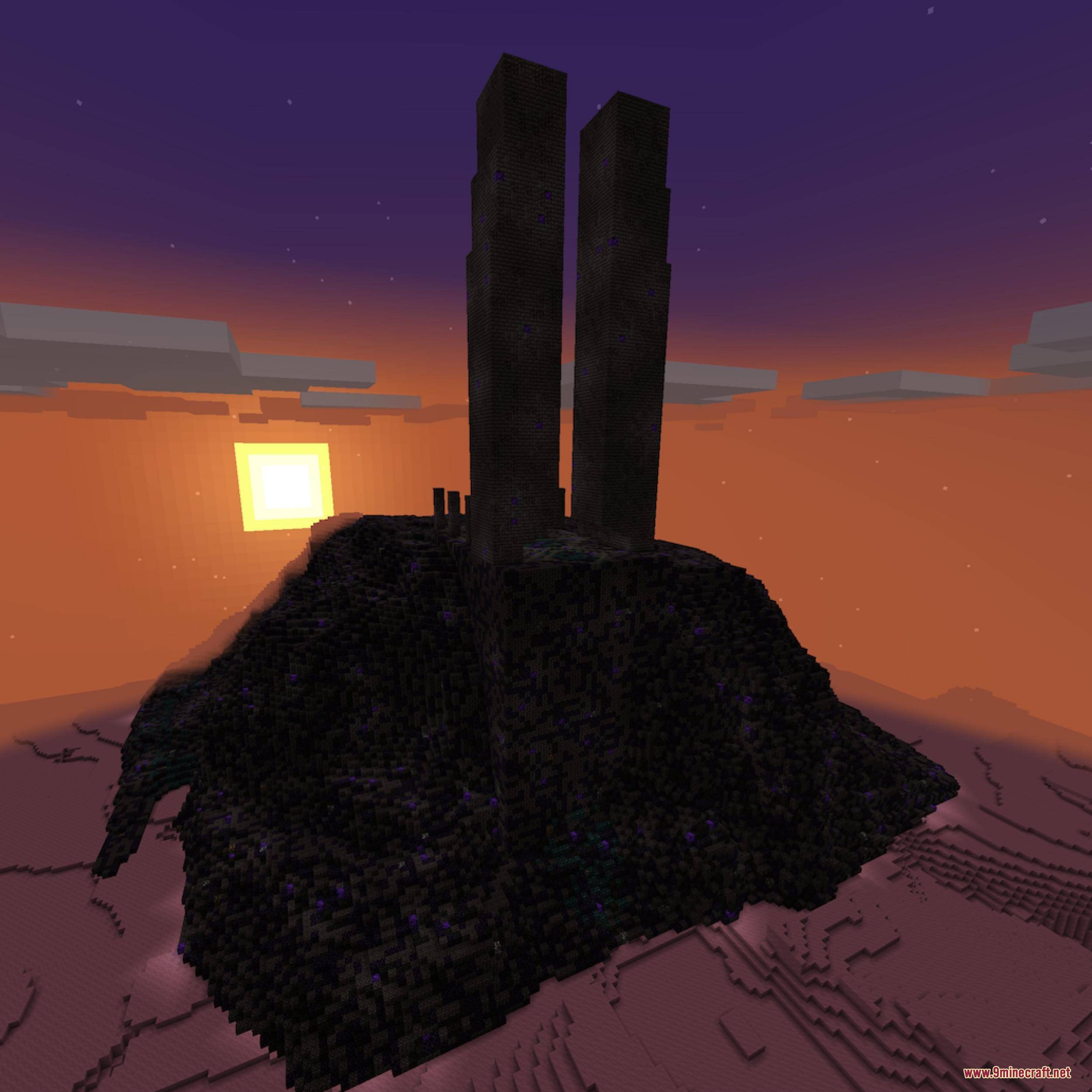
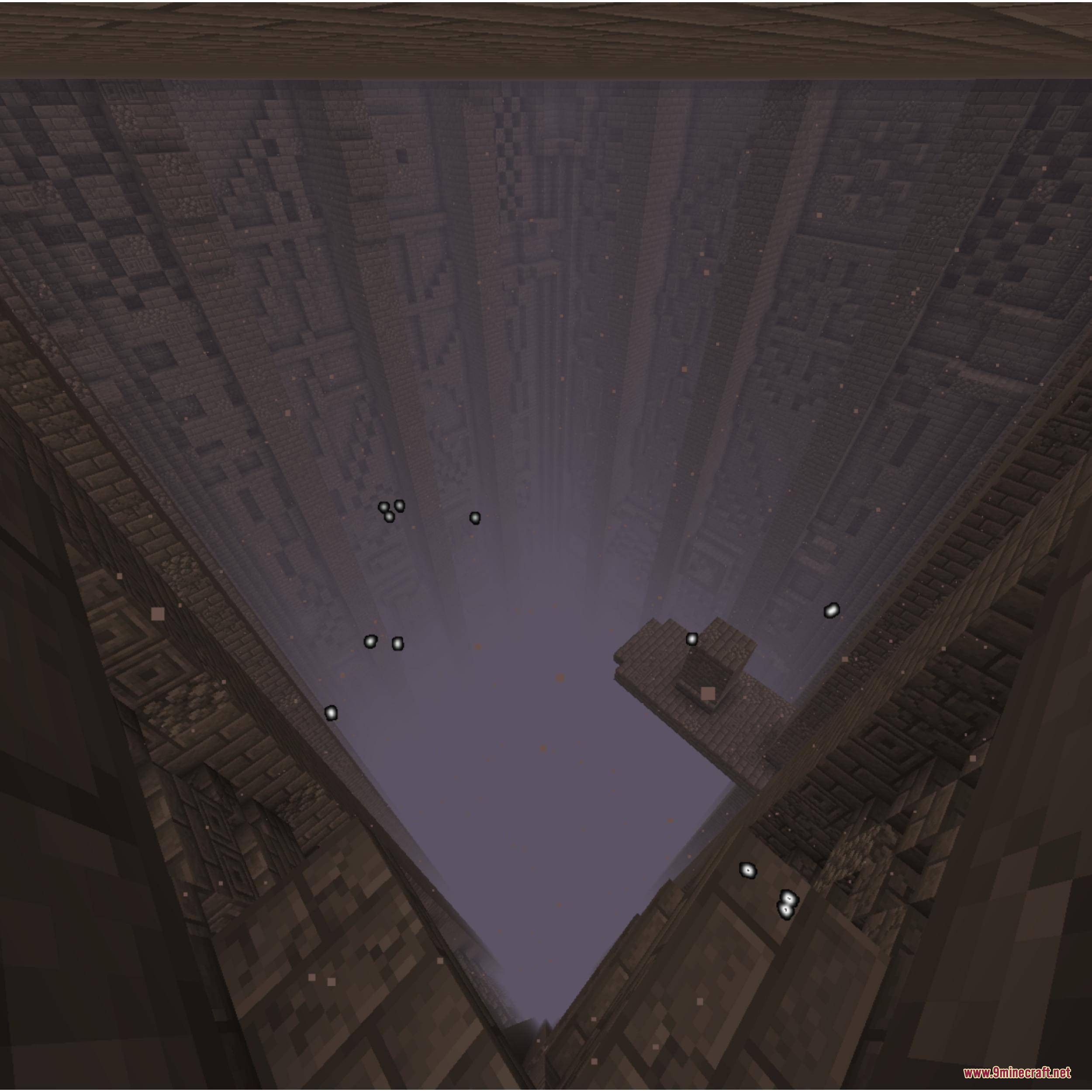
Pugmeowla’s Infinity Stone Core Mod brings the six Infinity Stones and the Infinity Gauntlet into your world. It adds special powers, unique structures, and powerful tools inspired by famous movies. You can explore new dimensions to collect these cosmic items and use them to gain incredible abilities.
Features:
- All Six Stones: Adds the Power, Space, Reality, Time, Soul, and Mind stones for you to collect.
- Infinity Gauntlet: Lets you wear the famous gauntlet to hold the stones and use their magic.
- Places new structures around your world and in other dimensions where the stones are hidden.
- Gives you the Cosmi-Rod, a special tool used to channel the energy of any stone.
- Adds famous containers like the Tesseract, the Orb, and the Eye of Agamotto to hold the stones safely.
- Includes a soul-sacrificing mechanic when you try to get the Soul Stone.
- Introduces a high-risk double-edged sword weapon that deals massive damage.
- Works perfectly with popular armor and tech mods so you can wear advanced suits.
How to Play:
- Search for the Norse Village and Sanctum Sanctorum in the Overworld to find the Space and Time stones.
- Travel to The End and locate the Sanctuary to claim the Mind stone.
- Build a spaceship or use the Space Stone’s teleport power to visit custom planets like Morag and Vormir.
- Loot Weaponsmith chests in villages to find the Gauntlet Cast.
- Combine the cast using a smeltery if you have compatible mods, then place your collected stones inside to unlock their powers.
Screenshots:
Pugmeowla’s Infinity Stone Core Mod Download Links
Quick facts
- Edition: Minecraft Java
- File type: .jar
- Minecraft version listed: 1.20.1
- How to install: Install the matching mod loader (Forge, Fabric or NeoForge) for your Minecraft version. → Download the .jar. → Put it in the .minecraft/mods folder and launch that loader profile.
- Where to get it: In MC Java Mods, or directly above on this page.
Install steps are the general flow for this file type — How to install Minecraft Java mods & modpacks walks through it step by step.
File checked by MCModsHub
- Downloads as 395806.mcaddon
- Download size: 6.6 MB
- Download link checked 26 Sept 2026 — working
- Mirrored on our own servers — the download does not depend on the original host
These come from our own check of the pack file, not from the source page.