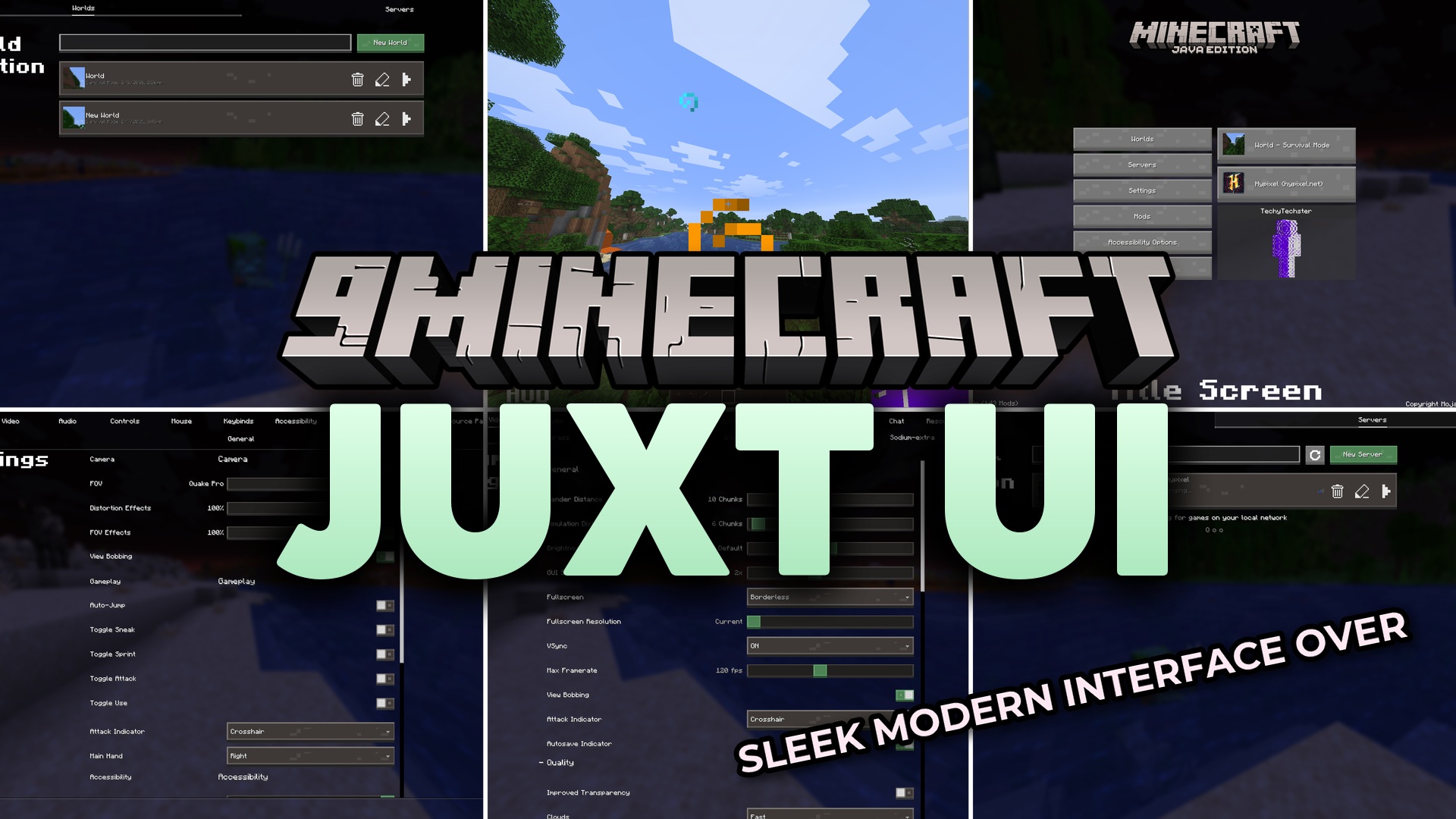
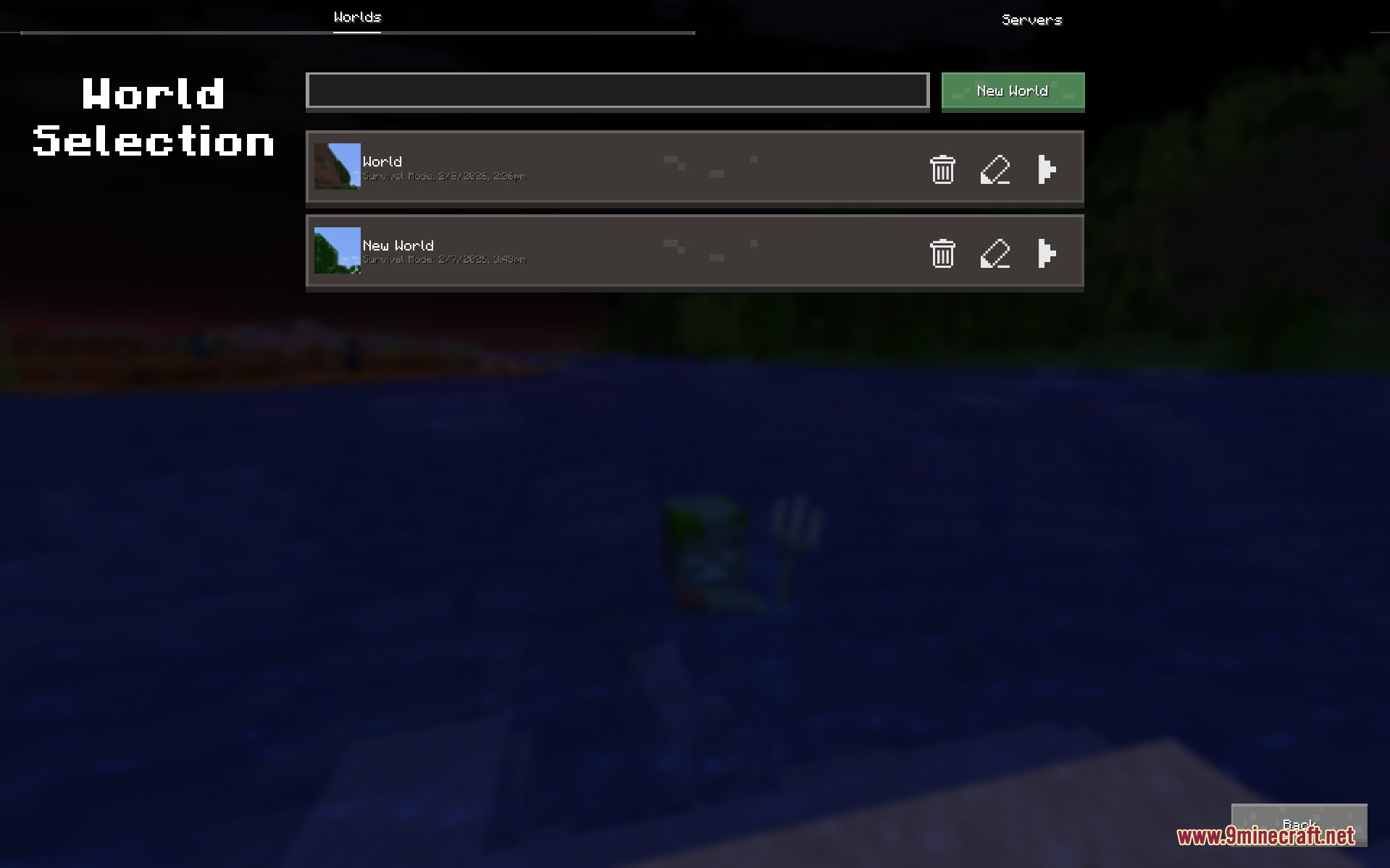
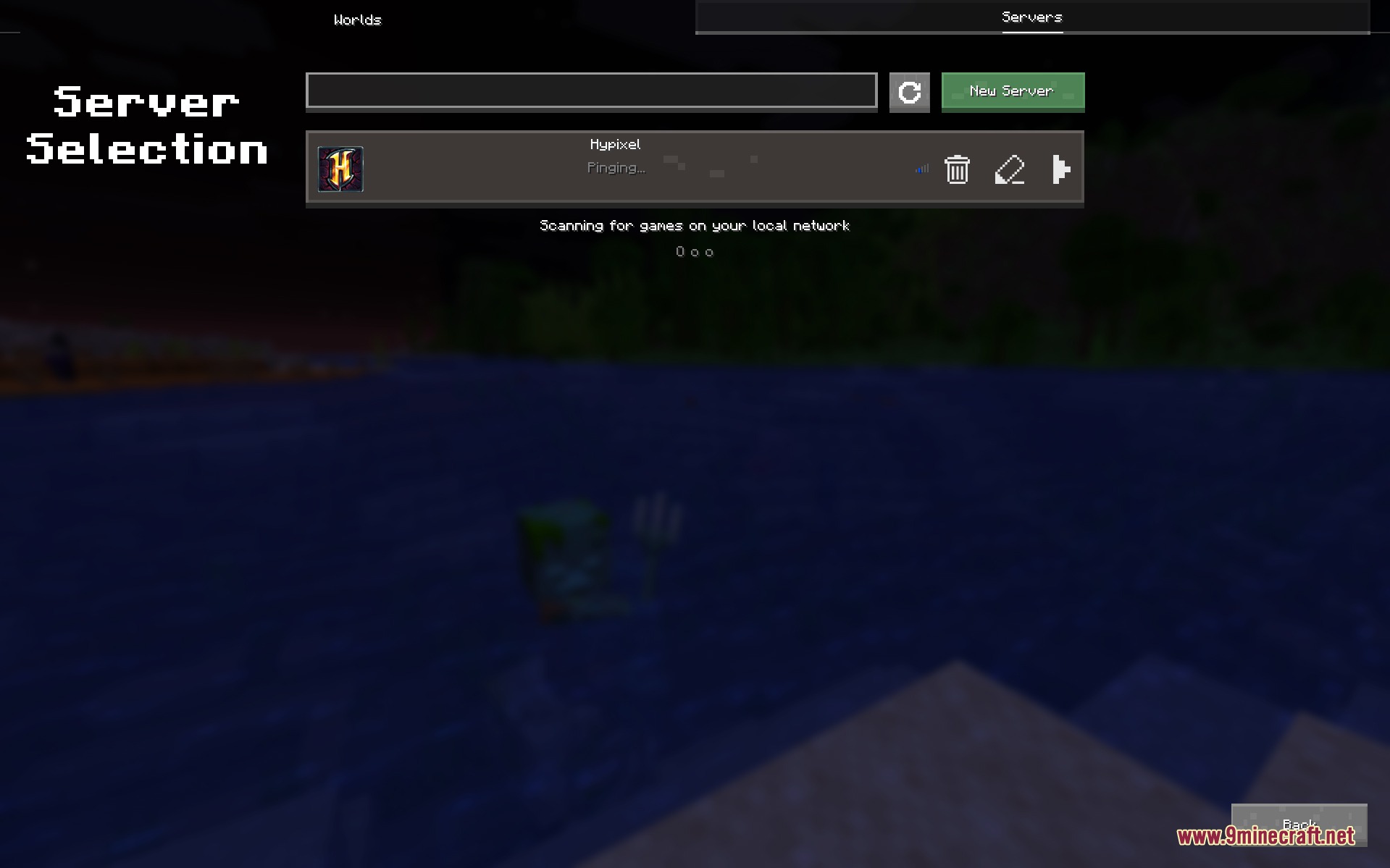
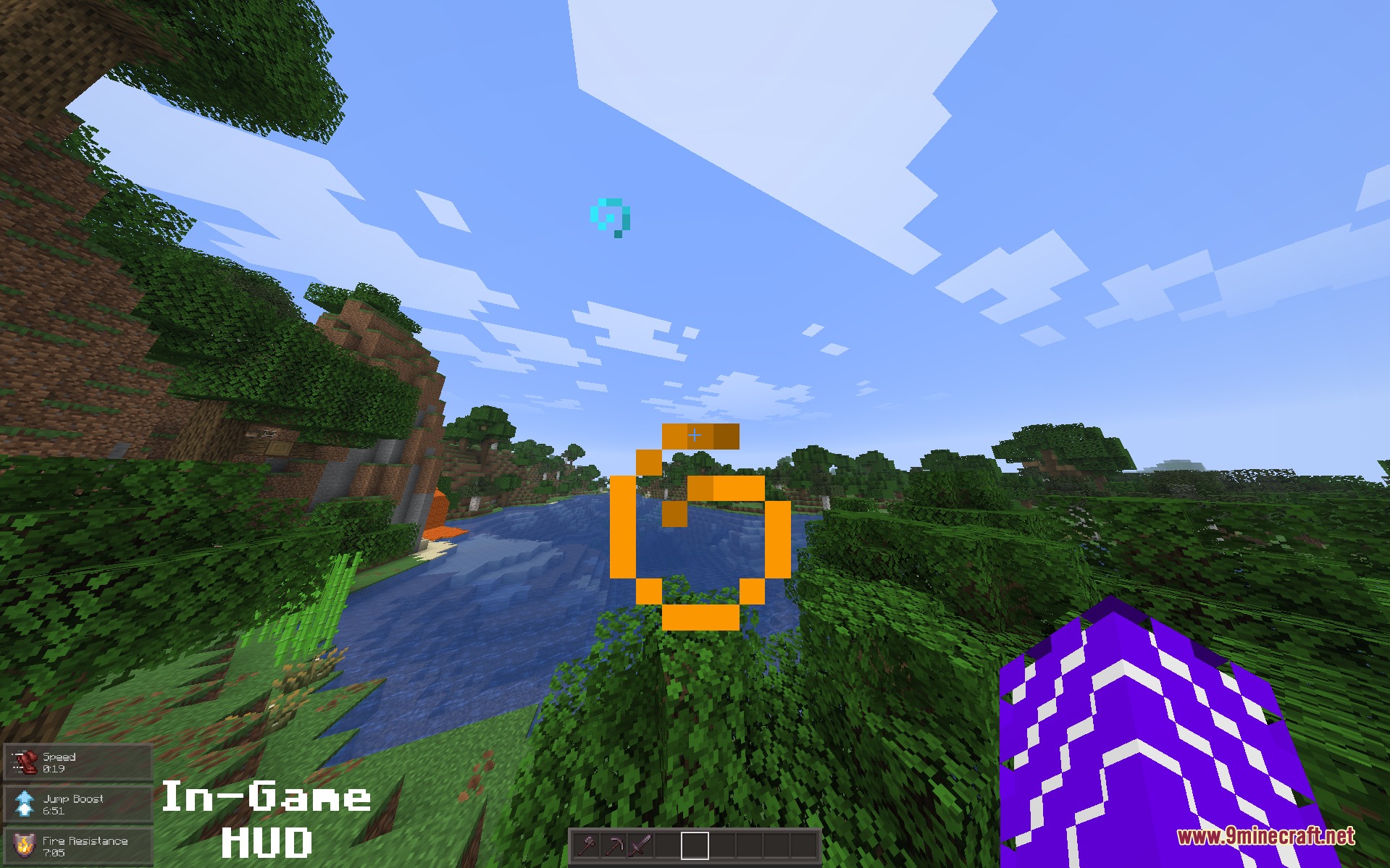
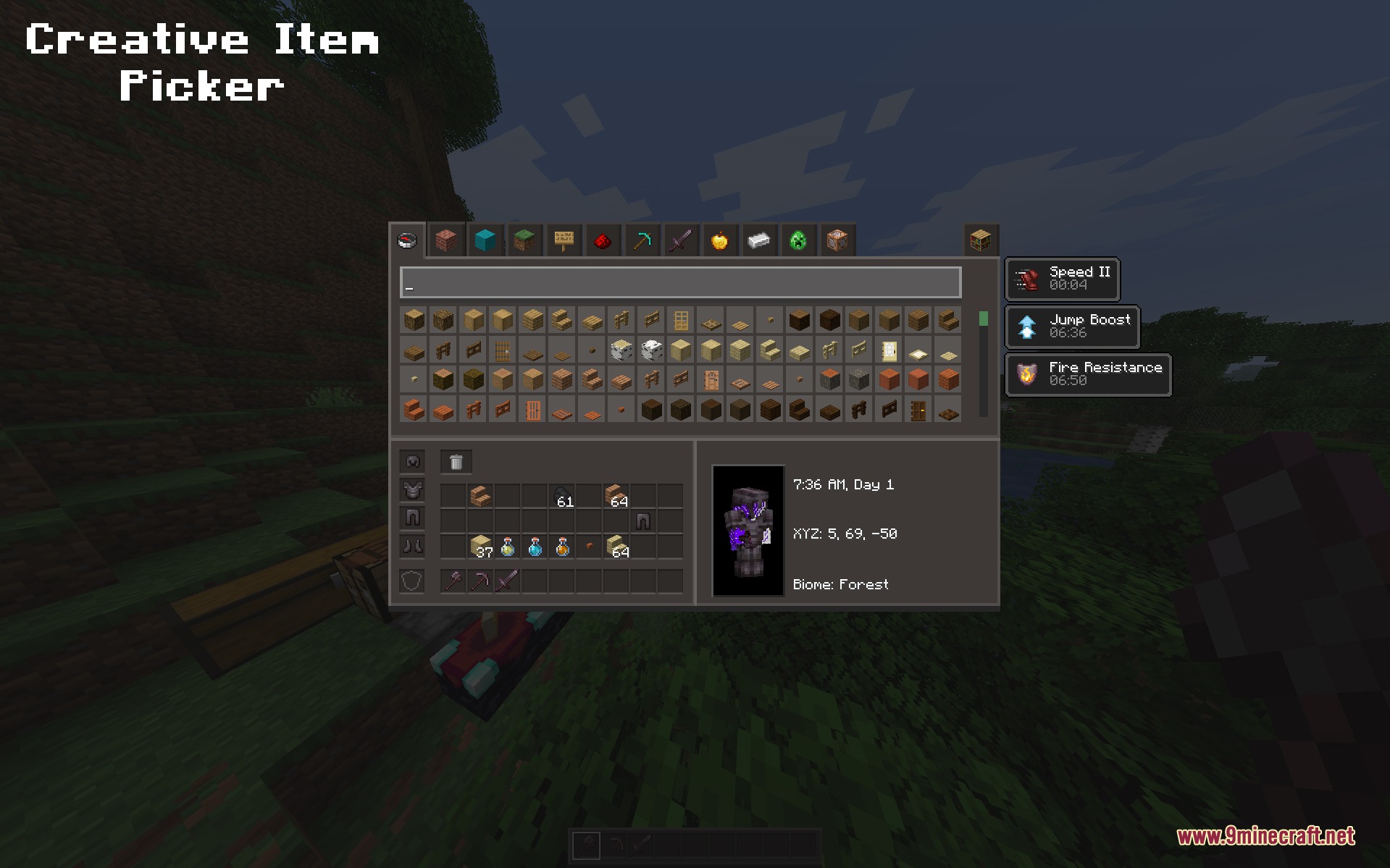
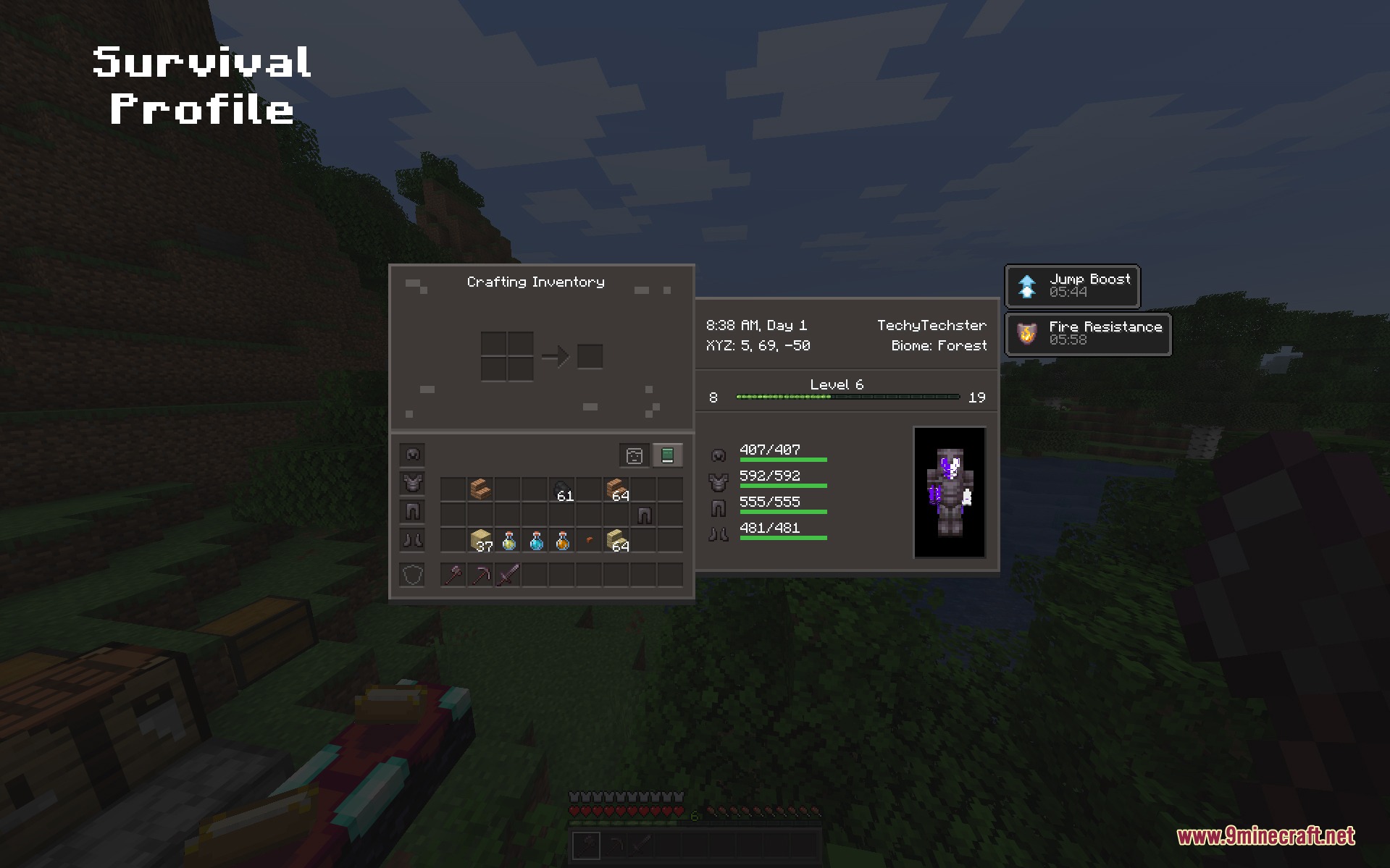
Juxt UI Mod redesigns the main menus and screens in your game to give you a cleaner look. This mod changes how your buttons, health bars, and inventory screens look without changing how the game actually plays.
Features:
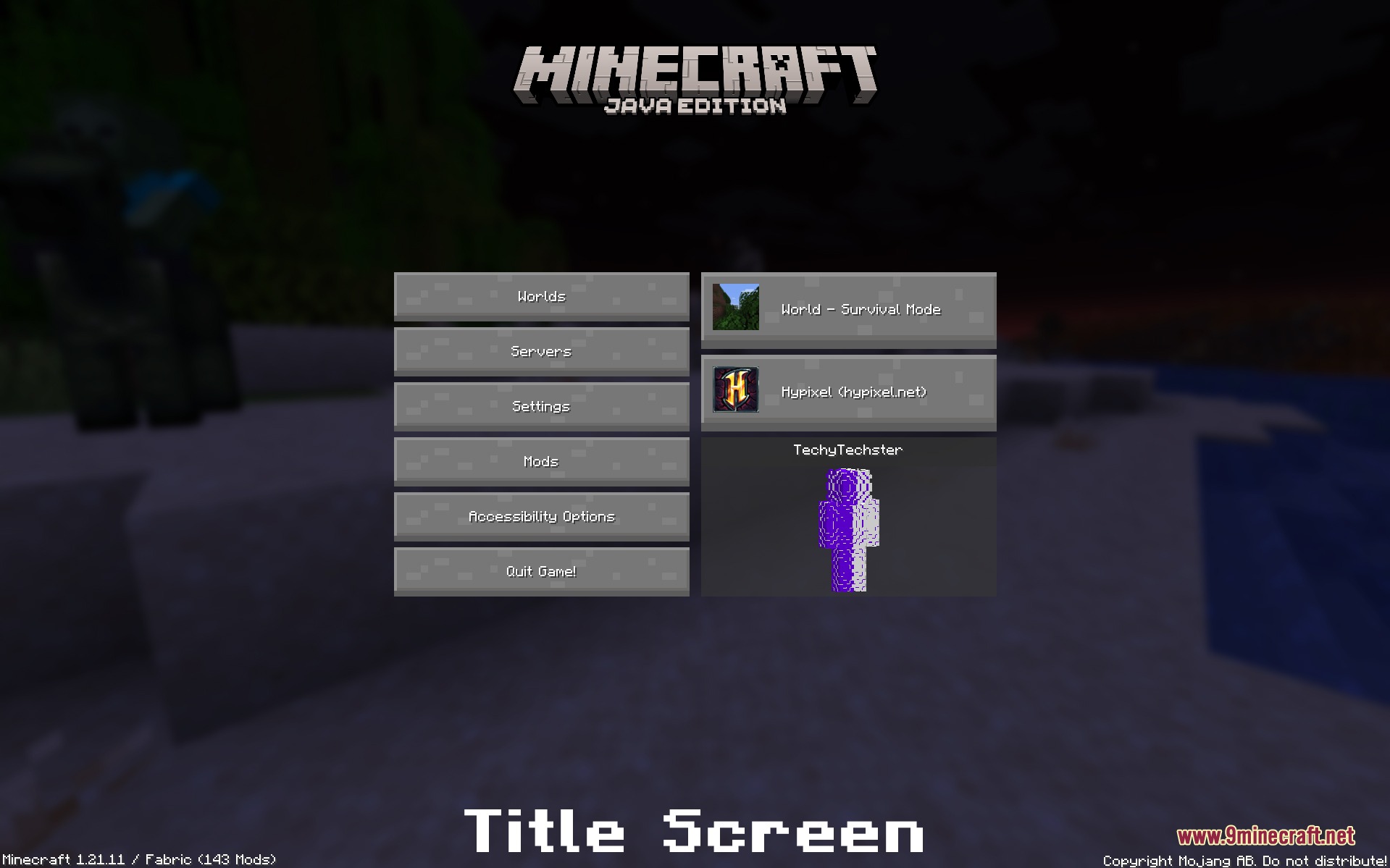
- Clean Menus: Updates the title screen, world selection, and server list to look modern and simple.
- Fresh HUD: Changes the look of your health, hunger, and hotbar while you play.
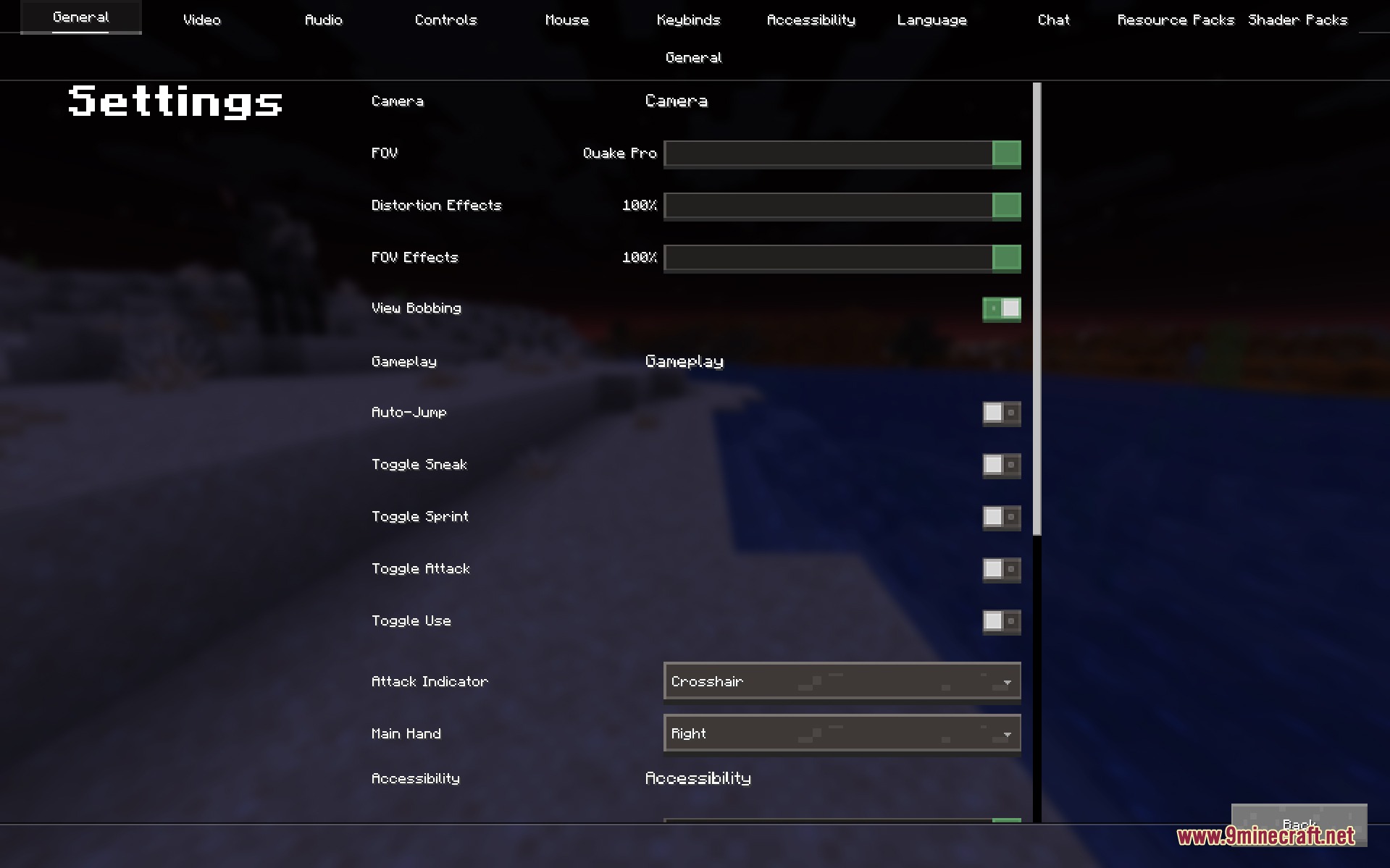
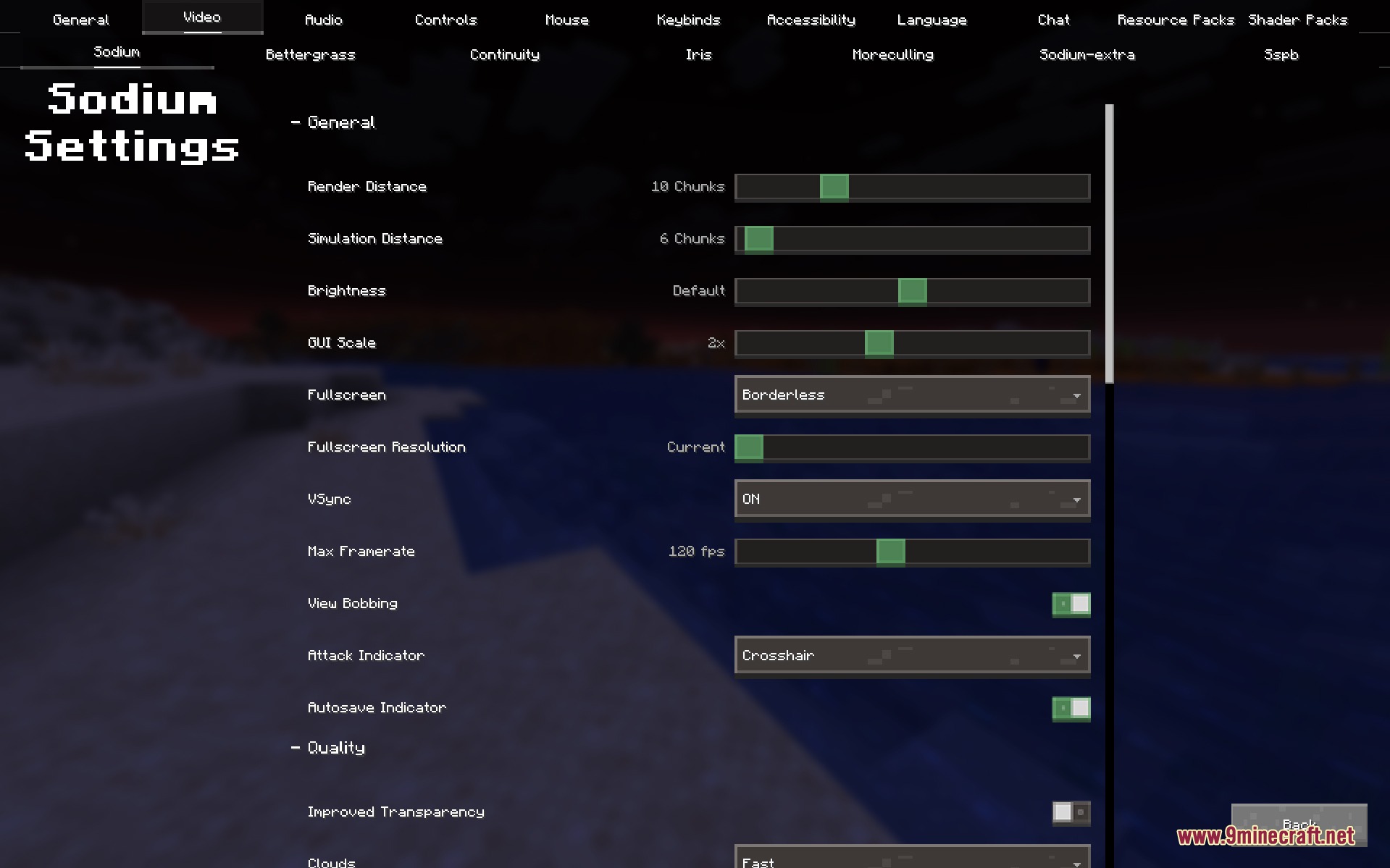
- Updates the settings pages, including the screens for Sodium if you have it installed.
- Changes the way your survival inventory and the recipe book look.
- Gives a new look to blocks you interact with, like crafting tables, enchanting tables, furnaces, and chests.
- Keeps all normal game rules the same so you can still play exactly like you always do.
- Works well with other mods you might want to add to your game.
Screenshots:
Juxt UI Mod Download Links
Quick facts
- Edition: Minecraft Java
- File type: .jar
- Minecraft version listed: 1.21.1
- How to install: Install the matching mod loader (Forge, Fabric or NeoForge) for your Minecraft version. → Download the .jar. → Put it in the .minecraft/mods folder and launch that loader profile.
- Where to get it: In MC Java Mods, or directly above on this page.
Install steps are the general flow for this file type — How to install Minecraft Java mods & modpacks walks through it step by step.
Verified by MCModsHub
- Downloads as 395807.mcaddon
- Download size: 7.8 MB
- Download link checked 25 Sept 2026 — working
- Mirrored on our own servers — the download does not depend on the original host
These come from our own check of the pack file, not from the source page.