ModsJava
The Emporium Furniture Mod (1.20.1) – Style Your Minecraft Base
Java mod listed for Minecraft 1.20. Downloads from the MC Java Mods app on Android.
⬇ Download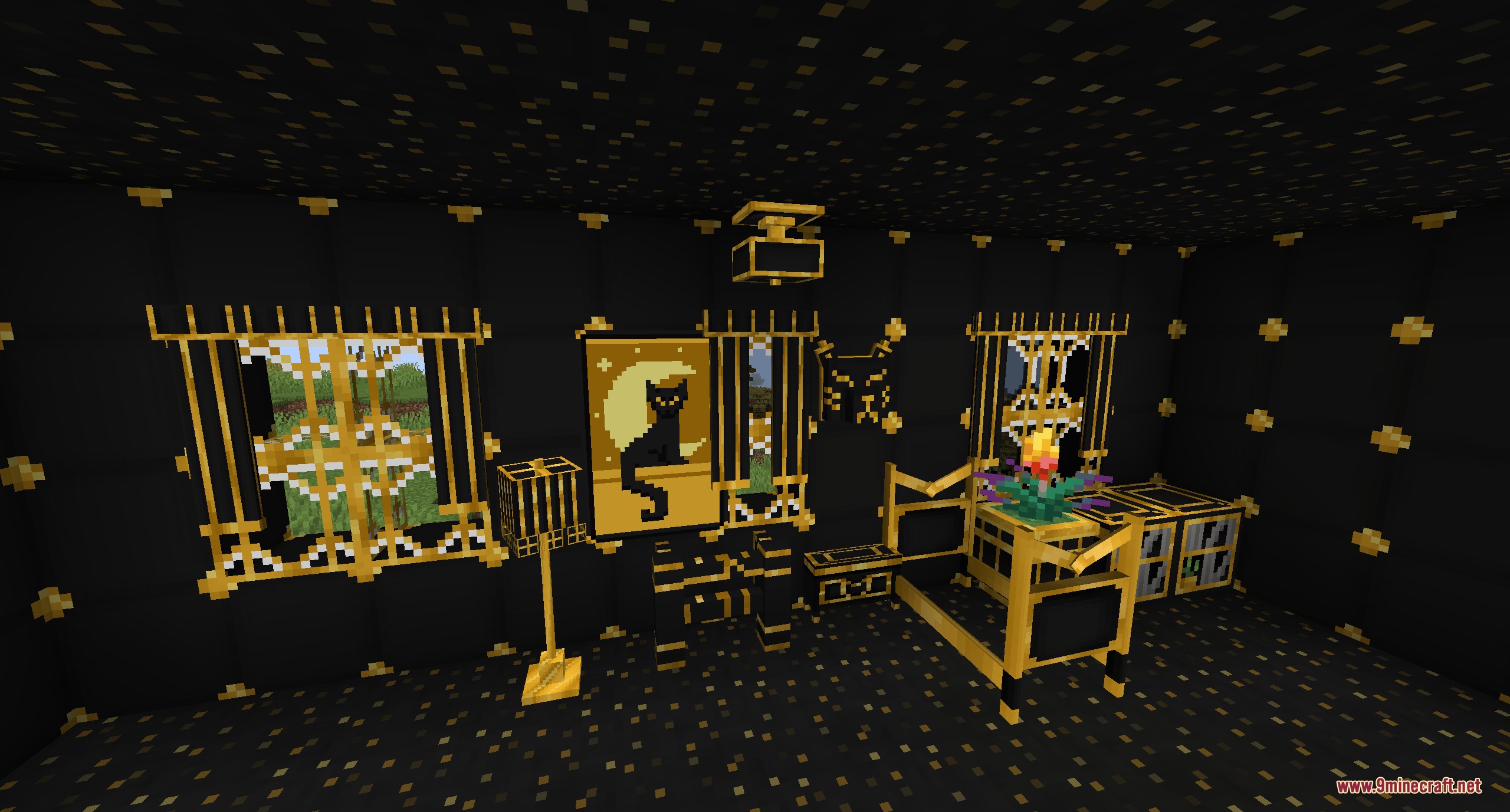
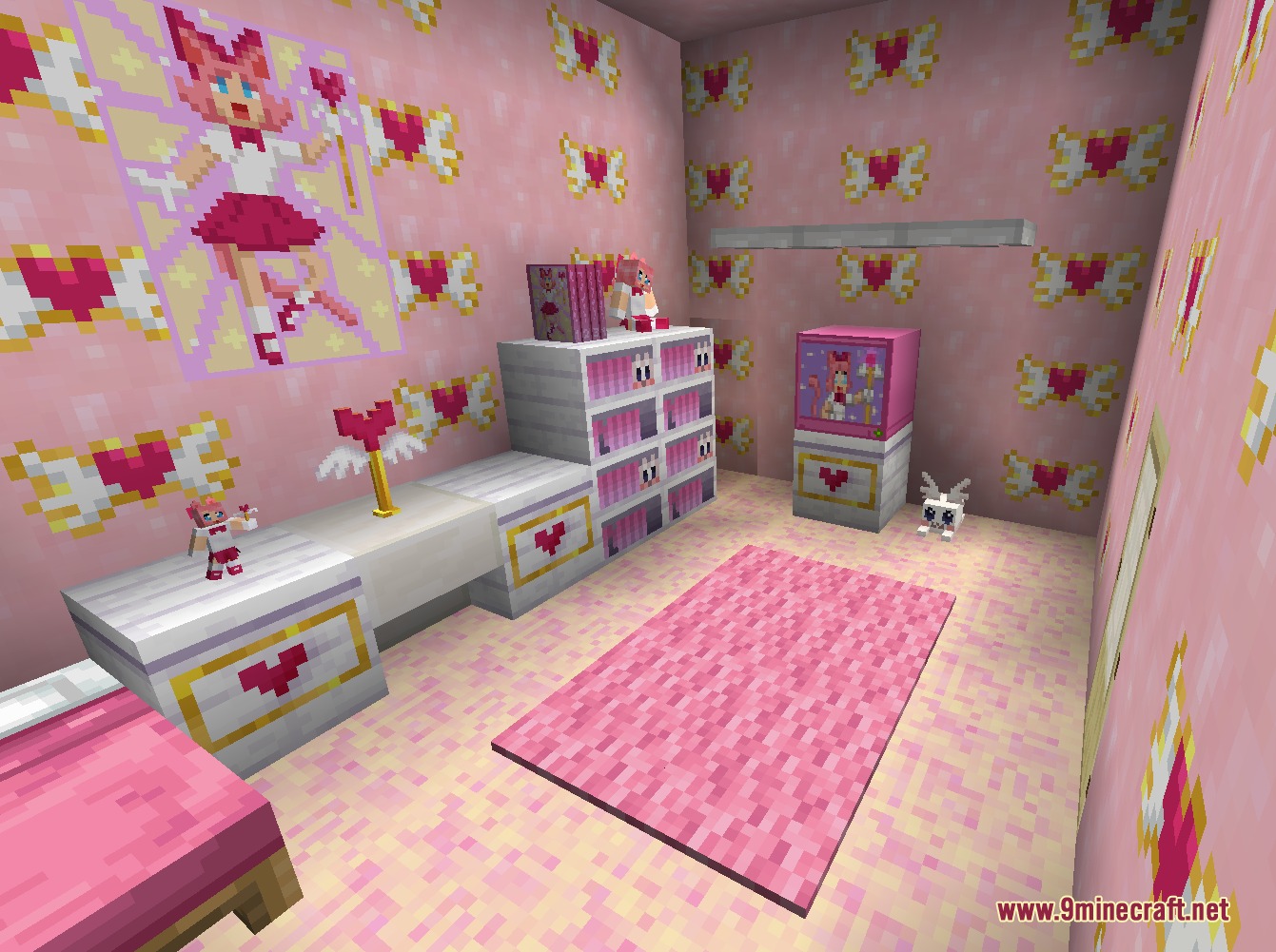
The Emporium Furniture Mod adds lots of colorful, themed furniture sets to your Minecraft world. Instead of just basic wood and stone chairs, this mod gives you unique decorations like pink anime desks, spooky Halloween items, and neon cyber blocks to make your house look amazing. The recipes are easy to craft, so you can start decorating your rooms right away without spending hours looking for rare materials.
Features:
- Themed Collections: Groups all new items into fun themes like space, gardens, and magic.
- Players can easily craft all the new decorations using common items found around the world.
- Brings bright colors and specific styles that look completely different from normal Minecraft blocks.
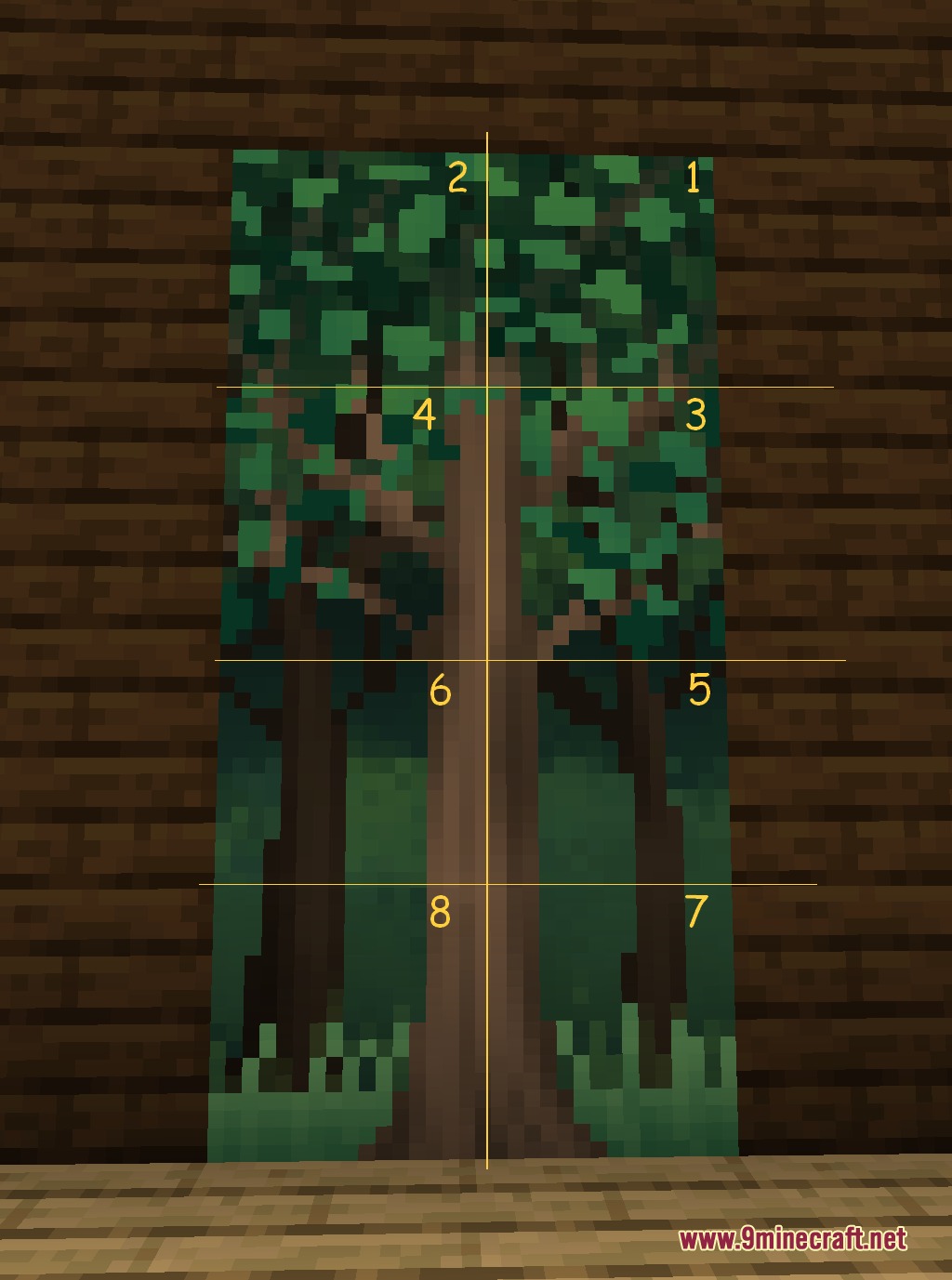
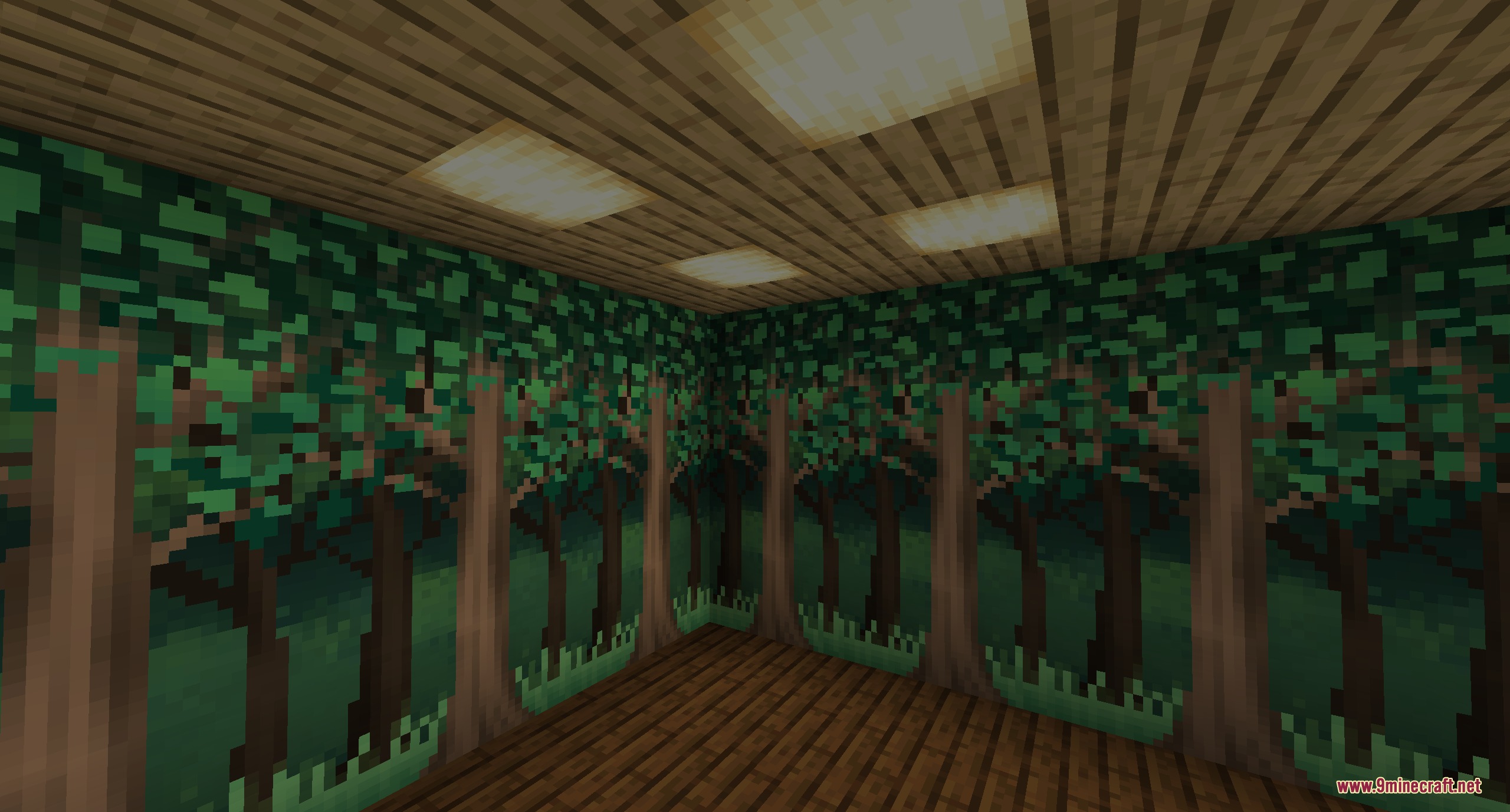
- Includes a giant repeating forest mural that takes up eight blocks to decorate large walls.
Furniture Sets:
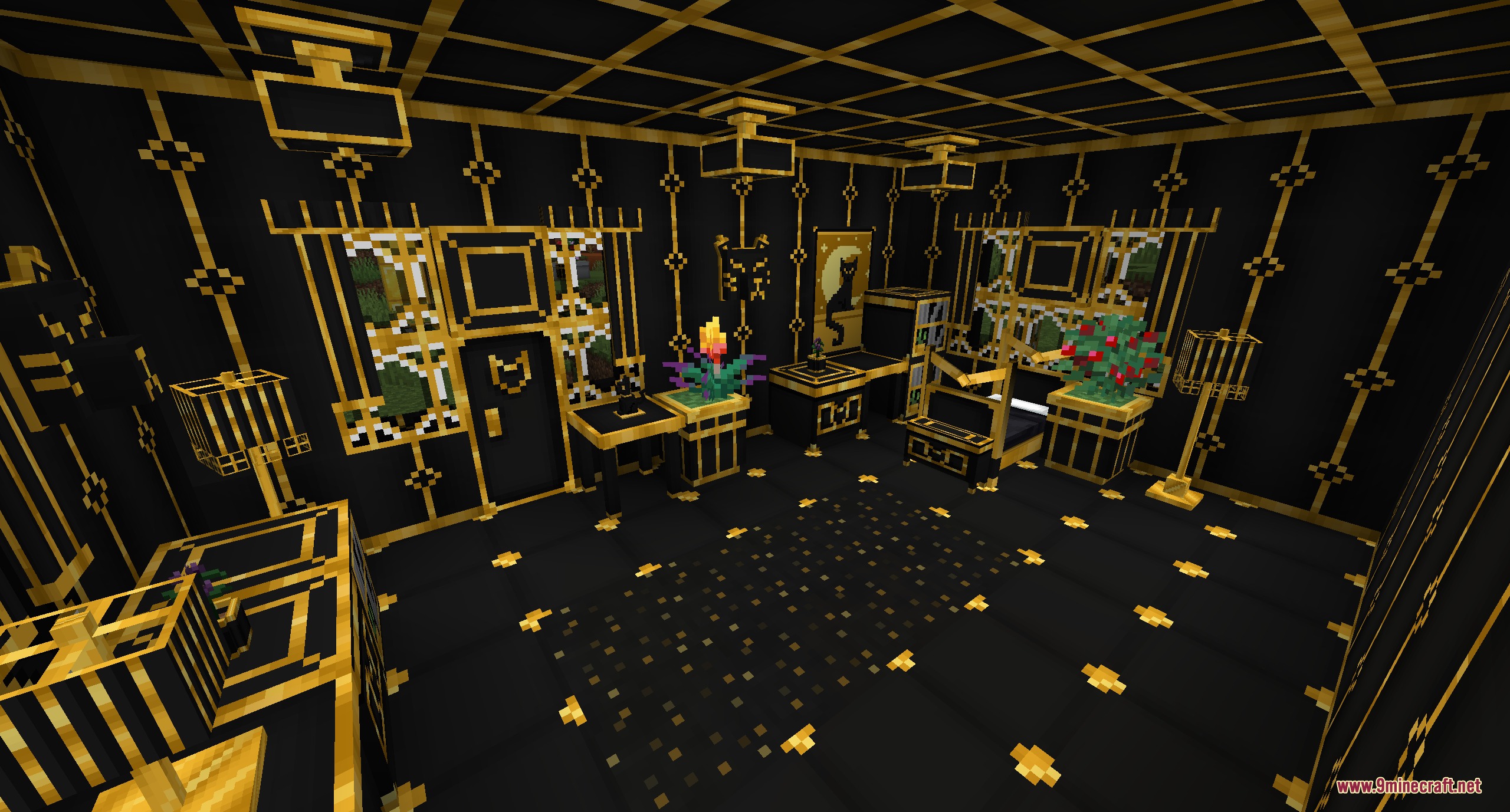
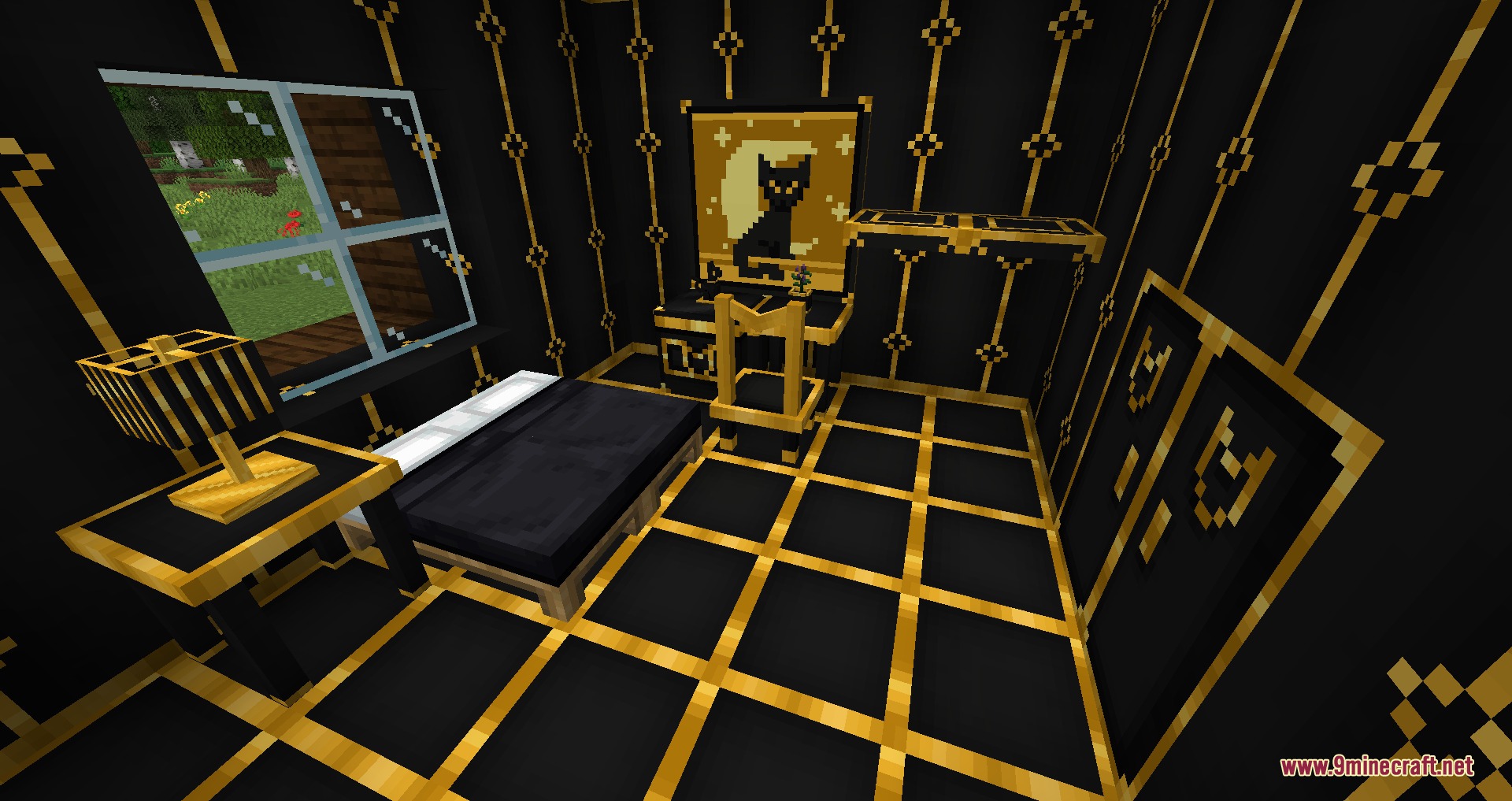
- Adds elegant, feline-inspired decorations in black and gold for a fancy art deco style.
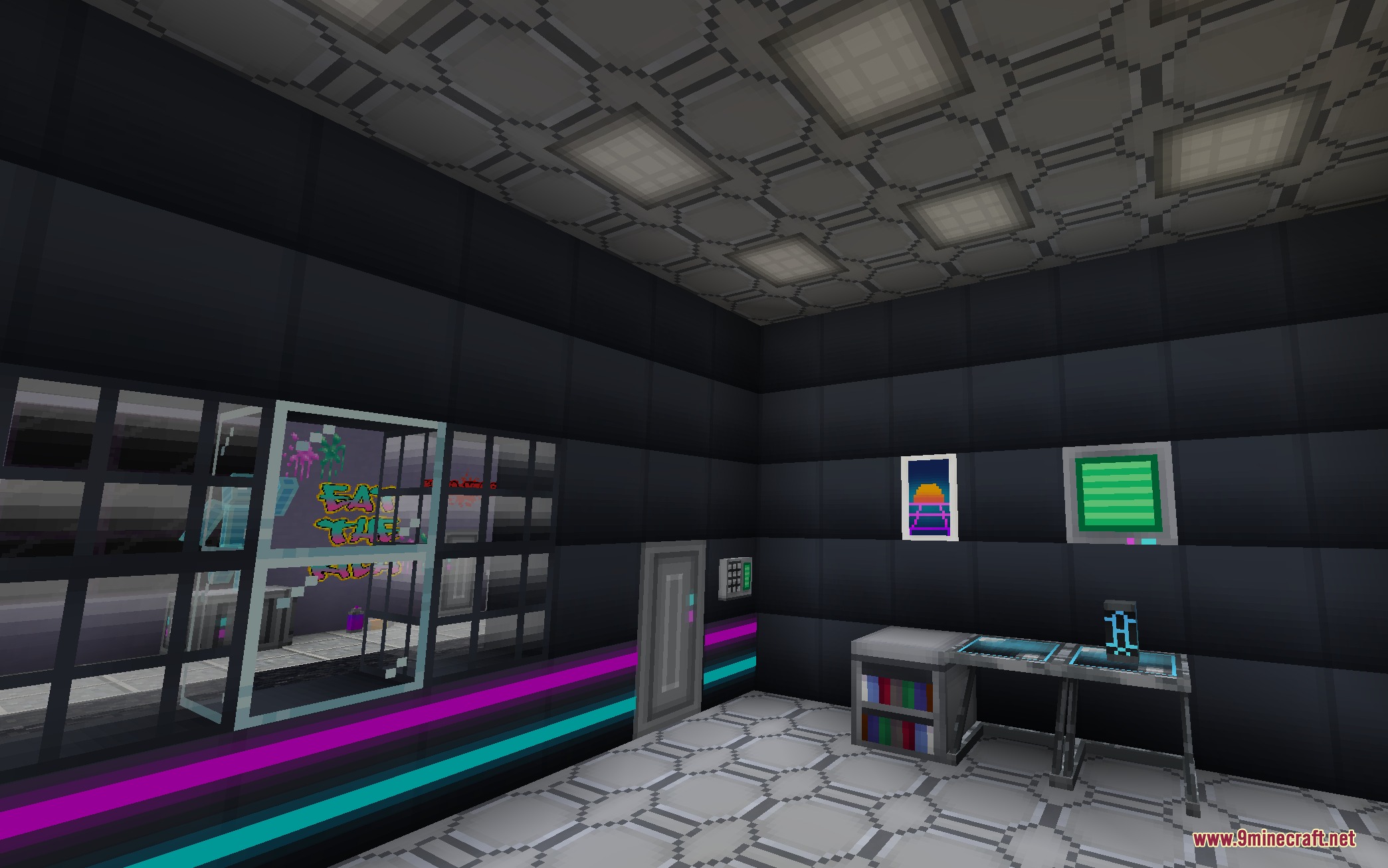
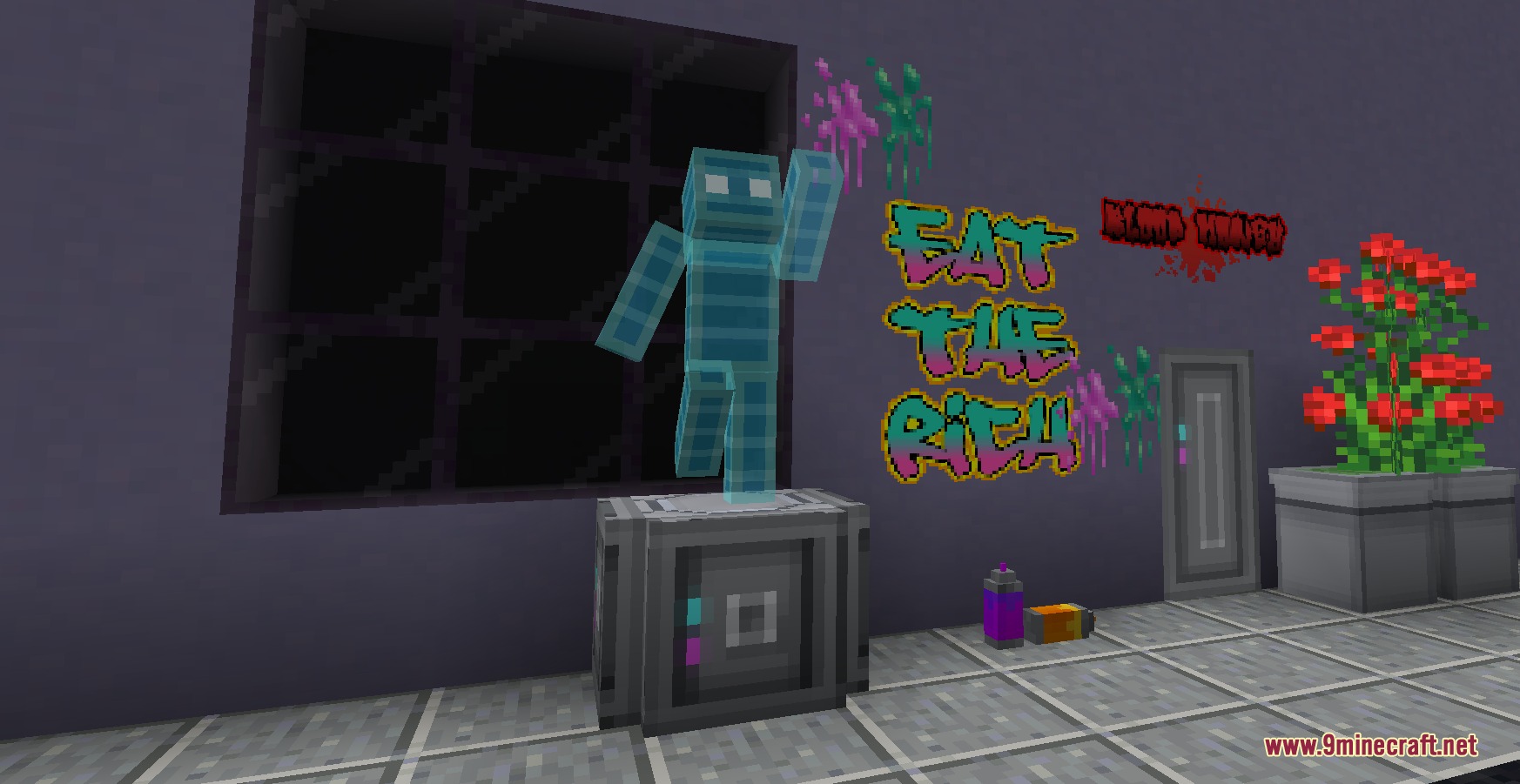
- Packs in 26 bright, neon items to build a futuristic cyber room.
- Gives you pink, anime-inspired furniture for a cute and colorful bedroom.
- Spawns planters, fresh plants, and picnic snacks to set up your yard.
- Turns your room green with fun decorations themed around the classic Creeper mob.
- Adds rustic, cryptid-themed items perfect for a mysterious cabin in the woods.
- Decorates your house with scary items designed for the autumn season.
- Provides classic windows and old-fashioned pieces for antique building projects.
How to Use:
- Install a recipe viewer mod like Just Enough Items (JEI) alongside this mod.
- Open your inventory and search for the new themed sets.
- Click on any new furniture piece in the menu to see exactly how to craft it.
Screenshots:
The Emporium Furniture Mod Download Links
Quick facts
- Edition: Minecraft Java
- File type: .jar
- Minecraft version listed: 1.20.1
- How to install: Install the matching mod loader (Forge, Fabric or NeoForge) for your Minecraft version. → Download the .jar. → Put it in the .minecraft/mods folder and launch that loader profile.
- Where to get it: In MC Java Mods, or directly above on this page.
Install steps are the general flow for this file type — How to install Minecraft Java mods & modpacks walks through it step by step.
File checked by MCModsHub
- Downloads as 395814.mcaddon
- Download size: 2.1 MB
- Download link checked 25 Sept 2026 — working
- Mirrored on our own servers — the download does not depend on the original host
These come from our own check of the pack file, not from the source page.