ModsJava
CC Live Utilities Mod (26.1.2) – Customize Your Screen with Live Stat Trackers
Minecraft Java mod. Downloads from the MC Java Mods app on Android.
⬇ Download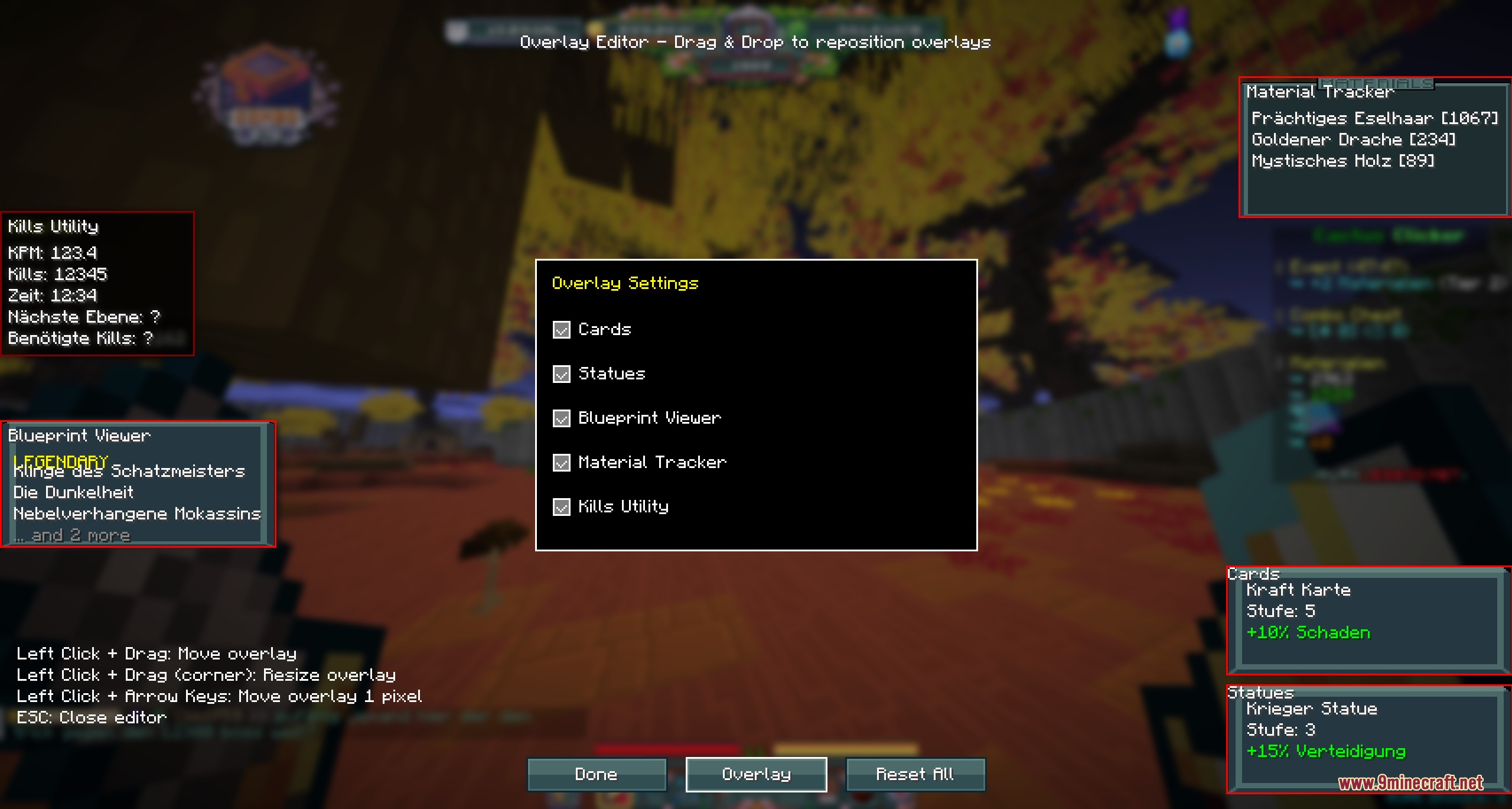
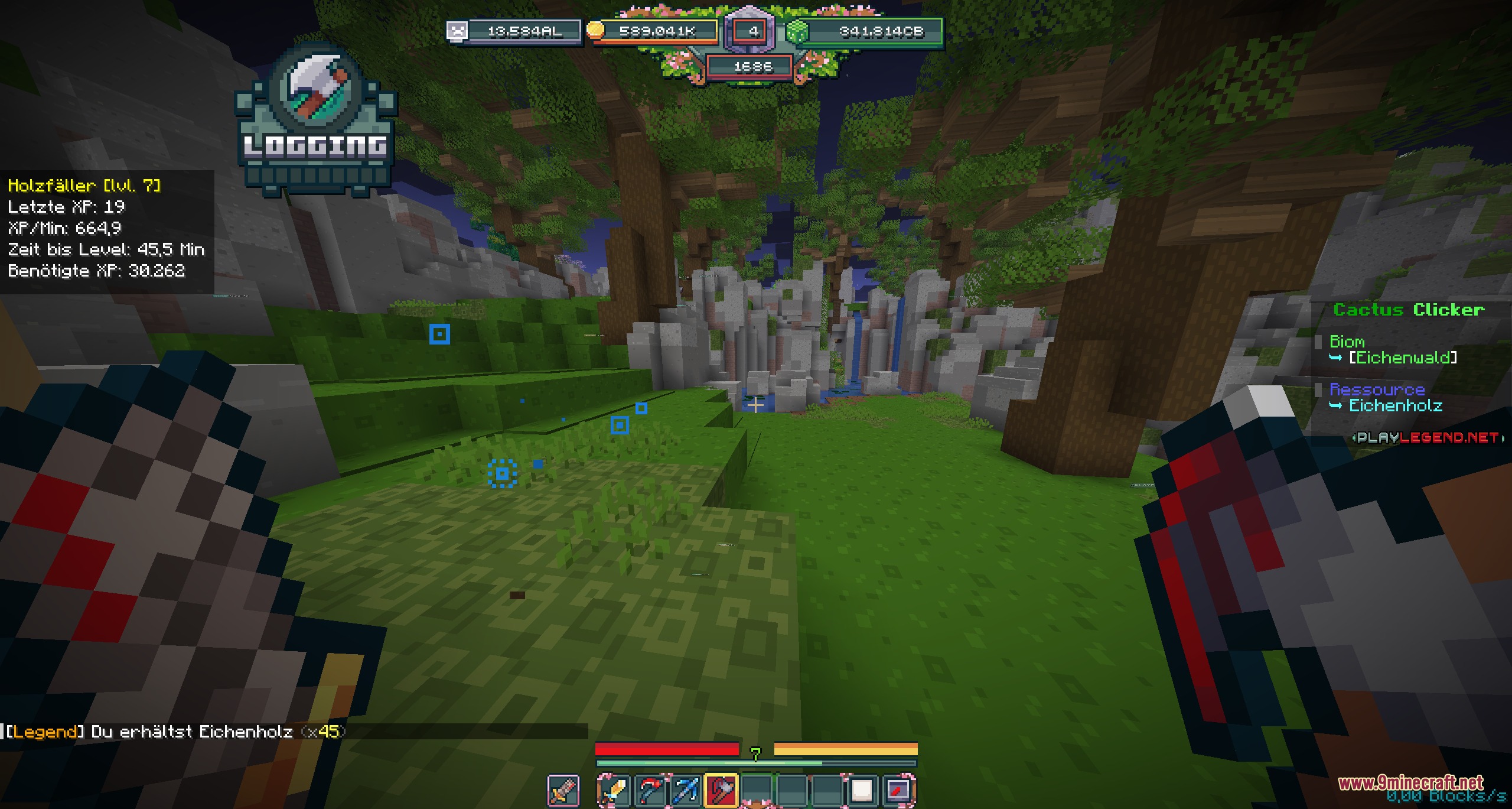
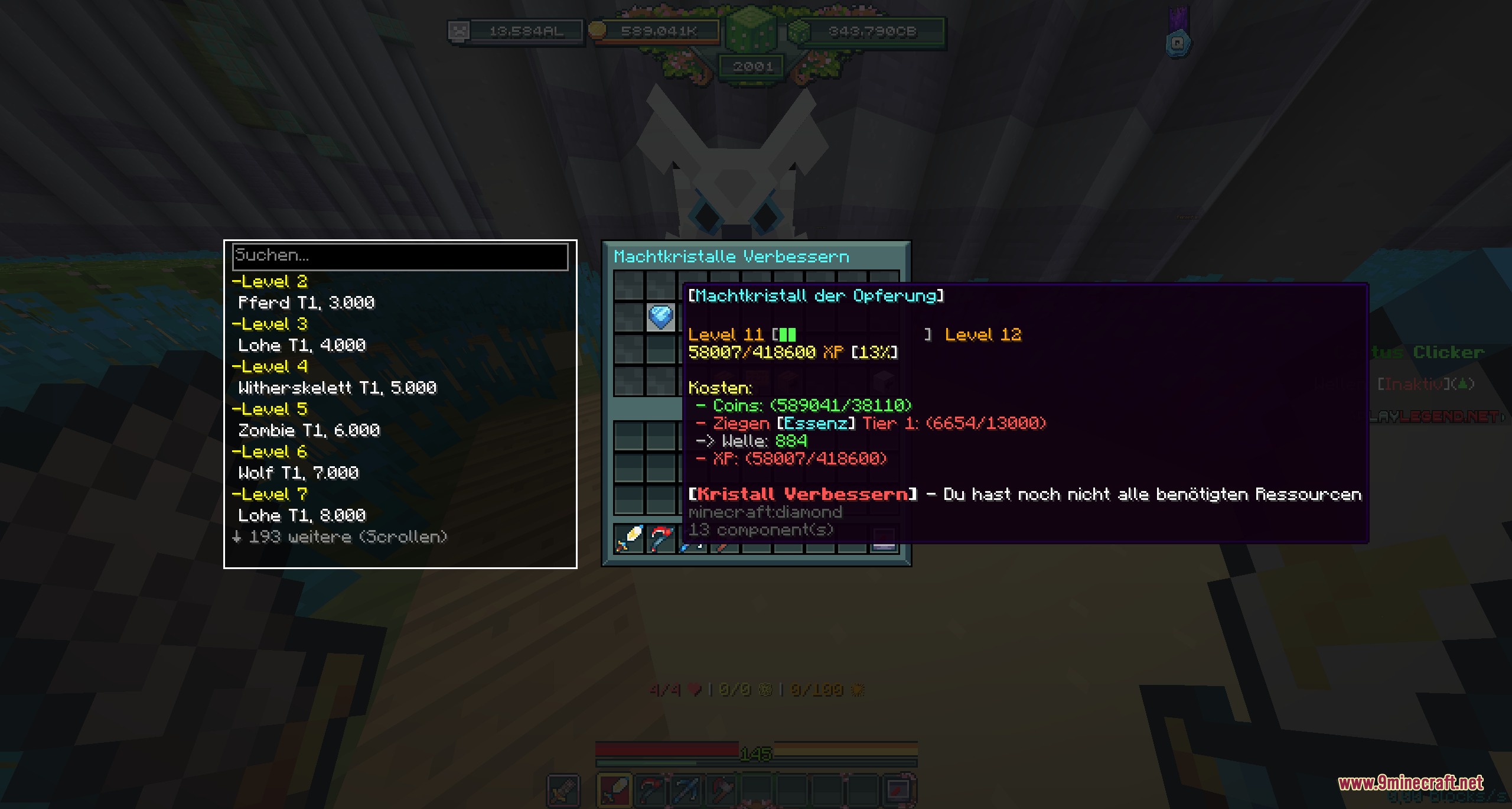
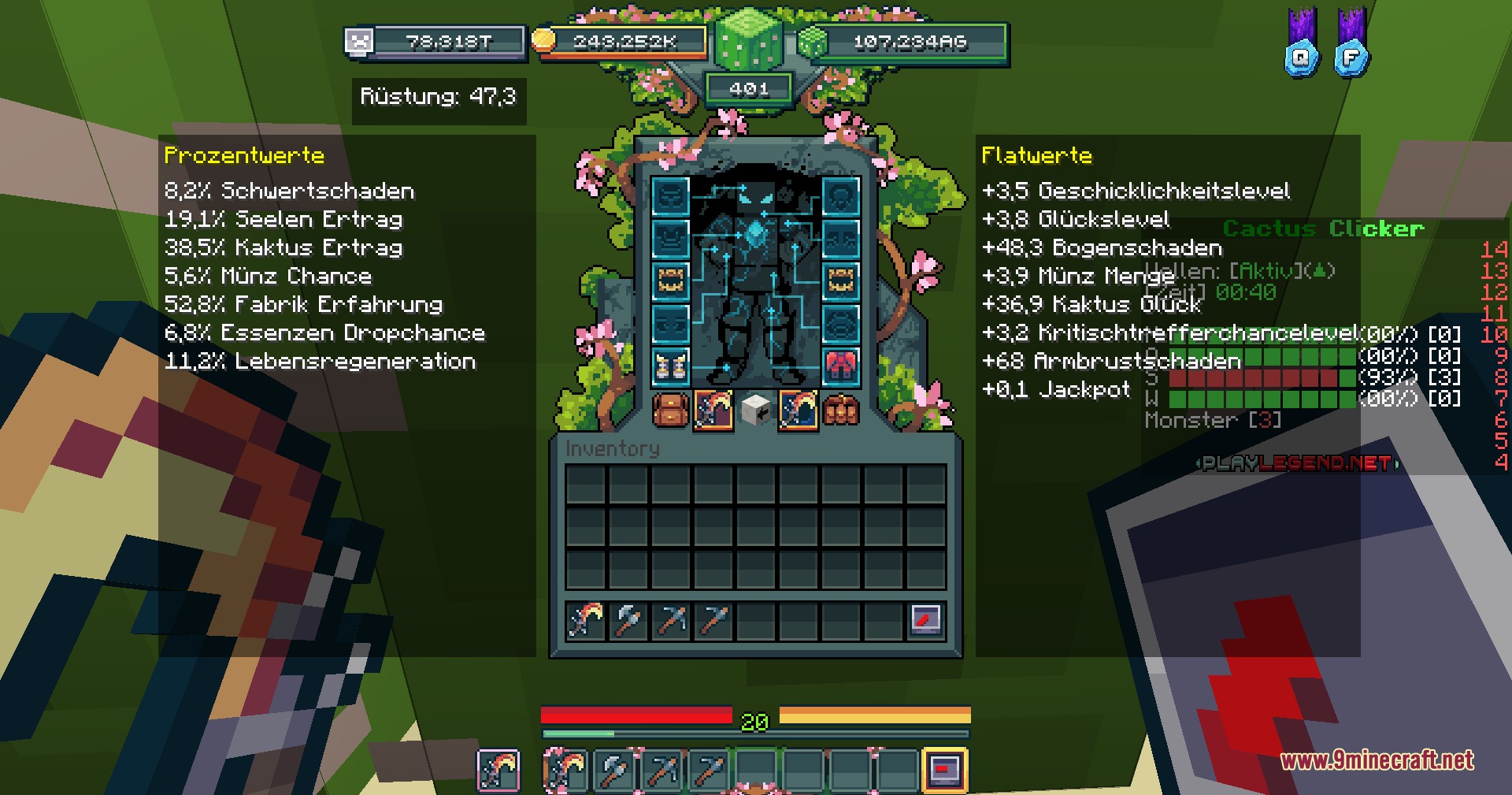
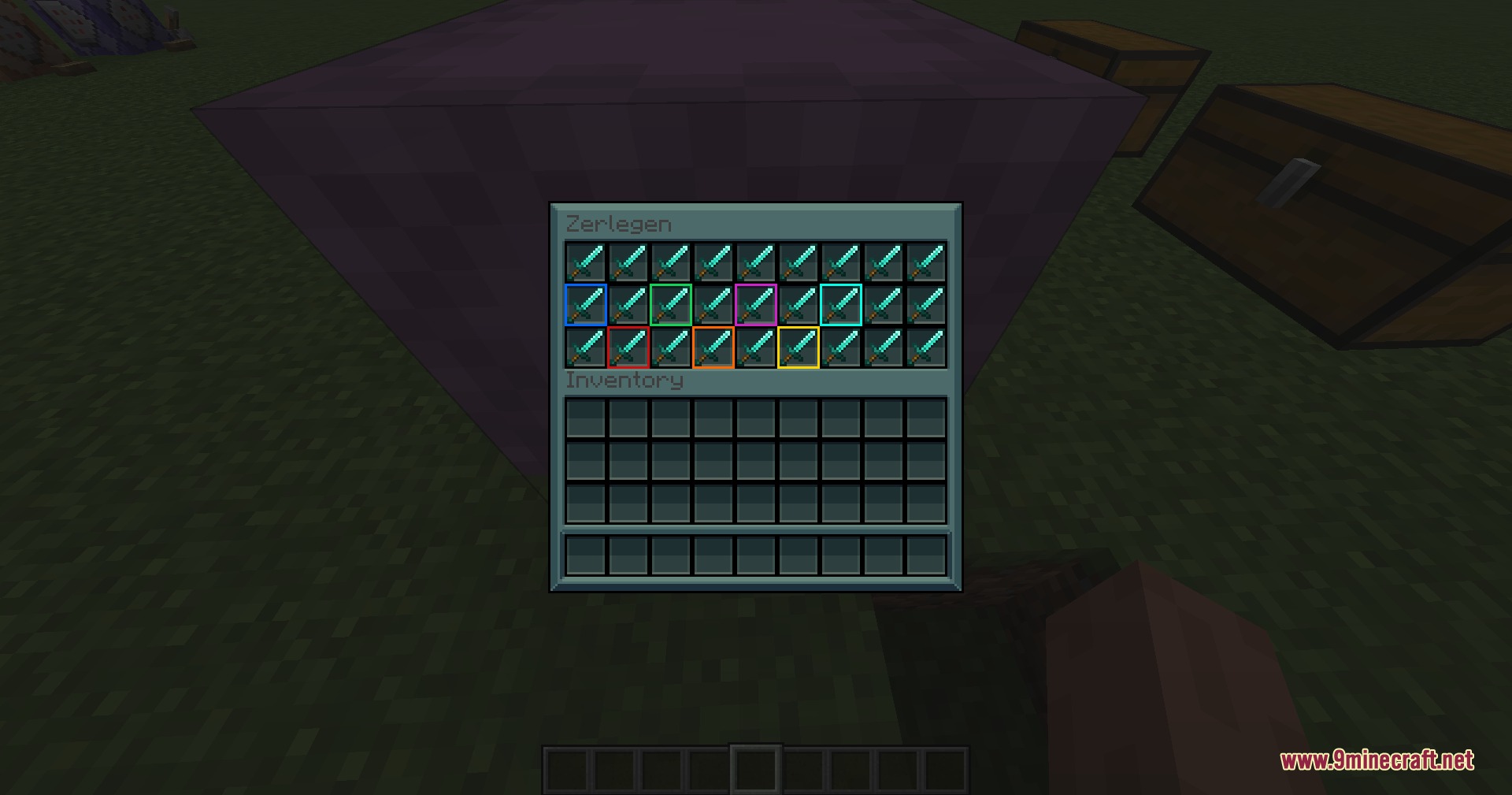
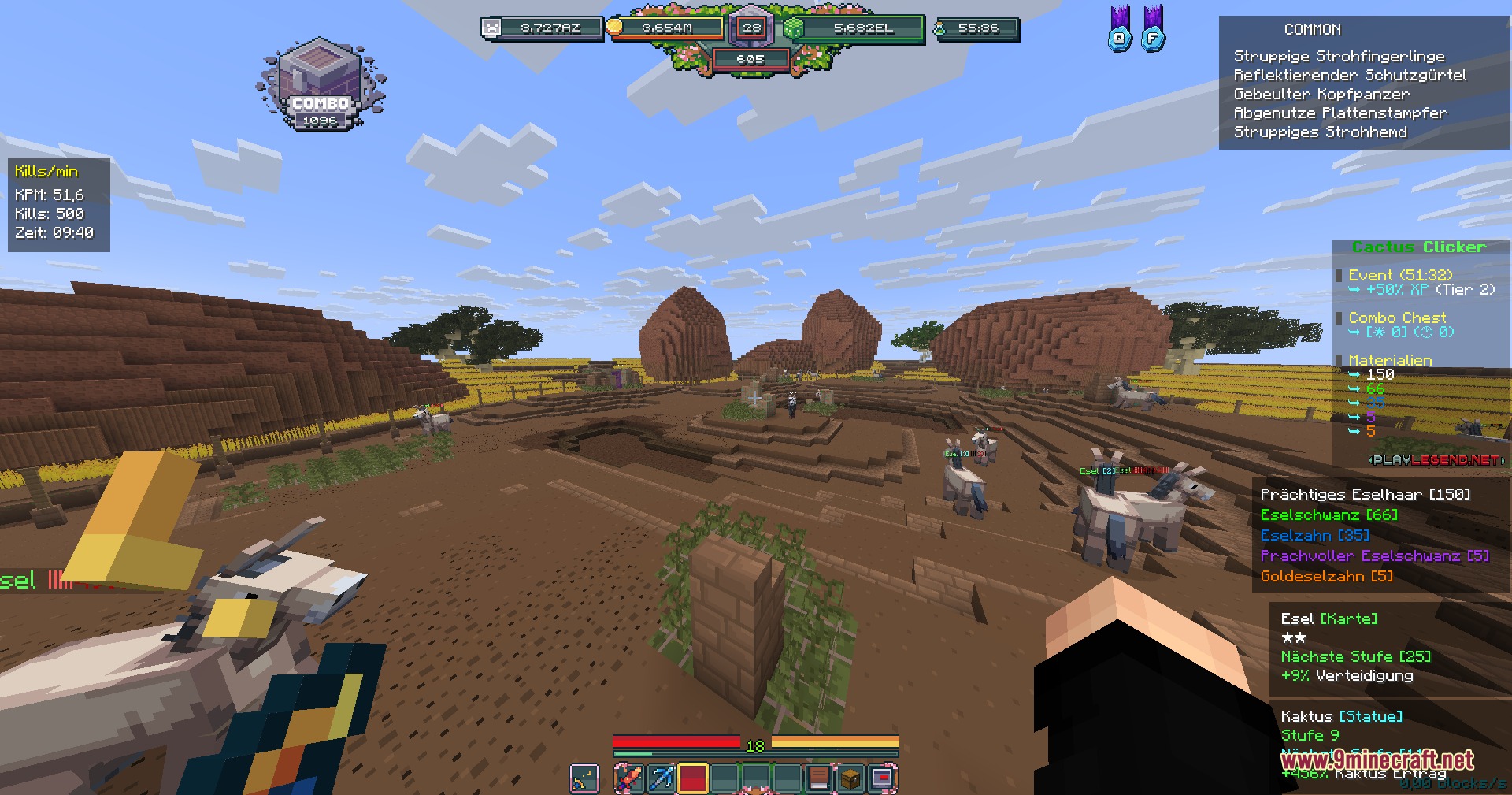
CC Live Utilities Mod adds helpful tracking tools and custom menus to the Cactus Clicker game mode on the PlayLegend server. This mod gives you full control over your screen layout so you can monitor your materials, kills, and boss health easily. It acts as a personal assistant that organizes all your important game information in one place.
Features:
- Custom Overlays: Lets you move and arrange different trackers anywhere on your screen.
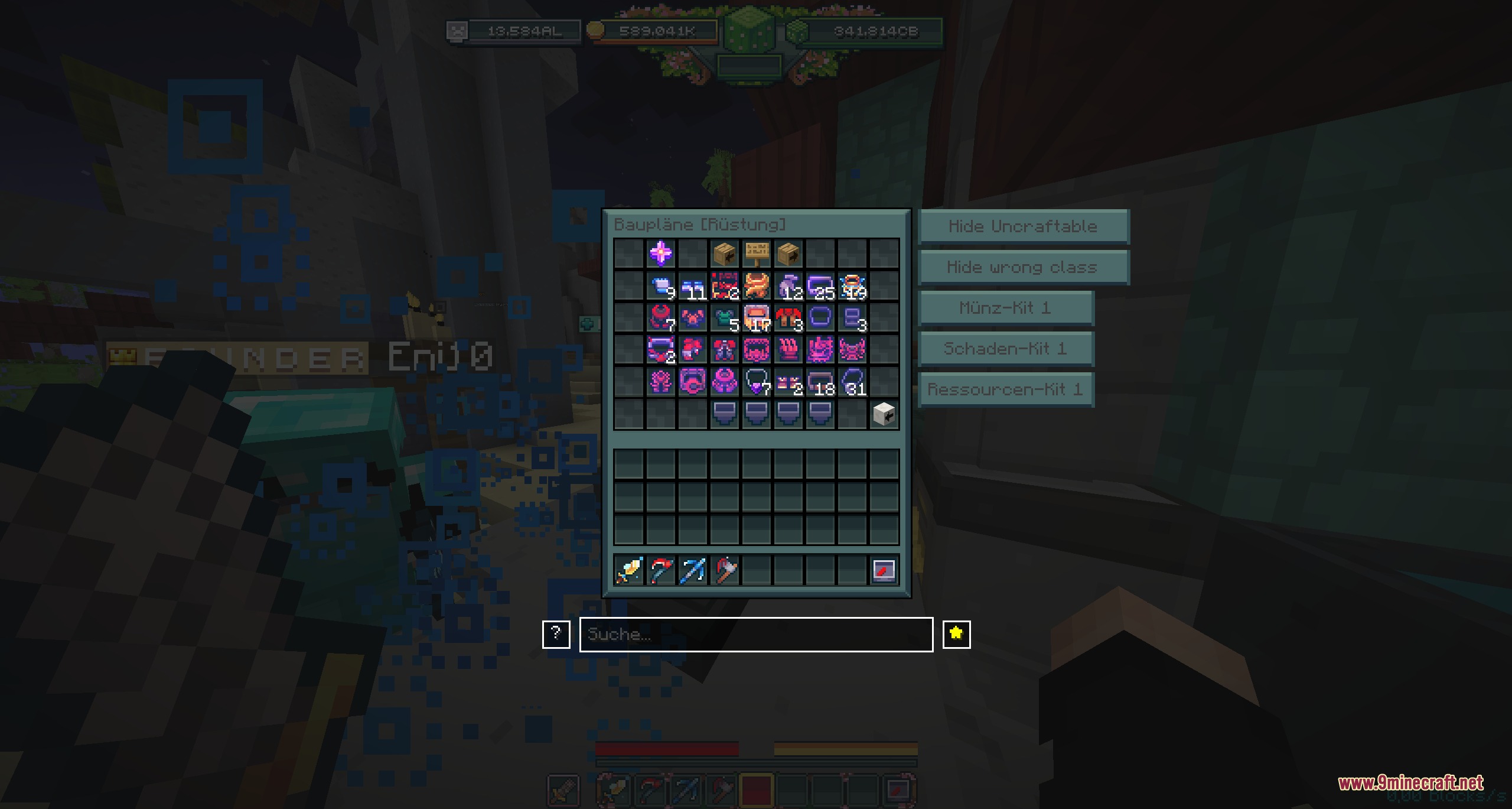
- Smart Search: Adds a search bar to menus so you can find specific items by name or details.
- Tracks the health of bosses so you always know how much damage is left.
- Monitors your armor stats and calculates your total gear values automatically.
- Displays what materials you need and tracks your current crafting progress.
- Counts your kills and lets you reset the counter whenever you want.
- Blocks annoying animations to keep your screen clean during busy moments.
- Shows a special overlay for mining and logging that turns on when you break blocks.
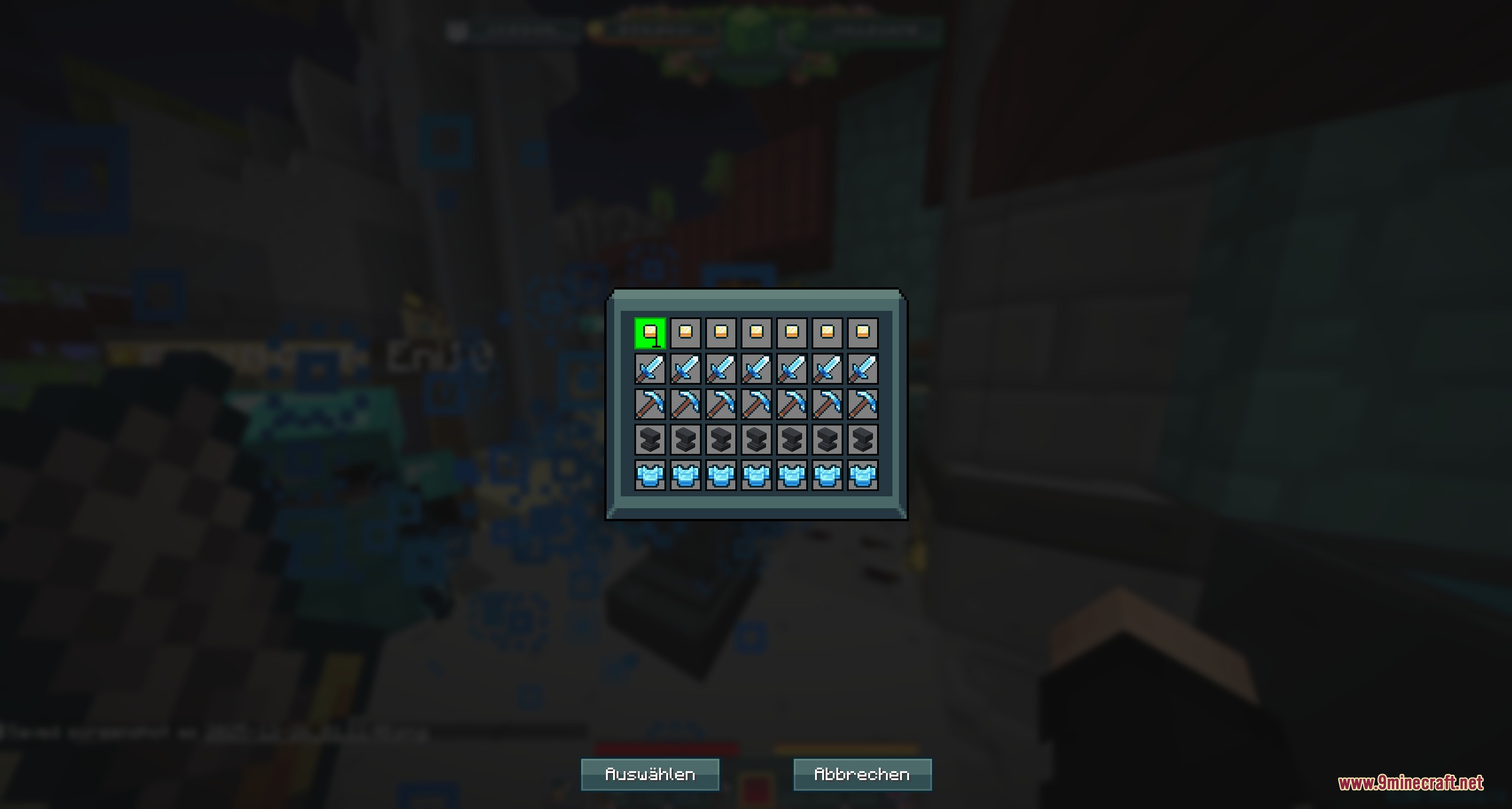
- Filters kits and hides items that do not belong to your current class.
- Lists the exact essence costs for power crystals and tells you the best wave to farm them.
Commands:
/bp reset: clears your saved blueprint progress./cclive kits: opens the kit filter menu.
How to Use:
- Press F6 to open the layout menu and drag your trackers around the screen.
- Open the blueprint shop and flip through the pages to automatically check off the blueprints you already own.
- Use the arrow keys inside the blueprint menu to change the rarity level.
- Open the standard Minecraft controls menu to set custom keys for toggling overlays or resetting stats.
Screenshots:
CC Live Utilities Mod Download Links
Quick facts
- Edition: Minecraft Java
- File type: .jar
- How to install: Install the matching mod loader (Forge, Fabric or NeoForge) for your Minecraft version. → Download the .jar. → Put it in the .minecraft/mods folder and launch that loader profile.
- Where to get it: In MC Java Mods, or directly above on this page.
Install steps are the general flow for this file type — How to install Minecraft Java mods & modpacks walks through it step by step.
File checked by MCModsHub
- Downloads as 395815.mcaddon
- Download size: 2.1 MB
- Download link checked 25 Sept 2026 — working
- Mirrored on our own servers — the download does not depend on the original host
These come from our own check of the pack file, not from the source page.