
ModsJava
Hand Made Guns Overdrive Mod (1.7.10) – Craft Custom Firearms for Massive
Minecraft Java mod. Downloads from the MC Java Mods app on Android.
⬇ Download
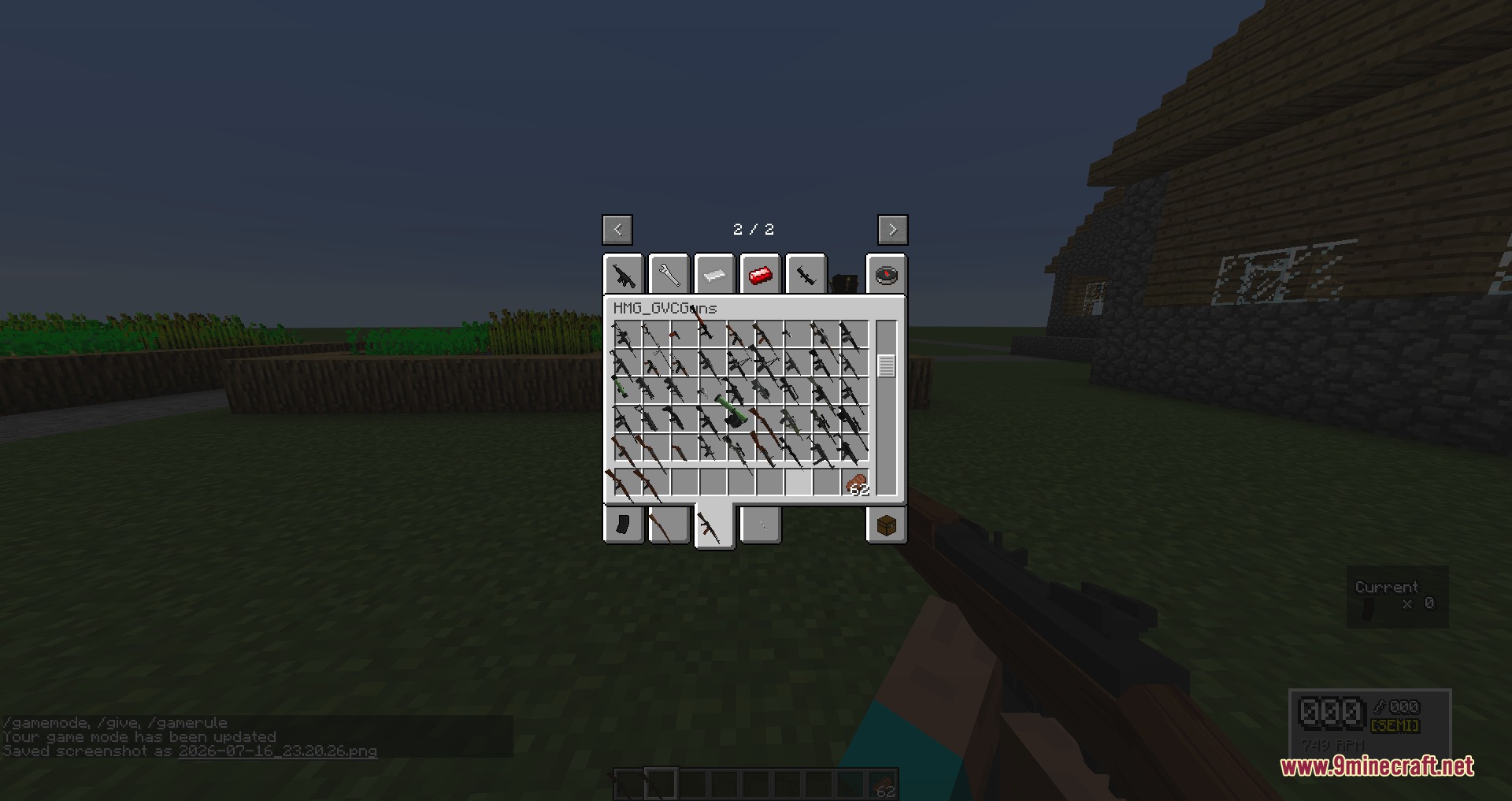
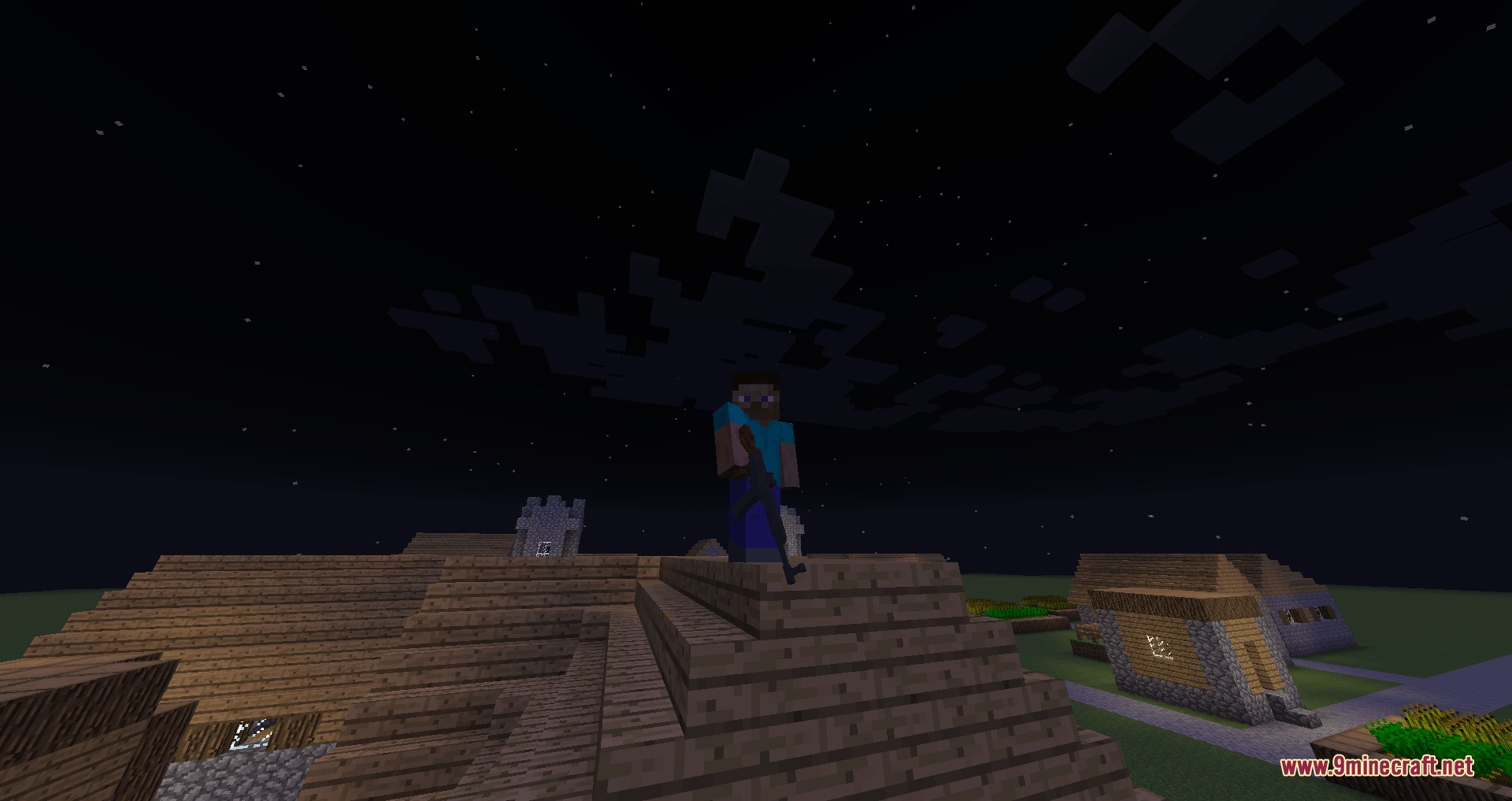
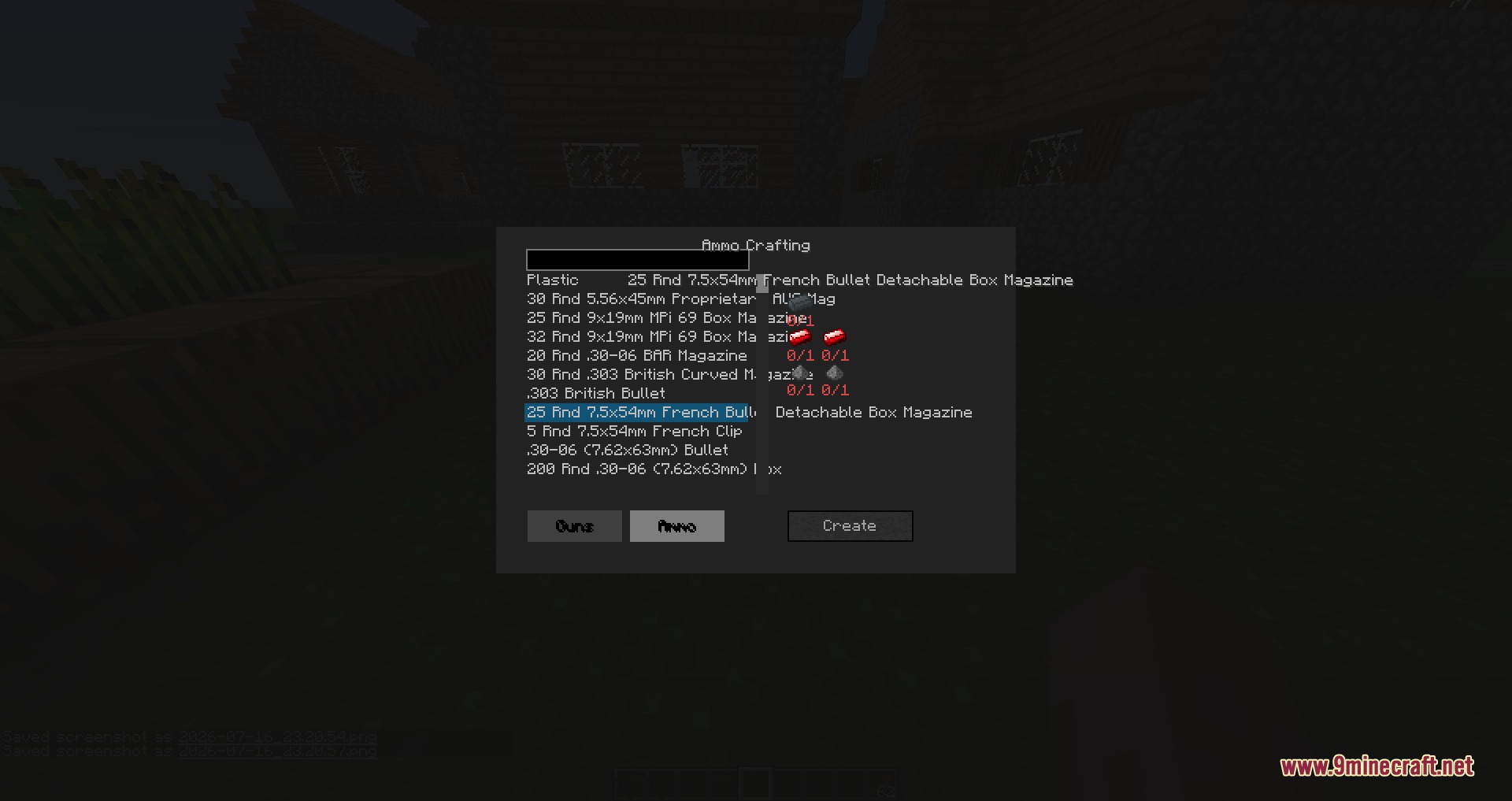
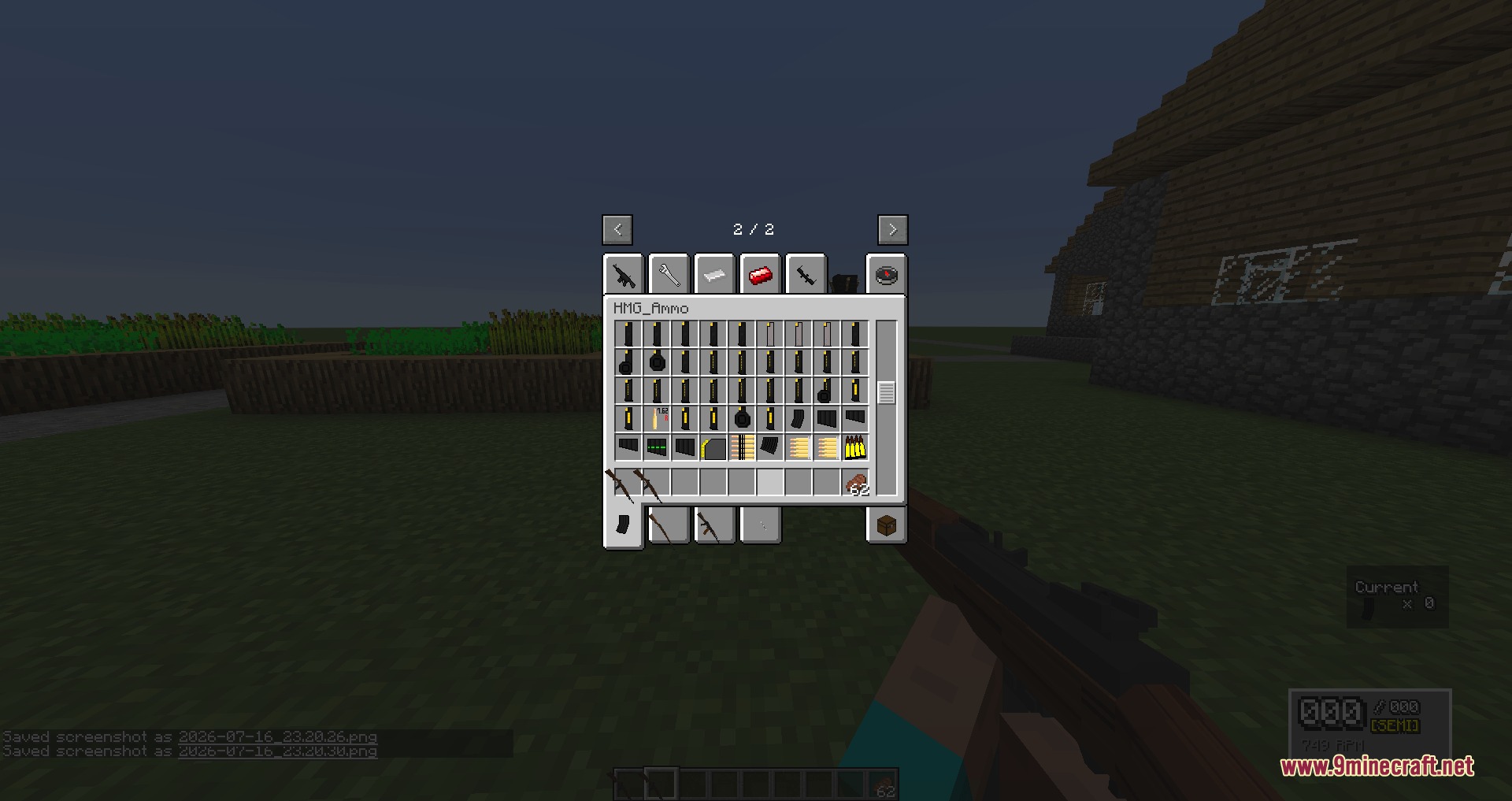
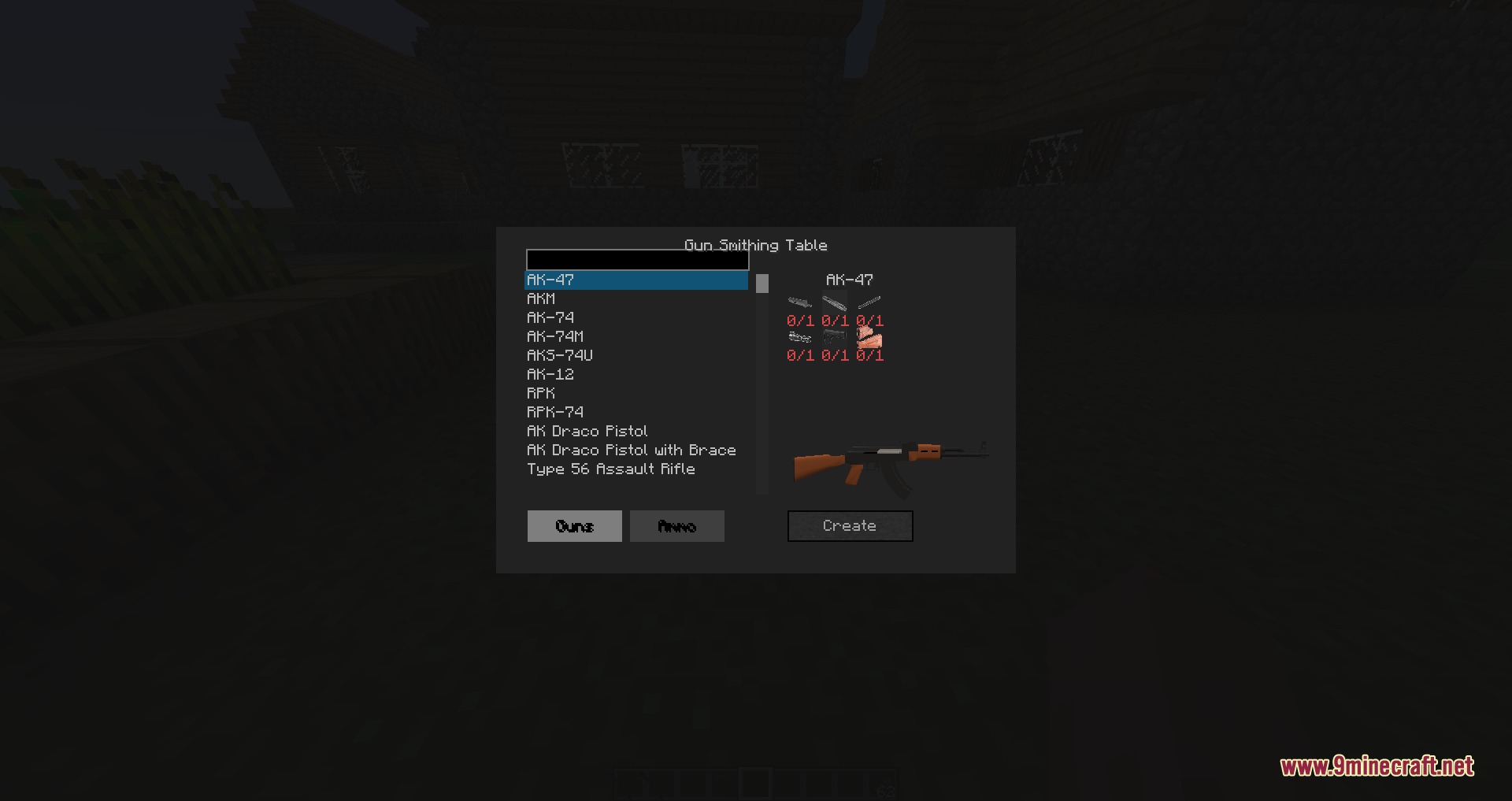
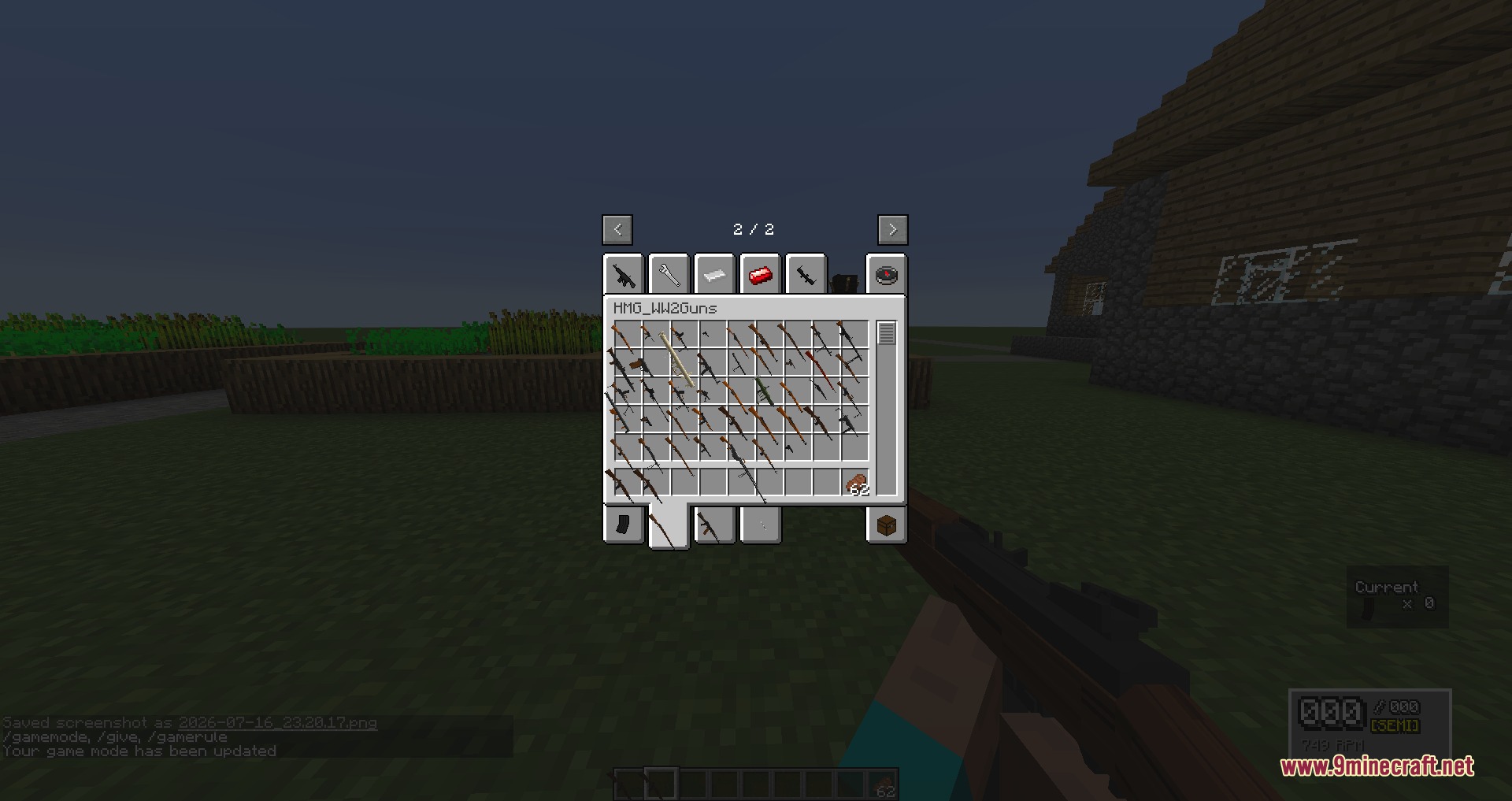
Hand Made Guns Overdrive Mod overhauls the original HandmadeGuns mod with new features and better English translations. This mod acts as a base system that lets you add custom gun packs to your game. You can use it to set up large multiplayer battles, survival challenges, or military bases. It handles all the rules for how weapons, bullets, and explosions work in the background. You just add the extra content packs you want to play with.
Features:
- Custom Weapon Packs: The mod loads external content packs so you get new guns without changing the base game files.
- Provides different firing modes like semi-automatic, burst-fire, and full auto.
- Uses a magazine system for reloading your weapons.
- Lets you attach different parts to your guns.
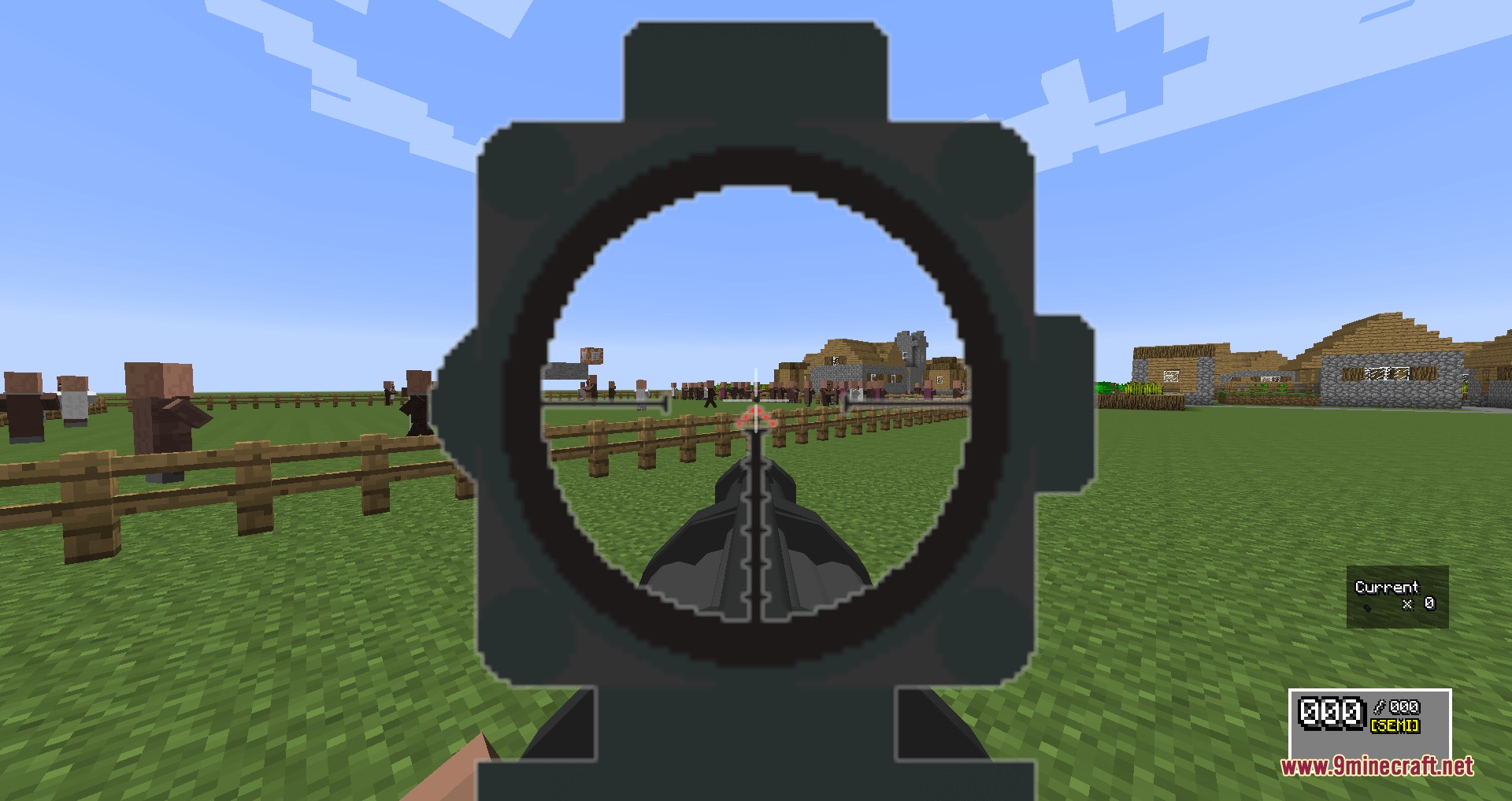
- Adds a smooth recoil system and better camera aiming when you look down the sights.
- Syncs weapon actions for multiplayer servers so everyone sees the same thing.
- Includes a manual pickup system where you have to grab dropped guns yourself.
Ammunition Types:
- Fires standard bullets, armor-piercing rounds, and lasers.
- Shoots explosive items like grenades, rockets, and torpedoes.
Survival Crafting:
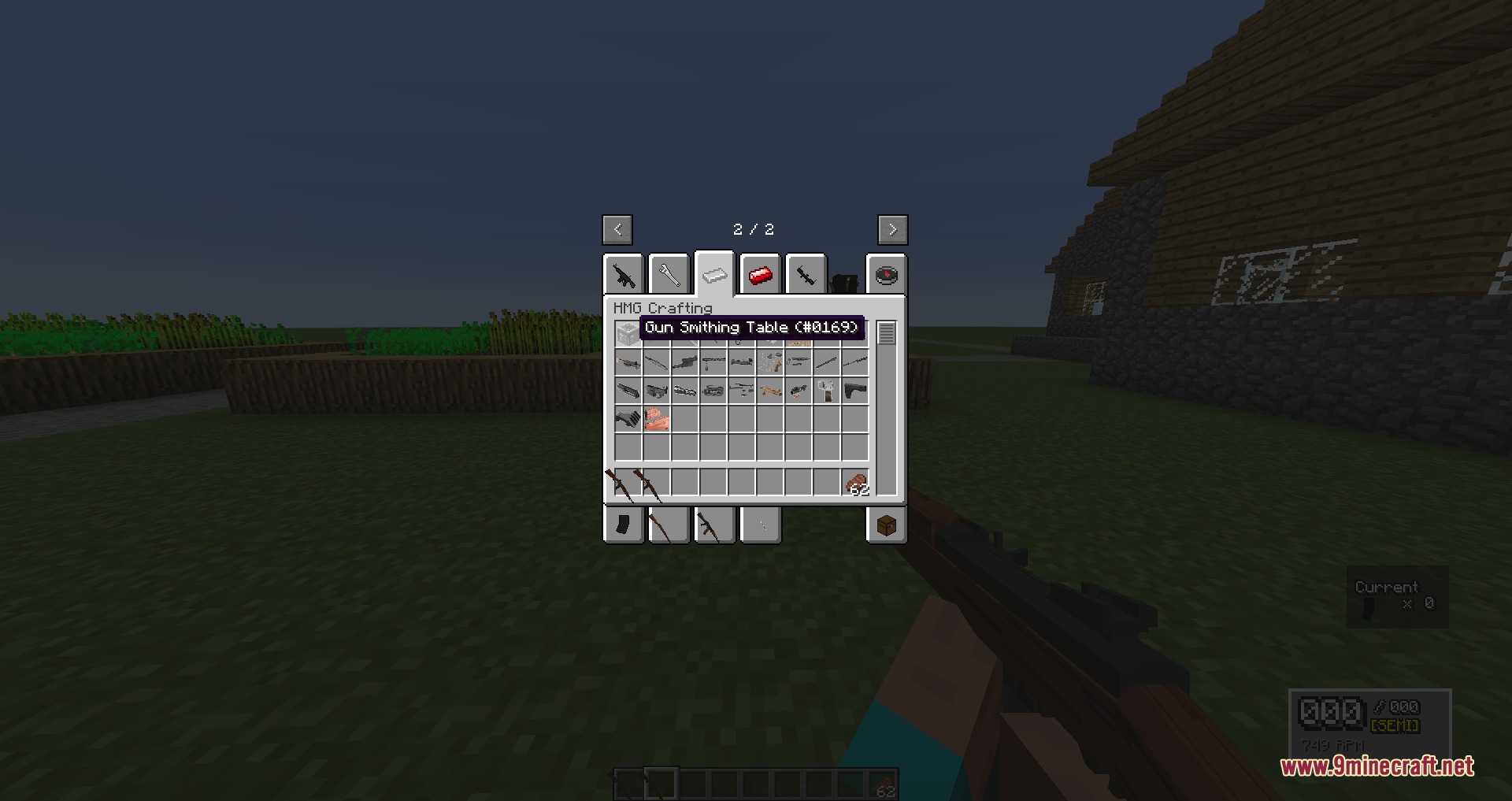
- Adds a Gun Smithing Table where you craft new weapons.
- Brings new materials into the game like copper, aluminum, steel, and polymer.
How to Play:
- Download the “Additional Files” folder along with the main mod file so you get all the sounds and models.
- Craft a Gun Smithing Table to start making weapon parts in survival mode.
- Gather new materials like copper and steel to build your firearms.
- Read the in-game HMG Field Manual (if you have Guide-API installed) to learn how each weapon works.
Screenshots:
Hand Made Guns Overdrive Mod Download Links
Quick facts
- Edition: Minecraft Java
- File type: .jar
- How to install: Install the matching mod loader (Forge, Fabric or NeoForge) for your Minecraft version. → Download the .jar. → Put it in the .minecraft/mods folder and launch that loader profile.
- Where to get it: In MC Java Mods, or directly above on this page.
Install steps are the general flow for this file type — How to install Minecraft Java mods & modpacks walks through it step by step.
File checked by MCModsHub
- Downloads as 395819.mcaddon
- Download size: 1.3 MB
- Download link checked 24 Sept 2026 — working
- Mirrored on our own servers — the download does not depend on the original host
These come from our own check of the pack file, not from the source page.