
ModsJava
Stealth and Alert Mod (1.21.1) – Sneak Past Mobs By Hiding in the Shadows
Java mod listed for Minecraft 1.21. Downloads from the MC Java Mods app on Android.
⬇ Download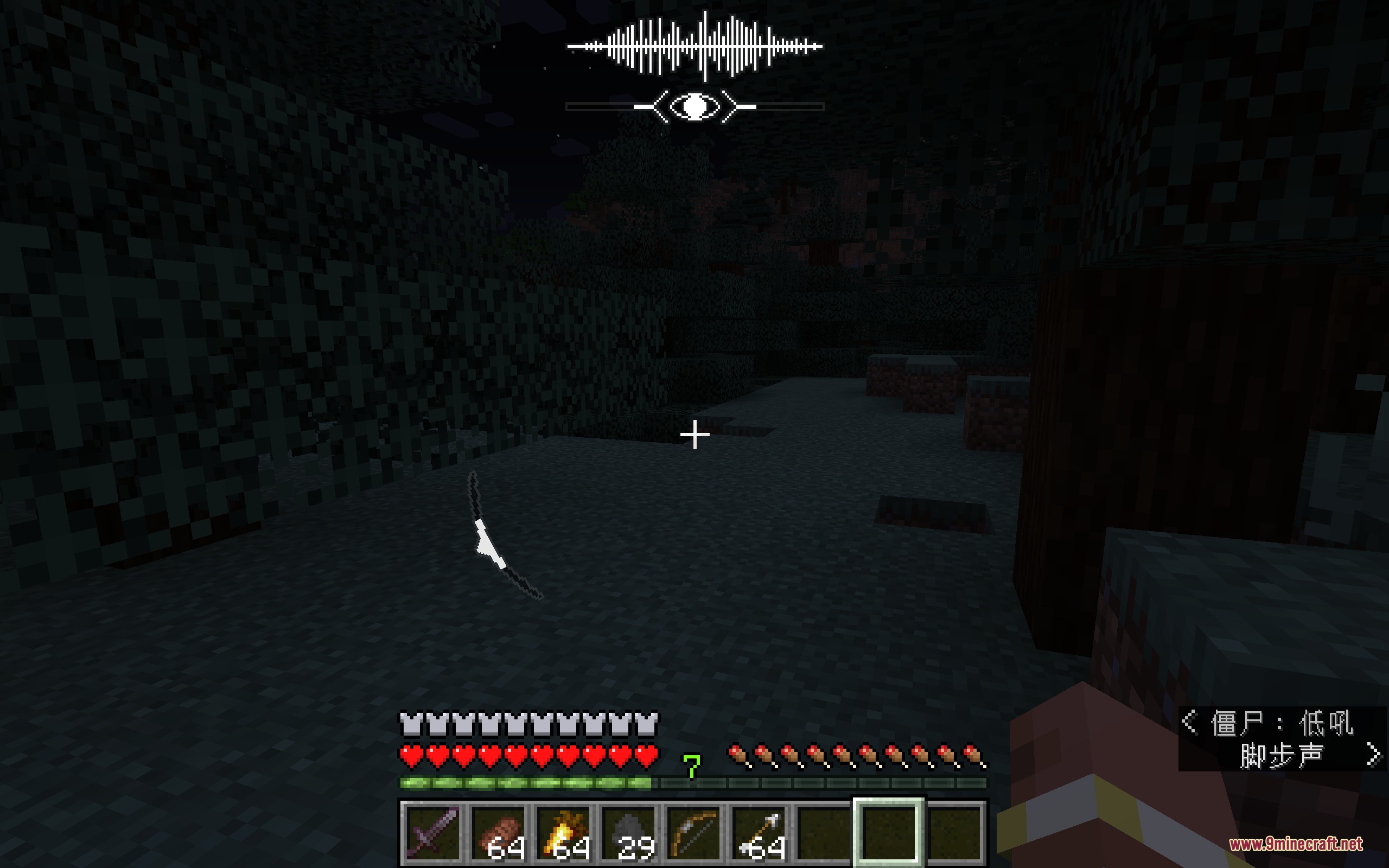
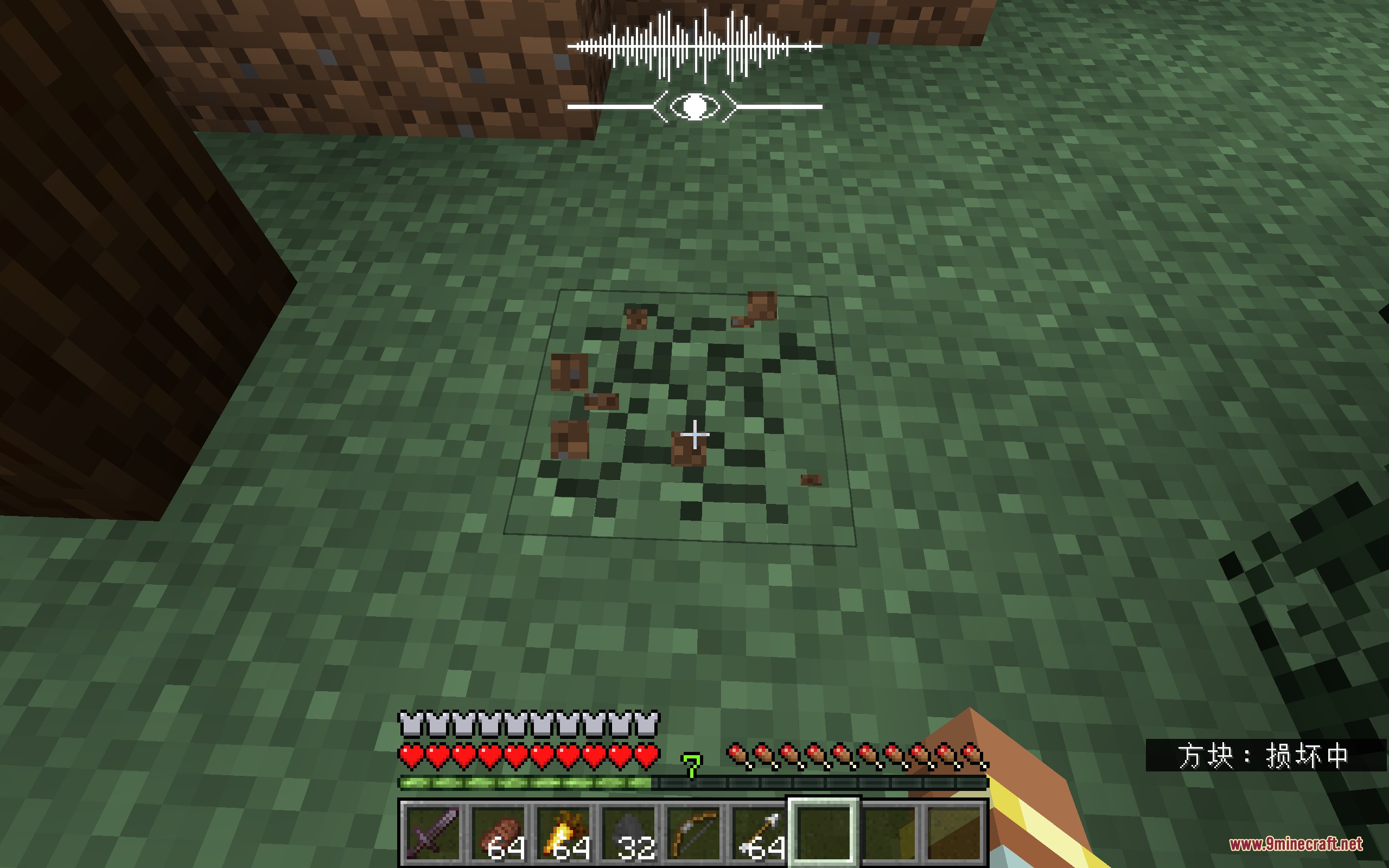
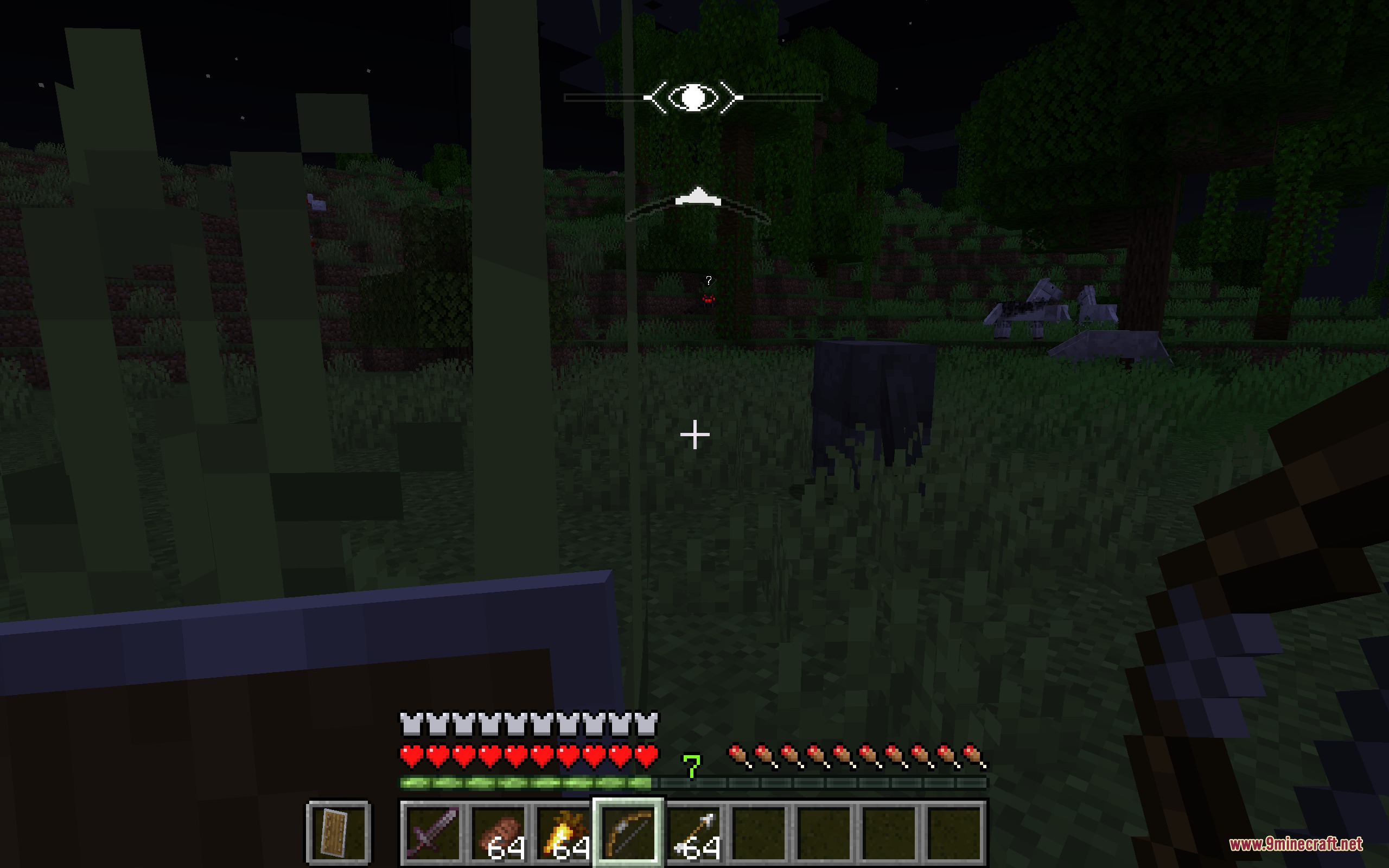
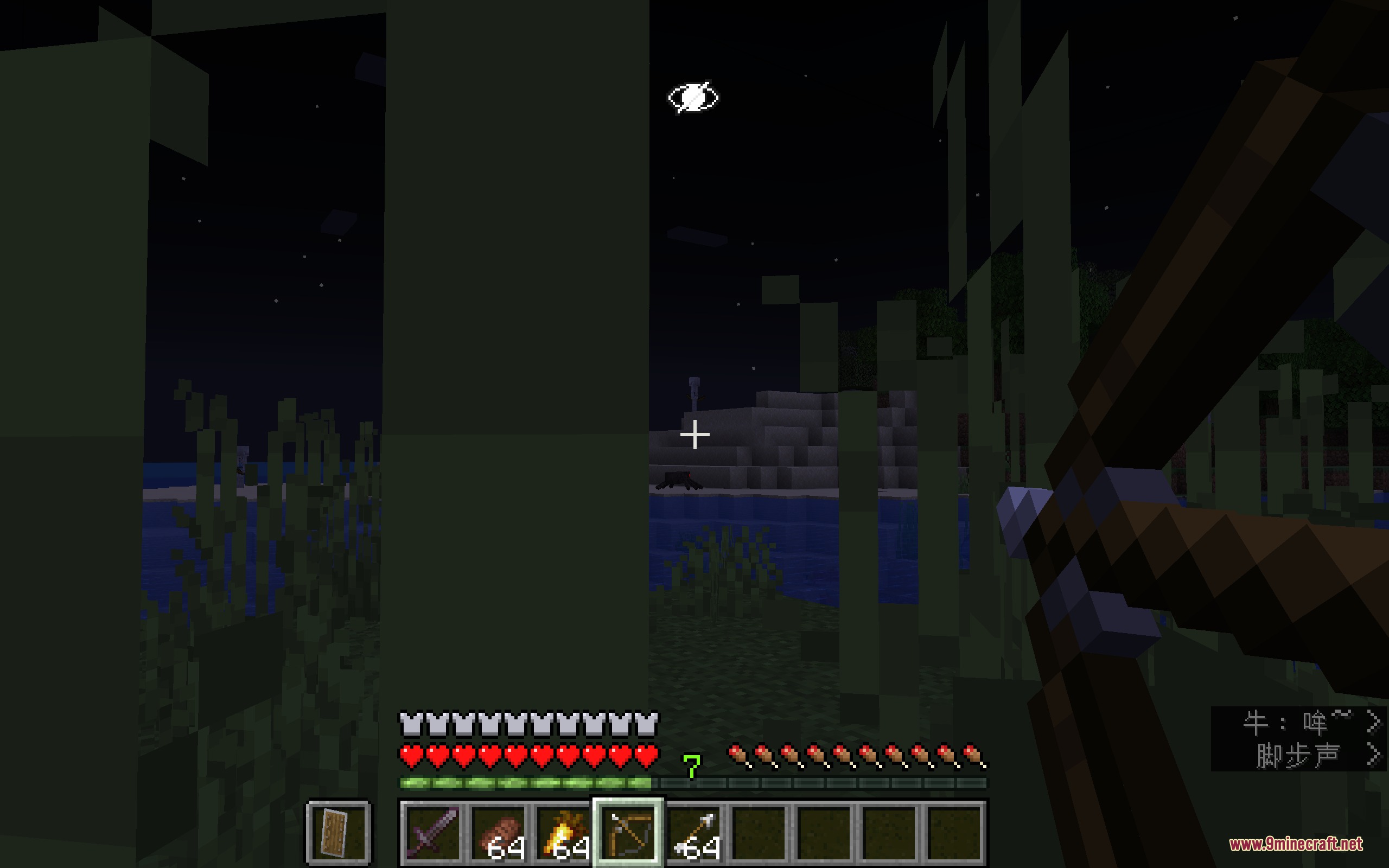
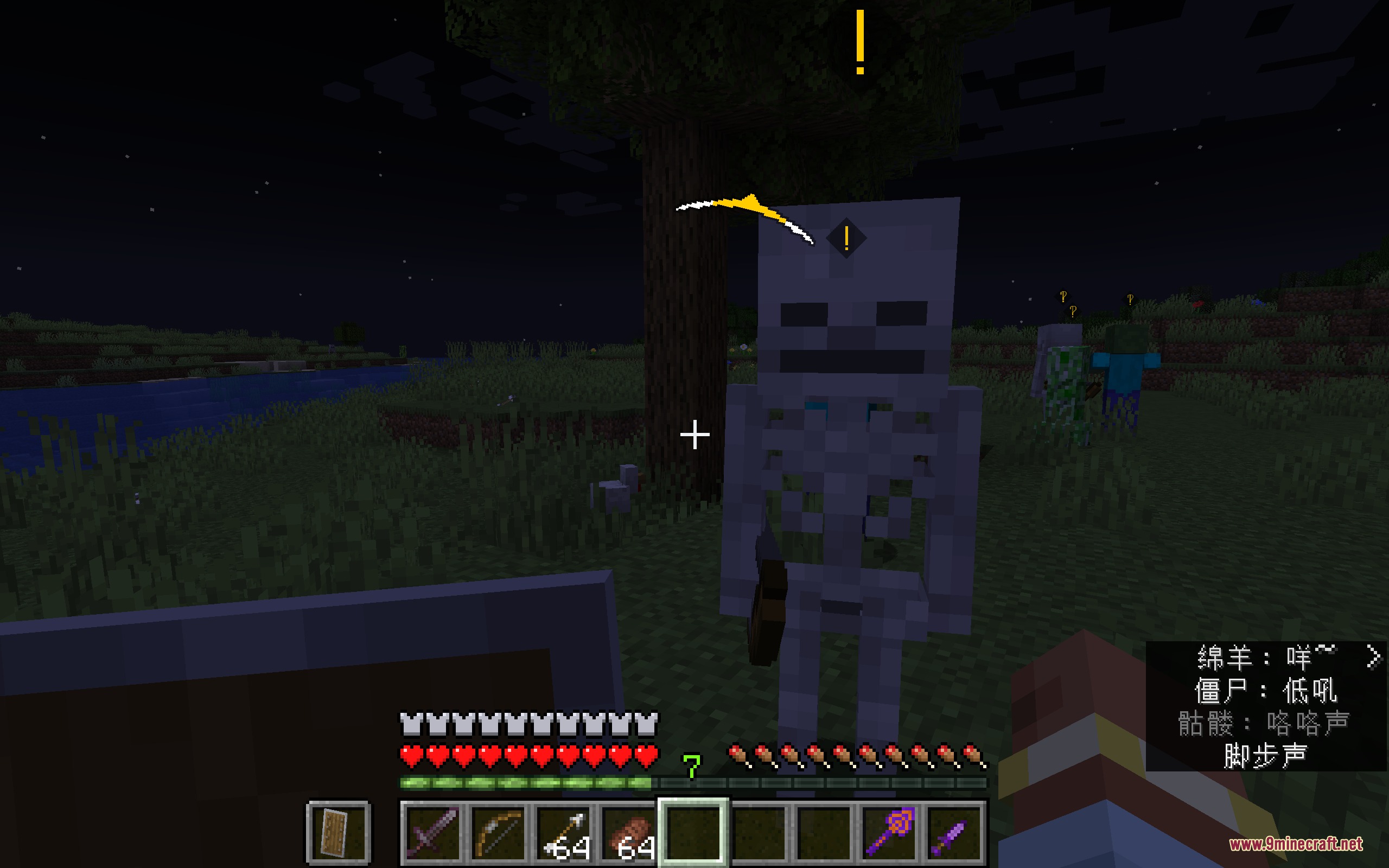
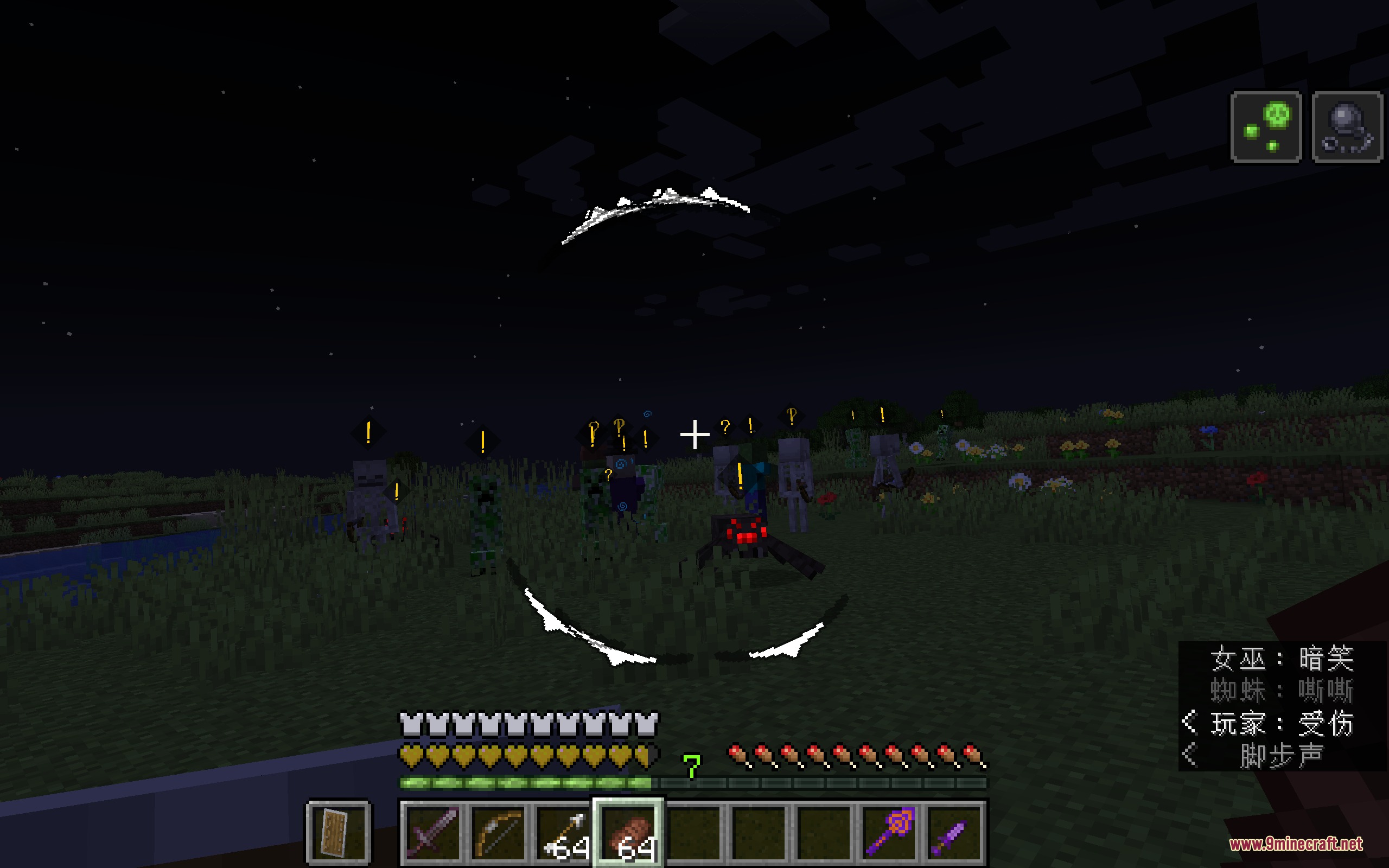
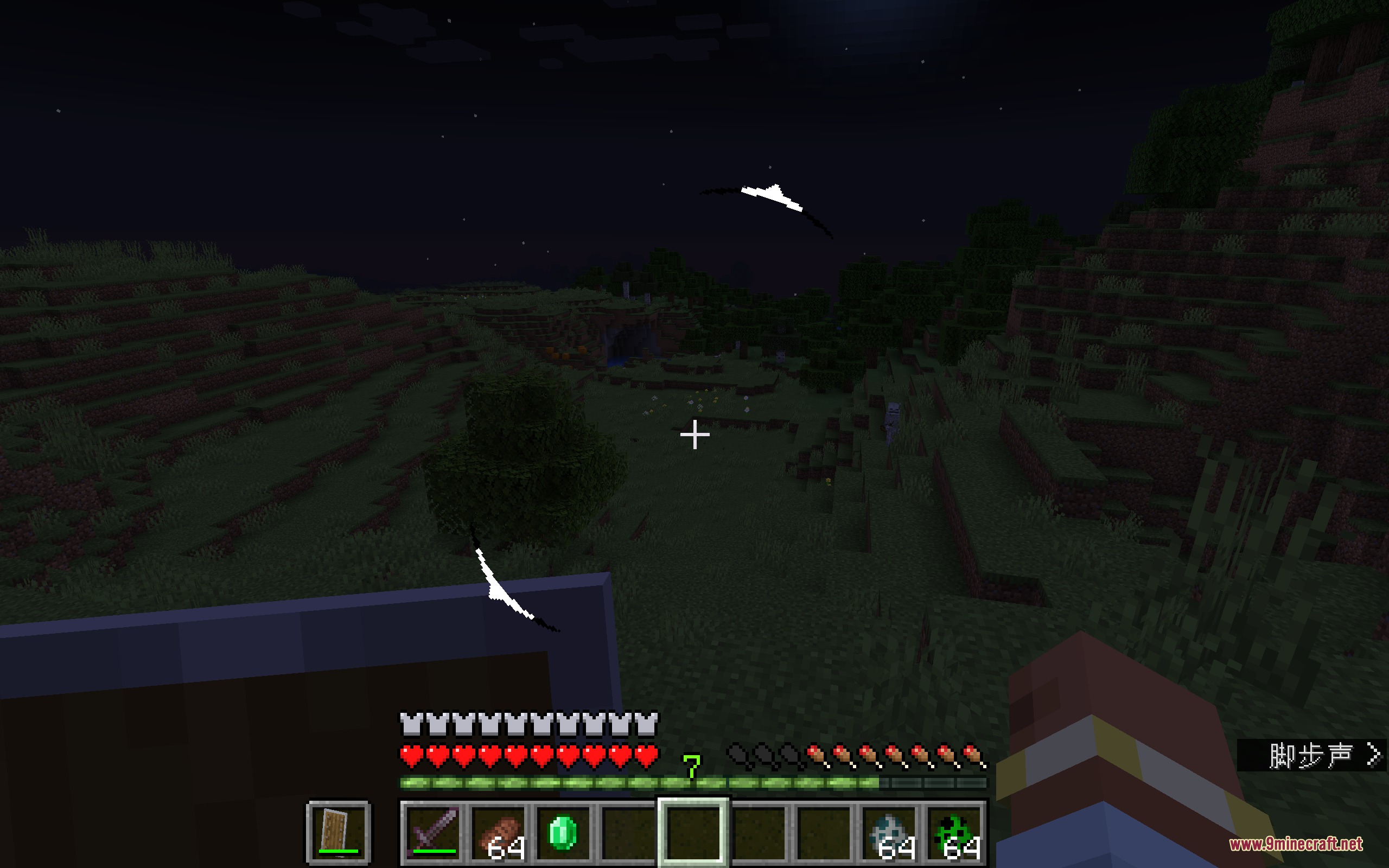
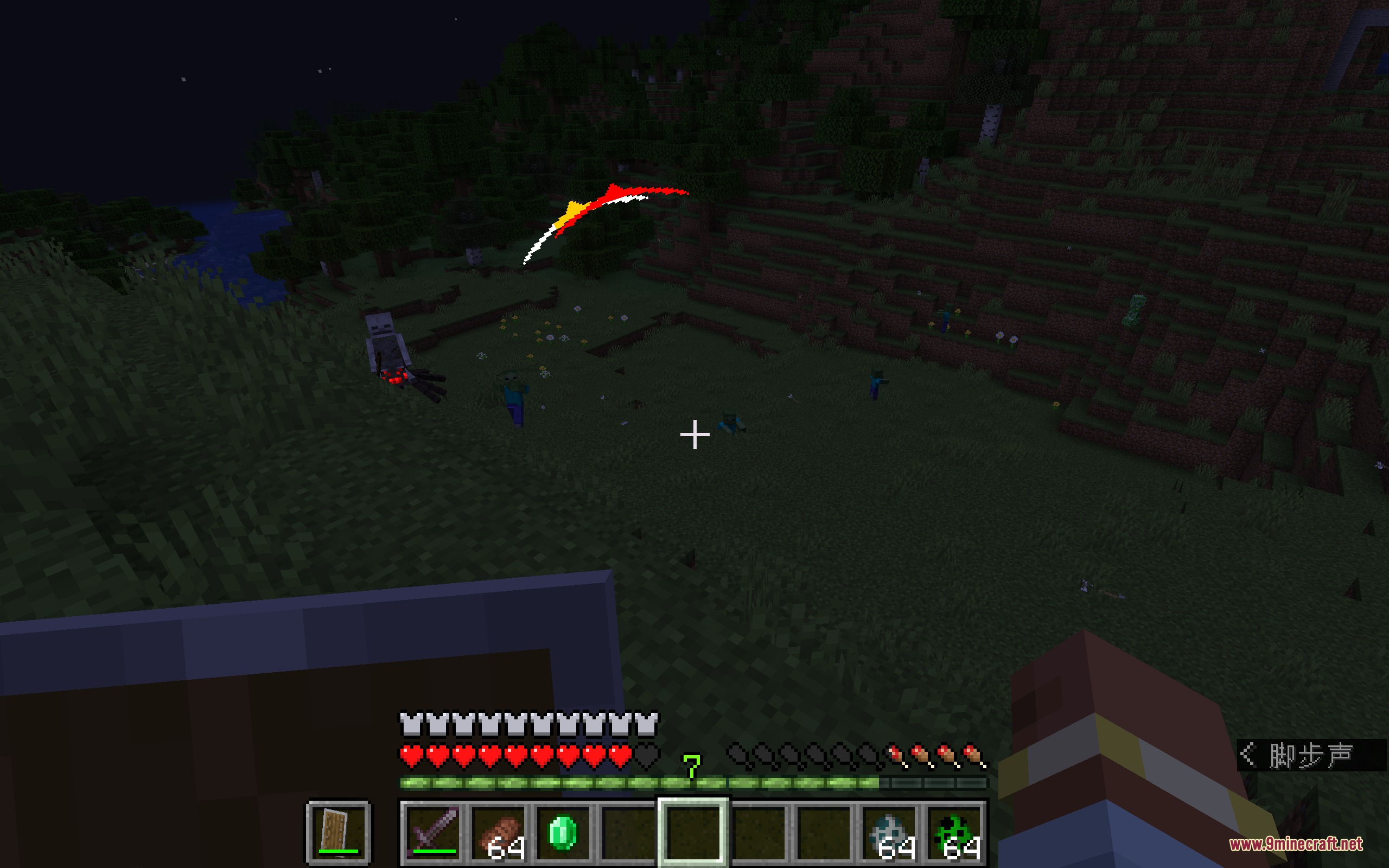
Stealth and Alert Mod brings a fun hiding system to Minecraft. This mod changes how monsters see and hear you, turning survival into a game of hiding in the shadows. You can sneak through tall grass, throw rocks to distract zombies, and avoid fights completely by staying out of sight.
Features:
- Circular HUD: Adds a ring around your crosshair that shows where enemies are and how close they are to spotting you.
- Visibility System: Calculates how easy you are to see based on the light, your movements, and the blocks around you.
- Sound Distractions: Lets you throw items like pebbles to make noise and trick enemies into looking the wrong way.
- Monsters now have a real field of view and go through different states like idle, suspicious, and searching.
- Floating symbols appear above enemy heads to tell you if they hear a noise or spot you.
- Hiding in tall grass, crawling in short grass, or standing in dark areas makes you invisible to nearby mobs.
- Enemies check the last place they saw you instead of knowing exactly where you are at all times.
- Getting too close to a monster will still wake them up, even if you hide in the dark.
How to Use:
- Watch the circle around your crosshair. White means you are safe, yellow means an enemy is suspicious, and red means they see you.
- Stay in dark areas or crouch in tall grass to lower your visibility.
- Move slowly to make less noise when enemies are nearby.
- Throw an item away from yourself to make a sound and pull enemies away from your path.
- If a monster spots you, run and hide in a new spot. They will only search the last place they saw you.
Screenshots:
Stealth and Alert Mod Download Links
Quick facts
- Edition: Minecraft Java
- File type: .jar
- Minecraft version listed: 1.21.1
- How to install: Install the matching mod loader (Forge, Fabric or NeoForge) for your Minecraft version. → Download the .jar. → Put it in the .minecraft/mods folder and launch that loader profile.
- Where to get it: In MC Java Mods, or directly above on this page.
Install steps are the general flow for this file type — How to install Minecraft Java mods & modpacks walks through it step by step.
File checked by MCModsHub
- Downloads as 396450.mcaddon
- Download size: 1.3 MB
- Download link checked 25 Sept 2026 — working
- Mirrored on our own servers — the download does not depend on the original host
These come from our own check of the pack file, not from the source page.