ModsJava
Enchant Once Mod (26.2, 1.20.1) – Never Lose Your Enchanted Gear to Anvil Limits
Java mod listed for Minecraft 1.20. Downloads from the MC Java Mods app on Android.
⬇ Download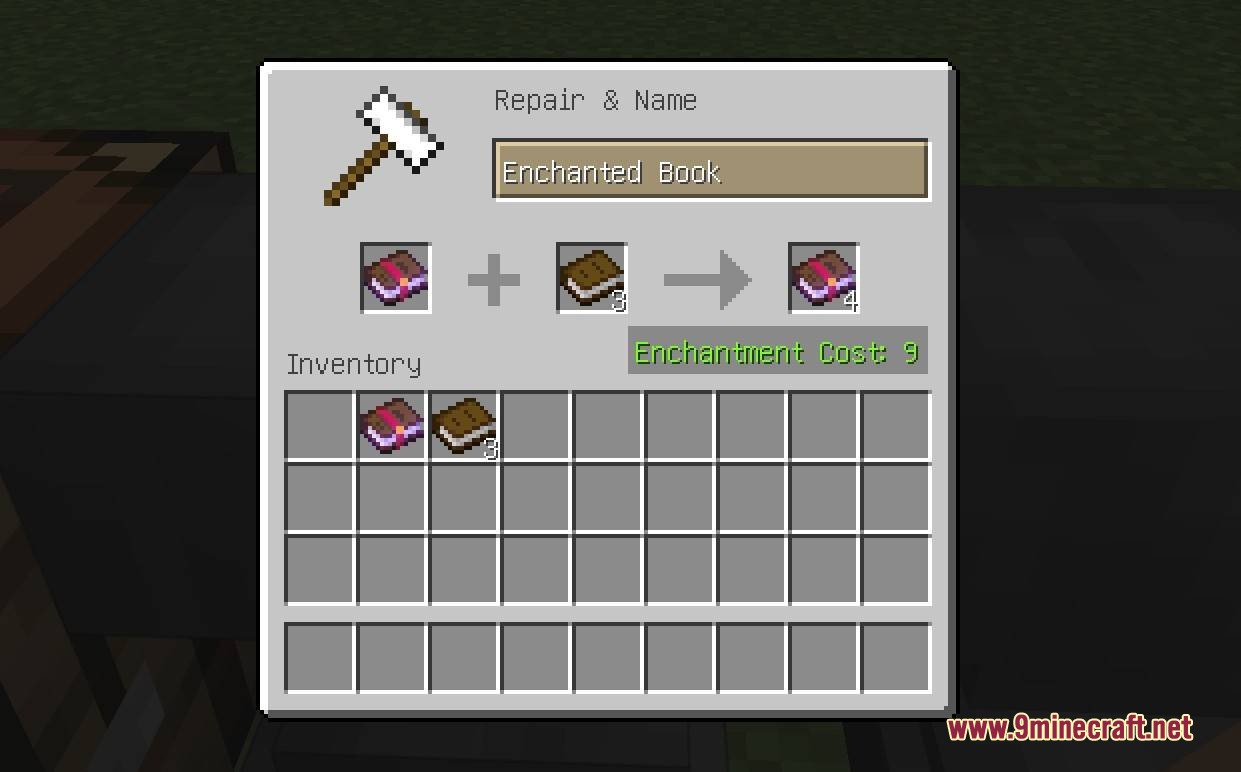
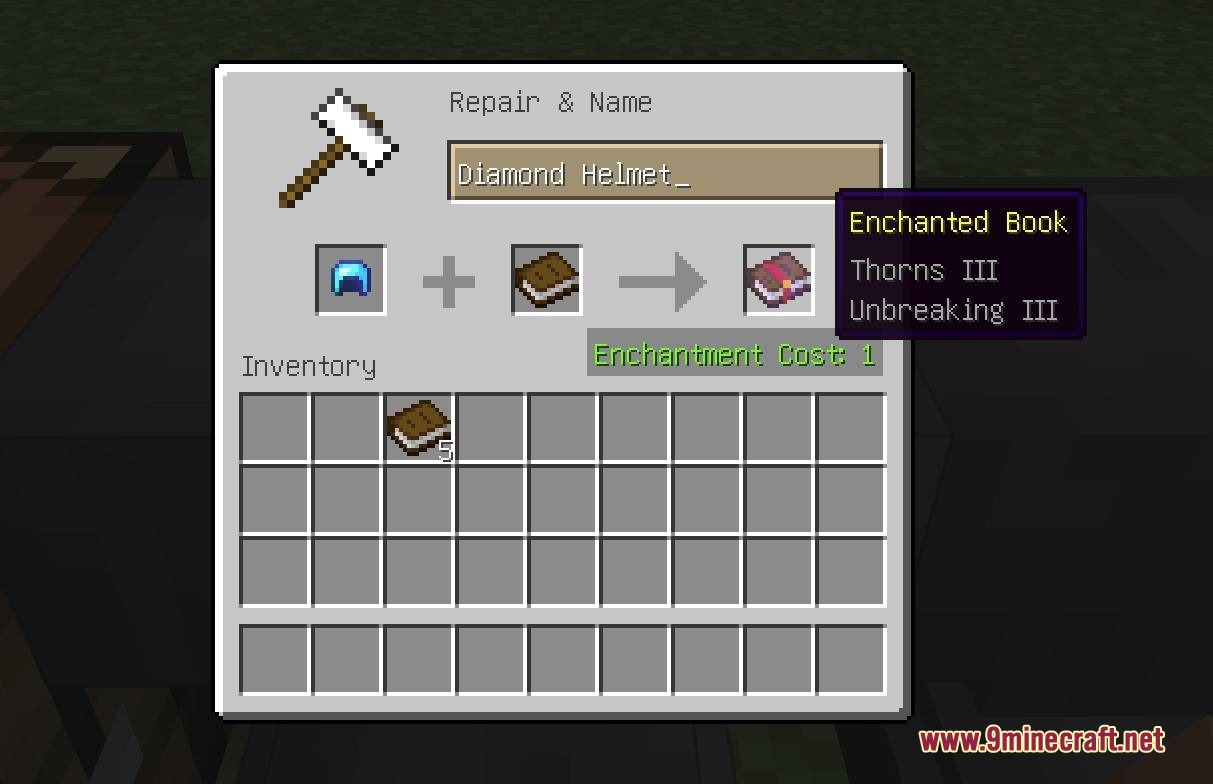
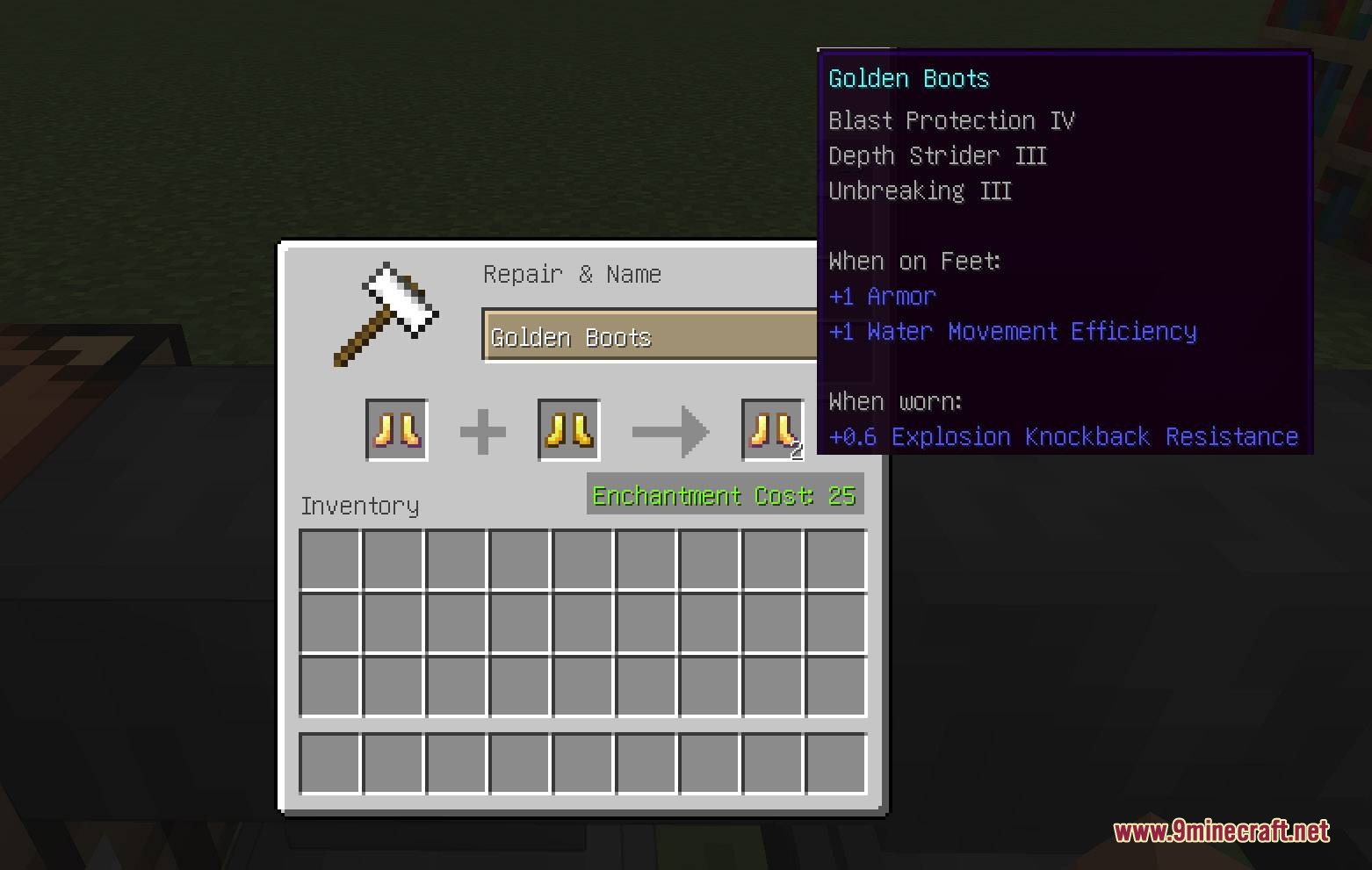
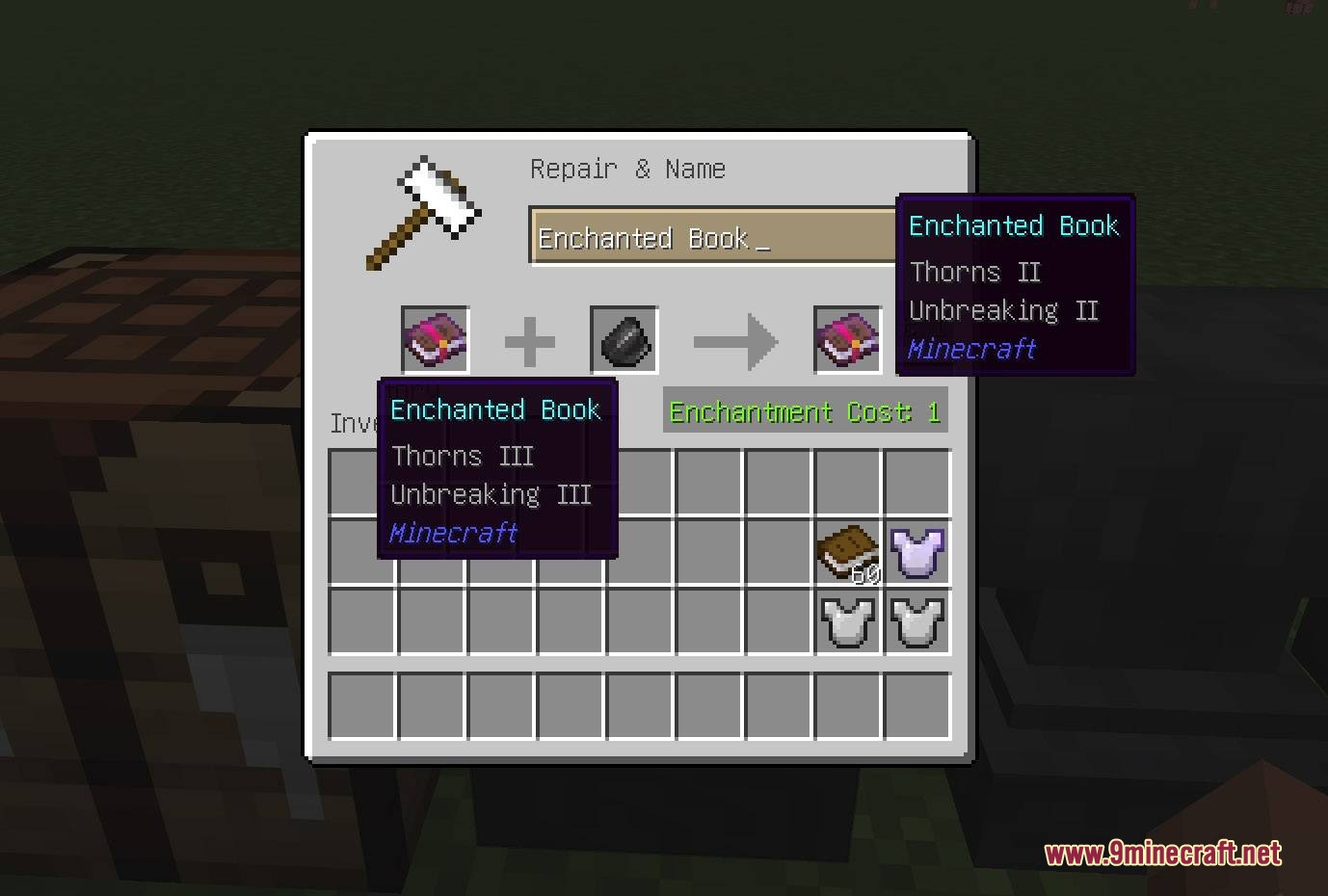
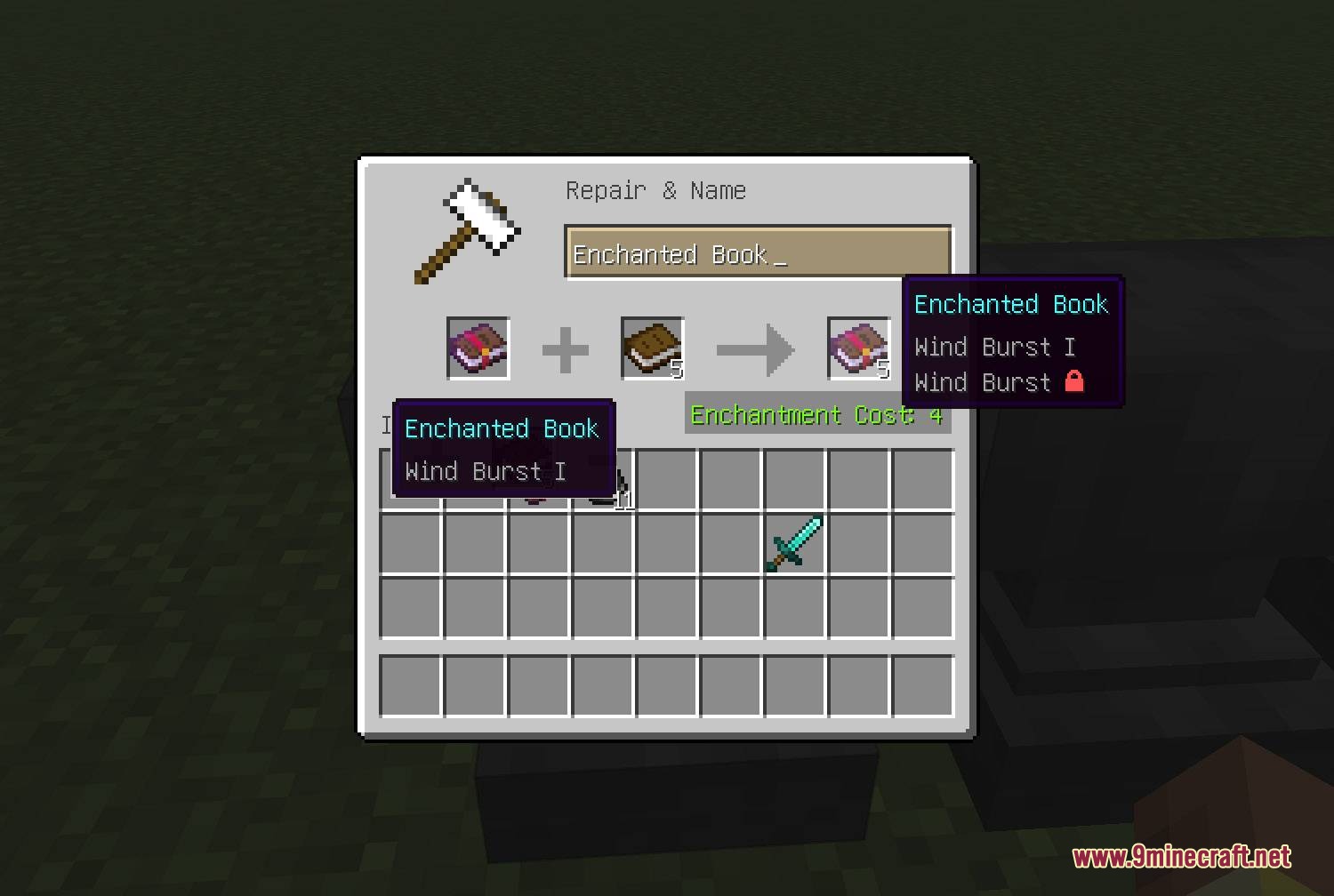
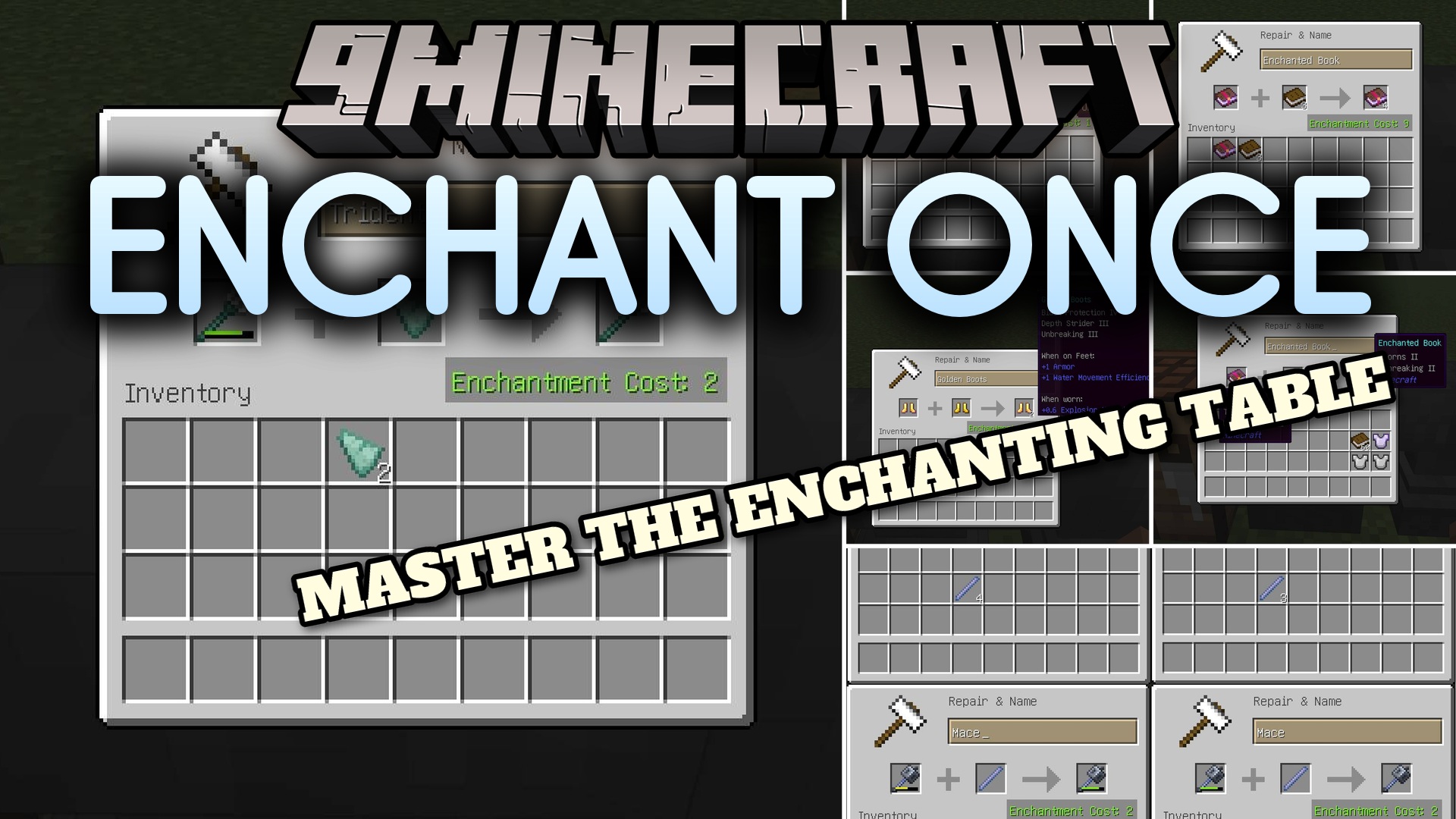
Enchant Once Mod overhauls the anvil system so you never lose your hard-earned gear. It gives you full control over experience costs and repairs. You can easily copy rare books, extract magic from old tools, or duplicate your best armor. This system removes the annoying “Too Expensive” limit, making late-game gear maintenance simple and fair.
Features:
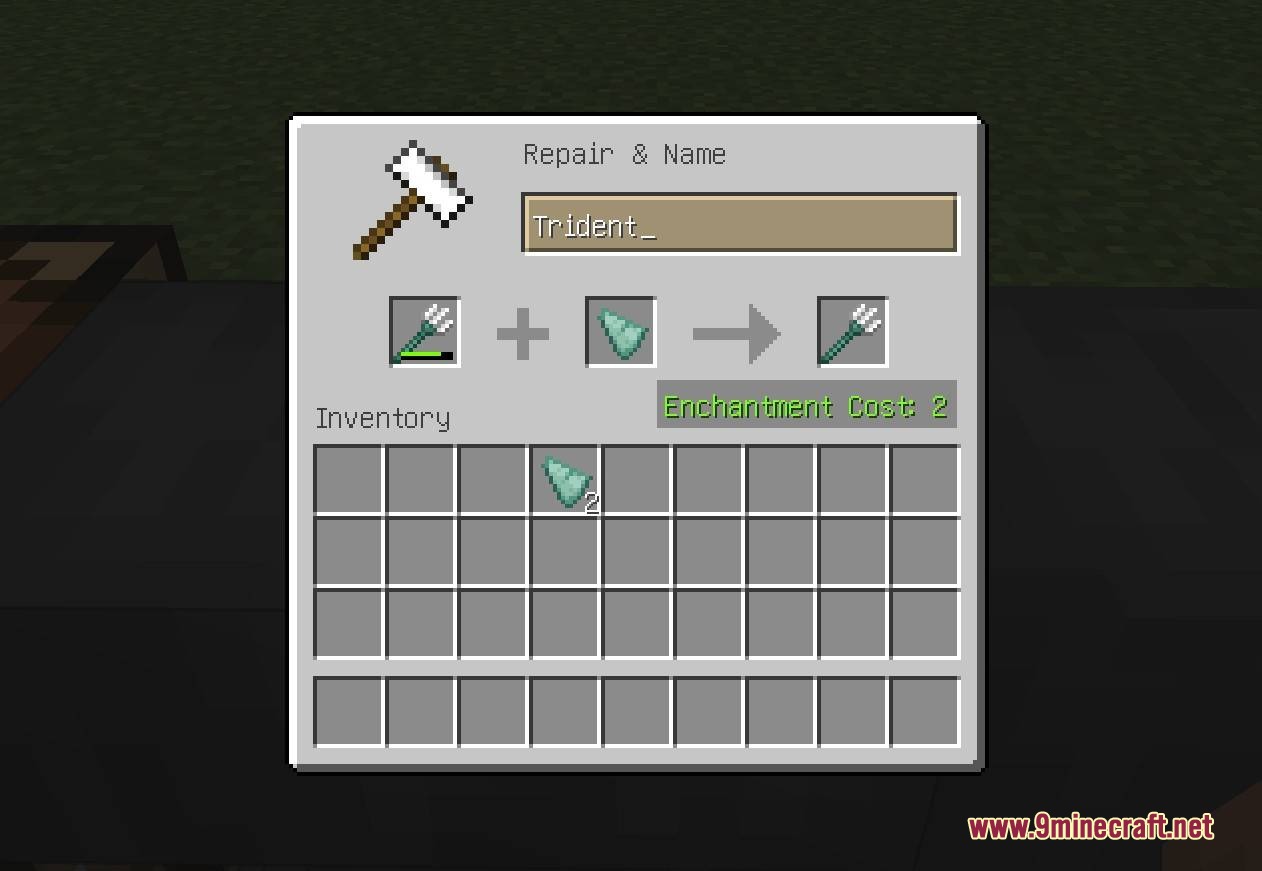
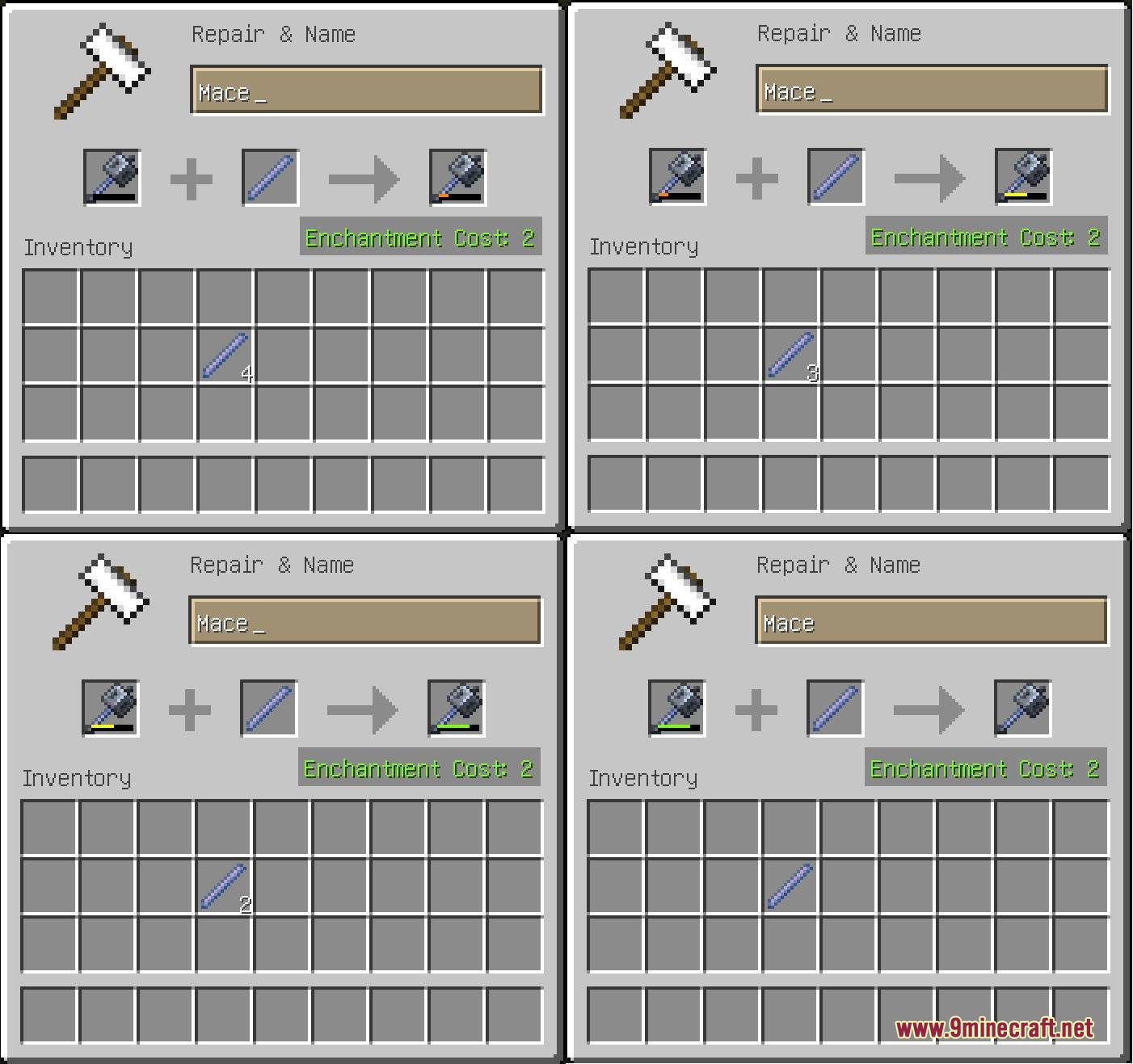
- Flat Repair Costs: Always costs exactly two experience levels to fix a damaged item using its base material.
- Limit Removal: Removes the annoying “Too Expensive” block on anvils so you can always combine items.
- Book Duplication: Lets you copy an enchanted book by placing it next to normal books in the anvil.
- Extracts magic from any fully repaired tool or weapon and puts it safely onto a blank book.
- Clones your favorite enchanted armor or weapons by combining them with a plain version of the same item.
- Downgrades the level of any enchantment on a book by mixing it with a piece of flint.
- Fixes special items like Elytra with phantom membranes, tridents with prismarine shards, and shields with wood planks.
- Preserves your item history so costs do not keep going up every time you visit the anvil.
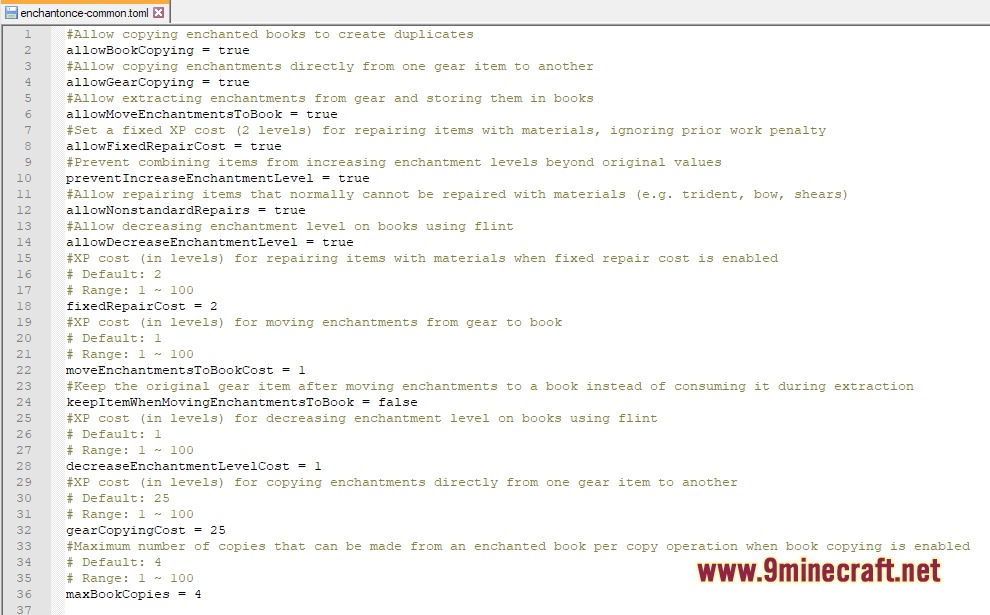
Configuration:
allowHighAnvilCost = true: removes the vanilla forty level limit from anvils, letting you do any operation if you have the experience.
How to Use:
- Place a damaged tool and its base material (like iron or diamonds) in the anvil to repair it for exactly two levels.
- To copy a book, put your enchanted book in the left anvil slot and up to four regular books in the right slot.
- To pull magic off an item, place an undamaged enchanted tool in the left slot and a regular book in the right slot.
- To clone gear, put your enchanted item on the left and a plain, undamaged version of the same item on the right.
- To lower a book’s magic level, put the book on the left and a piece of flint on the right.
Screenshots:
Enchant Once Mod Download Links
Quick facts
- Edition: Minecraft Java
- File type: .jar
- Minecraft version listed: 1.20.1
- How to install: Install the matching mod loader (Forge, Fabric or NeoForge) for your Minecraft version. → Download the .jar. → Put it in the .minecraft/mods folder and launch that loader profile.
- Where to get it: In MC Java Mods, or directly above on this page.
Install steps are the general flow for this file type — How to install Minecraft Java mods & modpacks walks through it step by step.
File checked by MCModsHub
- Downloads as 396462.mcaddon
- Download size: 161 KB
- Download link checked 24 Sept 2026 — working
- Mirrored on our own servers — the download does not depend on the original host
These come from our own check of the pack file, not from the source page.