
ModsJava
Coin Banks for Villager Coin Mod (26.2, 1.21.1) – Safely Store Coins
Java mod listed for Minecraft 1.21. Downloads from the MC Java Mods app on Android.
⬇ Download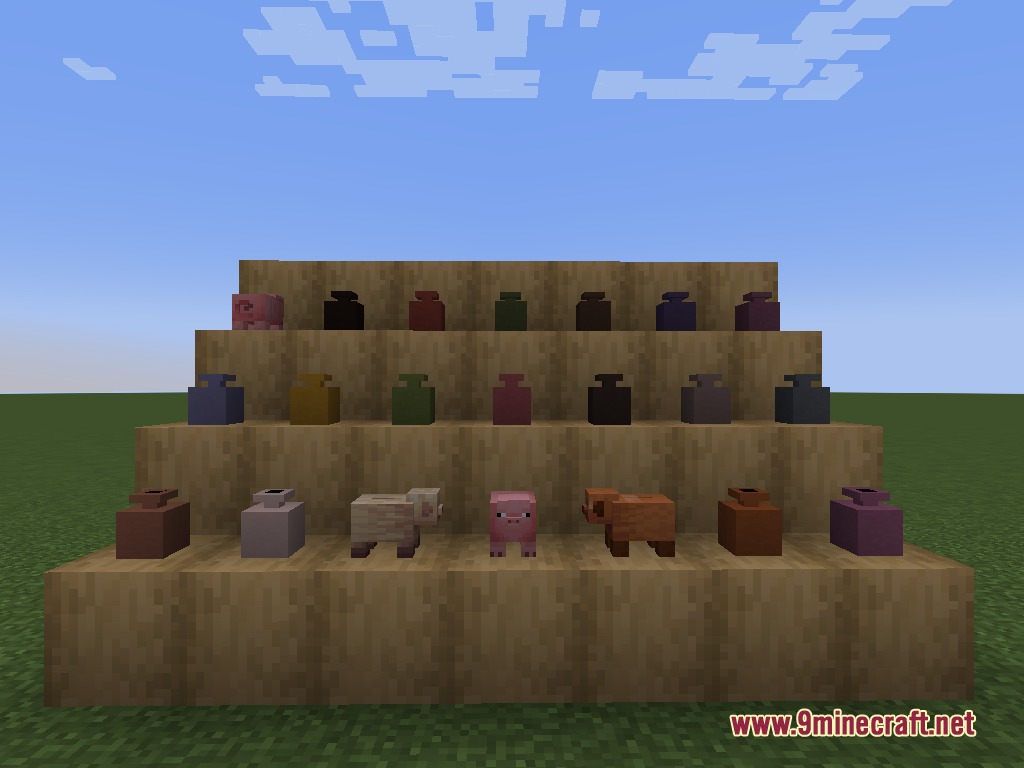
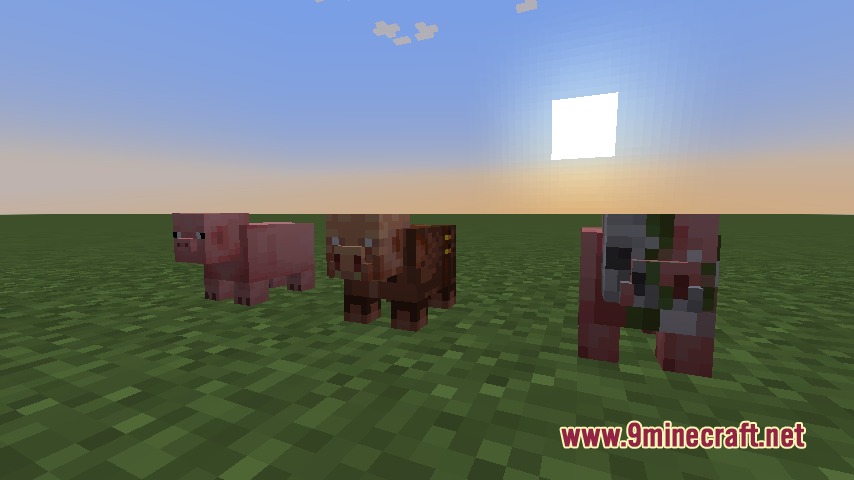
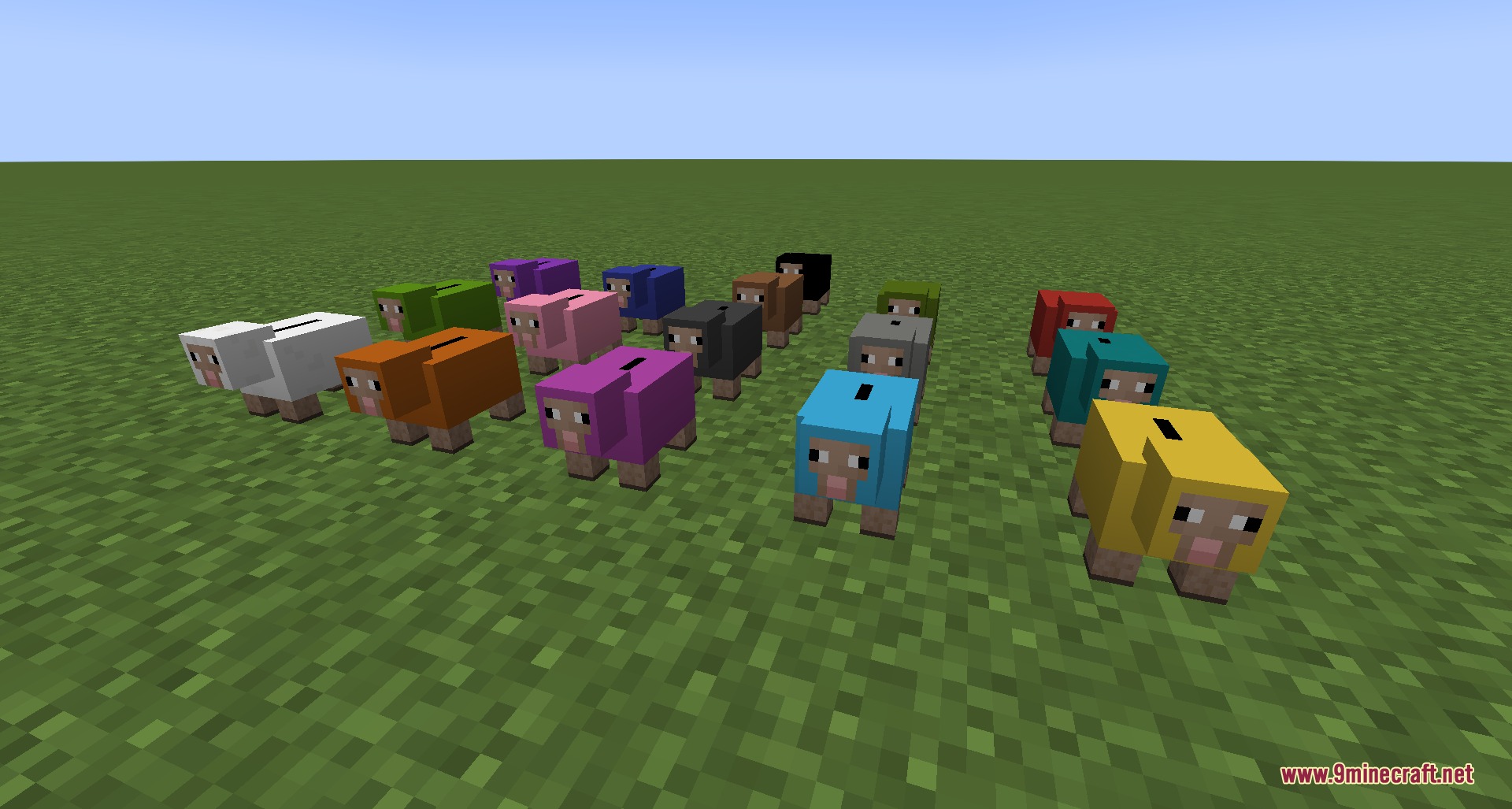
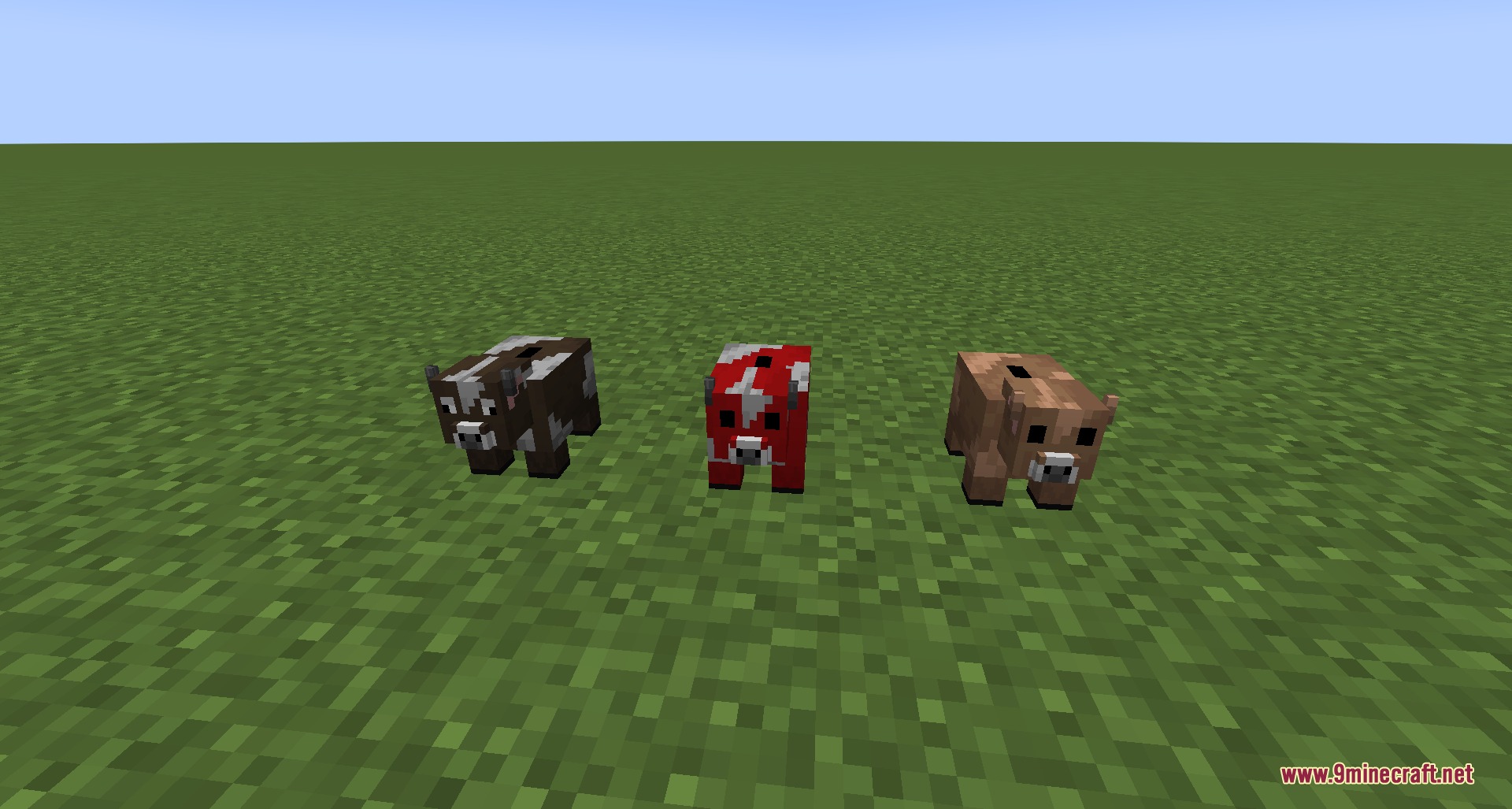
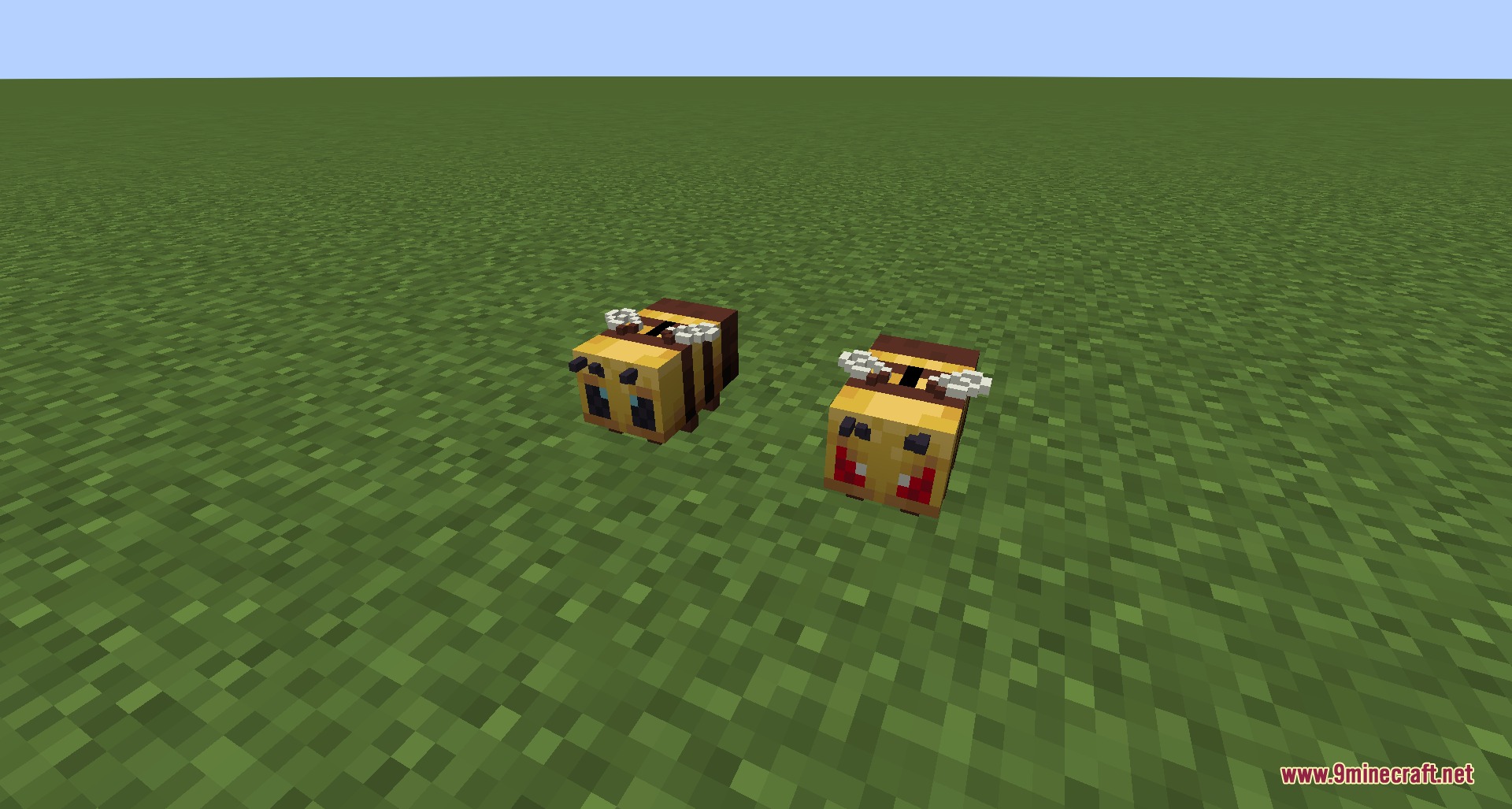
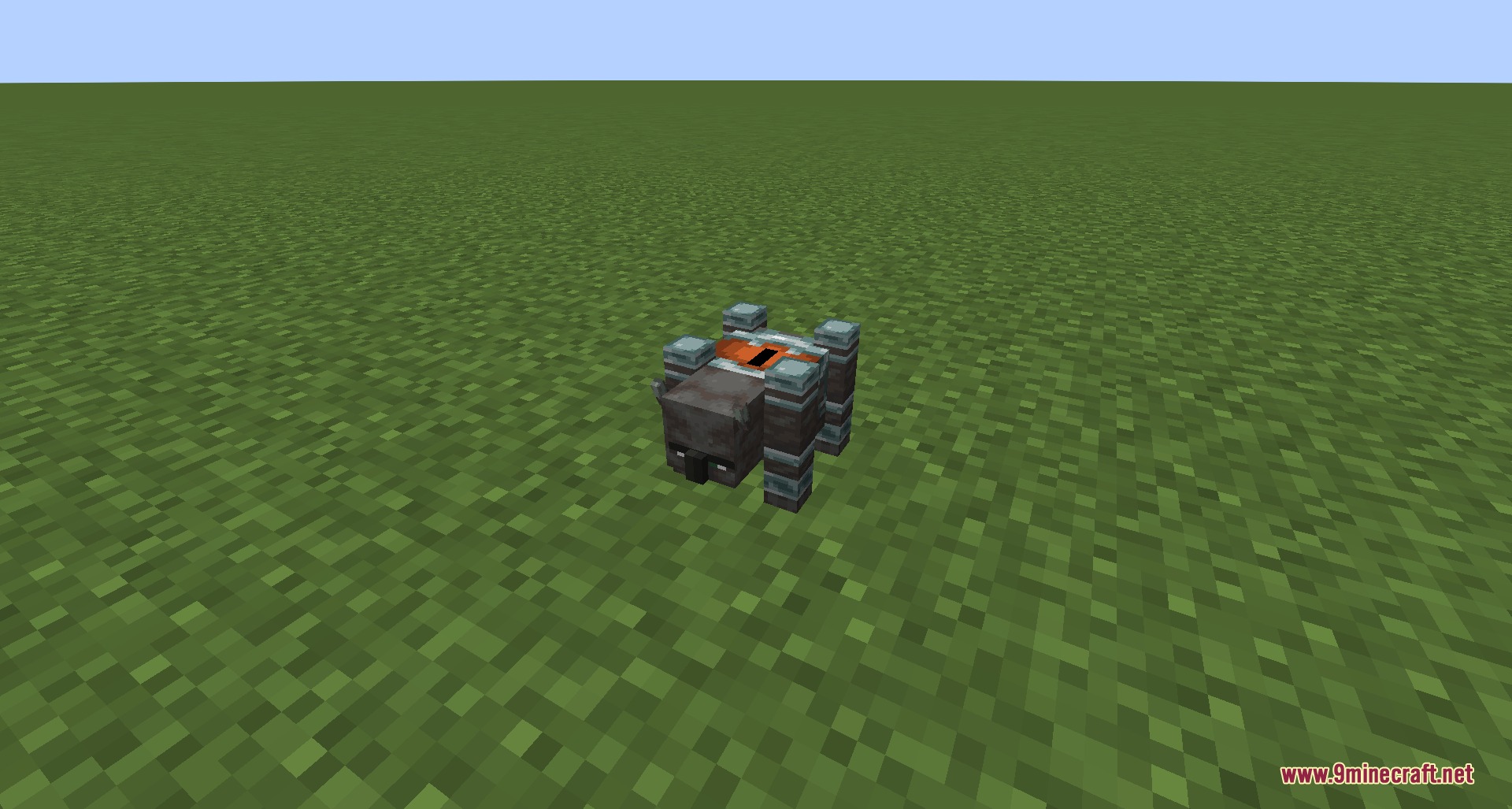
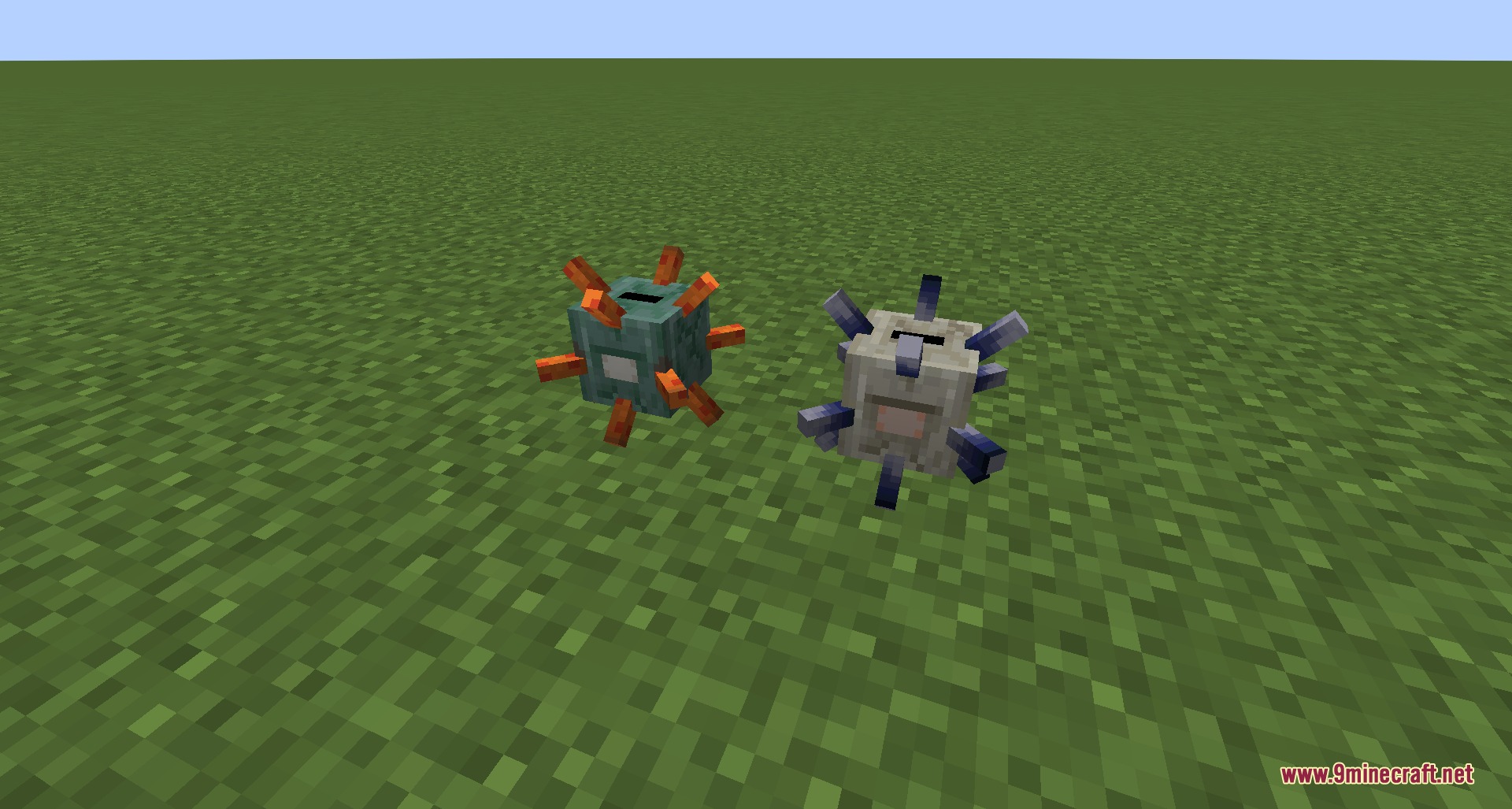
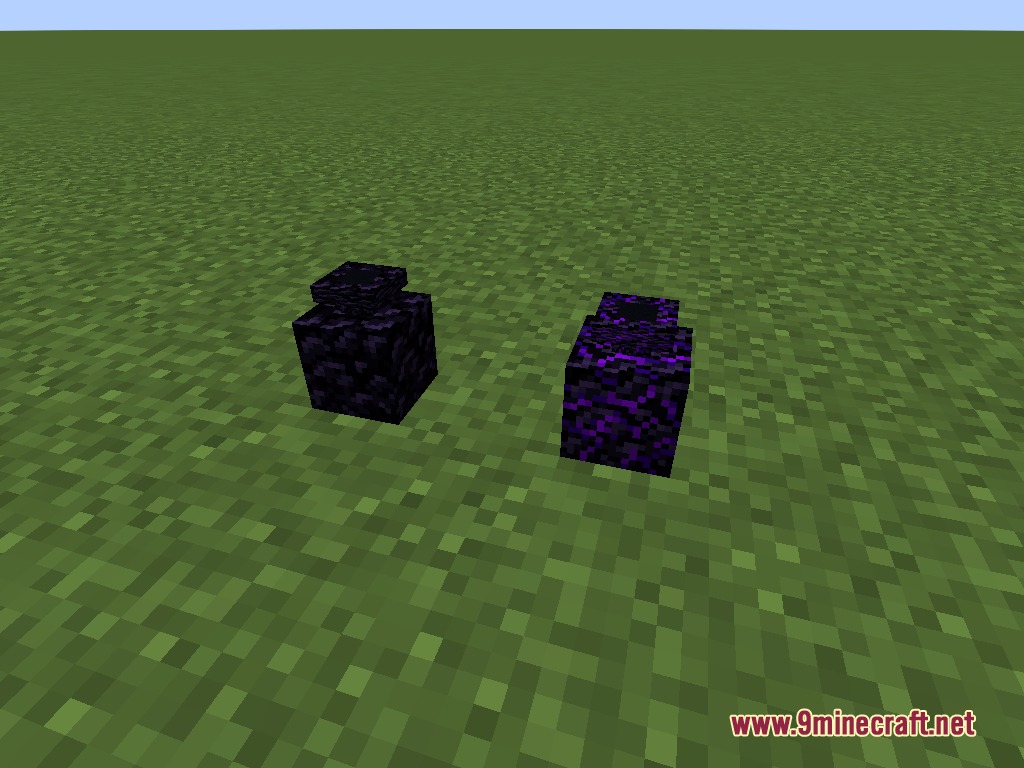
Coin Banks for Villager Coin Mod adds fun storage options for the Villager Coin mod. It gives you a safe and decorative way to store all your gathered money. You can place down cute animal figures or shiny pots to hold your wealth. This addon makes saving money feel rewarding while adding cool decorations to your base.
Features:
- Smart Coin Storage: Holds the total value of all the money you put inside it.
- Drops your saved money in the form of the largest possible coins when broken normally.
- Lets you pick up the bank with all the money still inside if you mine it with a Silk Touch tool.
Coin Pots:
- Includes 17 different dyed colors of standard pots to match your room.
- Offers special material pots made from Copper, Amethyst, Iron, Gold, Diamond, and Emerald.
- Adds blast-resistant pots made from Obsidian and Crying Obsidian to protect against explosions.
- Features a special Netherite pot that survives both fire and explosions.
Mob Coin Banks:
- Brings classic Piggy Banks in Cold, Temperate, and Warm styles.
- Adds farm animal banks including cows, mooshrooms, and 16 colors of sheep.
- Includes tiny mob banks like bees, angry bees, pufferfish, slimes, and magma cubes.
- Features dangerous mob designs like the Ravager, Guardian, and Elder Guardian.
- Provides Nether-themed banks shaped like Piglins, Zombified Piglins, Hoglins, and Zoglins.
How to Use:
- Place your chosen bank on the ground in your base.
- Hold a stack of coins from the main mod in your hand.
- Right-click the bank to deposit the coins and add their value to your total savings.
- Break the bank with a standard pickaxe to smash it and get your money back.
- Mine the bank with a Silk Touch tool if you want to move it without losing the money inside.
Screenshots:
Coin Banks for Villager Coin Mod Download Links
Quick facts
- Edition: Minecraft Java
- File type: .jar
- Minecraft version listed: 1.21.1
- How to install: Install the matching mod loader (Forge, Fabric or NeoForge) for your Minecraft version. → Download the .jar. → Put it in the .minecraft/mods folder and launch that loader profile.
- Where to get it: In MC Java Mods, or directly above on this page.
Install steps are the general flow for this file type — How to install Minecraft Java mods & modpacks walks through it step by step.
File checked by MCModsHub
- Downloads as 396472.mcaddon
- Download size: 300 KB
- Download link checked 22 Sept 2026 — working
- Mirrored on our own servers — the download does not depend on the original host
These come from our own check of the pack file, not from the source page.