ModsJava
Creative Tab Organizer Mod (1.21.1, 1.20.1) – Fix Messy Creative Menus
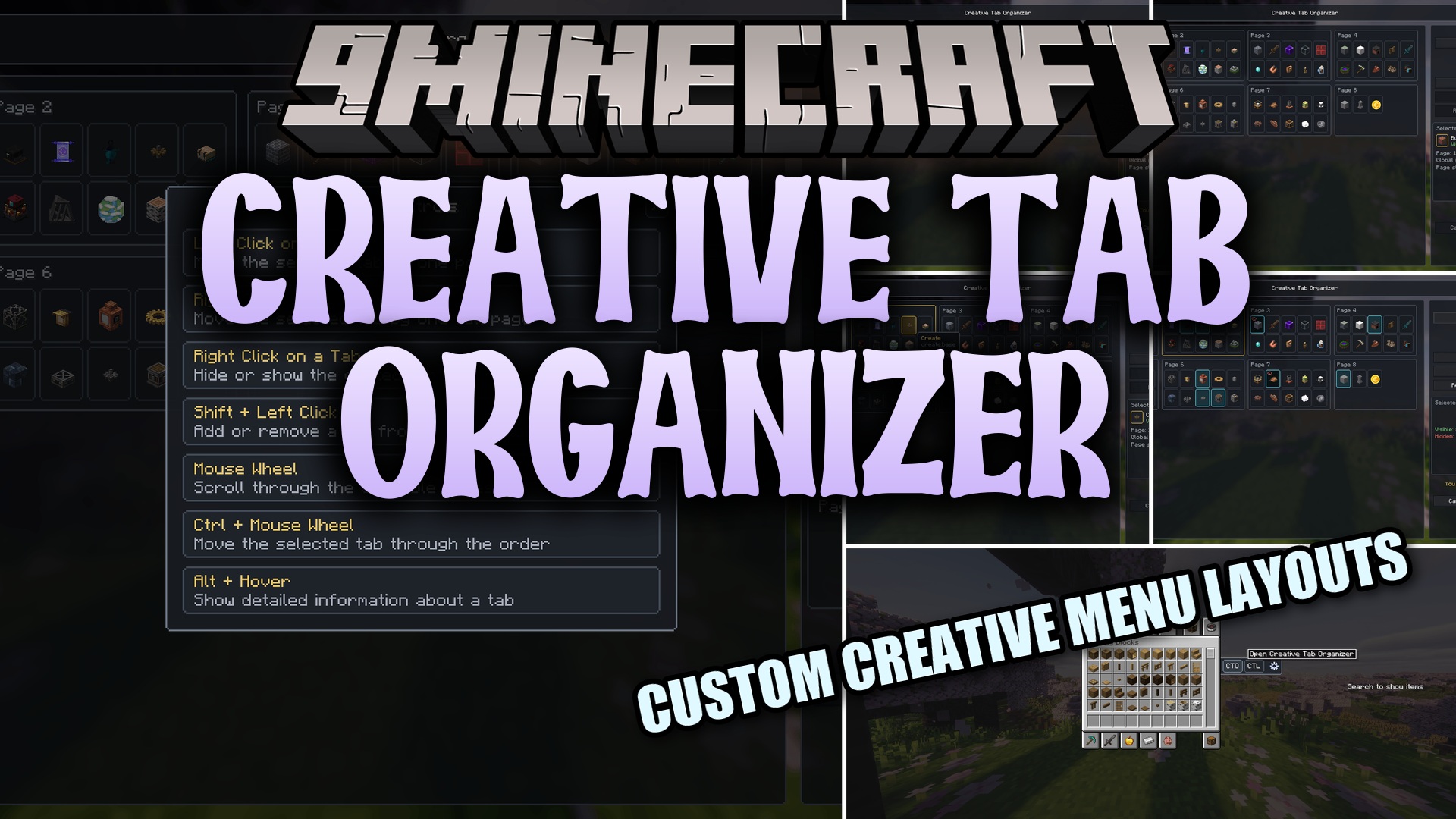
Creative Tab Organizer Mod gives you a special menu to sort all your Minecraft items. It helps you fix messy creative mode screens when you play with lots…
⬇ Download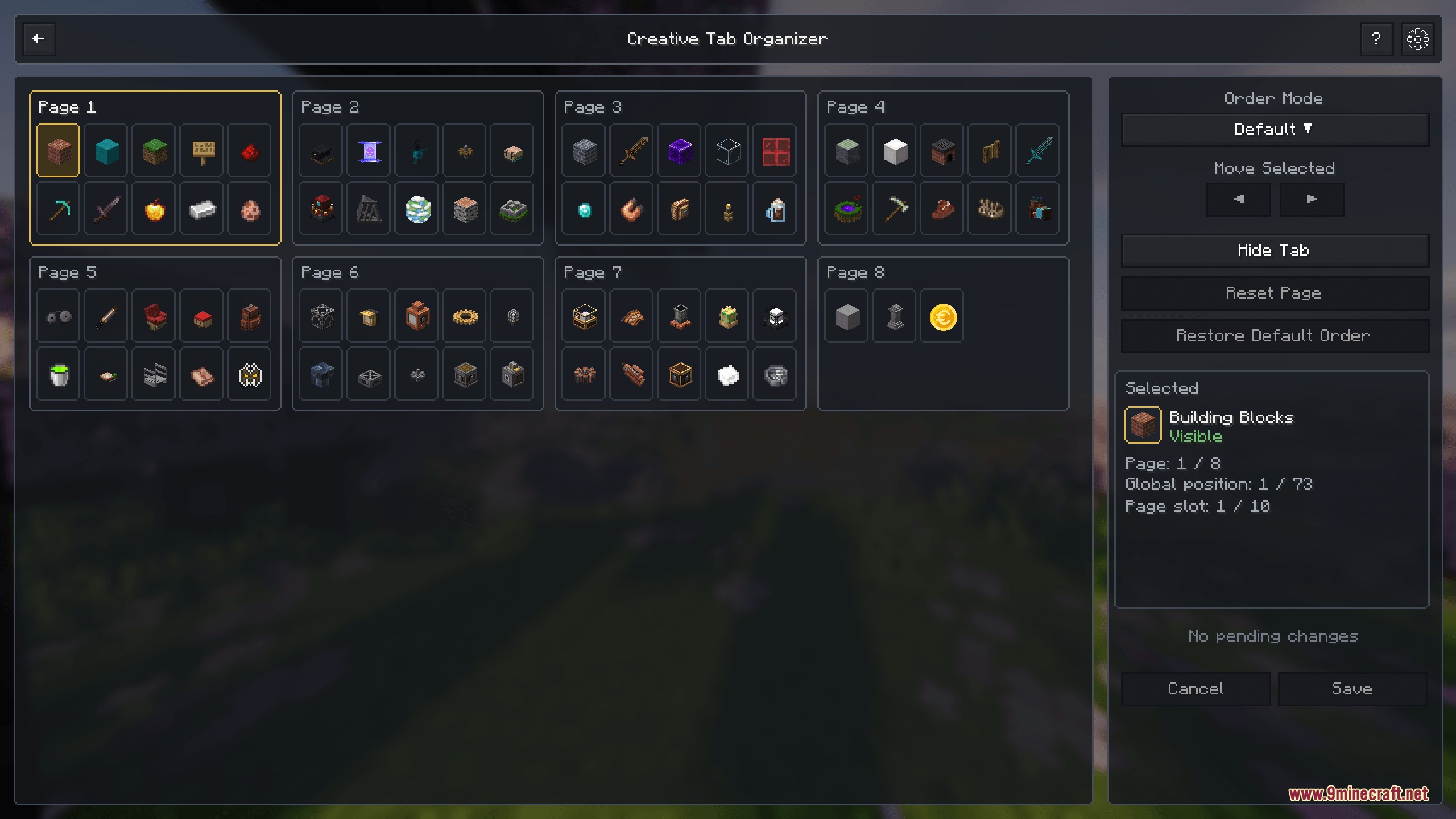
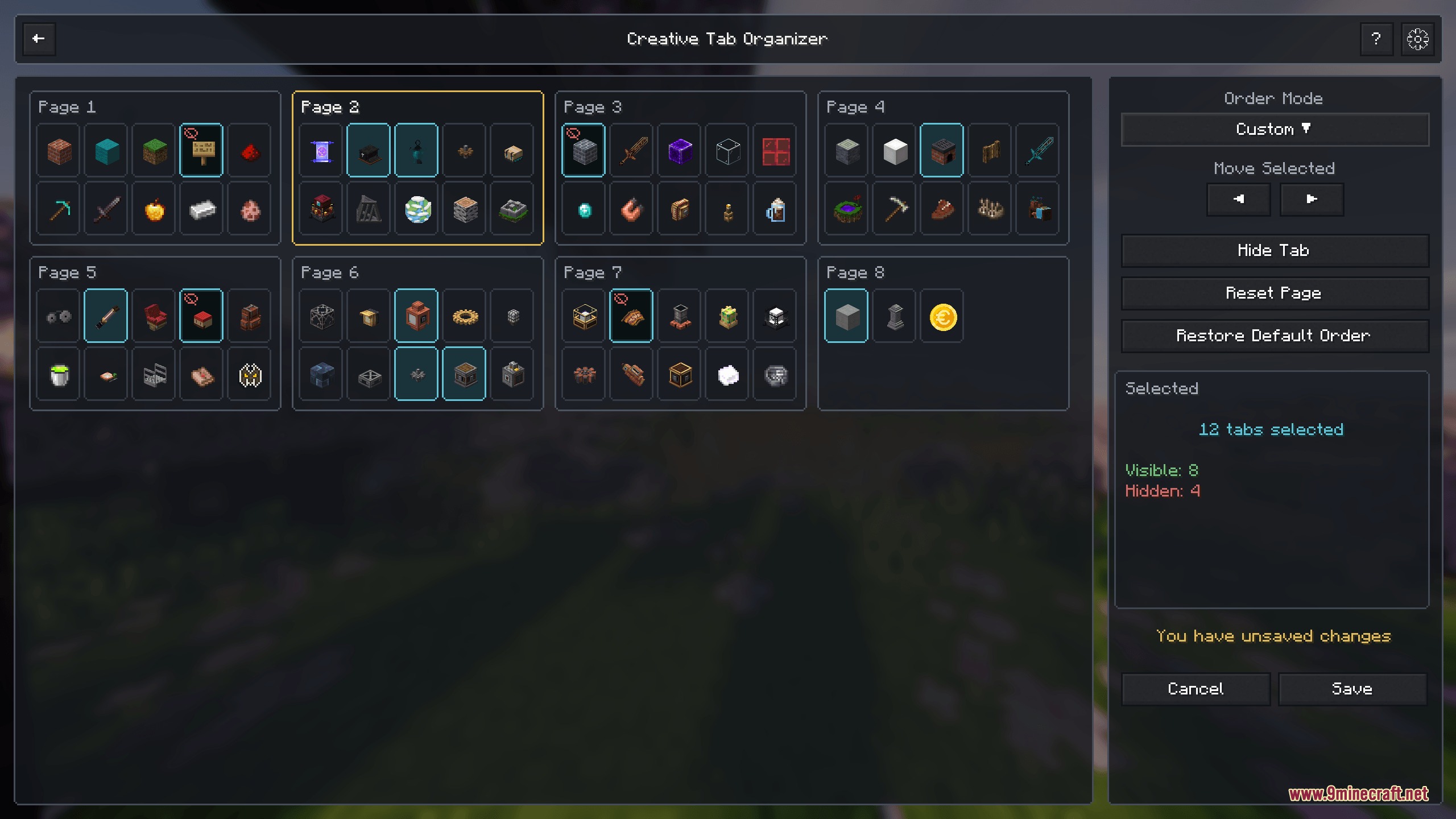
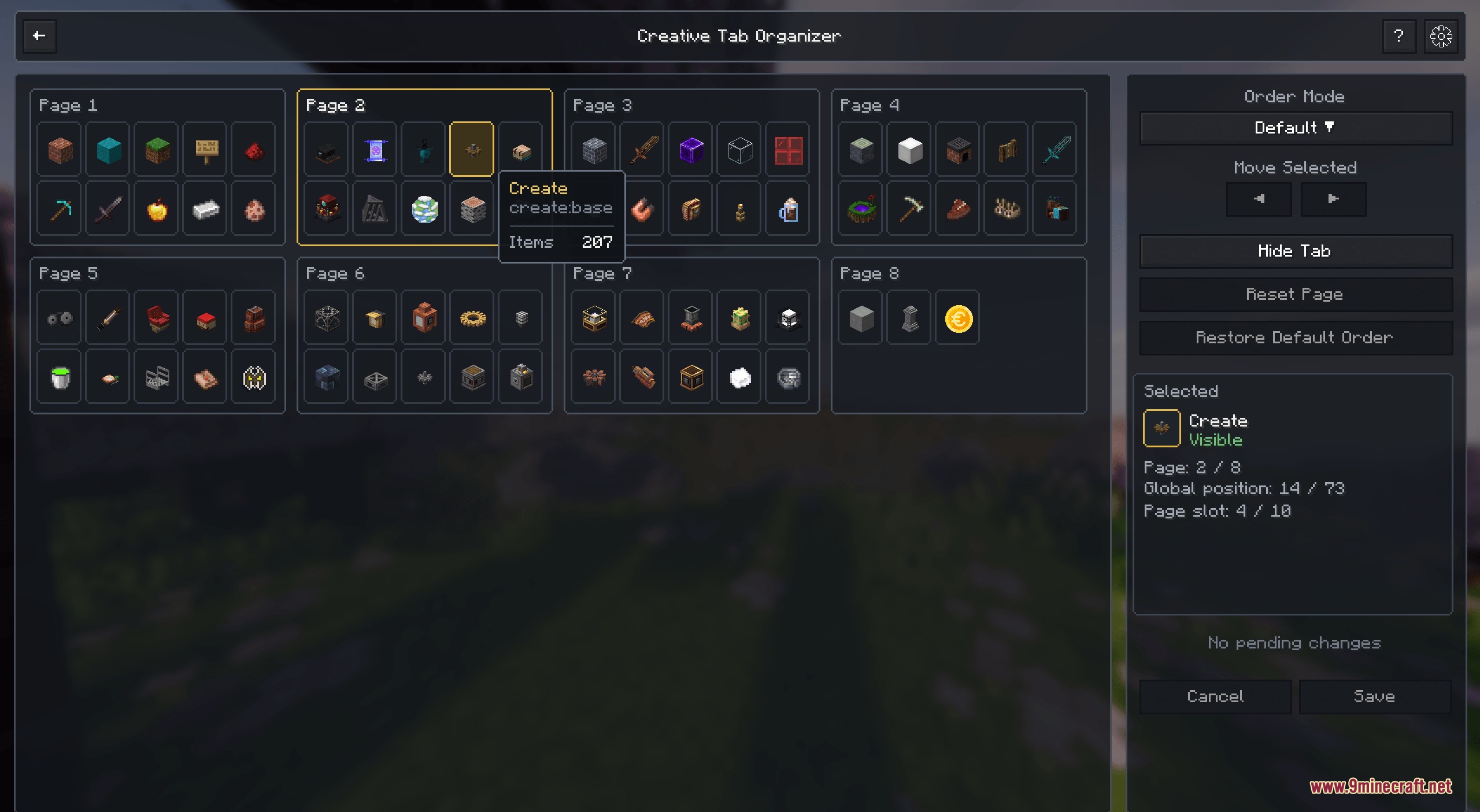
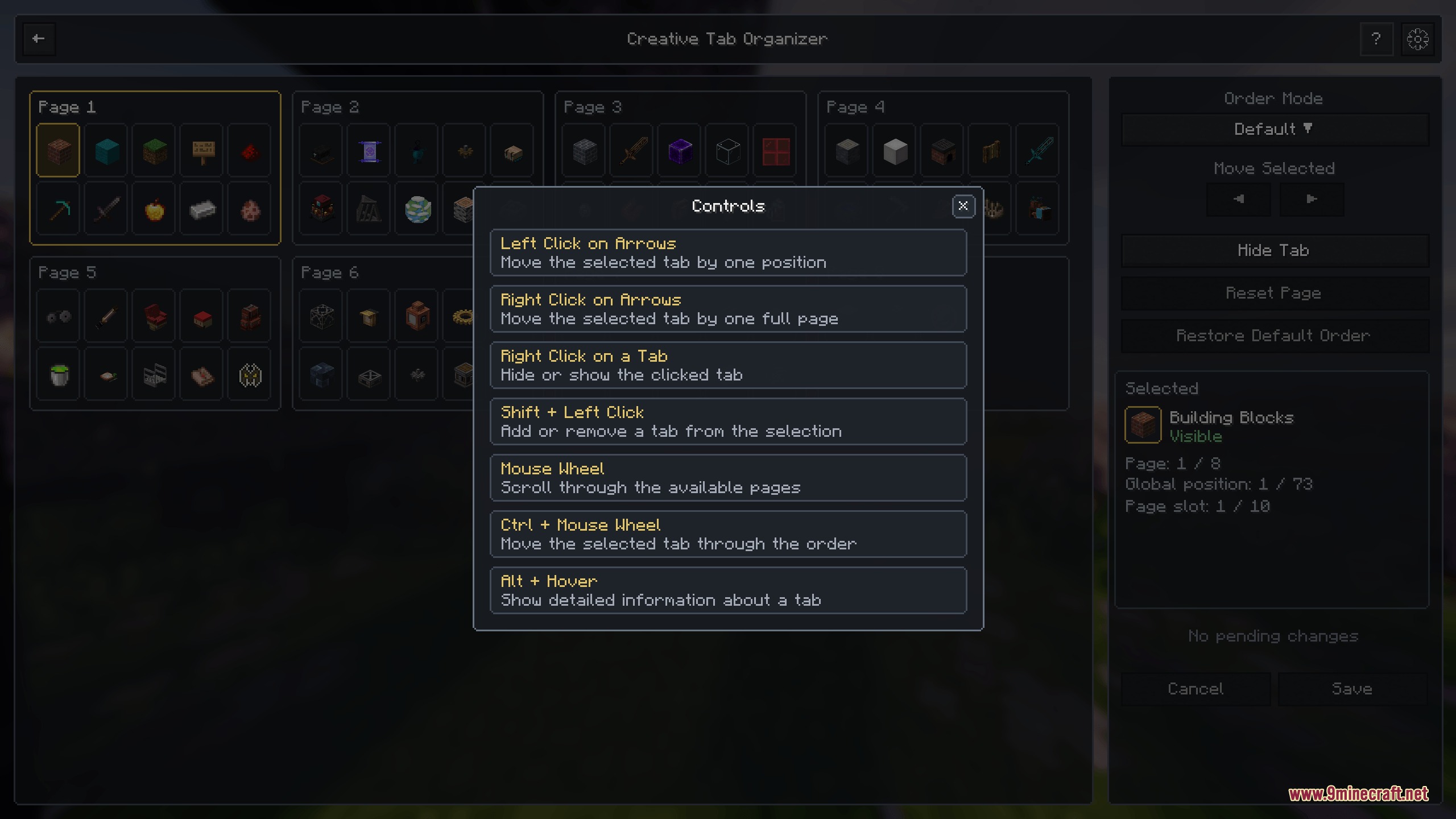
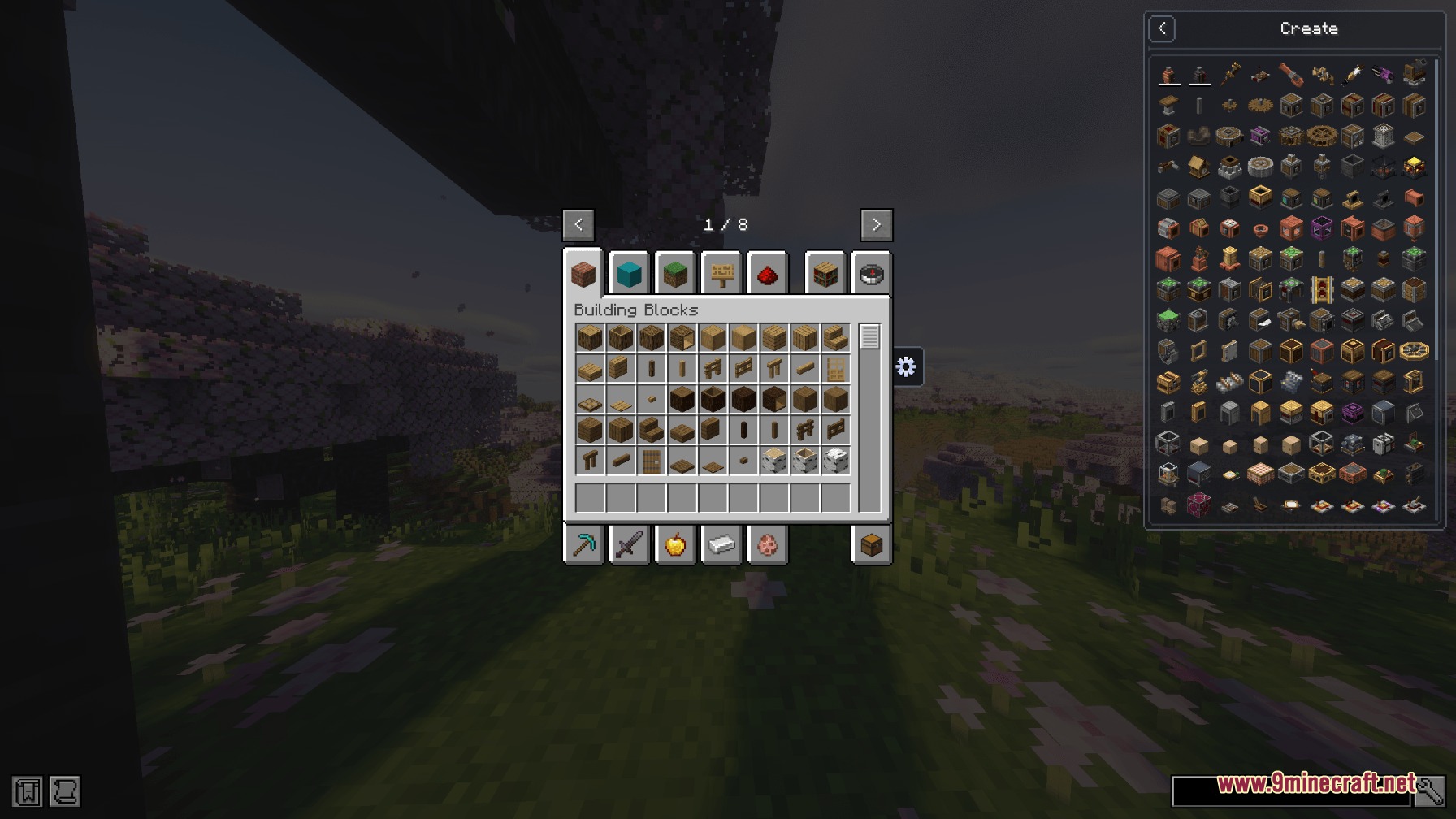
Creative Tab Organizer Mod gives you a special menu to sort all your Minecraft items. It helps you fix messy creative mode screens when you play with lots of different add-ons. You can move, hide, and group your item categories without touching any confusing game files. This tool works entirely on your own computer, so you do not need to put it on a multiplayer server.
Features:
- Drag and Drop: Move any item category exactly where you want it with your mouse.
- Hide Clutter: Make empty or boring item groups disappear from your screen completely.
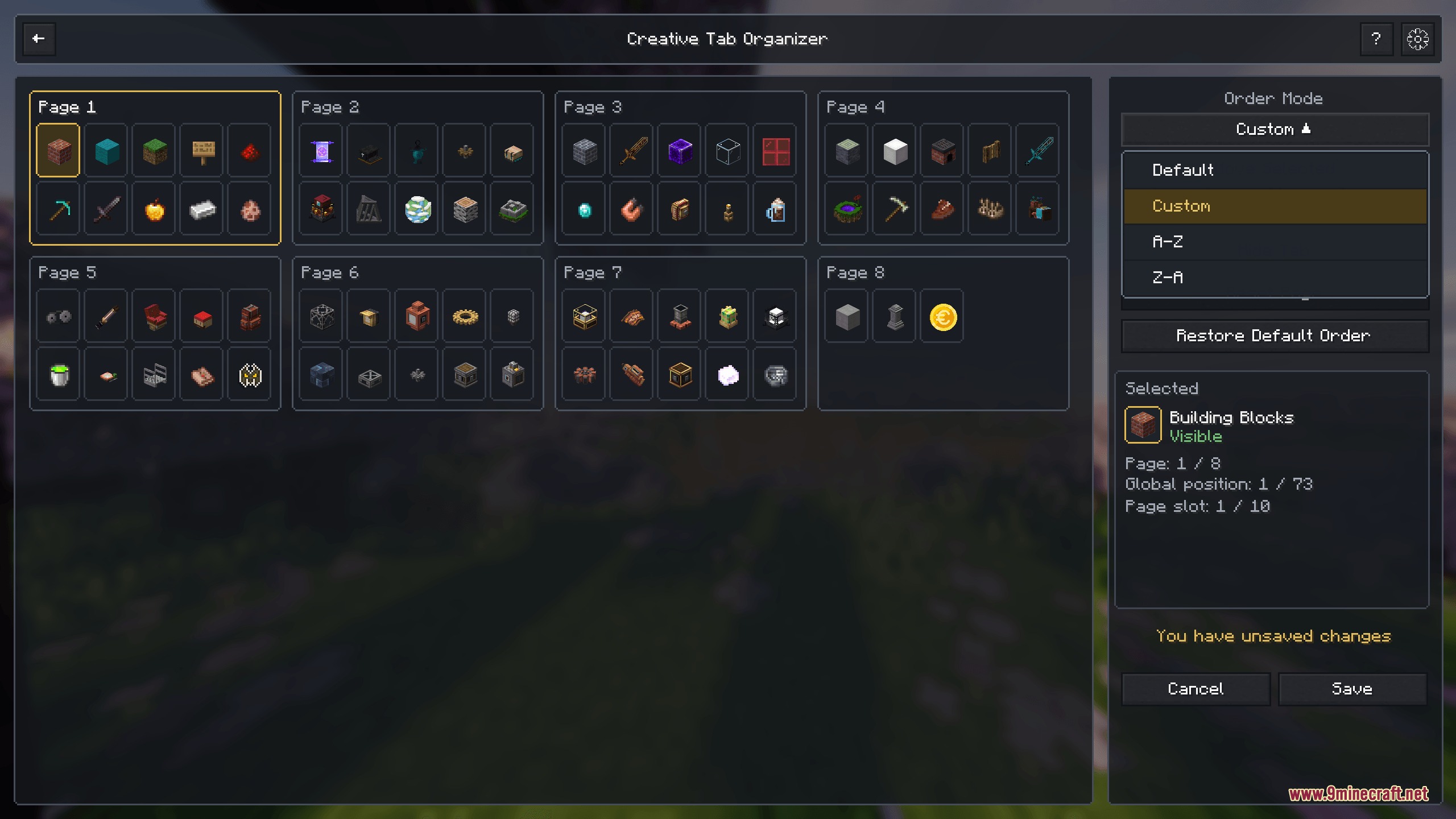
- Sort Automatically: Arrange everything from A to Z or Z to A with a single click.
- Select multiple groups at the same time to move or hide them faster.
- Check detailed information about each group, like how many items it holds and its exact ID number.
- Splits your categories into different pages if you have a massive modpack.
- Shows a helpful guide inside the game to teach you all the mouse and keyboard controls.
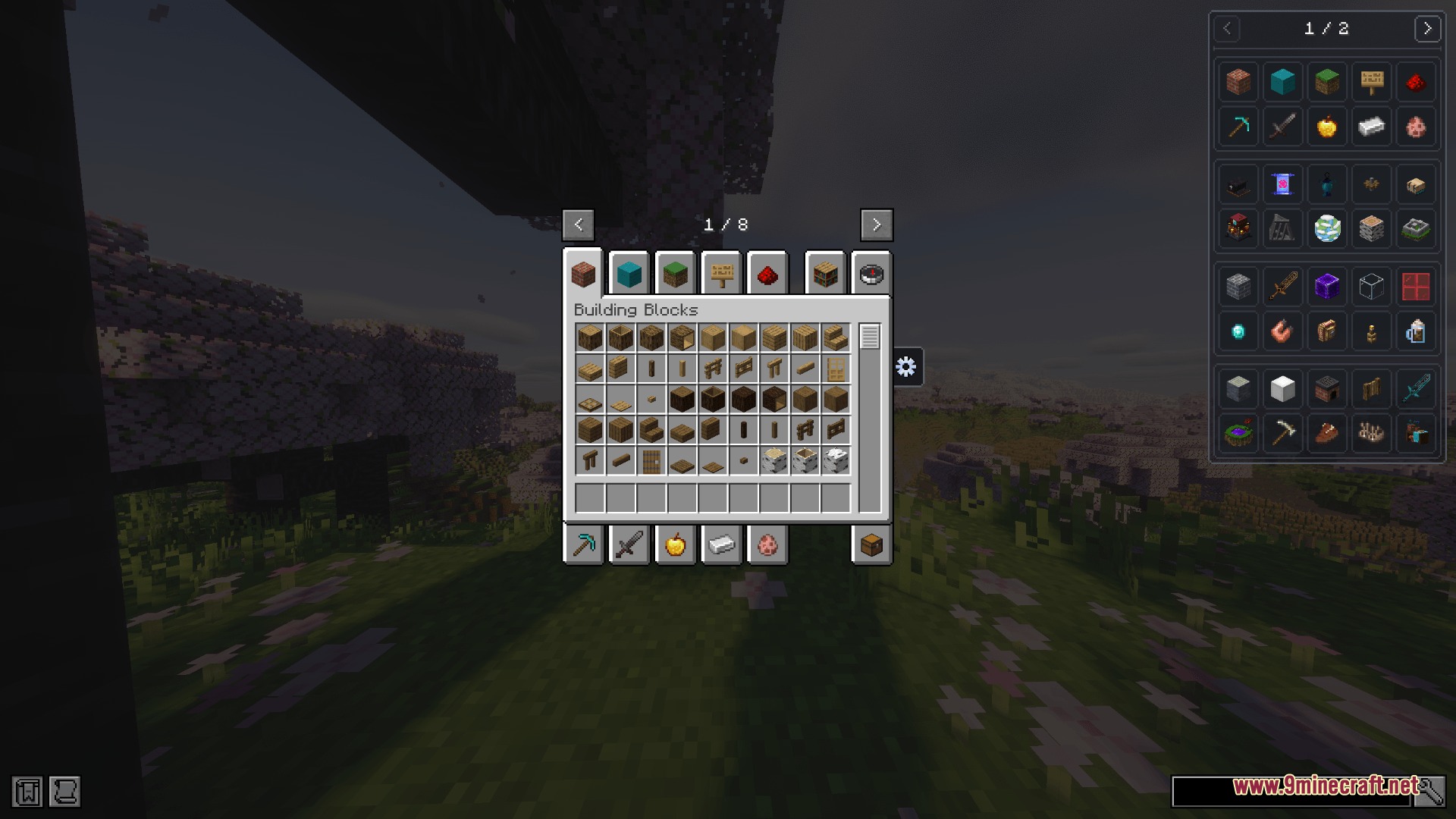
- Connects with Just Enough Items (JEI) so you can browse recipes by category instead of one giant list.
- Works perfectly on multiplayer servers because it only changes how things look on your screen.
How to Use:
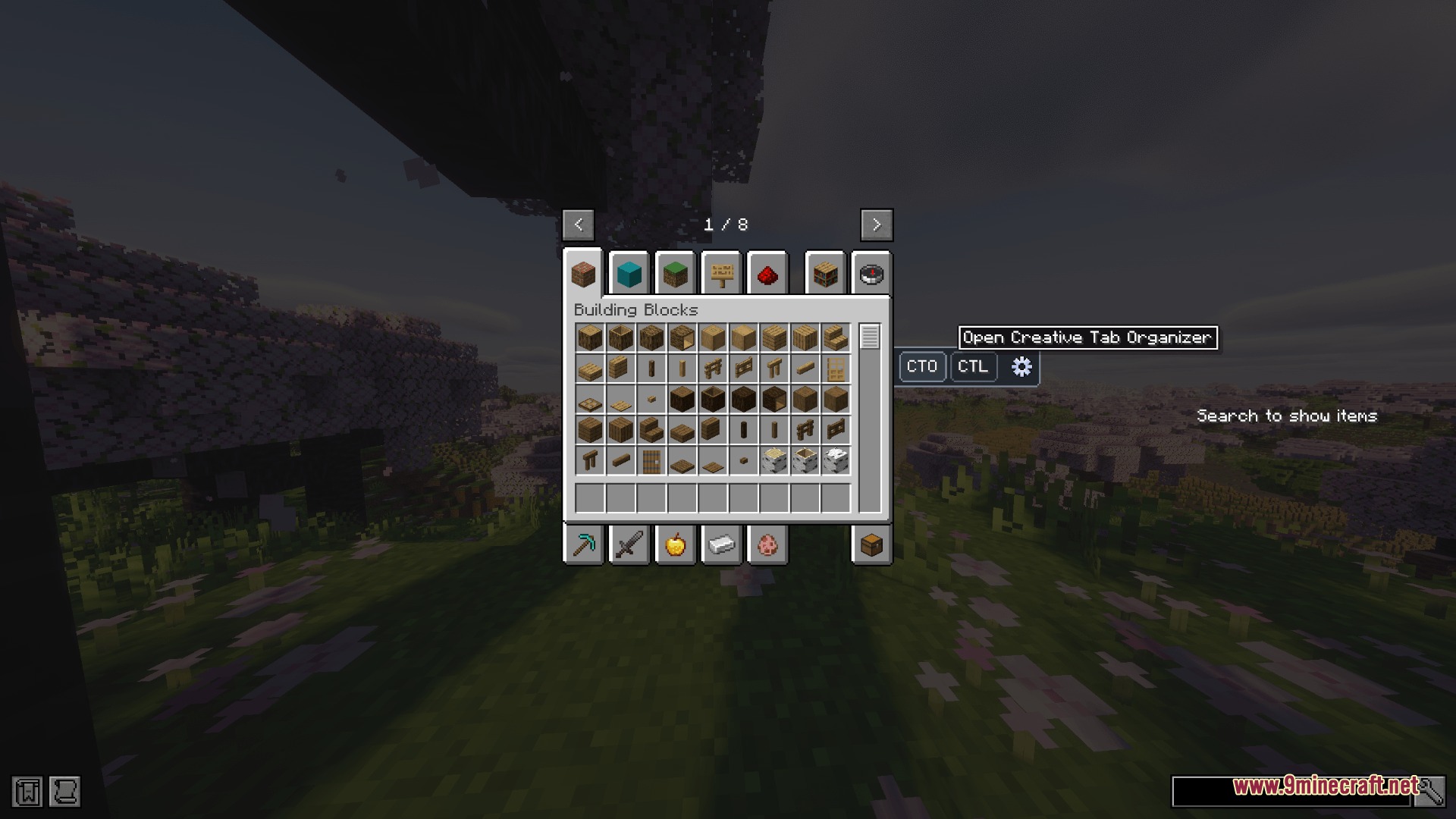
- Open your normal creative mode inventory.
- Click the new organizer button to open the sorting screen.
- Click and drag any tab to move it to a new spot.
- Select multiple tabs at once to move them as a group.
- Press the hide button to remove tabs you do not want to see.
Screenshots:
Creative Tab Organizer Mod Download Links
Creative Tab Organizer Mod (1.21.1, 1.20.1) – Fix Messy Creative Menus is a free Minecraft Java mod. Compatible with Minecraft 1.21.1, 1.20.1. Download it and open it directly in the game.