ModsJava
Craftics Grid Based Tactical RPG Mod (1.21.5, 1.21.1)
Java mod listed for Minecraft 1.21. Downloads from the MC Java Mods app on Android.
⬇ Download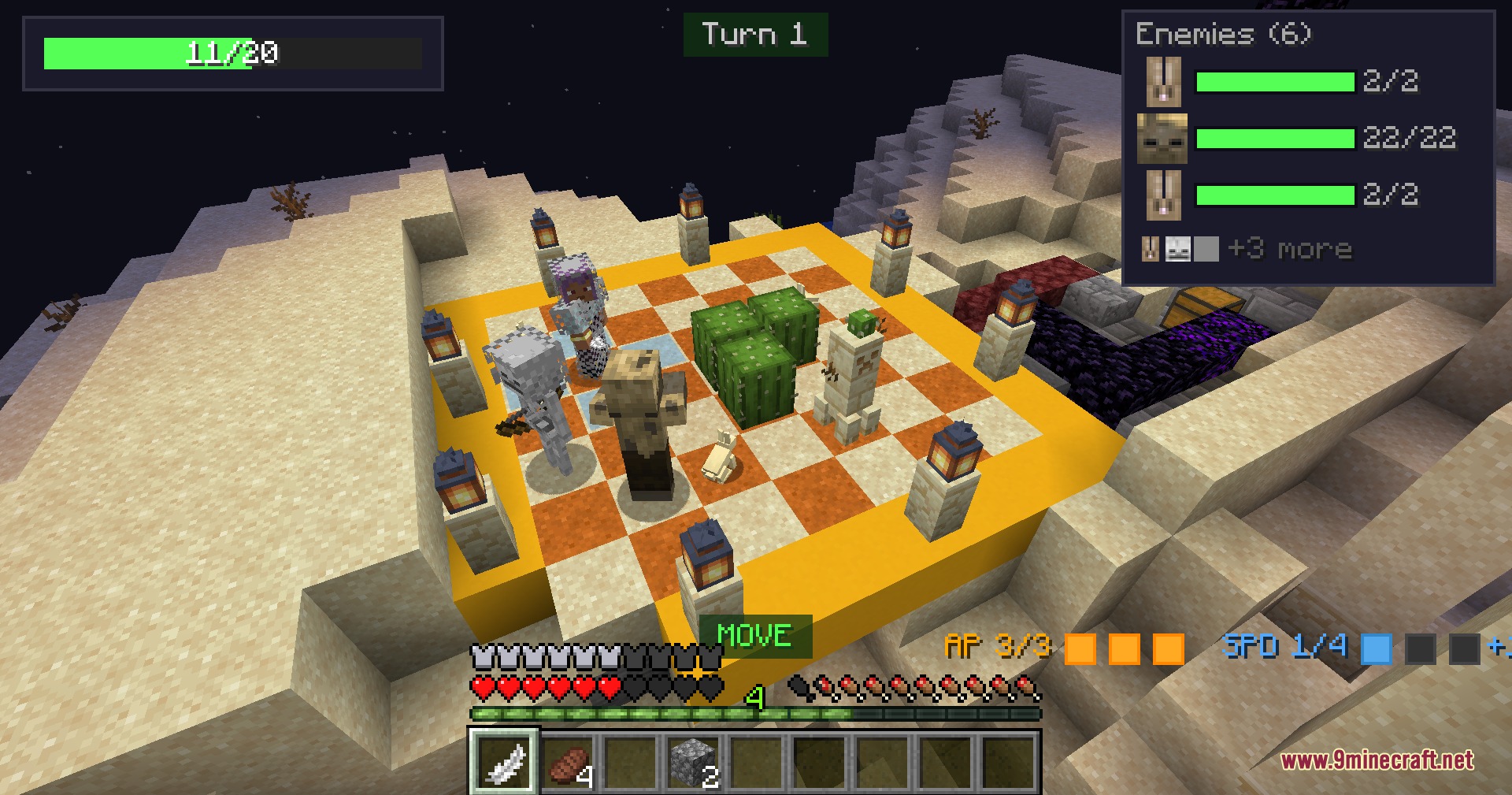
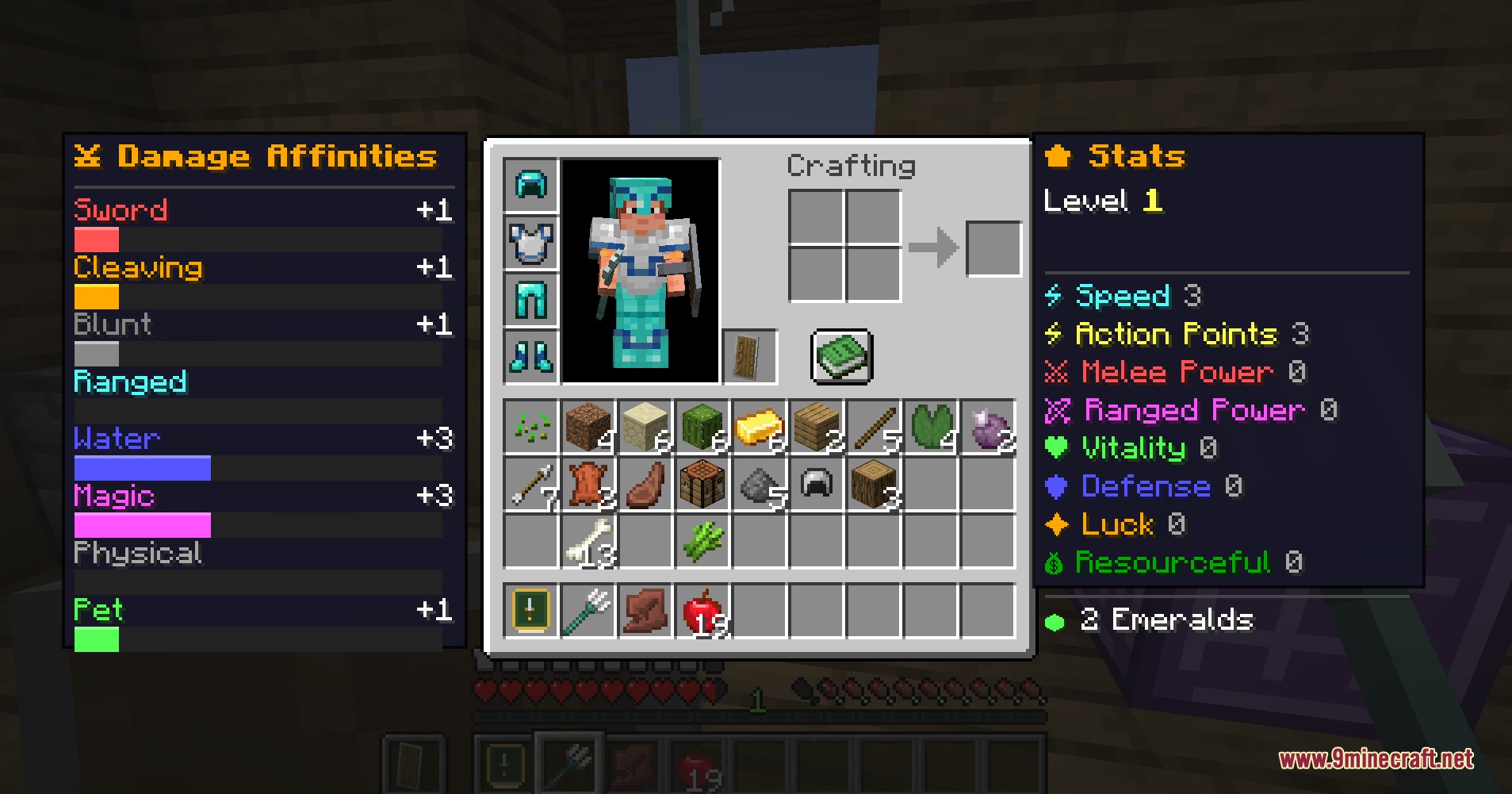
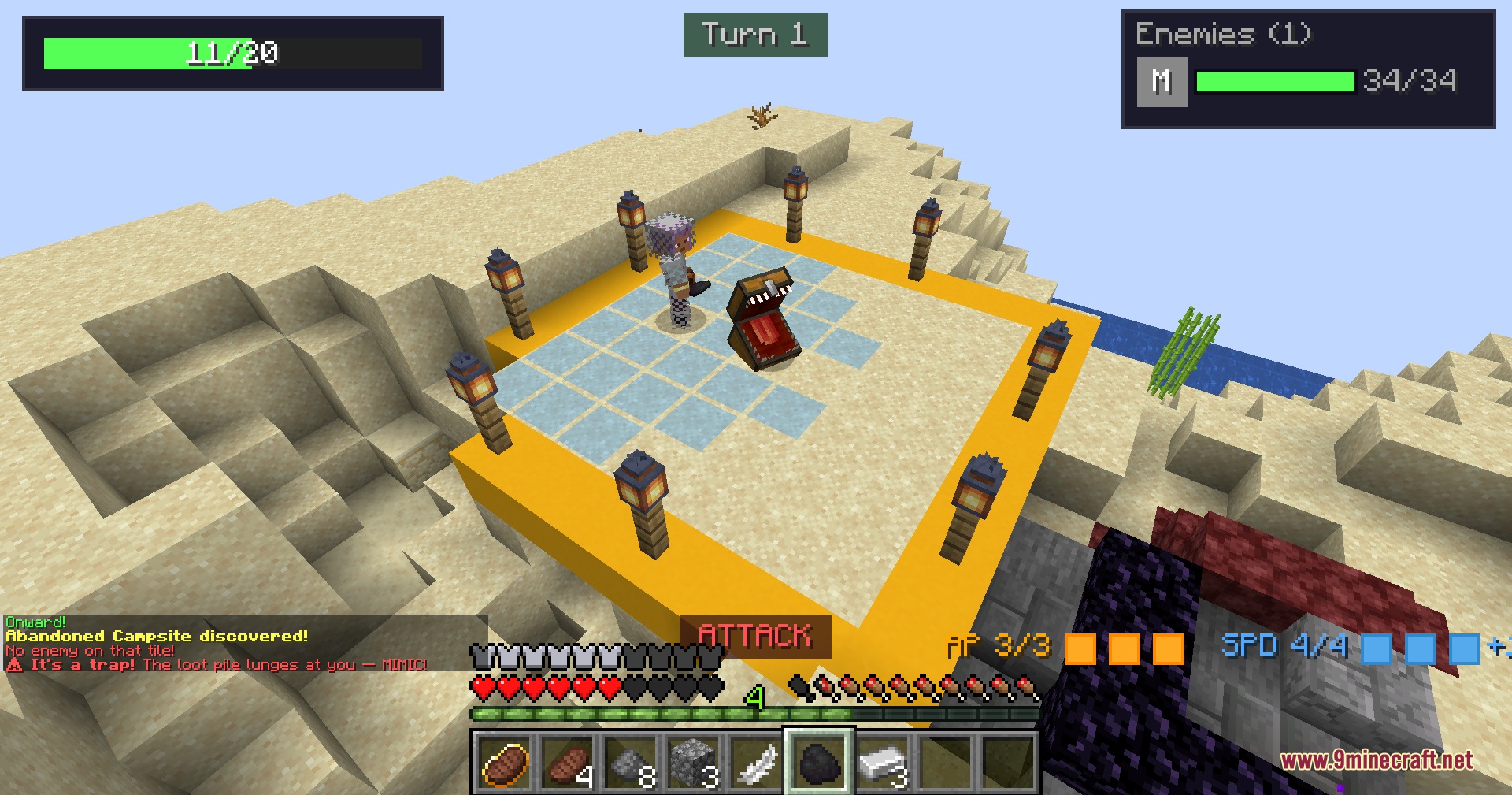
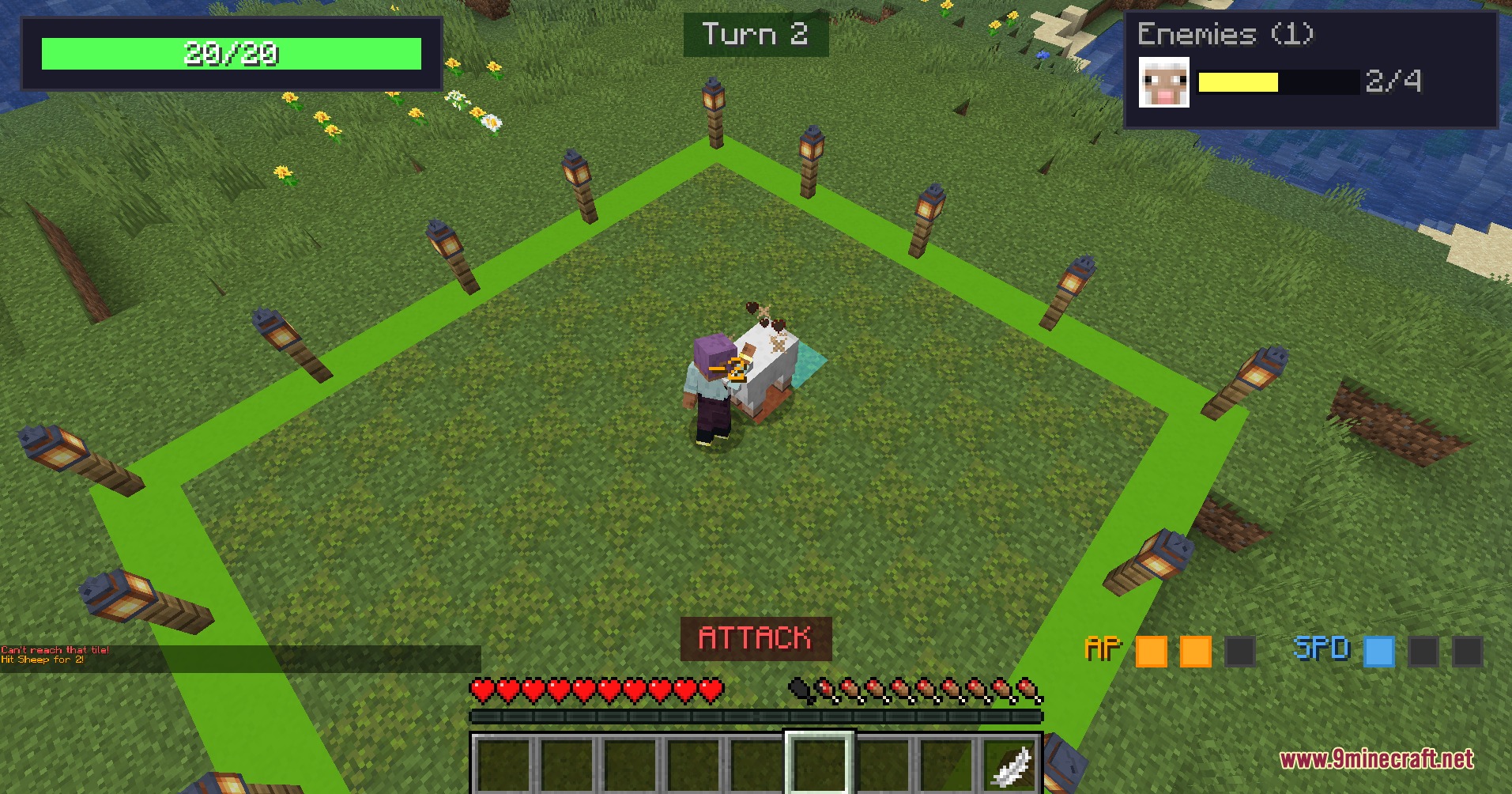
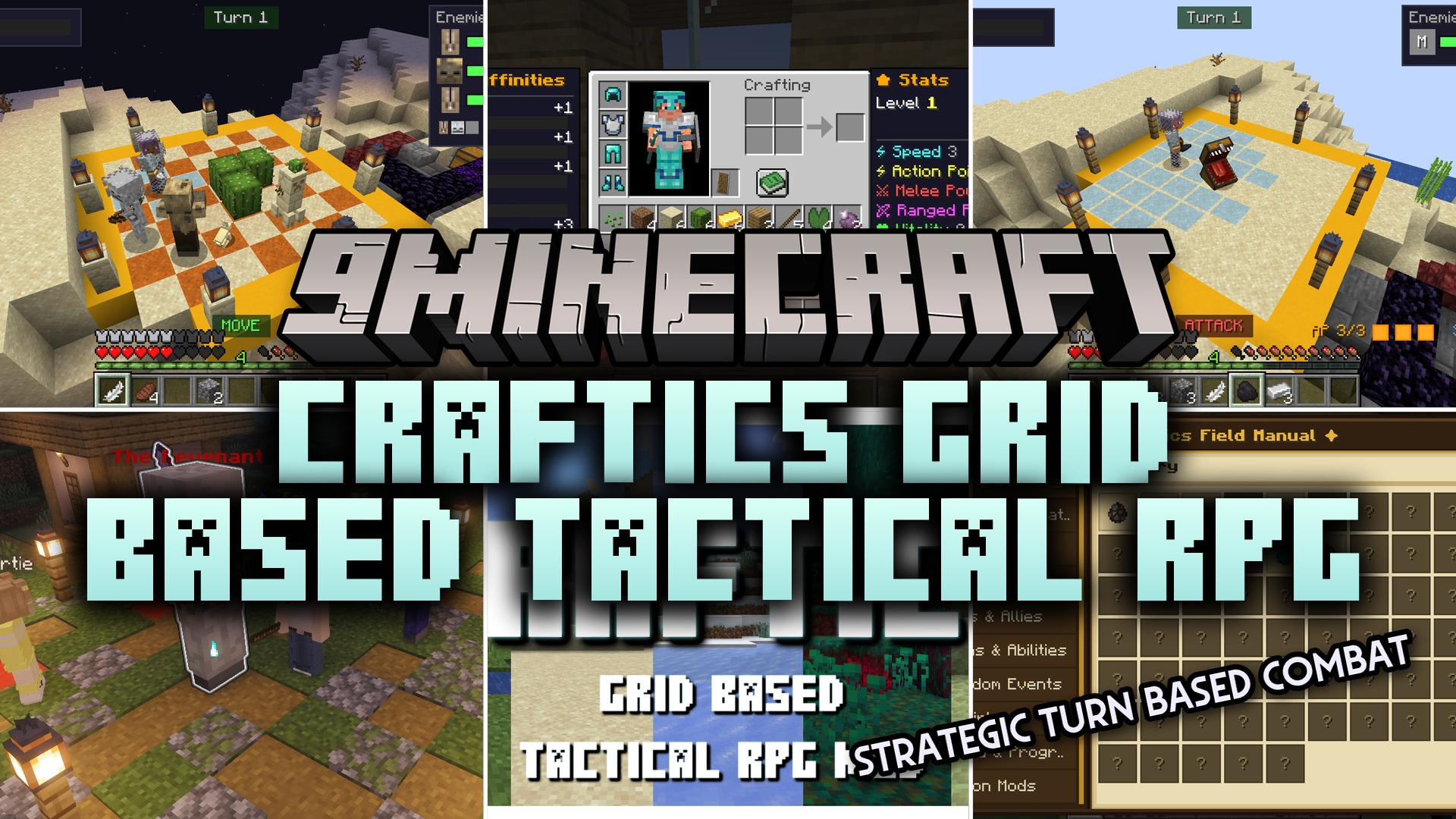
Craftics Grid Based Tactical RPG Mod changes survival gameplay into a turn based strategy game. You fight enemies on a grid, level up your character, and return to a safe island base between battles to prepare for the next run.
Features:
- Grid Combat: Fights happen on a board where you spend Action Points to move, attack, and use items.
- Safe Base: Your home island acts as a normal survival area where you craft, smelt, and build.
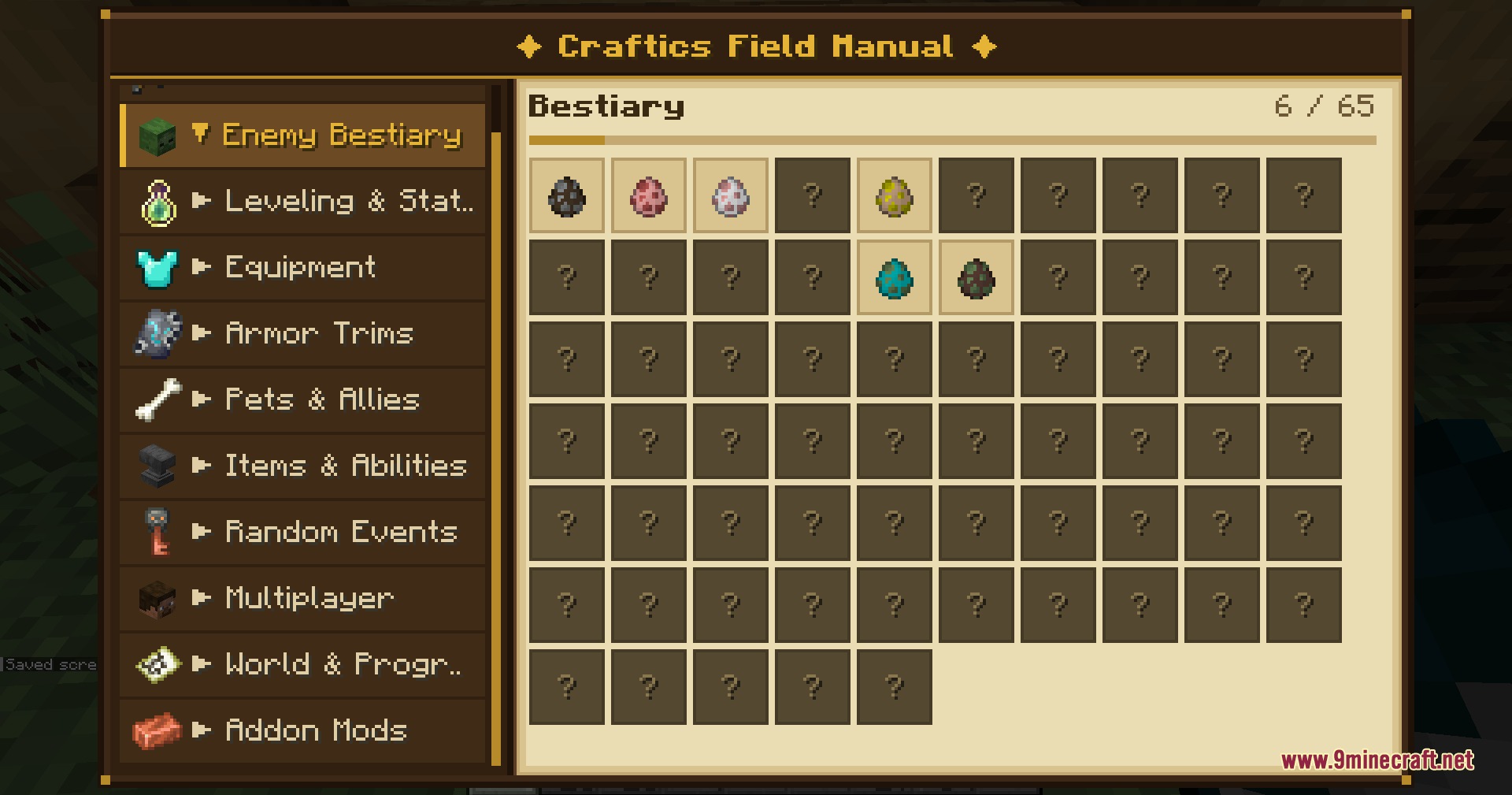
- You play through 18 different biomes and 90 levels filled with enemies and loot.
- Boss fights include special attack warnings, different phases, and unique mechanics based on their biome.
- Players level up and choose where to put their stat points to build a custom character.
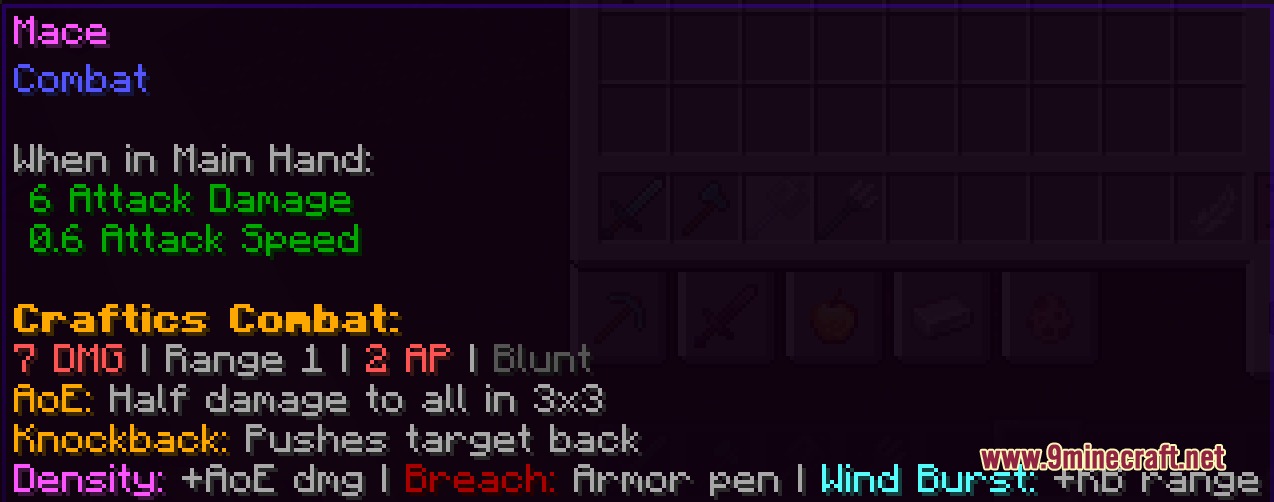
- Weapons have different attack shapes and special effects on the grid.
- Armor trims and sets change your role in a fight, like helping you take more damage or support friends.
- You earn emeralds from winning battles to buy things from traders between levels.
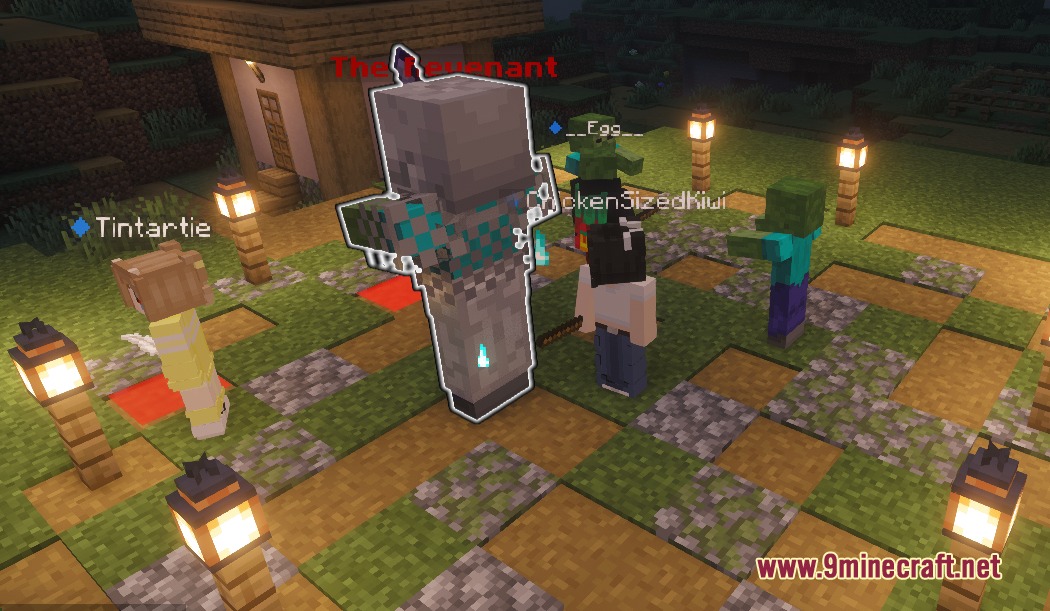
- Friends can join you in co-op mode, where everyone takes turns and gets their own loot.
- The game gets harder as your party grows or when you replay levels.
- You can keep playing forever in Infinite Mode, which mixes up biomes and bosses randomly.
Commands:
/new: creates your starting island base in the world.
How to Use:
- Create a new world with this mod turned on.
- Type the island creation command in chat to build your safe base.
- Find and use the Level Select block to pick your first run.
- When a fight starts, wait for your turn and spend Action Points to move or attack.
- Win the battle to collect loot, then head back to your island to craft better gear.
Screenshots:
Craftics Grid Based Tactical RPG Mod Download Links
Quick facts
- Edition: Minecraft Java
- File type: .jar
- Minecraft versions listed: 1.21.5, 1.21.1
- How to install: Install the matching mod loader (Forge, Fabric or NeoForge) for your Minecraft version. → Download the .jar. → Put it in the .minecraft/mods folder and launch that loader profile.
- Where to get it: In MC Java Mods, or directly above on this page.
Install steps are the general flow for this file type — How to install Minecraft Java mods & modpacks walks through it step by step.
File checked by MCModsHub
- Downloads as 396485.mcaddon
- Download size: 77.6 MB
- Download link checked 23 Sept 2026 — working
- Mirrored on our own servers — the download does not depend on the original host
These come from our own check of the pack file, not from the source page.