LangSwitch
Java mod listed for Minecraft 1.21. Downloads from the MC Java Mods app on Android.
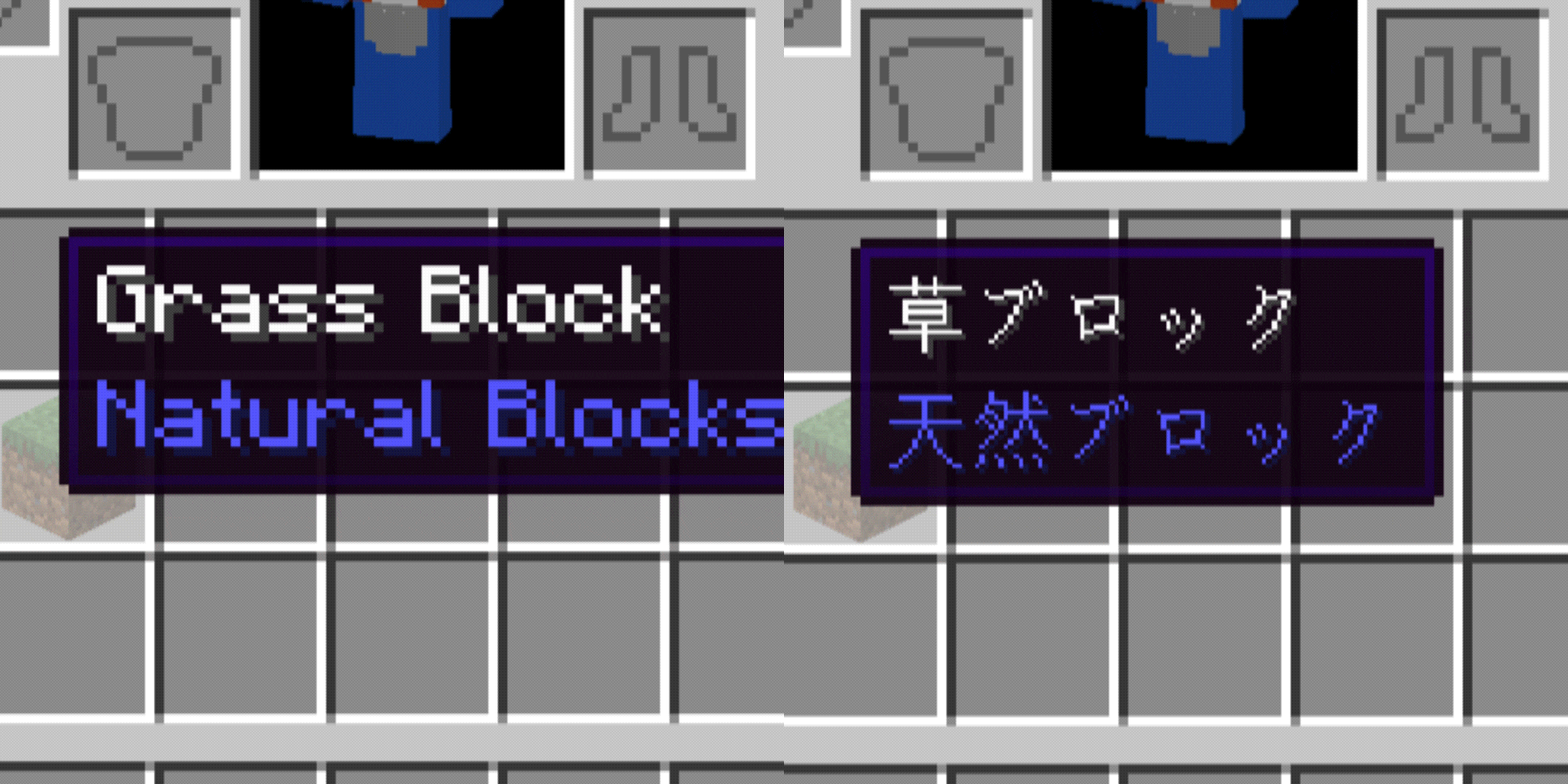
Instantly toggle Minecraft's UI language with one key — no reload, no menu diving. Switch between your language and the one you're learning even while a…
⬇ Download on Modrinth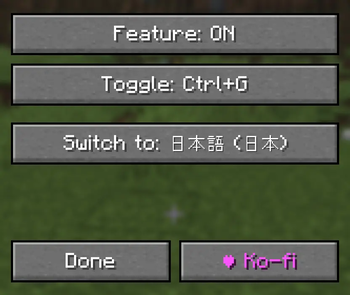
LangSwitch
Instantly switch the game's display language with a single key press.
Vanilla Minecraft's Options → Language menu triggers a full resource reload every time you switch, causing a noticeable multi-second stutter. LangSwitch skips that reload entirely, so the language changes instantly with effectively zero load time.
Features
- One-tap language toggle: press your configured toggle key to switch between your chosen target language and whichever language you were just using
- Instant, load-free switching: swaps only the language data directly instead of triggering a full resource-pack reload, so there's virtually no delay
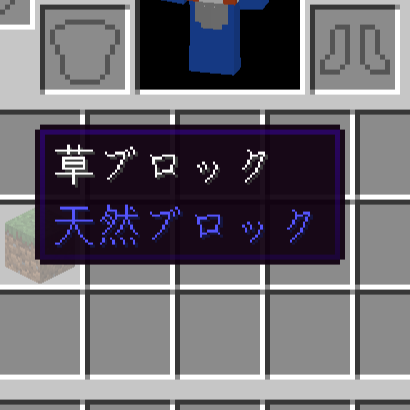
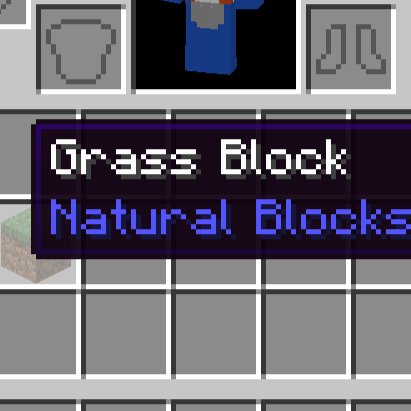
- Works even with a GUI open: the toggle key still works while inventories, books, chests, etc. are open — great for comparing translations while playing (ideal for language learning)
- Ctrl-modifier to prevent misfires: the toggle key only fires when held together with Ctrl, so it won't accidentally trigger while typing in chat or on a sign
- Google Translate–style searchable language picker: pick your target language from a searchable list instead of hunting through raw language codes
- Dedicated config keybind: registered in the vanilla key-binding menu, so you can always reopen the settings screen to change anything
How to use
- Press the key that opens the settings screen (default: J)
- Click "Toggle key" and press any key to bind it (fires as Ctrl + that key)
- Click "Switch to" and search for/select your target language
- In-game, hold Ctrl and press your bound key to instantly toggle between your target language and whatever language you were using
Supported environment
- Client-side only (no server-side install required)
- Supported loaders: Forge / NeoForge / Fabric
- Supported versions: 1.20.1 through 1.21.11
- Edition: Minecraft Java
- File type: .jar
- Minecraft version listed: 1.21.11
- How to install: Install the matching mod loader (Forge, Fabric or NeoForge) for your Minecraft version. → Download the .jar. → Put it in the .minecraft/mods folder and launch that loader profile.
- Where to get it: Opens on Modrinth — not every file is mirrored on our own servers.
Install steps are the general flow for this file type — How to install Minecraft Java mods & modpacks walks through it step by step.
- Ships as LangSwitch-fabric-1.21.11-v1.0.0.jar — drop this file into the mods folder
- Download size: 105 KB
- Download link checked 11 Oct 2026 — working
These come from our own check of the pack file, not from the source page.