
Cheese TNT
Bedrock add-on listed for Minecraft 1.20–26.x (behavior + resource pack). File opened and checked on 9 Oct 2026; installs from the MC Bedrock Mods app on Android.
⬇ Download on CurseForgeThe author built this one for Minecraft 26.40. On other versions it may install and then do nothing.
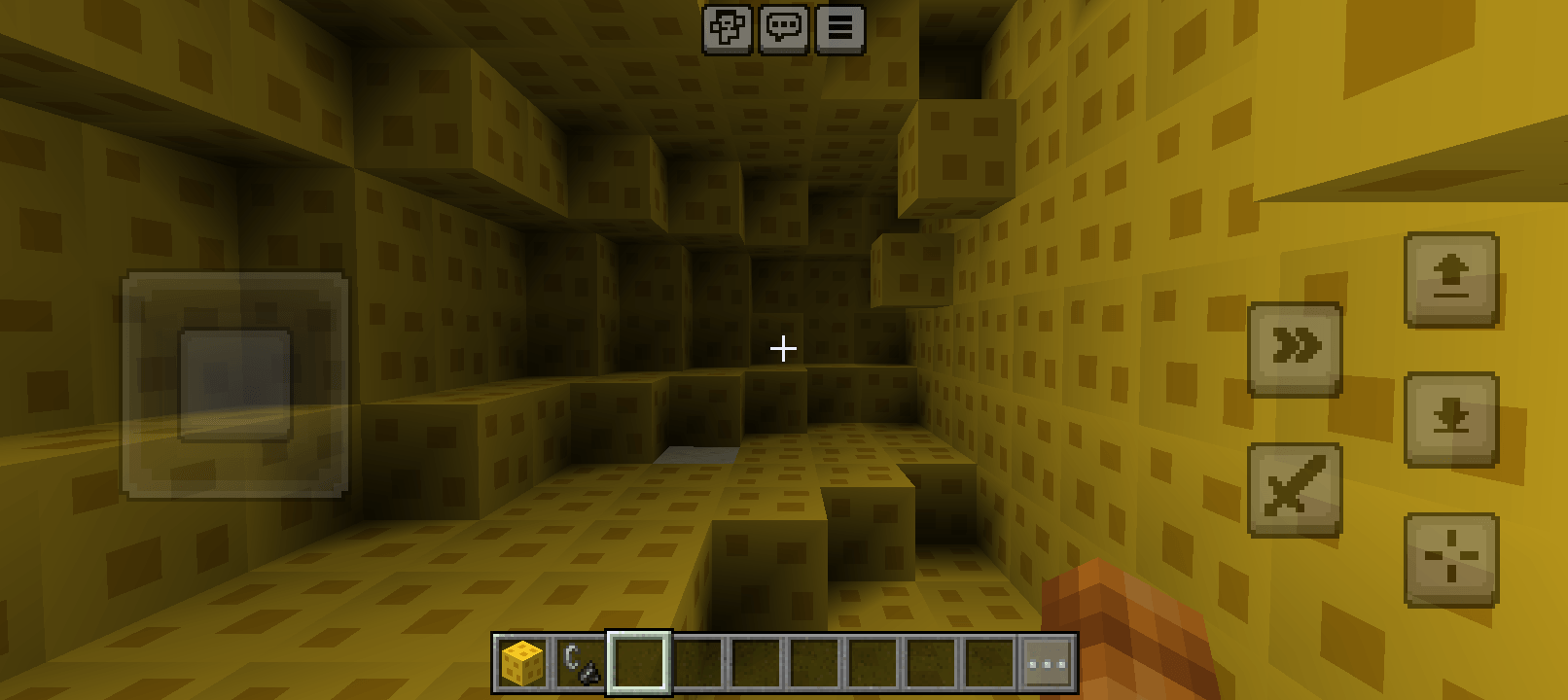
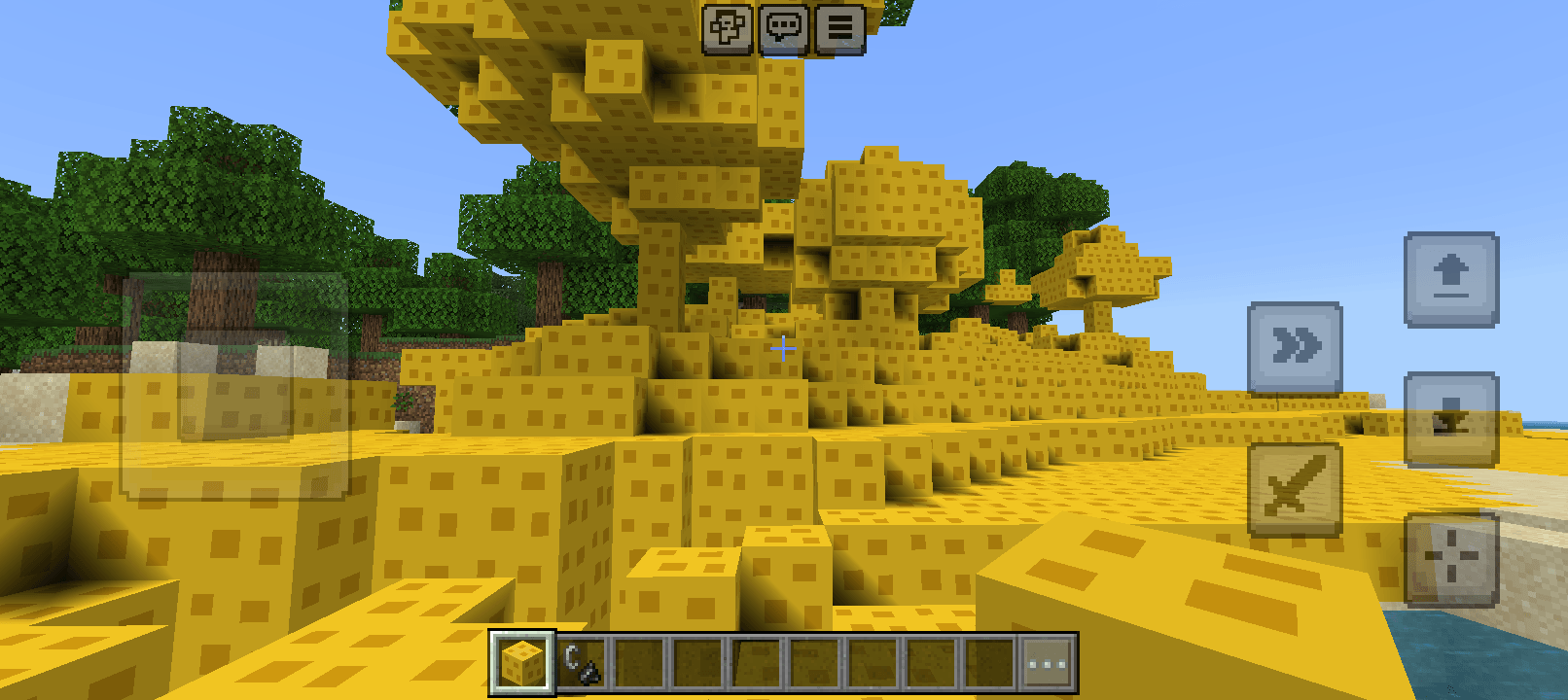
Cheese Mod TNT adds a new explosive dynamic to Minecraft Bedrock. This add-on replaces the destructive impact of classic TNT with a terraforming explosion that turns the surrounding terrain into cheese.
Main Features
Custom Block (custom:cheese_block): A dedicated block with a custom pixel art texture.
Steel and Steel Ignition: The block is activated exactly like vanilla TNT using a Steel and Steel (Flint and Steel).
Wide Radius Transformation (10 Blocks): The explosion generates a spherical shockwave with a radius of 10 blocks. All solid blocks and vegetation (dirt, rock, tree trunks, leaves, grass) within the area are instantly transformed into cheese blocks.
Structure Preservation: The explosion does not destroy blocks or create empty craters, and respects air blocks and bedrock.
How It Changes the Game Experience
Dynamic Terraforming: Allows you to quickly reshape biomes, mountains, and forests, transforming them into yellow, porous cheese-like structures.
Destruction Alternative: Offers a fun and chaotic way to modify the game world without losing blocks or creating empty craters in the ground.
Redstone/Trigger Integration: Maintains the classic Minecraft trigger mechanic, making it intuitive for any player.
How to Use the Add-On
Take the block from your Creative Inventory or obtain it with the command: /give @s custom:cheese_block.
Place the block in the world.
Use the Steel and Steel on the block to trigger the cheese explosion.
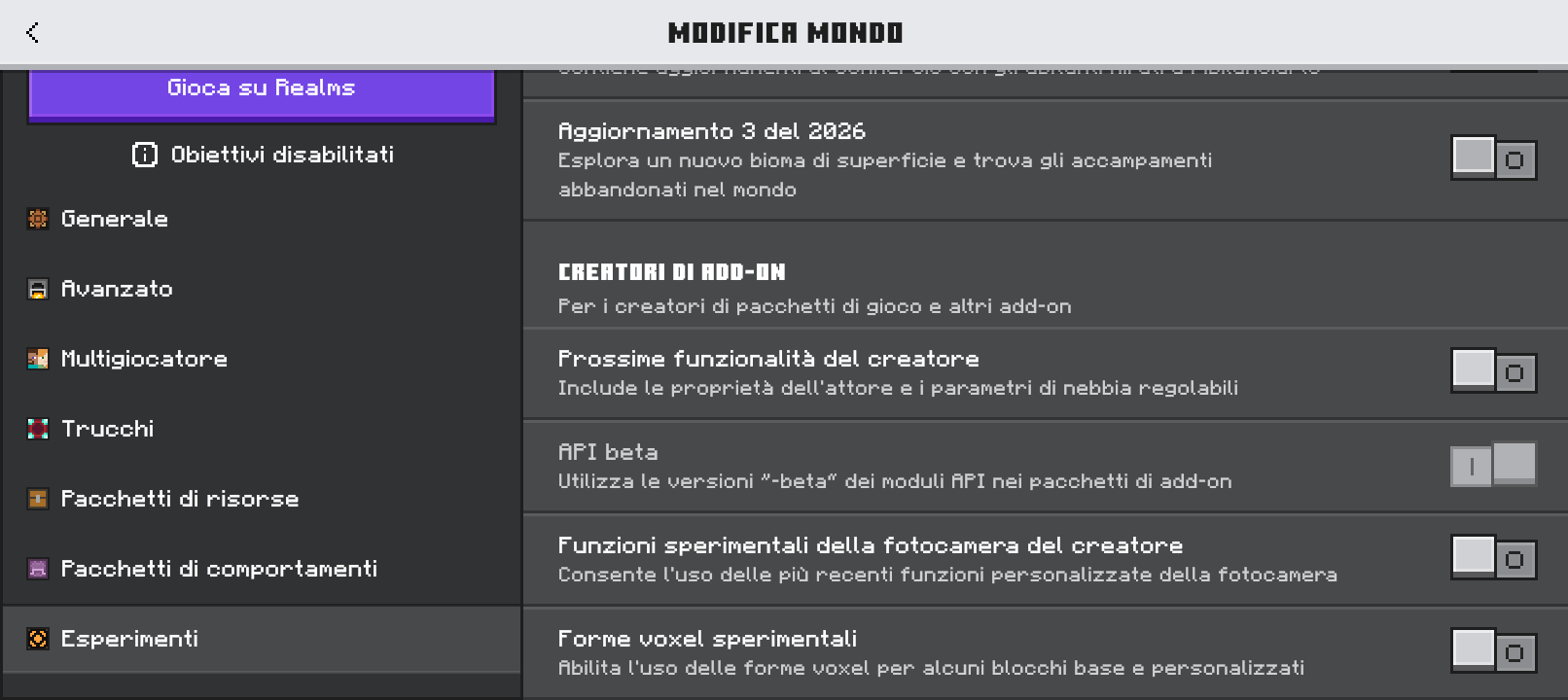
Installation Note: Remember to enable the "Beta APIs" option in the Experiments section of your world settings for the script to function properly.
- Edition: Minecraft Bedrock
- File type: .mcpack or .mcaddon
- Minecraft version listed: 26.40
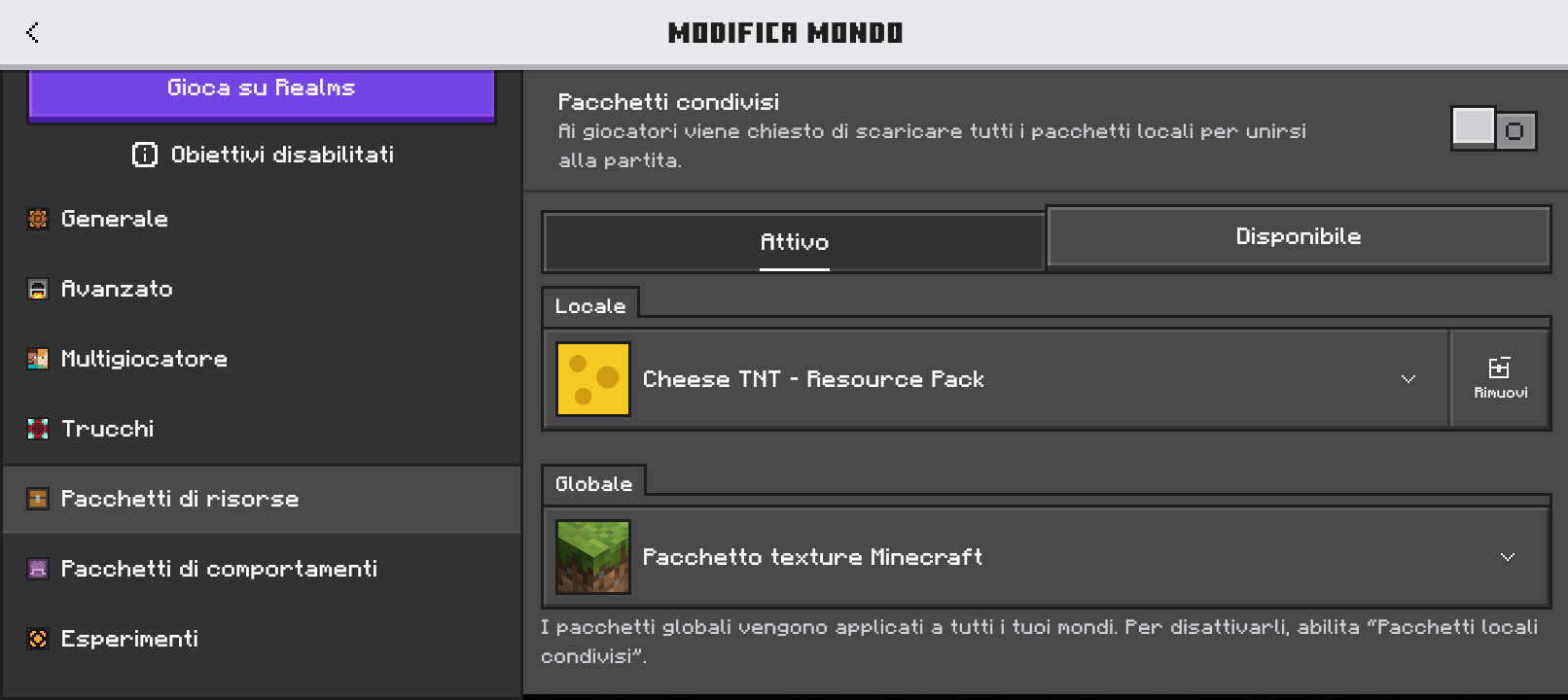
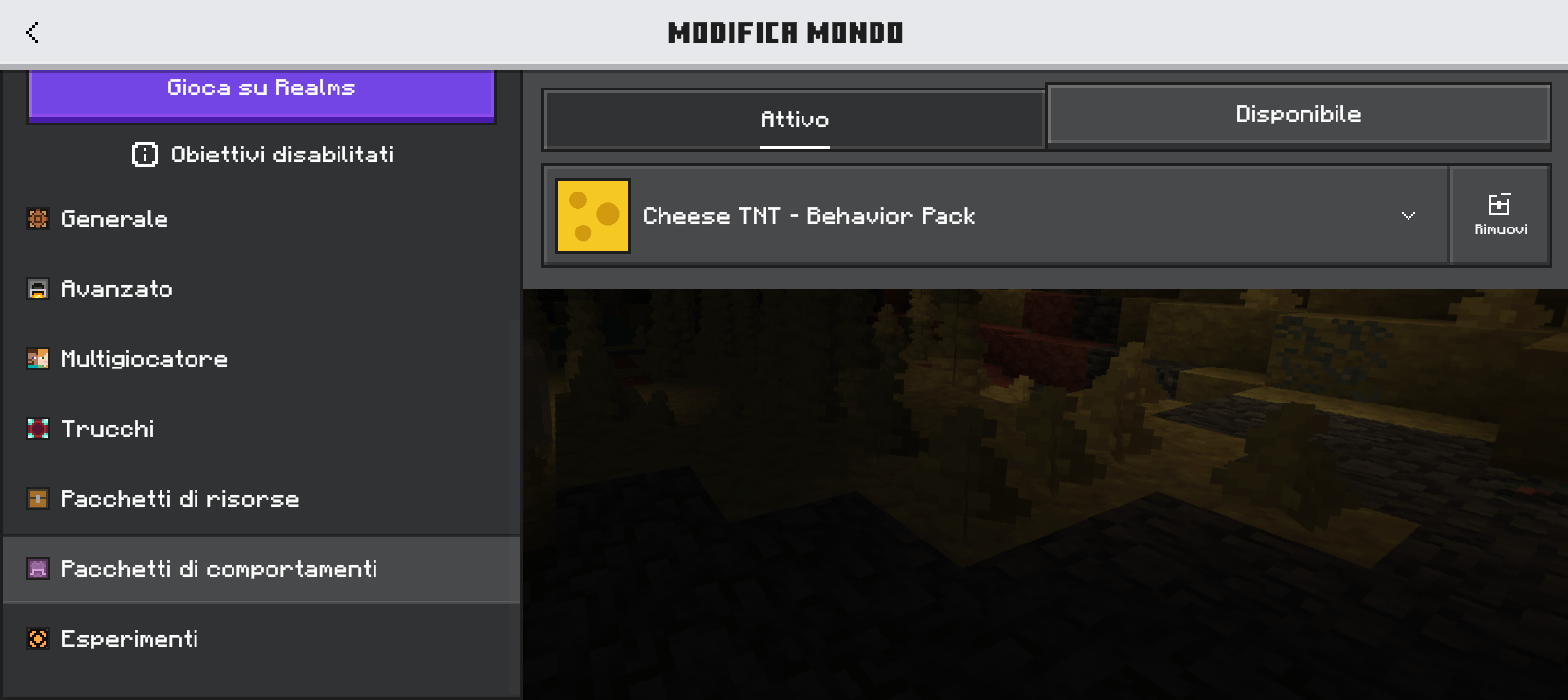
- How to install: Download the .mcpack or .mcaddon file. → Open it — Minecraft imports it. → In your world: Behavior Packs → Available → Activate, then the same under Resource Packs.
- Where to get it: Opens on CurseForge — not every file is mirrored on our own servers.
Install steps are the general flow for this file type — How to install Minecraft Bedrock addons & mods walks through it step by step.
- Pack type: .mcaddon — behaviour and resource pack in one file
- Manifest requires Minecraft 1.20.0 or newer
- Complete pack — everything it depends on is inside the file
- Download size: 6 KB
- Download link checked 11 Oct 2026 — working
These come from our own check of the pack file, not from the source page.