
Canvas
Bedrock add-on listed for Minecraft 1.21–26.x (behavior + resource pack). File opened and checked on 10 Oct 2026; installs from the MC Bedrock Mods app on Android.
⬇ Download on CurseForgeThe author built this one for Minecraft 26.10. On other versions it may install and then do nothing.
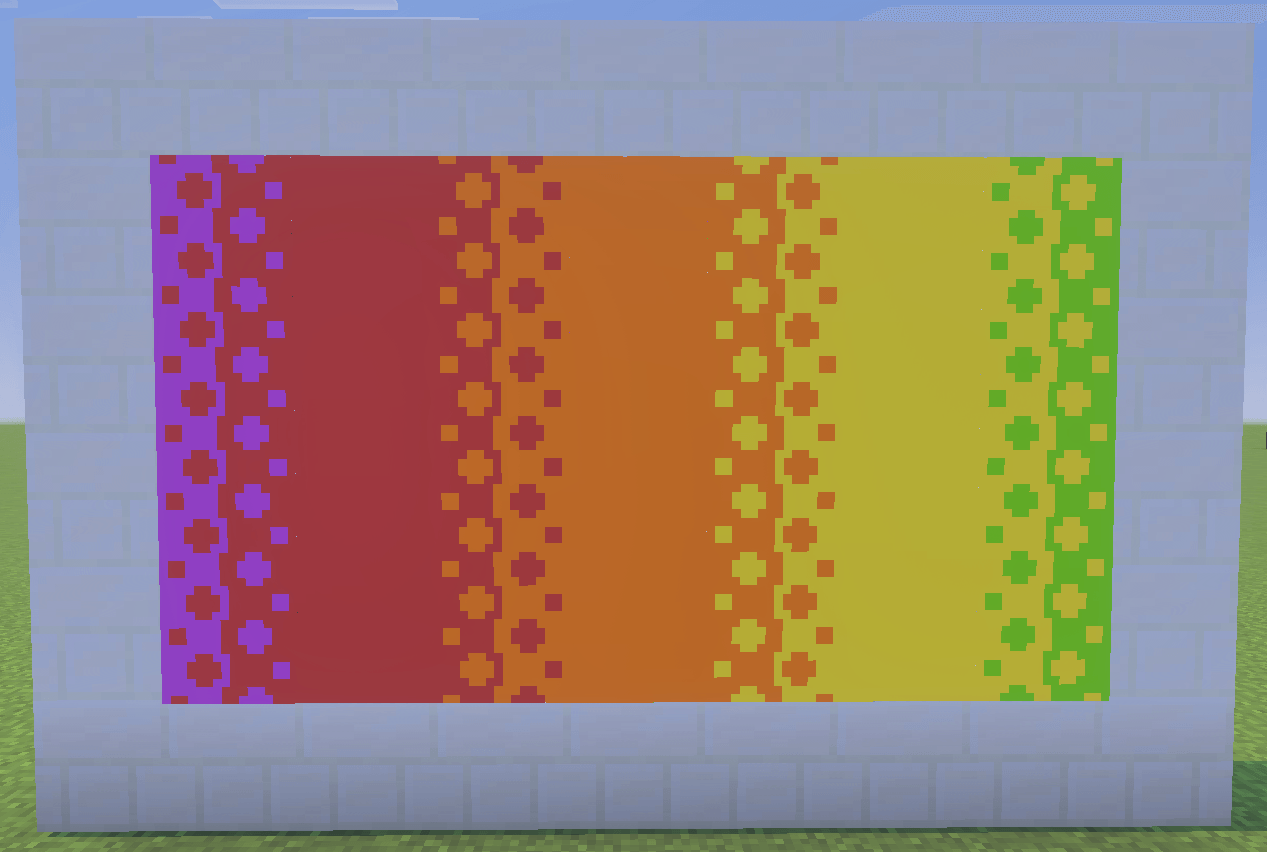
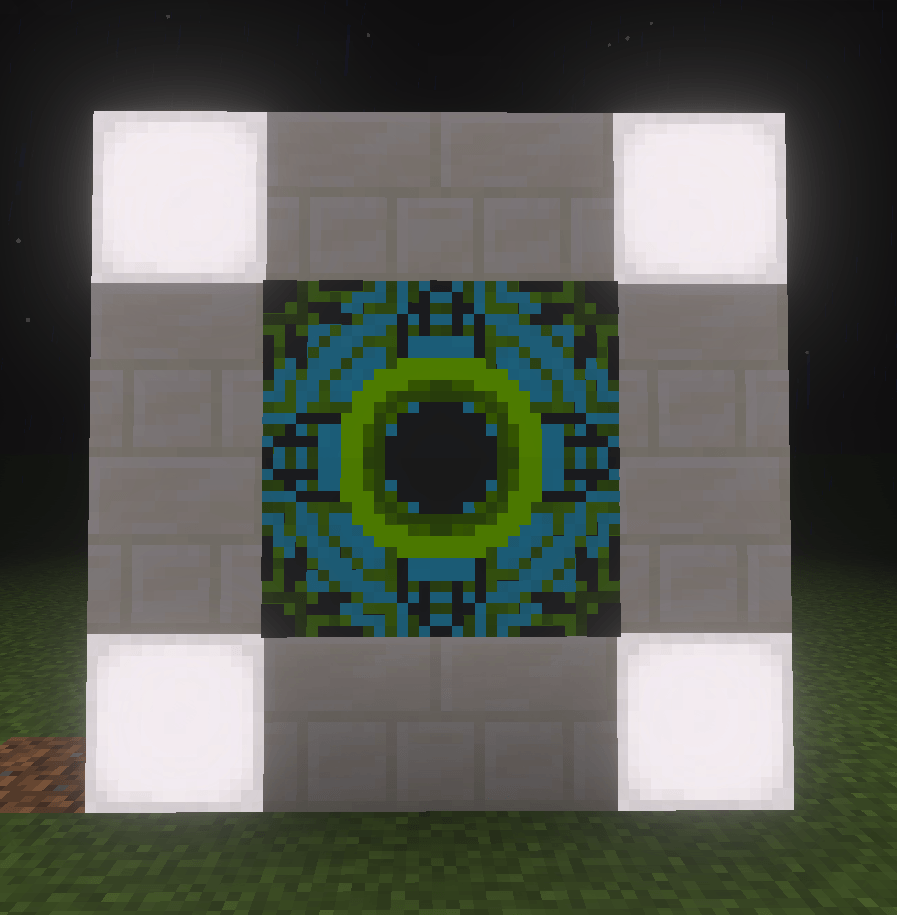
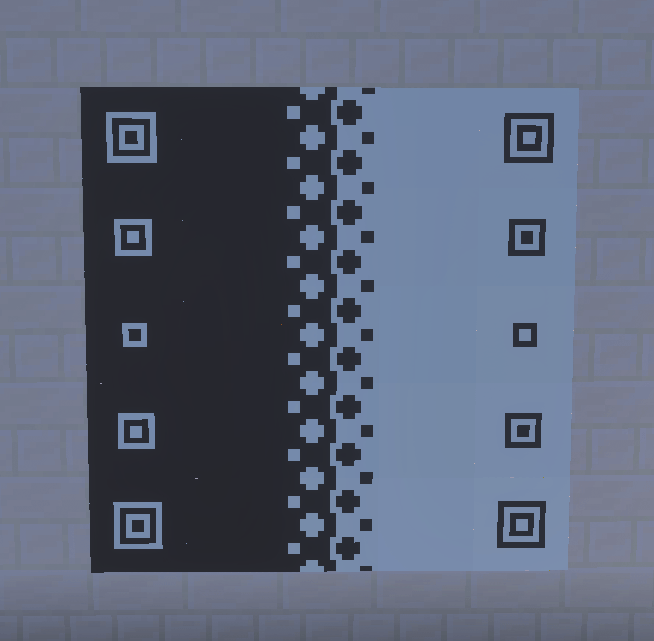
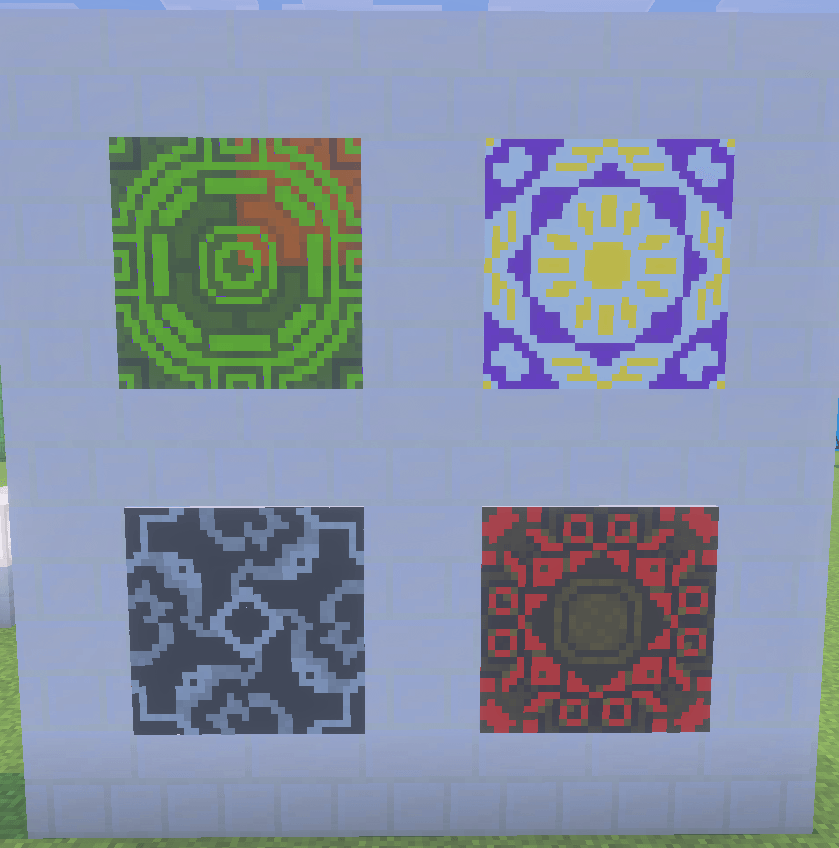
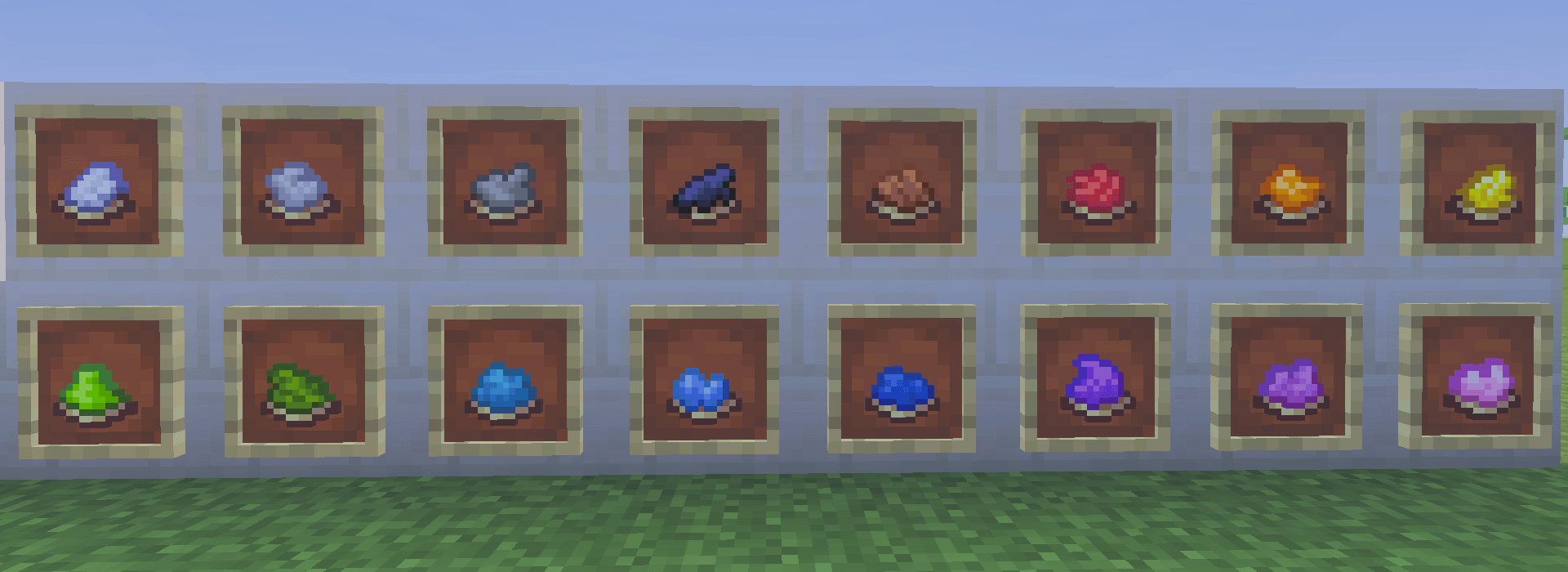
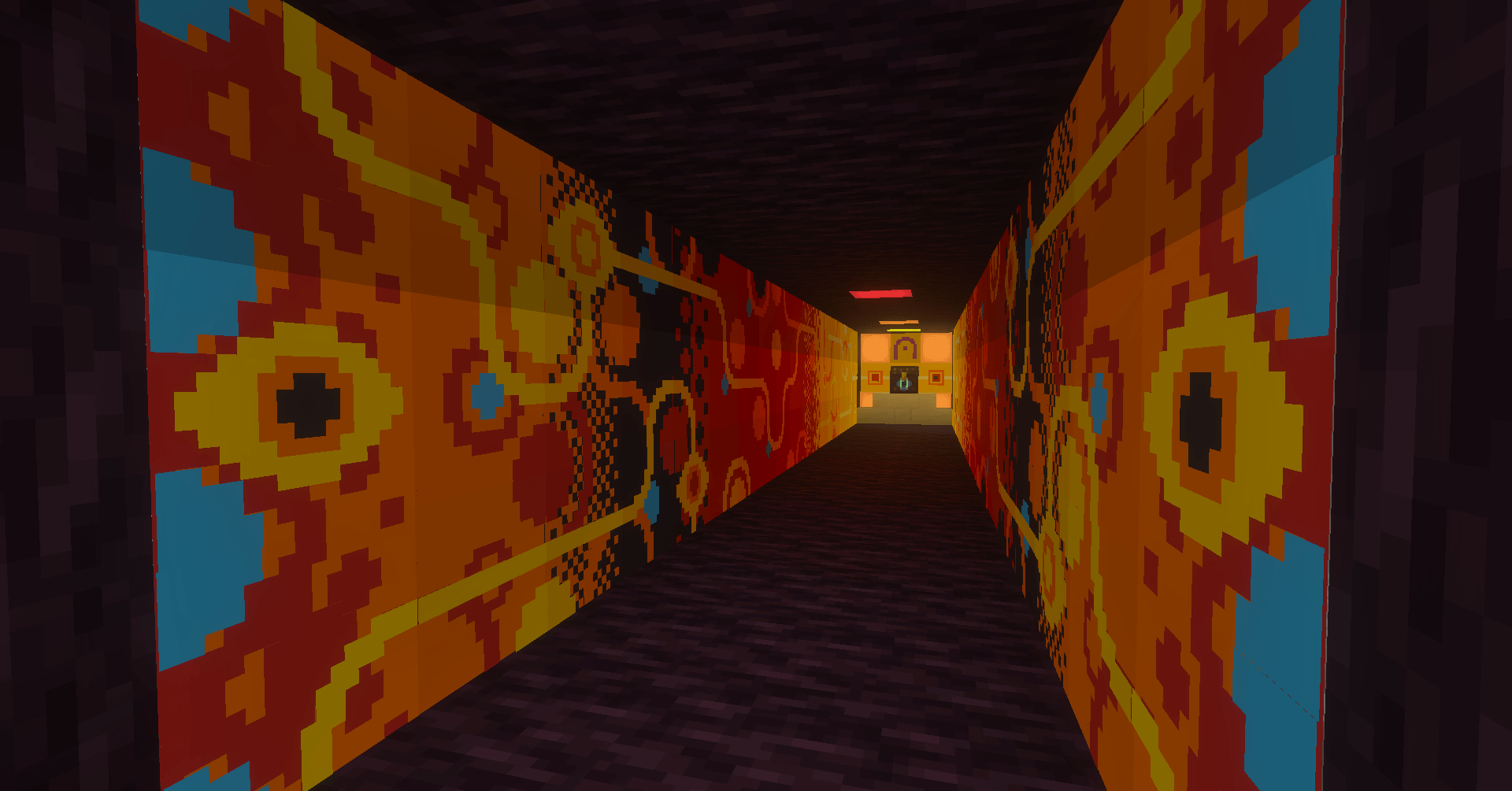
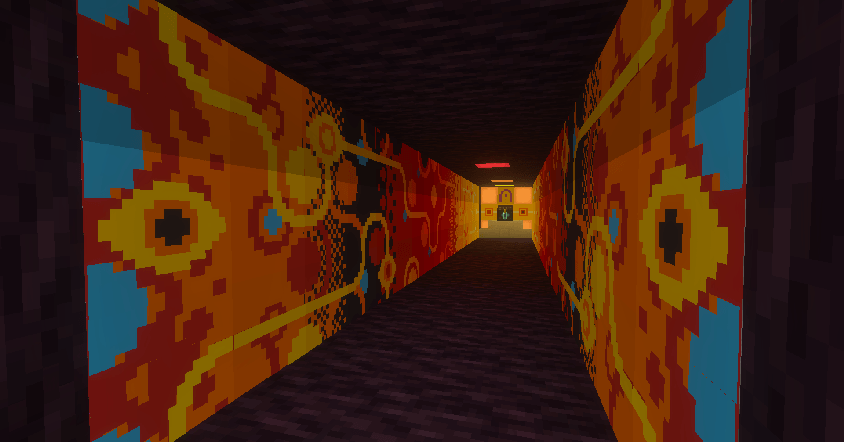
Canvas adds a layered painting system to Minecraft Bedrock, letting builders paint directly onto wall-mounted canvases and canvas blocks using a set of craftable painting tools.
Available for Realms
Features
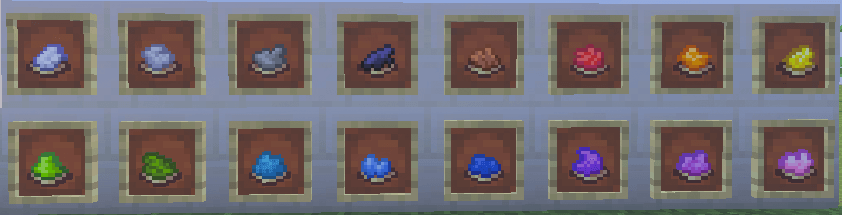
- 16 paint colours across two canvas types — flat wall-mounted canvases and full canvas blocks
- Up to 10 paint layers per canvas, each independently coloured and patterned
- 7 pattern groups to paint with: Fills, Shapes, Lines, Fades, Glaze Group 1, Patterns, and Characters
- Wet paint window — freshly applied paint can be recoloured and repatterned before it dries
- Finished paintings can be picked up and rehung, preserving all layers exactly as painted
- Canvas blocks face toward the player on placement
- Works on Realms
Tools
- Paint — 16 colours, apply a new layer or recolour the wet top layer
- Paint Brush — cycle patterns forward/backward on the wet top layer (Right click to cycle pattern forwards, and Shift + Right click to cycle backwards)
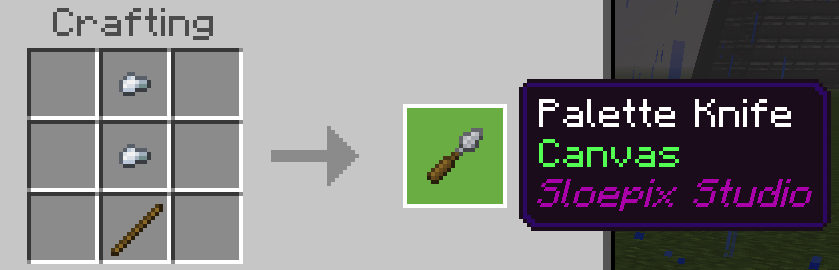
- Palette Knife — cycle pattern groups forward/backward on the wet top layer (Right click to cycle group forwards, and Shift + Right click to cycle backwards)
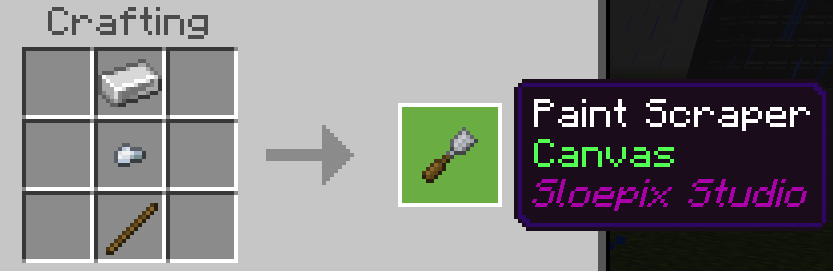
- Paint Scraper — remove the top layer (returns paint if still wet)
Crafting
- Paint : Dye + Egg (gives 8 paint)
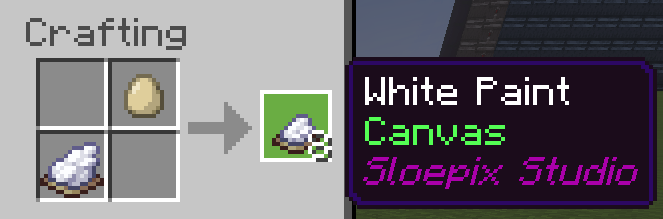
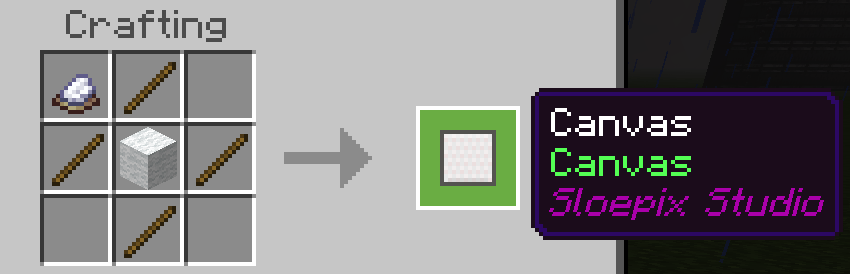
- Canvas : Wool + 4x Stick + White Paint
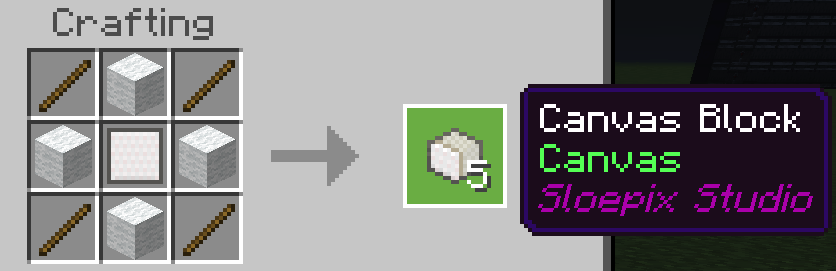
- Canvas Block : Canvas + 4x White Wool + 4x Stick (gives 5 canvas blocks)
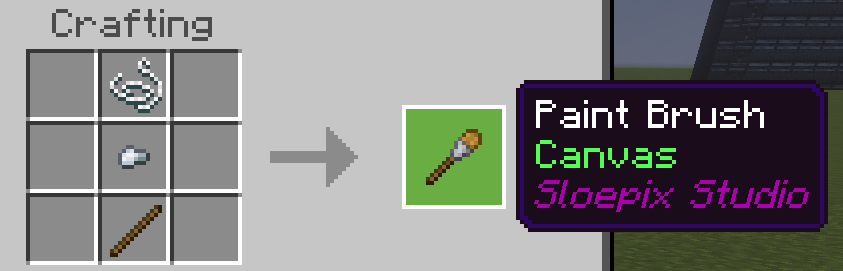
- Paint Brush : Stick + Iron Nugget + String
- Palette Knife : Stick + 2x Iron Nugget
- Paint Scraper : Iron Ingot (I) + Iron Nugget (N) + Stick (S)
Notes
Known issues -
- Seam line sometimes appearing inbetween blocks
- Canvases and blocks don't render paint but instead show a hole at a distance of around 60 blocks (with my test settings)
Join the community on Discord: https://discord.gg/subJq4cExY
- Edition: Minecraft Bedrock
- File type: .mcpack or .mcaddon
- Minecraft version listed: 26.10
- How to install: Download the .mcpack or .mcaddon file. → Open it — Minecraft imports it. → In your world: Behavior Packs → Available → Activate, then the same under Resource Packs.
- Where to get it: Opens on CurseForge — not every file is mirrored on our own servers.
Install steps are the general flow for this file type — How to install Minecraft Bedrock addons & mods walks through it step by step.
- Pack type: .mcaddon — behaviour and resource pack in one file
- Manifest requires Minecraft 1.21.100 or newer
- Complete pack — everything it depends on is inside the file
- Download size: 235 KB
- Download link checked 11 Oct 2026 — working
These come from our own check of the pack file, not from the source page.