ShadersJava
Color Palette Switcher Shaders (26.2, 1.20.1) – Custom World Color Themes
Java shader pack listed for Minecraft 1.20. Downloads from the MC Java Mods app on Android.
⬇ Download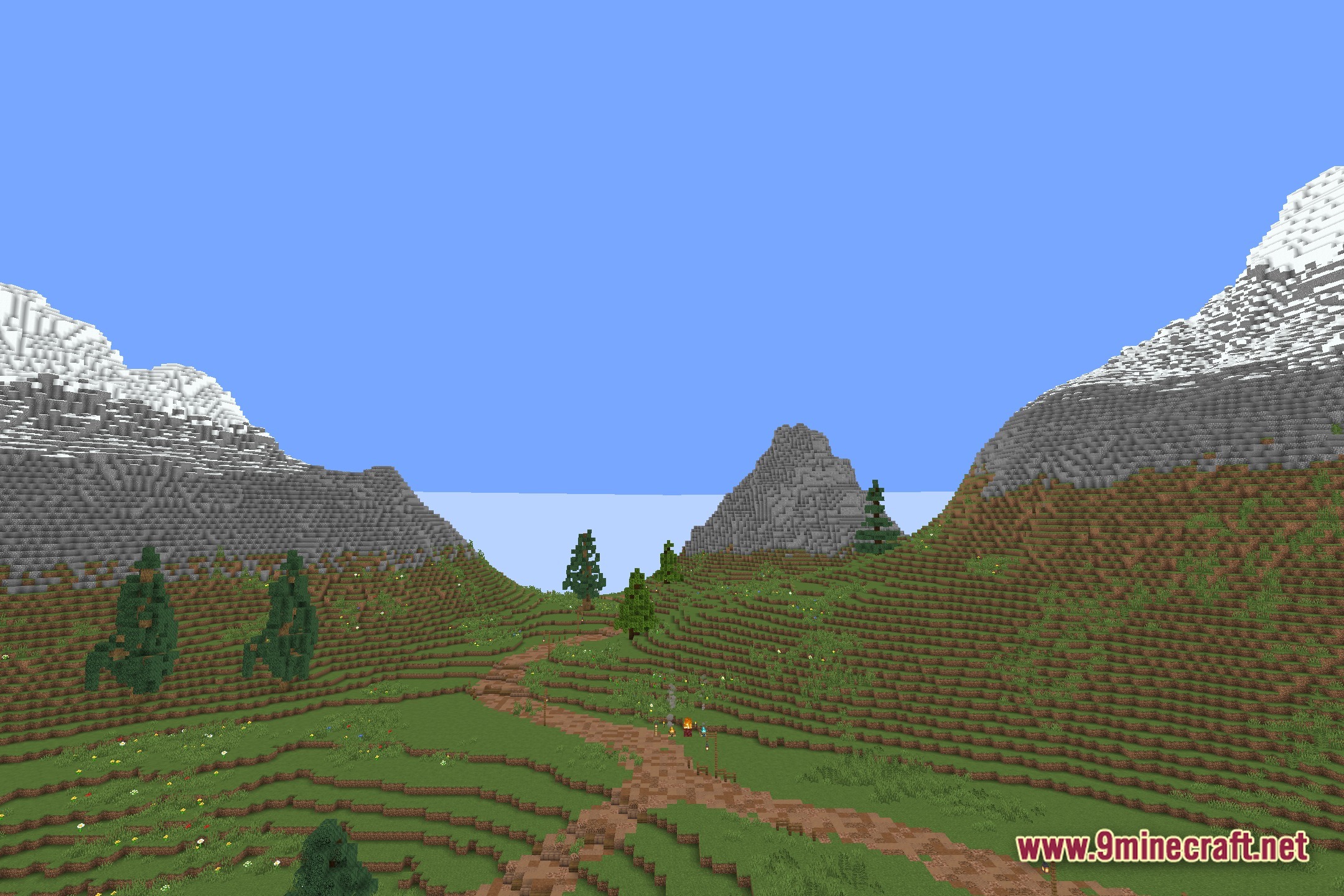
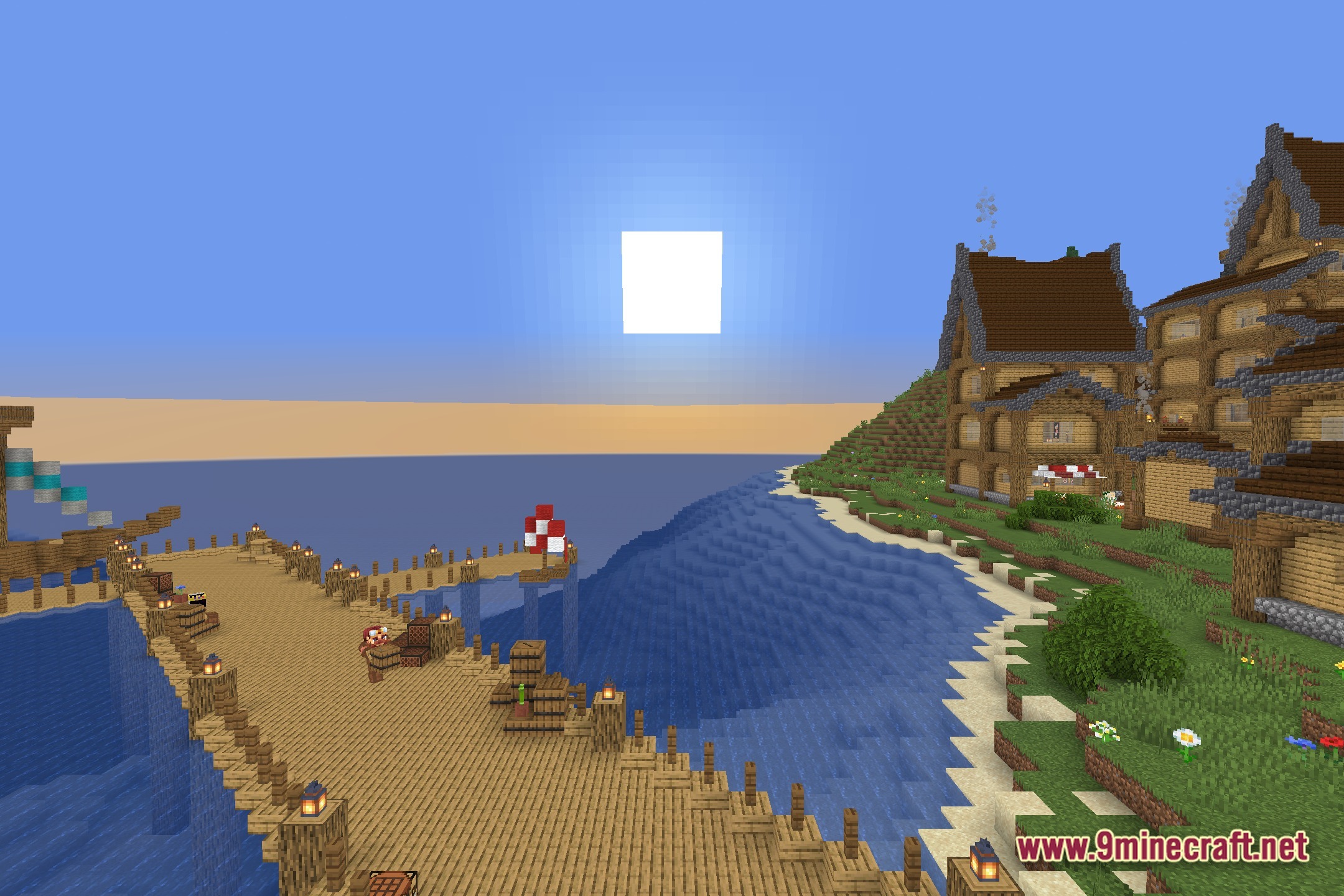
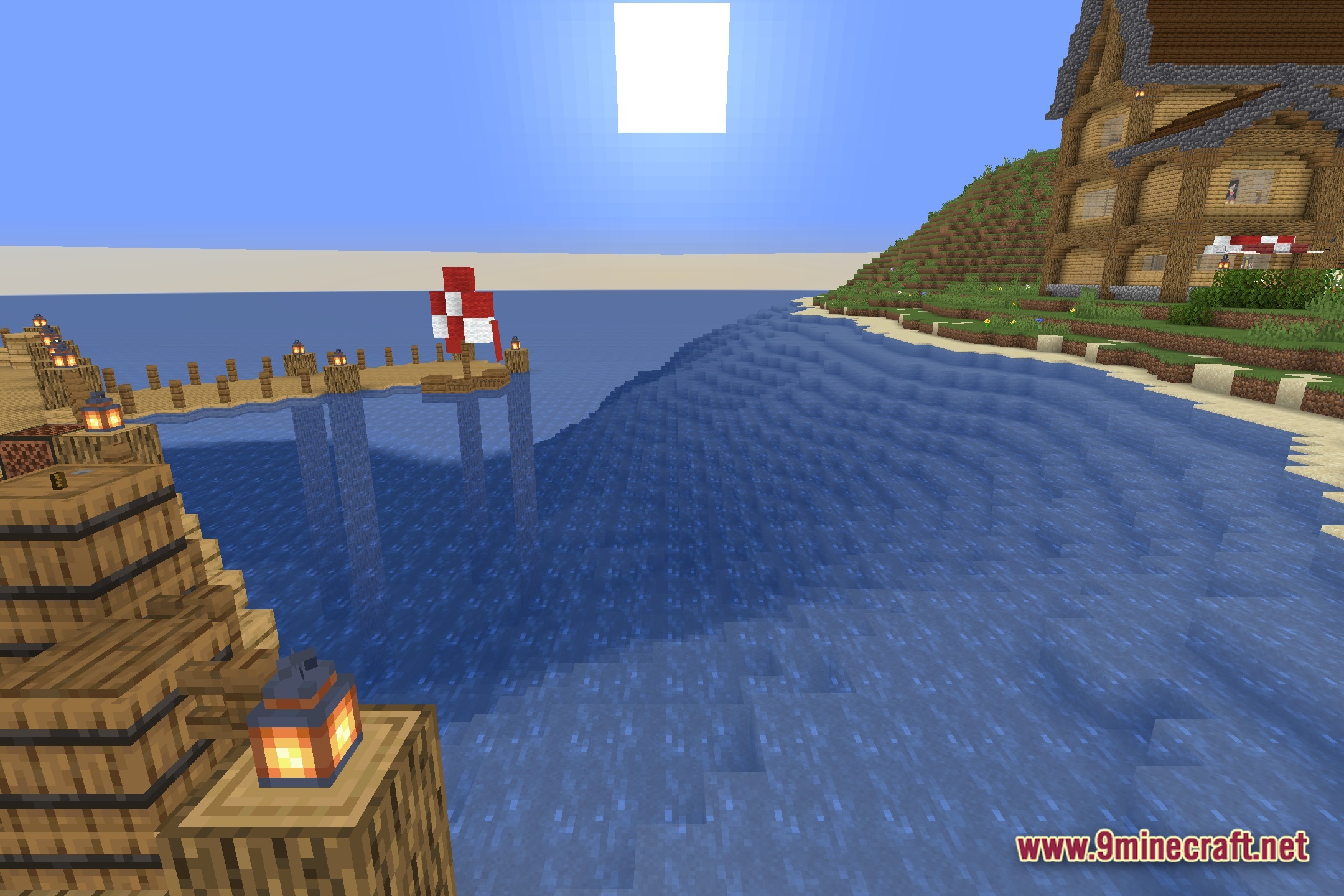
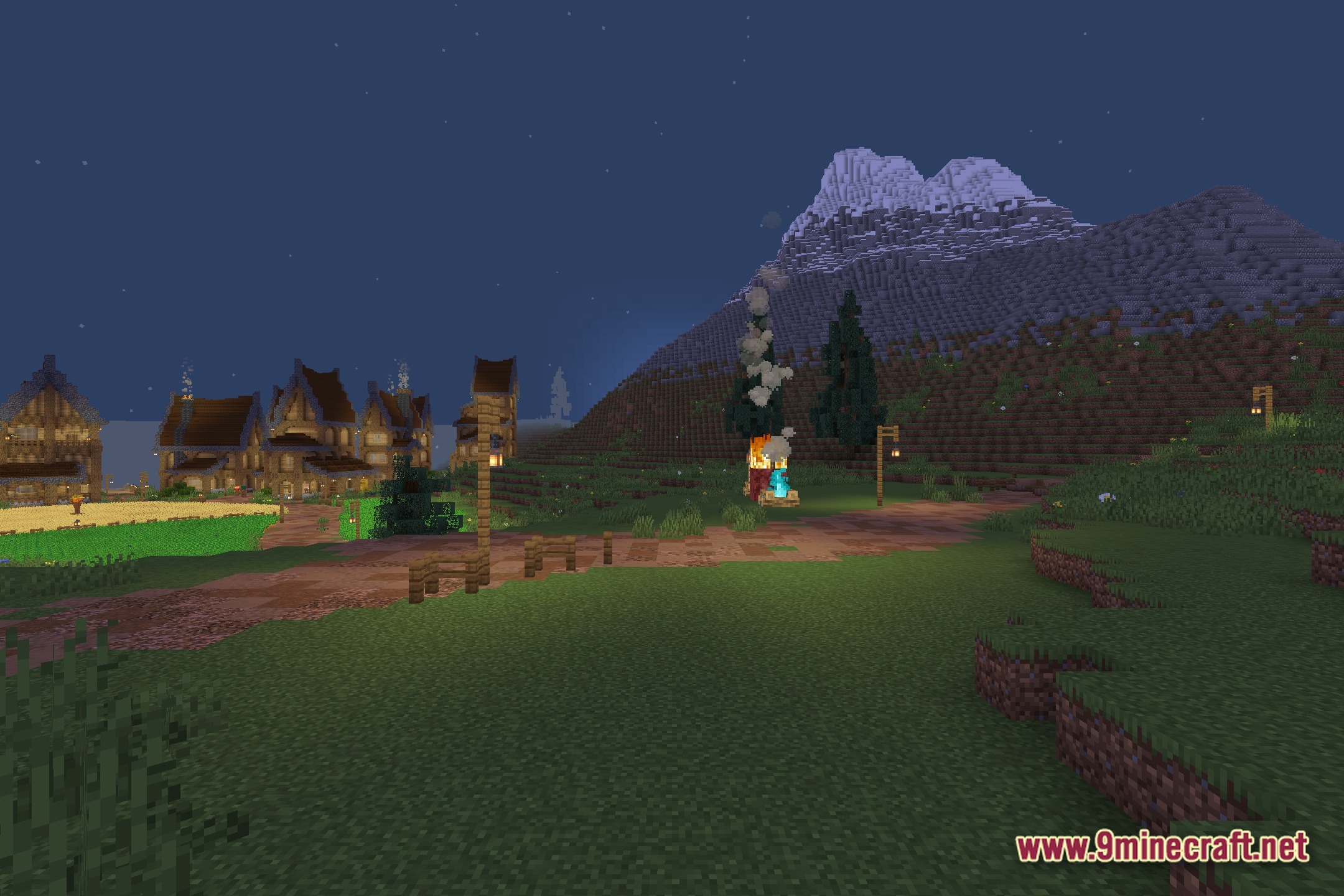
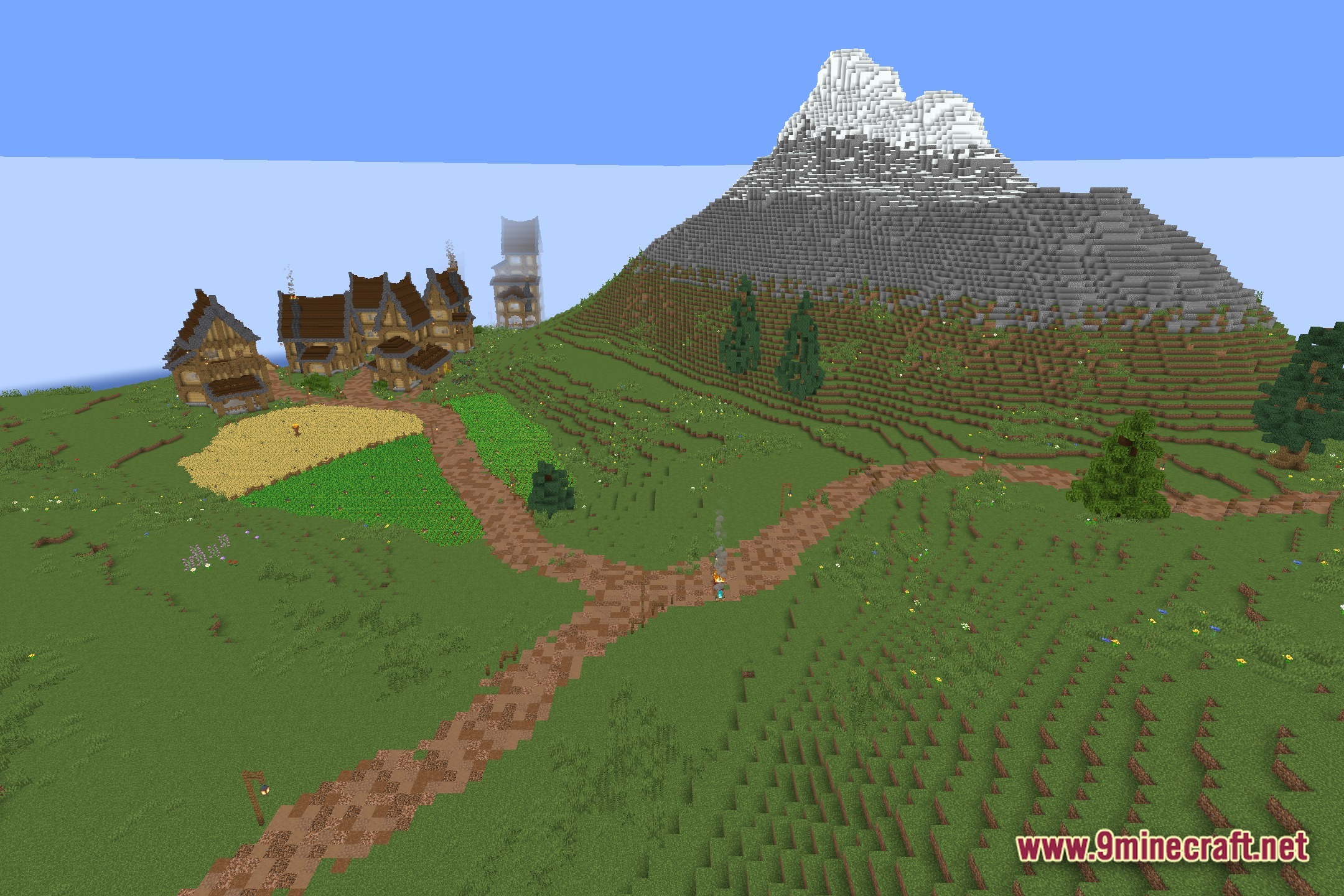
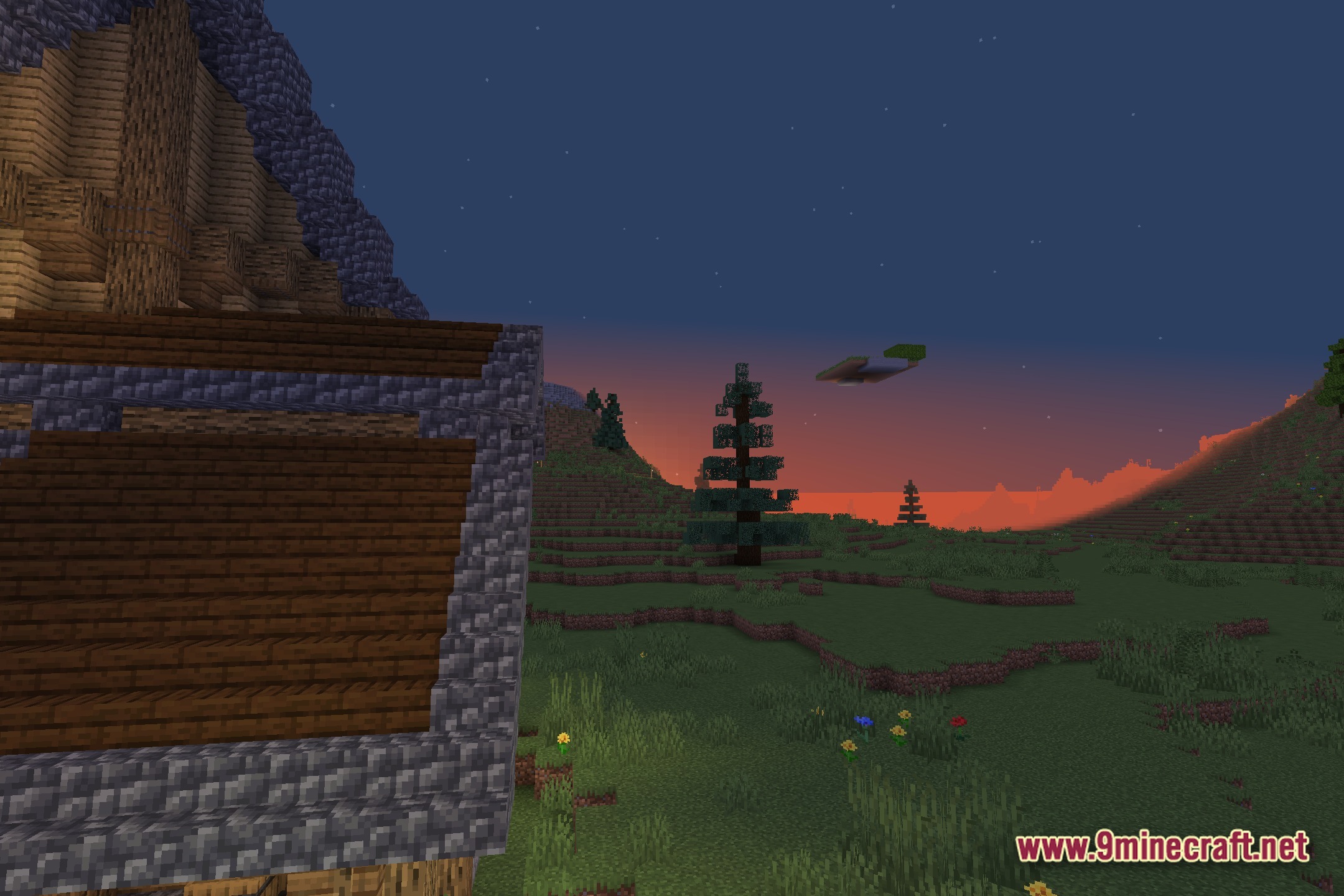
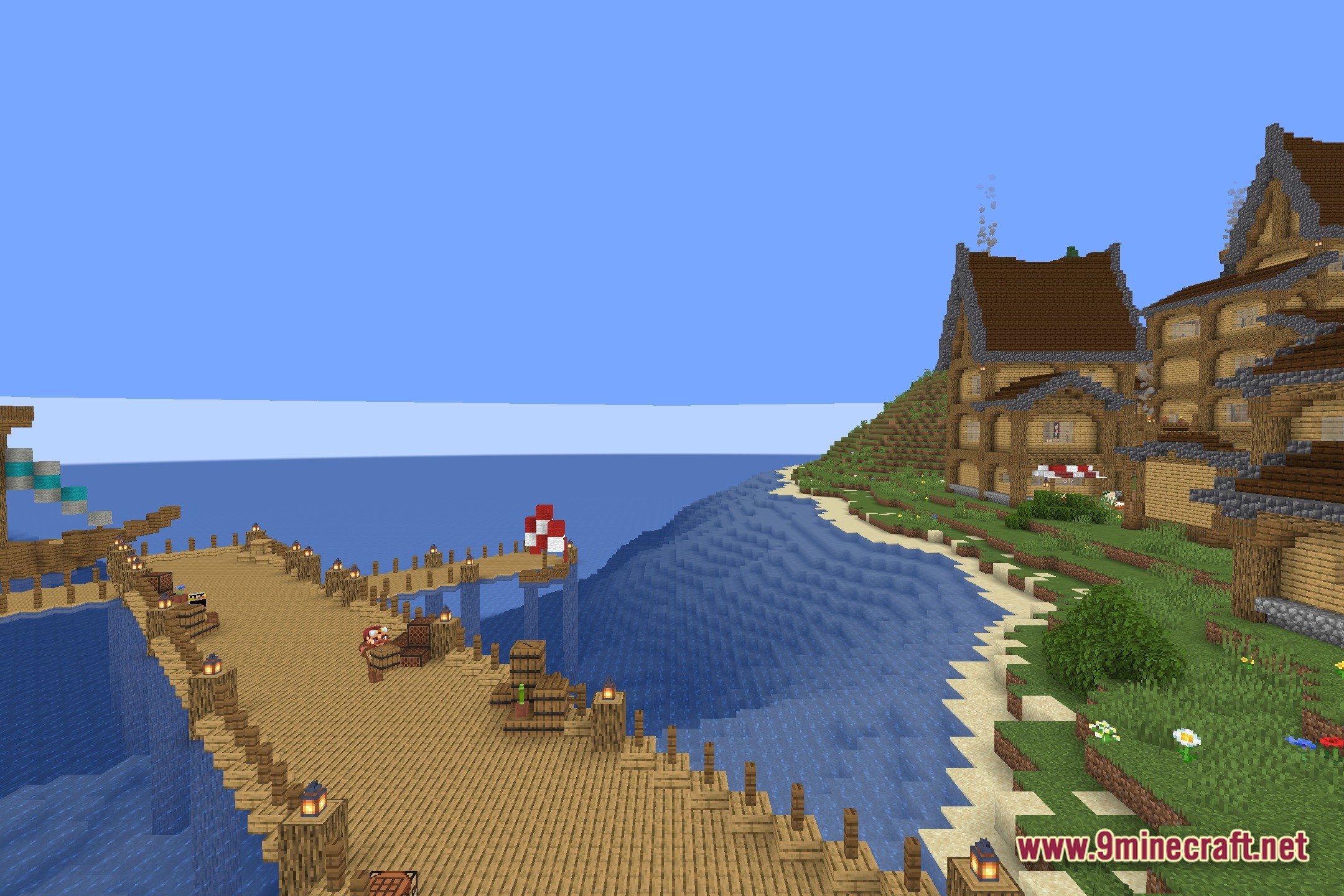
Color Palette Switcher lets you pick your own custom colors for the entire game. This shader changes the normal look of your world into a specific theme. You can pick the exact colors you want to see on your screen. It helps you take great screenshots with fun art styles.
Features:
- Custom Colors: Lets you pick a specific color palette for the whole game.
- Changes the normal look of blocks and items to match your chosen theme.
- Works well for taking cool and unique screenshots of your builds.
- Keeps a simple and vanilla-like style but with totally new colors.
- Runs as a core shader to apply the color changes directly to your screen.
Screenshots:
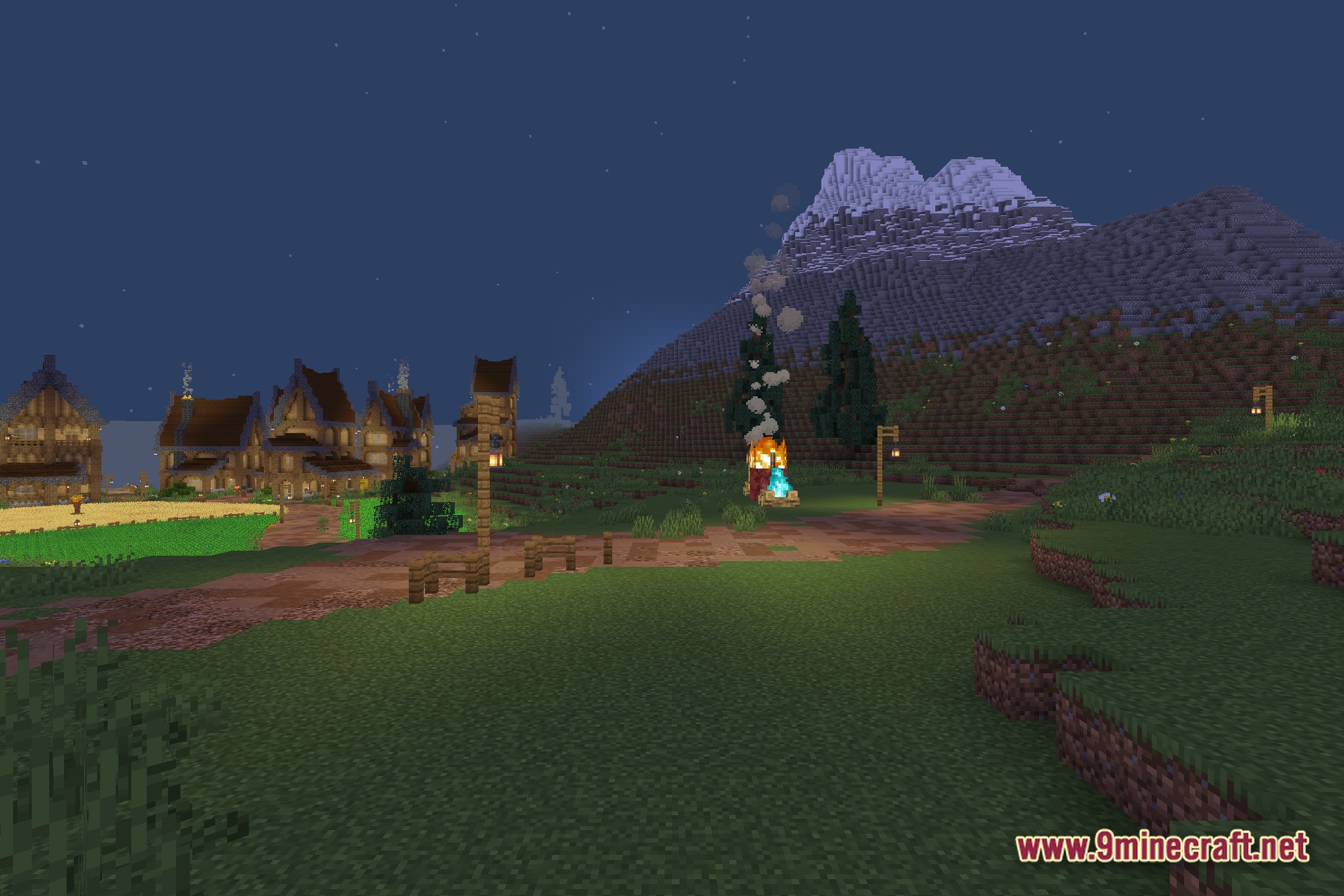
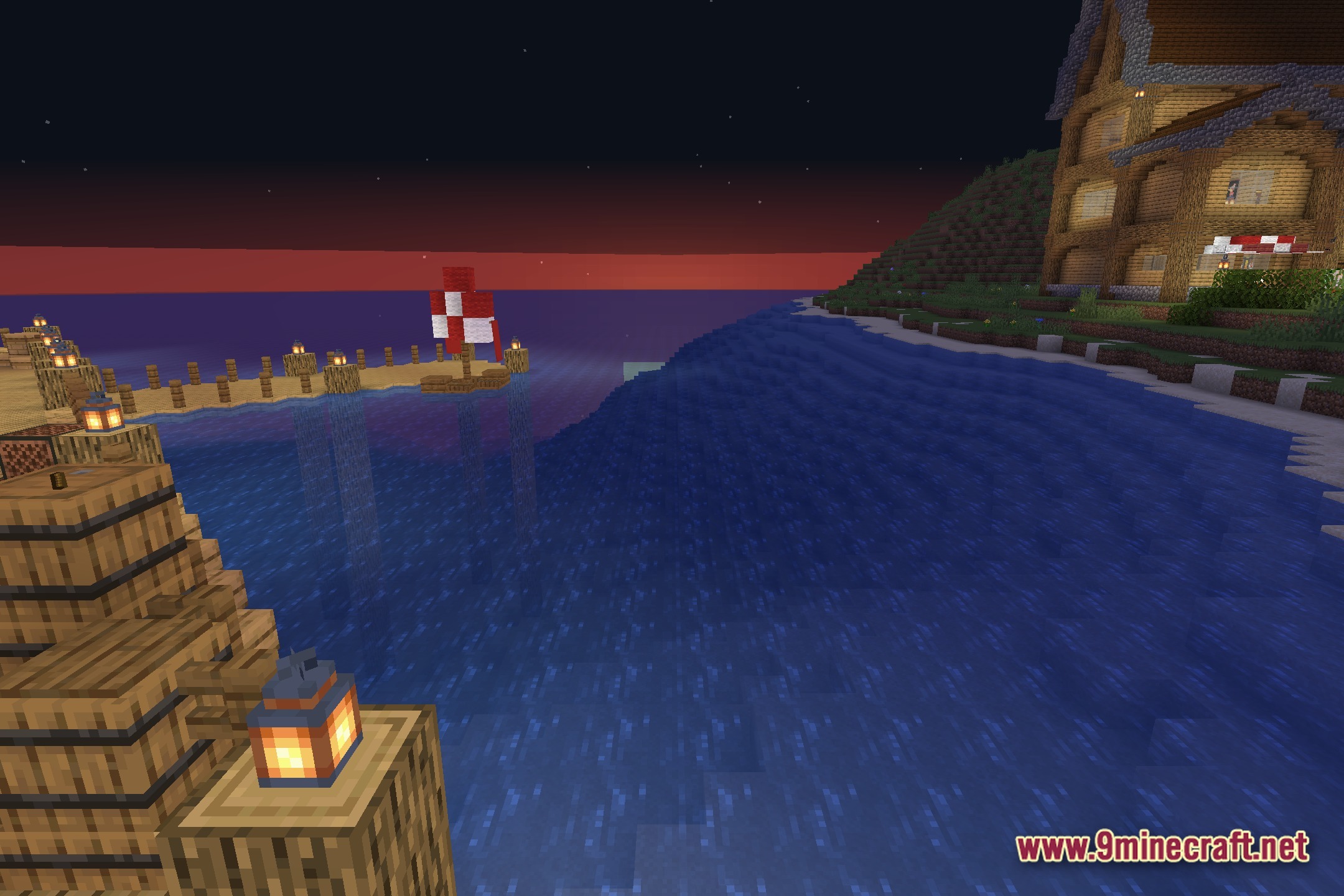
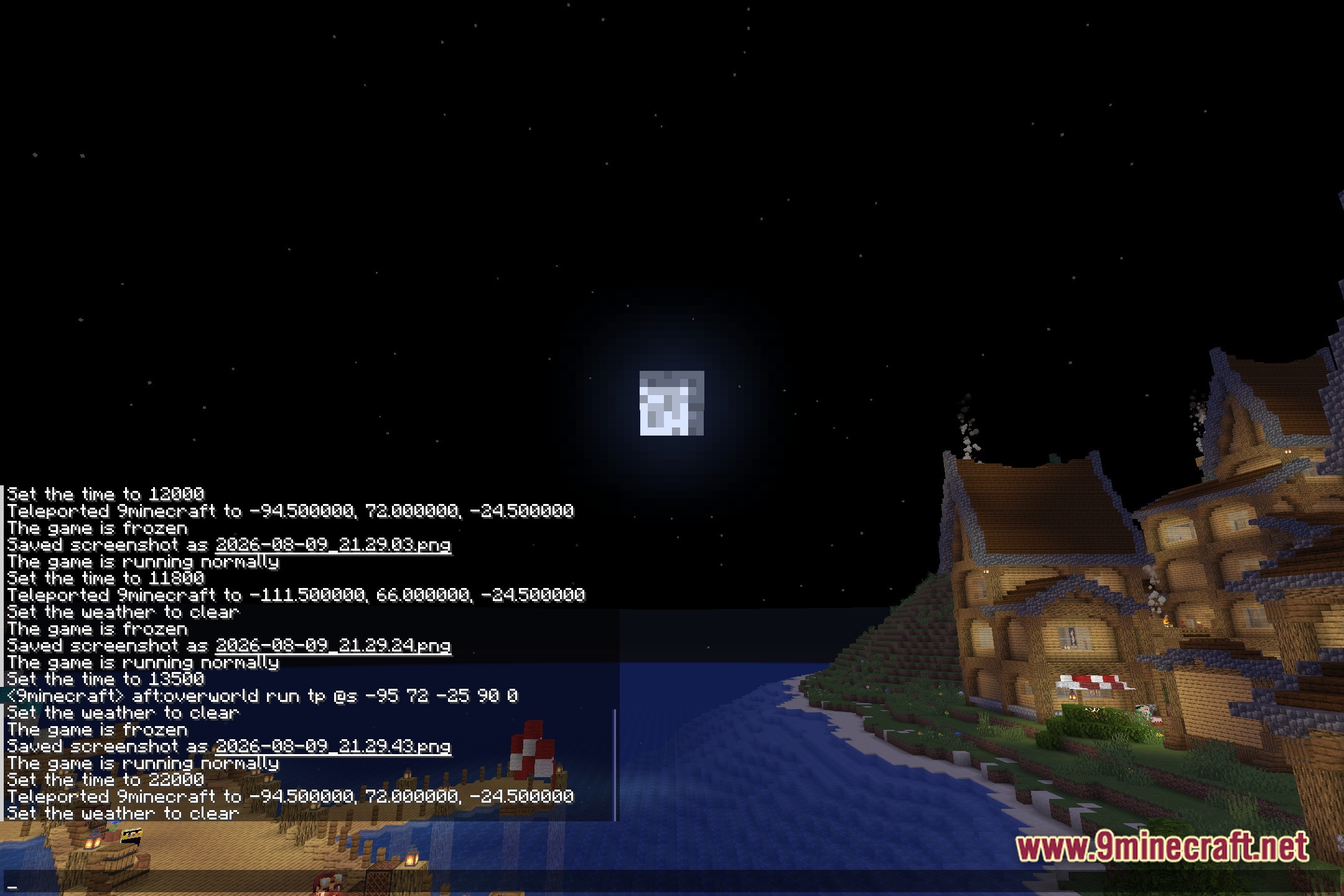
Color Palette Switcher Shaders Download Links
Quick facts
- Edition: Minecraft Java
- File type: .zip (resource pack)
- Minecraft version listed: 1.20.1
- How to install: Download the .zip resource pack — do not unzip it. → Put it in .minecraft/resourcepacks. → Enable it in Options → Resource Packs.
- Where to get it: In MC Java Mods, or directly above on this page.
Install steps are the general flow for this file type — see the MC Java Mods guides for the full walkthrough.
File checked by MCModsHub
- Downloads as 396965.mcpack
- Download size: 583 KB
- Download link checked 10 Aug 2026 — working
- Mirrored on our own servers — the download does not depend on the original host
These come from our own check of the pack file, not from the source page.