ModsJava
Vexon Client Mod (1.21.11) – Dominate Crystal PvP and Anarchy Servers
Java mod listed for Minecraft 1.21. Downloads from the MC Java Mods app on Android.
⬇ Download
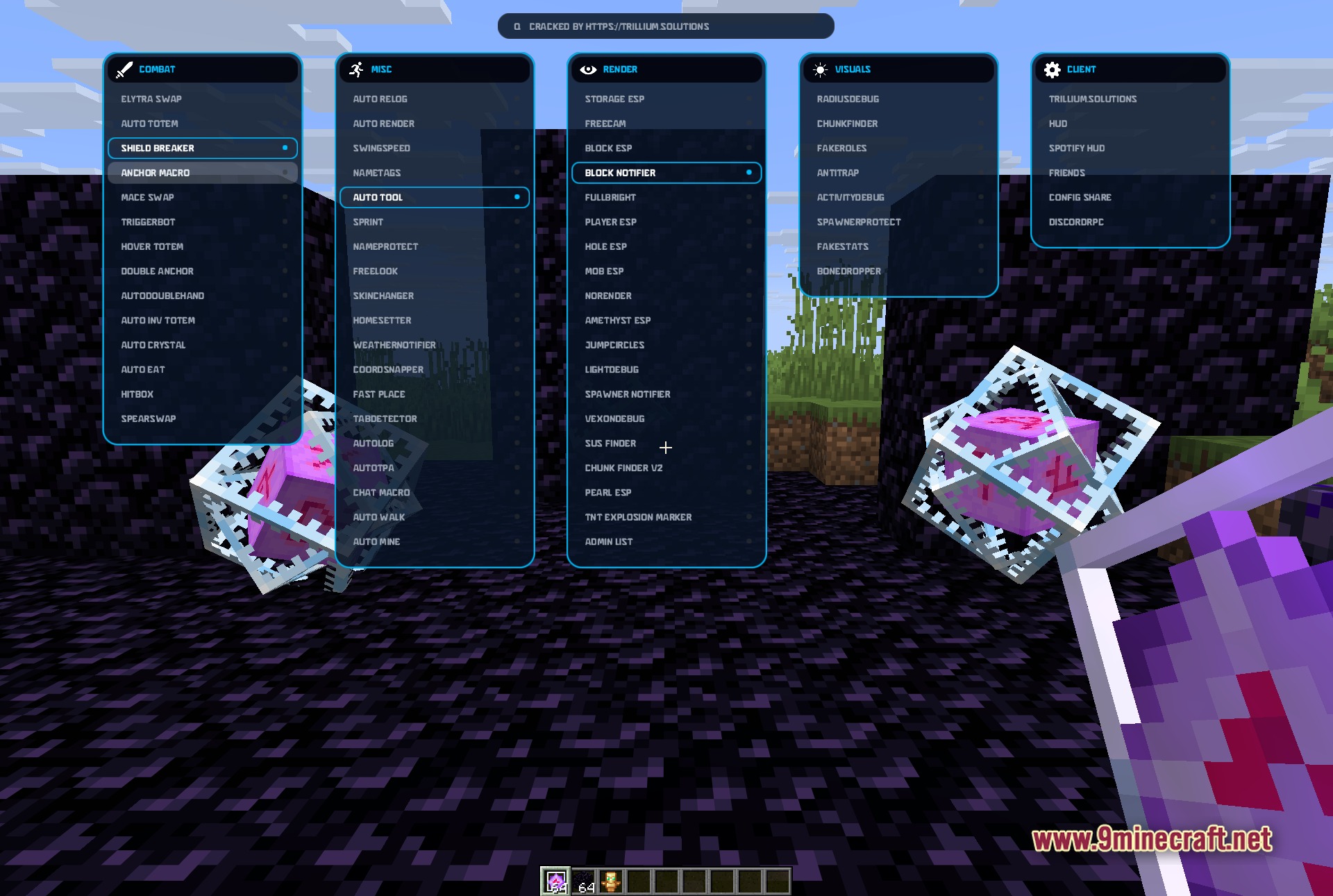
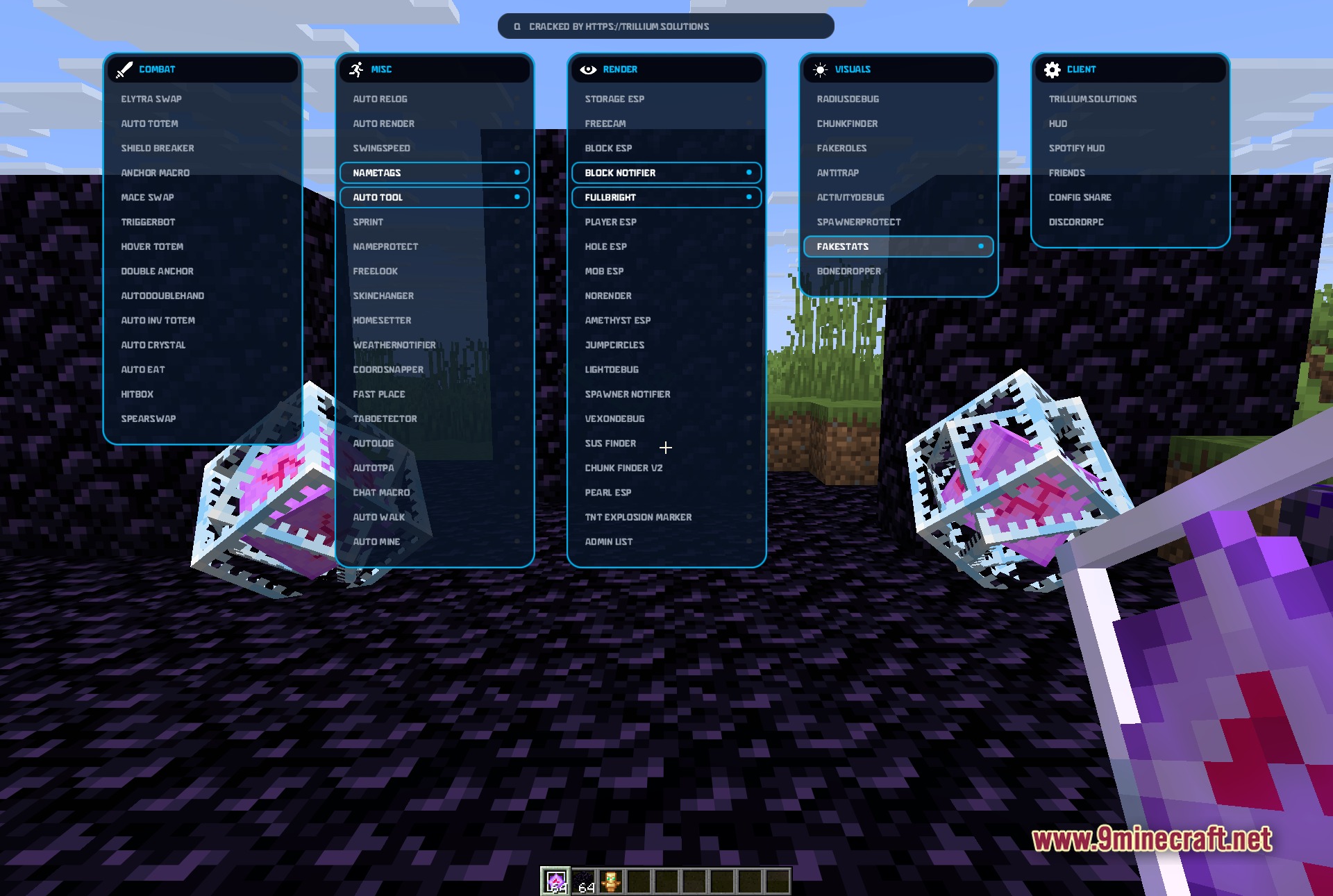
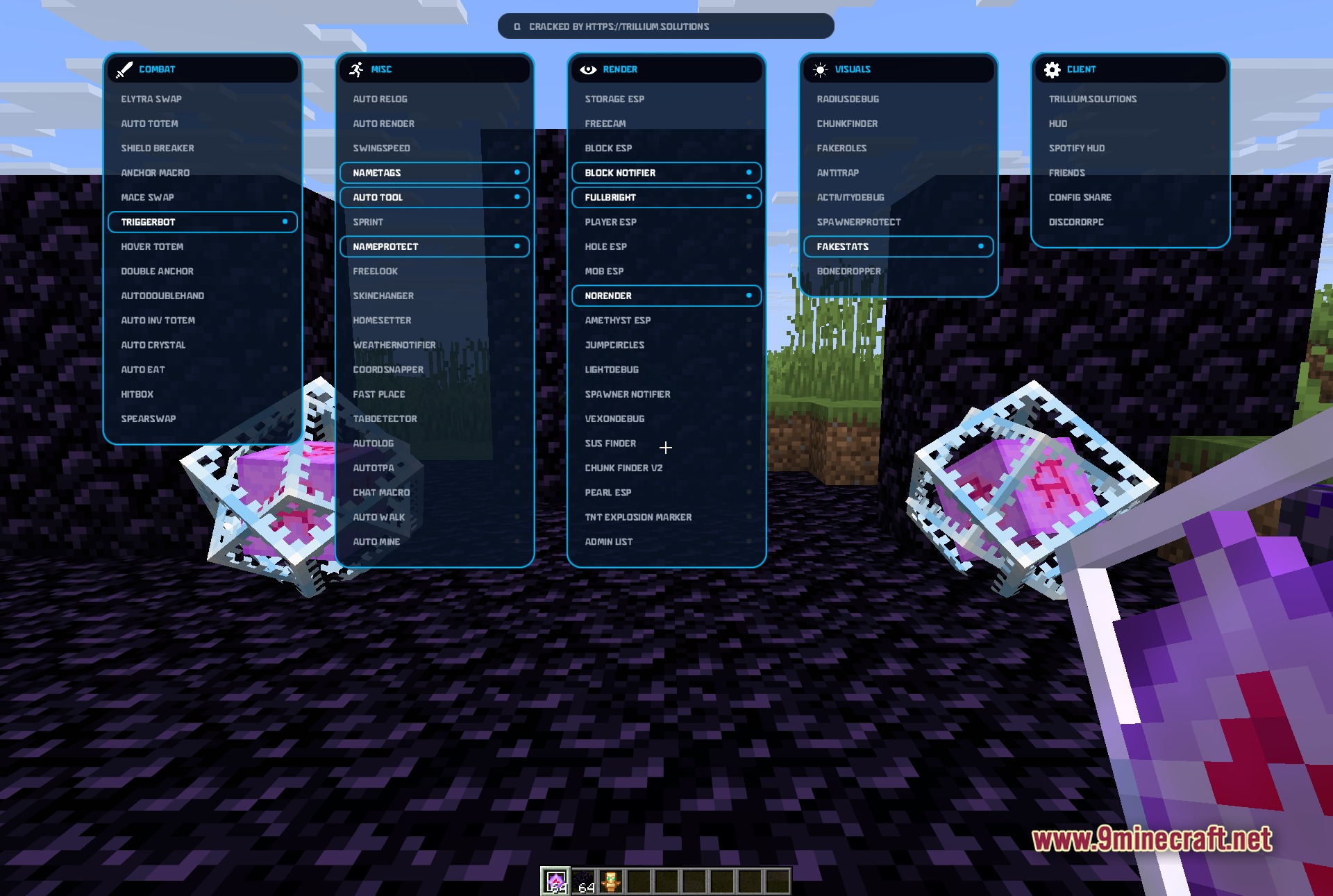
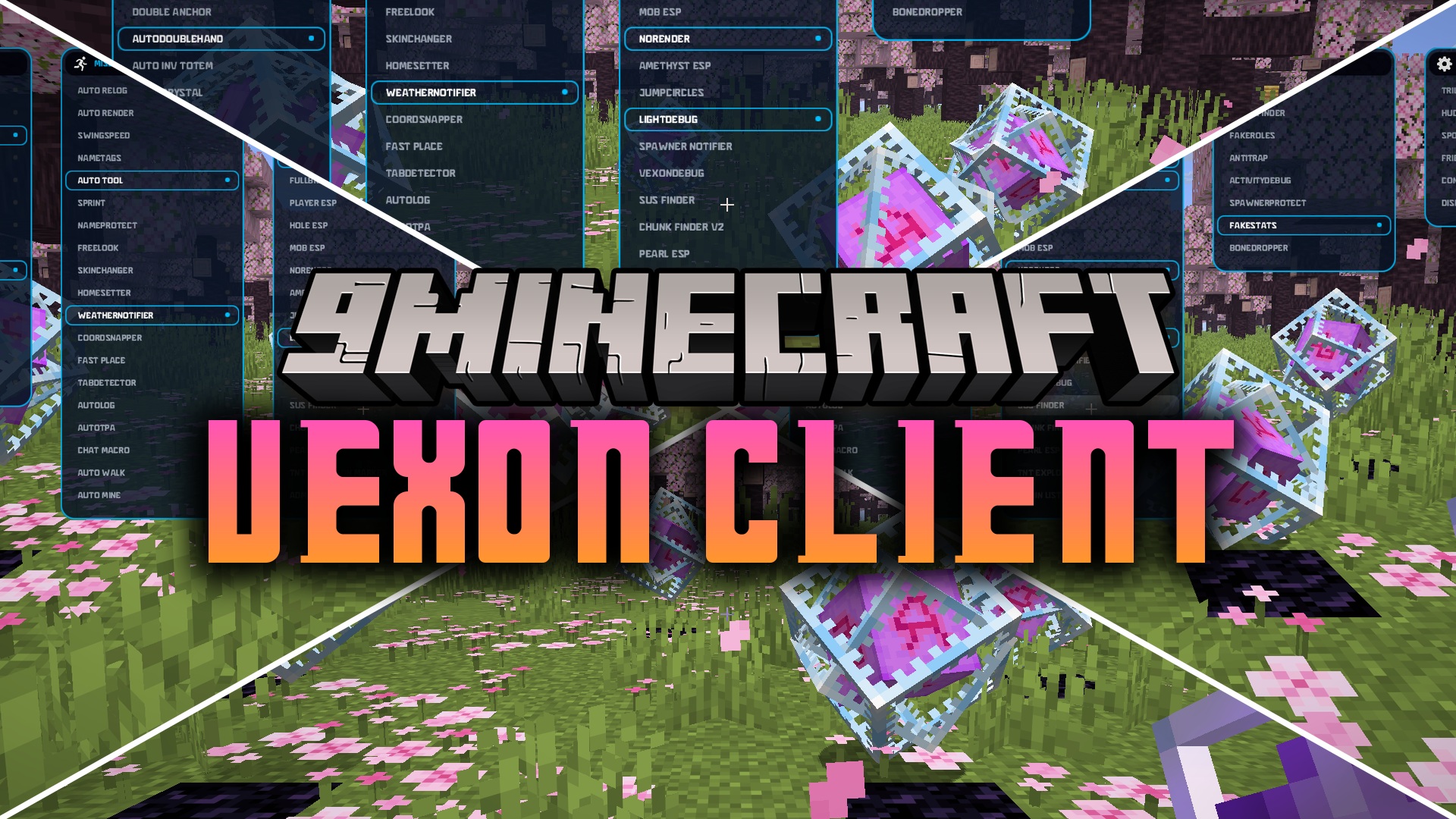
Vexon Client Mod gives you a powerful set of tools for competitive PvP and anarchy servers. This mod adds a clean menu where you can turn on different helpers. It packs tons of modules to help you fight better, find hidden bases, and stay alive in rough worlds.
Features:
- ClickGUI: Opens a compact menu with a simple key press to manage all your tools.
- PvP Ready: Packs tools meant for fighting other players and surviving hard battles.
- Anarchy Tools: Includes helpers for finding bases and exploring without limits.
- Toggles every module on or off with a simple left click inside the menu.
- Lets you change the settings for specific modules by right-clicking them.
- Organizes all features into five clean categories so you can find what you need fast.
Combat Modules:
- Packs the Auto Totem module to keep you safe from sudden death.
- Includes Shield Breaker to help you get past enemy defenses.
- Adds Auto Crystal for fast and heavy damage in hard fights.
- Features Triggerbot to hit enemies the moment you look at them.
- Brings Elytra Swap so you can fly away quickly when in danger.
- Provides the Hitbox module to make hitting targets much easier.
Miscellaneous Modules:
- Gives you Auto Relog to get back into the server after a kick.
- Includes Free Look so you can check your surroundings while running straight.
- Adds Fast Place for building or placing items down quickly.
- Features Auto Mine to break blocks without holding the button.
- Packs the Skin Changer module to swap your look on the fly.
- Brings Auto Tool to always hold the right item for the job.
Render Modules:
- Adds Player ESP so you can spot other people through walls.
- Includes Storage ESP to find hidden chests and loot stashes easily.
- Features Freecam to let your camera fly around out of your body.
- Packs Fullbright to light up dark caves without needing torches.
- Brings Block ESP to highlight specific ores or blocks you want.
- Provides the TNT Explosion Marker to show where blasts will happen.
Visuals Modules:
- Includes Chunk Finder to help you spot new or loaded areas.
- Adds Fake Roles to change how your rank looks on the screen.
- Features Anti Trap to warn you about dangerous spots.
- Packs Spawner Protect to keep mob spawners safe from breaking.
- Brings Fake Stats to hide your real numbers from others.
- Provides Bone Dropper for specific visual changes in the world.
Client Modules:
- Adds a clean HUD to show your active tools on the screen.
- Includes Spotify HUD so you can see what song is playing.
- Features a Friends system to track your buddies on the server.
- Packs Config Share to send your settings to other players.
- Brings Discord RPC to show your game status on your profile.
How to Use:
- Press the Right Shift key to open the compact ClickGUI menu.
- Left-click on any module in the list to turn it on or off.
- Right-click on a module to open its specific settings and change them.
Screenshots:
Vexon Client Mod Download Links
Quick facts
- Edition: Minecraft Java
- File type: .jar
- Minecraft version listed: 1.21.11
- How to install: Install the matching mod loader (Forge, Fabric or NeoForge) for your Minecraft version. → Download the .jar. → Put it in the .minecraft/mods folder and launch that loader profile.
- Where to get it: In MC Java Mods, or directly above on this page.
Install steps are the general flow for this file type — How to install Minecraft Java mods & modpacks walks through it step by step.
File checked by MCModsHub
- Downloads as 397081.mcaddon
- Download size: 836 KB
- Download link checked 23 Sept 2026 — working
- Mirrored on our own servers — the download does not depend on the original host
These come from our own check of the pack file, not from the source page.