
Ancient Realms: Snowy Leaves
Adds persistent snowy leaves to cold biomes with one-time chunk scanning, instant support for new trees, removable 2-pixel snow caps, and native…
⬇ Download on CurseForge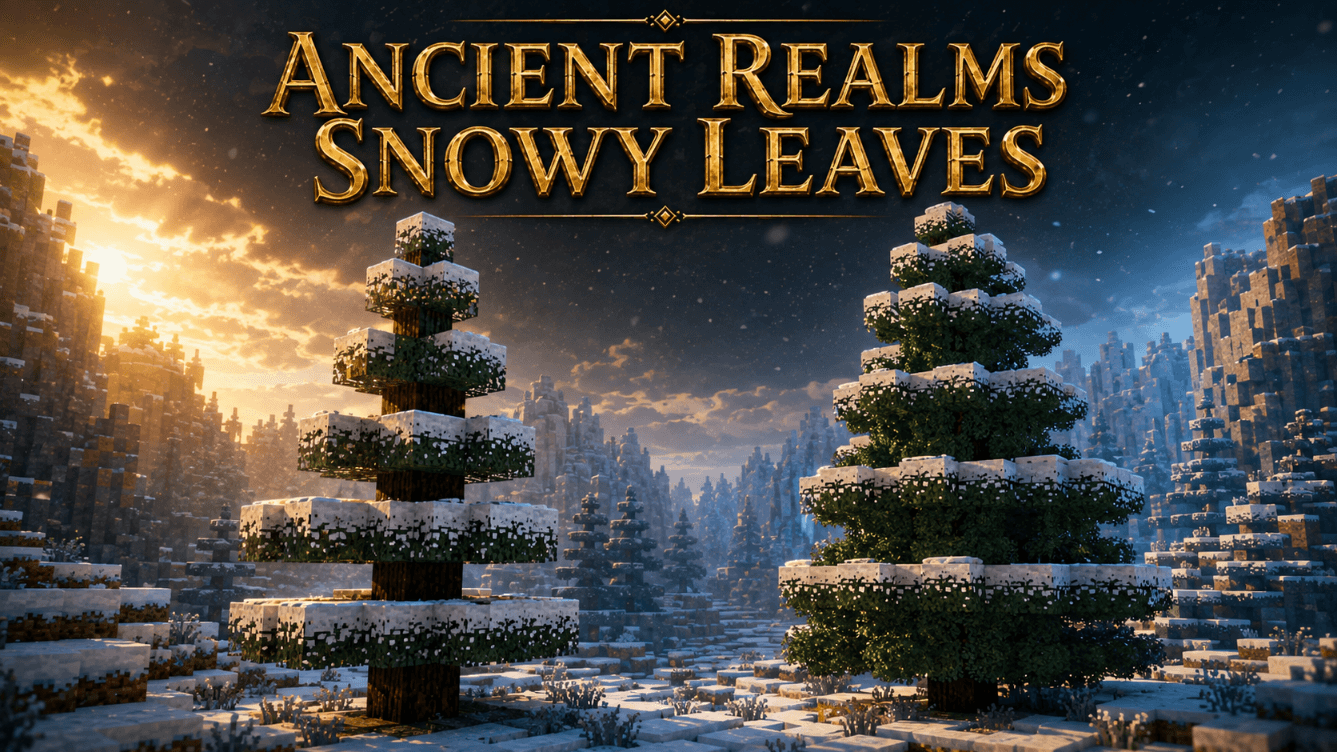
Ancient Realms: Snowy Leaves
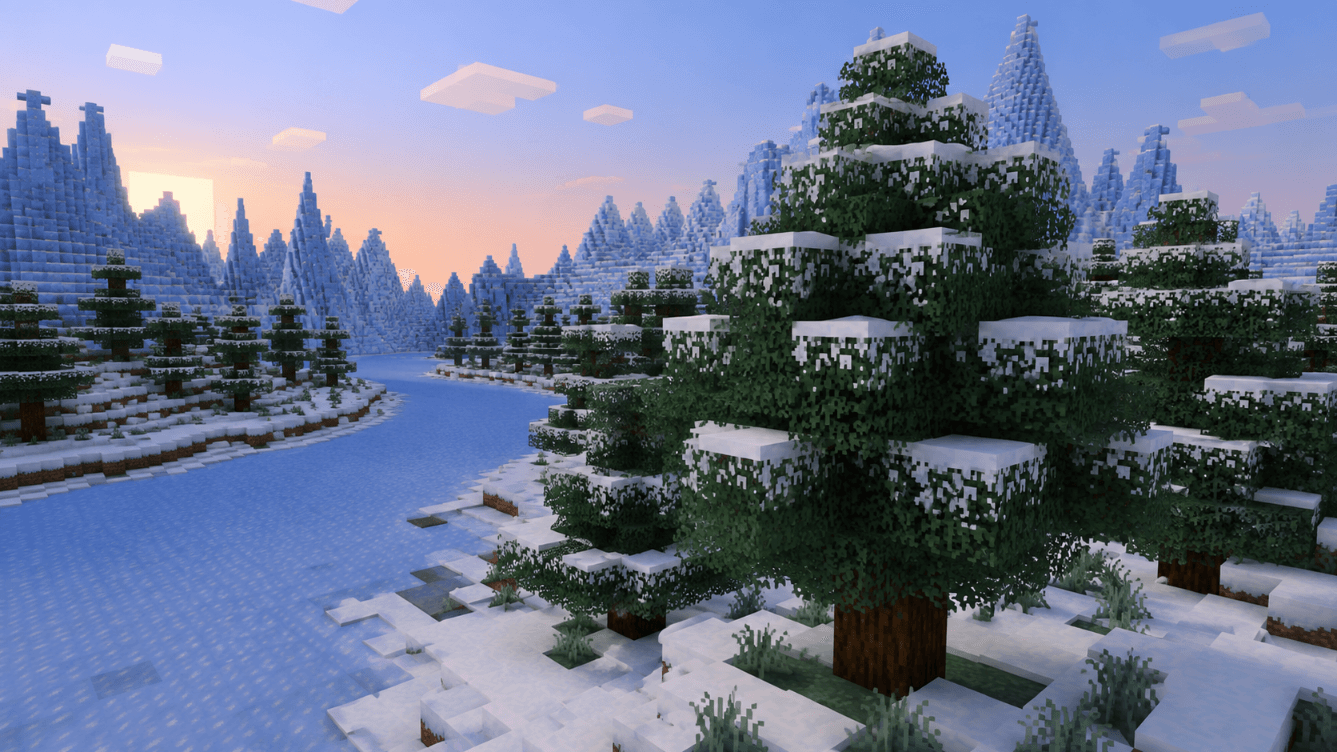
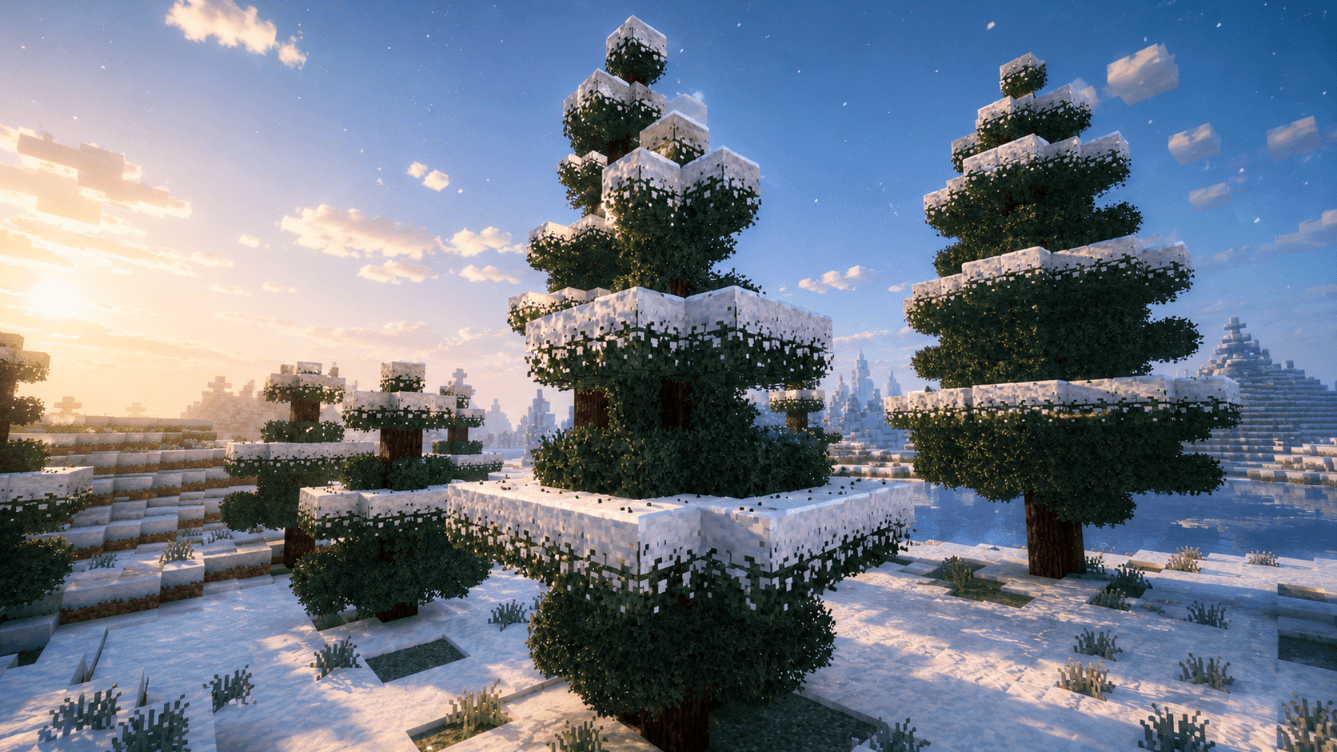
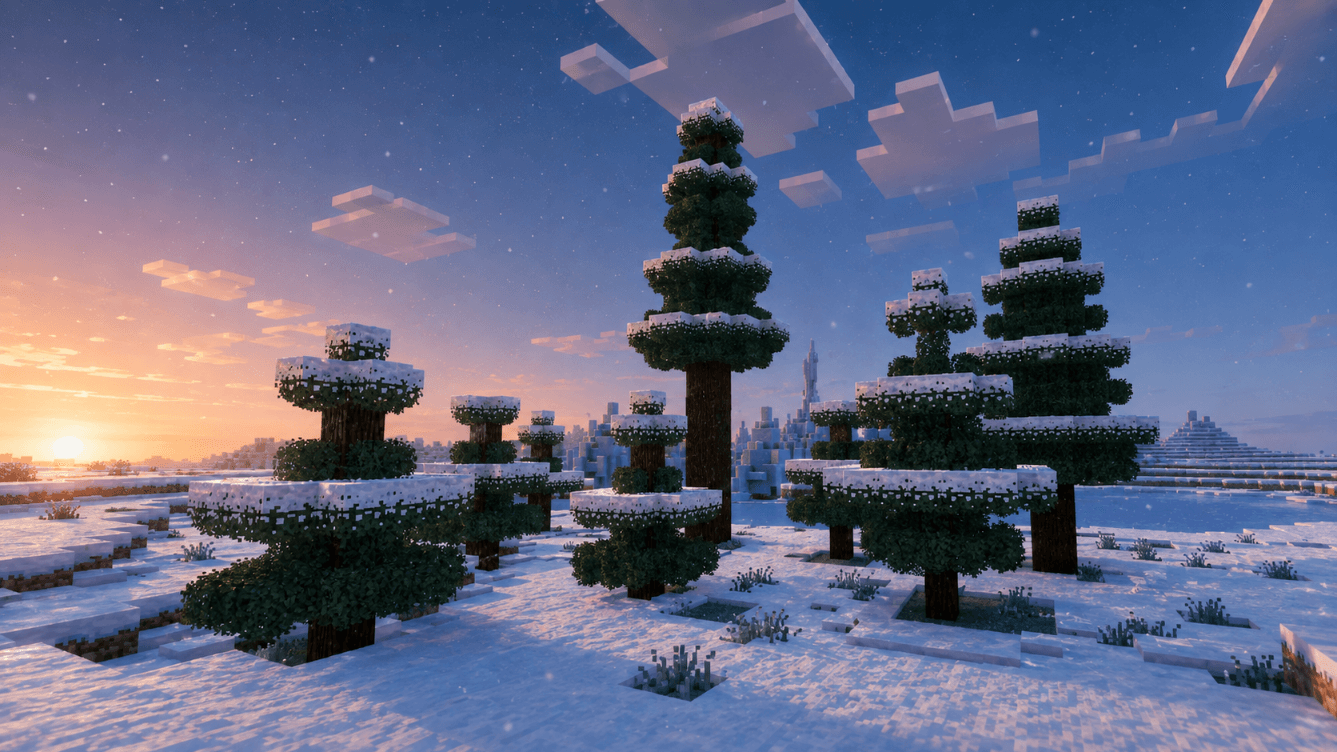
Ancient Realms: Snowy Leaves gives exposed tree foliage in cold Overworld biomes a persistent and natural winter appearance.
The add-on preserves the original vanilla leaf blocks and shapes, placing a separate two-pixel-high snow cap and a four-sided snowy overlay around eligible foliage. Compatible chunks are scanned once and remembered, while newly grown trees are detected and updated quickly without repeatedly scanning the same terrain.
Snowy Leaves supports both the classic graphics pipeline and Vibrant Visuals. Its custom snow textures include dedicated PBR material data for natural lighting, high snow roughness, and stable rendering at nearby and greater viewing distances.
Features
- True two-pixel-high snow caps
- Four-sided snowy foliage overlays
- Vibrant Visuals and PBR support
- Improved nearby and long-distance rendering
- Support for 11 vanilla leaf types
- Preserves native vanilla leaf blocks and shapes
- Automatically detects exposed leaves in cold Overworld biomes
- Scans eligible chunks once and remembers completed terrain
- Quickly updates newly grown trees
- Snow caps remain in sunlight and do not melt naturally
- Snow caps can be permanently removed by players, explosions, or placed lava
- Vanilla-style drops:
- One snowball when broken normally
- One snow layer when broken with Silk Touch
- Optimized for smooth performance, including on Android devices
- No unrelated gameplay systems or experimental toggles required
Bushy Leaves Remake Compatibility
Ancient Realms: Bushy Leaves Remake is optional and installed separately:
"Ancient Realms: Bushy Leaves Remake" (https://www.curseforge.com/minecraft-bedrock/addons/ancient-realms-bushy-leaves-remake)
When both add-ons are active, Snowy Leaves preserves the original bushy geometry beneath the snow.
Activate both Behavior Pack and Resource Pack pairs, then keep the Snowy Leaves Resource Pack above Bushy Leaves Remake in the resource-pack stack.
Installation
1. Import the ".mcaddon" file into Minecraft.
2. Activate the Snowy Leaves Behavior Pack.
3. Activate the Snowy Leaves Resource Pack.
4. Enter the world and allow nearby eligible chunks to be processed.
Always create a backup of your world before installing the add-on. Snow Leaves is best treated as a long-term world dependency and should not be removed from an existing world unless you are prepared to restore or replace the affected foliage.
Ancient Realms: Snowy Leaves v1.0.13
Compatibility
- Added and verified compatibility with Ancient Realms: Bushy Leaves Remake v1.22.
- Added and verified compatibility with Ancient Realms: Tree Capitator v2.7.1.
- All three add-ons can now be used together in the same world.
- Bushy Leaves retain their original custom geometry beneath the two-pixel snow caps and four-sided snowy overlays.
- Both integrations are optional—Snowy Leaves continues to work normally with vanilla leaves when the other add-ons are not installed.
Fixes and Improvements
- Fixed snow caps and overlays remaining suspended in the air after their supporting leaves were removed.
- Snow caps and overlays now break and disappear instantly together with their supporting leaf.
- This behavior also applies when leaves are removed by Tree Capitator, natural decay, explosions or other block-removal events.
- No detached snow cap or floating snowy overlay is left behind.
- Improved support validation for snow caps placed above vanilla, snowy and Bushy leaf variants.
- Manually removed snow caps remain removed and are not recreated by later scans.
- Snow caps removed by explosions or lava are also prevented from immediately respawning.
- Snow caps remain persistent and do not melt from sunlight.
- Directly breaking a snow cap preserves its established drops:
- Normal breaking drops 1 Snowball
- Silk Touch drops 1 Snow Layer
- Preserved the stable automatic cold-biome scanner.
- Preserved one-time chunk scanning and instant conversion for newly grown sapling trees.
- Preserved the established two-pixel snow cap and four-sided snowy leaf overlay.
Game Compatibility
- Snowy Leaves v1.0.13 standalone: Minecraft Bedrock 1.26.30 or newer
- With Bushy Leaves Remake v1.22: Minecraft Bedrock 1.26.30 or newer
- With Tree Capitator v2.7.1: Minecraft Bedrock 1.26.30 or newer
- Recommended complete setup: Minecraft Bedrock 1.26.30+
Ancient Realms: Snowy Leaves — v1.1.2
- Added full Vibrant Visuals and PBR compatibility.
- Added PBR material data for all 12 custom snow textures.
- Configured snow as a highly rough, non-metallic, and non-emissive material for natural lighting.
- Fixed snow caps and side overlays disappearing at nearby and medium viewing distances.
- Added distance-stable rendering for the complete snow-cap geometry.
- Added alpha bleed protection to prevent black outlines and dark patterns at greater distances.
- Preserved the original visible textures, snow geometry, and vanilla leaf shapes.
- Preserved native compatibility with Ancient Realms: Bushy Leaves Remake.
- Kept the existing optimized scanner, persistent cap removal, drops, and gameplay behavior unchanged.
- Preserved stable pack identifiers for seamless updates.
- Cleaned and validated the final Behavior Pack and Resource Pack for release.
- Edition: Minecraft Bedrock
- File type: .mcpack or .mcaddon
- Minecraft versions listed: 26.30, 26.40
- How to install: Download the .mcpack or .mcaddon file. → Open it — Minecraft imports it. → In your world: Behavior Packs → Available → Activate, then the same under Resource Packs.
- Where to get it: Opens on CurseForge — not every file is mirrored on our own servers.
Install steps are the general flow for this file type — How to install Minecraft Bedrock addons & mods walks through it step by step.
Ancient Realms: Snowy Leaves is a free Minecraft Bedrock addon. Compatible with Minecraft 26.30, 26.40. Downloaded 149 times (via CurseForge). Download it and open it directly in the game.